Just DollyZoom
 Nuriddin Khamidov
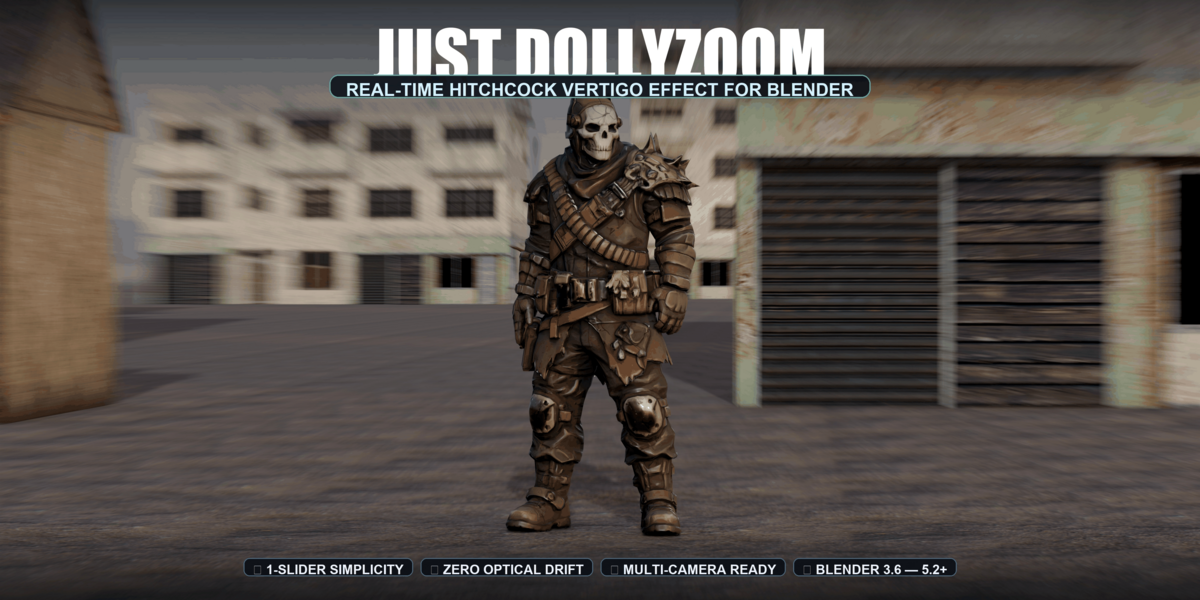
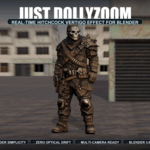
sabled.📖 Just DollyZoom — User Guide & Documentation
Thank you for choosing Just DollyZoom! This guide walks you through installation, workflow, animation, and multi-camera cinematography in Blender.
📥 1. Installation (1-Click Install)
- Download
Just_DollyZoom.zip(do not unzip it). - In Blender, open Edit > Preferences > Add-ons.
- Click the Install... button (top right).
- Select
Just_DollyZoom.zipand click Install Add-on. - Check the box next to Camera: Just DollyZoom to enable it.
📍 2. Where to Find the Add-on
The add-on is accessible in two convenient locations:
-
3D Viewport Sidebar: Press
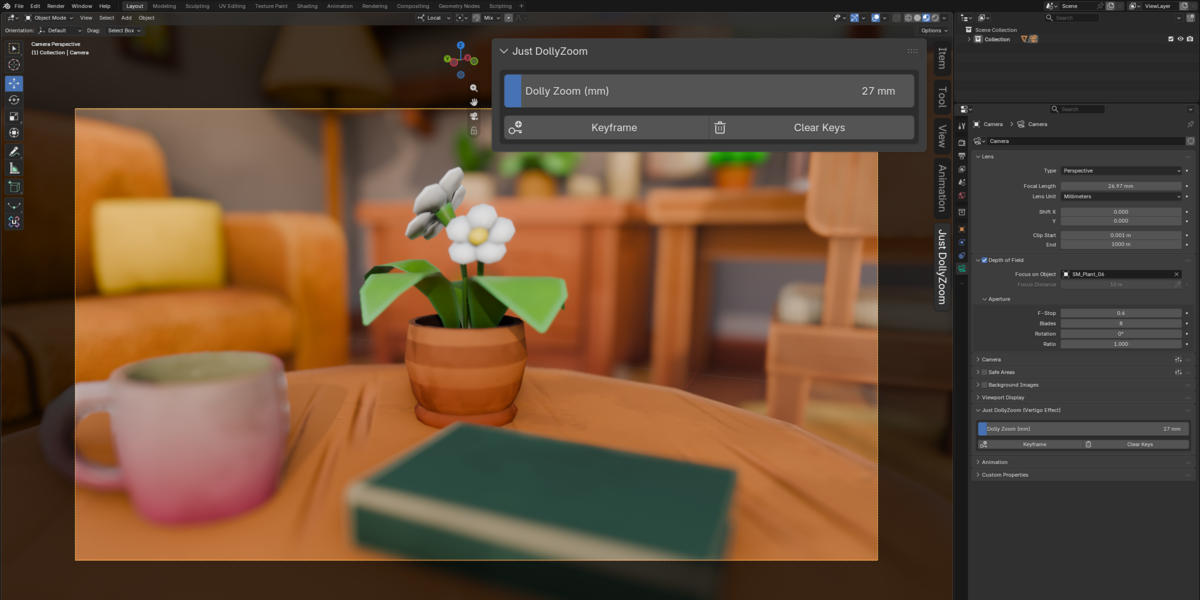
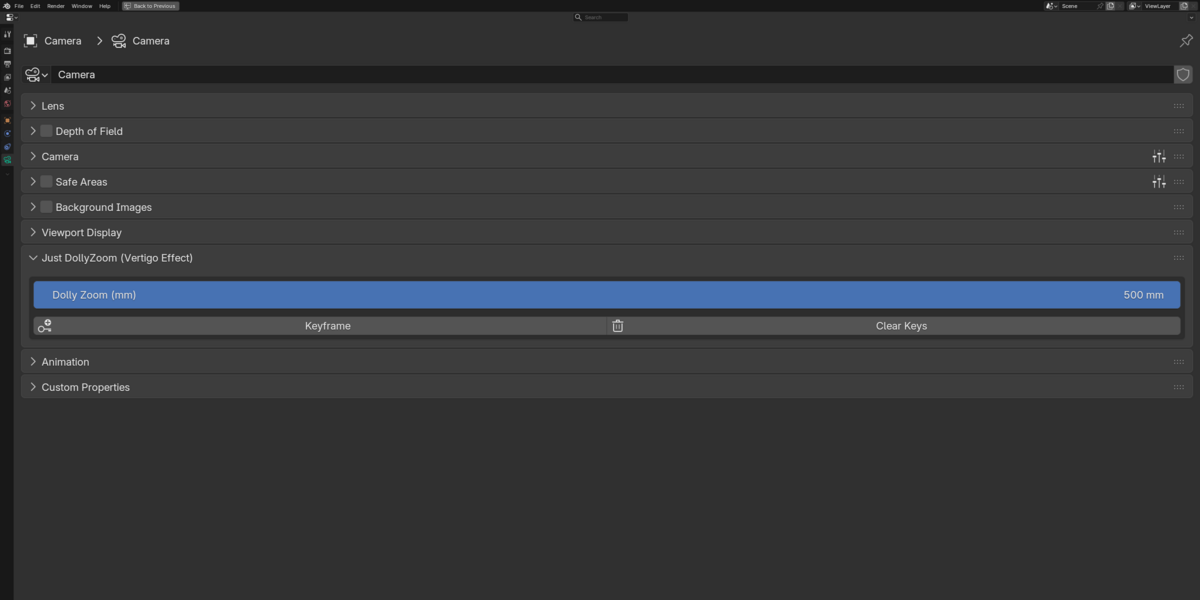
Nin the 3D Viewport and click the Just DollyZoom tab. - Camera Properties: Select your camera and go to Properties > Data (Green Camera Icon) > Just DollyZoom.
🚀 3. Quick Start (How to Use)
- Select your Camera and look through it by pressing Numpad 0.
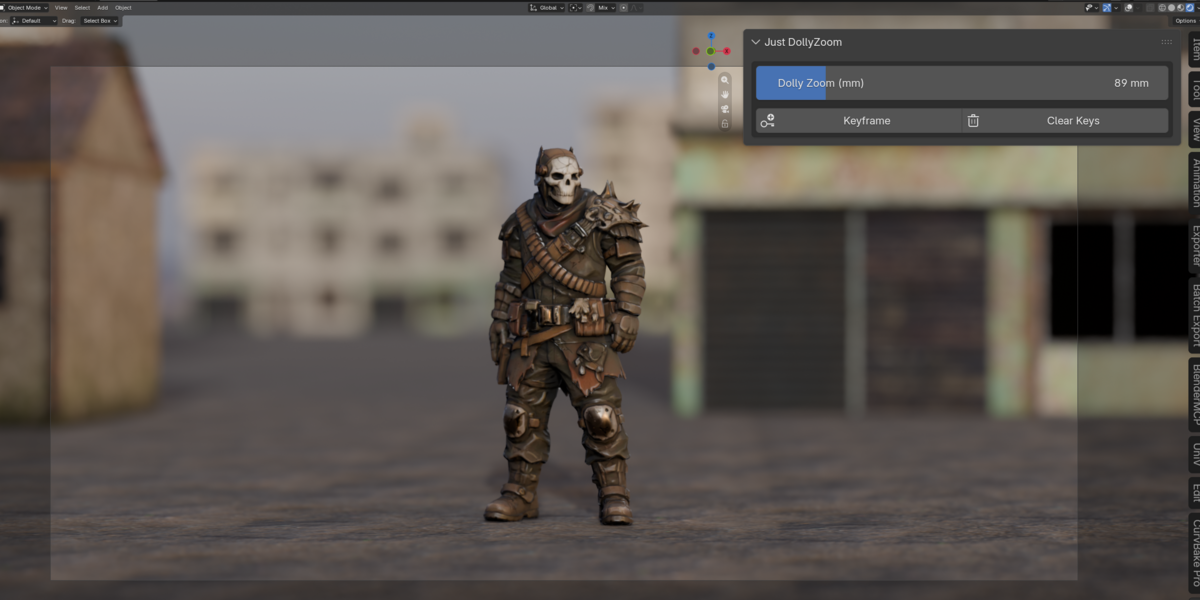
- In the Just DollyZoom panel, drag the Dolly Zoom (mm) slider.
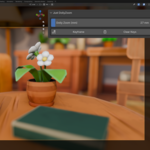
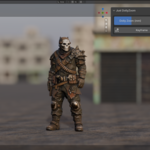
- Notice how your central subject remains the exact same size on screen while the background perspective compresses (telephoto) or expands (wide-angle).
🔑 4. Creating Cinematic Animations
Animating a Hitchcock Vertigo shot takes just a few seconds:
- Move your timeline slider to the starting frame (e.g., Frame 1).
- Set your initial focal length with the slider (e.g.,
35.0 mm). - Click the Keyframe button.
- Move the timeline slider to the end frame (e.g., Frame 60).
- Adjust the Dolly Zoom (mm) slider (e.g., to
120.0 mm). - Click the Keyframe button again.
- Press Spacebar to play your real-time Dolly Zoom animation!
Tip: To remove an animation, select the camera and click Clear Keys.
🎥 5. Multi-Camera Workflows
Just DollyZoom supports multiple cameras in the same scene with 100% isolated animation tracks:
- Each camera has its own independent optical calibration and keyframe channels.
- Simply select any camera in your scene or switch view with Ctrl + Numpad 0, and the slider will immediately control that active camera without affecting others..
Have questions about this product?
Login to message
| Published | 3 months ago |
| Blender Version | 3.6 - 5.2 |
| Extension Type | N/A |
| Render Engine Used | Cycles, Eevee |
| License | GPL |
Discover more products like this
camera rig cinematic camera eevee animation lens focal length dolly-zoom cinematography tool vertigo