 alexdepario
in

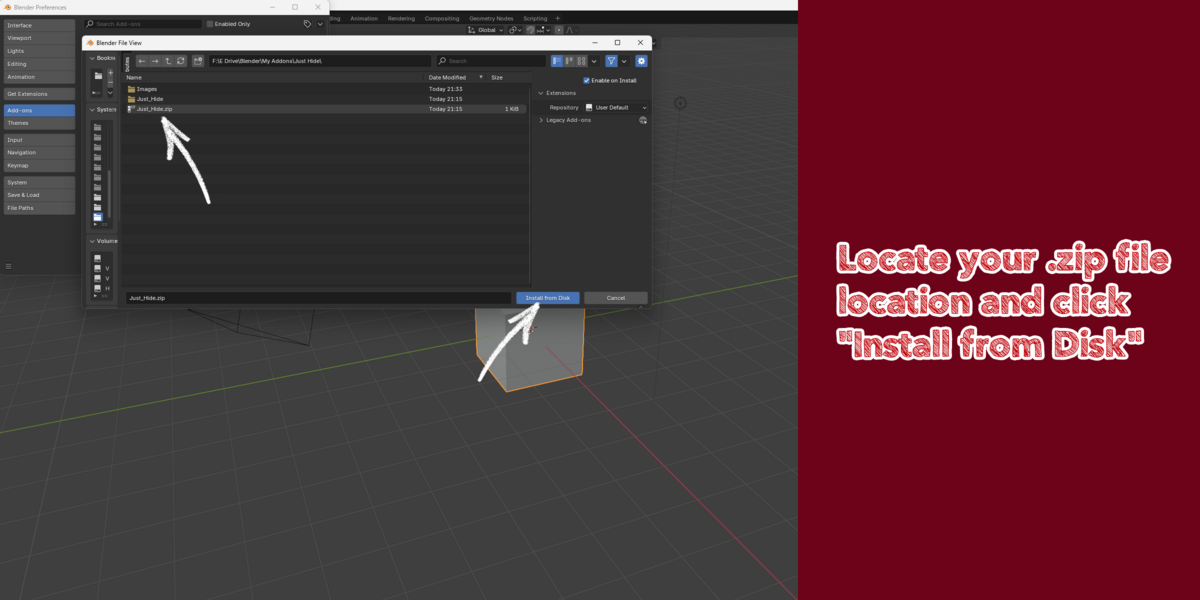
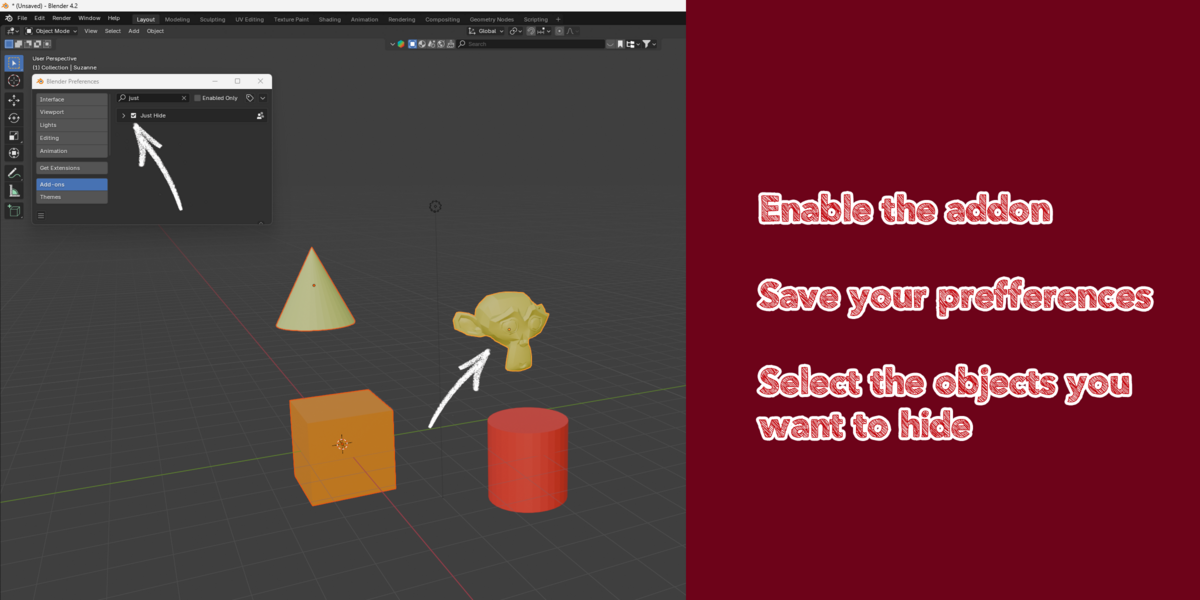
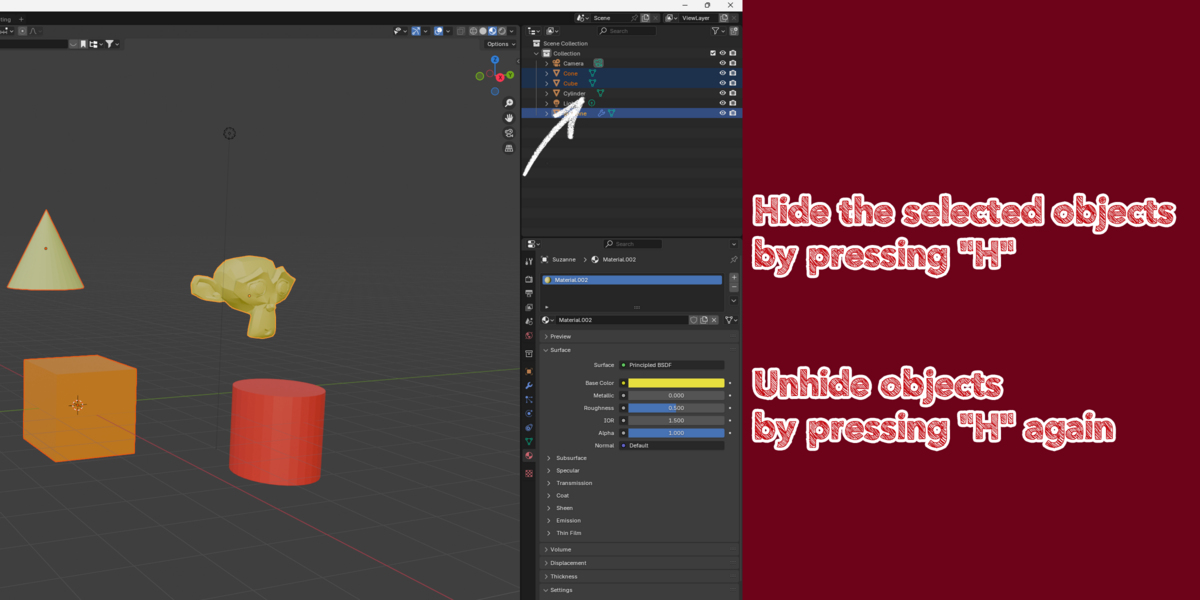


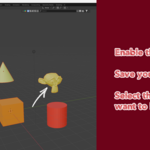
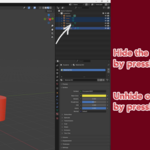

With a single press of the H key, you can toggle the visibility of selected objects, whether you're working in the 3D Viewport or managing assets in the Outliner. This eliminates the need to search for objects in complex scenes or manually adjust visibility settings.
Key Features:
- Quick Visibility Toggle: Instantly hide or unhide selected objects without leaving the current workspace.
- 3D Viewport and Outliner Support: Works seamlessly across both areas, ensuring a consistent experience.
- Focus on Productivity: Avoid interruptions caused by manually finding and toggling object visibility.
- Intuitive Shortcut: Uses Blender's familiar H key for easy adoption into existing workflows.
Benefits:
- Improved Workflow Efficiency: Save time navigating and managing objects in dense scenes.
- Enhanced Scene Organization: Quickly isolate or reveal objects for focused editing.
- User-Friendly: Simple installation and operation, making it suitable for both beginners and experienced Blender users.
