Kadavar Tool
 Miles J. Litteral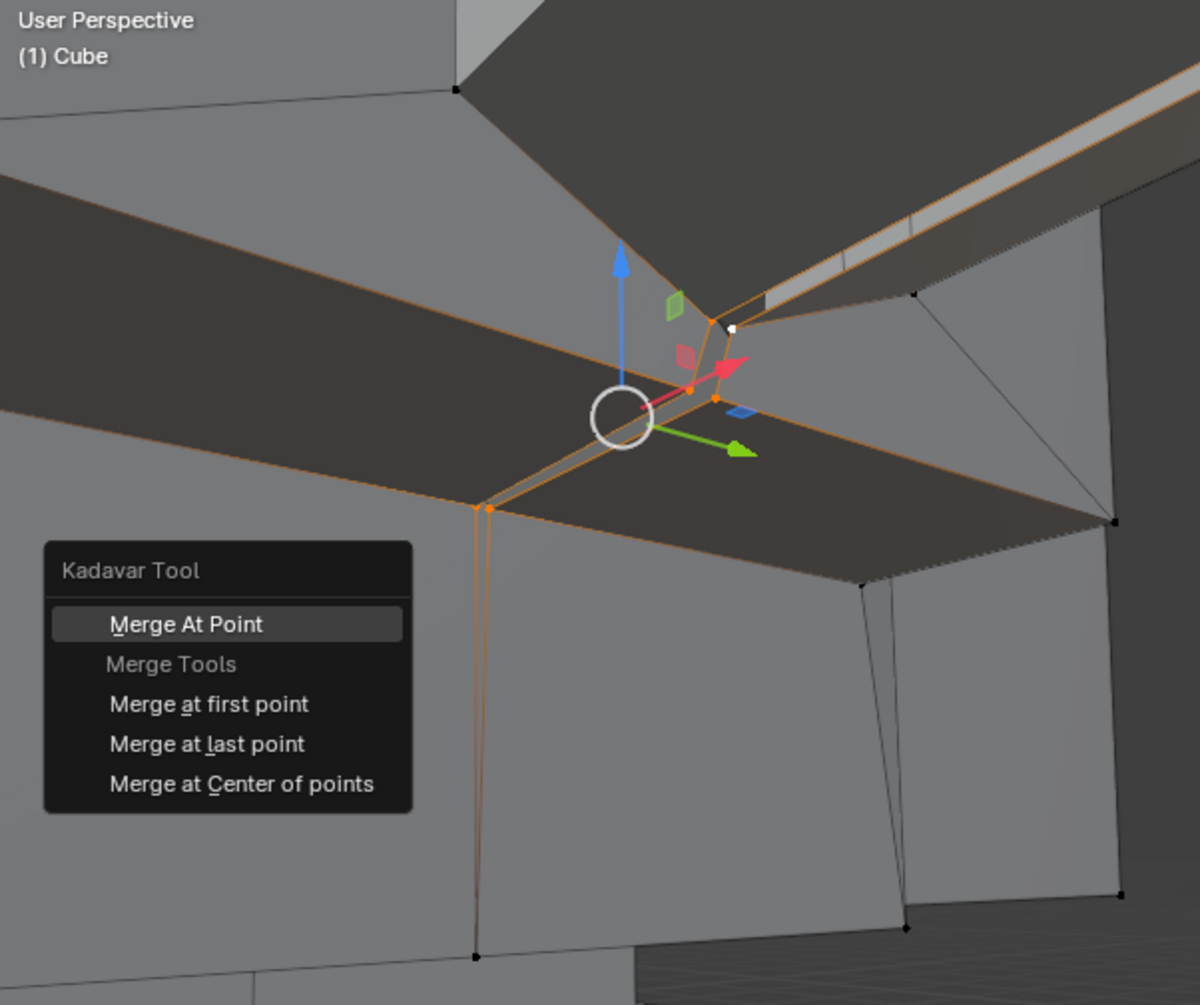
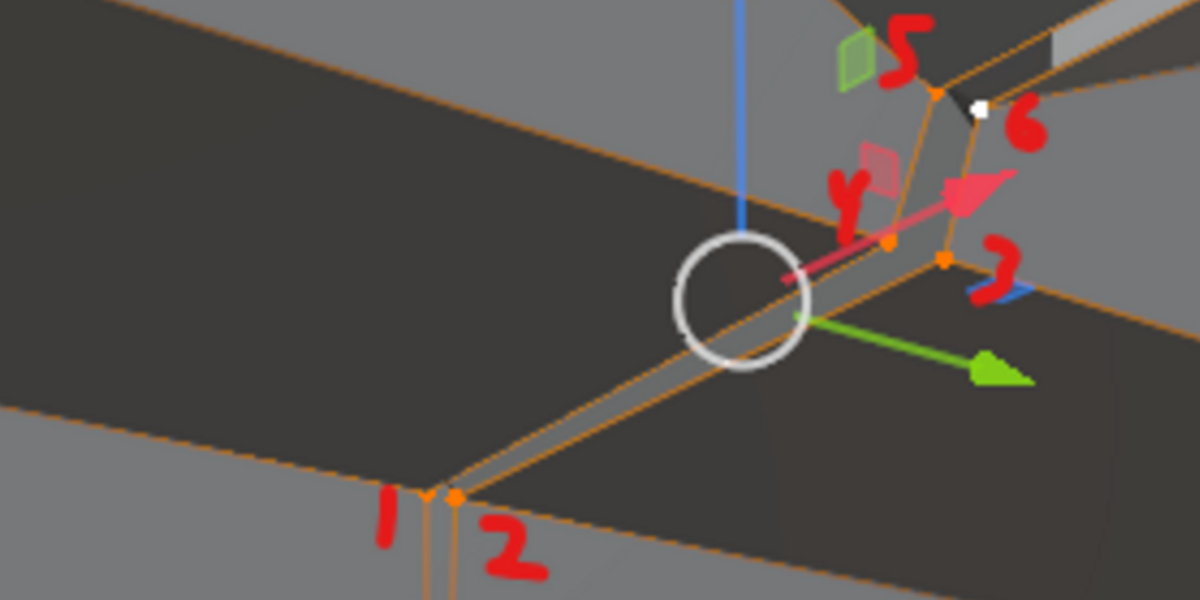
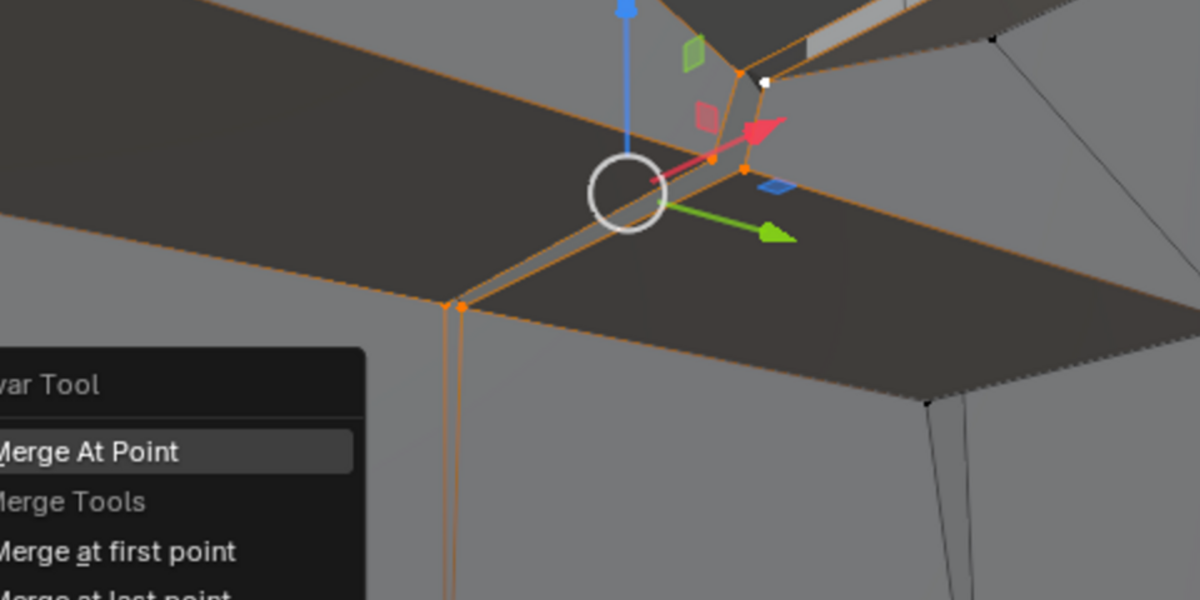
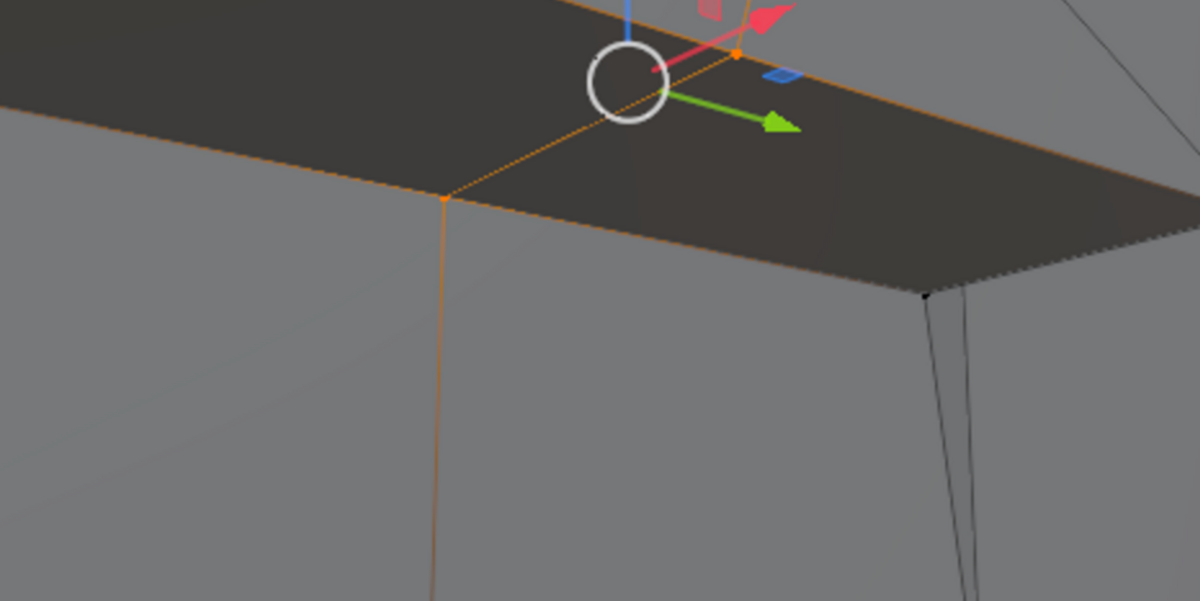
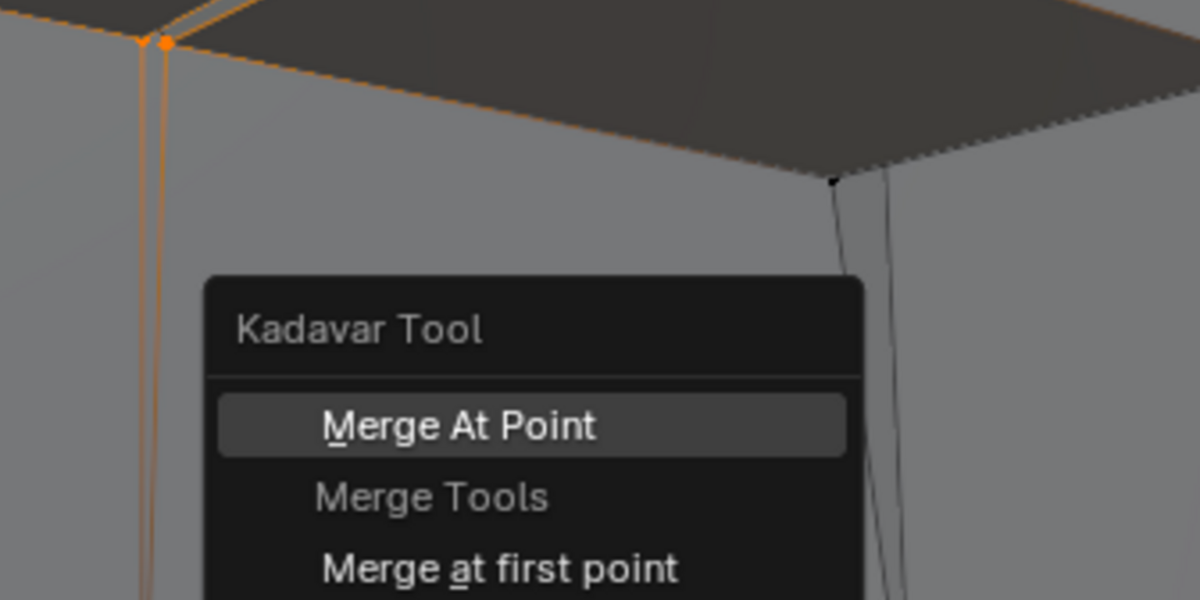
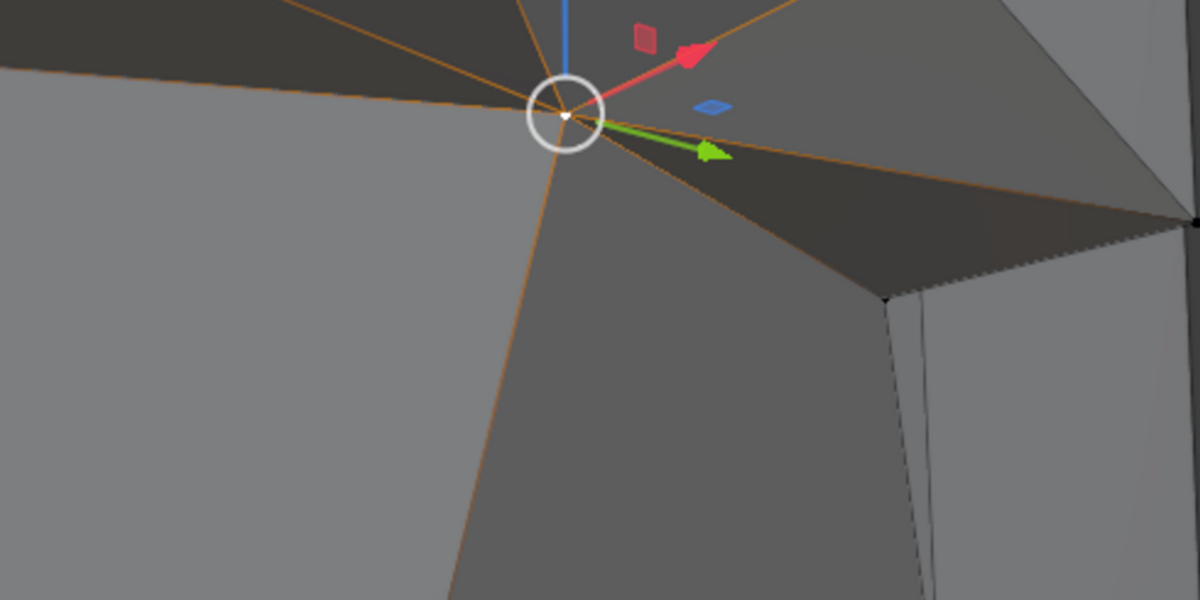
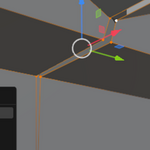
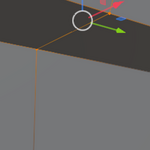
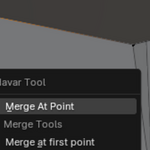
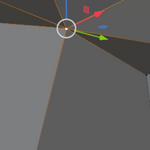
A small plugin created for Blender that implements merge behavior similar to the now defunct SoftImage XSI 3d modelling and animation
software package. Allowing users to sequentially merge vertices. The perfect tool for speed modelling and/or rapid prototyping.
The SoftImage XSI 3d modelling and animation software package was one of the first 3d modelling packages I got really good with back as a high school and college student. Blender, while being a dream, lacks a robust method for selecting sets of vertex one at a time and then merging them in the order of selection. One day I decided to tackle this problem and made a small addon that adds a new menu and the previously described merging behavior! INSTALLATION ------------- Method A) Simply download the release and drop the kadavar folder in your Blender 'Addon' folder. Method B) Open Blender -> Go to `File` -> Settings -> Addons -> Click install addon and select the kadavar .ZIP -> search for Kadavar in addons (it should appear under Experimental) PARAMETERS/HOW TO USE -------------- Select at least two vertexes (can select up to atleast 64 vertexes in sequence currently) Alt + K to access the behavior menu Select "Merge at Point" option to see the magic Enjoy my creation which for years has helped me save hours on 3d modelling and focused more on animating and texturing instead! Troubleshooting ---------------- Q) What is the minimum version of Blender this addon works with? A) I Believe 2.93, it's been tested on Version 3.0 and 4.0 onwards with no install issues Q) I'm having trouble installing the addon A) Older versions of Blender (2.90) required me to manually put the addon in Blender's Addon folder, later versions only worked via installing the addon as a .ZIP via the Addon menu in Blenders Preferences; try the respective method based on this information. You may also email me at [email protected].Q) What is the vertex selection limit? A) It's hard capped at 64 (32 sets) vertices selected at a time. I intend to make variations in the future which support bigger sets or even a functionally infinite number to be merged in sequence. At very high set numbers I experienced slowdown so, 64 was picked as a good cap for performance reasons.
$1
Have questions about this product?
Login to message
| Blender Extension Compatible | Yes |
| Sales | 20+ |
| Published | over 1 year ago |
| Blender Version | 4.0, 3.0 |
| Extension Type | Add-on |
| License | GPL |
Discover more products like this
mesh interaction xsi Blender interface addons blender 3d modelling Merge Points