 ZEG
Installation
In Blender open Edit, Preferences, Get Extensions, then use Install from Disk and pick the zip.
Usage
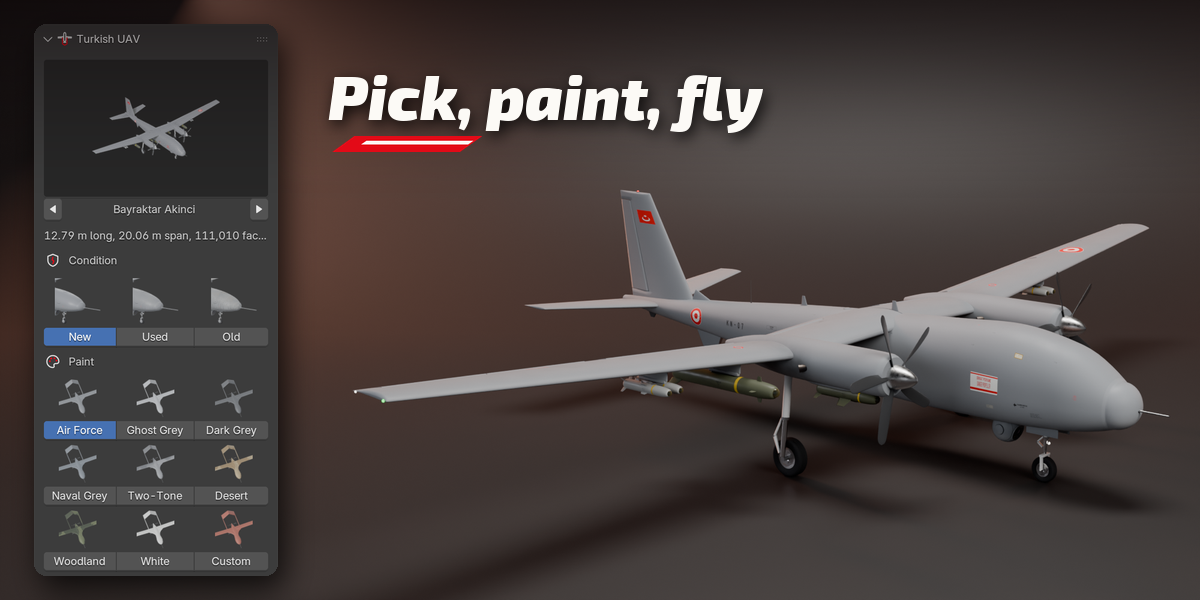
- Open the Turkish UAV tab in the 3D View sidebar (N).
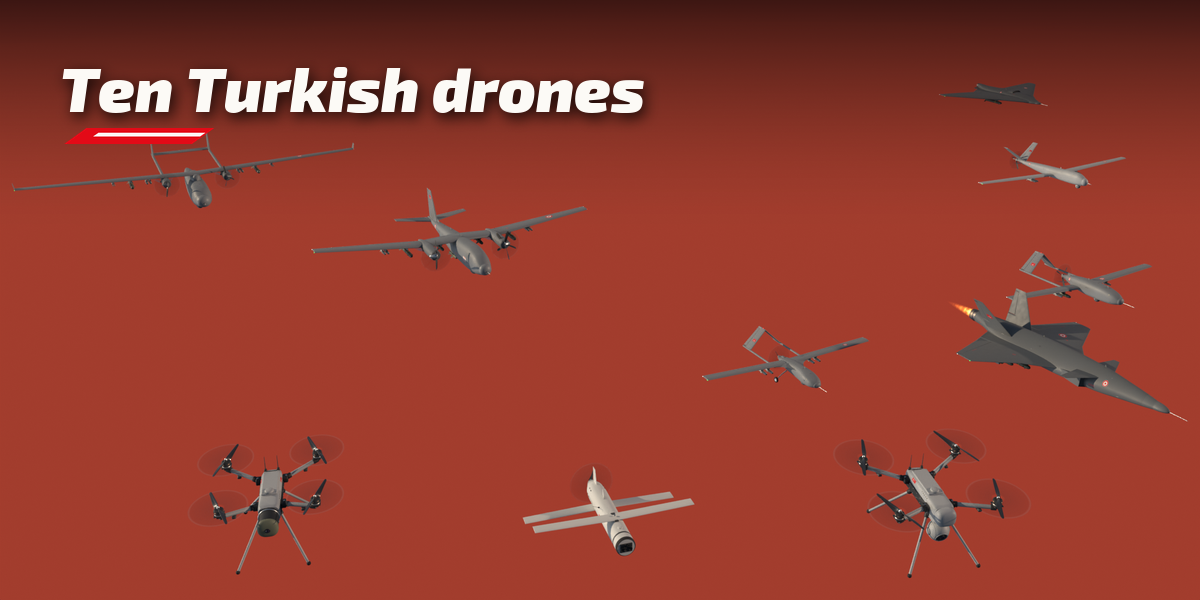
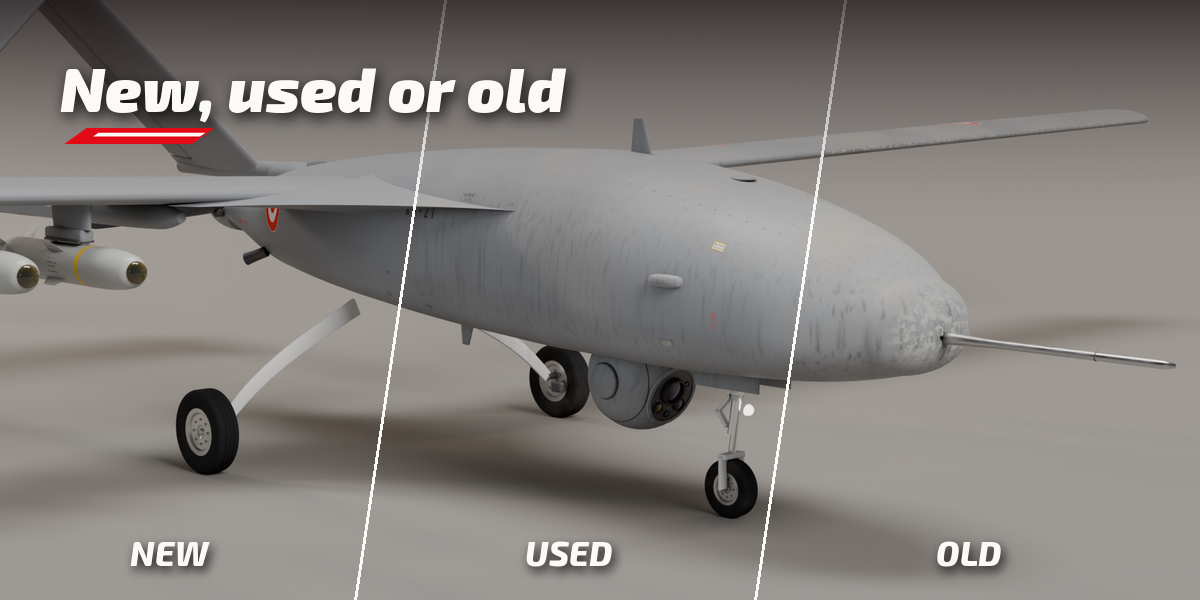
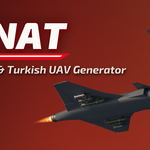
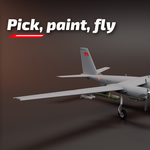
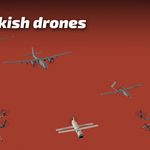
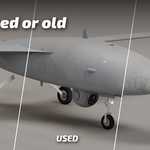
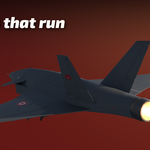
- Click the picture to choose a model, pick a condition and press Add. Shift+A, Turkish UAV works too.
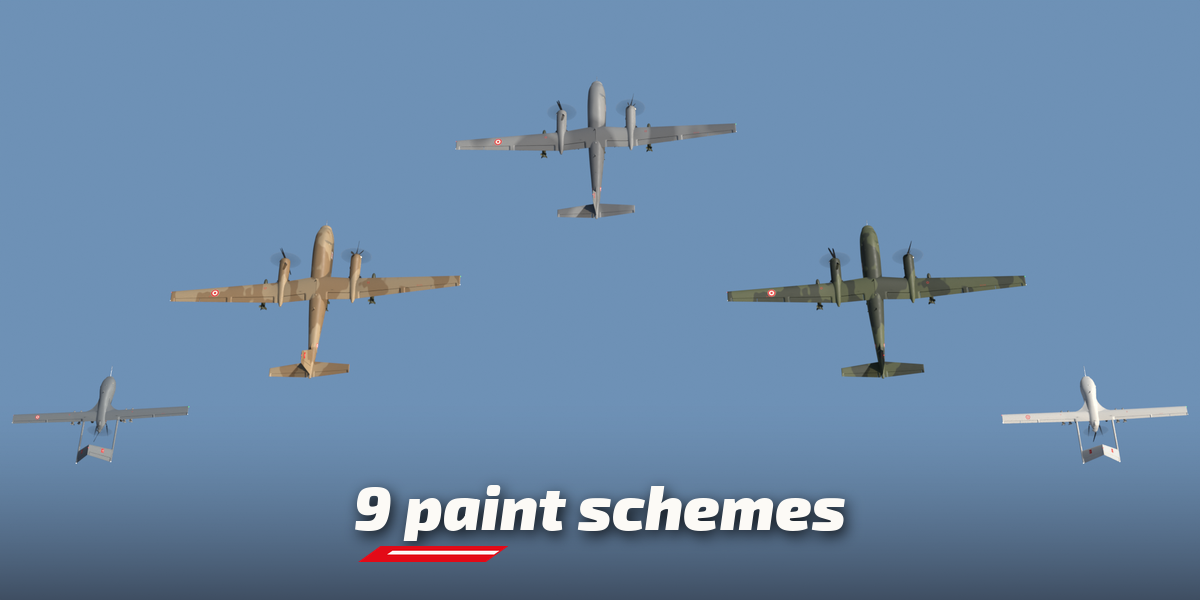
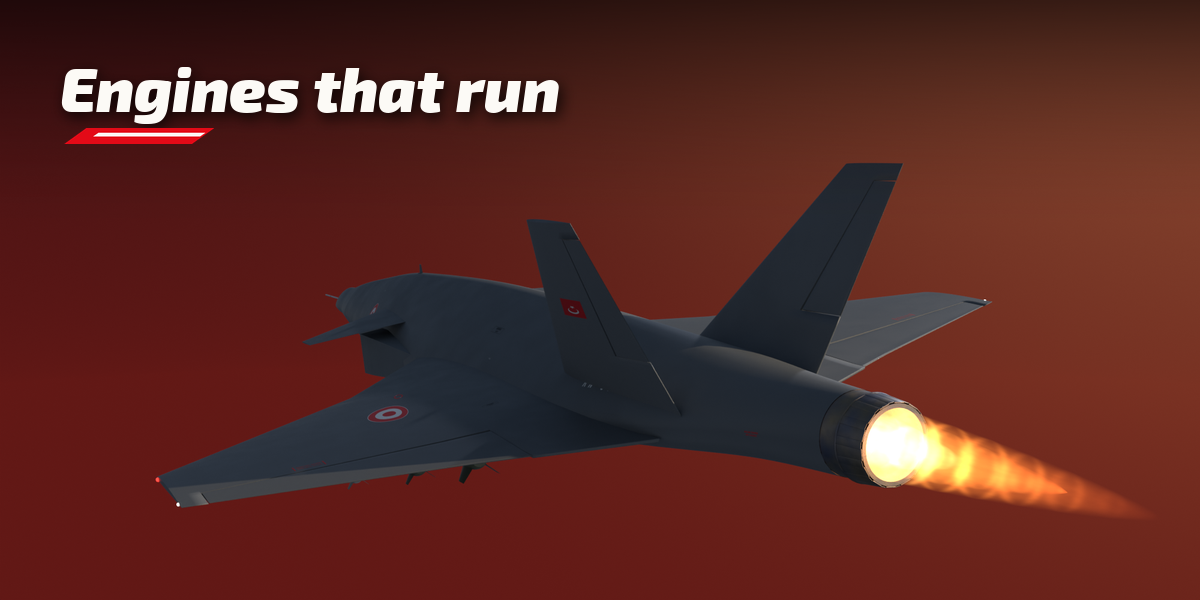
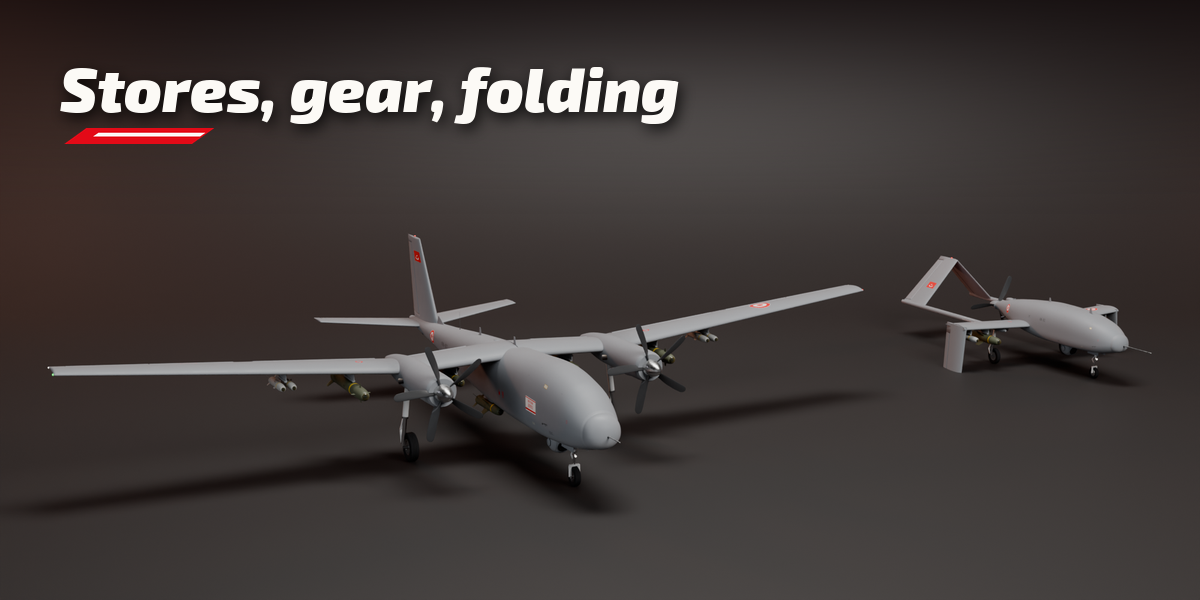
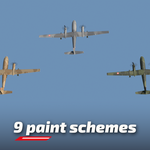
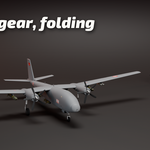
- Select the drone to edit it: condition, paint, stores, gear, wing fold and the launch tube.
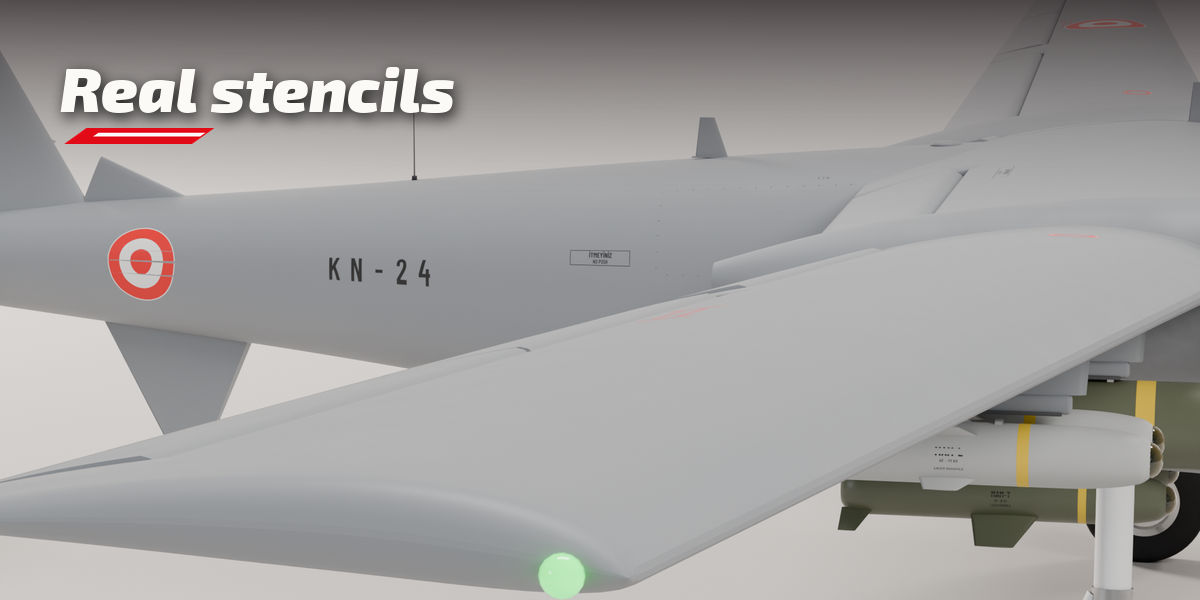
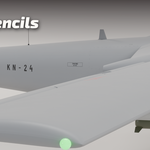
- Markings, Store Type, Pose and Motion, Lights and Mesh Detail sit in the sub-panels.
- Surprise Me randomizes the selected drone; Reset goes back to the model defaults.
Have questions about this product?
Login to message
| Blender Extension Compatible | Yes |
| Published | about 8 hours ago |
| Blender Version | 4.2 - 5.2 |
| Extension Type | Add-on |
| Render Engine Used | Cycles, Eevee |
| License | GPL |
