 KewlSheet
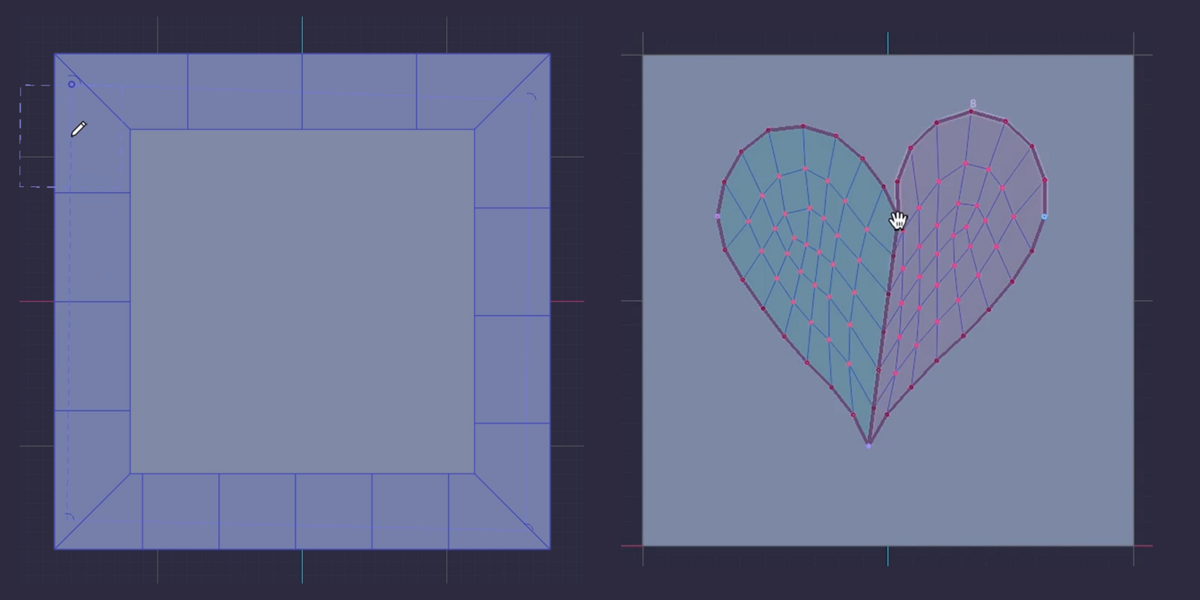

THE KEWL BUNDLE

The full retopology kit, in one purchase.
What's inside
|
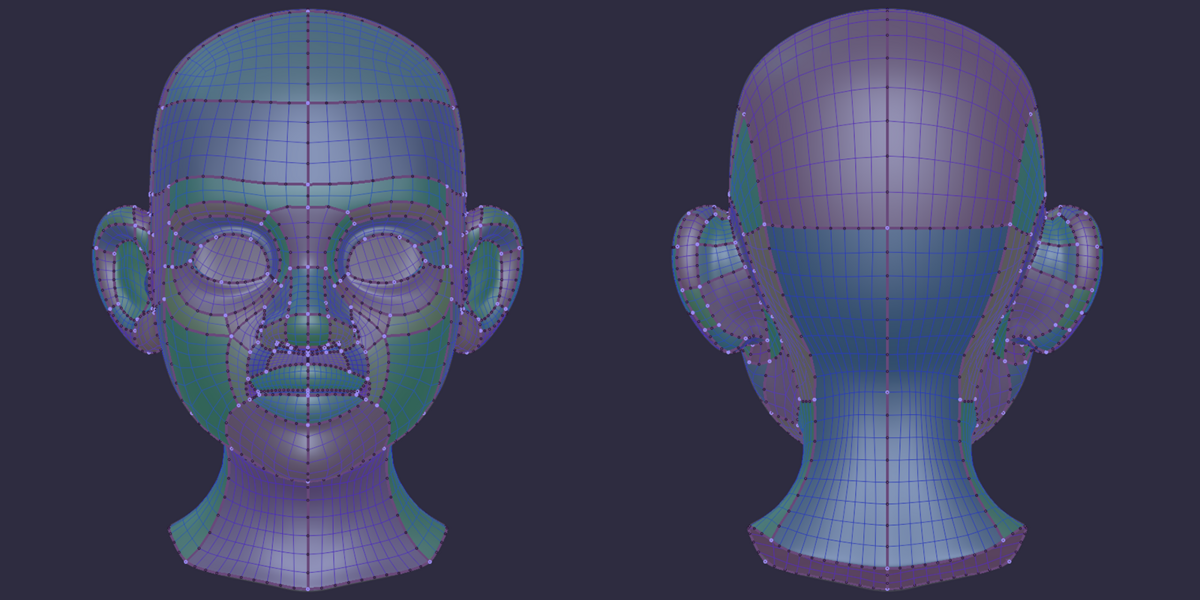
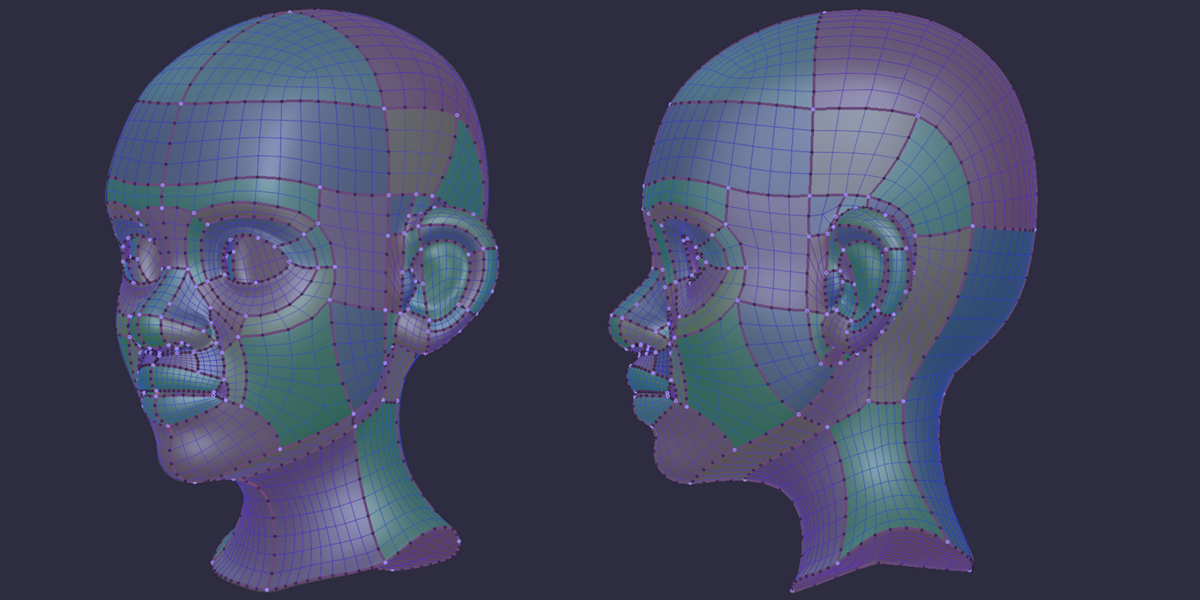
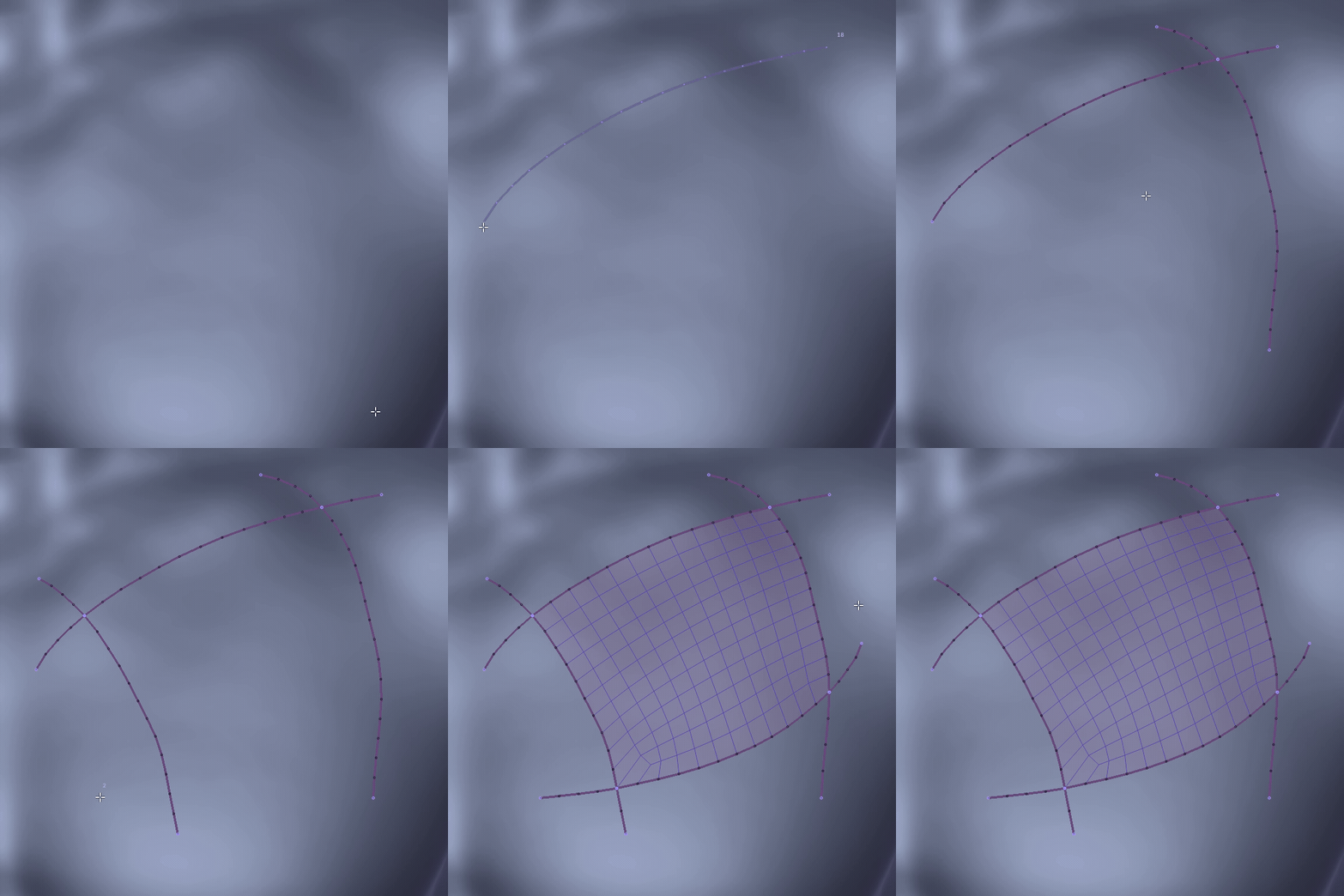
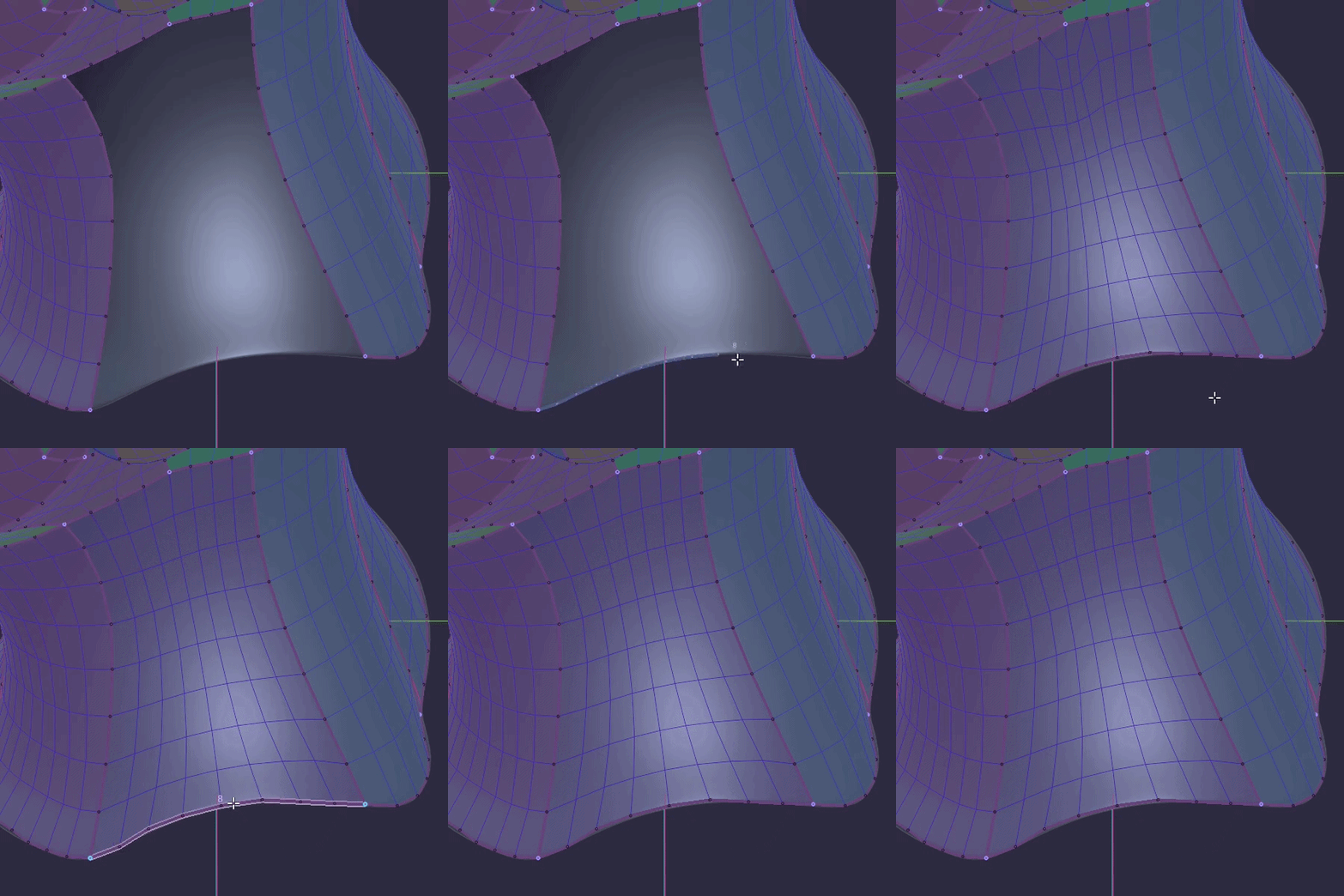
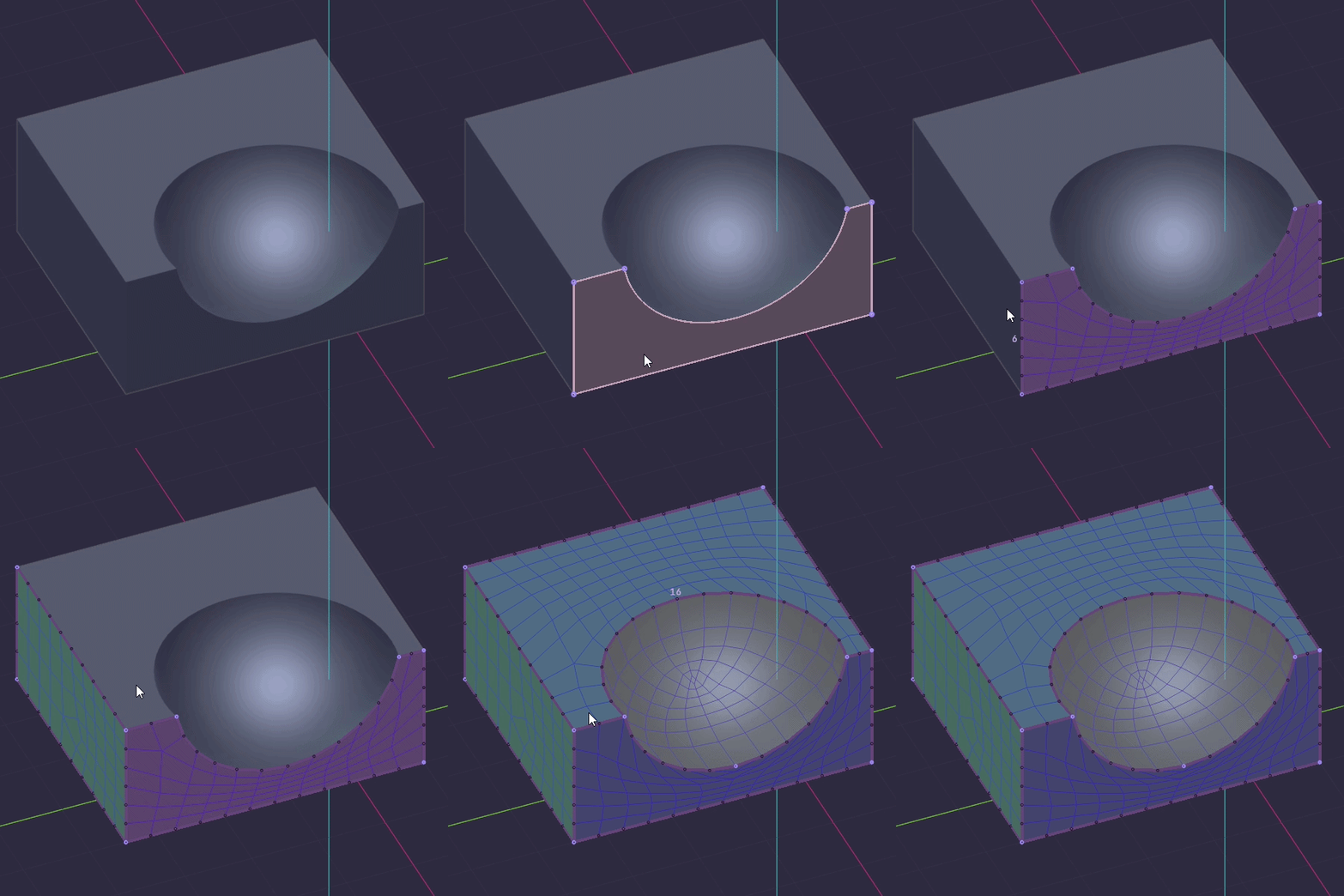
SKETCH / PATCHES KEwlSheeetDraw strokes on the reference. They cut each other and every closed region fills with clean quads, instantly. Sketch & auto-fill · Curve tool · Tube, Vine & Ridge · Corner · Spine · Shell · Symmetry · Autocomplete gap · Reshape · Re-sketch · Knife · Patterns · Smooth & move brushes |
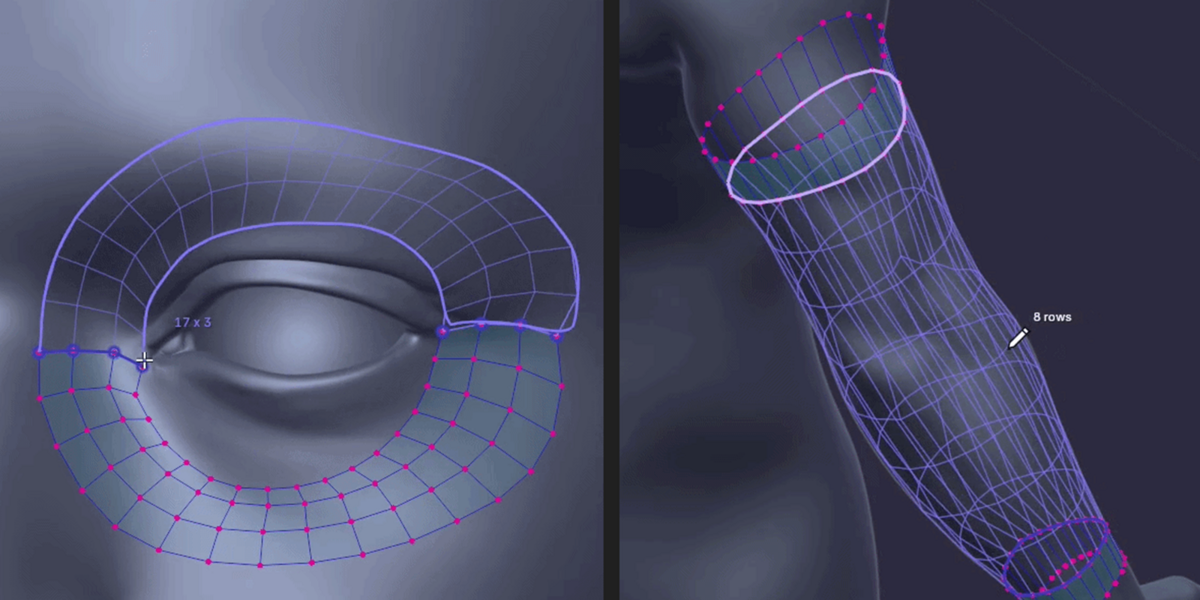
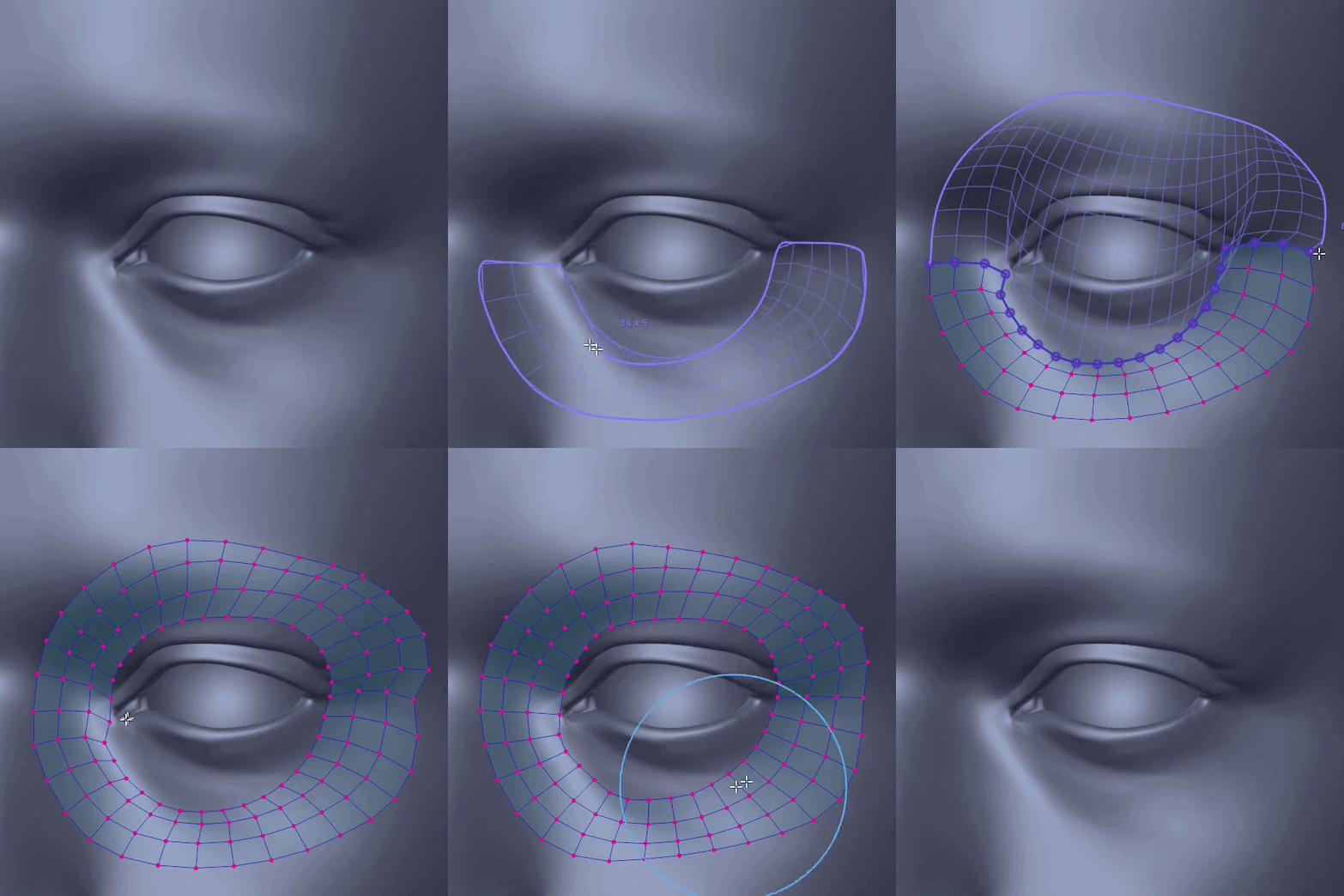
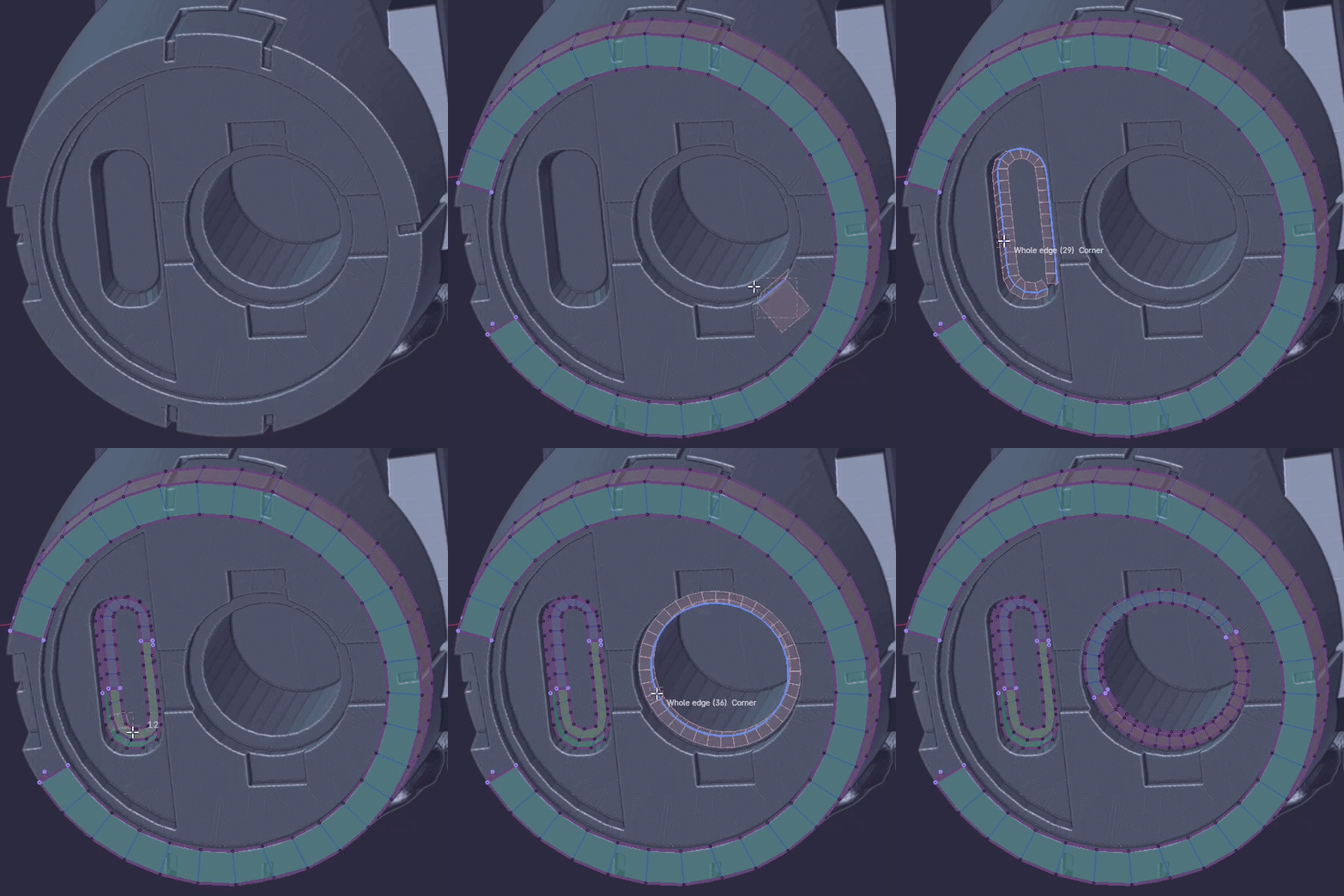
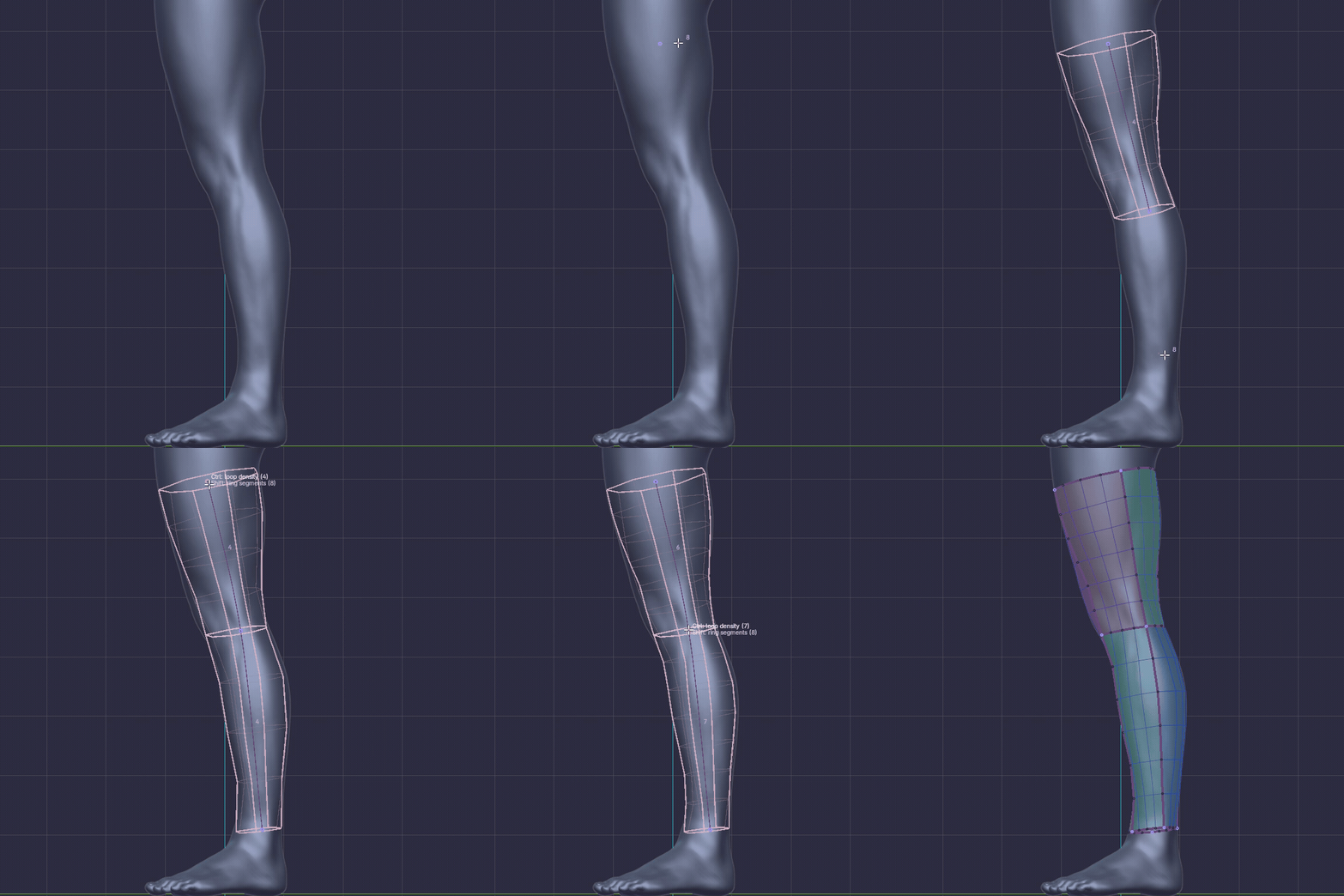
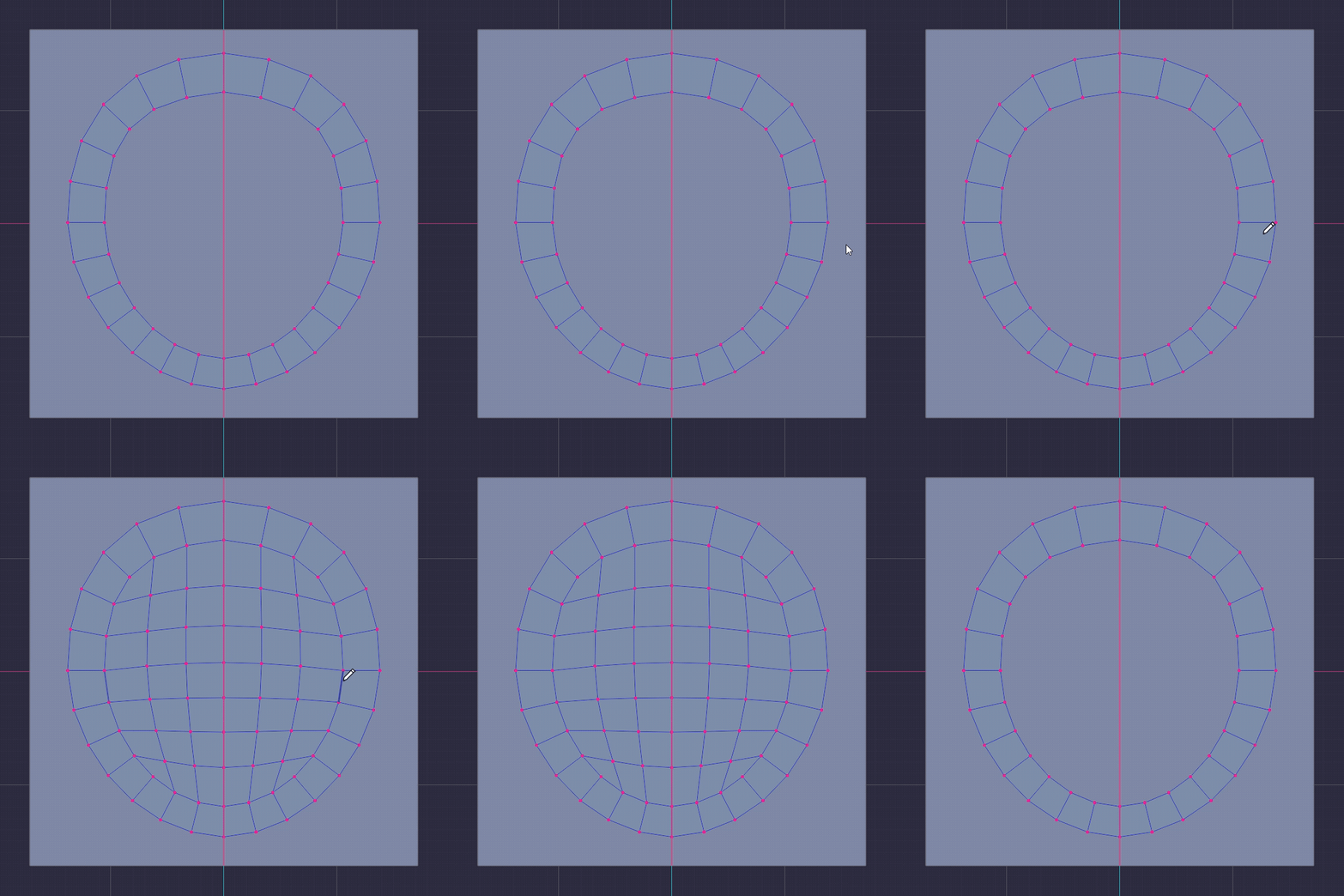
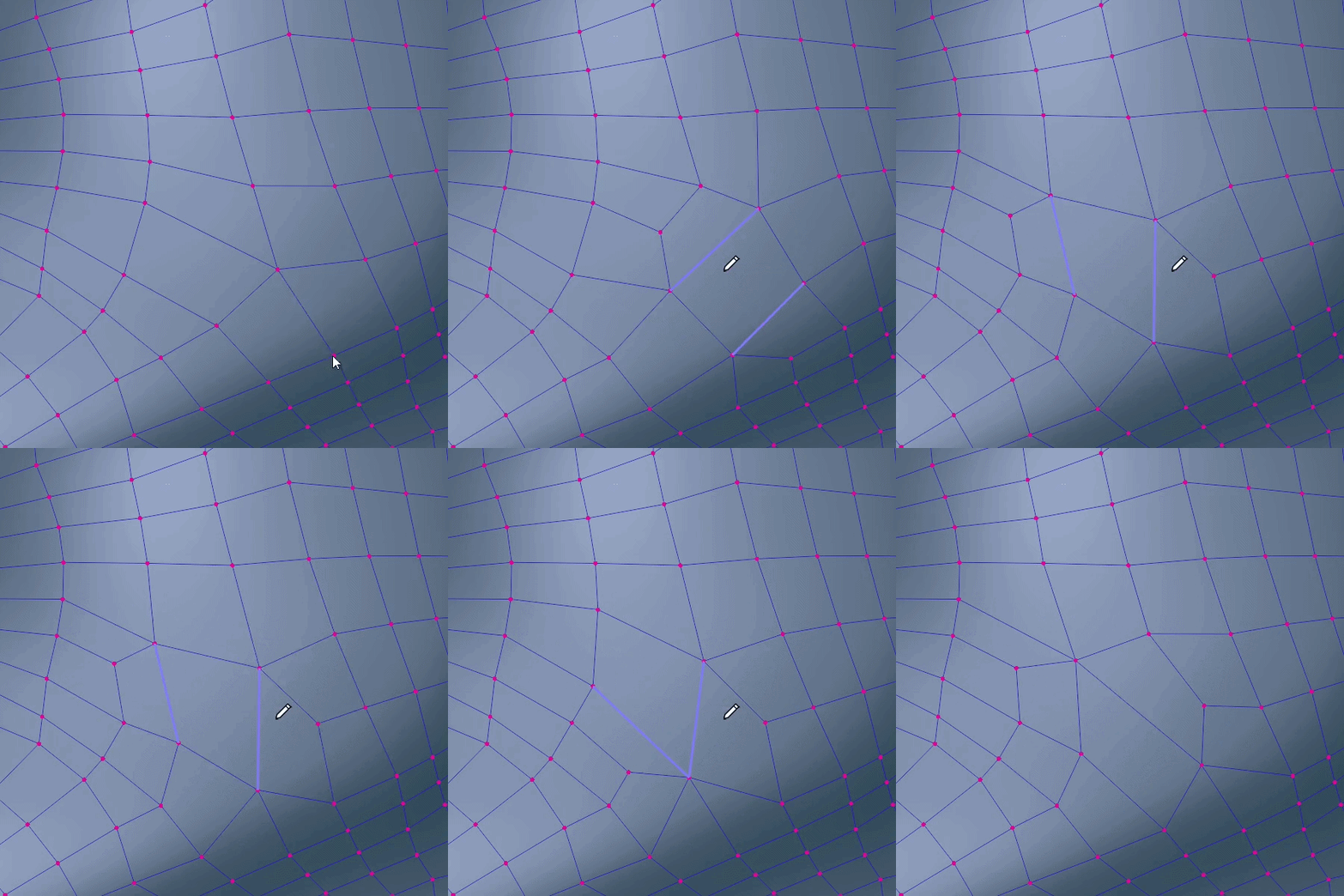
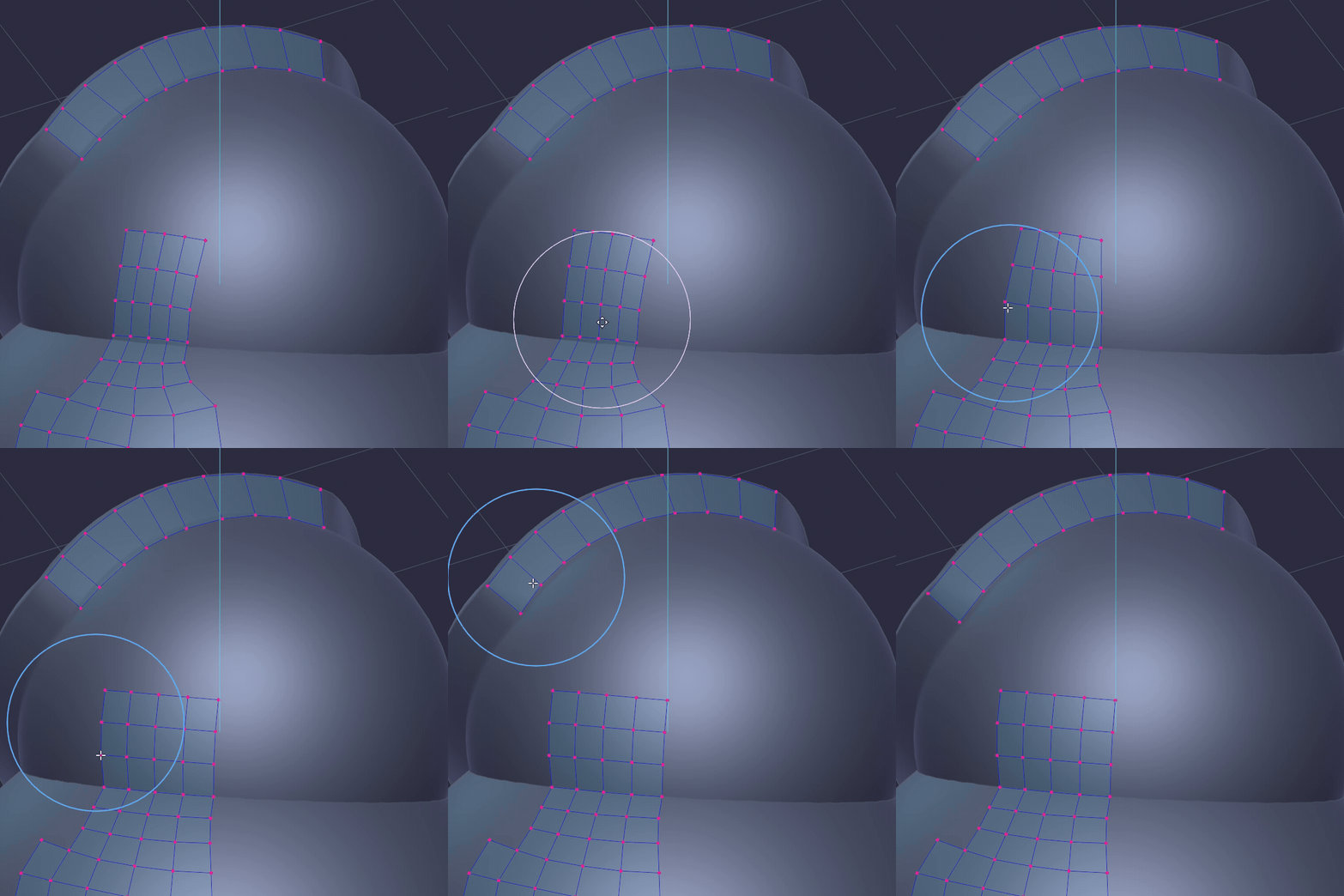
BUILD / EDIT KEwlPenOne tool, every retopology action. Hover, drag, or hold a key. The tool knows what you meant. PolyPen · PolyPatch · AutoQuad · Tube, Ridge & Vine · Corner · Extrude · Knife · Loop Cut · Grab & Slide · Re-sketch · Circularize · Safe Inset · Merge · Diamond Bevel · KEwlEdge · Bridge · OmniFill · Pole · Zip · Spin · Wire Tweak · Equalize · Curve Conform · Relax brush |
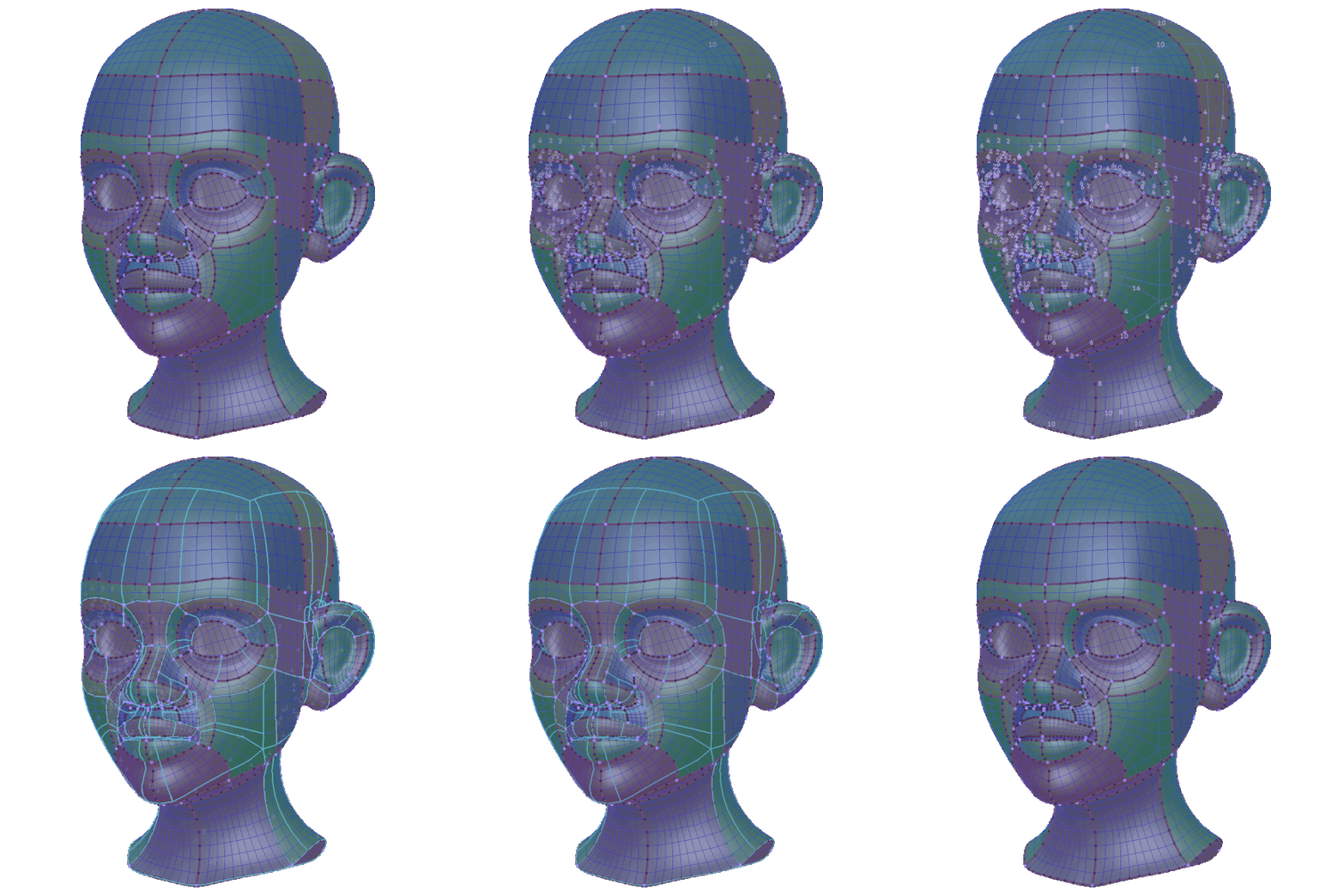
Why both?
01 / WORKFLOW
Big forms fast, details by hand
Lay out the large panels with KEwlSheeet in a few strokes,
then switch to KEwlPen to place every loop, close the holes, move the poles and relax the result.
Sketch the layout. Pen the details.
02 / FULL VERSION
The full KEwlSheeet, not just the lite one
KEwlPen ships with a lite KEwlSheeet inside.
The bundle gives you the complete one:
Shell, Spine, Corner, Symmetry, Autocomplete gap, Knife, Re-sketch,
the brushes and the session saved in your file.
Every tool, no compromise.
03 / SAME FEEL
One way of working
Same surface snapping, same HUD, pie menu and visual keyboard.
Learn one, you already know the other.
Two tools that feel like one.
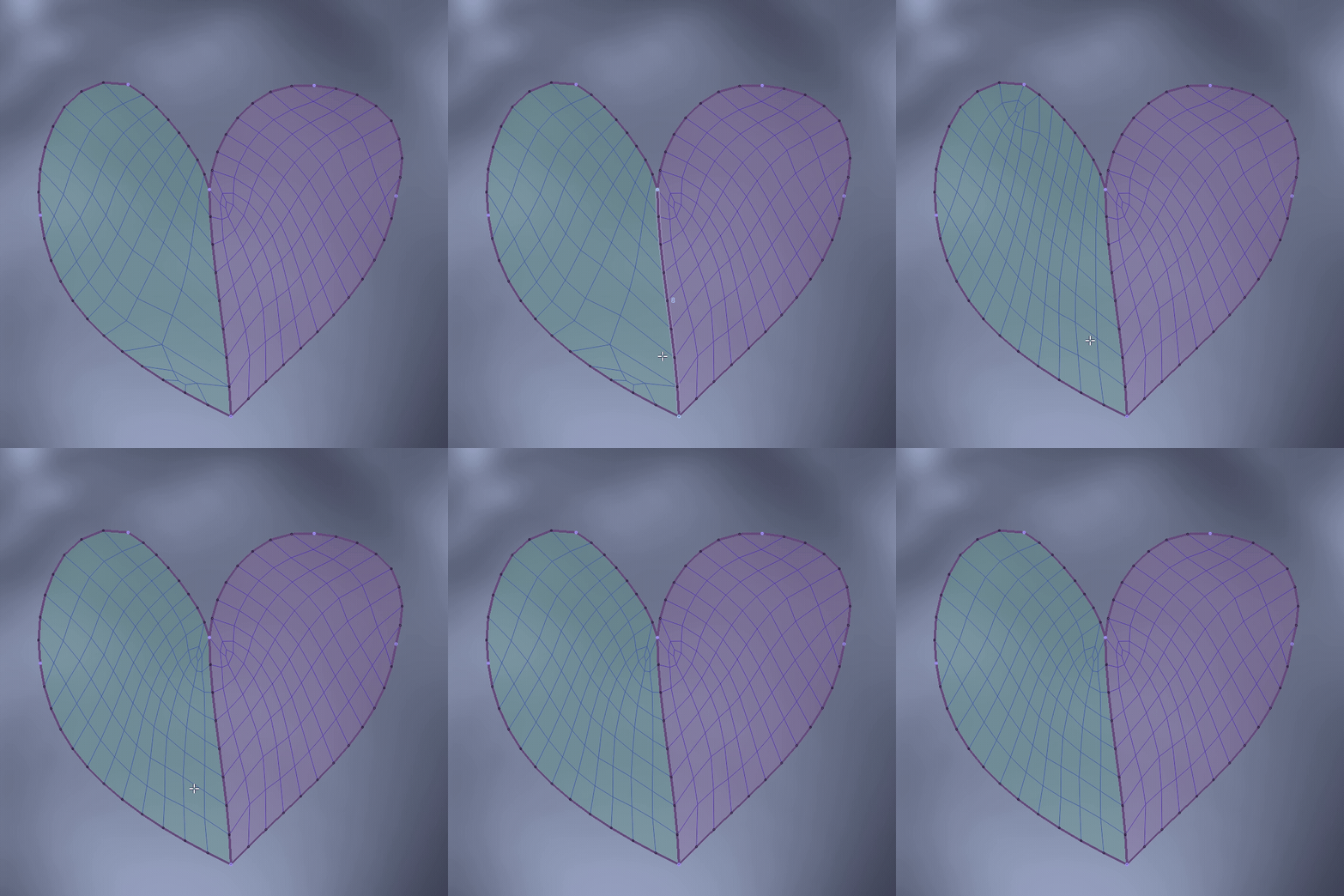
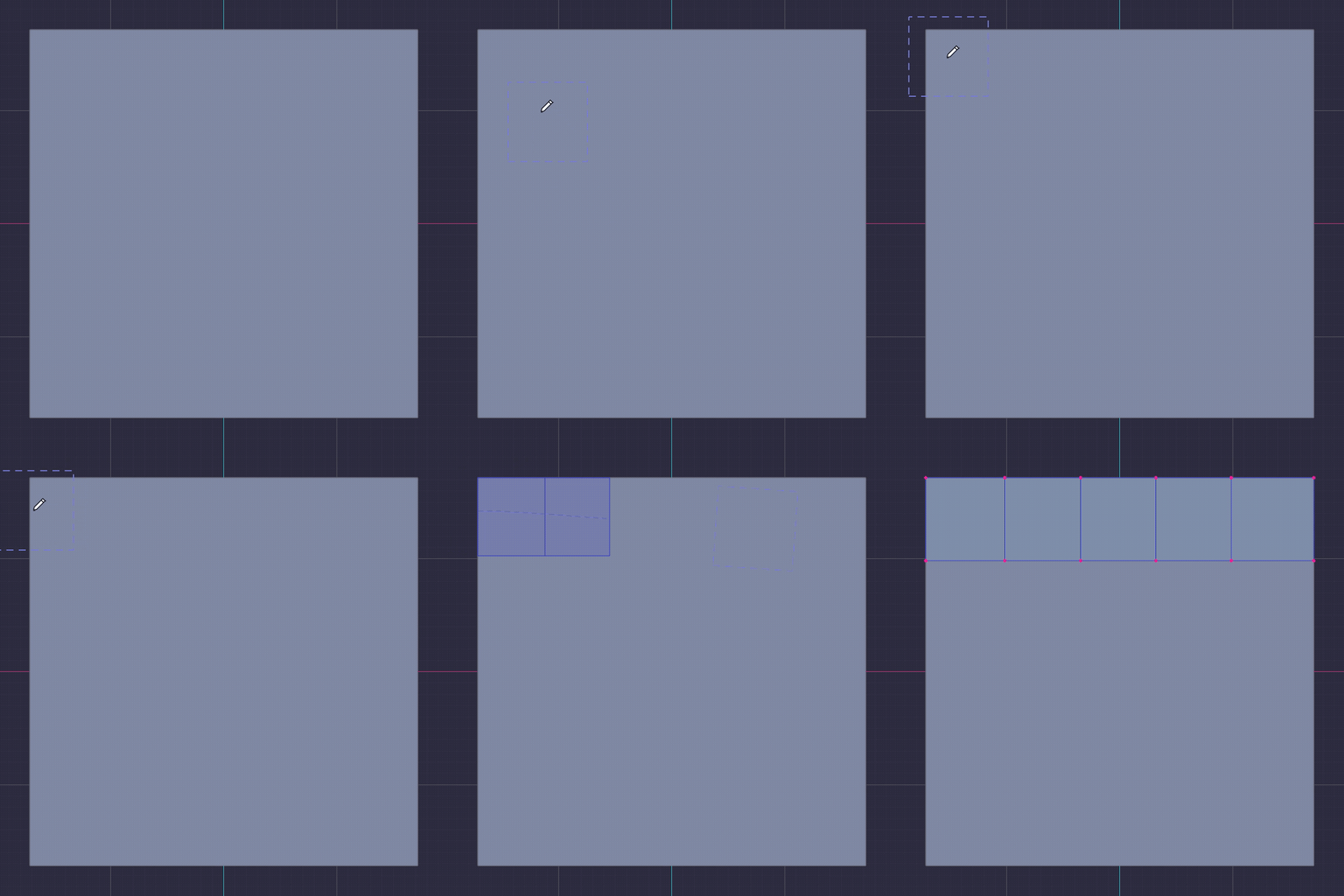
KEwlSheeet
Draw strokes. Get quads.
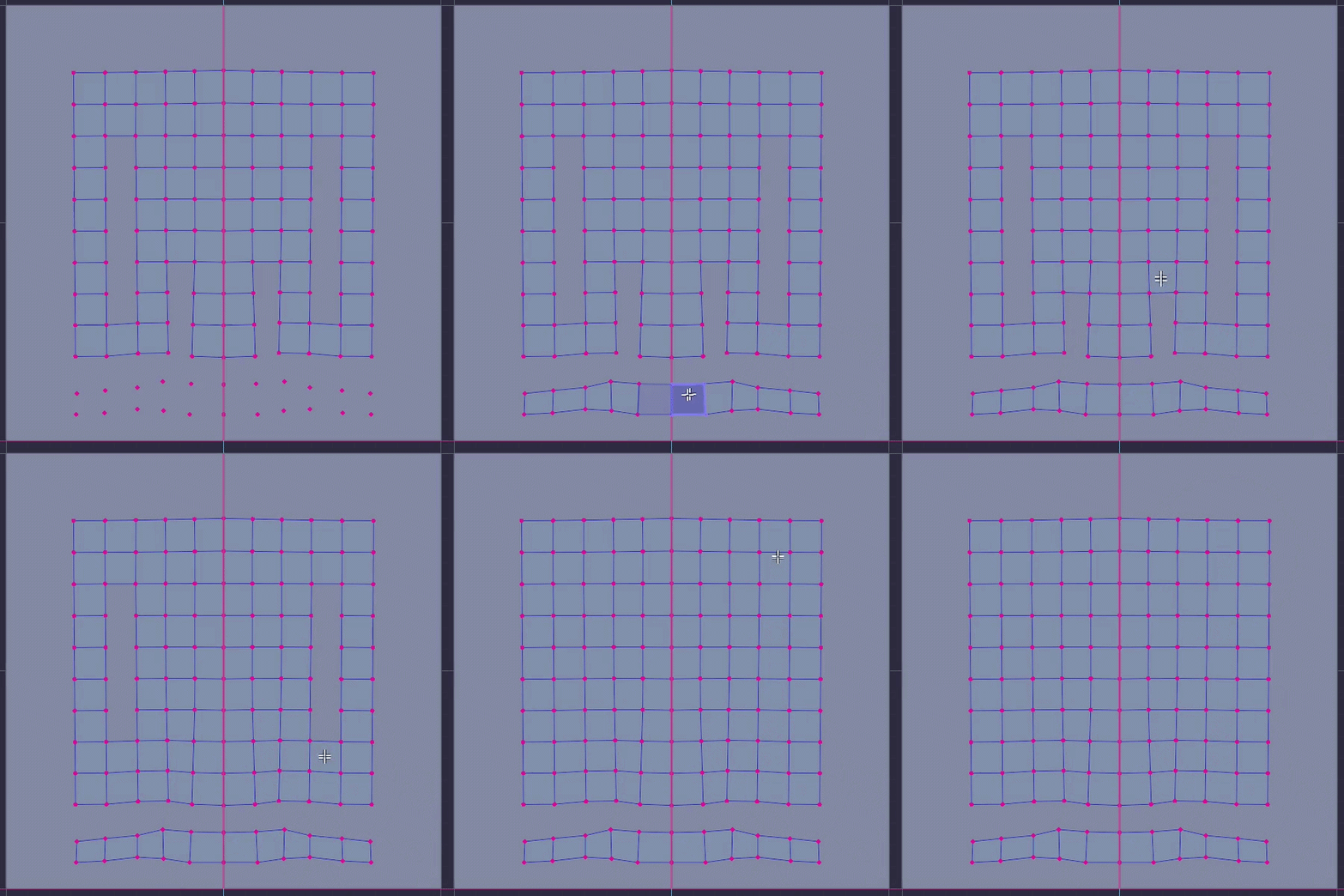
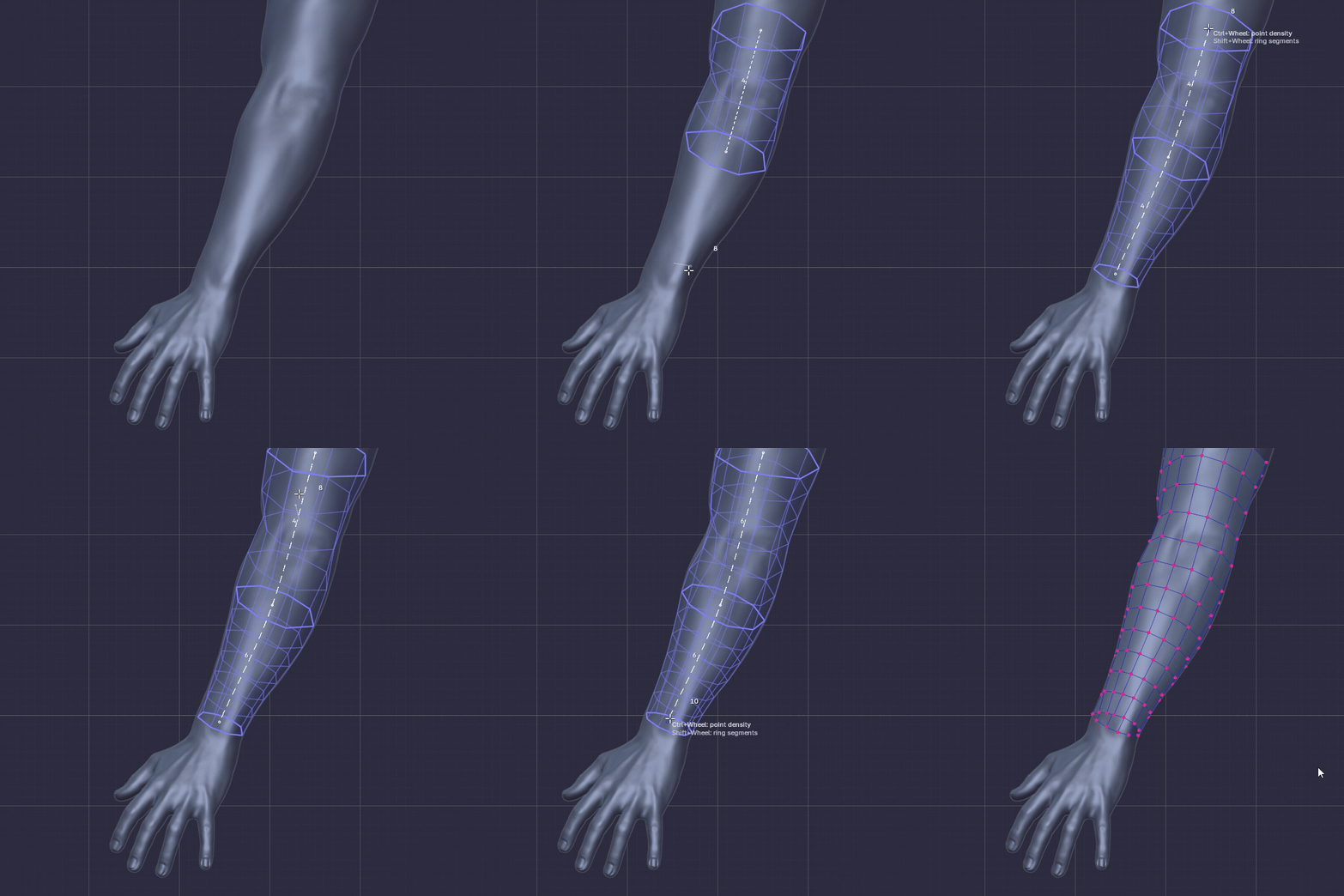
KEwlPen
One button, every action.
Specs
| Included | KEwlSheeet (full version) and KEwlPen, two separate zips. |
| Blender | 5.0 and up. Both install as Blender Extensions: drag the .zip in. |
| Support | Discord: discord.gg/jfDPKf5ju2 |
Questions you're about to ask
Do I get the same versions as the single products?
Yes. The exact same two add-ons, with the same free updates.
KEwlPen already has KEwlSheeet inside. Why buy both?
The one inside KEwlPen is the lite version with the essential tools.
The bundle adds the complete KEwlSheeet with every tool listed above.
Can I run both at the same time?
Yes. Enable both and switch from one to the other on the same retopo mesh.
Does it work on a scan / sculpt?
That's what they're for. A sculpt, a scan or a boolean mess: anything you can snap to works as a reference, and it is never touched.