Key Range Scaler
 Chris Williamson

Key Range Scaler – Documentation
Getting Started
Accessing Key Range Scaler
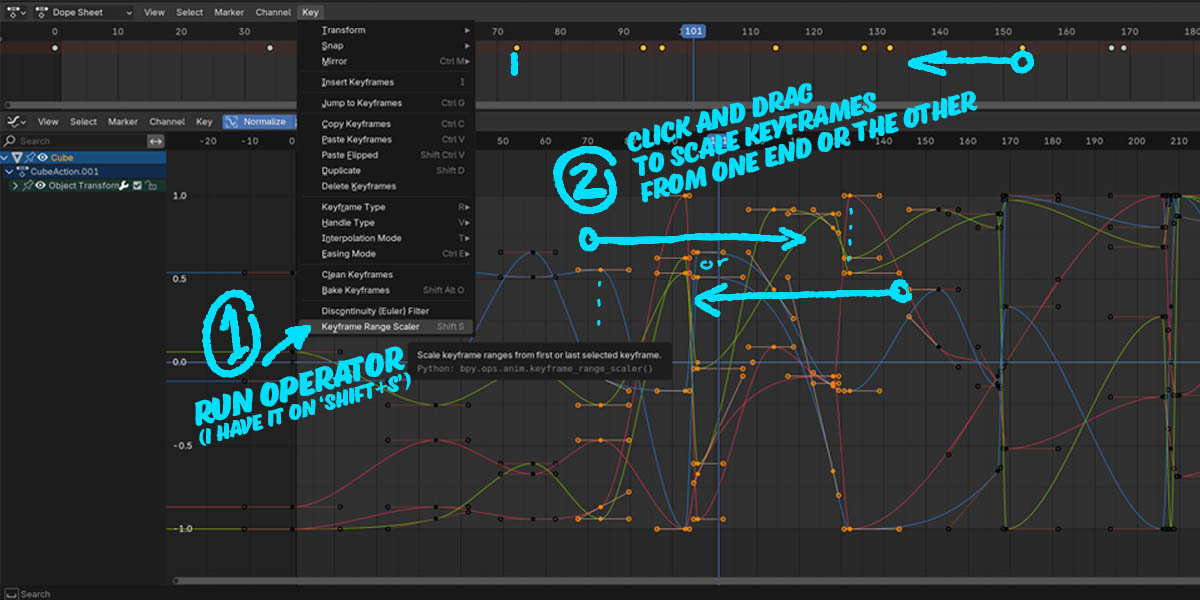
- Select keyframes in the Graph Editor, Dope Sheet, or Timeline.
- Run the Key Range Scaler operator. In the Dopesheet & F-Curve Editor its in the menu under 'Key'. If you right click on it you can assign a shortcut, like Shift-S so you can use normal scaling or range scaling side by side.
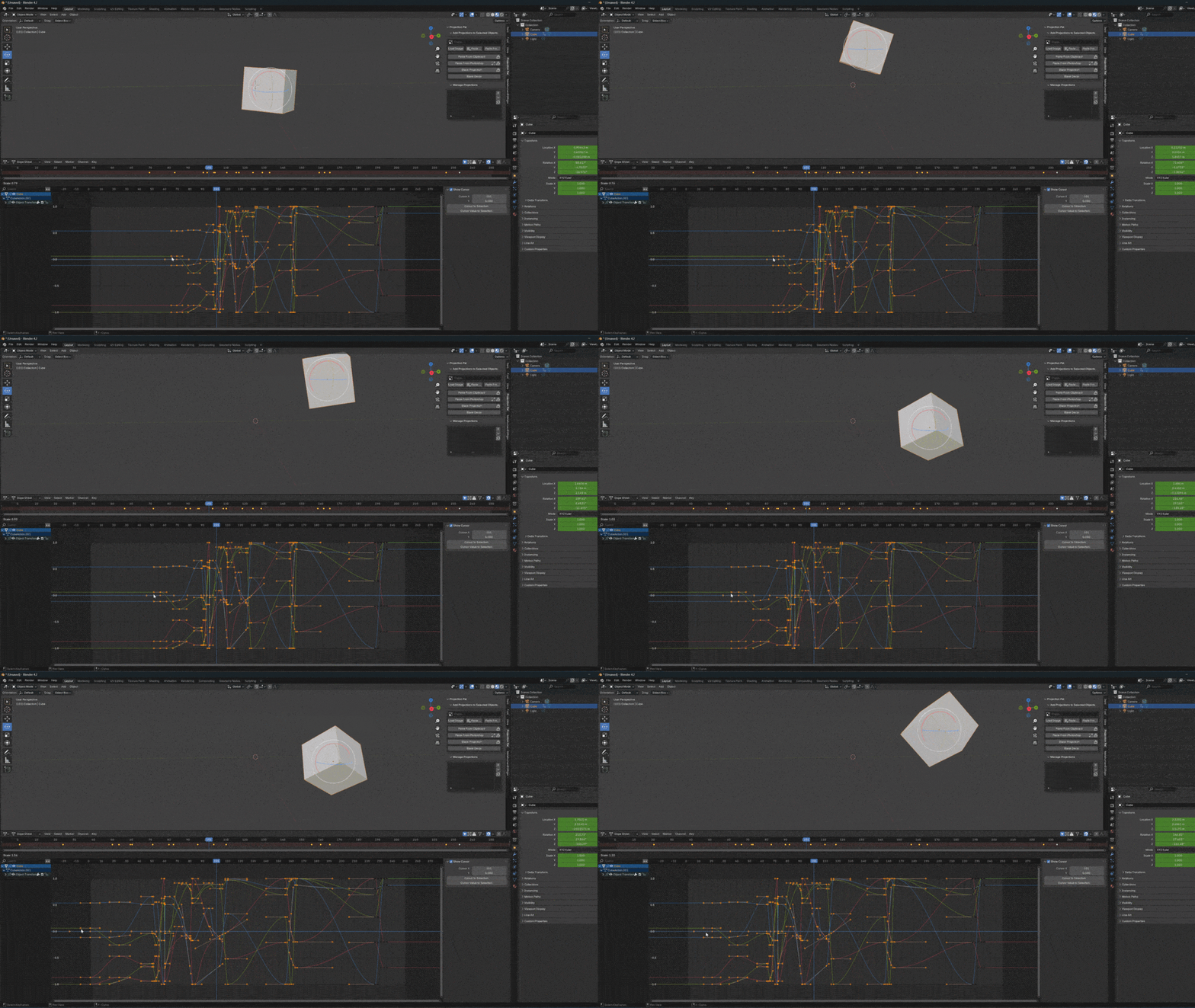
- Click and drag from either end of the selection of keyframes to scale.
Scaling Controls
- Click + Drag → Scale keyframes from the nearest end.
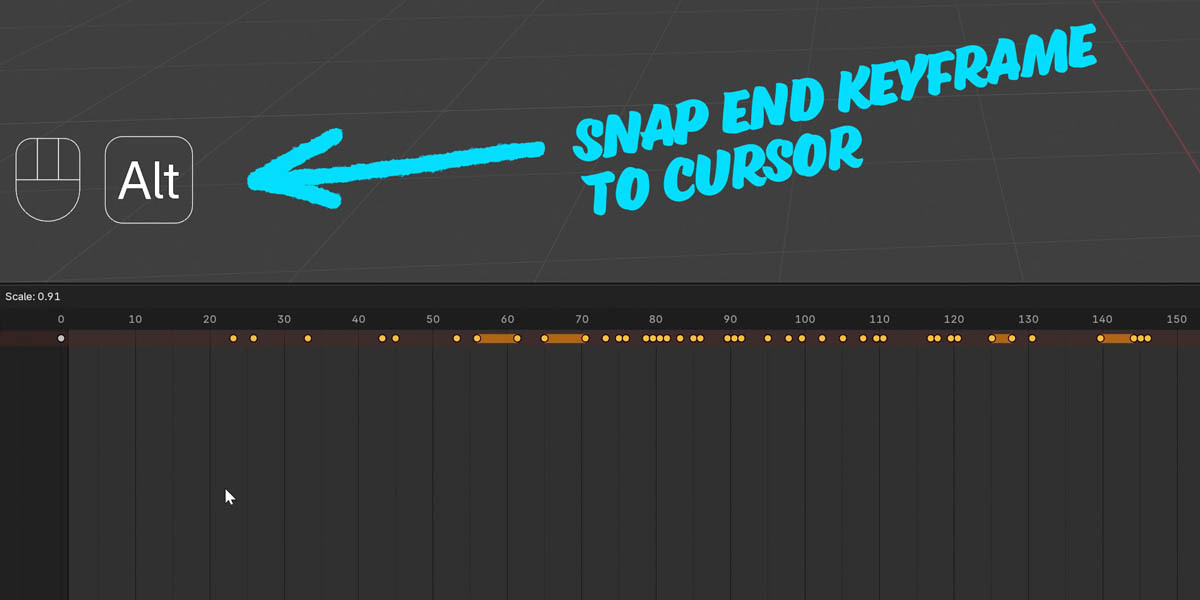
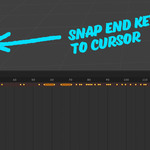
- + Alt → Snap the end keyframe to the cursor position.
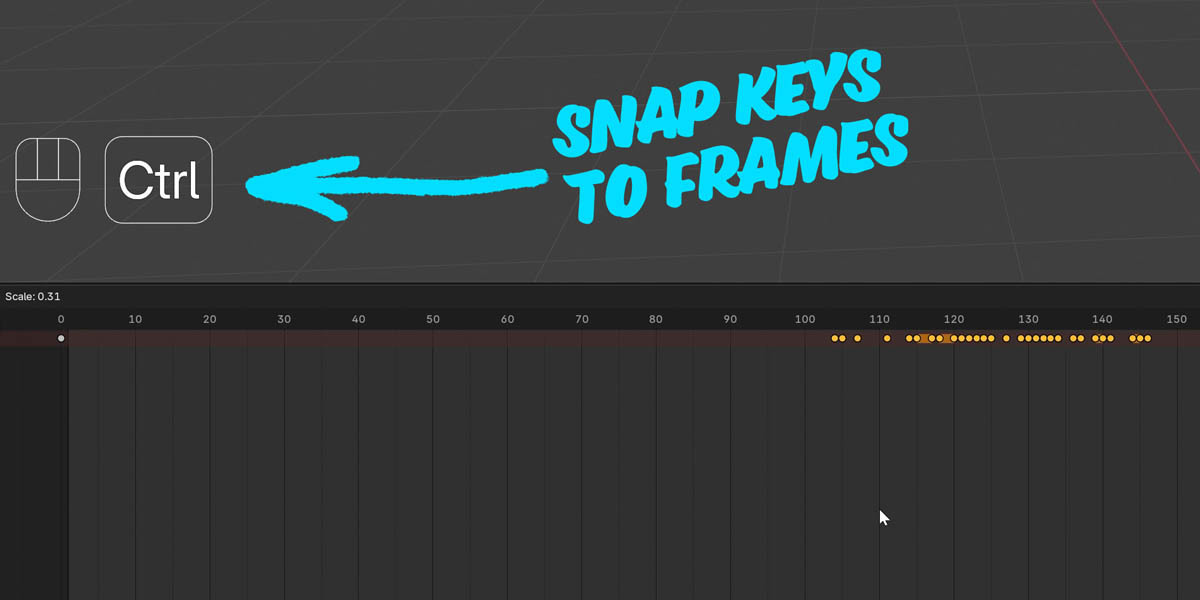
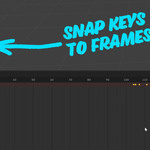
- + Ctrl → Snap all keyframes to exact frame positions.
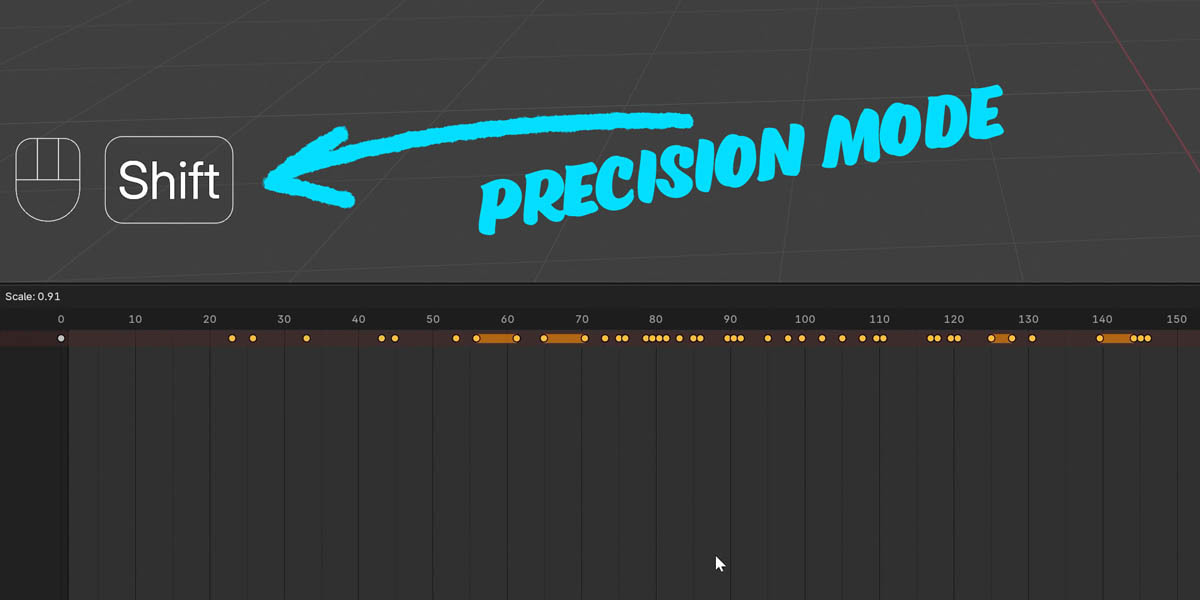
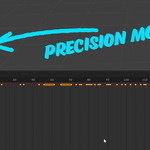
- + Shift → Enable precision mode for slower, finer scaling.
Have questions about this product?
Login to message
| Blender Extension Compatible | Yes |
| Sales | 10+ |
| Dev Fund Contributor | |
| Published | over 1 year ago |
| Blender Version | 4.3, 4.2 |
| Extension Type | Add-on |
| License | GPL |

Discover more products like this
retiming motion editing 3d animation dopesheet animation Retime f-curve 3D animation enhancement Dopesheet animation