 Levonotion Studios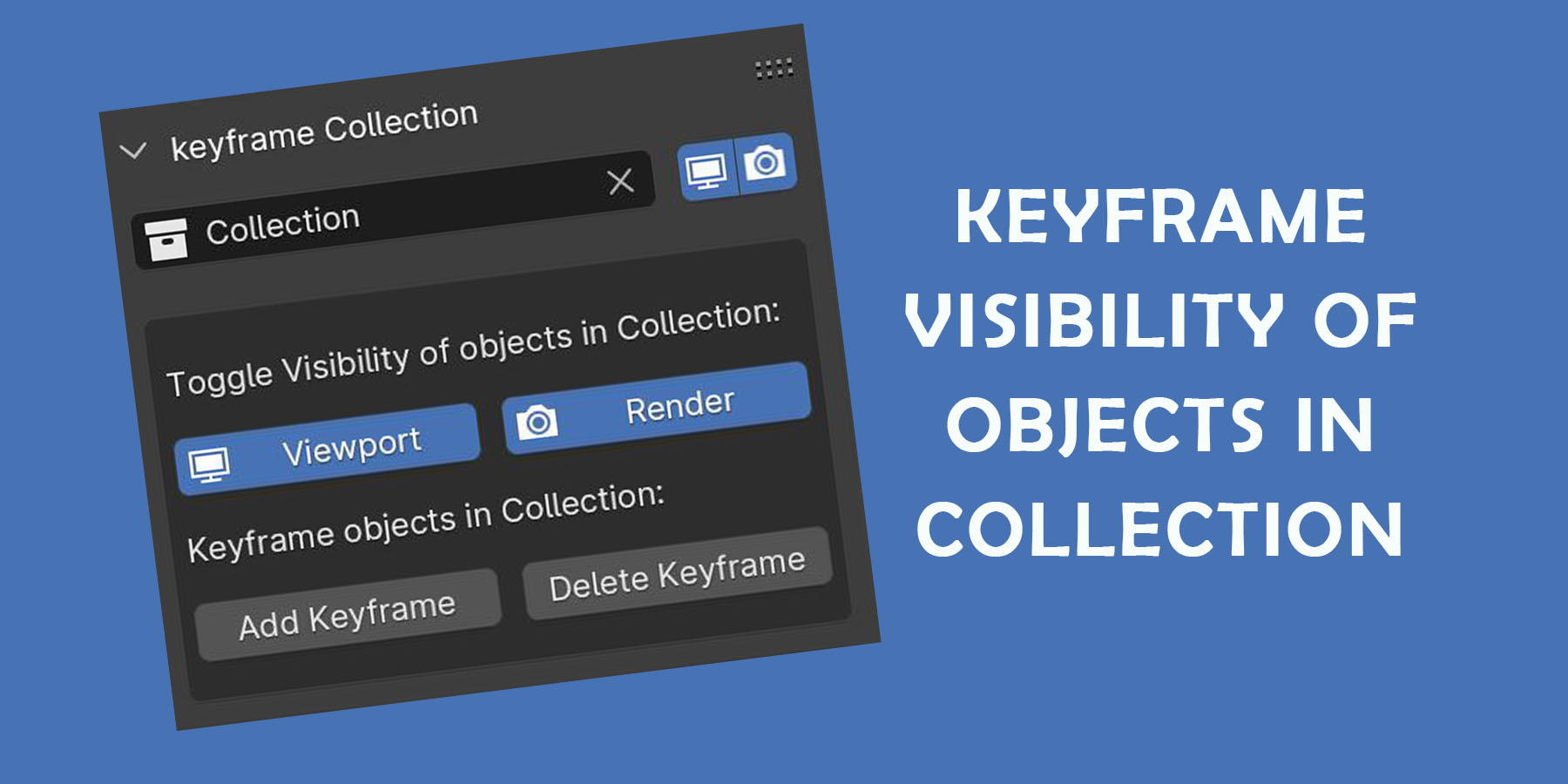

The free version is available on our website.
https://levonotion.com/products/keyframe-collection/
Collection visibility can't be animated In Blender, you can only animate the visibility of individual objects in a collection.
You can toggle the Visibility of a collection without using the Outliner.
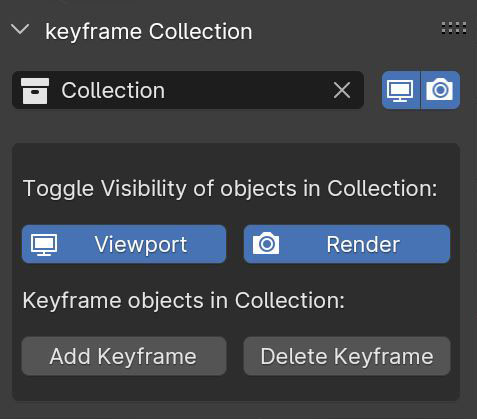
You can toggle the Visibility of objects in a collection without using the Outliner.
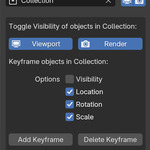
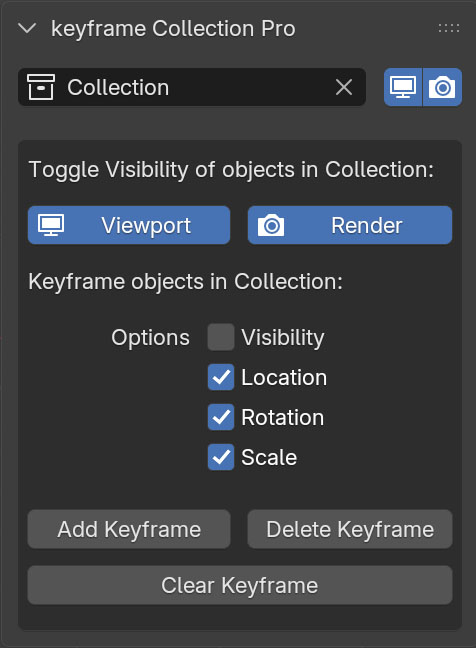
The Pro Version makes it possible to animation the visibility, location, rotation and scale of all object in a collection using three buttons:
"Add Keyframe" , "Delete Keyframe" and "Clear Keyframe"
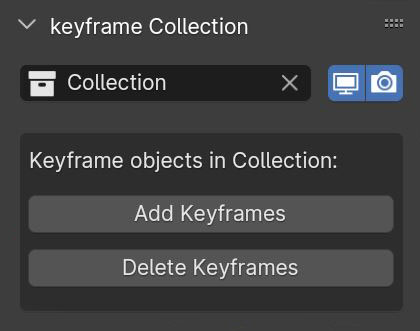
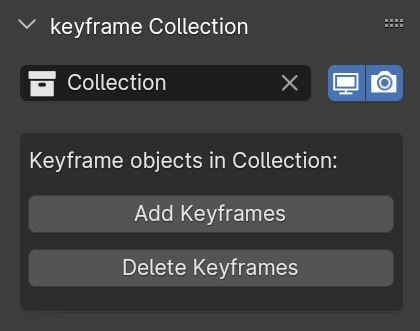
The Base Version makes it possible to animate visibility of all objects in a collection using two buttons:
"Add Keyframe" and "Delete Keyframe"
Pro Version
Version 1:
- Options to add keyframe to location, rotation and scale
- Option to add keyframe to object visibility
- Remove animation data with "Clear keyframe button
Base Version
Version 1:
- Initial Release
Version 2:
- Toggle visibility of objects in collection.
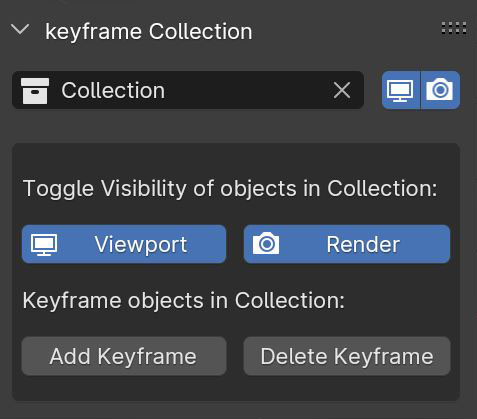
Version 3:
- Works with current scene irrespective of "Scene" Name
- Fix blender crashing with Toggle Visibility of objects in Render
- Add collection viewport and render toggle icons change
Version 4:
- Updated to Extension for Blender 4 series and 5
