Keyframe Offset Master
 Panim
Panim



How do I apply and manage offsets?
-
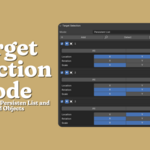
Choose your selection mode
-
Persistent List: Work with a predefined list of objects.
-
Selected Objects: Apply offsets to the objects you currently have selected.
-
-
Adjust the settings
-
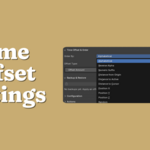
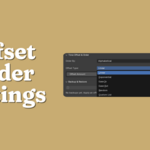
Customize the options under Time & Offset Order to achieve the desired result.
-
-
Apply the offset
-
Click Apply Offset in the Action panel.
-
-
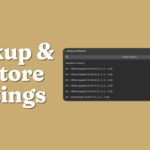
Undo or restore a previous state
-
Not happy with the outcome? Click Reset.
-
Or, open the Backup & Restore panel and choose a saved state to revert to.
-
-
Save and reuse configurations
-
To keep a configuration for later, go to the Configuration panel and save it as a
.jsonfile. -
You can reload this file at any time from the same panel.
-
-
$5
6 Offset Modes: ⚡ Linear, 📈 Exponential, 🌊 Ease In/Out, 🎲 Random, ⚙️ Custom 10 Ordering Options: 🔤 Alphabetical, 📍 Position-based, 📏 Distance from Origin/Active/Cursor, 🔢 Numeric suffix, 🎲 Random And more advanced features!
Have questions about this product?
Login to message
| Blender Extension Compatible | Yes |
| Sales | 20+ |
| Published | about 1 year ago |
| Blender Version | 3.3 - 4.5 |
| Extension Type | Add-on |
| Render Engine Used | Cycles |
| License | GPL |
Discover more products like this
offset automation sequencing character animation blender timing keyframe tools keyframes motion graphics cascading animation tools