 ZEG
Installation
In Blender open Edit, Preferences, Get Extensions, then use Install from Disk and pick the arch_vault_generator zip.
Usage
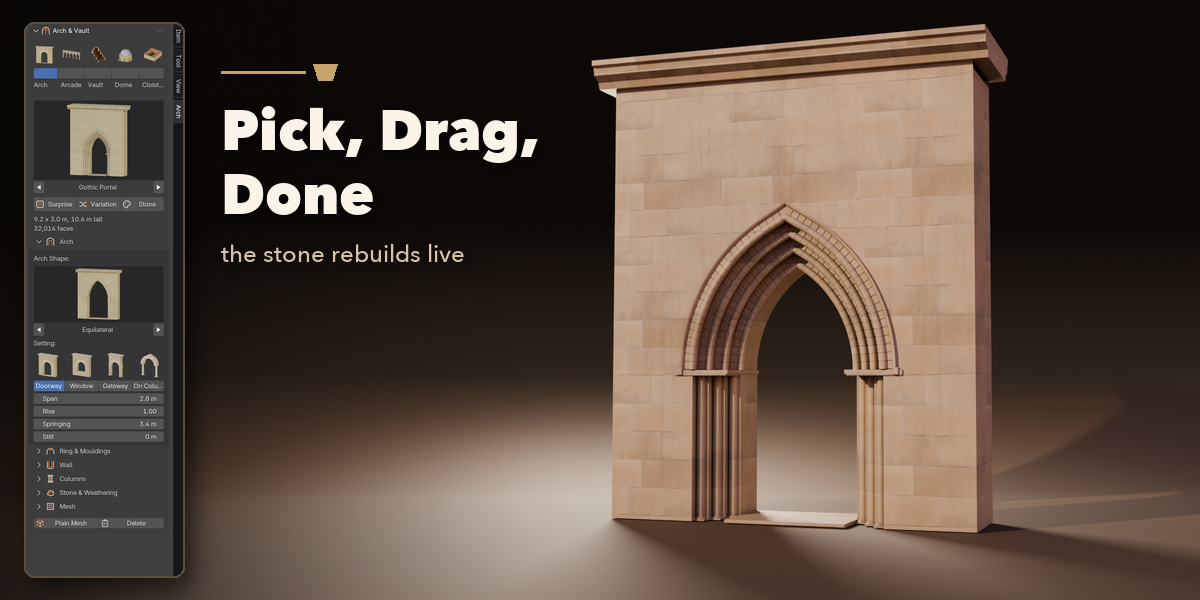
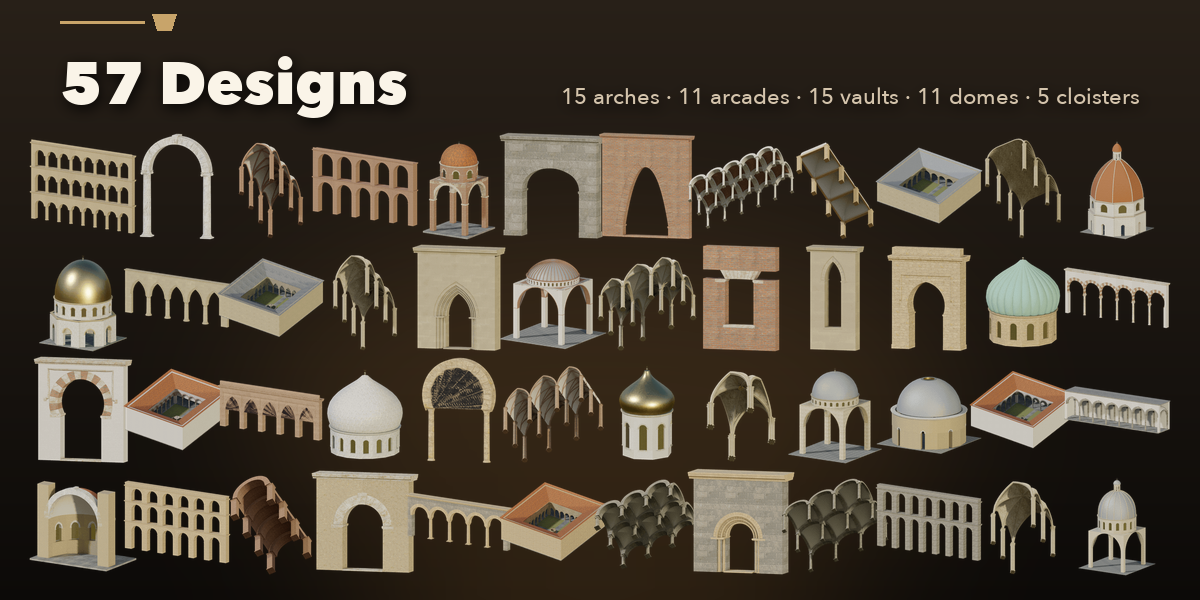
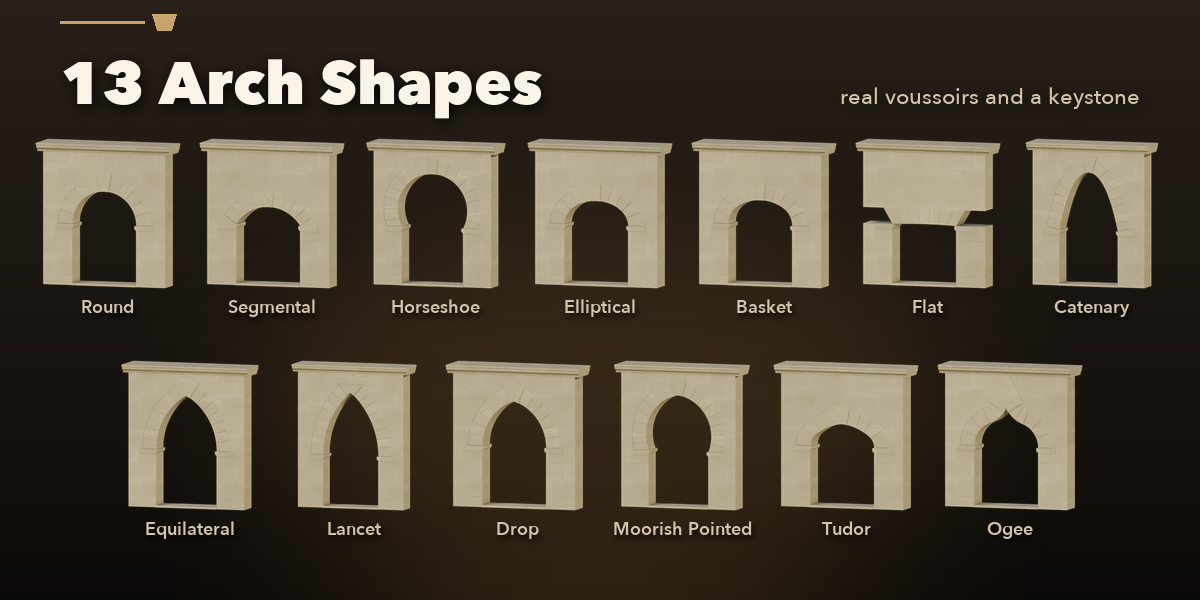
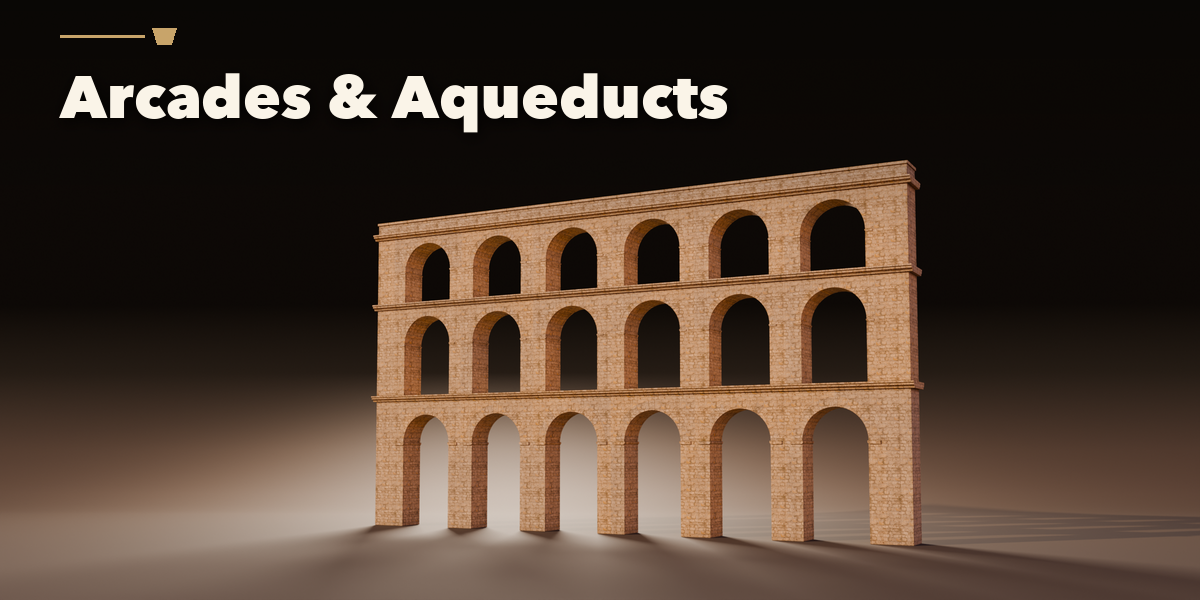
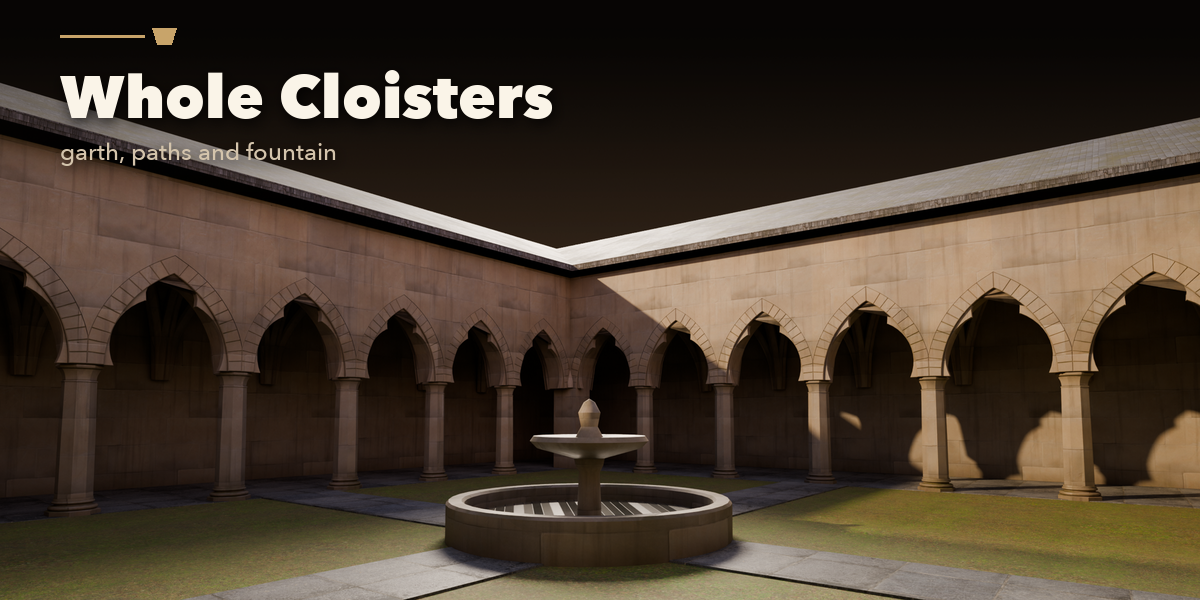
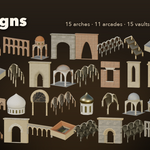
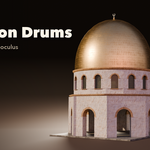
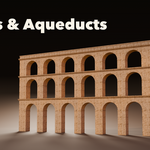
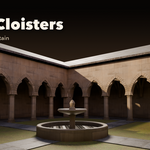
- Open the Arch tab in the 3D viewport sidebar (N). With nothing selected, pick a kind (Arch, Arcade, Vault, Dome or Cloister), click the big picture for a gallery of designs or step with the arrows, then click Add. Shift+A, Mesh, Arch & Vault works too.
- Select a design to edit it. Surprise makes a new random design, Variation changes the proportions a little and Stone picks a new stone palette.
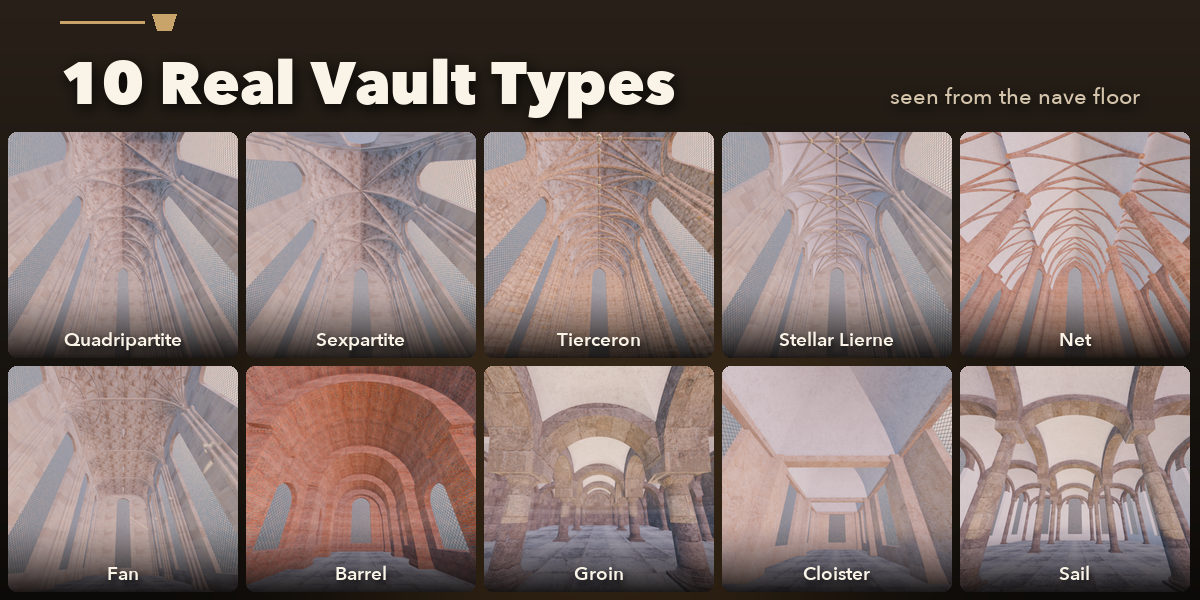
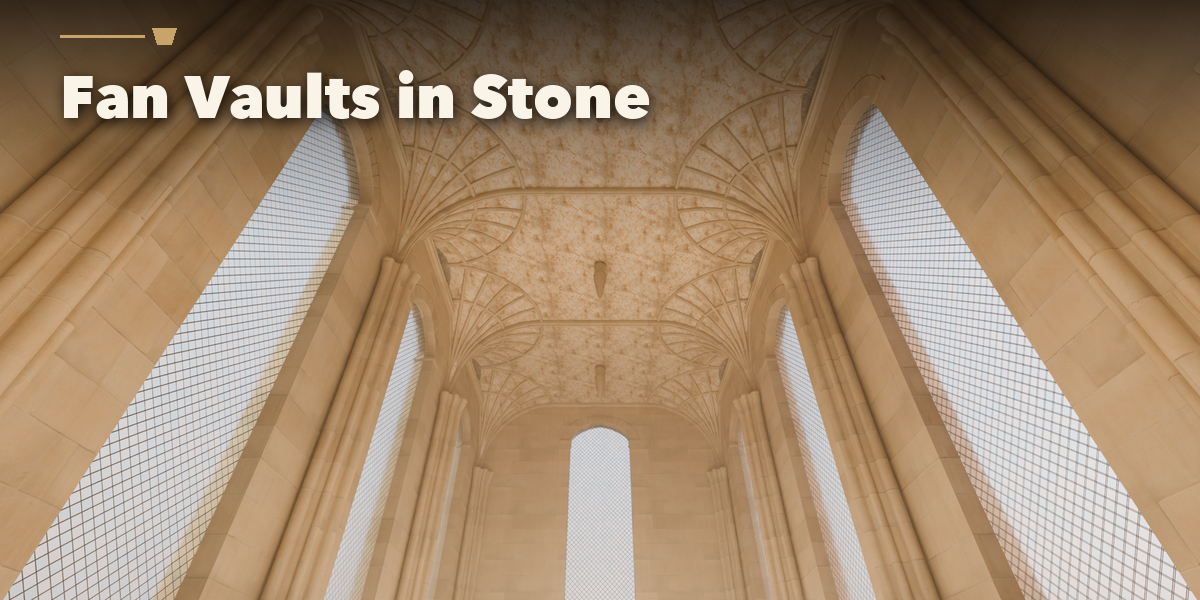
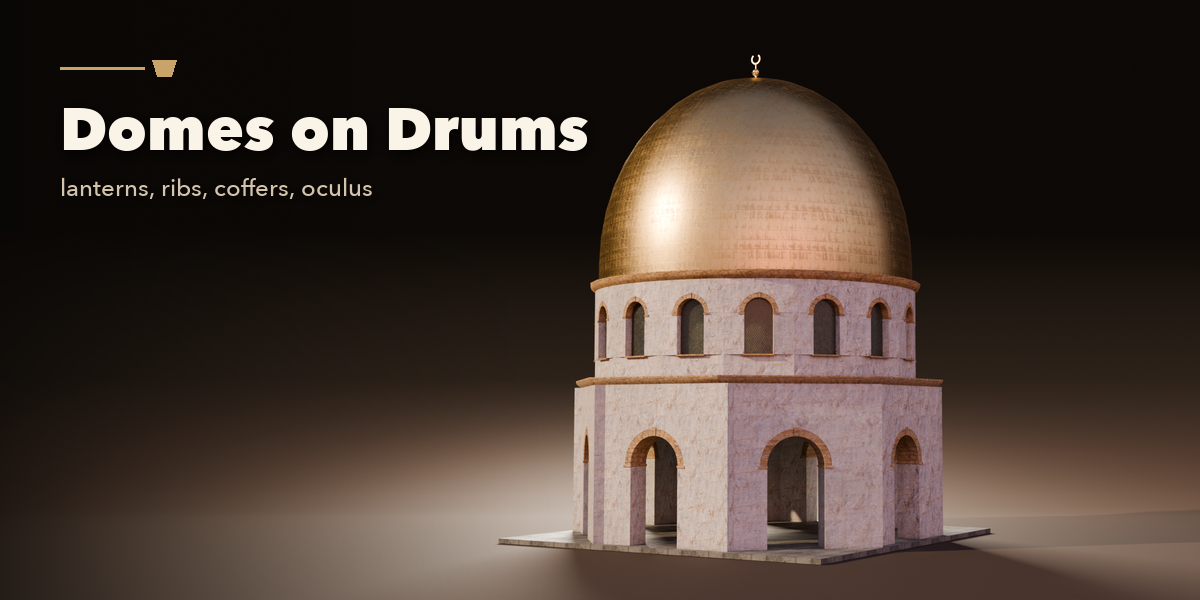
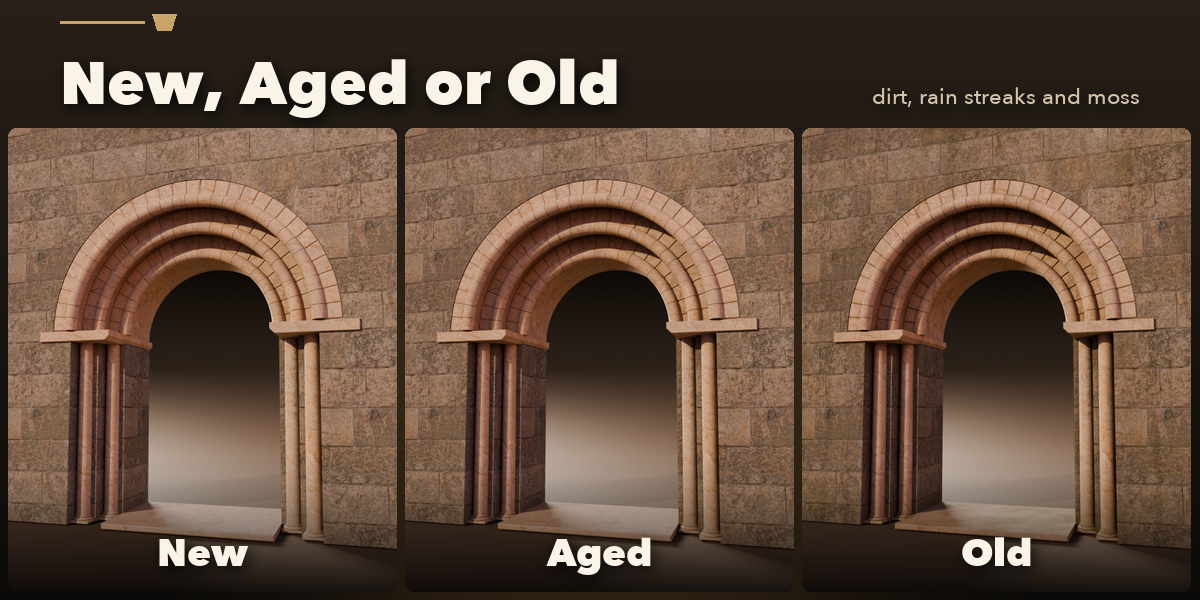
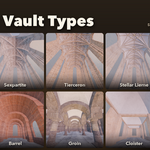
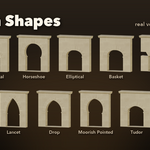
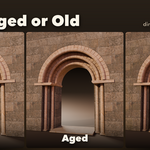
- The sections hold every setting: arch shape and mouldings, vault type and ribs, supports, walls and roof, dome, drum and lantern, cloister garth, Stone & Weathering (stone per part, condition, dirt, streaks, moss) and Mesh (detail, seed).
- Plain Mesh turns the design into an ordinary mesh for editing or export. Delete removes it.
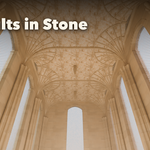
Use Material Preview or Rendered view to see the stone.
Have questions about this product?
Login to message
| Blender Extension Compatible | Yes |
| Published | 1 day ago |
| Blender Version | 4.2 - 5.2 |
| Extension Type | Add-on |
| Render Engine Used | Cycles, Eevee |
| License | GPL |
