 ZEG
Installation
In Blender open Edit, Preferences, Get Extensions, then use Install from Disk and pick the kitchen_cabinet_generator zip.
Usage
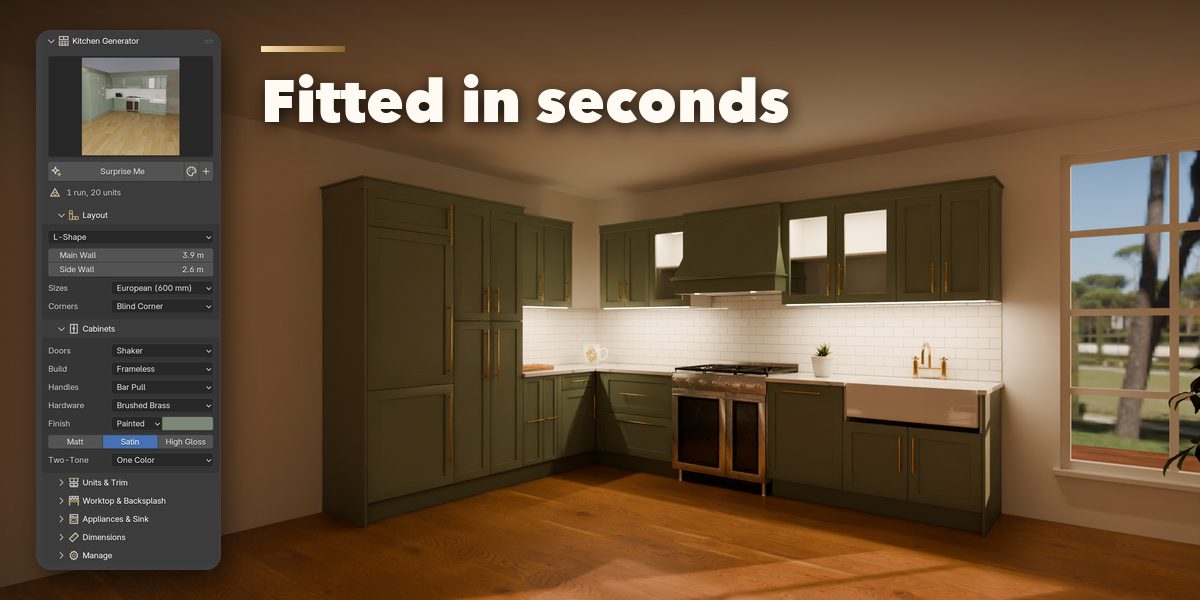
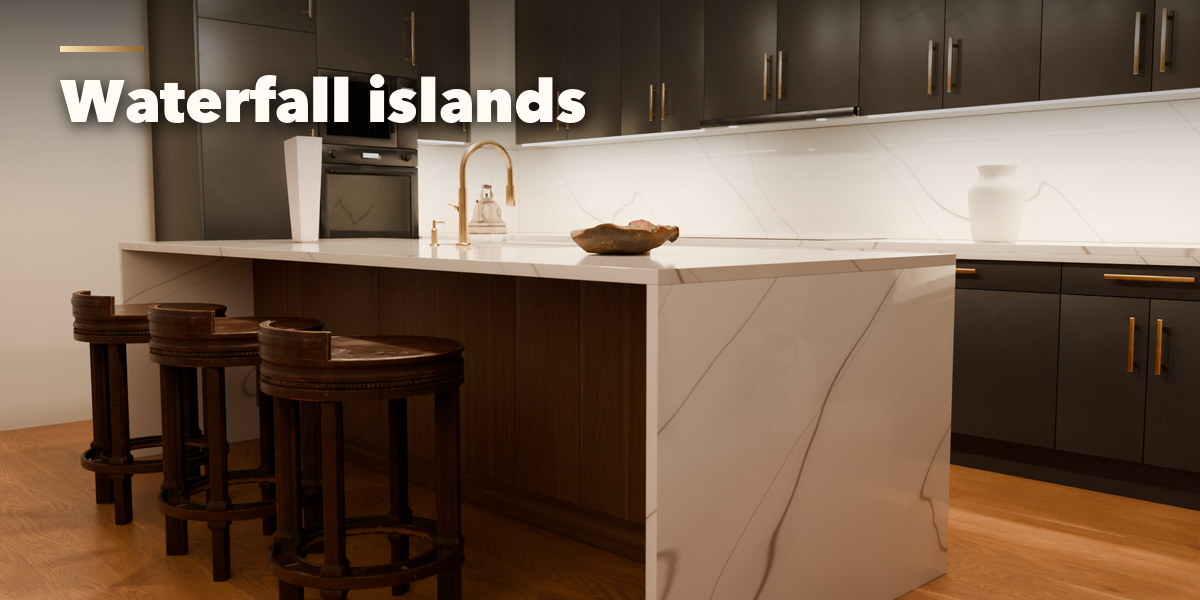
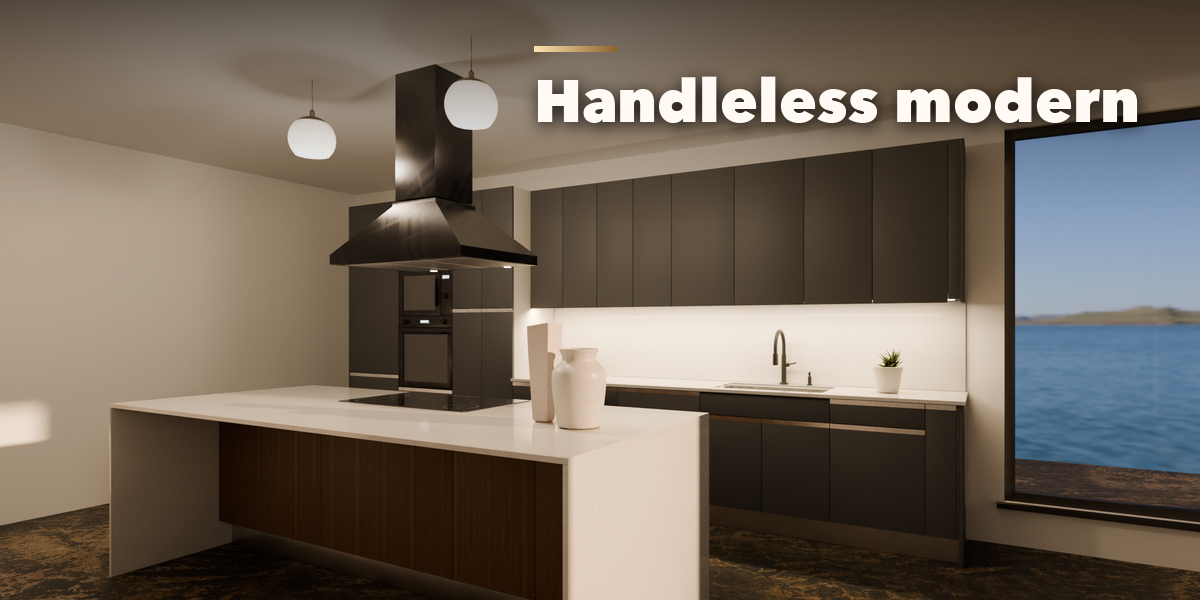
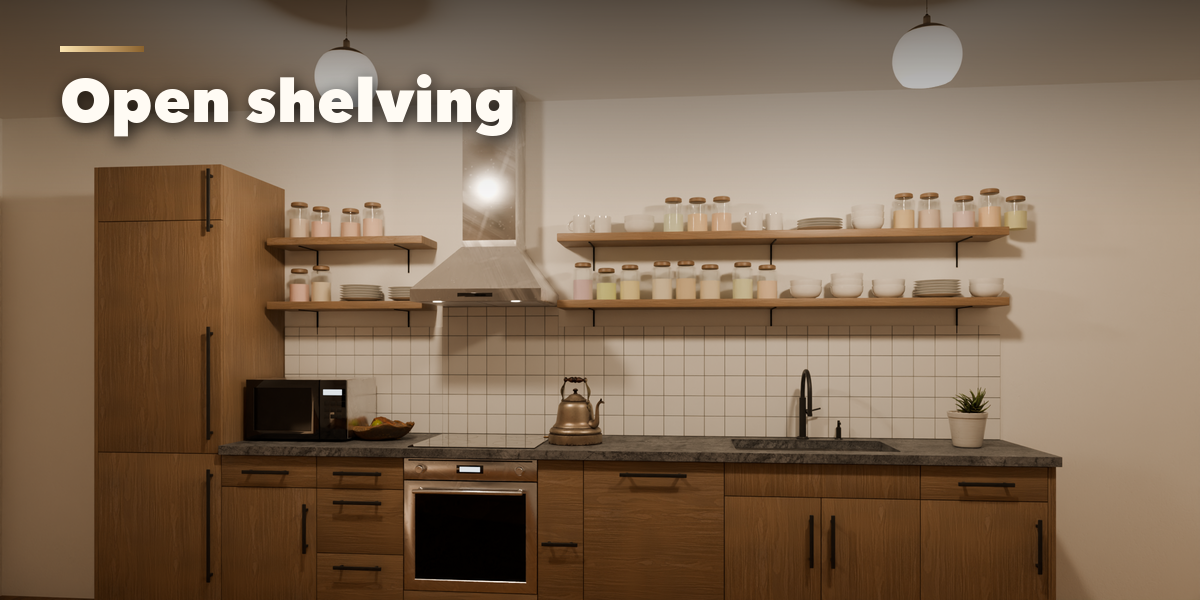
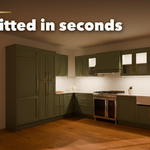
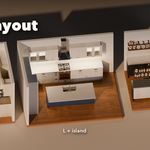
- Open the Kitchen tab in the 3D viewport sidebar (N). With nothing selected, click the preset picture to choose a kitchen and press Add Kitchen, or press Surprise for a random design. You can also use Shift+A, Mesh, Kitchen.
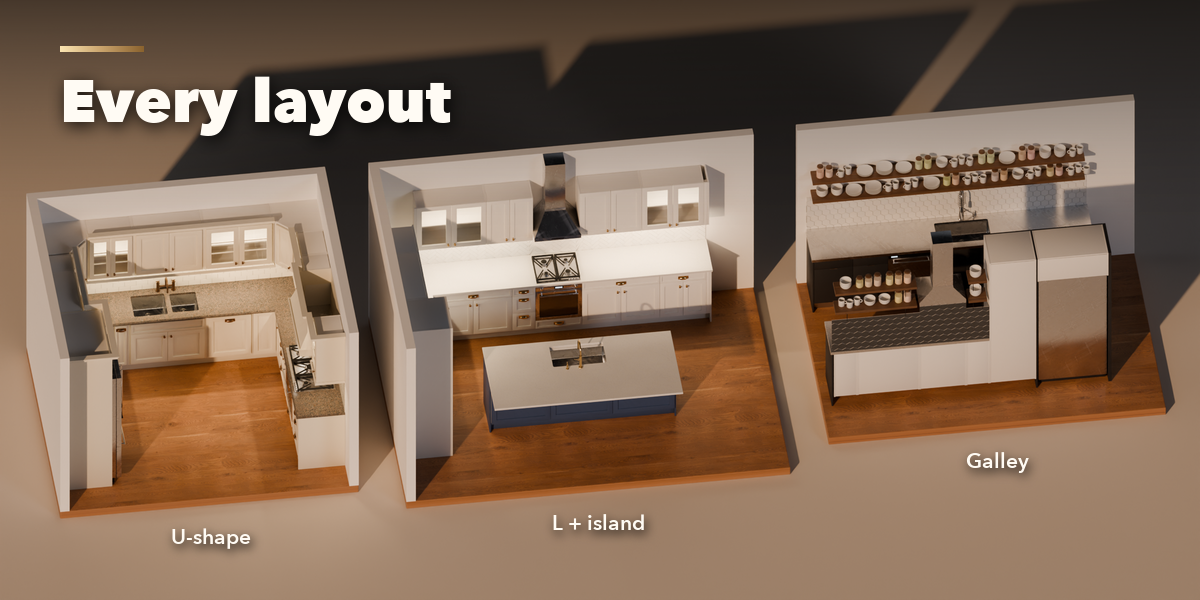
- To fit your room, draw the walls as a mesh polyline or a curve, select it and press Kitchen From Selected Path. The cabinets follow every wall segment and the corners get proper corner units.
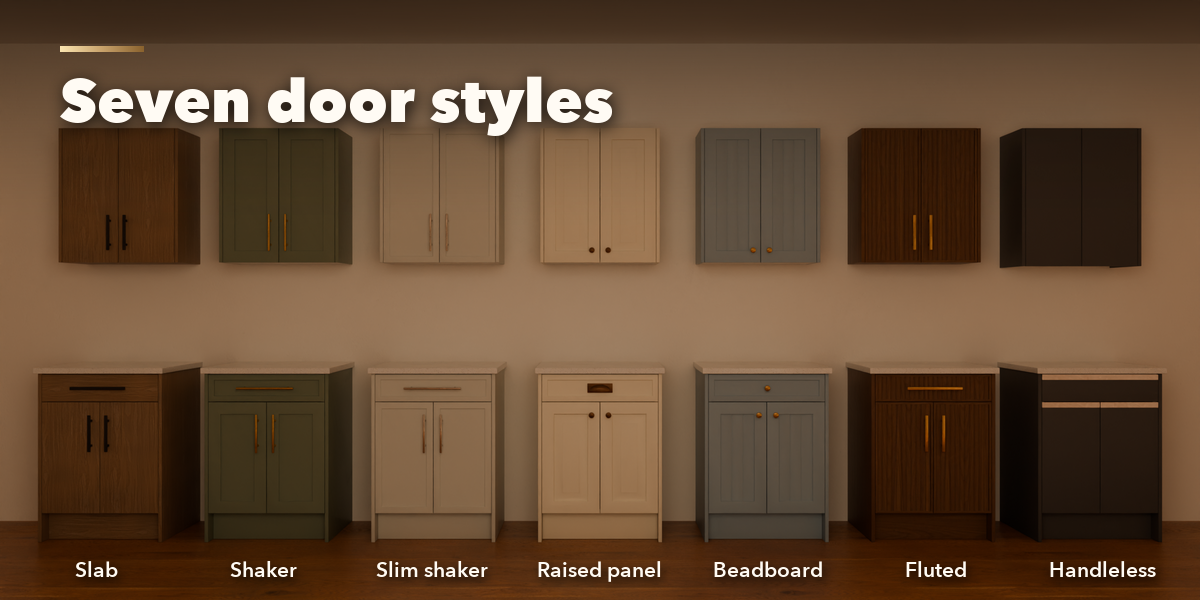
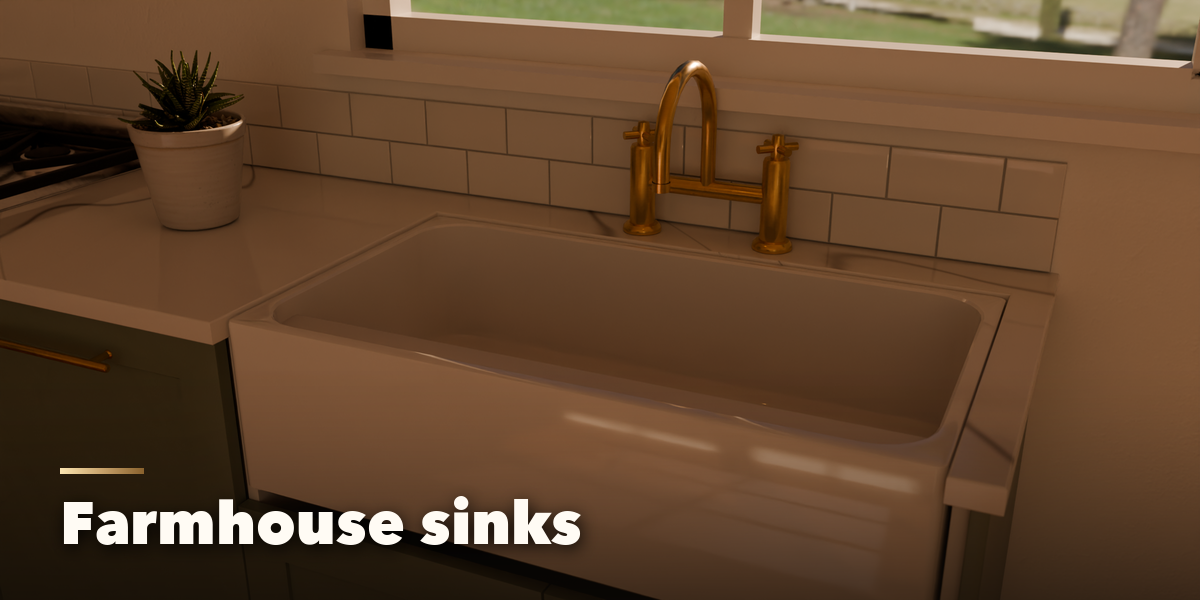
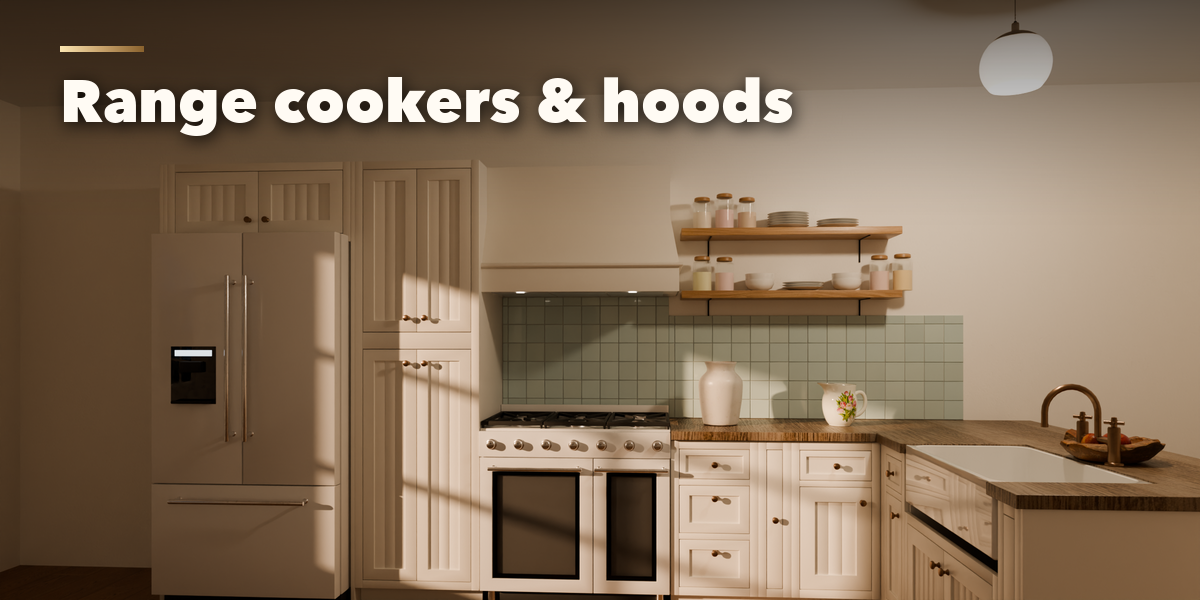
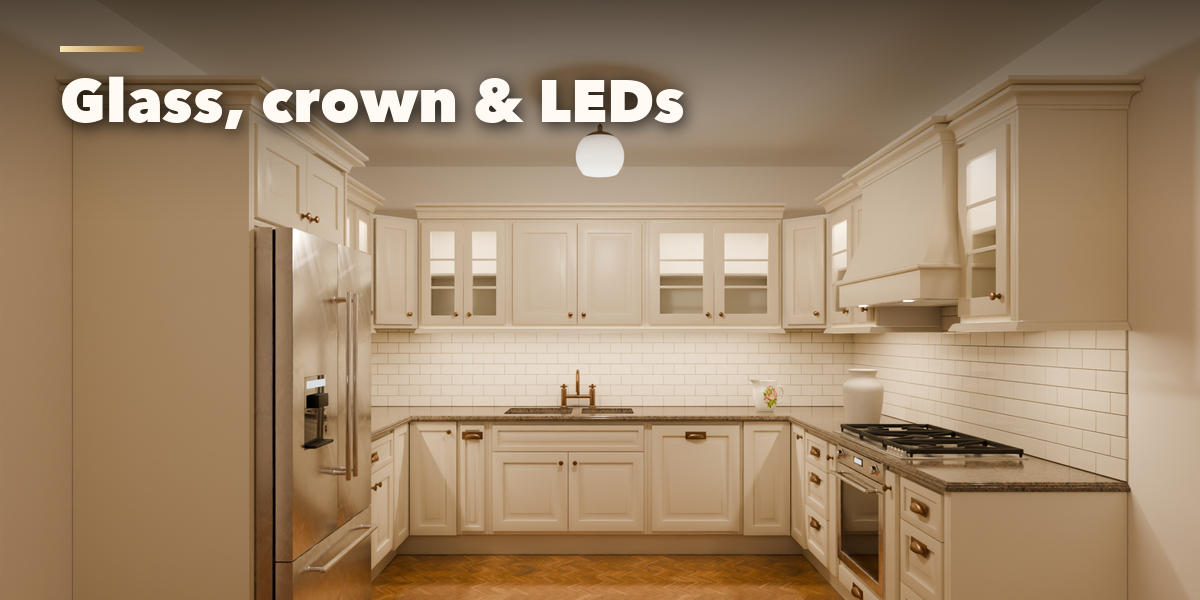
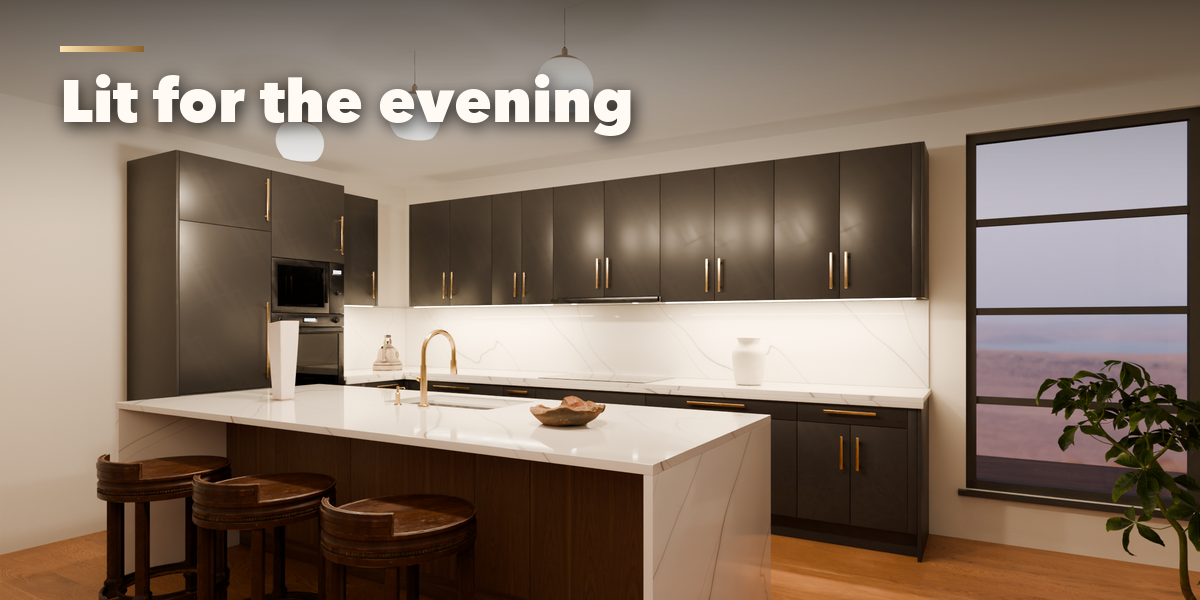
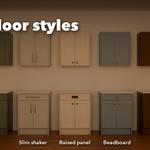
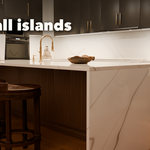
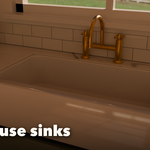
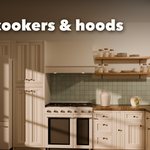
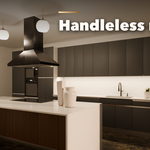
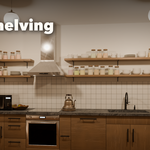
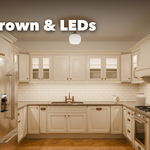
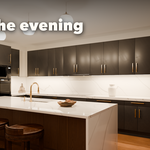
- With a kitchen selected, the sub-panels hold every setting: Layout, Cabinets (door style, construction, handles, finishes), Units & Trim (wall units, glass doors, plinth, crown, light rail, LEDs), Worktop & Backsplash, Appliances & Sink, Dimensions (heights, depths, gaps) and Manage.
- Every change rebuilds the kitchen live. Random Finishes tries a new palette, Make Static turns the kitchen into plain meshes and Delete removes it with all its parts.
Materials are PBR (base color, roughness and normal maps) and work in Cycles, EEVEE and after export to game engines.
Have questions about this product?
Login to message
| Blender Extension Compatible | Yes |
| Published | 4 days ago |
| Blender Version | 4.2 - 5.2 |
| Extension Type | Add-on |
| Render Engine Used | Cycles, Eevee |
| License | GPL |

Discover more products like this
procedural kitchen countertop appliances island architecture ArchViz sink furniture Interior cabinets Generator