 ZEG
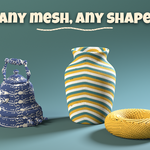
Installation
In Blender open Edit, Preferences, Get Extensions, then use Install from Disk and pick the zip.
Usage
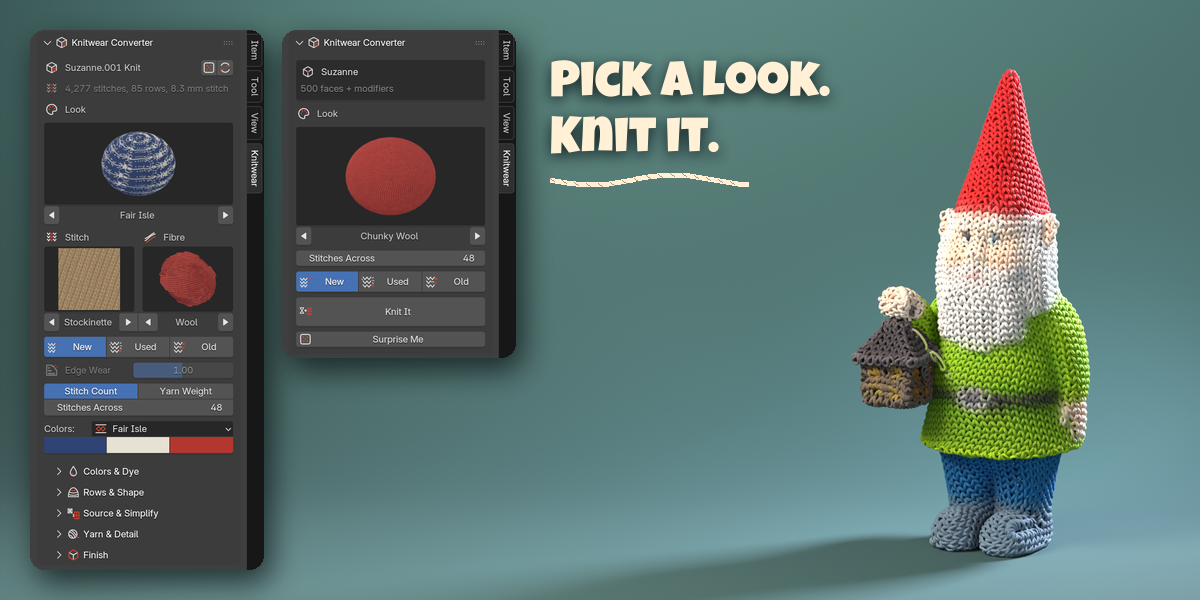
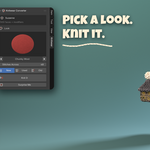
- Open the sidebar (N) in the 3D Viewport and click the Knitwear tab.
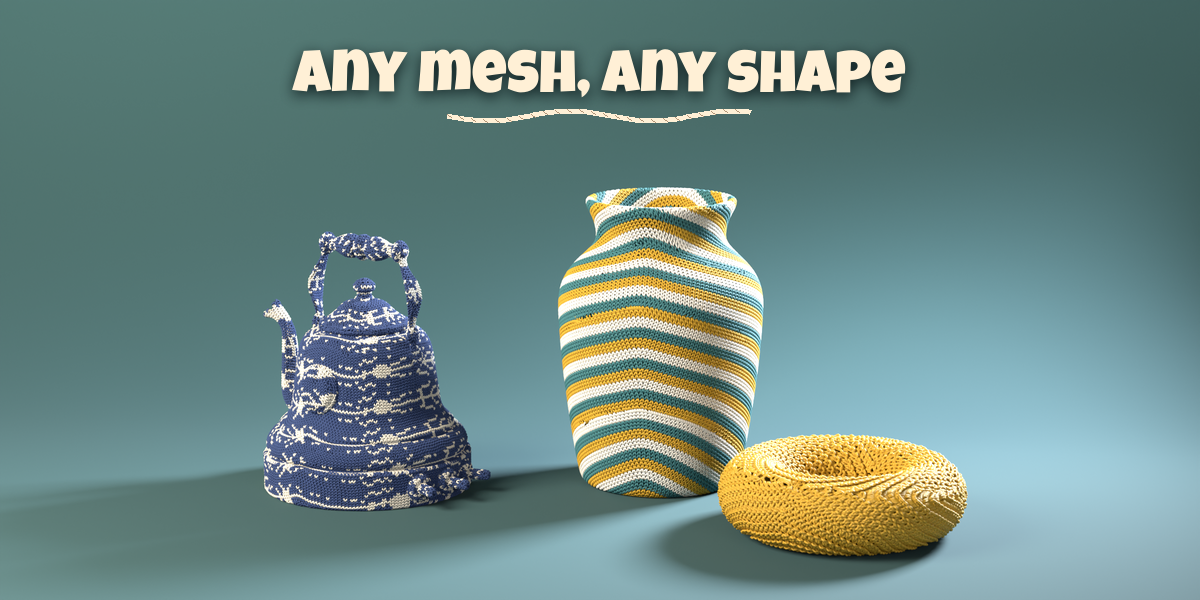
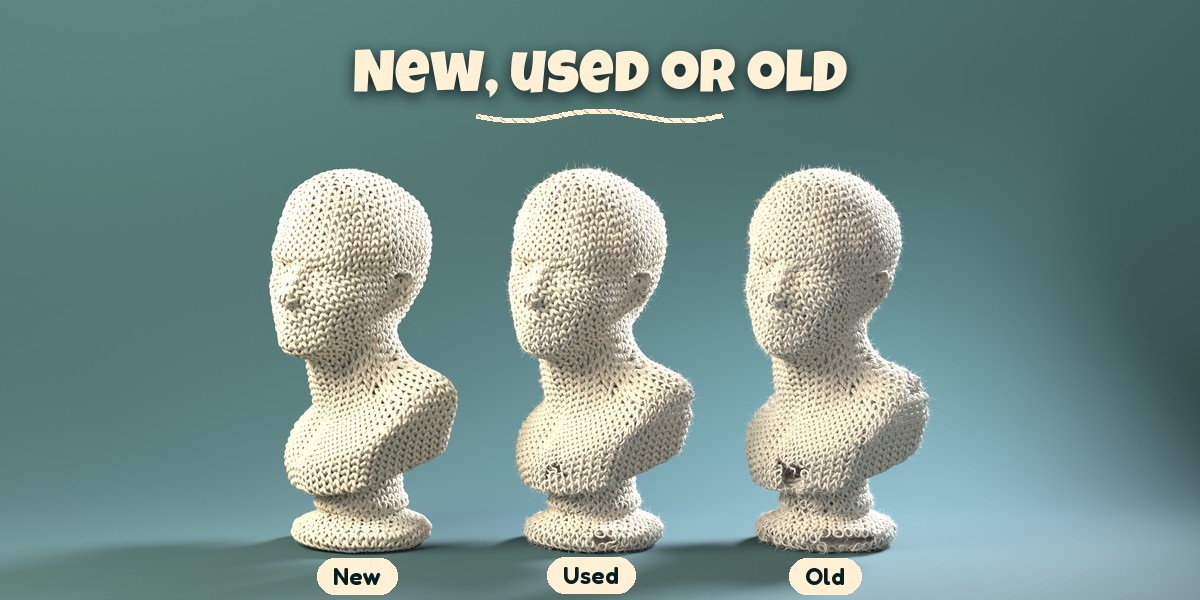
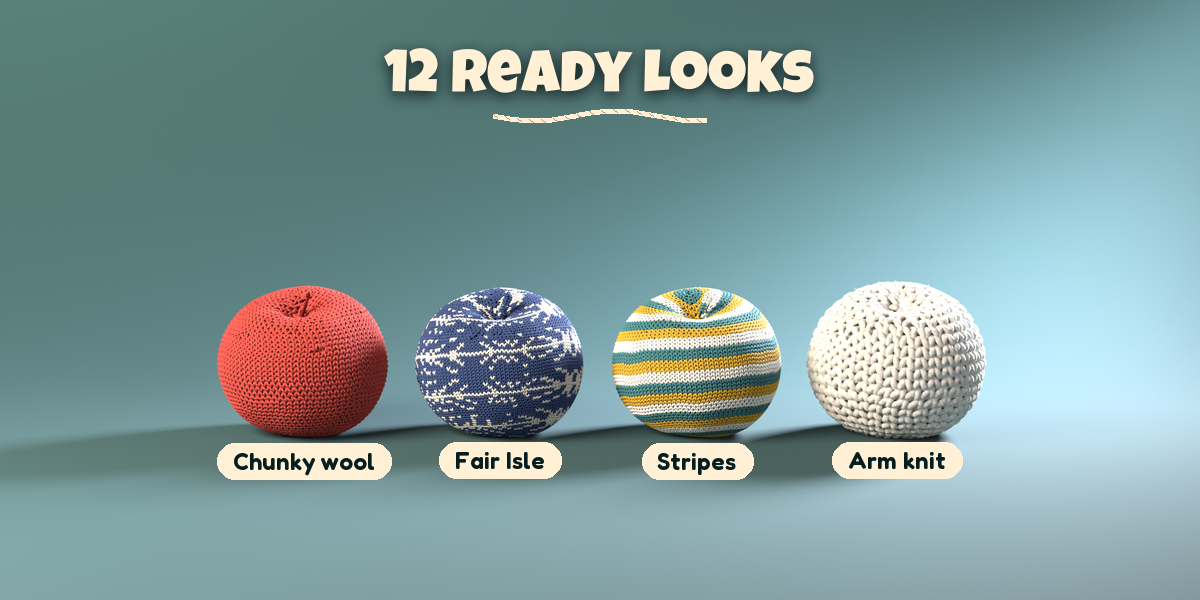
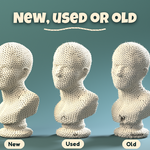
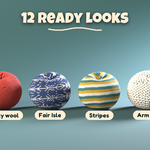
- Select one or more objects, pick a look, set Stitches Across and the condition, then click Knit It. No object? Use one of the sample buttons, or Add > Knitwear.
- With the knit selected, change the look, stitch pattern, fibre, colors and size; it rebuilds live.
- Rows & Shape sets the row direction (Bottom Up rounds, Straight Rows, From Center) and Plush rounding; Source & Simplify shows what was done to the model and lets you force Remesh or keep the original surface.
- Edited the source? Click Update from Source. Apply as Mesh turns the knit into a plain mesh; Remove Knit brings the source back.
Tips
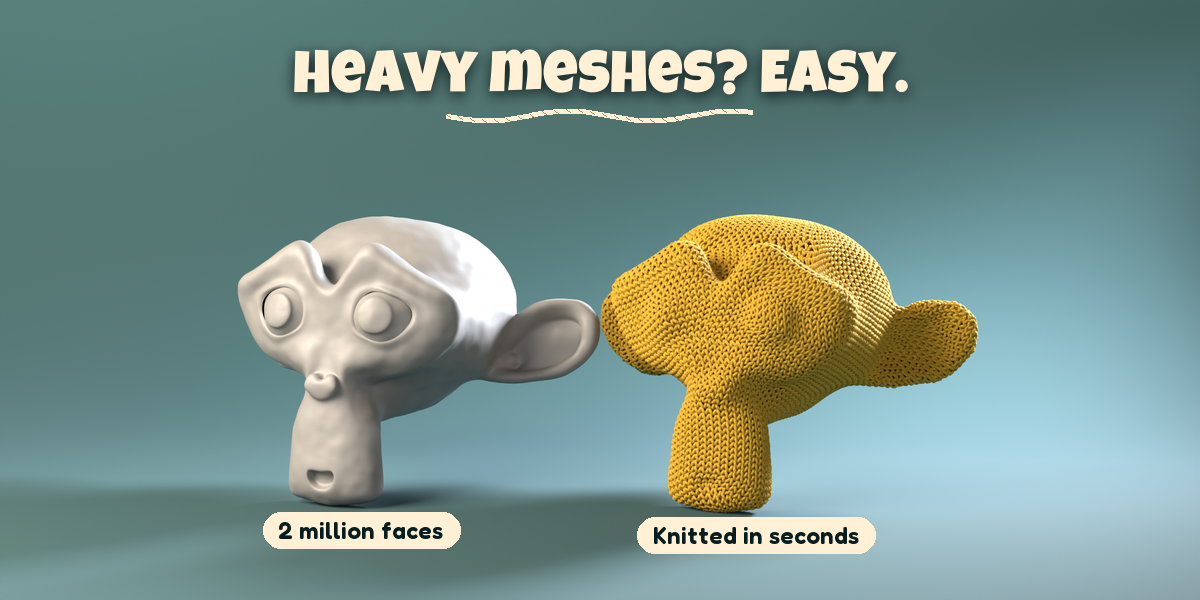
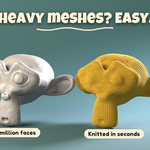
- Very dense models are simplified automatically; the Max Stitches limit keeps huge pieces responsive.
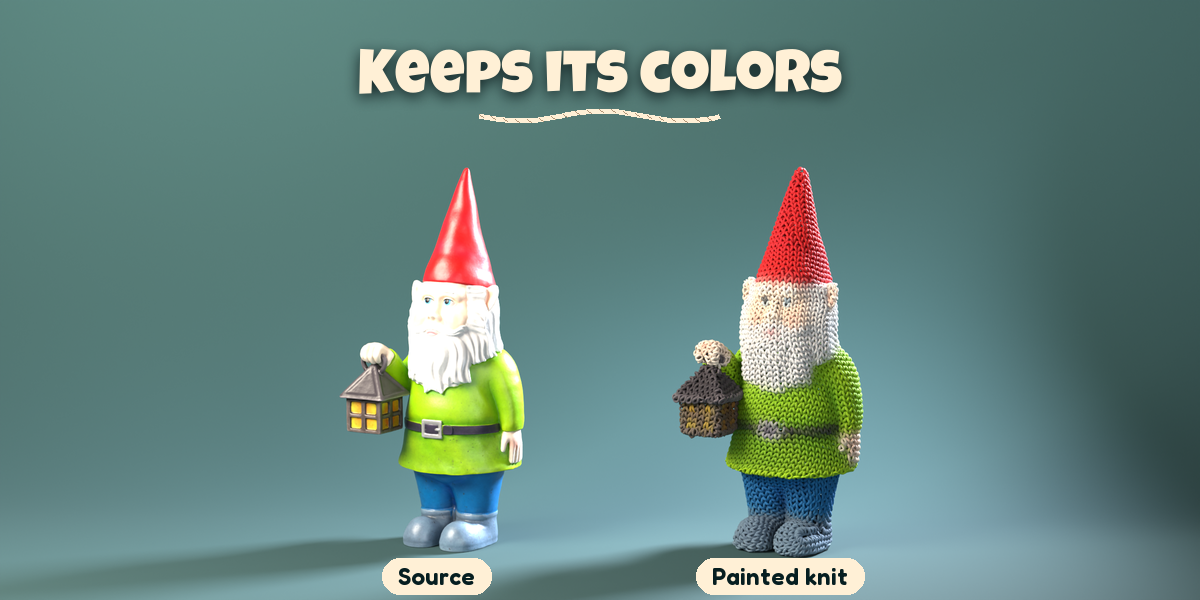
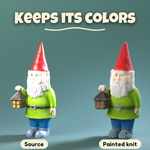
- Object Colors and Painted (Smooth) need a source with an image texture, a material color or a color attribute; Painted blends them smoothly along the yarn (Softness sets how much).
Have questions about this product?
Login to message
| Blender Extension Compatible | Yes |
| Published | about 3 hours ago |
| Blender Version | 4.2 - 5.2 |
| Extension Type | Add-on |
| Render Engine Used | Cycles, Eevee |
| License | GPL |

Discover more products like this
procedural knit yarn-bombing yarn cloth plush knitwear knitting converter wool mesh-to-knit fabric