 H3 STUDIO ZOO




What is Knotus?
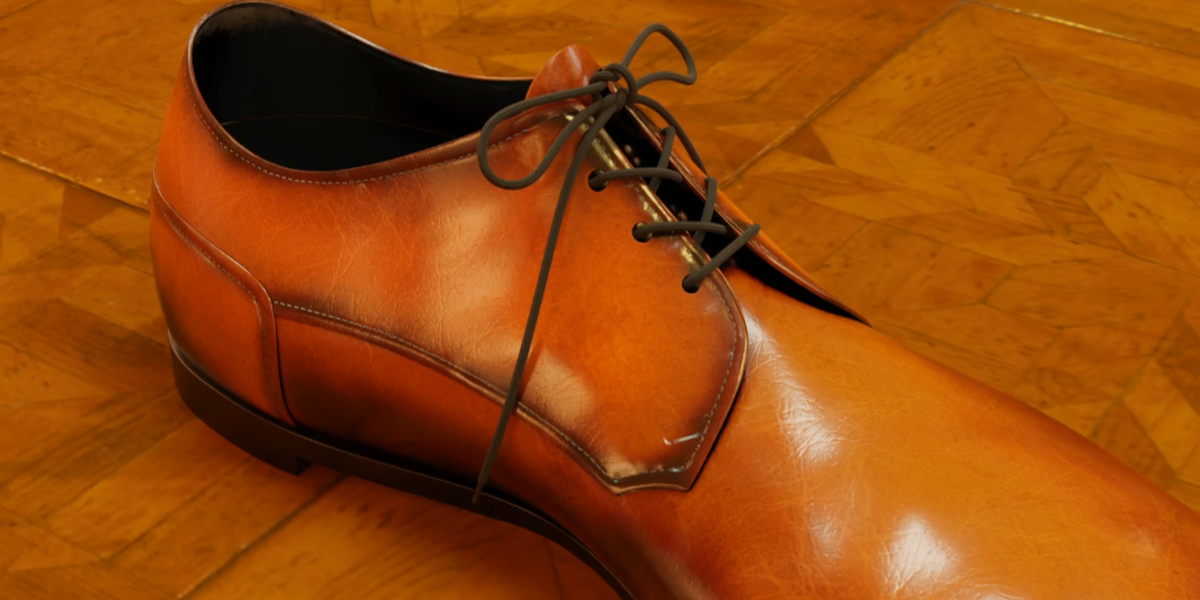
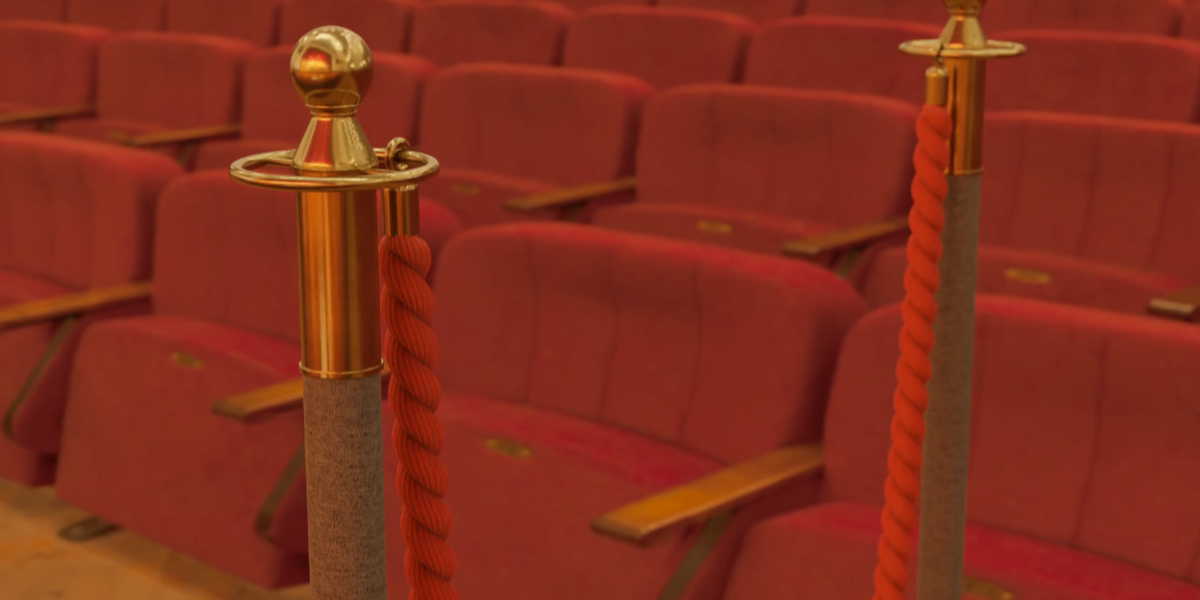
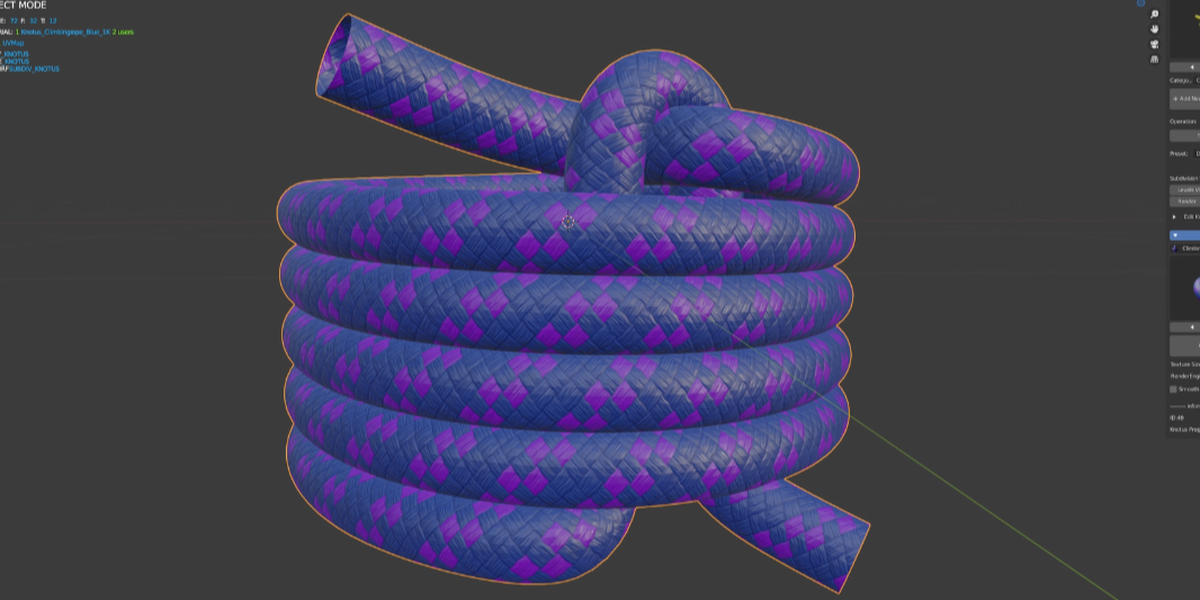
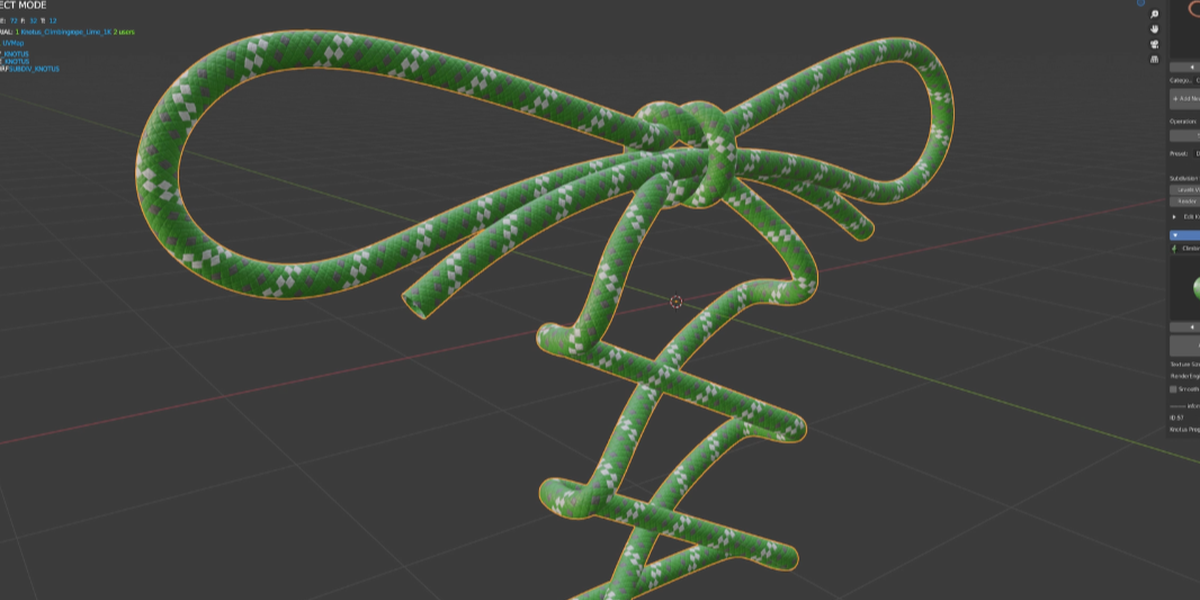
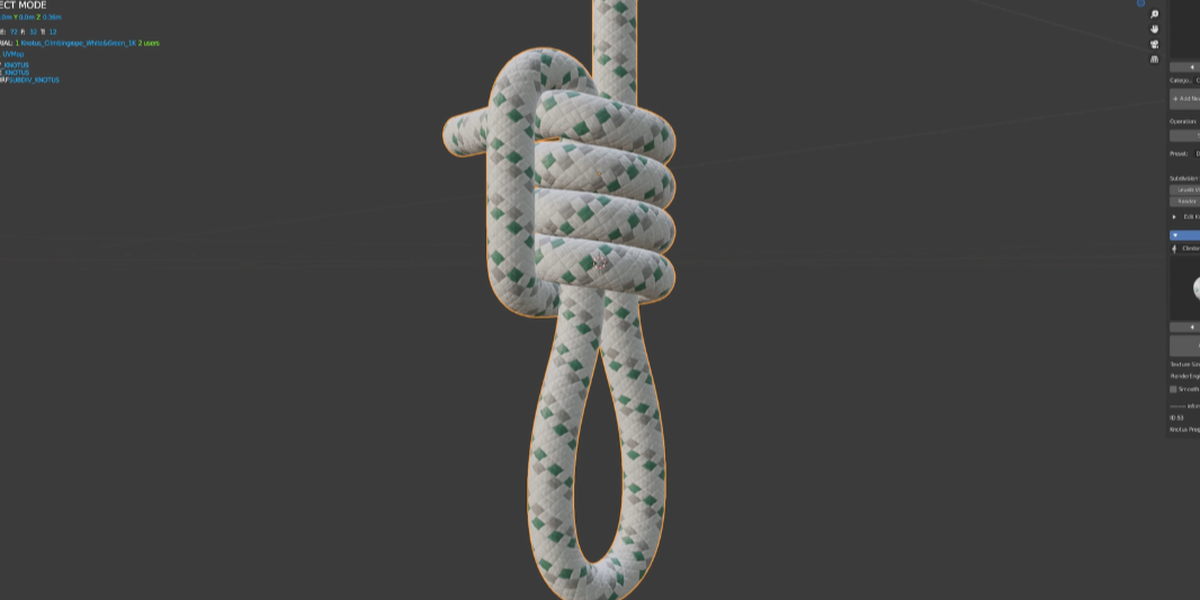
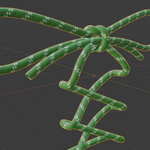
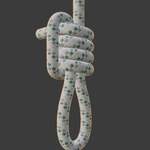
Knotus is an add-on that includes many assets and materials to easily create strings and knots. You can create hard-to-knot knots, slip knots, icicle hitches, and more with just a few clicks. You can also easily create pipes and cables from edge polygons.
Now compatible with Blender 5.2.
About support
Development and support for this version have ended. Similar functionality can now be achieved with Geometry Nodes, which reduces the need for further development.
As a final update, an automatic cap creation command has been added. This allows for easy creation of caps.
A Geometry Nodes version of Knotus is currently in development. When it is released, we plan to offer an 80% off coupon code to all current Knotus customers.
Thank you very much for your continued support.
We appreciate your understanding, thank you very much.
Features
- Asset library - over 100 knots.
- Preset string shapes.
- Ability to edit free mesh shapes.
- Free Tube - Create a pipeline from edge polygons with one click.
- Free Colouring Materials.
- Texture size - 1K to 4K available.
- Auto Displace - Automatic switching of Displace Modifire in EEVEE and Displace node in Cycles.
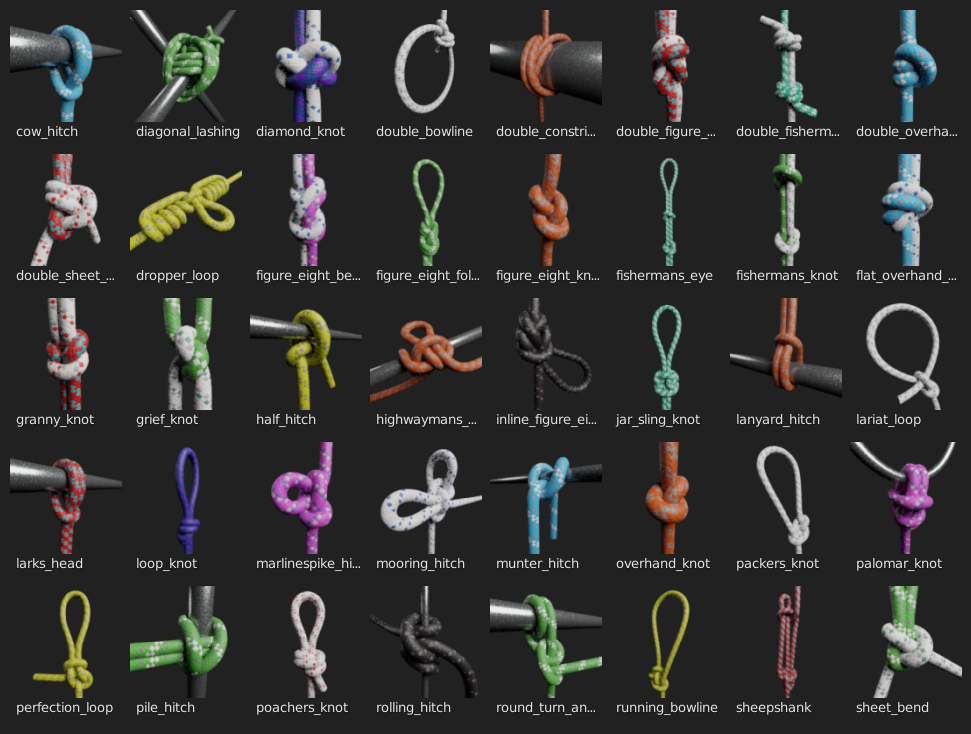
Knotus v1.1 Now
- Free Colouring Materials.
- Mesh Copy Attribute.
- KTP2 Ready.
The textures have been changed to "KTP2" to allow more flexibility in coloring.Please unzip "KTP2" to a location of your choice and select a new "KTP2" folder, as it is no longer compatible with the previous "KTP".
You can now choose the folder where you want to create your custom knots, and follow the rules to create the assets you want.

Installation
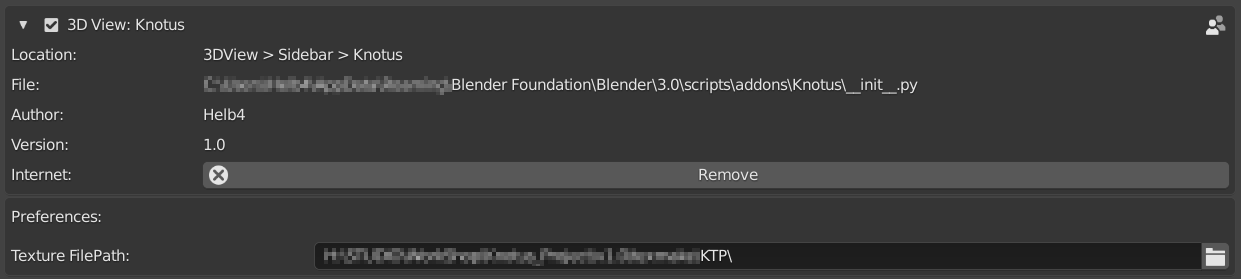
- Download the "Knotus" add-on and "KTP2"(Knotus Texture Pack 2).
- Unzip the "KTP2.zip"
- Edit->Preferences->Add-ons->Install "Knotus"
- Texture Filepath : Select "KTP2" folder that you just unzipped.
Load Assets
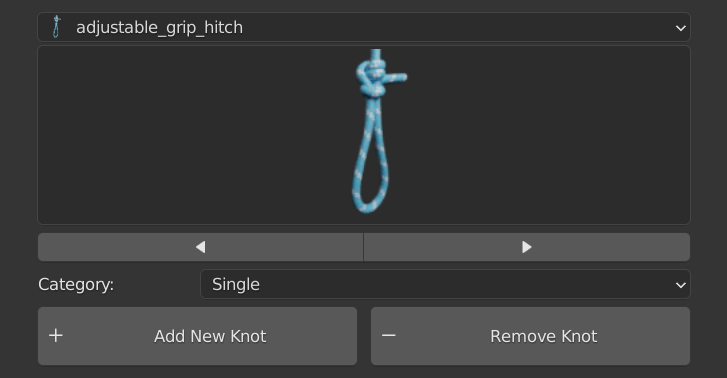
- Add New Knot - Load the Knotus guide object.
- Remove Knot - Deletes a Knotus object.
Single Knot
Consecutive Knot
- Array Count - Set the number of consecutive times.
Convert to Knot

- Converts a Collection instance to a Base object and a Curve object.
Operation

- Knotus Object Renamer.
- Display Icon(Top Part) - Display state of the selected object.
- Camera icon(Top Part) - Rendering state of the selected object.
- Cursor icon - Select / Unselect All Knotus Objects.
- Display Icon - Display On / Off All Knotus Objects.
- Camera icon - Rendering On / Off All Knotus Objects.
- Switch Select - Toggle object and curve selection.
Preset

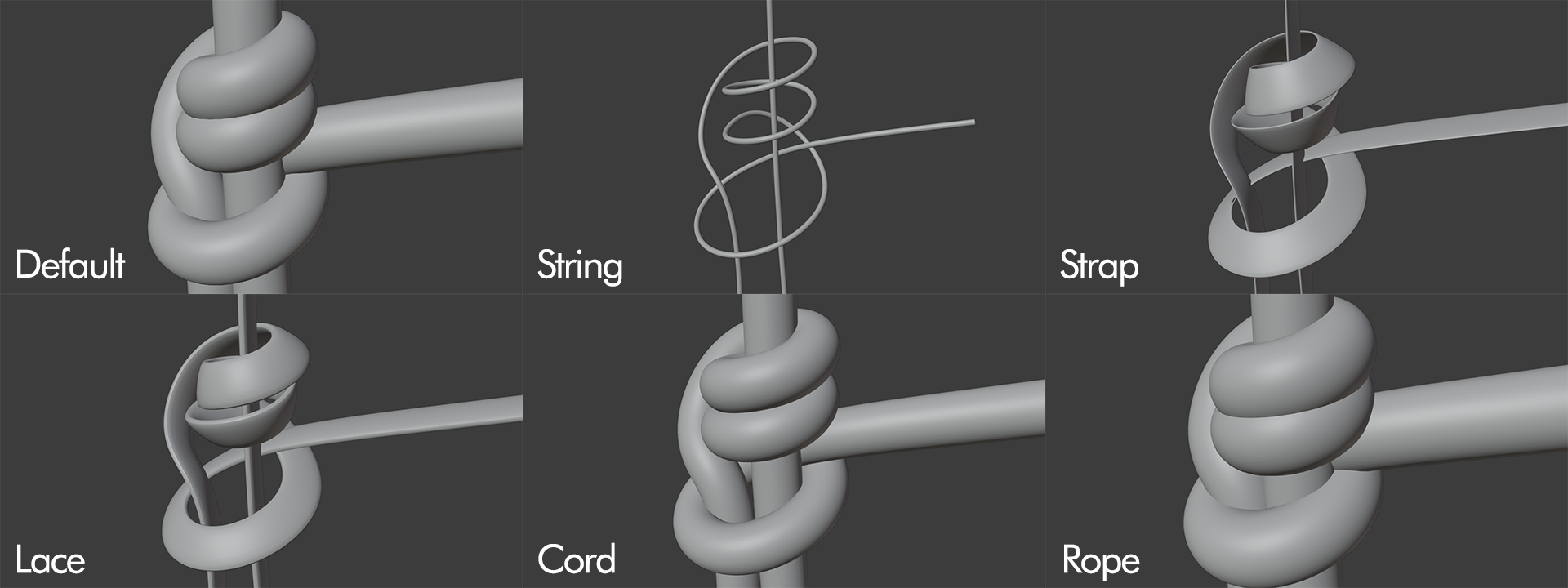
Free Tube
You can freely create pipelines from objects with only edge polygons.The created objects can be edited with Edit Knot Mesh and Materials can also be edited.
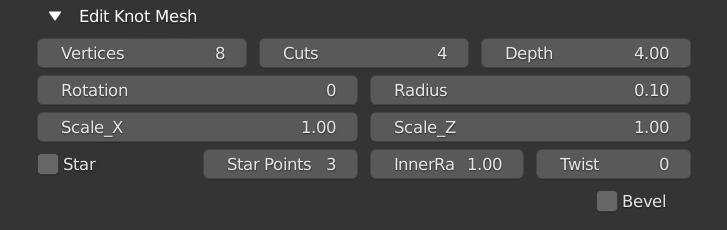
Edit Knot Mesh
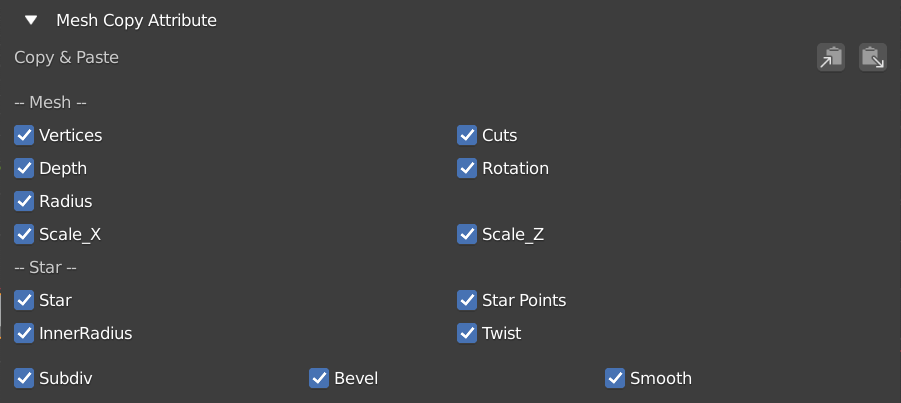
Mesh Copy Attribute
Edit Knot Mesh changes can be copied and pasted to multiple objects simultaneously.
Free Colouring Materials
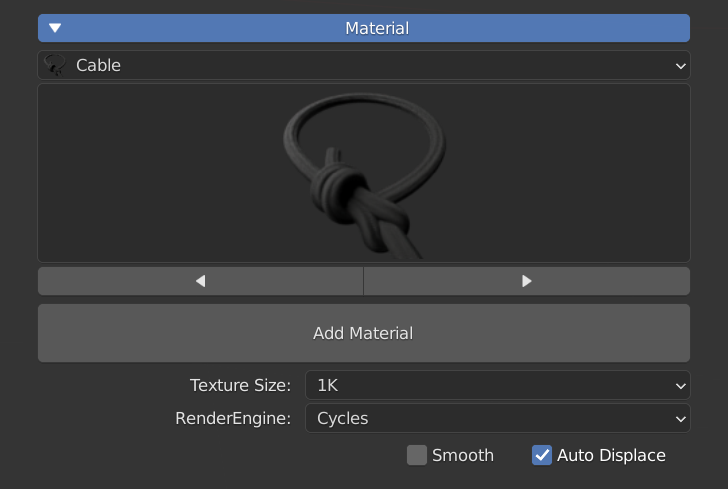
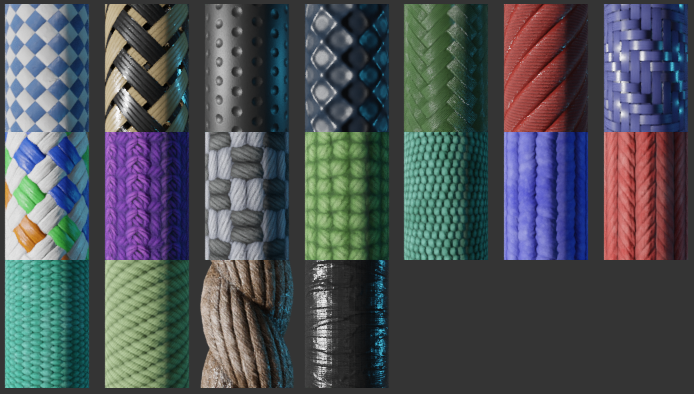
- Auto Displace - Automatic switching of Displace Modifire in EEVEE and Displace node in Cycles.
Future plans
- v1.2 - Sci-fi Cable Materials and more Materials.
- v1.3 - Make Cap.