 PIP Lab
INSTALLATION
1. Download and unzip all files into the same folder. Keep the folder structure unchanged.
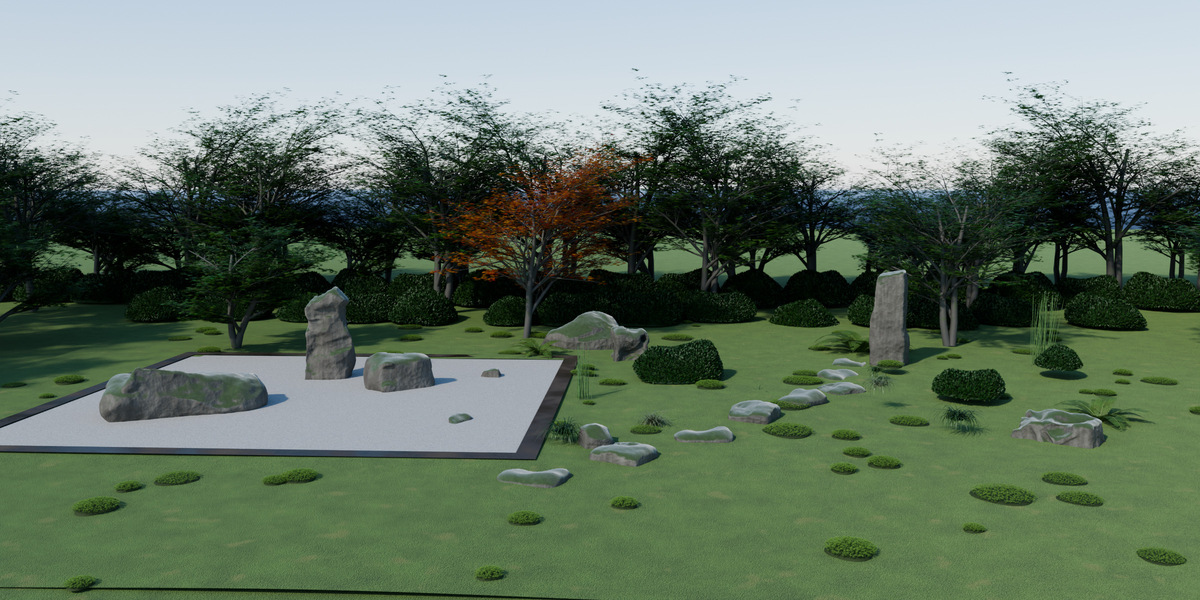
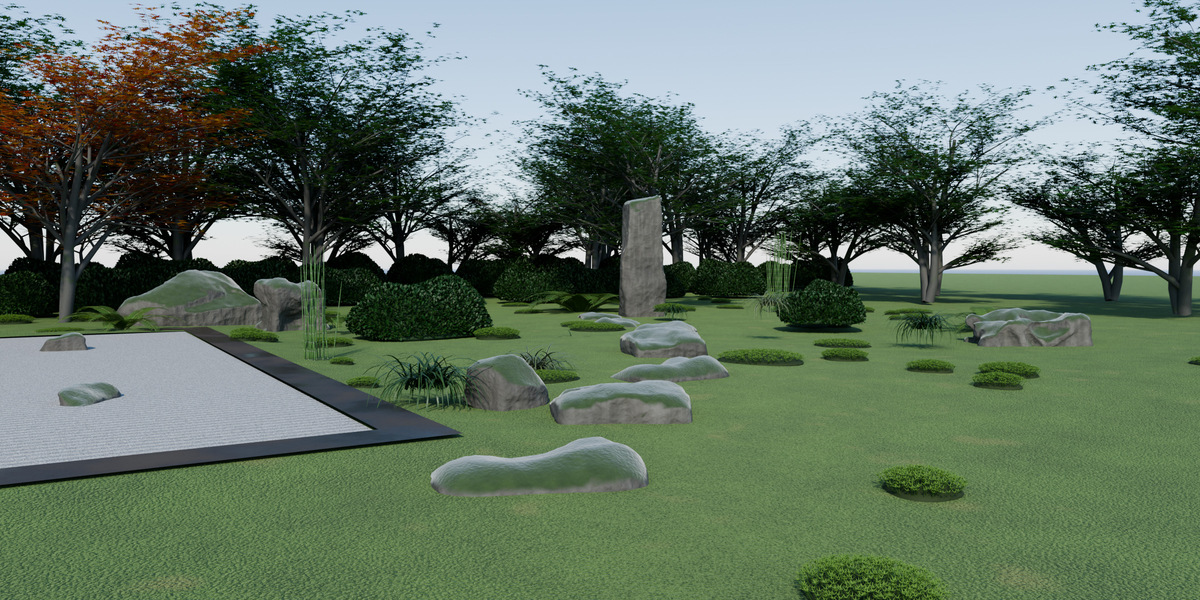
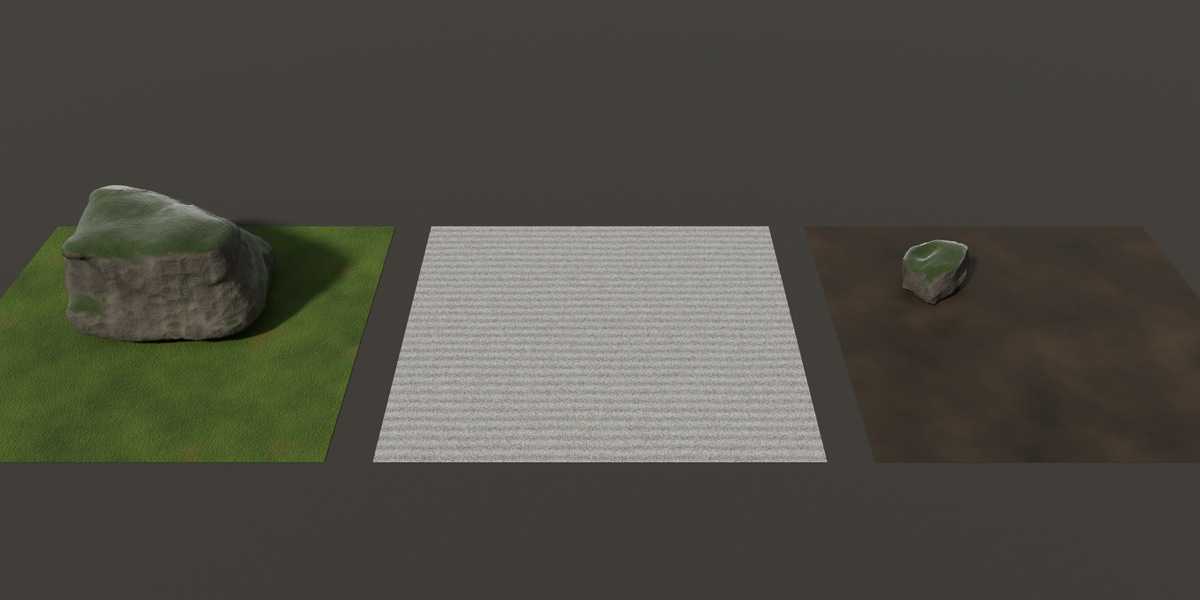
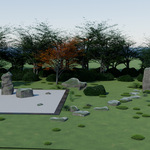
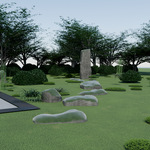
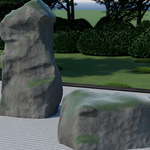
2. Open KG_Vol1_DemoScene.blend and press F12 to render the demo scene (3 cameras included: KG_Cam_Hero, KG_Cam_CloseUp, KG_Cam_Path).
ADD THE PACK TO YOUR ASSET BROWSER
1. Edit > Preferences > File Paths > Asset Libraries > click "+".
2. Select the unzipped KokeGarden_Vol1 folder and give it a name.
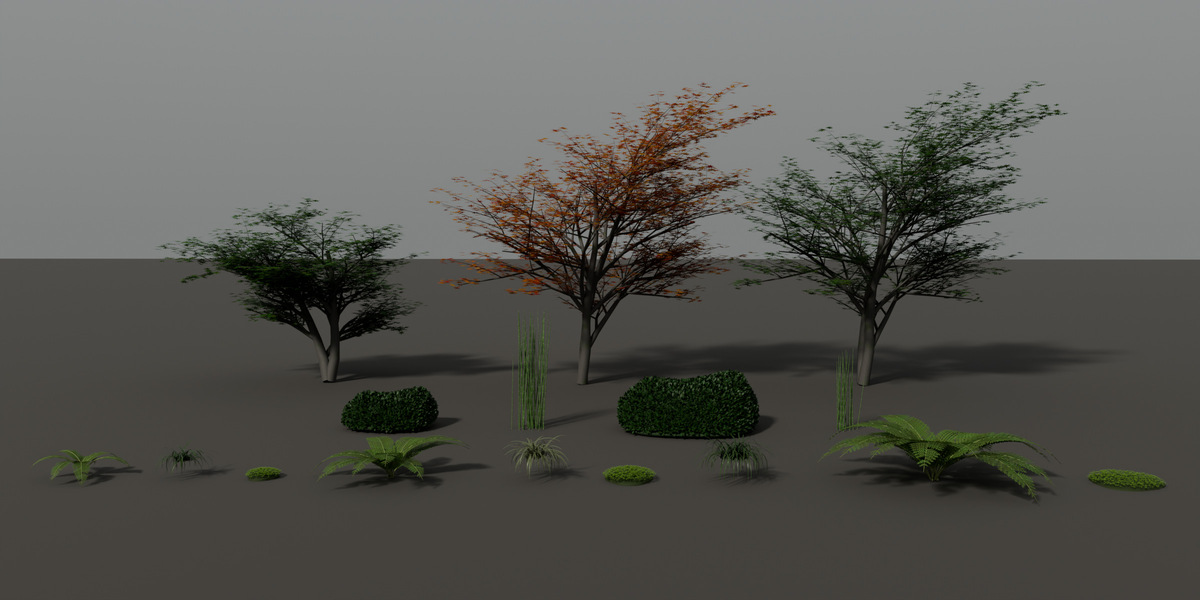
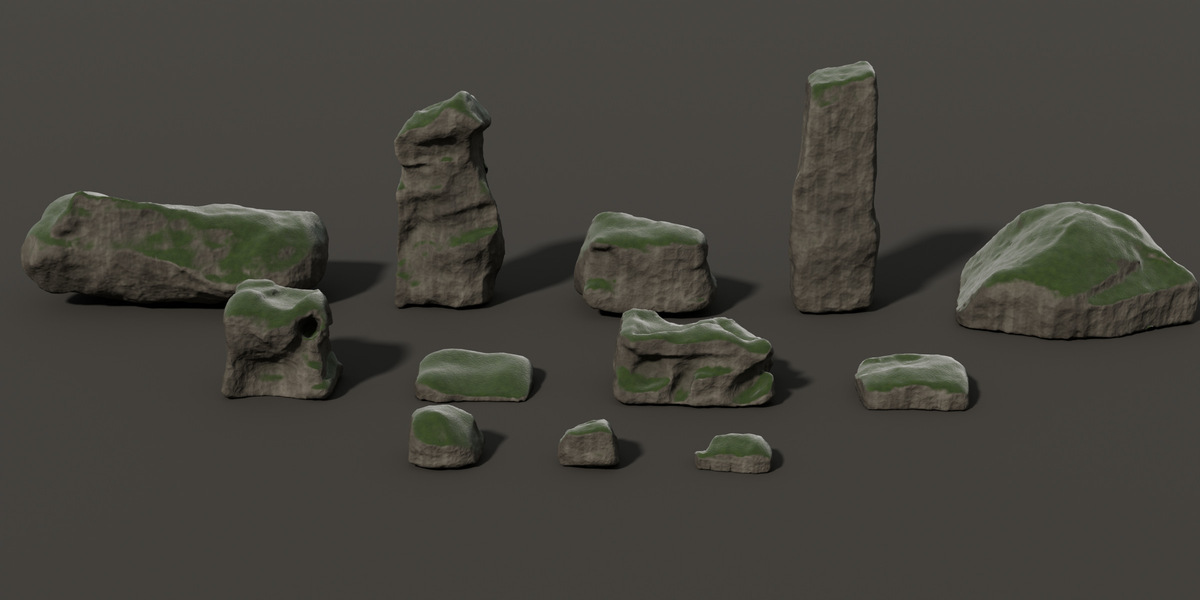
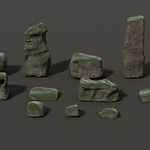
3. Open the Asset Browser in any file, choose the library and drag assets into your scene. Every rock and plant arrives as one clean object with its origin at the base.
MOSS ON YOUR OWN MODELS
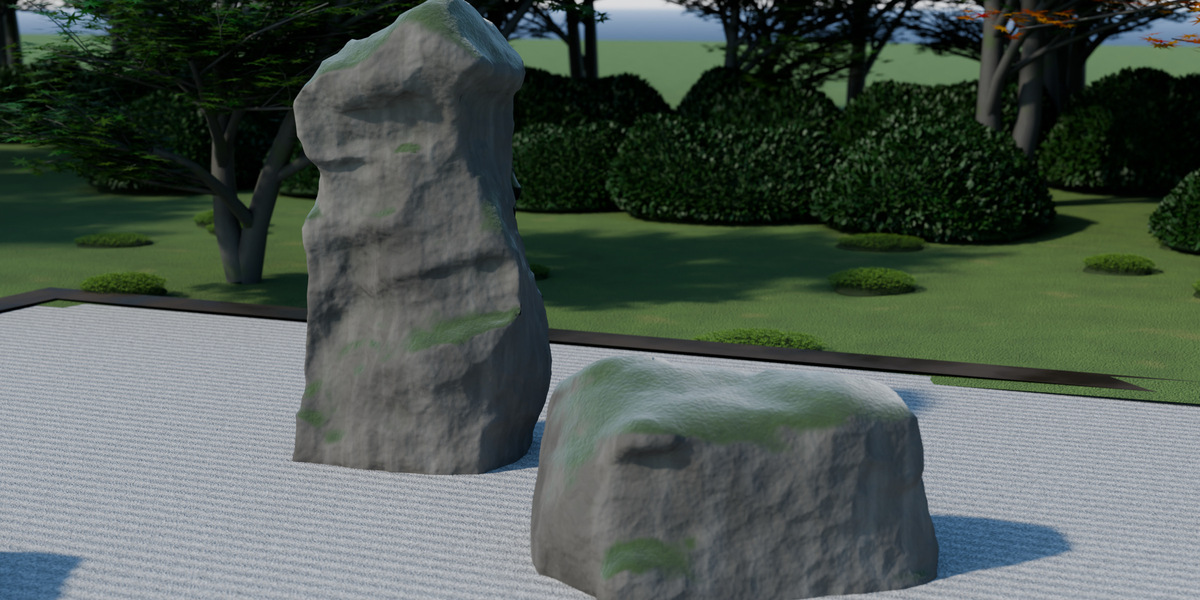
- Shader moss: in the Shader Editor press Shift+A > Group > NG_KG_MossCover. Plug your material into "Base Shader" and adjust Coverage, Edge Softness and the moss colours.
- 3D moss: select a mesh > Add Modifier > Geometry Nodes > NG_KG_MossScatter, then pick a collection of moss objects in "Instances". Density, Max Slope, Scale and Seed are adjustable.
4K TEXTURES
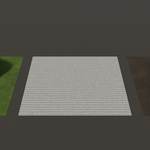
The files use the 2K textures. 4K versions (same names ending in _4K) are in textures/4K. In the Image Editor, use Image > Replace to switch any texture to its 4K version.
Have questions about this product?
Login to message
| Published | 1 day ago |
| Blender Version | 5.2 |
| Render Engine Used | Cycles, Eevee |
| Misc Data | Uvs-Unwrapped, Normal-Mapped, Textured |
| License | Royalty Free |
Discover more products like this
rocks Azalea asset-browser Fern Zen Garden #nature geometry nodes stones japanese maple moss japanese-garden karesansui