 Kore
Kore


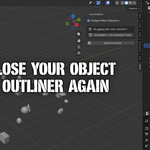
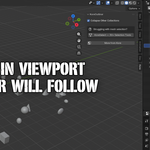
Never lose your object in the Outliner again
Working with complex scenes? Tired of scrolling through the Outliner to find the object you just clicked? KoreOutliner fixes that — automatically.
How it works
- Auto-scroll — Click any object in the 3D Viewport and the Outliner instantly scrolls to show it
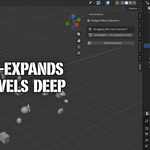
- Auto-expand collections — Collapsed parent collections are expanded automatically, even 5+ levels deep
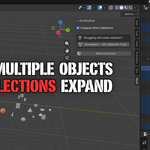
- Multi-select support — Select multiple objects and all their parent collections expand to reveal them
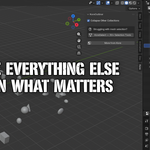
- Collapse others — Optional: collapse all other collections when focusing, keeping your Outliner clean
- Lightweight — Near-zero performance impact, even in heavy scenes
Installation
Blender 4.2+: Download the blender4.2 zip. Edit > Preferences > Get Extensions > Install from Disk.
Blender 3.6: Download the blender3.6 zip. Edit > Preferences > Add-ons > Install from File.
Settings
Open the N-panel (press N in the 3D Viewport) > Kore tab. Toggle Collapse Other Collections to keep your Outliner focused on the active selection.
Compatibility
- Blender: 3.6, 4.0, 4.1, 4.2, 4.3, 4.4, 4.5, 5.0, 5.1
- Platforms: Windows, macOS, Linux
- Single file addon, no dependencies
More from Kore
Check out KoreSelect — 30+ interactive selection tools for Blender with real-time visual preview.
Have questions about this product?
Login to message
Discover more products like this
outliner auto-scroll ui navigation focus productivity Selection Workflow interface highlight