 ZEG
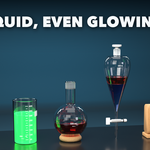
Installation
In Blender open Edit, Preferences, Get Extensions, then use Install from Disk and pick the lab_glassware_generator zip.
Usage
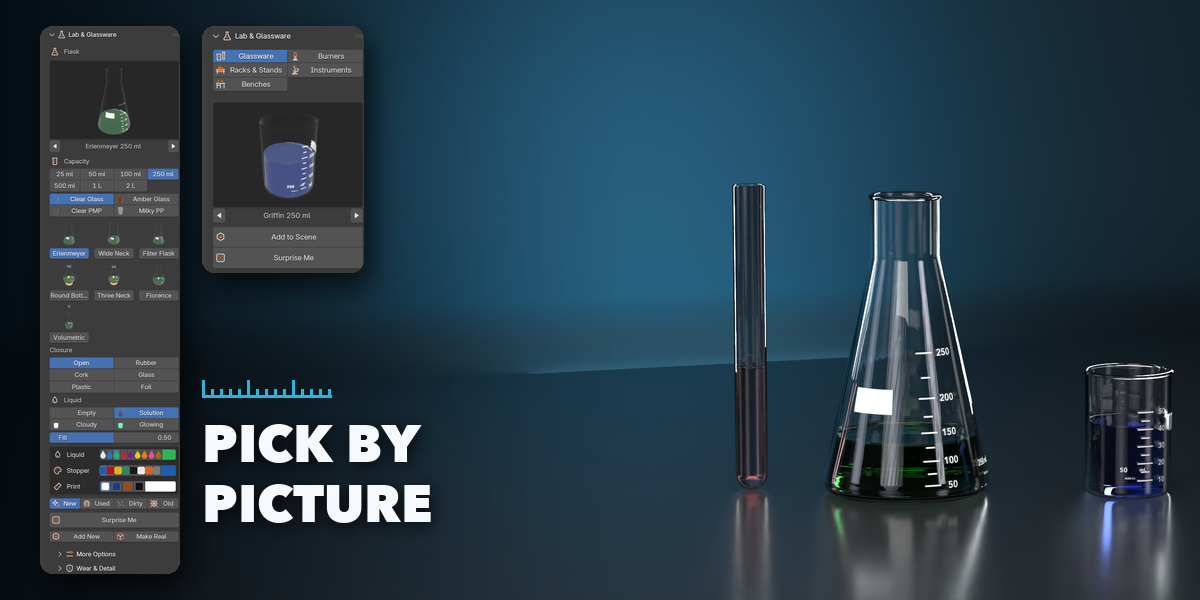
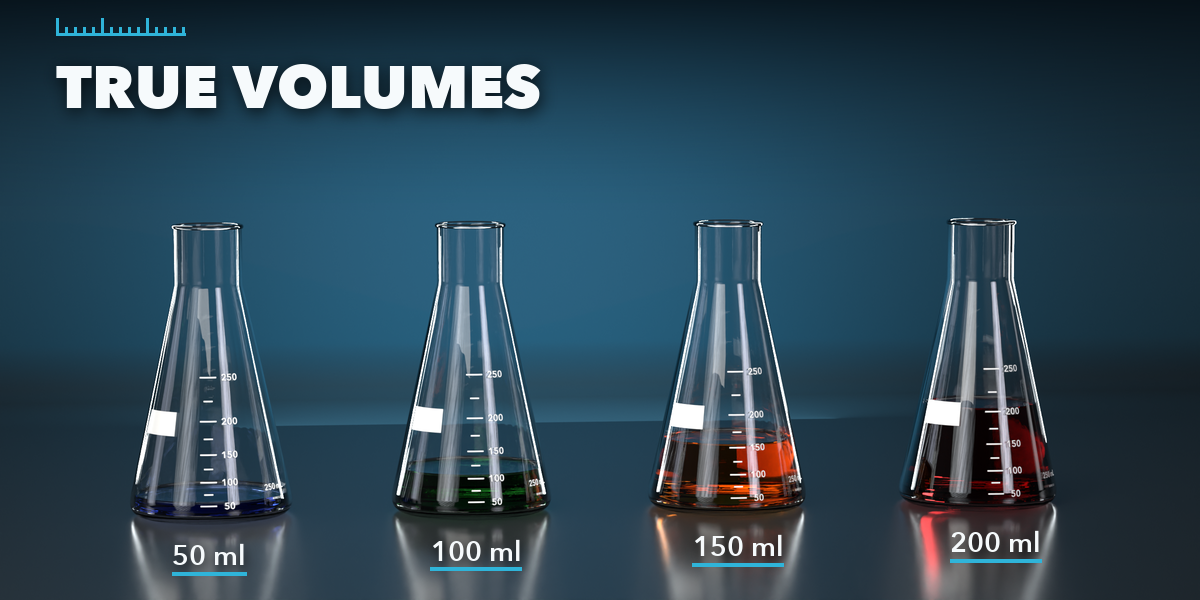
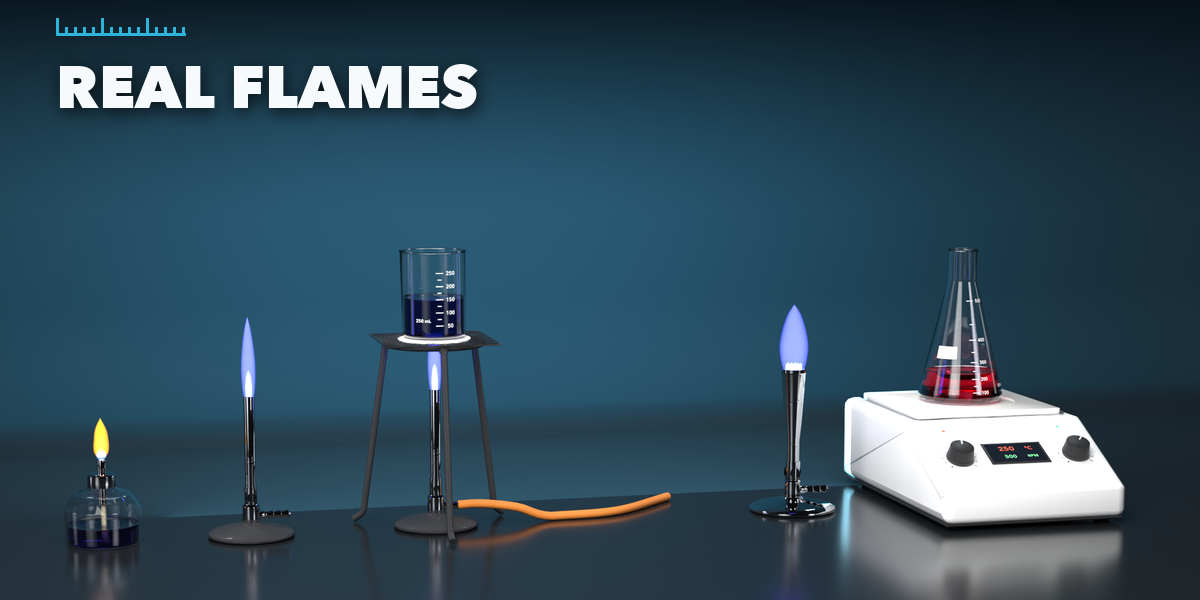
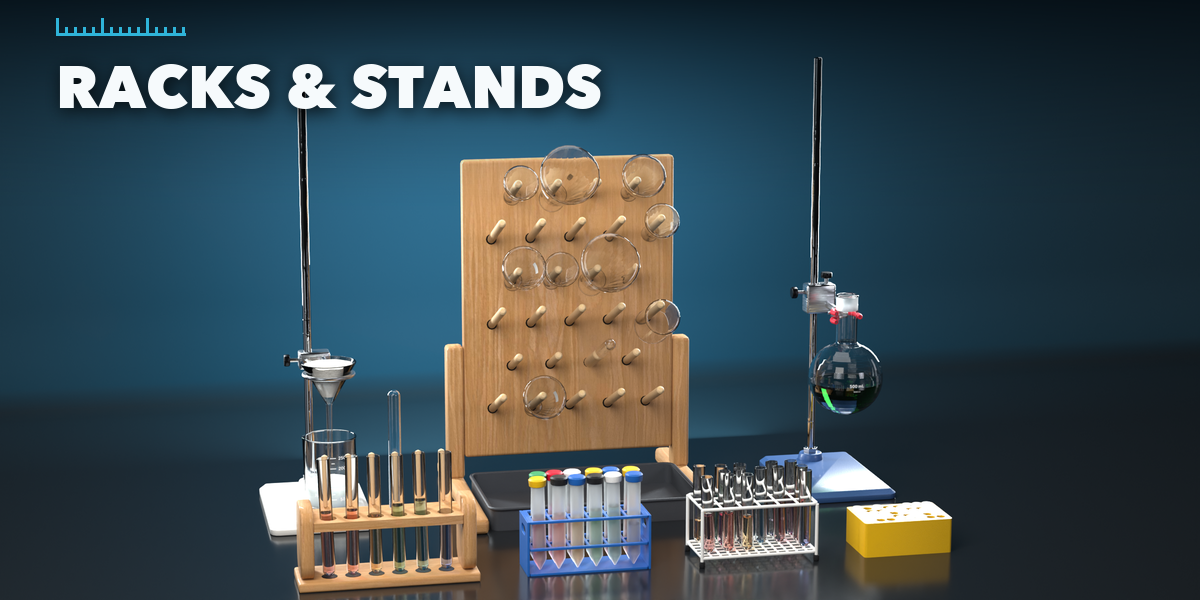
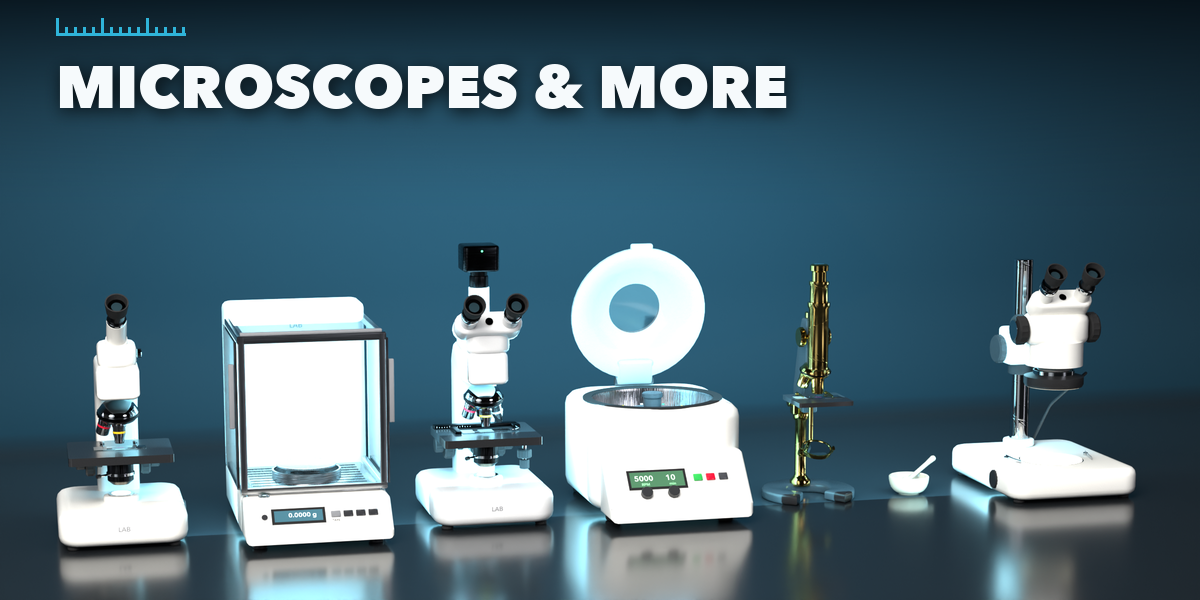
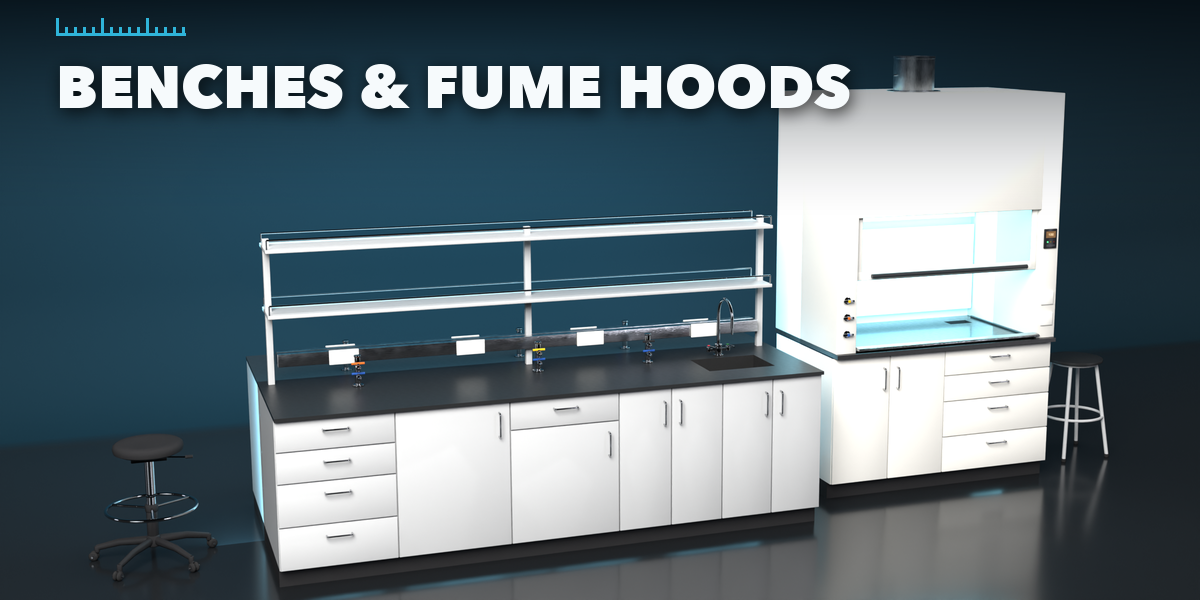
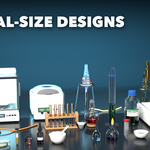
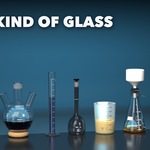
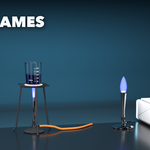
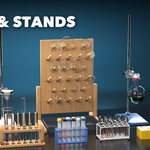
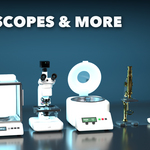
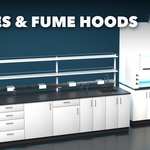
- Open the Lab tab in the 3D viewport sidebar (N). With nothing selected, pick a category (Glassware, Burners, Racks & Stands, Instruments, Benches), click the picture to choose a design and press Add to Scene. You can also use Shift+A, Lab & Glassware.
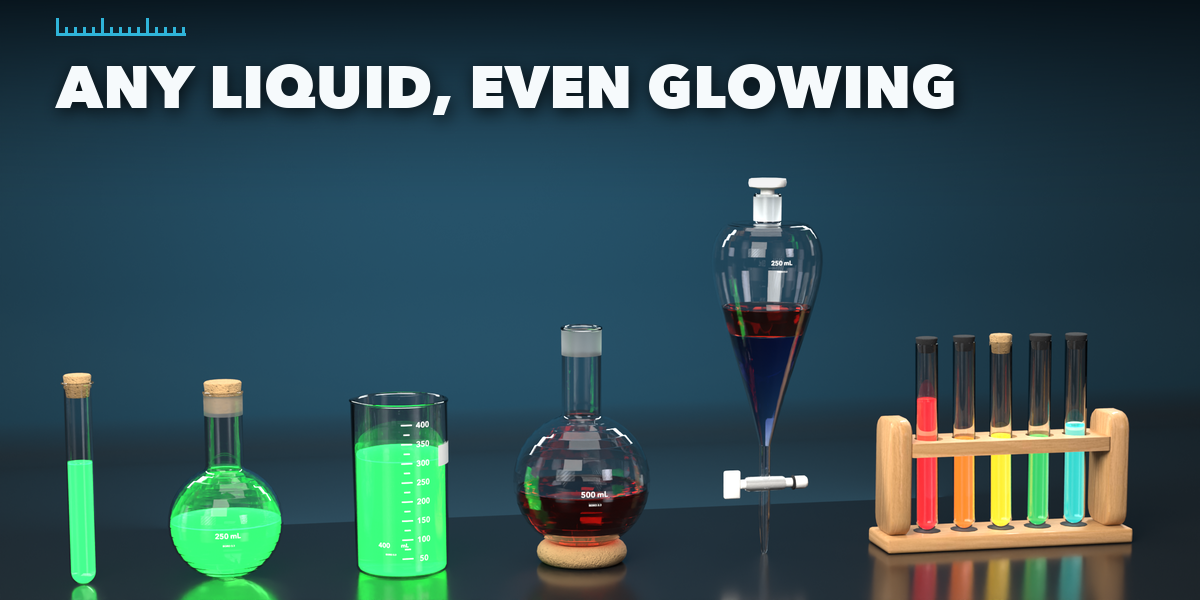
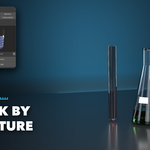
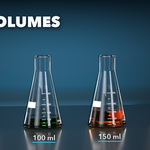
- Select an item to edit it: the picture and arrows switch its design, the buttons below change its main choices (shape, capacity, closure, flame...), the glass and liquid pictures set the material, the fill slider sets the liquid level and the swatches set liquid, accent and frame colors.
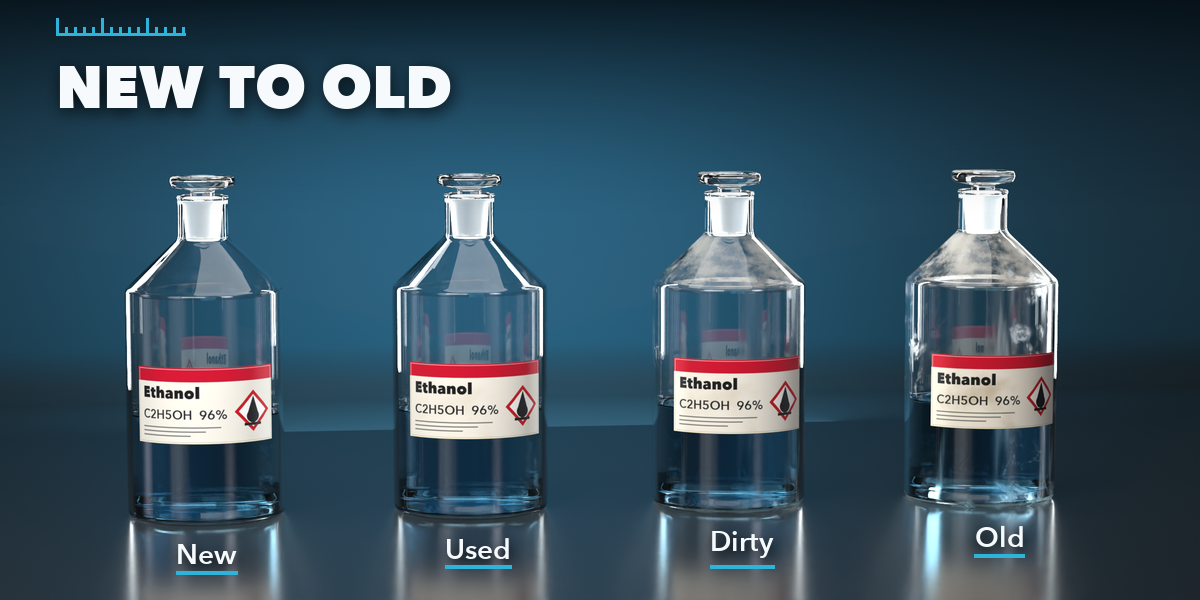
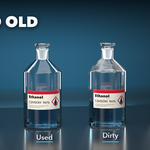
- The condition buttons age it from New to Old; Wear & Detail holds fingerprints, dust, the random seed and the detail level.
- Surprise Me makes a random item, or a new look for the selected one. Make Real turns an item into a plain mesh.
- Glass and liquid materials rebuild themselves when you switch between Cycles and EEVEE.
Have questions about this product?
Login to message
| Blender Extension Compatible | Yes |
| Published | about 14 hours ago |
| Blender Version | 4.2 - 5.2 |
| Extension Type | Add-on |
| Render Engine Used | Cycles, Eevee |
| License | GPL |

Discover more products like this
bunsen-burner lab beaker test tube Science flask microscope laboratory Generator glassware chemistry props