Lamp Generator
 Denis
Denis



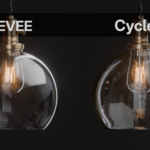
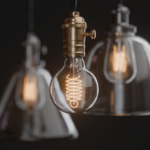
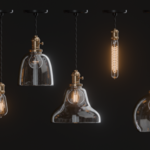
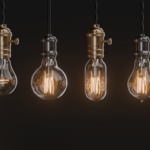
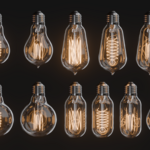
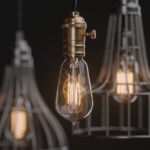
How to Use Lamp Generator
- Create a folder and place lamp_generator_v01.blend inside.
- Add this folder as an Asset Library in Blender’s Preferences.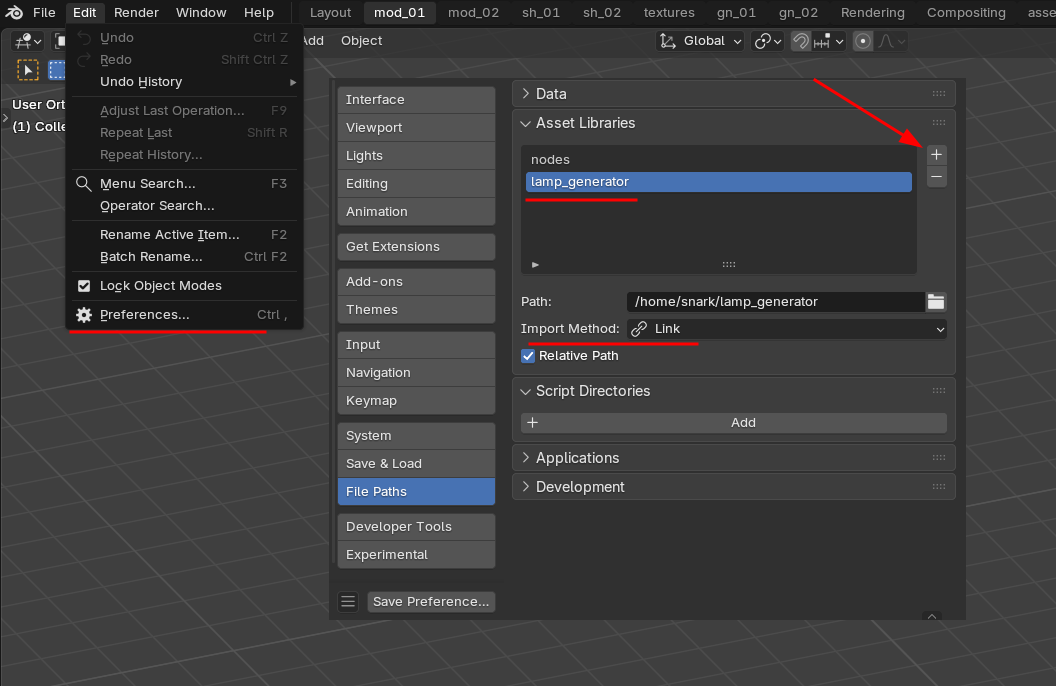
- Open the Asset Browser — Lamp Generator will now appear.
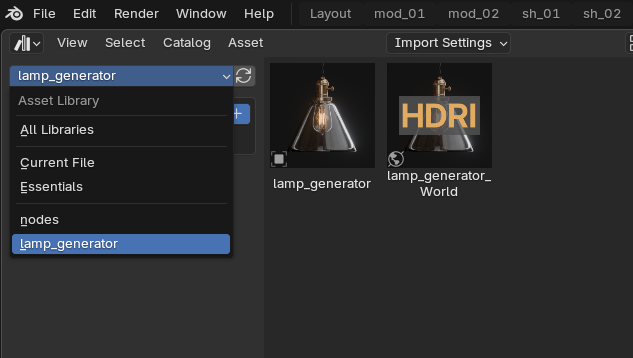
- Drag and drop Lamp Generator from the Asset Browser into your scene and Make Local.
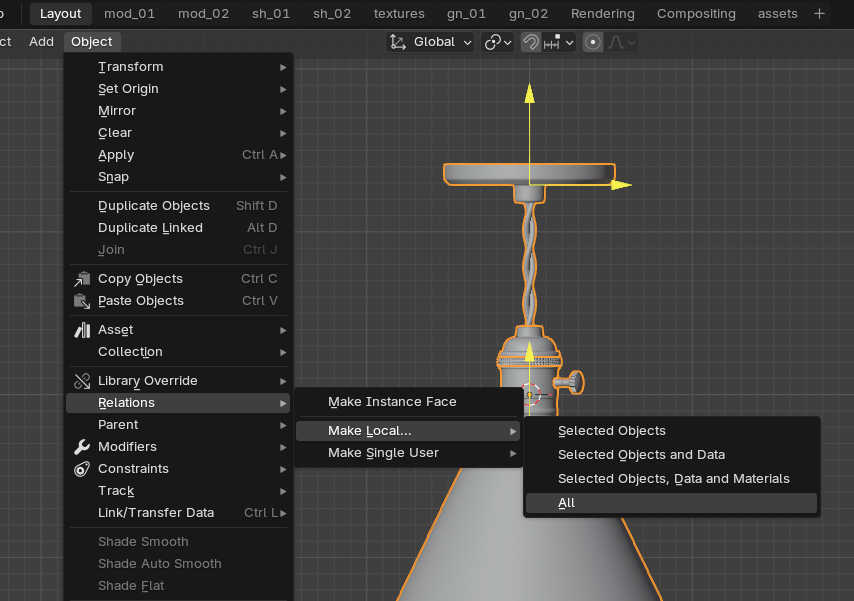
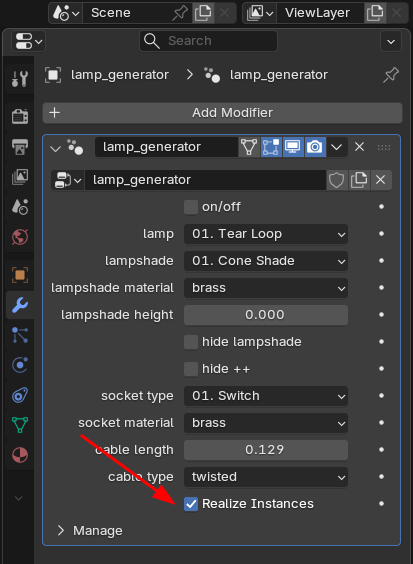
- Optional: Realize Instances to convert the lamp into a mesh.
$15
Have questions about this product?
Login to message
| Sales | 20+ |
| Rating | 3 ratings |
| Published | 11 months ago |
| Blender Version | 4.5 |
| Render Engine Used | Cycles, Eevee |
| License | Royalty Free |