 ZEG
Installation
In Blender open Edit, Preferences, Get Extensions, then use Install from Disk and pick the island_generator zip.
Usage
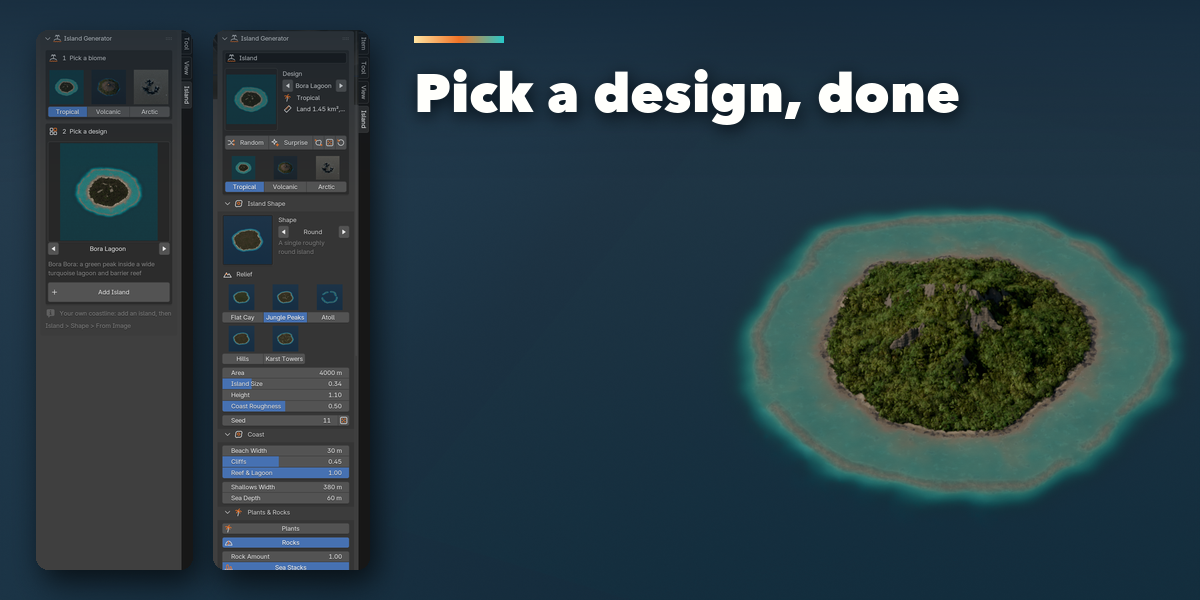
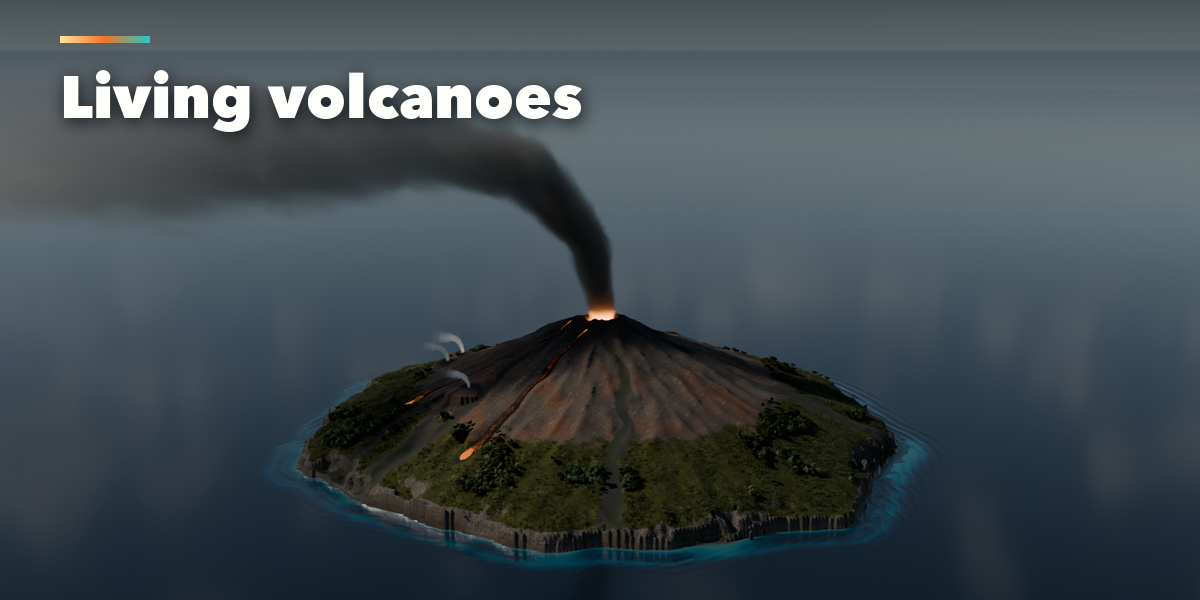
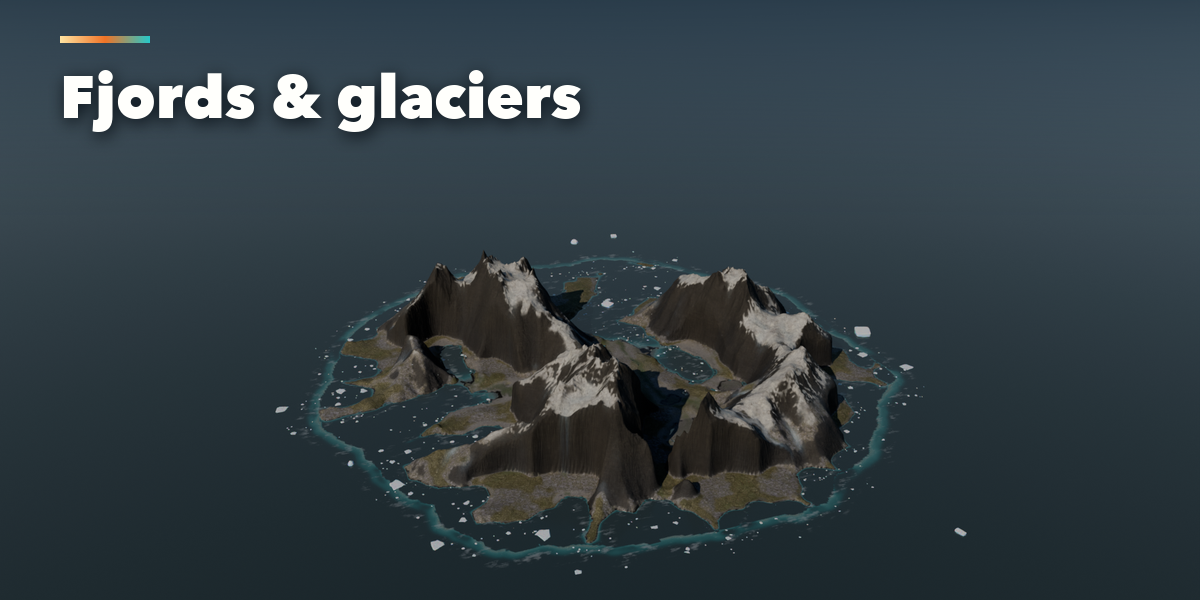
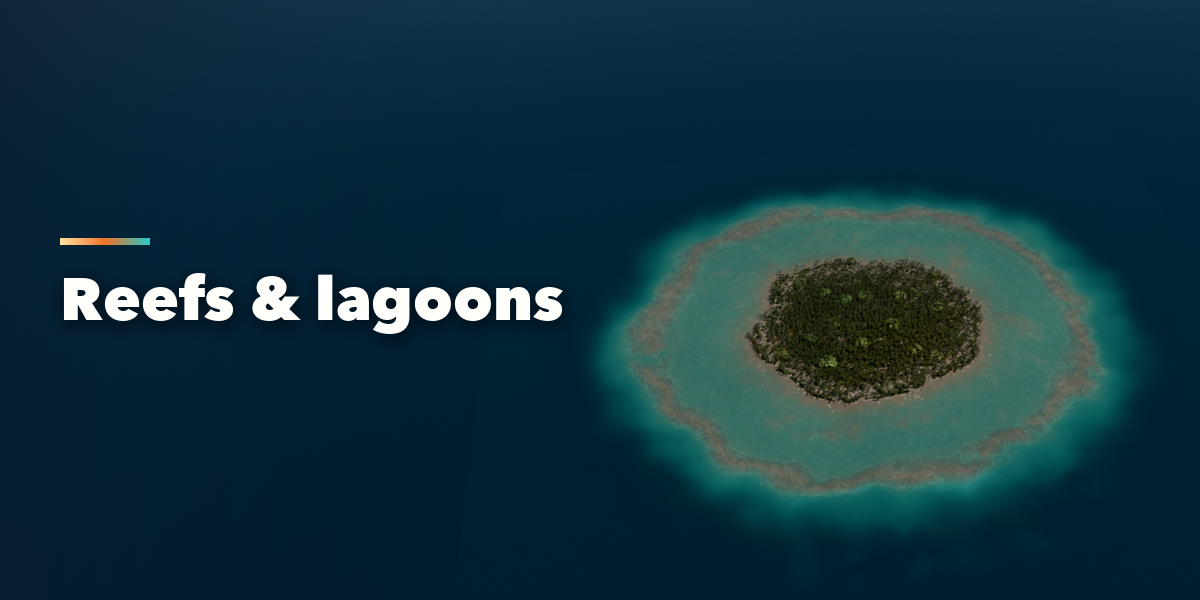
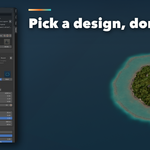
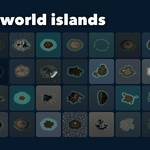
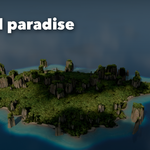
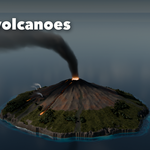
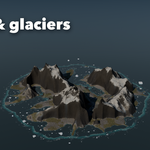
- Open the Island tab in the 3D viewport sidebar (N). Pick a biome (Tropical, Volcanic or Arctic), click the design picture to pick a design, then press Add Island. It appears at the 3D cursor; Shift+A, Island works too.
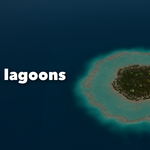
- With the island selected, change it in the sections below: Island Shape (shape, relief, size, height, seed), Coast (beaches, cliffs, reef and lagoon), Plants and Rocks, Volcano or Ice, Sea (waves, foam, water look) and Sky and Sun (sky preset, sun, clouds, haze). Only the changed part rebuilds.
- Random and Surprise make a new island; the dice next to Seed keeps the design but reshapes it. Reset to Design restores the picked design.
- For your own coastline pick the From Image shape and load a black and white mask or a height map.
- Plants to Mesh turns the plant instances into a real mesh for export. Delete Island removes the island with all its parts.
Volumetric clouds render best in Cycles; EEVEE uses a fast cloud sheet.
Have questions about this product?
Login to message
| Blender Extension Compatible | Yes |
| Published | about 1 hour ago |
| Blender Version | 4.2 - 5.2 |
| Extension Type | Add-on |
| Render Engine Used | Cycles, Eevee |
| License | GPL |
