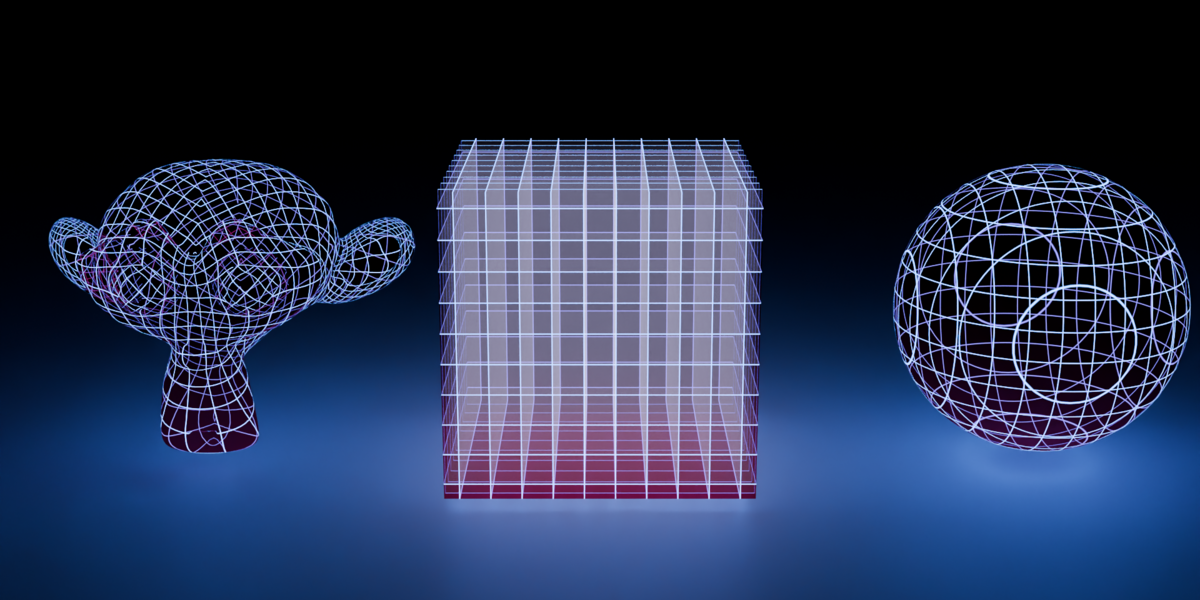
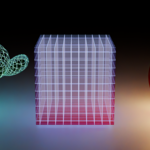
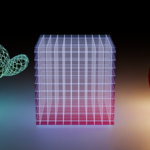
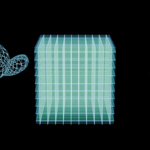
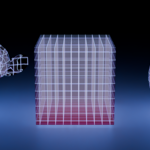
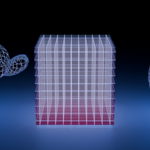
Laser Grid Material
 bradvatabg
in Sci Fi
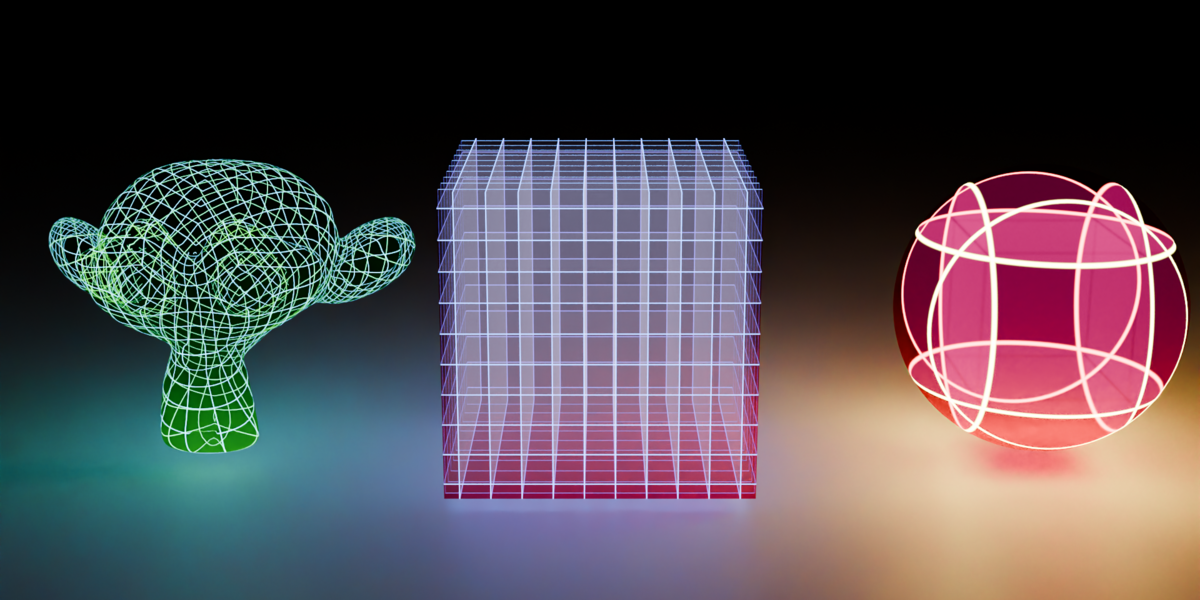
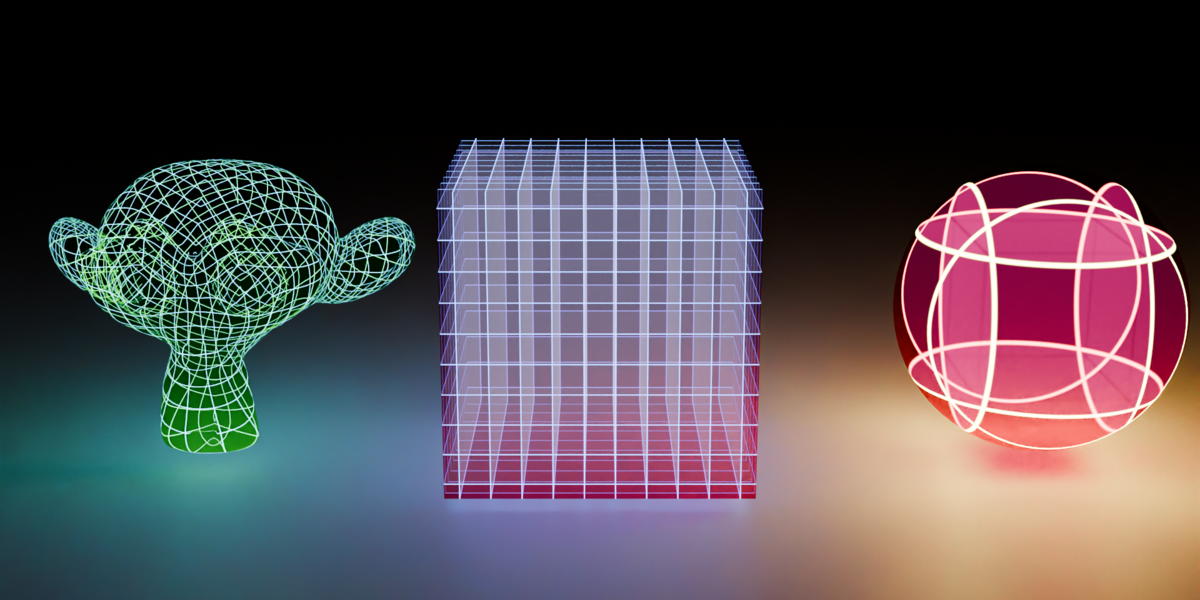
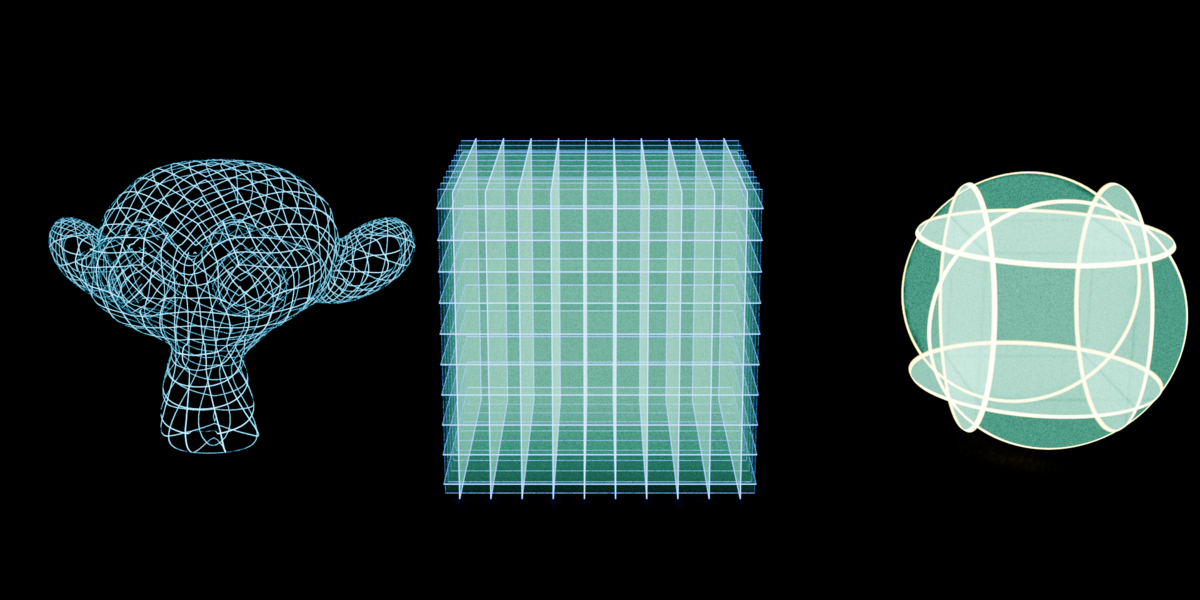
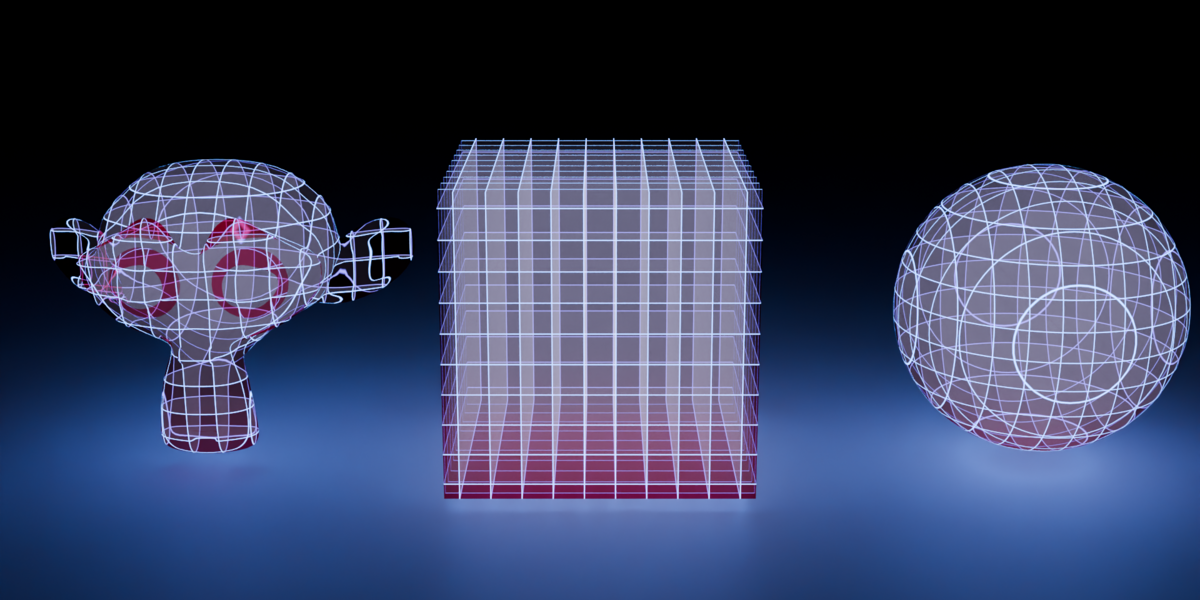
How to Import:
• Open your Blender project.
• Go to File > Append...
• Navigate to Laser Grid.blend > Material.
• Select the materials you want to use in your project and click Append.
• Alternatively, add the .blend file to your custom Blender Asset Library path.
Applying and customizing:
• Assign the material to your mesh.
• In the Shader tab or Material sidebar adjust the custom group inputs like Volume density.
• If using "laserGrid", remember to apply your object scale (CTRL + A > Apply Scale) for uniform grid distribution.
Engine notes:
• Cycles: Full volumetric light emission and path-traced depth work out of the box.
• EEVEE/EEVEE NEXT: Requires an internal/external light source for inner volume scattering, plus Bloom enabled in the compositor.
Have questions about this product?
Login to message
| Published | 1 day ago |
| Blender Version | 4.0 - 5.2 |
| Render Engine Used | Cycles, Eevee |
| License | Royalty Free |

Discover more products like this
3d shader 3D nodes blender node material 3d sci fi animated-procedural-texture laser