 ZEG
Installation
In Blender open Edit, Preferences, Get Extensions, then use Install from Disk and pick the alcohol_glass_generator zip.
Usage
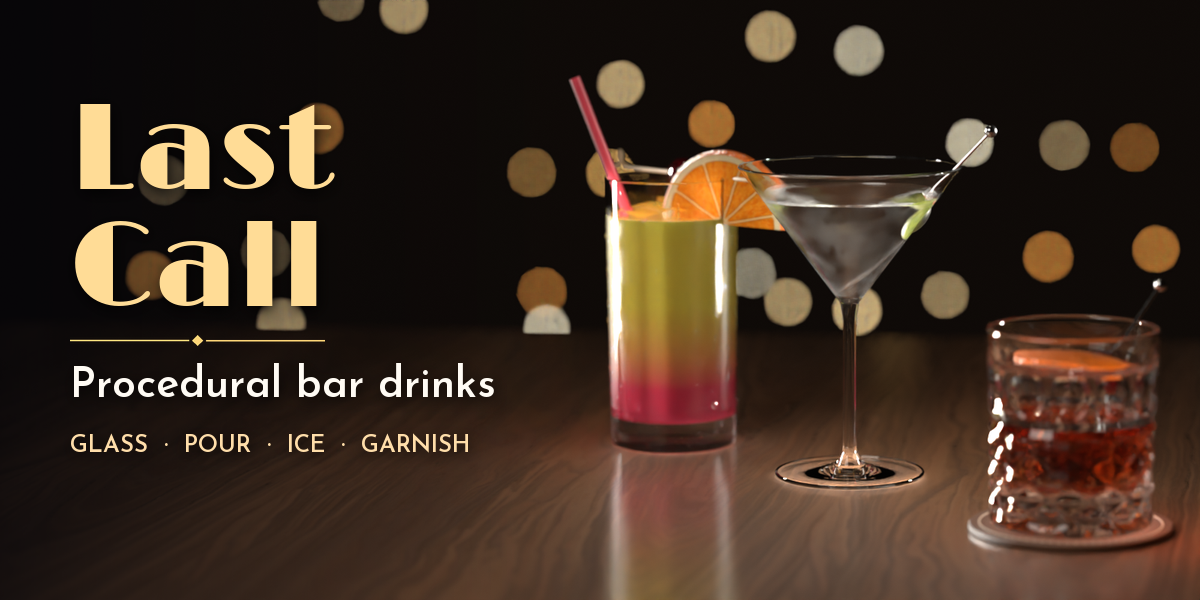
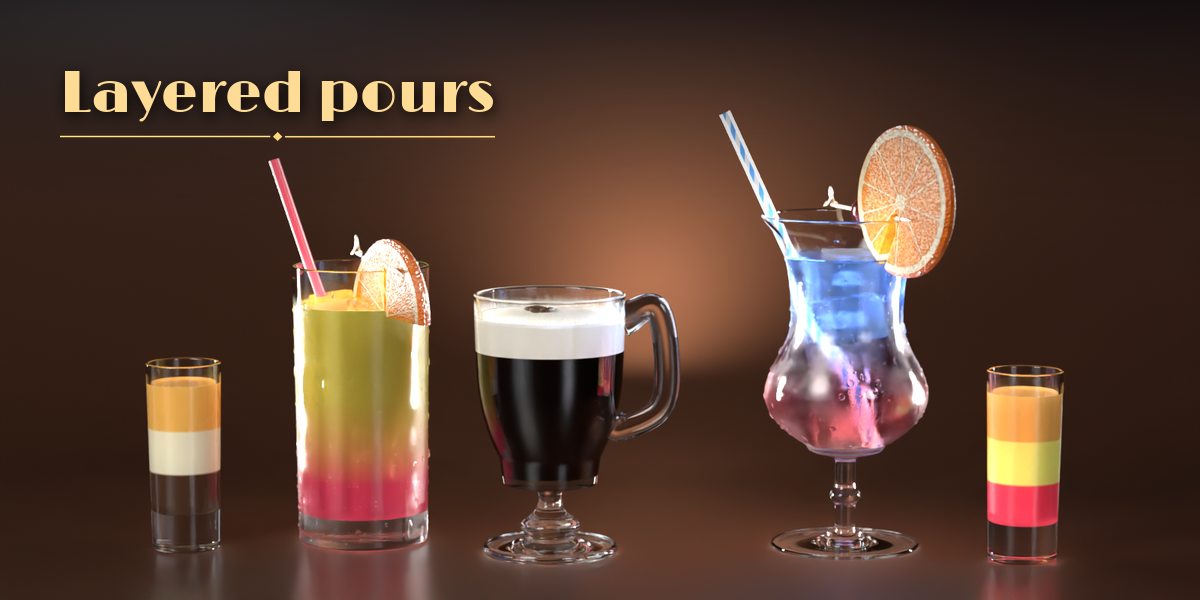
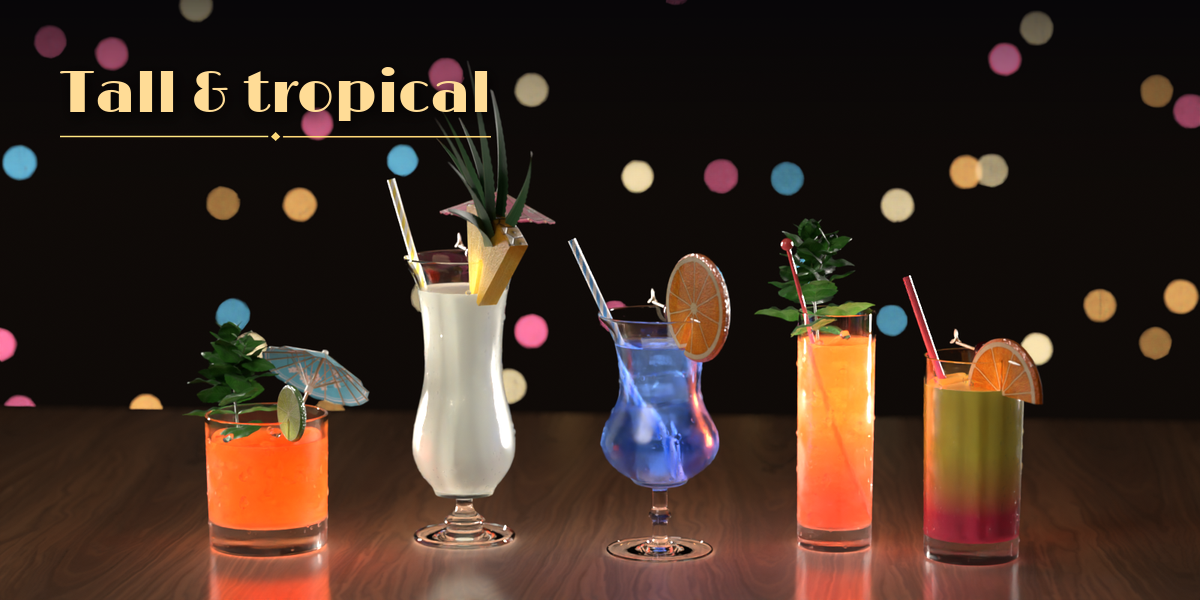
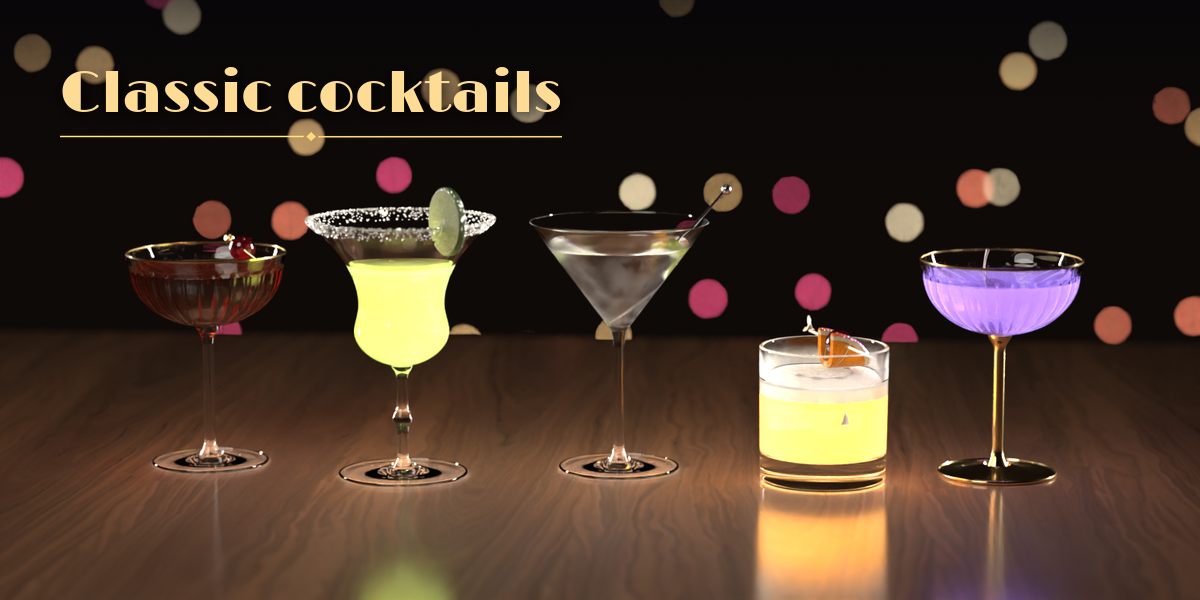
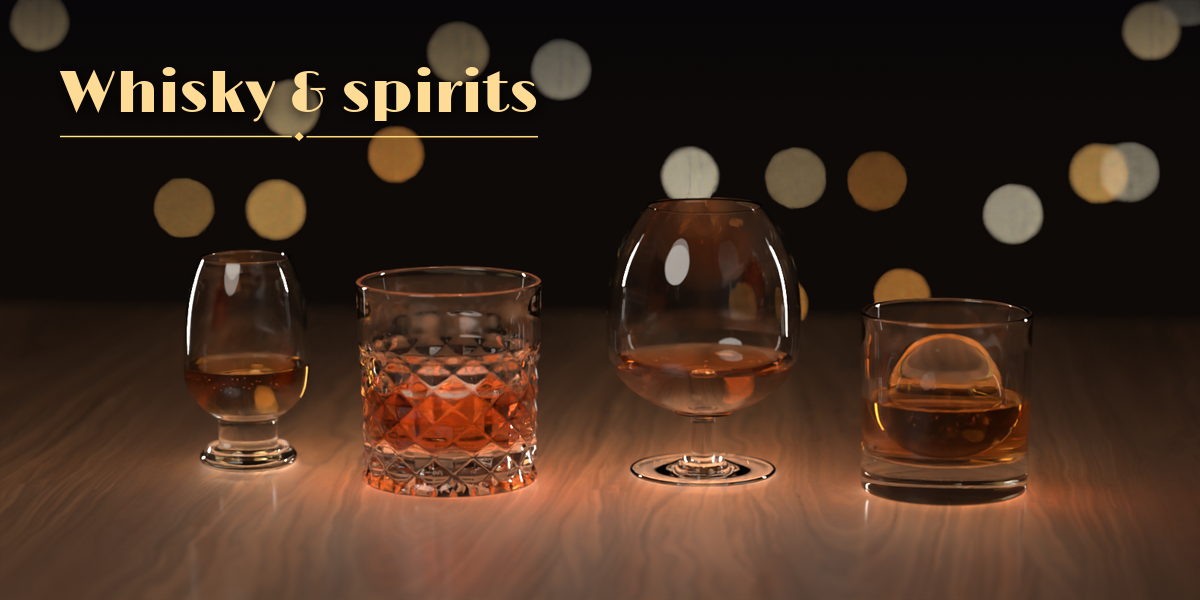
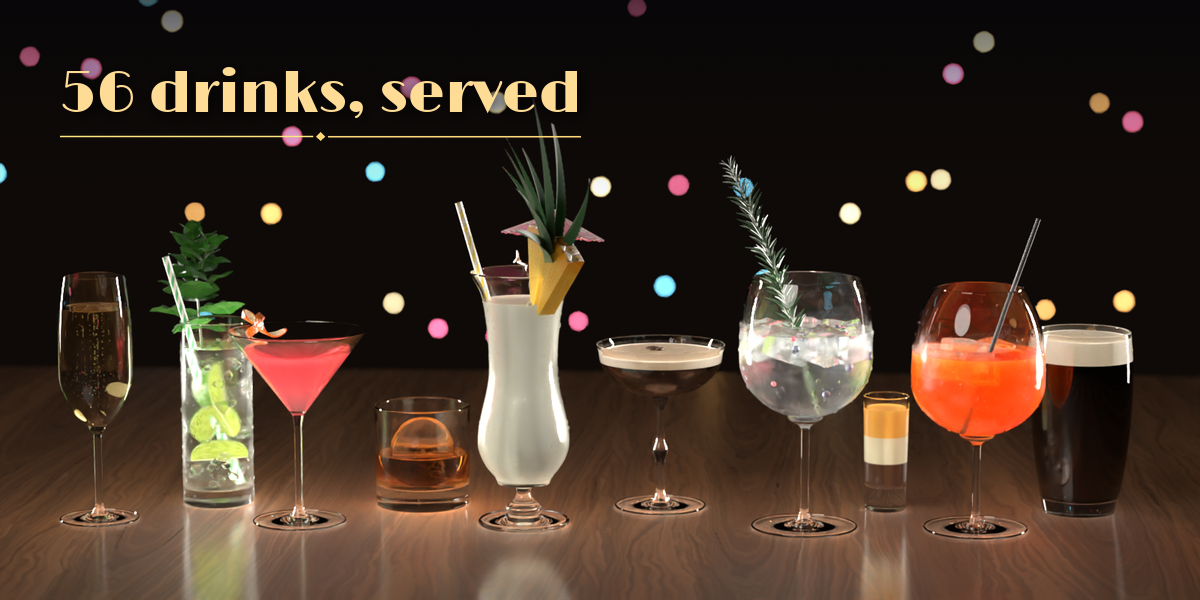
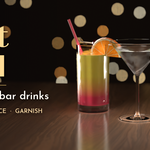
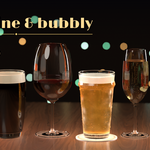
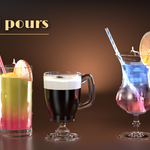
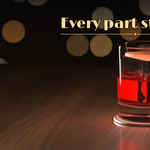
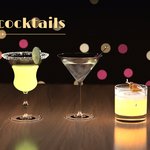
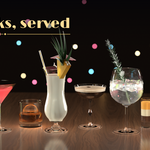
- Open the Bar tab in the 3D viewport sidebar (N). With nothing selected, click the picture to choose one of the served drinks, or browse the families, and add it at the 3D cursor. Shift+A, Mesh, Bar Drink works too.
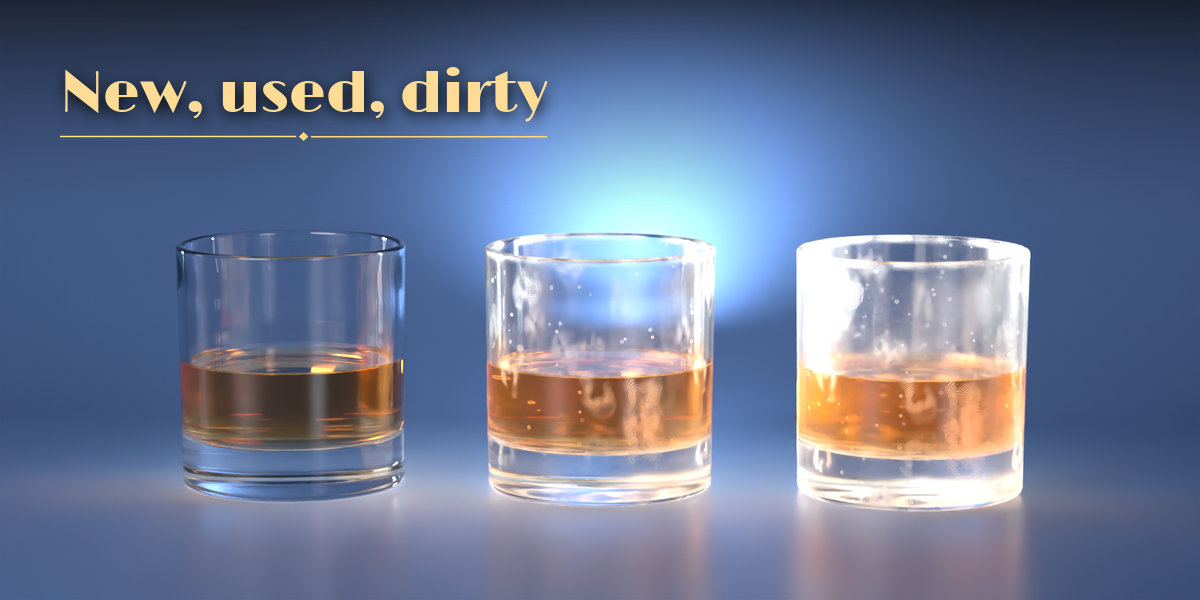
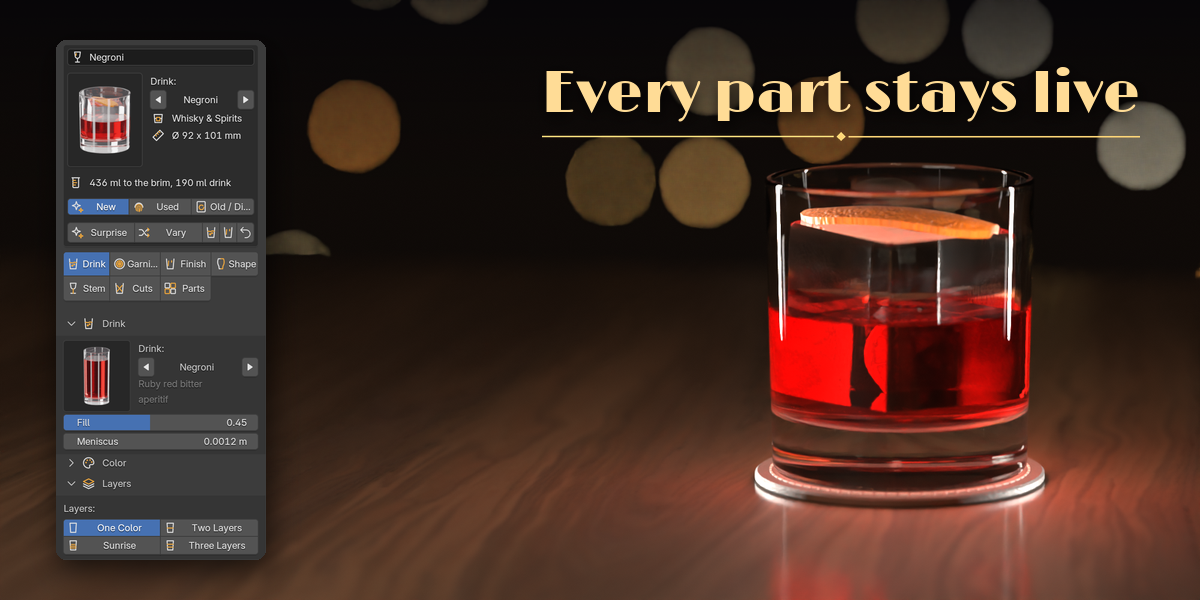
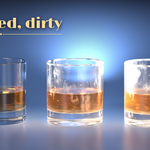
- The card at the top shows the drink, its size in mm and its capacity in ml. Surprise pours a new random drink in place; the condition buttons switch between New, Used and Old/Dirty.
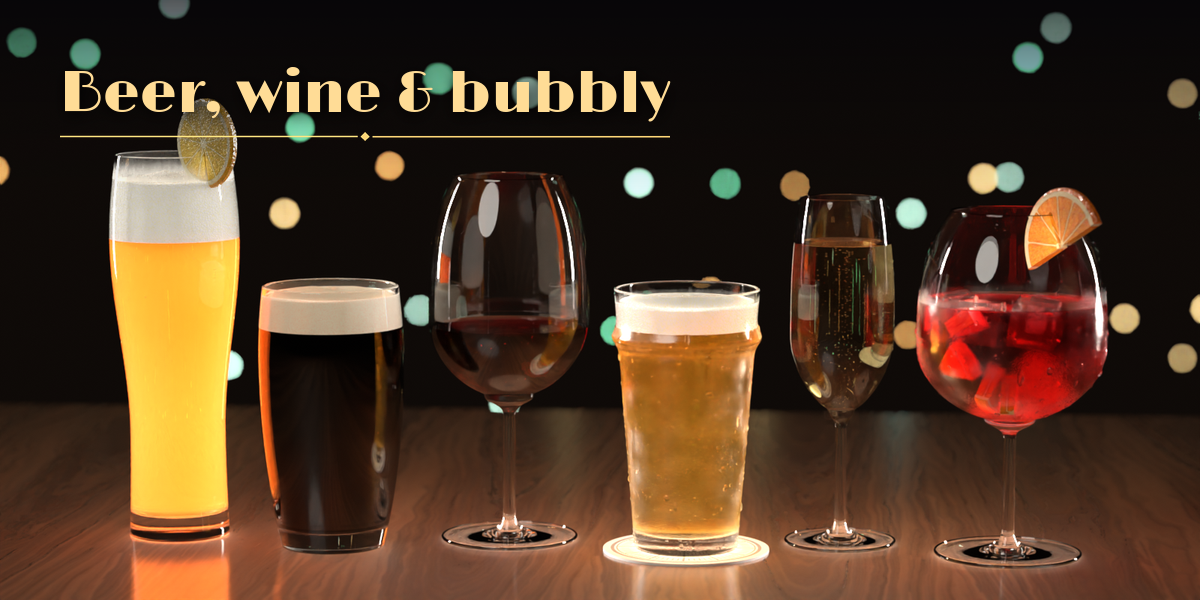
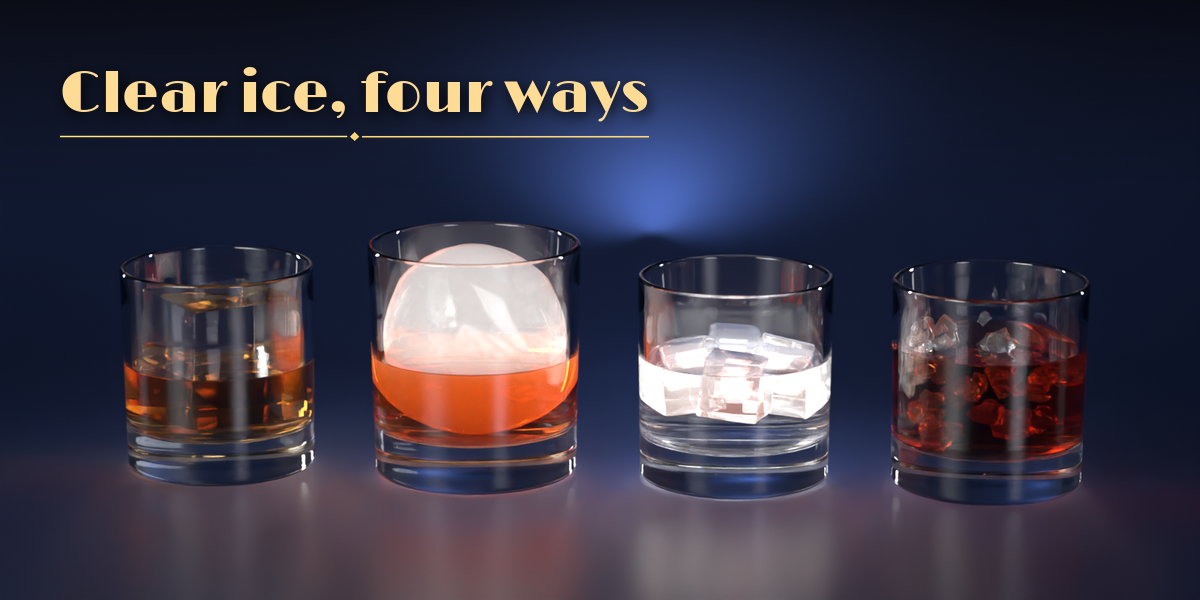
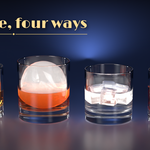
- The Drink tab sets what is poured: the drink, fill level, layers, foam, bubbles, ice, rim coating, straw and condensation.
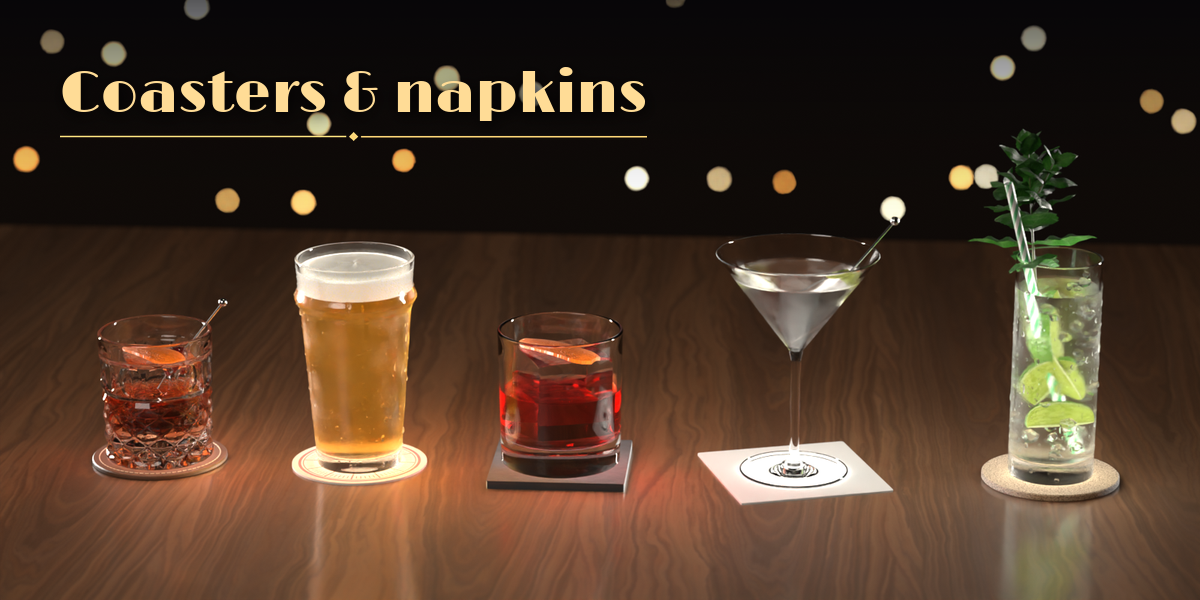
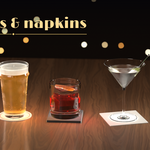
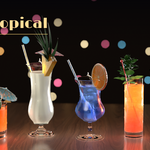
- The Garnish tab dresses it: a fruit on the rim, a cocktail pick, a topper, fruit inside the drink, an umbrella, a stirrer, and a coaster or napkin underneath.
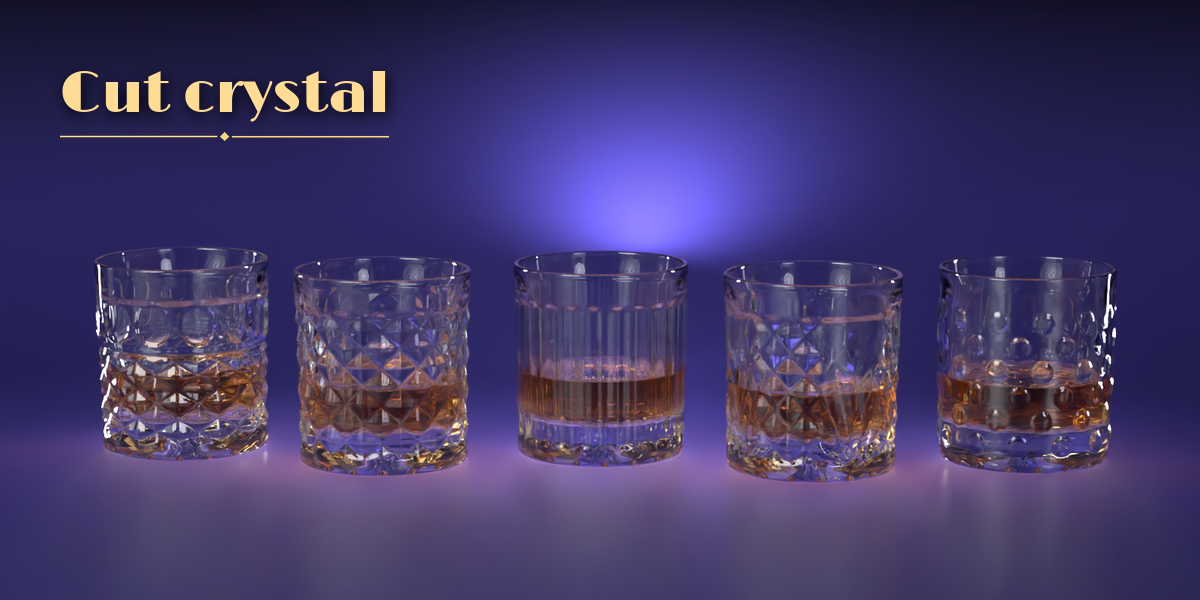
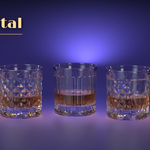
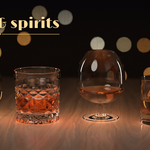
- Finish, Shape, Stem and Cuts change the glass itself: glass kind, gold rims, outline and sizes, stems and handles, cut patterns and the star cut base.
- Parts holds mesh detail, Fit to Capacity, the photo studio and Convert to Mesh for export.
Rendering
Use Cycles for the most realistic glass, liquid and ice. Light the drink from behind or from the side so it glows. EEVEE materials are applied automatically when you switch the render engine.
Have questions about this product?
Login to message
| Blender Extension Compatible | Yes |
| Published | about 3 hours ago |
| Blender Version | 4.2 - 5.2 |
| Extension Type | Add-on |
| Render Engine Used | Cycles, Eevee |
| License | GPL |
