 KeshavTech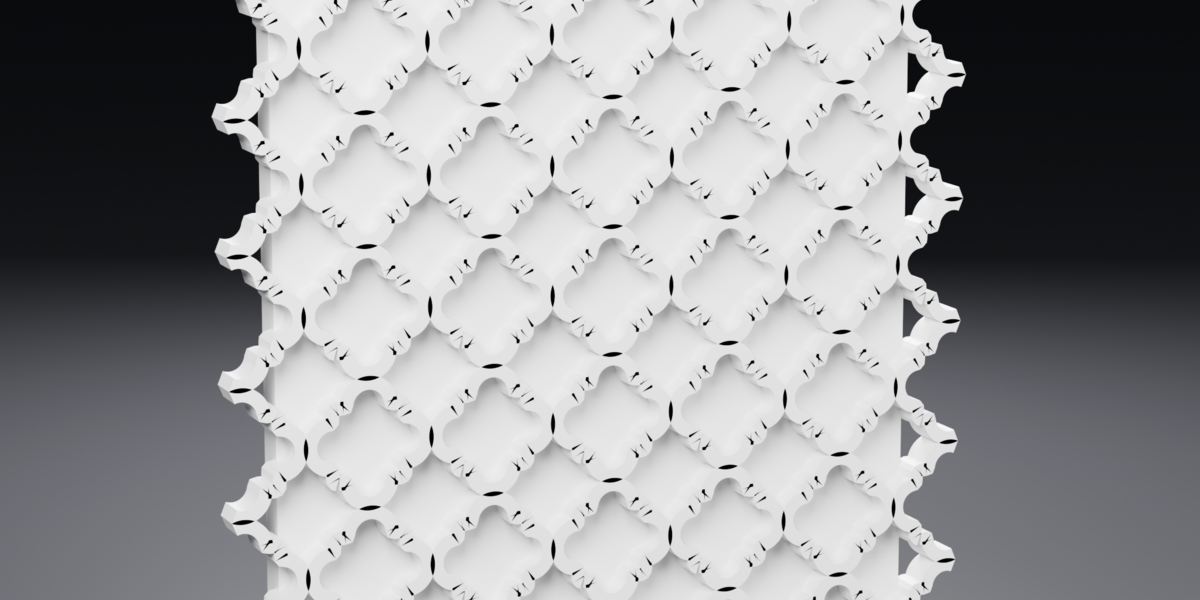
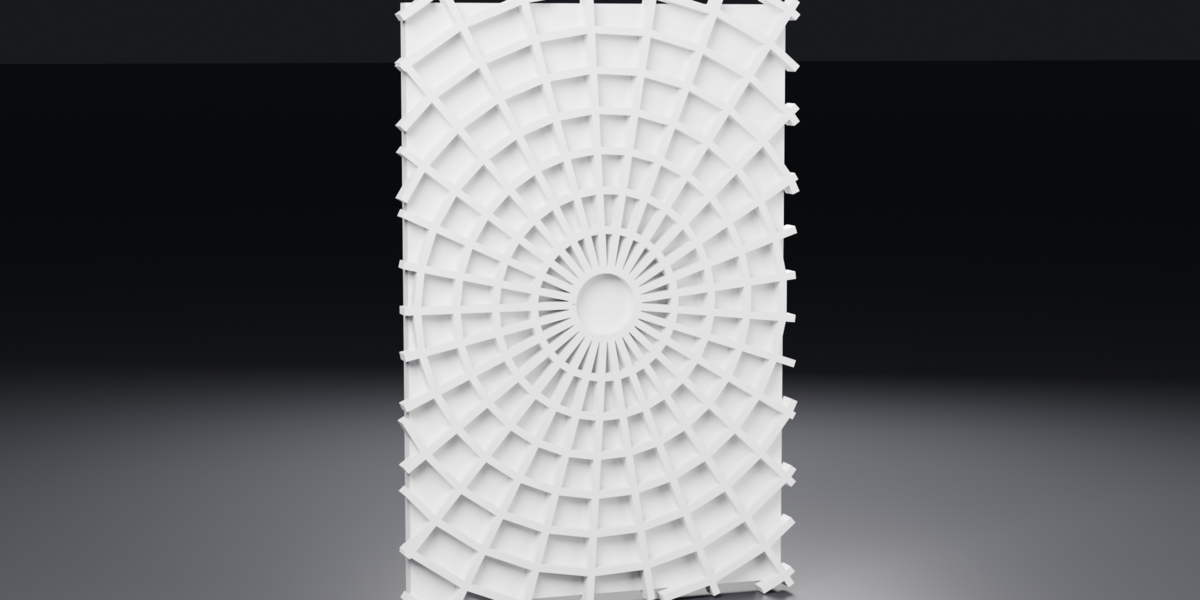
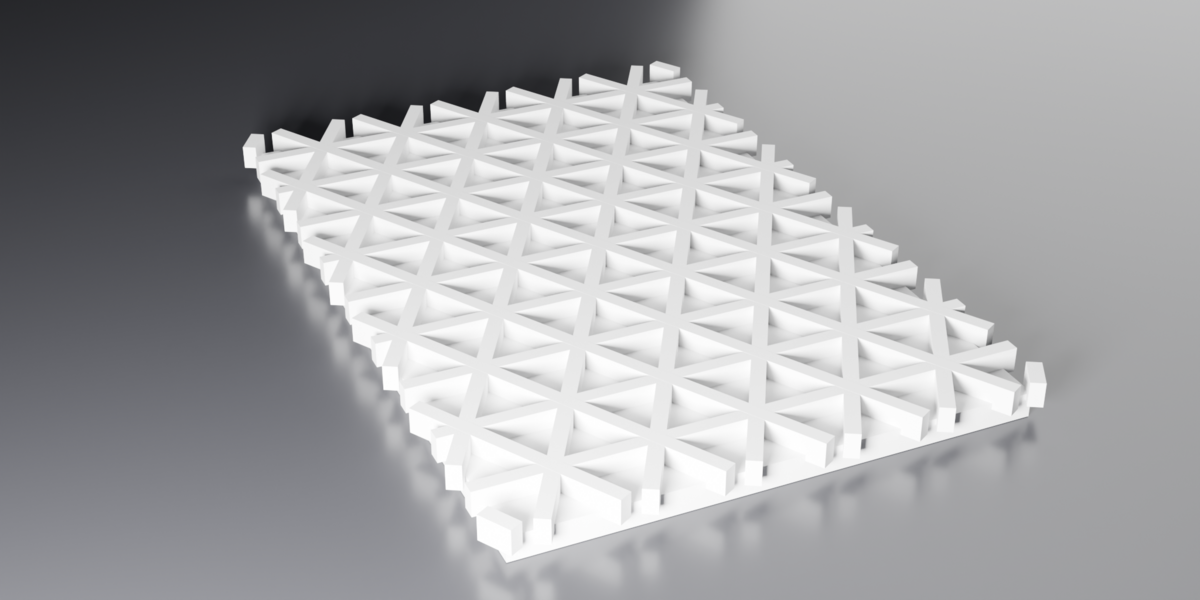
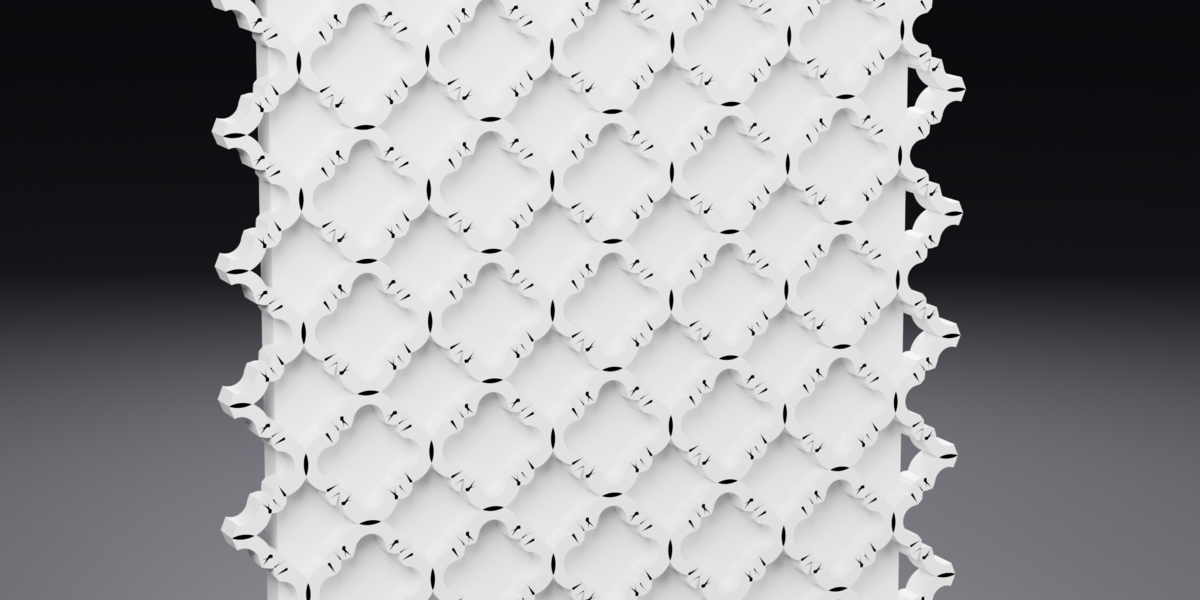
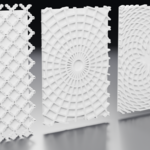
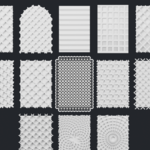
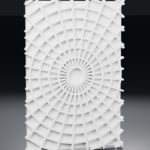
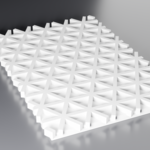
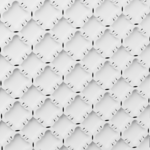
Any pattern. Any surface. Ready to print.
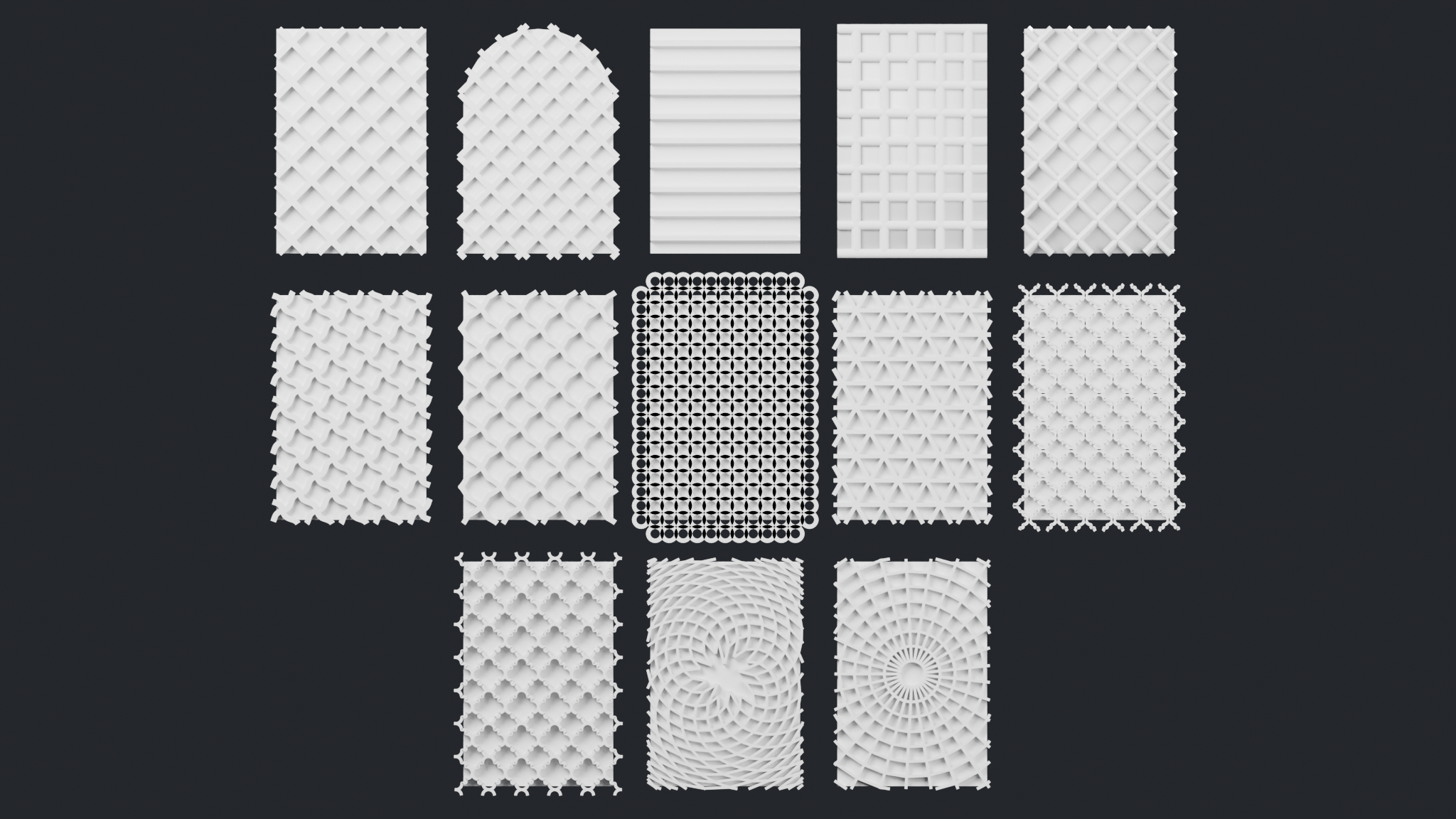
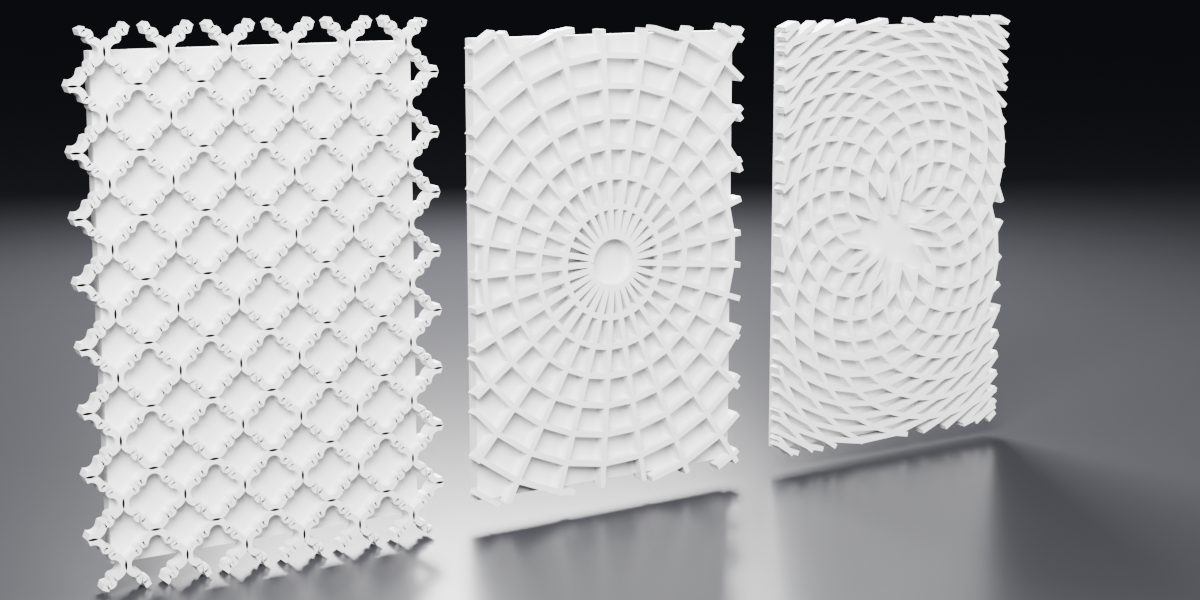
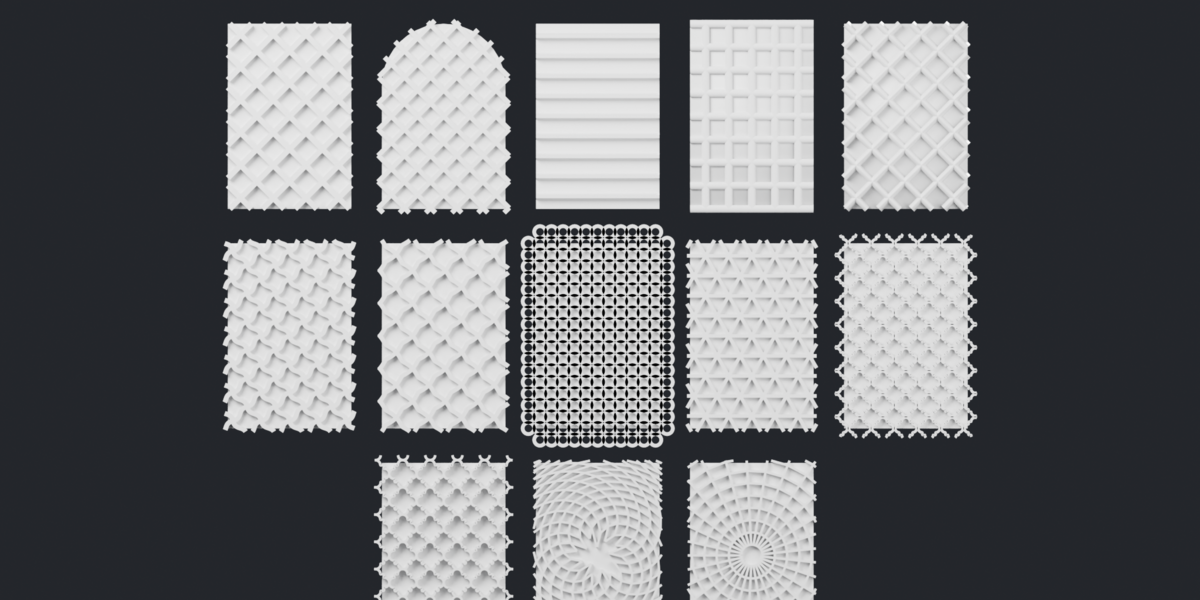
Latticework is a single Geometry Nodes group that fills any panel with a
raised lattice screen — a jaali, a grille, a louvre, a ring mesh, a Moroccan
trellis, a rose window, a sunflower spiral — cut exactly to that panel's own
outline and sized to come off a 3D printer.
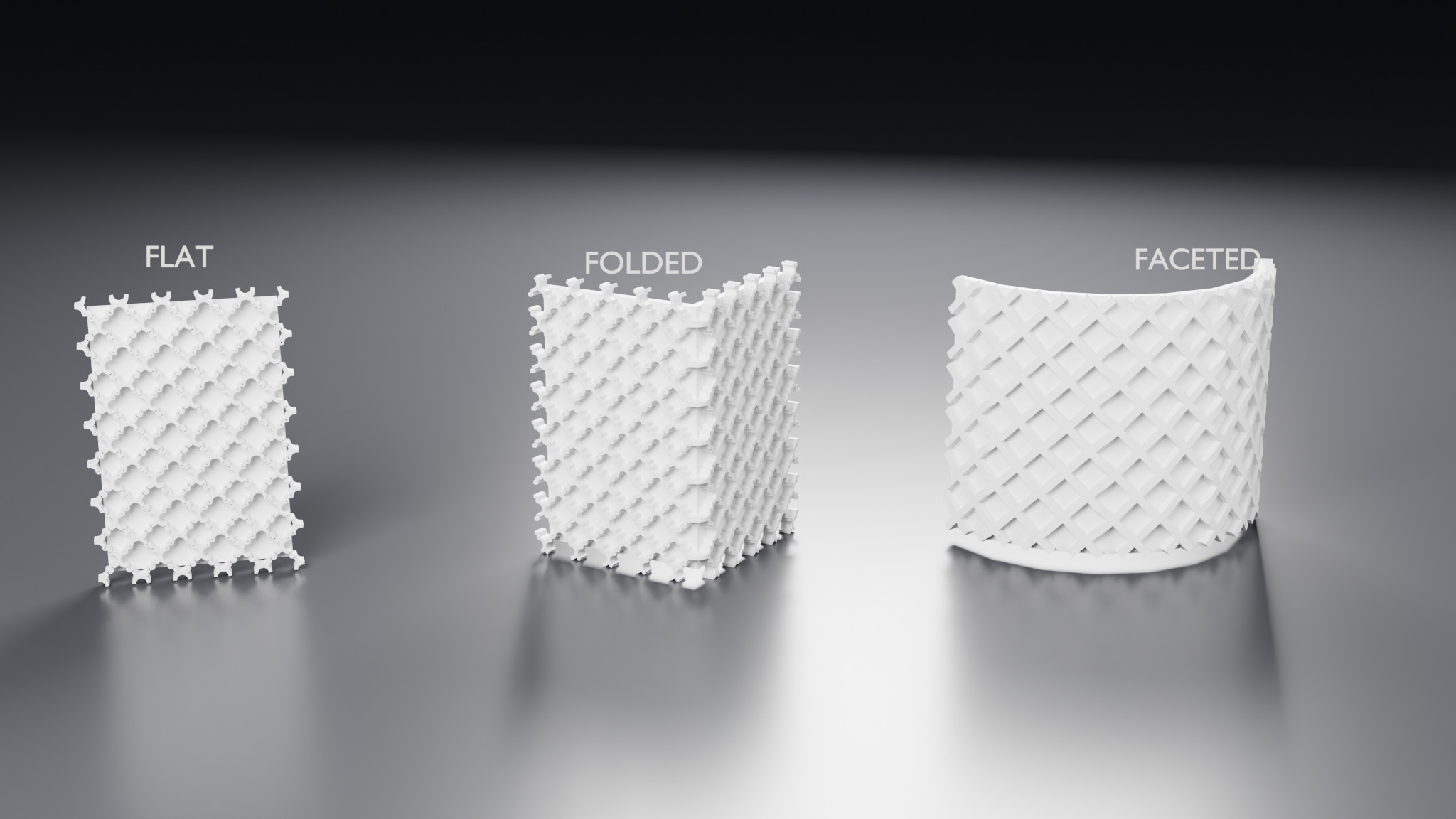
Drop it on a plane and you get a screen. Drop it on a folded corner, an
eight-facet bay or a curved bay and you get the *same* screen, running unbroken
across every fold.
Built and verified on Blender 5.1.
It works on the surface you actually have
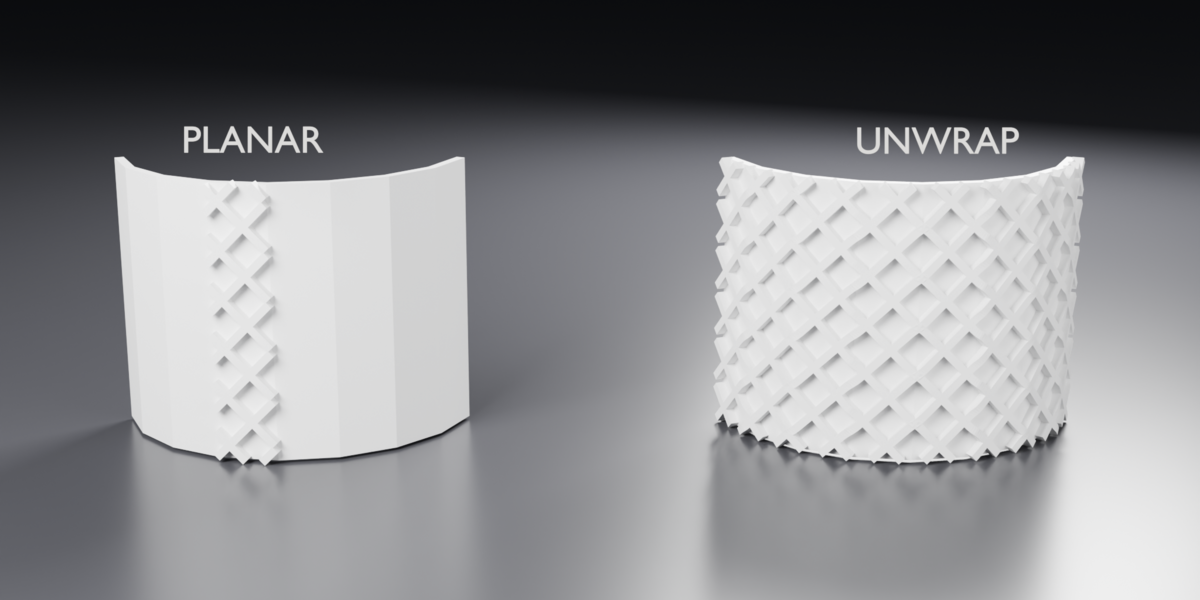
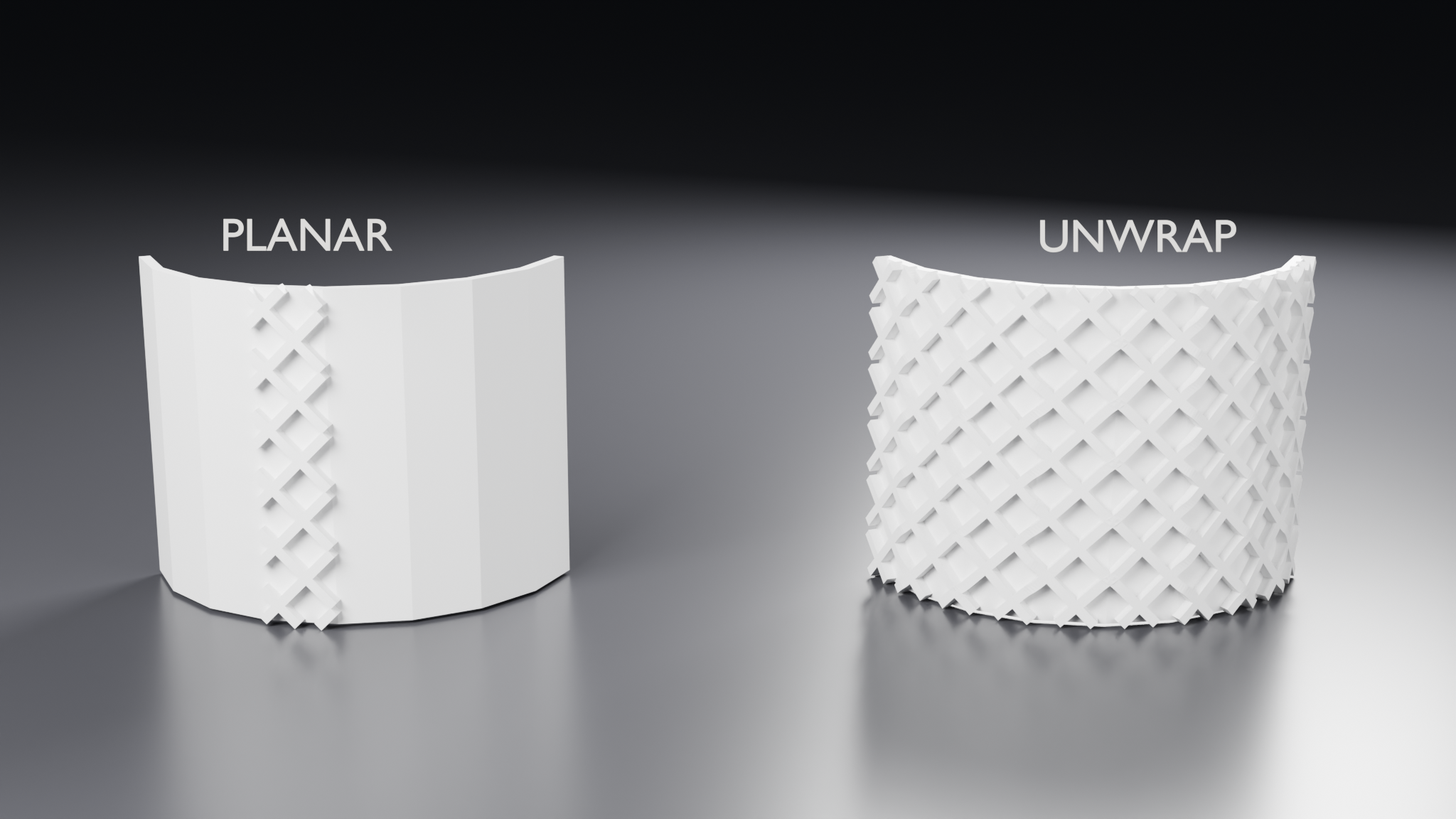
Most lattice tools want a flat rectangle. Latticework has two layouts, and the
second is the reason it exists.
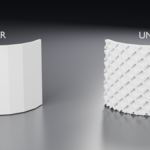
Planar rules the bars in a single plane. Exact and cheap, and correct while
the panel really is flat.
Unwrap flattens the panel, lays the pattern out on the flat, trims it there,
and folds the result back. The pattern runs unbroken across folds, and the trim
is exact — because on the flat, "is this point on the panel" is an ordinary
in-plane test.
A developable surface — a fold, a bay, a cone, a drum — flattens without
distortion, so Unwrap does not stretch the pattern at all.
The cut is exact. The first point past the edge is slid back along its own
segment until it sits on the boundary, rather than being deleted whole. A panel
1.6 wide measures 1.6000 at any Detail setting from 0.005 to 0.12, and Overrun
adds exactly twice itself.
Watertight, and measured — not assumed
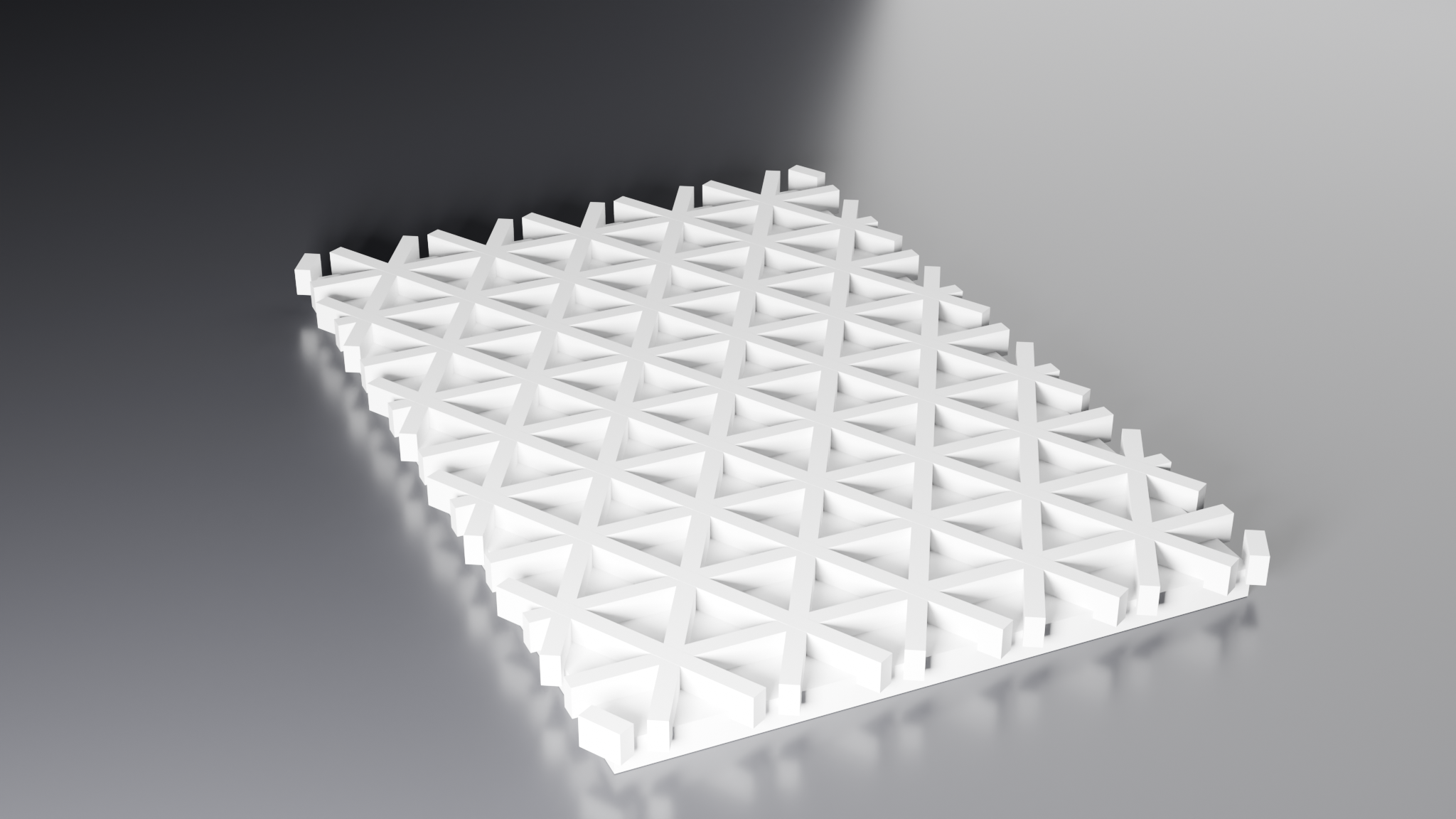
Every edge has exactly two faces. No boundary edges, no pinched vertices,
normals outward. That is measured on all 28 example panels on every build,
by an audit that runs as part of the build script — not claimed and hoped for.
Bars are swept along centrelines, not cut out of a subdivided sheet. A bar's
sides come from its profile, so they are exact at any angle — no staircasing.
Bars cross by passing through one another rather than sharing cells of a grid,
which removes a whole family of non-manifold failures at the crossings.
The output is an assembly of overlapping closed solids, each individually
closed and watertight — which is exactly what a slicer wants, because slicers
union overlapping closed volumes. If something downstream cannot take
self-intersection, one Remesh switch gives you a single clean surface
instead.
Actually designed for printing
The screen is raised on a solid back, not perforated. At small scales a
pierced screen's openings fall below the nozzle and close up anyway — and
relief has no holes to bridge and no unsupported spans, so a panel prints
face-up with no supports and no orientation puzzle.
Print guidance ships in the README, with the rules that matter:
- Rib Width ≥ one nozzle width as printed, ideally two.
- Pitch − Rib Width ≥ one nozzle width, or the recesses fill in.
- Relief ≥ two layers, or the lattice will not read.
- Overrun into a surrounding frame rather than stopping bars on the outline.
- Bevel takes the wire edge off an arris that would otherwise print as a burr.
The lattice deliberately bites a quarter of the way into the backing rather than
sitting on it, because coplanar walls are what make a slicer split a shell.
Three ways to arrange the bars
Parallel — crossing sets of straight bars. One family is a louvre, two a
lattice, three gives hexagons and six-pointed stars.
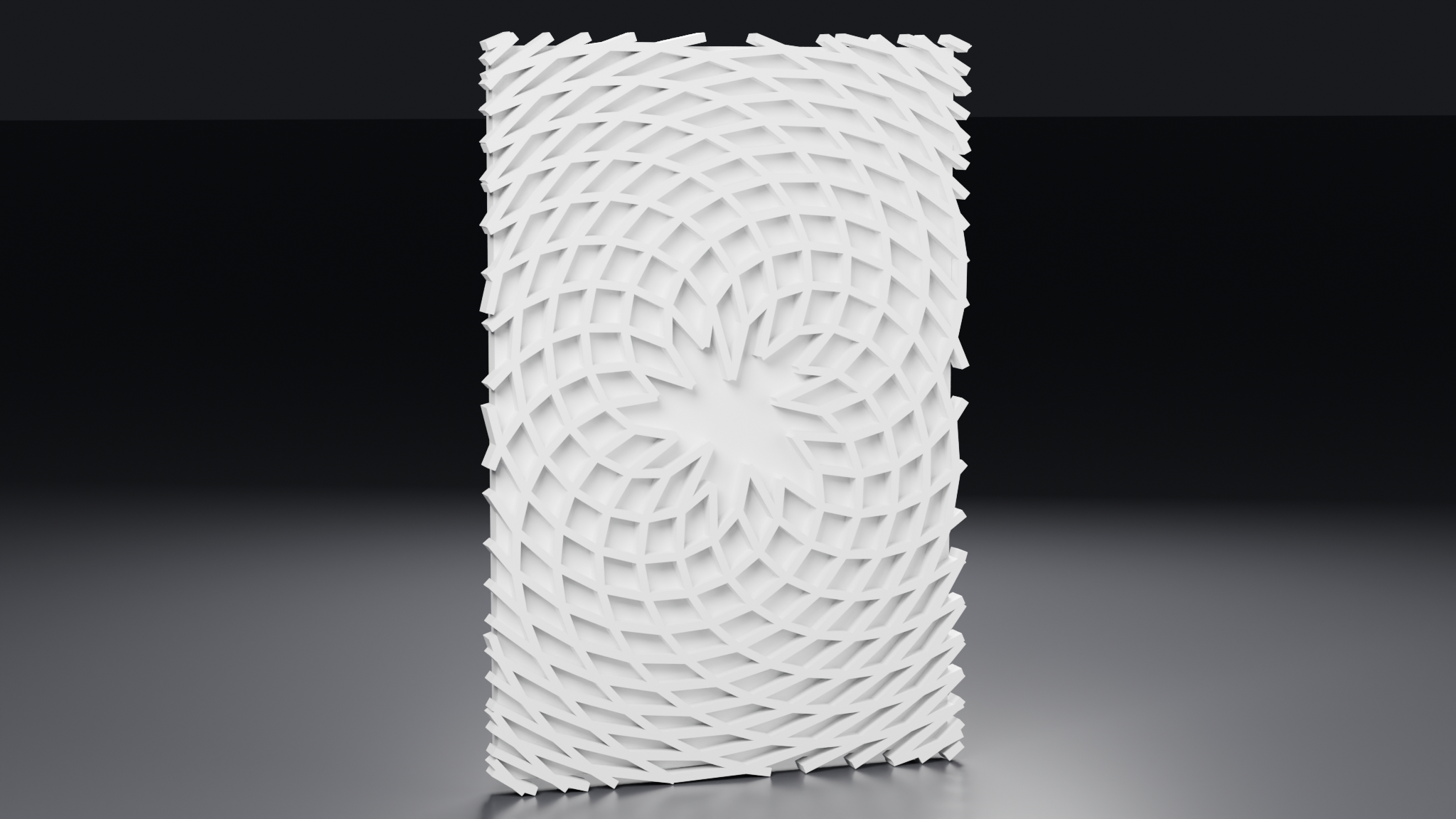
Phyllotaxis — a sunflower spiral. Points sit on the golden angle at radius
c√n, which gives every point an equal share of area, so the packing stays even
from the middle to the rim. Both families come out of one set of points
grouped two different ways, and consecutive Fibonacci arm counts cross at
roughly a right angle — which is what makes it read as a lattice rather than a
swirl.
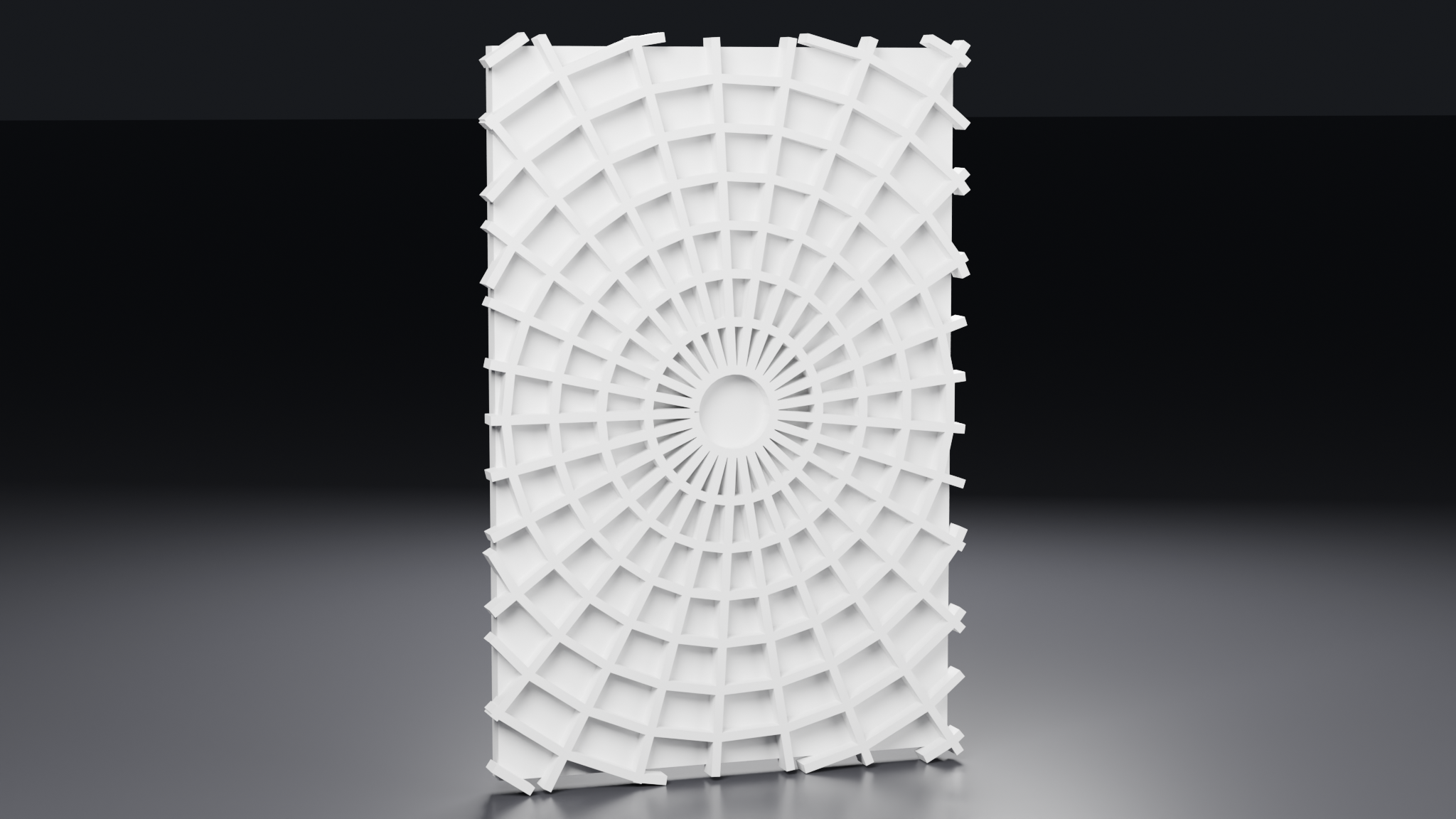
Radial — rays and the rings between them. A fanlight, or a rose window.
Both families again come from one grid of points, so the second costs nothing.
Run curves: the pattern along the bar
Bars do not have to be straight. Give them a run curve — one drawn period —
and they meander, scallop, ogee or repeat any motif you draw.
Closed motifs get stamped rather than stitched, and the overlap is the
pattern: that is how you get a ring mesh, or the interlocking quatrefoil of a
Moroccan trellis. `Run Stagger` gives you a brick bond; `Family Phase` offsets
each family against the last.
Install as an asset library and the node group appears in the Asset Browser
under Latticework, or `File ▸ Append` it into any file.
Controls
Pattern — Pitch, Angle, Families, Layout, Seam Edges, Seam Angle, Plane From
Face, Pattern Origin, Arrangement, Arms, Inner Radius, Family Spread, Family
Pitch Ratio, Family Bar Ratio
Bar — Rib Width, Relief, Section, Bar Profile, Bevel, Bevel Detail, Corner
Blend, Fit Profile
Run — Use Run Curve, Run Curve, Period, Amplitude, Run Scale, Run Detail,
Stitch Run, Run Gap, Clip Closed Runs, Run Phase, Run Stagger, Family Phase
Backing — Solid Back, Back Thickness
Fit — Overrun, Detail, Remesh, Remesh Detail, Shade Smooth
Licence
Royalty-free, licensed to the purchaser. Use it in unlimited commercial work and
sell what you make with it, including 3D prints. You may not redistribute the
node group itself or hand it to a client in a form they could reuse.
