 RyC


Installation
- In Blender, navigate to Edit > Preferences > Add-ons.
- Click the "Install" button and select the downloaded ZIP file.
- Enable the "Lattice Mirror" addon by checking the box next to it in the Add-ons list.
Usage
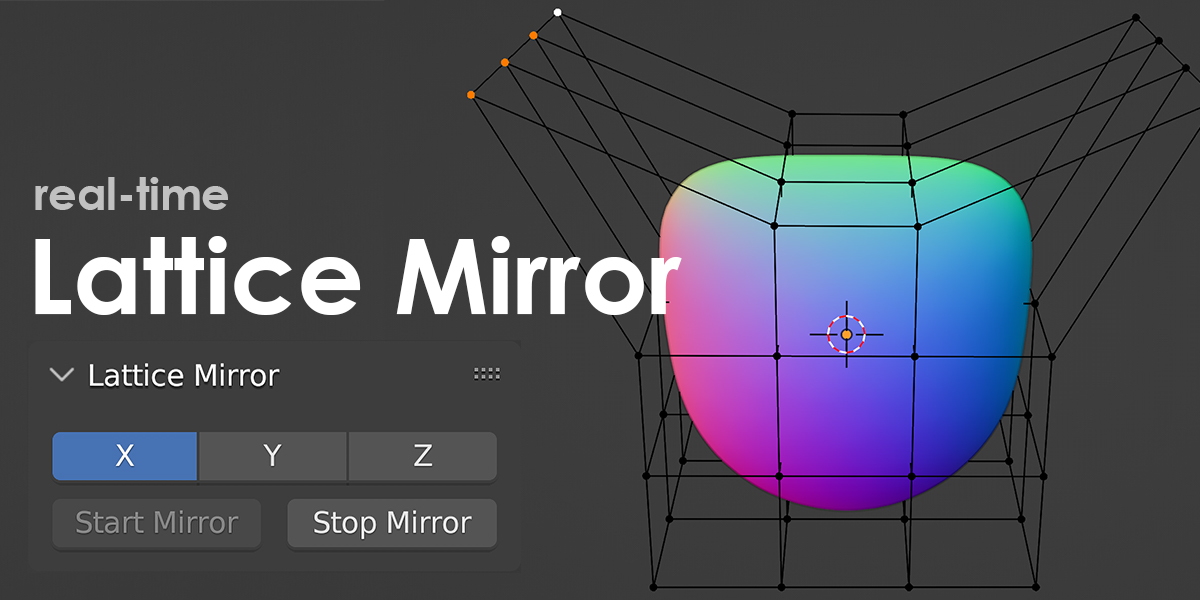
- In the sidebar (press 'N' to toggle if not visible), Item - find the Lattice Mirror panel.
- Toggle the desired mirroring axes (X, Y, Z) and press Start Mirror.
- Select the lattice points you wish to mirror.
- Start editing your lattice points, and they will mirror along the selected axes in real-time.
Limitations
- Editing Multiple Points: Be aware that editing multiple points across multiple lattices simultaneously may not function as expected.
- V1.0.2: To be compatible with Proportional Edit, bad performance may occur in some environments. Reducing the Lattice Resolution or using older Version 1.0.1 may be helpful for better performance.
Have questions about this product?
Login to message
