 ZEG
Installation
In Blender open Edit, Preferences, Get Extensions, then use Install from Disk and pick the zip.
Usage
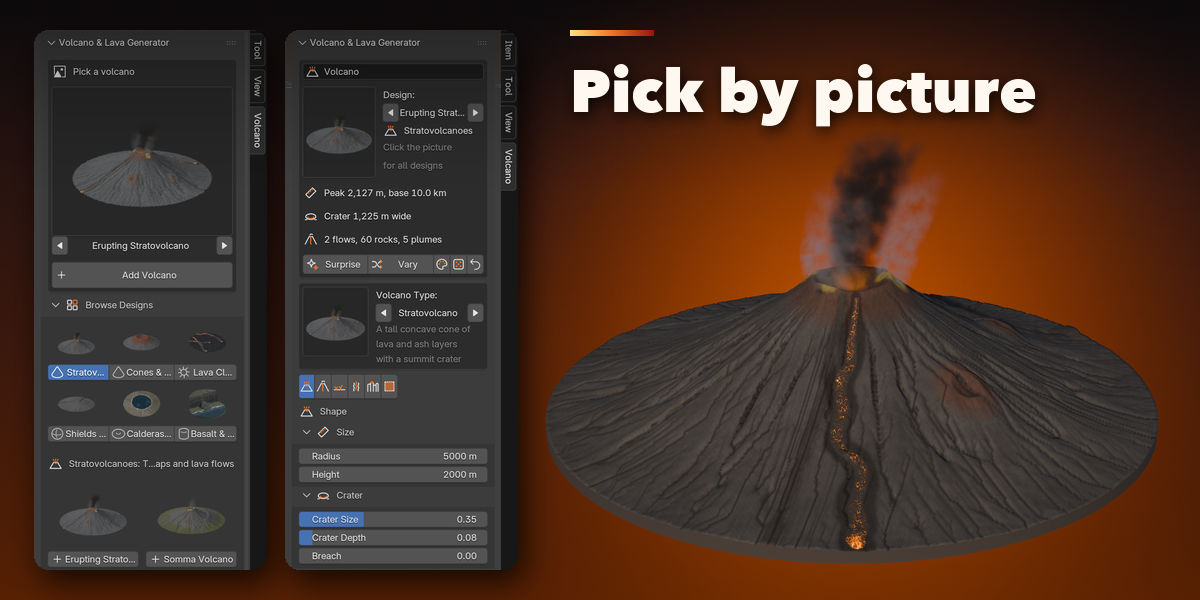
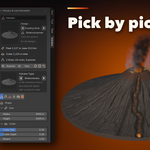
- Open the sidebar (N) in the 3D Viewport and click the Volcano tab.
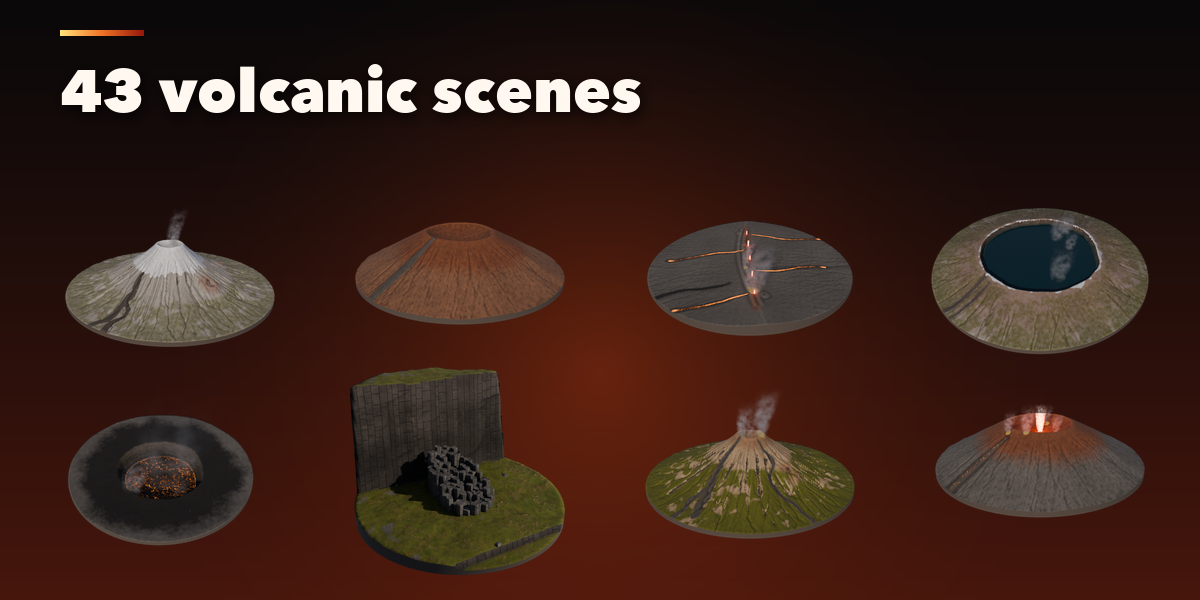
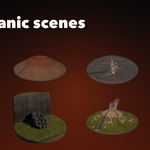
- With nothing selected, pick a design in the gallery (or step through them with the arrows) and click Add Volcano. Shift+A, Volcano works too.
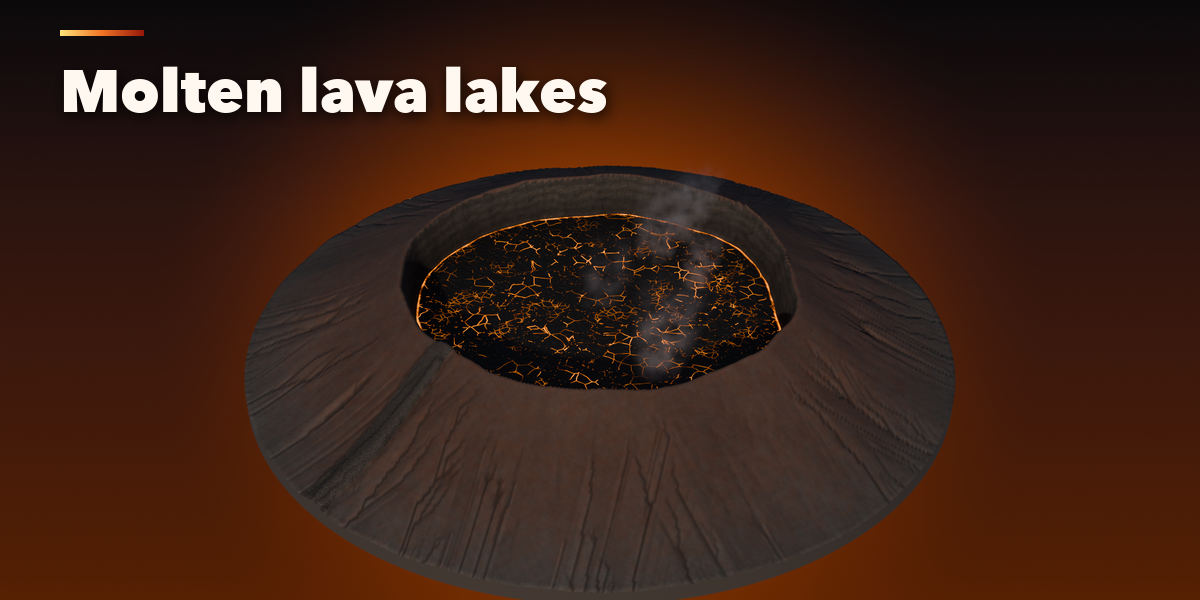
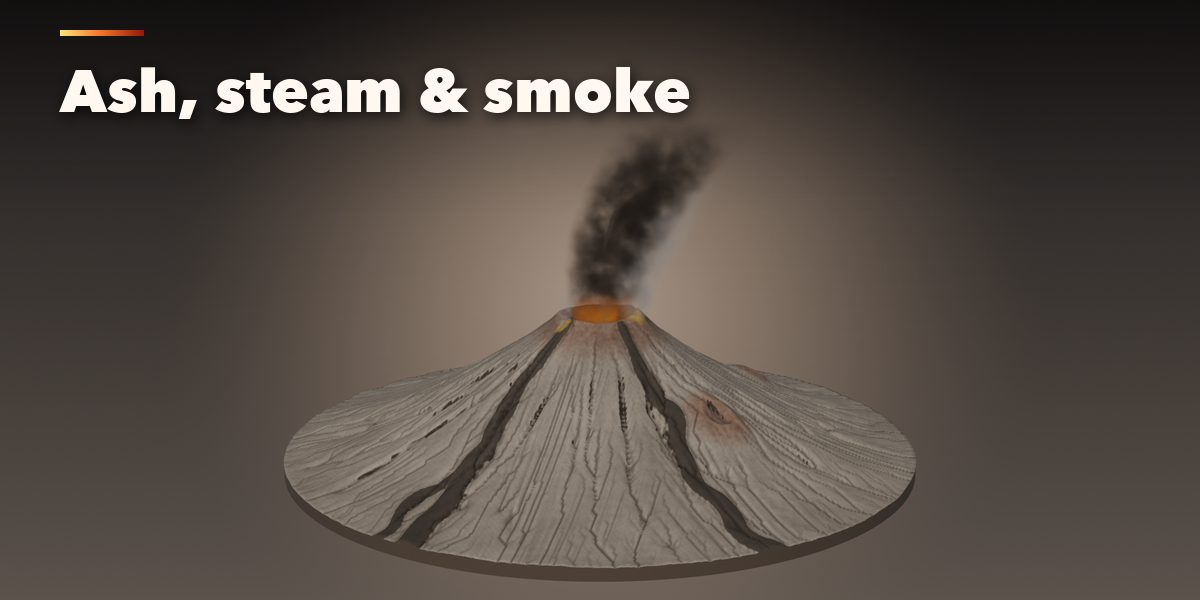
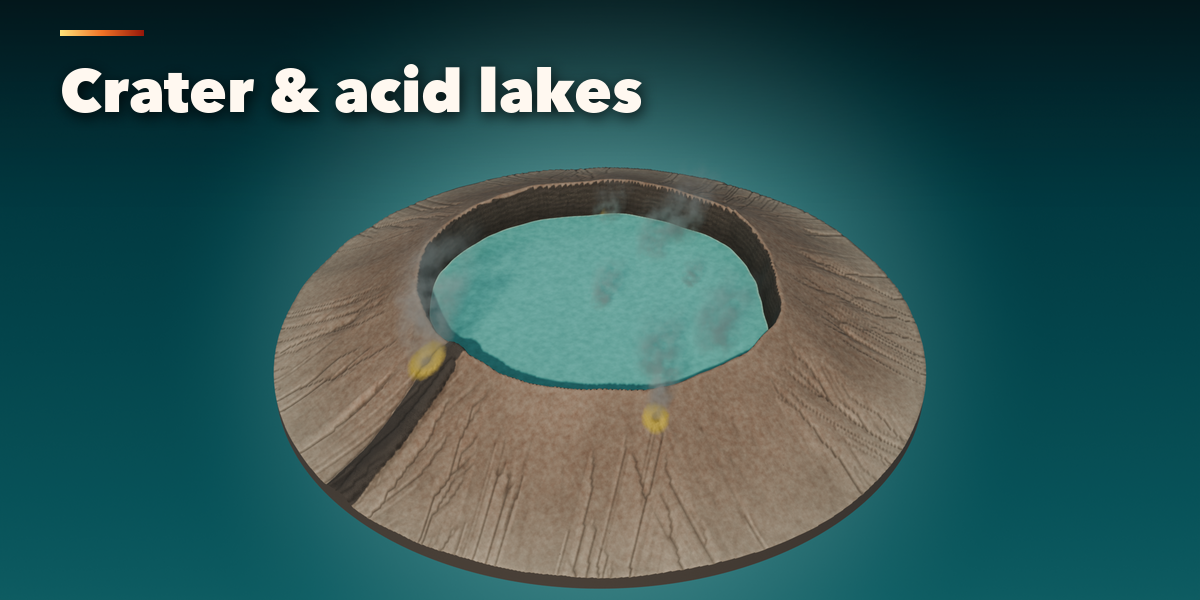
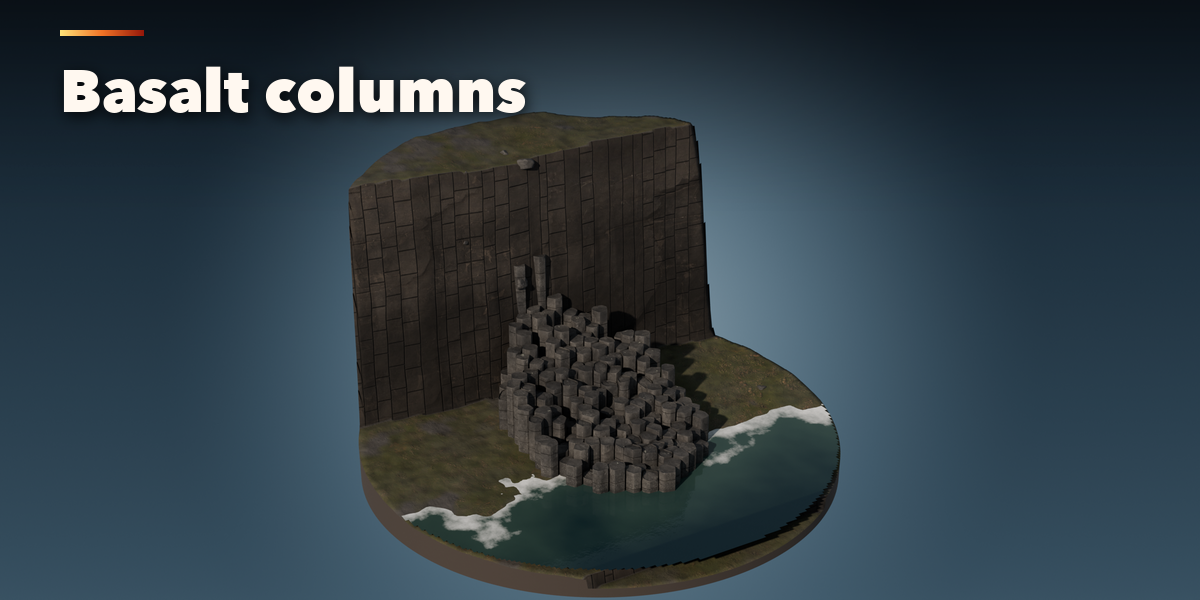
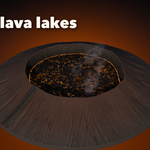
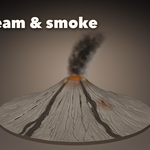
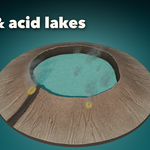
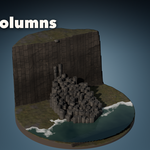
- Select the volcano to edit it: the volcano type picture, then the Shape, Lava, Ground, Smoke, Rocks and Detail tabs. Everything rebuilds live.
- Use Surprise for a new random volcano, Vary for a variation of the current one and the palette button for a new look.
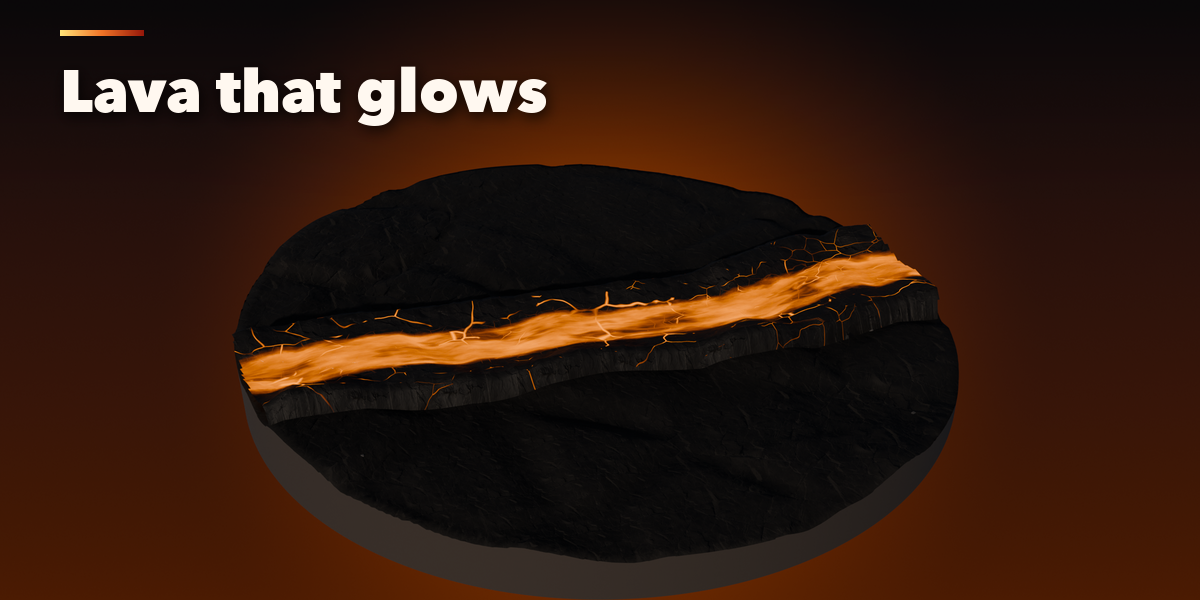
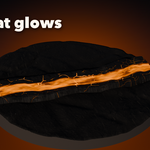
- Lava moves when you play the timeline; Animated Lava and its speed are in the Lava tab, Animation.
Rendering tips
- Lava is emissive and lights the scene; turn on Glow Lights for light on the ground and the smoke.
- Plumes are volumes: in EEVEE raise Volumes, Samples for smoother smoke on big volcanoes.
- Kilometer-scale volcanoes set the camera and viewport clip distance for you.
Have questions about this product?
Login to message
| Blender Extension Compatible | Yes |
| Published | 2 days ago |
| Blender Version | 4.2 - 5.2 |
| Extension Type | Add-on |
| Render Engine Used | Cycles, Eevee |
| License | GPL |
