Layered Sign Maker
 Sonneblom Digitaal
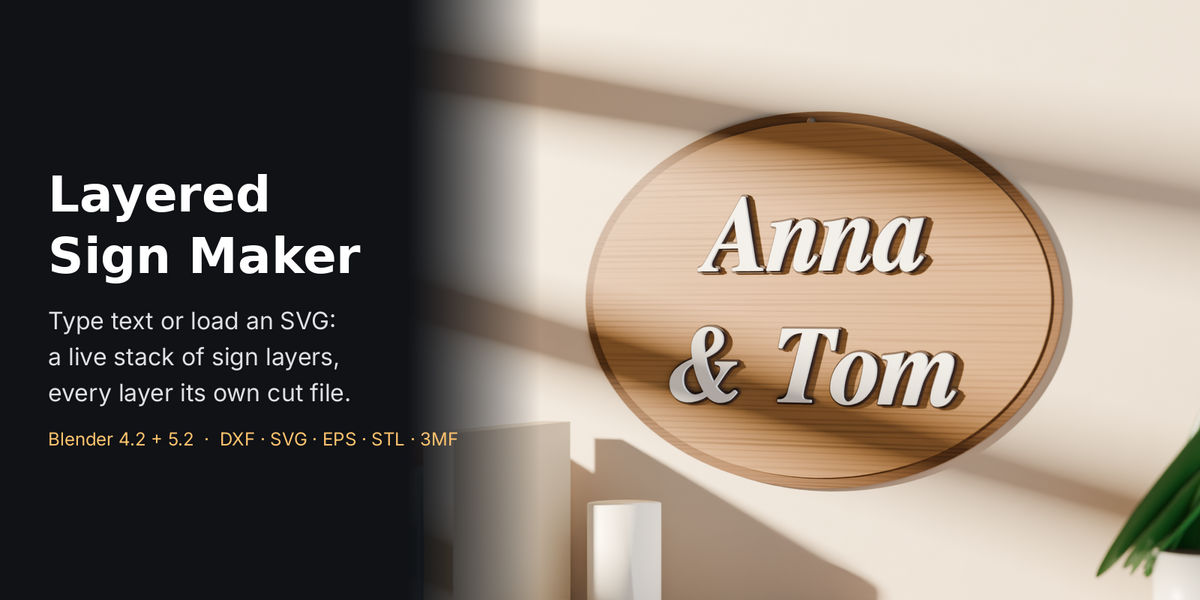

Layered Sign Maker 0.10
Install: Edit > Preferences > Get Extensions > Install from Disk, pick the zip (Blender 4.2+). The legacy zip installs through Add-ons > Install. Then open the Sidebar (N) > Sign tab.
Make a sign
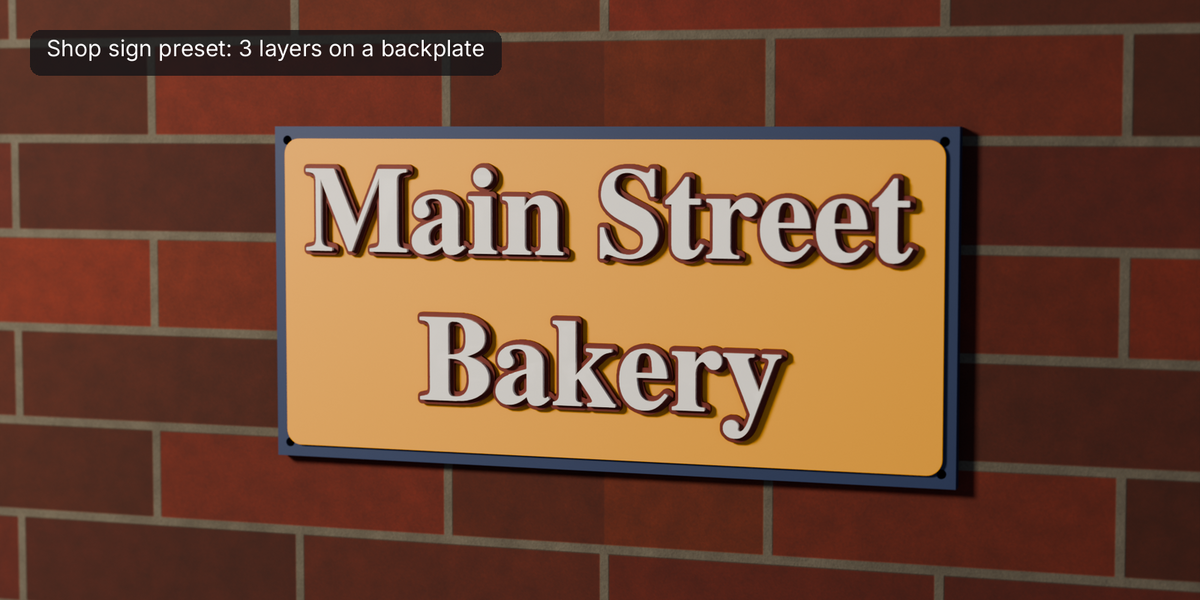
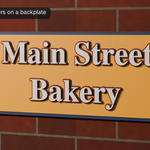
Make: From text, From SVG file, or From selected curve / mesh. Pick a preset, type the text (| = new line), press OK. The sign is an empty with one object per layer.
Panels
- Source and size: text, font, letter / word / line spacing, alignment, size in mm (width, height or longest side), units (default 1 unit = 1 mm; Scene follows your scene unit scale), Edit text in viewport.
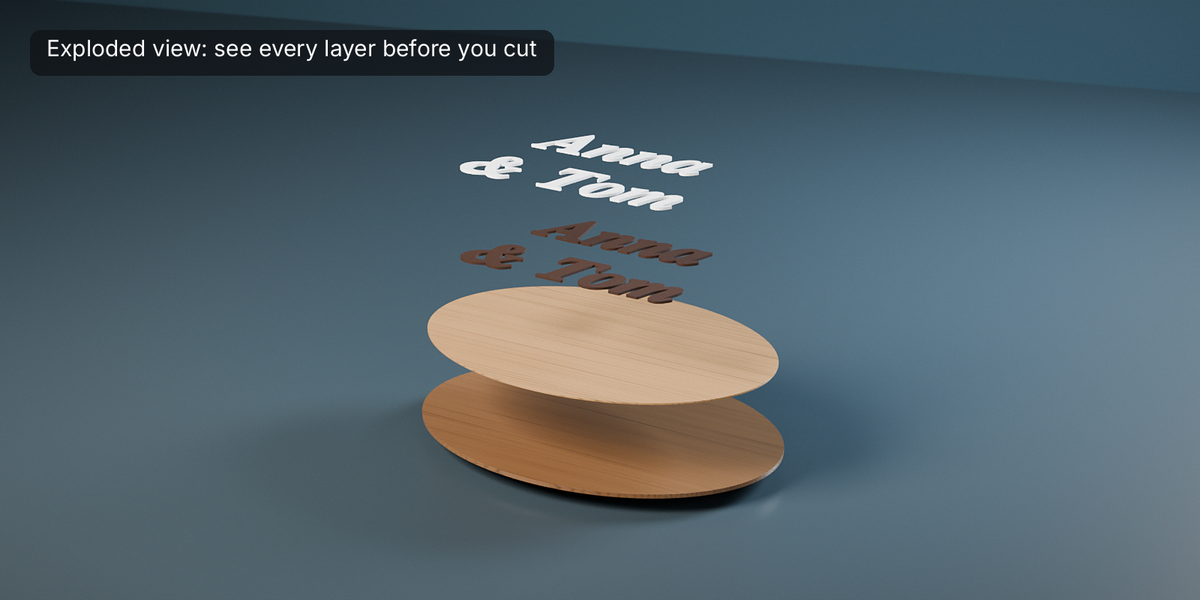
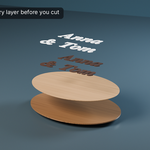
- Global controls: global step (offset between layers), global thickness, plate margin, backplate shape, explode (view only), live rebuild on/off + Rebuild.
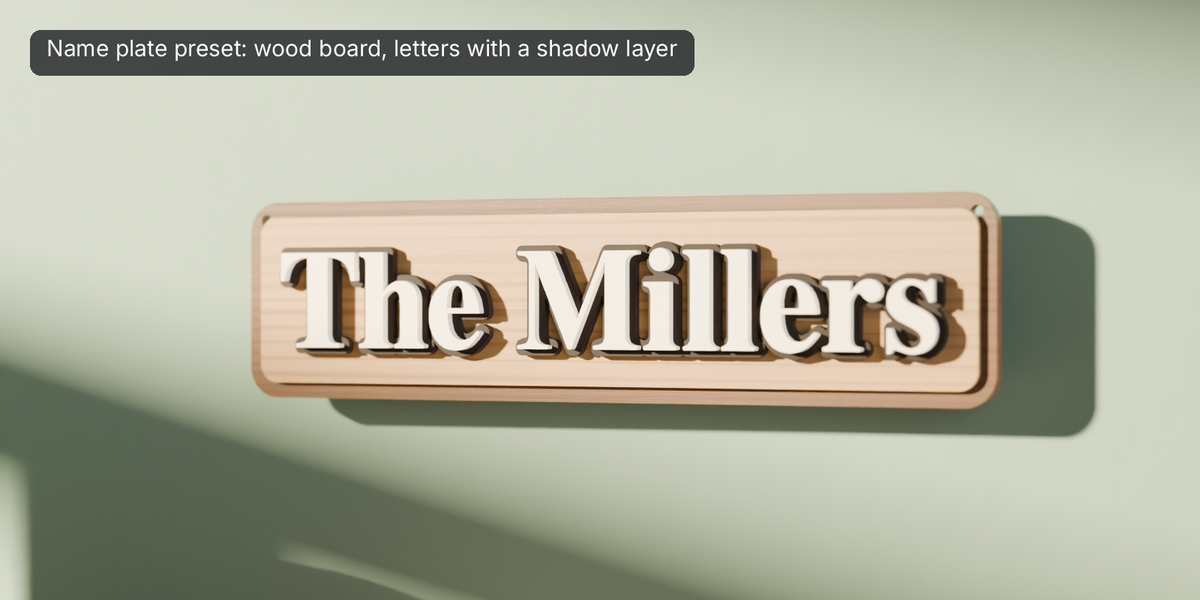
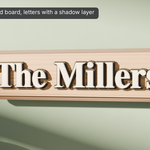
- Layers: list of layers, each with steps, step size, extra offset, thickness, colour and finish. Add, remove, move up/down, colour ramp, layers from SVG colours.
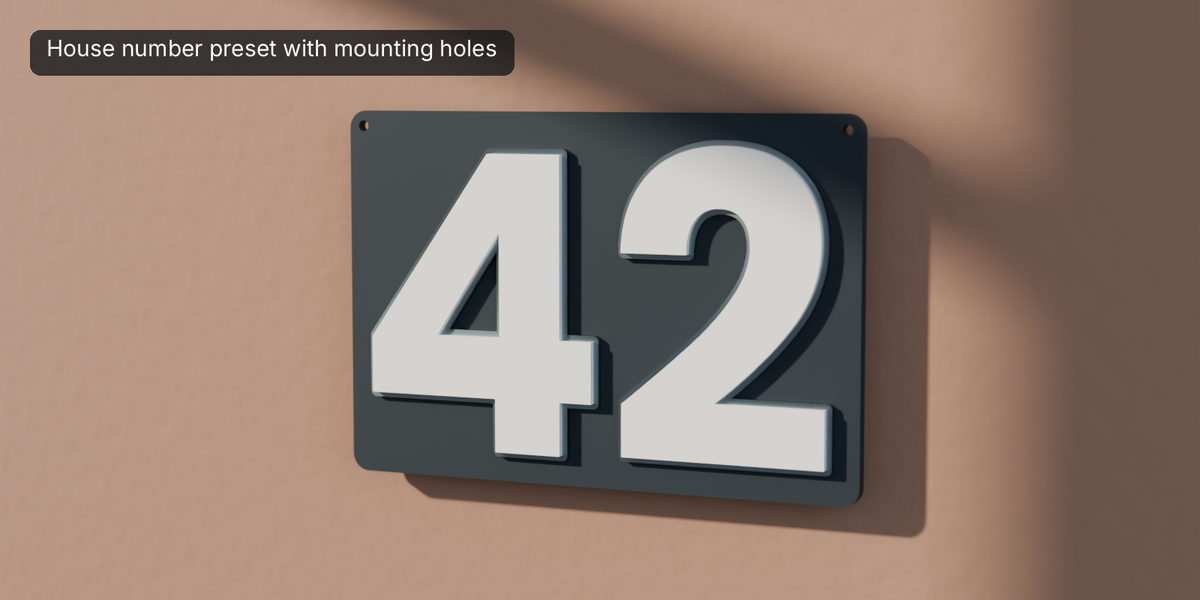
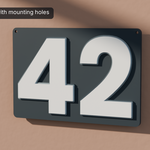
- Mounting holes and mask: hole layout, diameter and inset, keyhole, stencil bridges, groove width/depth/wall, lasso mask (protect or only inside), clear mask.
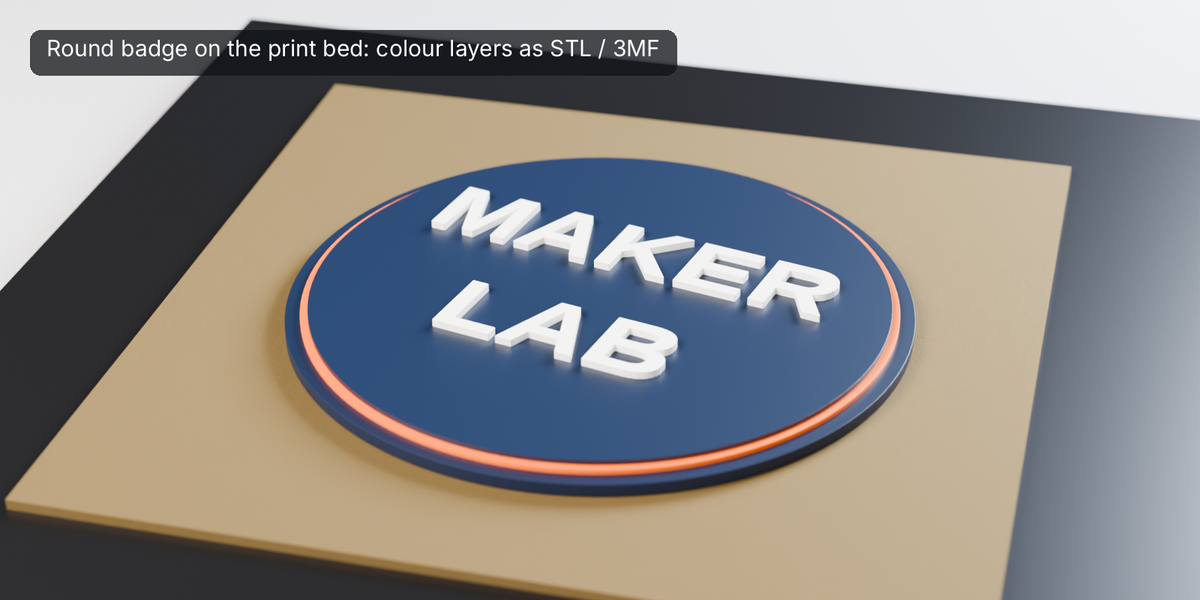
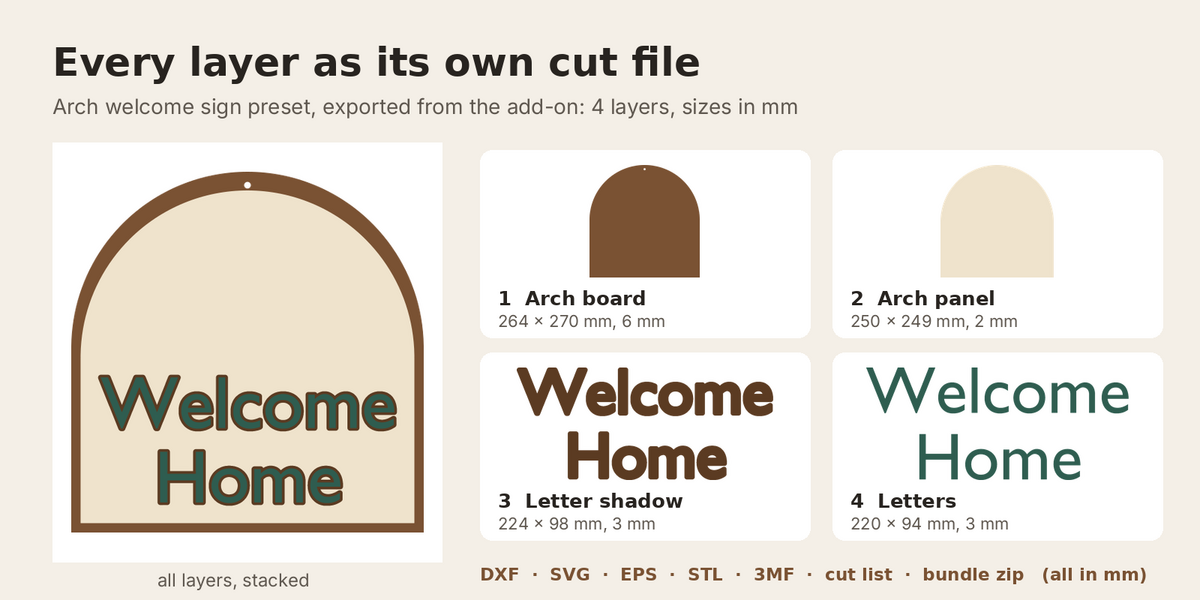
- Export: folder, DXF / SVG / EPS / STL / 3MF, kerf, bed size + split, nested sheet, bundle zip + cut list, Delete sign.
Export files
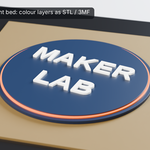
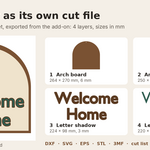
name_NN_Layer.dxf / .svg / .eps / .stl per layer, name_all_layers.* (everything in one file), name_sheet.* (nested on the bed or sheet size), name.3mf (one object and colour per layer), name_cutlist.txt and name_bundle.zip.
Tips
- Thin script fonts: raise the step so every layer keeps a usable border.
- For laser cutting set the kerf of your machine; the cut outlines are offset by half of it.
- Delete sign removes all layer objects; undo brings them back.
Have questions about this product?
Login to message
| Blender Extension Compatible | Yes |
| Published | about 2 hours ago |
| Blender Version | 4.2 - 5.2 |
| Extension Type | Add-on |
| License | GPL |