Joshua Knauber
over 7 years ago
I'll send you a message, so we can figure out your problem!
This item has an average rating of 4 from 29 ratings by the community.
Purchase this item to leave a review!
great work!! just make it work on 3.0 please thank you
So much more powerful than I was expecting, has a lot of further potential as-well.
While I still get confused and have to work out a few things, this really speeds up texturing.
Really looking forward to 1.3.
Brilliant, it is so easy to use, I wish I had bought it earlier.
the Add on is very usefull, 5 star for sure. But there's a cons:
the inside tutorial is not updated with the last version (albedo is referred as Diffuse, minor thing, but can be updated. Also some steps are not extremly clear, so it's easy get lost (see steps:18 /19 /20). I suggest to update the inside tutorial with some more steps and a bit more clear. Despite that this add-on wil save you a LOT of time.
The new Ui is very intuitive.
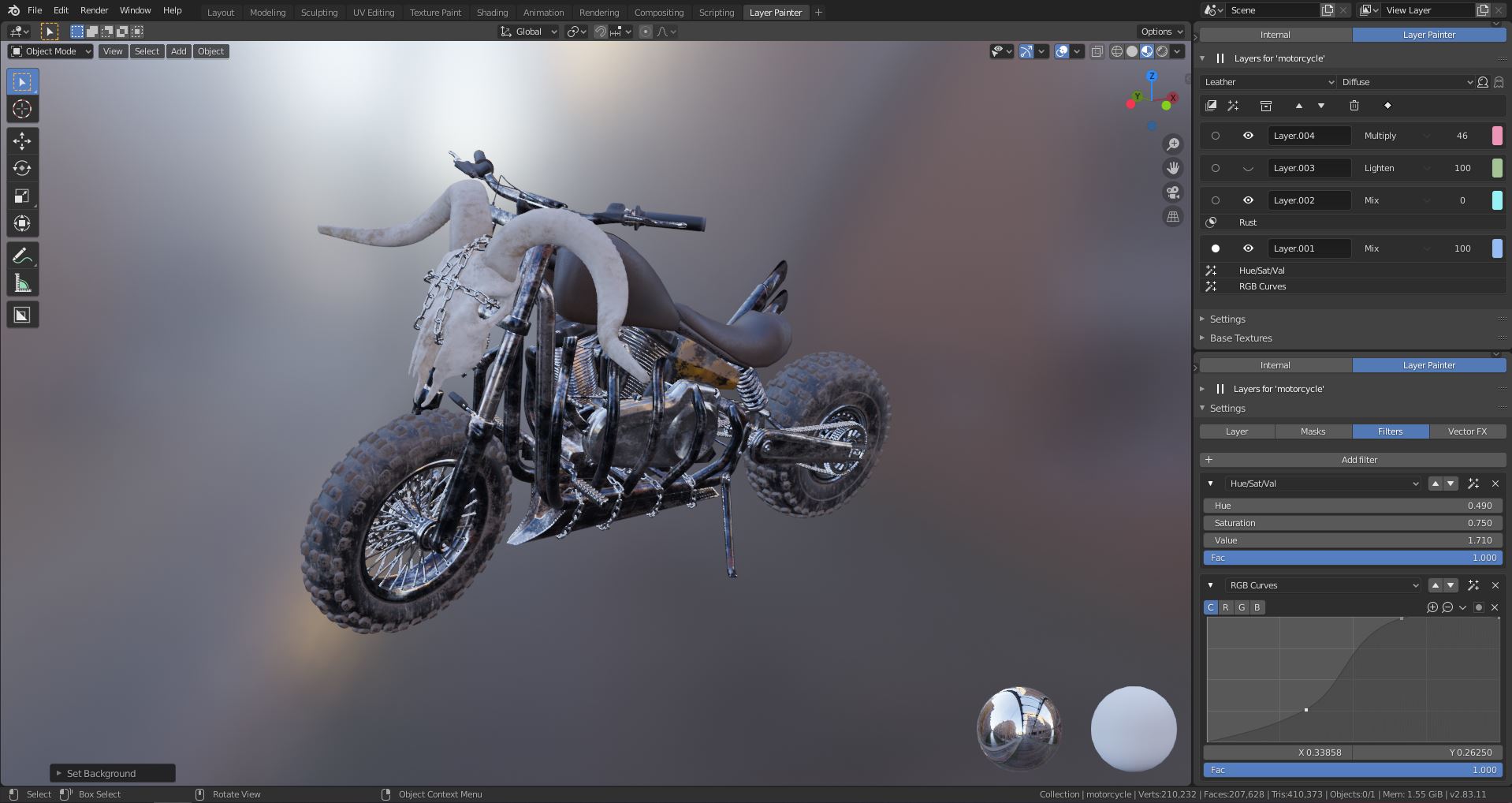
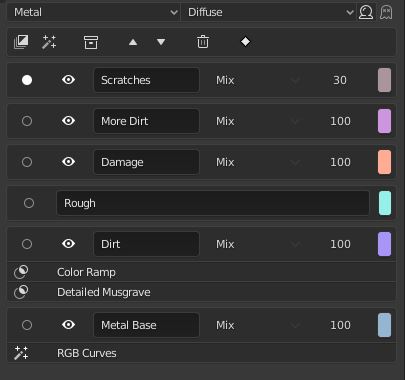
Layer Painter adds texturing tools inside Blender that should be in program as default. You don't have to work with nodes anymore and working with layers is way more effective and nondestructive. I actually asked Joshua to add "eraser tool" to Blender because program itself doesn't provide that! If you have something to ask, just contact Joshua. He is very helpful and actually is listening what people are asking for.
これは凄げぇツールだ!!もうこれなしでペイント出来ないね!
it's great tool !!
Please look at this addon with patience, this developer is giving us Substance Painter/designer power inside Blender and with version 1.2 he got closer than ever.
If you don't want/need to work with nodes this is actually the best option out there, you don't like to connect super small dots with lines in the shader editor? You're gonna love simple clicks on tabs.
Instead of writing about bugs here people should contact Joshua directly he's going to support as best as he can and with good thoughful reviews we can help him/ourselves in making this the best texturing addon for Blender. I cannot stress enough how much powerful this is in combo with ExtremePBR, it was only a dream I had in mind before the developer actually made it. Thanks a lot for your work.
I tried this addon from the beginning, before it was released, and the first releases it was a bit hard to get the hang of it. But now the UI and workflow is hugely improved. Didn't use it for a while and understood the latest release in a few minutes without manual or reading anything. I even skipped the internal tutorial. I know from now on (version 1.2), that I will use this addon very frequent. And that is the best indicator for me that an addon is good. Thanks for the hard work!
@bournejr Maybe I know the problem about"Couldn't load assets"
It needs to make sure point to the BATS_asset_file.blend in add-on settings and
like F:\gun\BAT_PBR\BATS_asset_file.blend
It looks like don't support to change language like: ...
operators.py", line 2637, in execute
bpy.context.scene.bats_properties.materials = mat.name
TypeError: bpy_struct: item.attr = val: enum "材质" not found in ('Material')
Don't select Tooltips and New Data in Translation setting to fix it
I hope this add-on has lots of amazing function and tutorial in the future. Like Mirror Painting、blender2.8 Grease Pencil paint style(alt to draw Line、Shift to smooth draw...) 、Smart mask etc
Sorry, I am not good at in English
Joshua Knauber
over 7 years ago
I'll send you a message, so we can figure out your problem!
great customer service and product. a few things are missing but im sure they will follow!
Have questions about this product?
Login to message
| Sales | 2400+ |
| Rating |
29 ratings
|
| Published | over 7 years ago |
| Blender Version | 2.82, 2.83, 2.9 |
| License | GPL |