Lazy Atlas - One Click Texture & UV Packer
 Axenko




Installation:
1. In Blender, go to **Edit -> Preferences -> Add-ons
2. Click "Install" and select Lazy_Atlas.zip
3. Enable the checkbox next to Lazy Atlas
How to use:
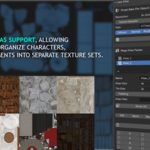
Scenario 1: Ready PBR Textures (e.g., from Substance Painter) Use this to combine multiple objects into one atlas.
Go to the Mega Atlas Packer panel and create a new Atlas group.
Select an object you want to add.
Click on a Grid Tile Number (e.g., 0, 1, 2) in the UI. (The object is instantly packed and its textures are copied to that tile).
Repeat for other objects to fill the atlas.
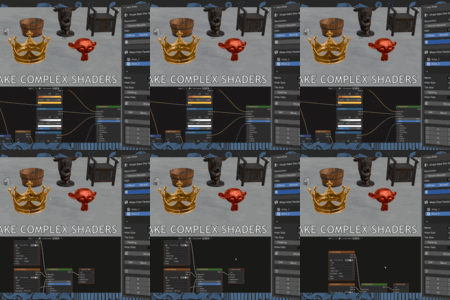
Scenario 2: Procedural Materials Use this if you have complex Blender shaders (Mix Nodes, ColorRamps).
Select your object with procedural materials.
Go to the Single Bake (Per Object) panel.
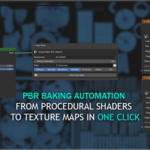
Click One Click Bake. (This creates a new object with baked PBR textures).
Now proceed with Scenario 1 using this new object.
Have questions about this product?
Login to message
| Blender Extension Compatible | Yes |
| Sales | 50+ |
| Published | 9 months ago |
| Blender Version | 4.0 - 5.0 |
| Extension Type | Add-on |
| Render Engine Used | Cycles, Eevee |
| License | GPL |

Discover more products like this
3dartistproductivity asset packer atlas-bake 3D asset optimization 3D assets for Unity and Unreal oneclick 3d-workflow-automation uv packing PBR Atlas uvpacker baking