Lazy3D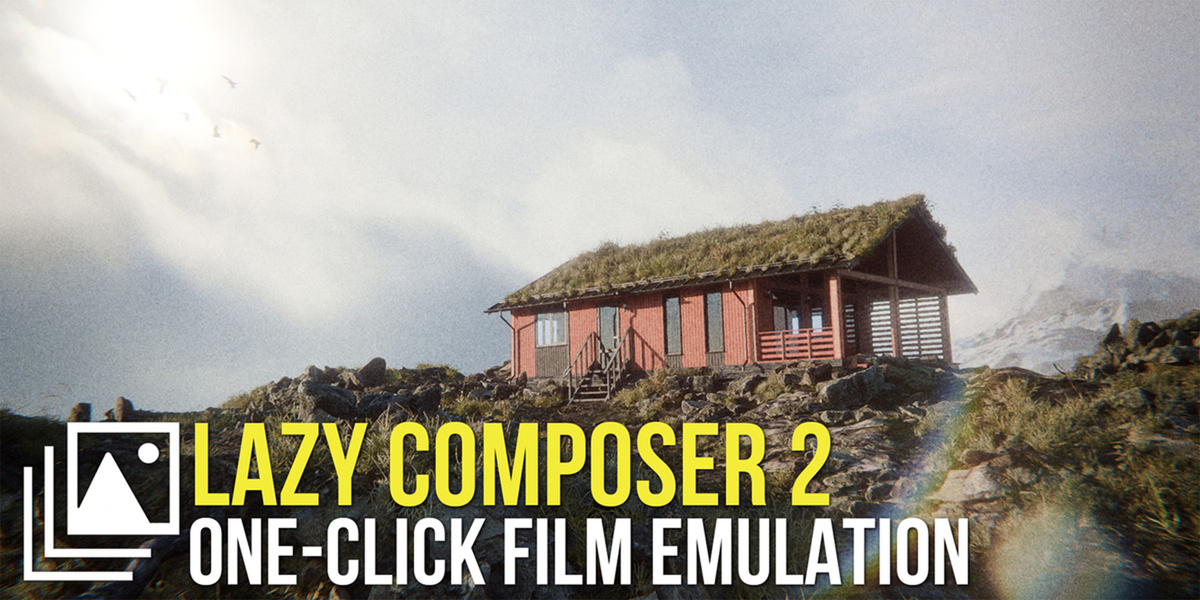



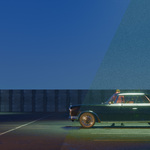


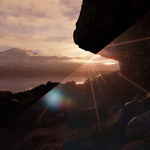
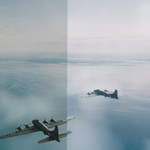
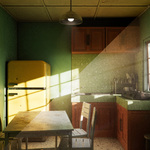
Video trailer
Quick overview of Lazy Composer 2 Pro in action:
Watch on YouTube: https://youtu.be/DuPOfM9AVRk
Key features
One-click looks with presets and custom presets
Use built-in Lazy Composer presets as a starting point, preview them as thumbnails right in the panel, apply in one click and then refine for your specific scene.
- Preset preview grid with a quick Apply button.
- Create and save your own custom presets for different projects or clients.
- Non-destructive workflow: update or replace presets at any time.

Complete color engine from exposure to final film look
Replace multiple separate nodes with a unified color section: exposure, balance, contrast, temperature, tint, vibrance, saturation, three-way grading, texture, sharpening, clarity, dehaze, tone color, film fade and gamma.
- Shadow, midtone and highlight grading with independent controls.
- Detail stack with texture, sharpening, clarity, dehaze and fine control over micro-contrast.
- Film-style finishing tools for soft fades or punchy, contrasty images.
Lens distortion effects
Optical imperfections and surface interaction tools to break the digital look and add realism.
- Lens distortion, chromatic aberration, fisheye, fringe and edge blur.
- Lens dirt with presets, scale, area, blur and mapping controls.
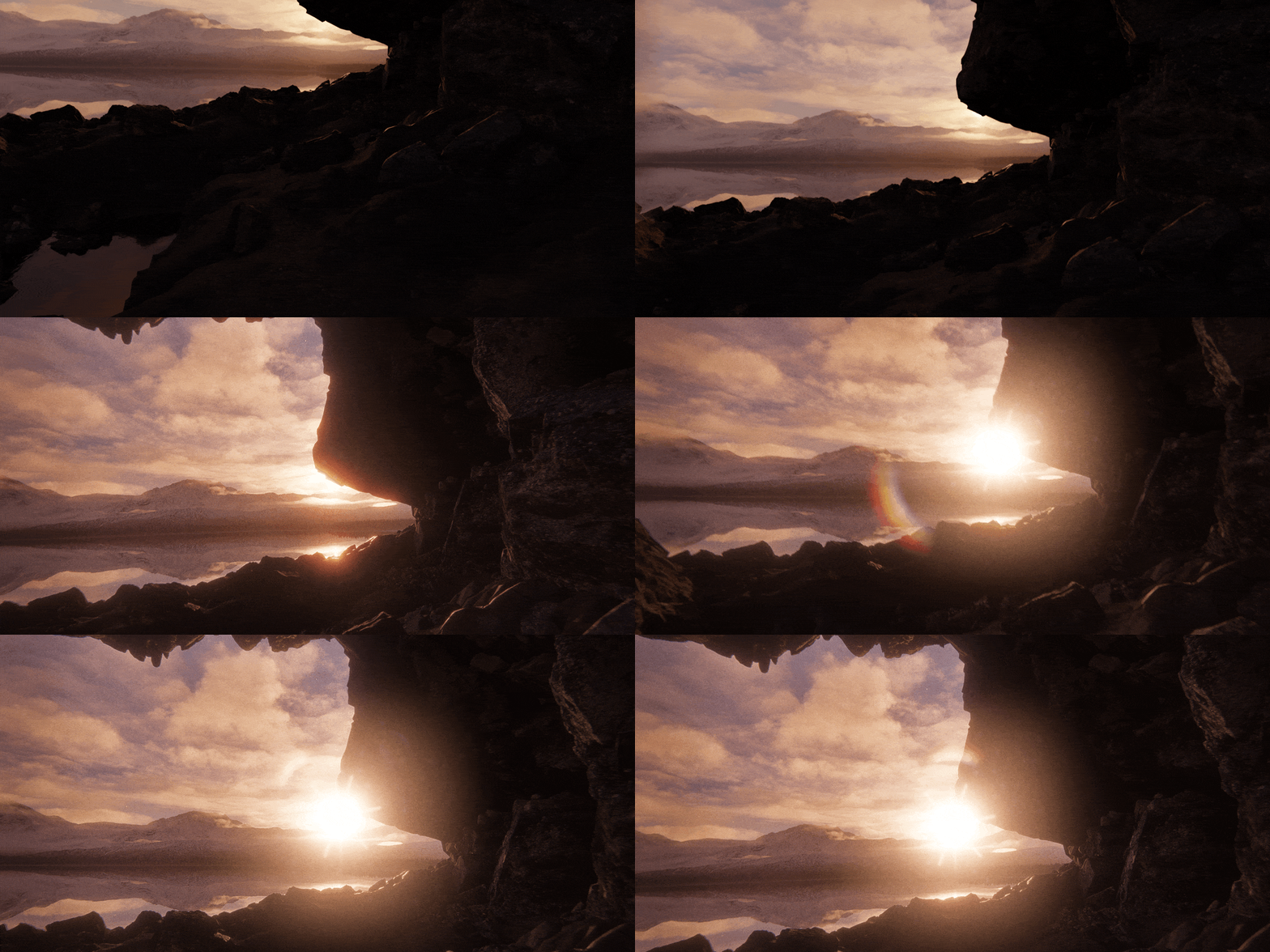
Lens lighting effects
Physically inspired lighting artifacts generated from bright areas and light sources.
- Bloom, hotspot glow and diffraction effects.
- Ghost bokeh and rainbow-style lens artifacts.
- Anamorphic light streaks with sensitivity, length, saturation and hue control.
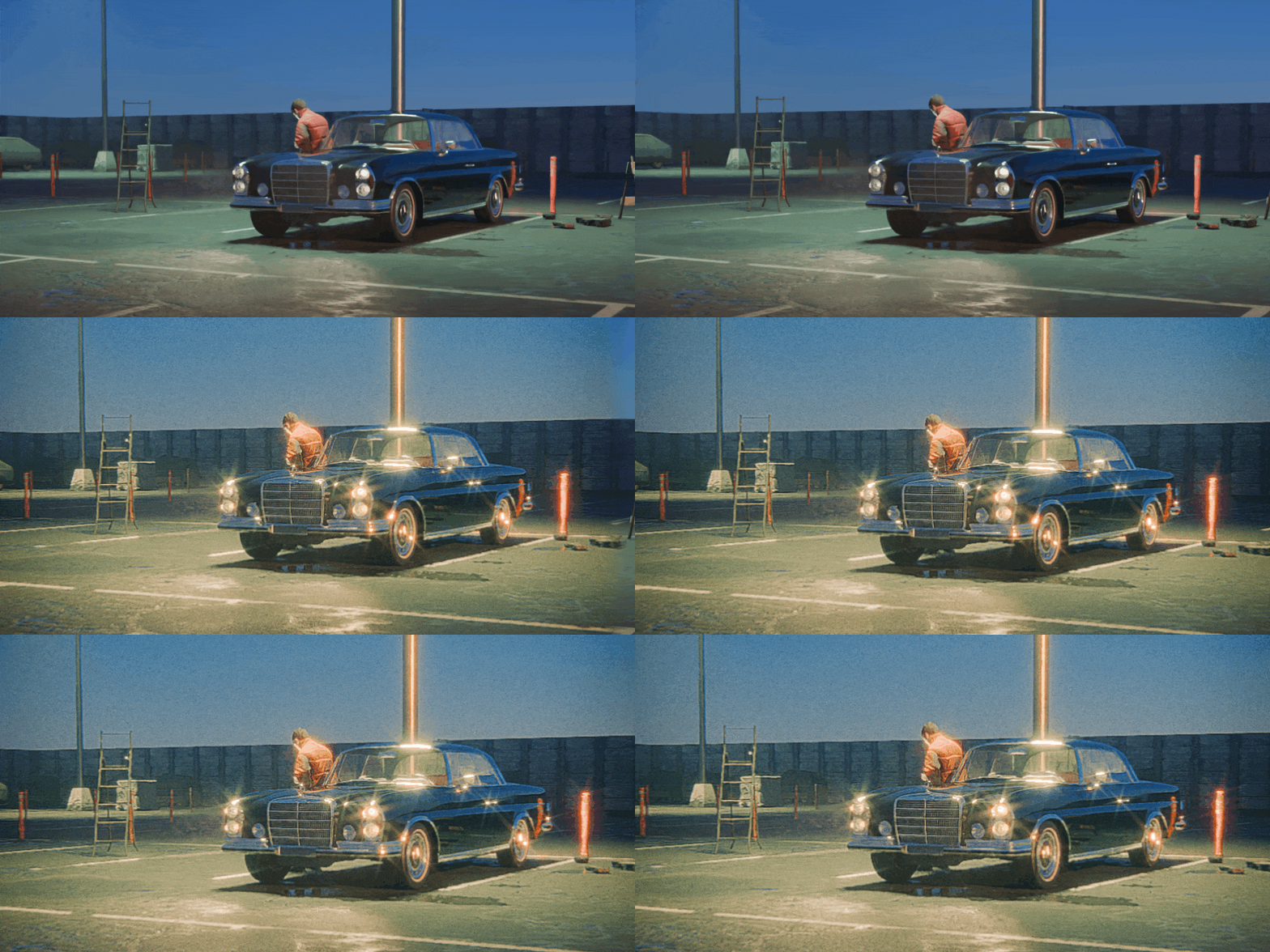
Glint and halation
Subtle cinematic highlights and analog-style light behavior for a filmic finish.
- Glint adds micro-sparkle to strong highlights.
- Halation introduces soft light bleed around bright edges.
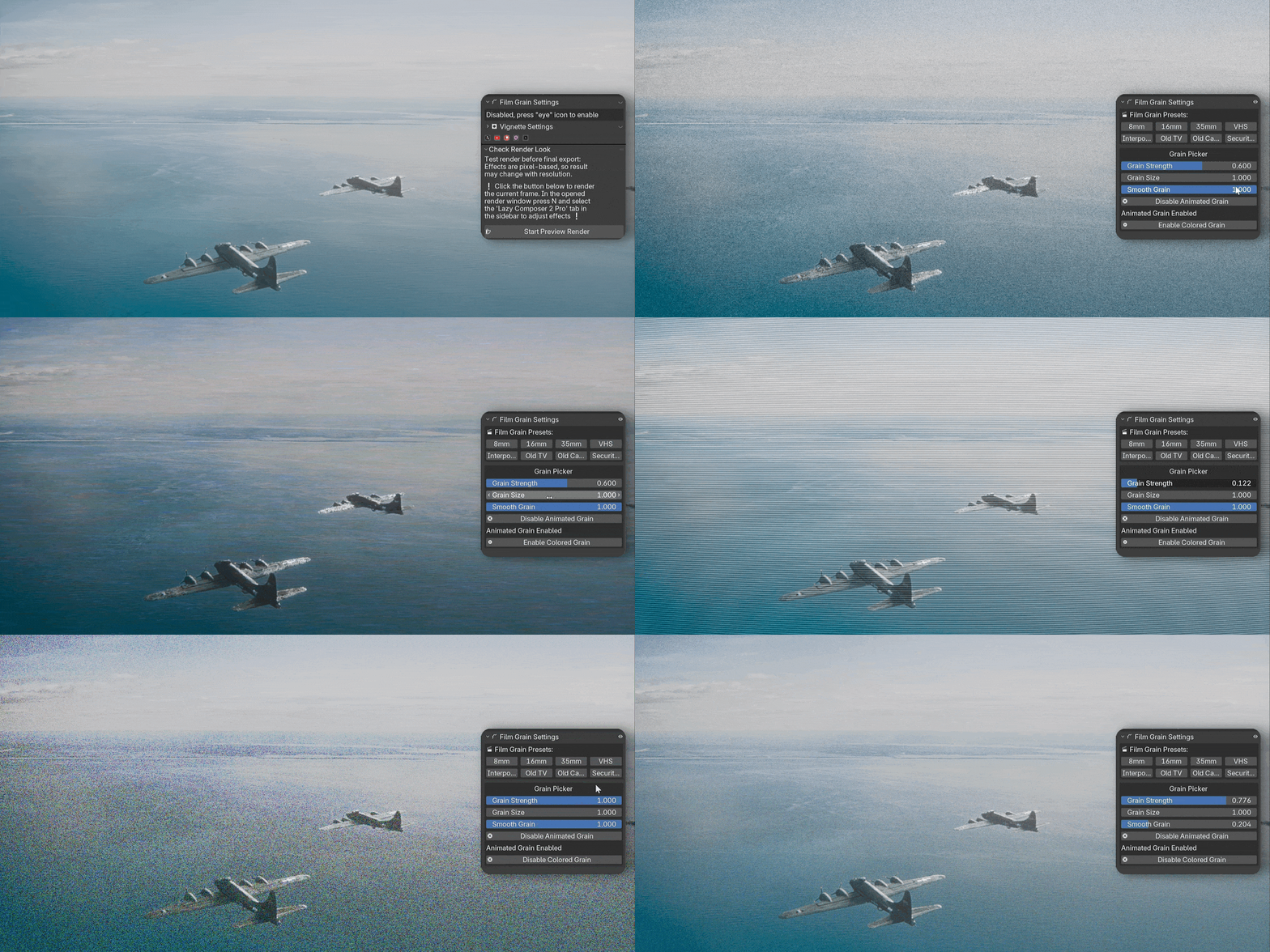
Film grain, vignette and final correction pass
Finish your image with a dedicated film finish section: multiple grain styles, animation options, colored grain and a flexible vignette system for focus control.
- Grain strength, size, softness and color control, plus animated or static modes.
- Vignette intensity, blur, anisotropy (anamorphic look) and size controls.
- Final color correction stage on top of everything for quick global tweaks: warmth, contrast, exposure, saturation, highlight desaturation, black and white levels, shadow tint and global tint.
Performance and control
- All effect groups (Color, Lens Distortion, Lens Dirt, Lens Lighting, Glint, Halation, Grain, Vignette) can be fully disabled to remove their processing cost when not needed.
- Real-time performance in the viewport and compositor preview — all controls respond instantly while adjusting the look.
- During final rendering, the compositor adds only about +2 seconds per frame for the full post-processing stack (tested on NVIDIA GeForce RTX 4070 12GB).
- Camera-based workflow: add Lazy Composer once and keep using it across shots without rebuilding node trees.
- Fully non-destructive pipeline — everything stays inside the compositor and can be tweaked at any time.
Free vs Pro
Lazy Composer is available in a Free and Pro version. Start simple, then unlock the full cinematic pipeline when you’re ready.
Free version
Essential tools for basic film-style finishing.
- Basic color settings
- Film grain (BW and colored grain)
- Chromatic aberration
- Vignette
- Glow
- Light ghosts
- Light streaks
- Halation
Pro version
Full cinematic-grade post-processing system.
- Advanced color correction
- Built-in presets
- Film grain with 8 presets (8mm, 16mm, 35mm, VHS)
- Lens dirt with multiple presets
- Vignette
- Lens distortion
- Fringe
- Bloom, light streaks and diffraction
- Ghost bokeh
- Rainbow lens effects
- Light ghosts
- Anamorphic light streaks
- Glint
- Halation
- Custom preset support
Lazy Composer 2 Pro is designed to be your single, reusable post-processing stack: instead of rebuilding complex node setups for each project, you keep one clean system that grows with your library of presets and looks.