 Casey_Sheep



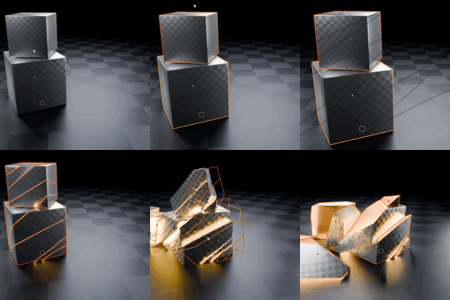
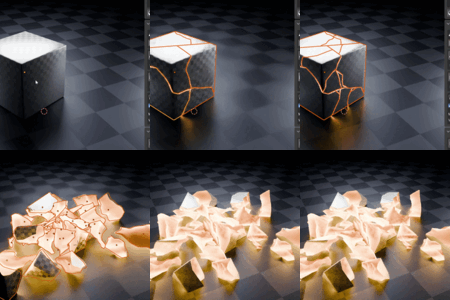
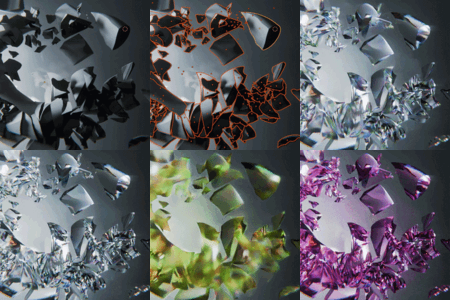
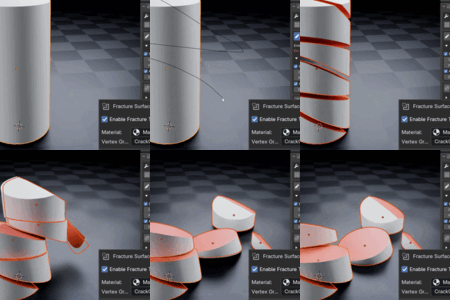
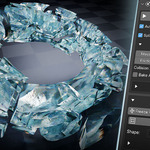

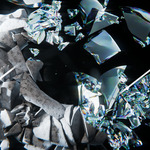

Fast Crack Creation for Lazy Cracker Users
Lazy Cracker brings artist-controlled crack drawing, procedural fracture generation, rigid body preparation, and physics cleanup into one streamlined Blender sidebar panel.
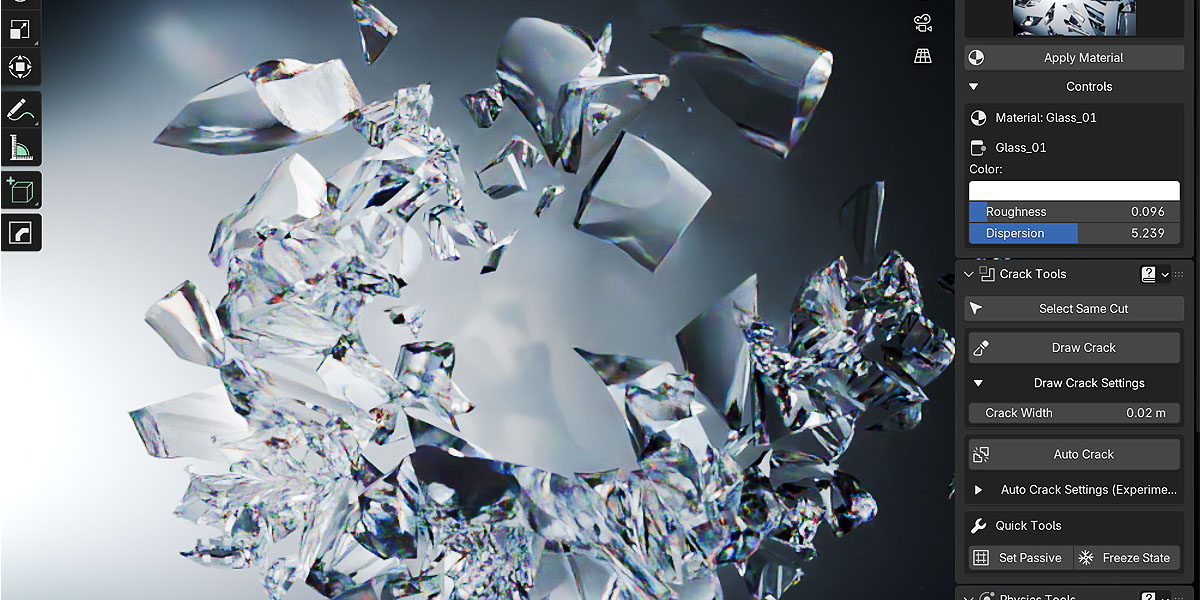
Key Features

Draw Crack Path — Full Artistic Control

Paint a crack directly in the viewport and cut the mesh along your drawn path. Perfect when you want the break to follow a specific shape, composition, or camera-facing direction.
Control crack width, cutter depth, path detail, and whether loose islands become separate objects after the cut.

Auto Crack — Procedural Destruction in Seconds
Generate jagged procedural cracks on selected meshes without drawing by hand. Great for quick destruction passes, batch variations, and creating multiple broken versions of props.
Adjust seed, crack intensity, wiggle, thickness, margin, and pattern detail to get anything from subtle fractures to wild broken shapes.

Fracture Surface Control — Different Interior and Exterior Materials
Enable Fracture Surface controls to treat fresh cut faces as a separate surface from the original shell, so break interiors can carry their own visual identity.
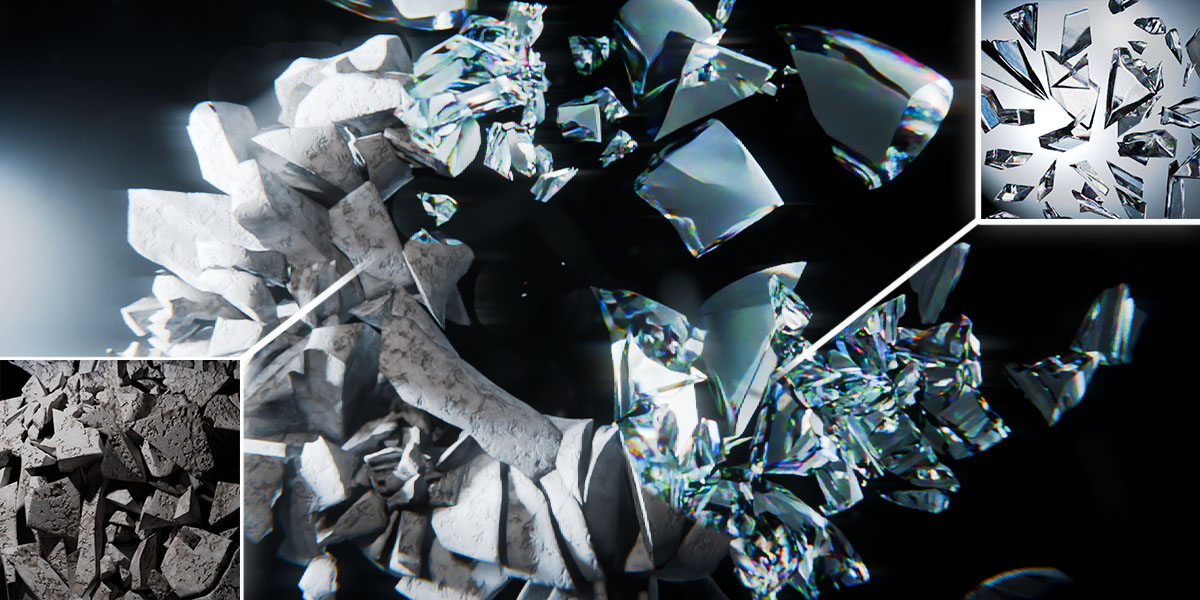
Fracture Surface controls let fresh cut faces use a different material than the outer shell, so interior break surfaces can look concrete, dusty, or raw while the exterior keeps its original finish. You can also tag fracture faces into a vertex group for masking and further lookdev control.
Glass materials: Bundled or library glass-style materials are intended for Cycles only. They are not supported in EEVEE and will not behave or render correctly there—use Cycles for glass looks.
Rigid Body Prep — From Crack to Simulation
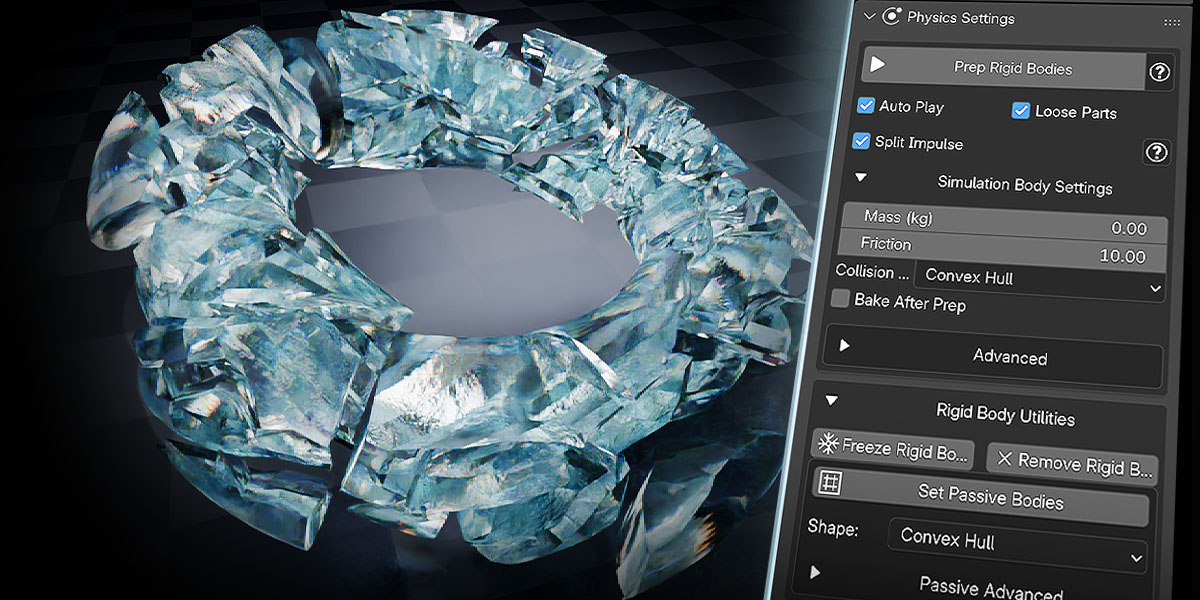
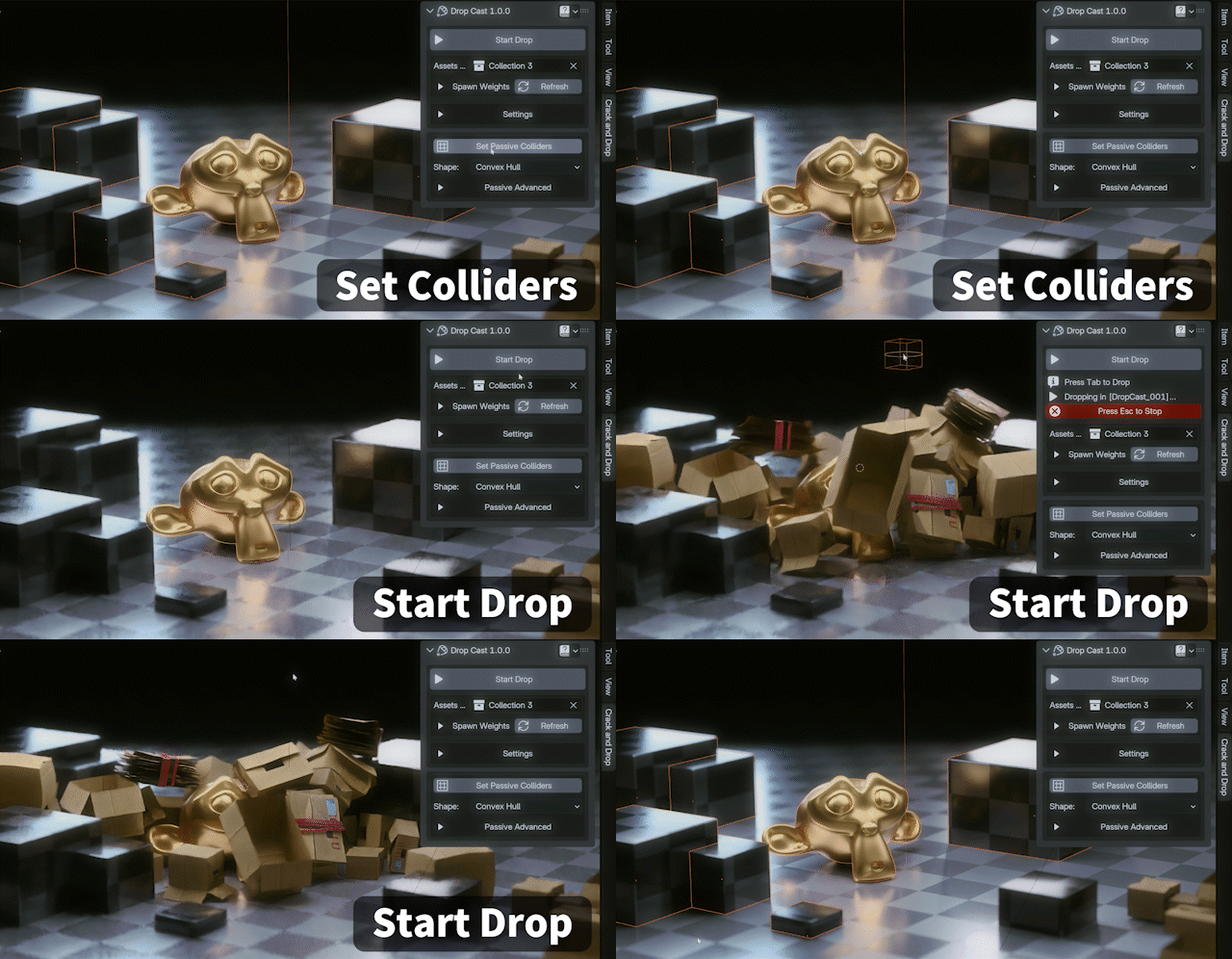
Prepare cracked pieces as active rigid bodies with one workflow. Set mass, friction, collision shape, loose part splitting, auto play, and optional bake directly from the add-on panel.
Use quick passive setup for floors and walls, freeze good simulation frames, remove rigid bodies, or clear and rebake physics caches when needed.
Lazy Drop Library — Bonus Materials & 30+ Debris Assets
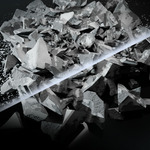

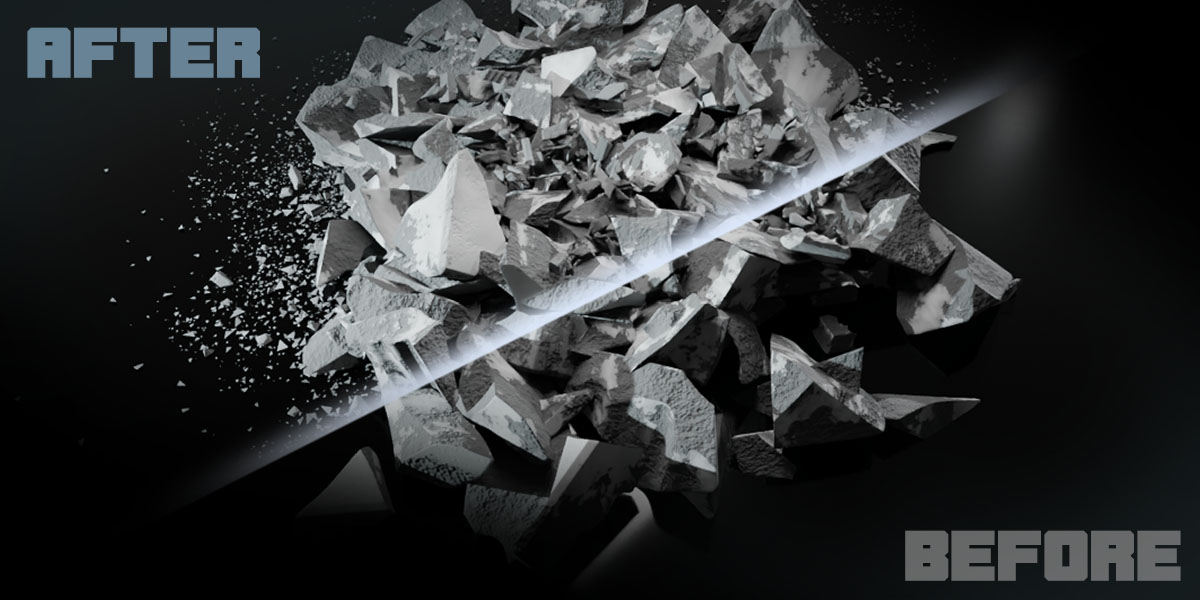
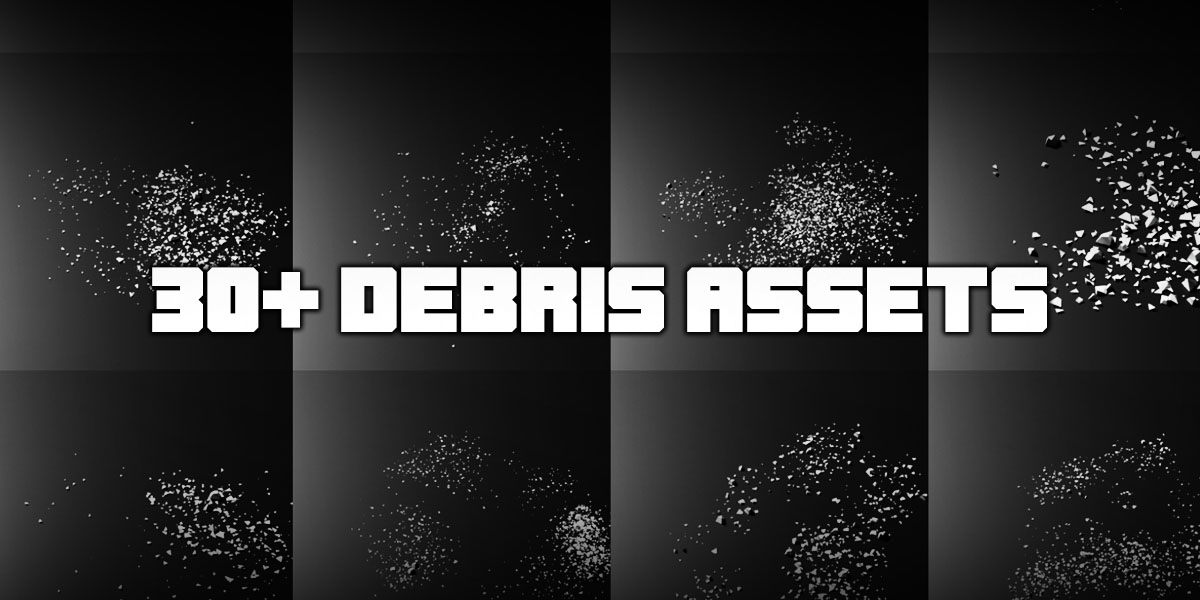
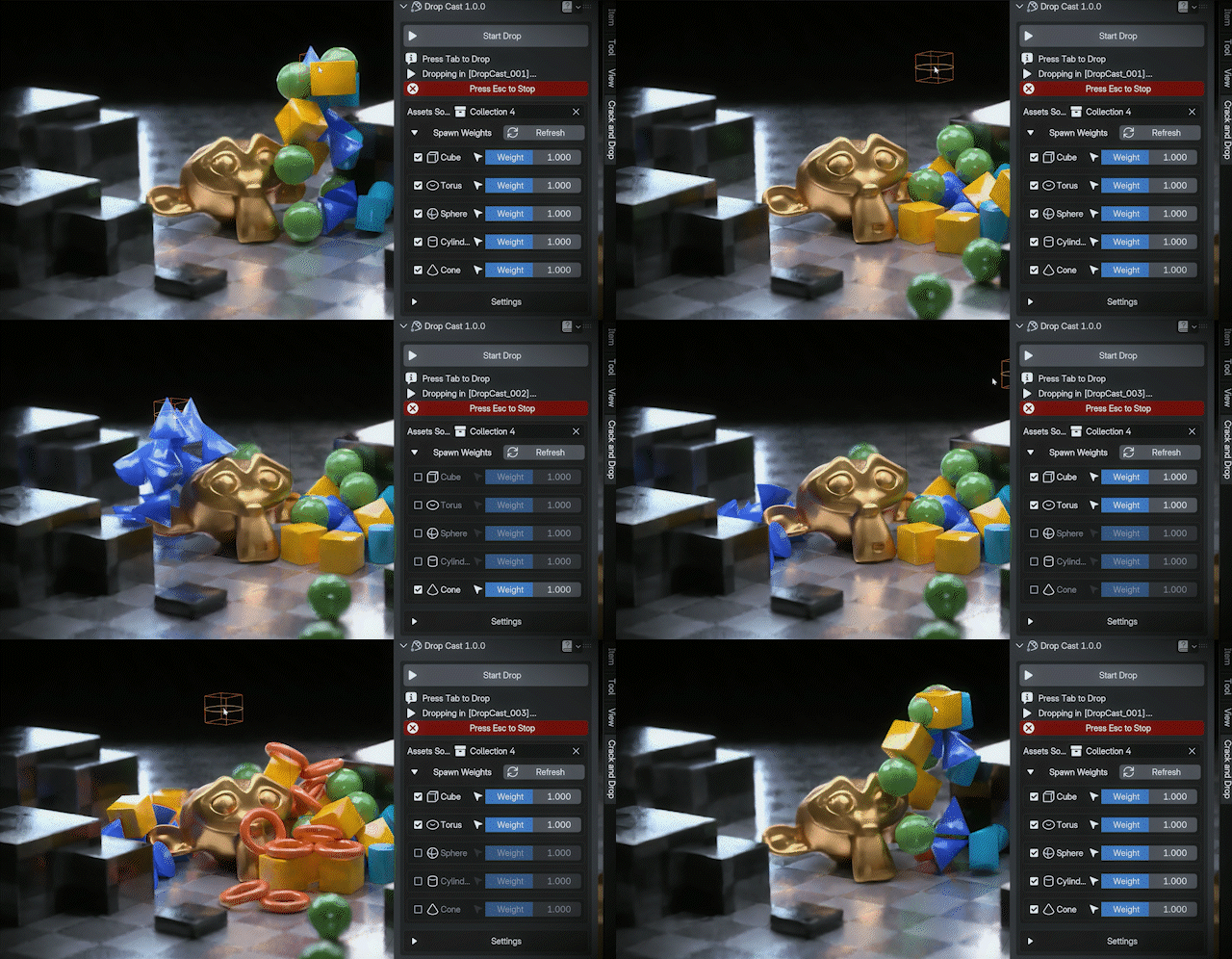
As a bonus, browse built-in materials from a thumbnail library and drop in 30+ bundled debris chunk assets included with the add-on. One click can populate your scene with believable fracture detail—chips, rubble, and broken bits—without rebuilding geometry by hand.
Spawn assets at the 3D Cursor, use snap presets for cleaner placement, and pair library materials with debris drops for faster, richer destruction shots.
Materials note: Any glass presets in the library are for Cycles rendering only; EEVEE does not support those glass setups—switch to Cycles if you need that look.
A Simple Destruction Workflow
1. Draw or Auto Crack
Create hand-drawn or procedural cracks on selected meshes.
2. Split into Shards
Separate loose islands into individual fracture pieces.
3. Prepare Physics
Convert shards into rigid bodies and set simulation defaults.
4. Bake or Freeze
Bake final motion, freeze good frames, or clear cache and retry.



Before You Buy
- Blender boolean limitations: The workflow relies on Blender’s built-in boolean system. You may occasionally hit errors or unstable results—especially on dense or complex meshes—and we cannot guarantee every model will cut cleanly or that you will never see slowdowns or UI freezes. Thanks for your understanding.
- Boolean and mesh results: Final output can depend on the source mesh quality, topology, scale, and normals.
- Physics performance: Large numbers of fractured pieces can be demanding. Simulation speed depends on your hardware and scene complexity.
- Rigid body workflow: The add-on helps prepare and manage physics, but complex simulations may still require artistic tweaking.
- Best use cases: Props, debris, destruction shots, stylized fracture effects, VFX tests, and quick break variations.
- Glass materials (Cycles vs EEVEE): Glass-style materials included with the add-on are designed for Cycles only. They are not usable in EEVEE; expect incorrect or missing glass behavior if you render or preview in EEVEE.
Build Better Destruction Setups with Lazy Cracker
Draw cracks, generate procedural breaks, separate shards, prepare rigid bodies, and manage simulation caches — all from one focused Blender workflow.