Auto Detection
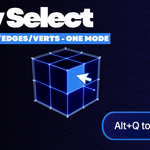
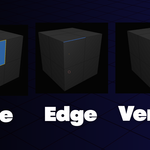
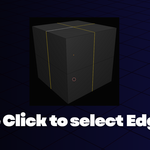
Automatically detects what element you're hovering over. No more pressing 1, 2, 3 to switch modes.
Visual Feedback
Blue highlighting shows exactly what you'll select before you click.
Edge Loops & Face Loops
Double-click for edge loops, Alt+Click for Face loops.
Selection Bookmarks
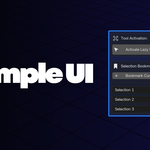
Save and restore selections instantly. Perfect for complex modeling workflows with repeated selections.
Non-Interfering
Only active when you want it. All Blender shortcuts work normally when tool is off.
Keyboard Shortcuts
Activate tool Alt + Q
Select element Left Click
Select edge loop Double Click (edge)
Select face loop Alt + Click (edge)
Select multiple Shift + Click
Deactivate tool Right Click / ESC
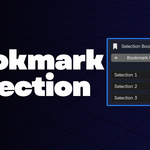
Selection Bookmarks
Access bookmarks from the N-Panel under Lazy Select:
Select faces or edges or vertices Bookmark Selection
Restore bookmark Click Play icon
Rename/Delete bookmark click X icon
 Bala
Bala