Lazy3D
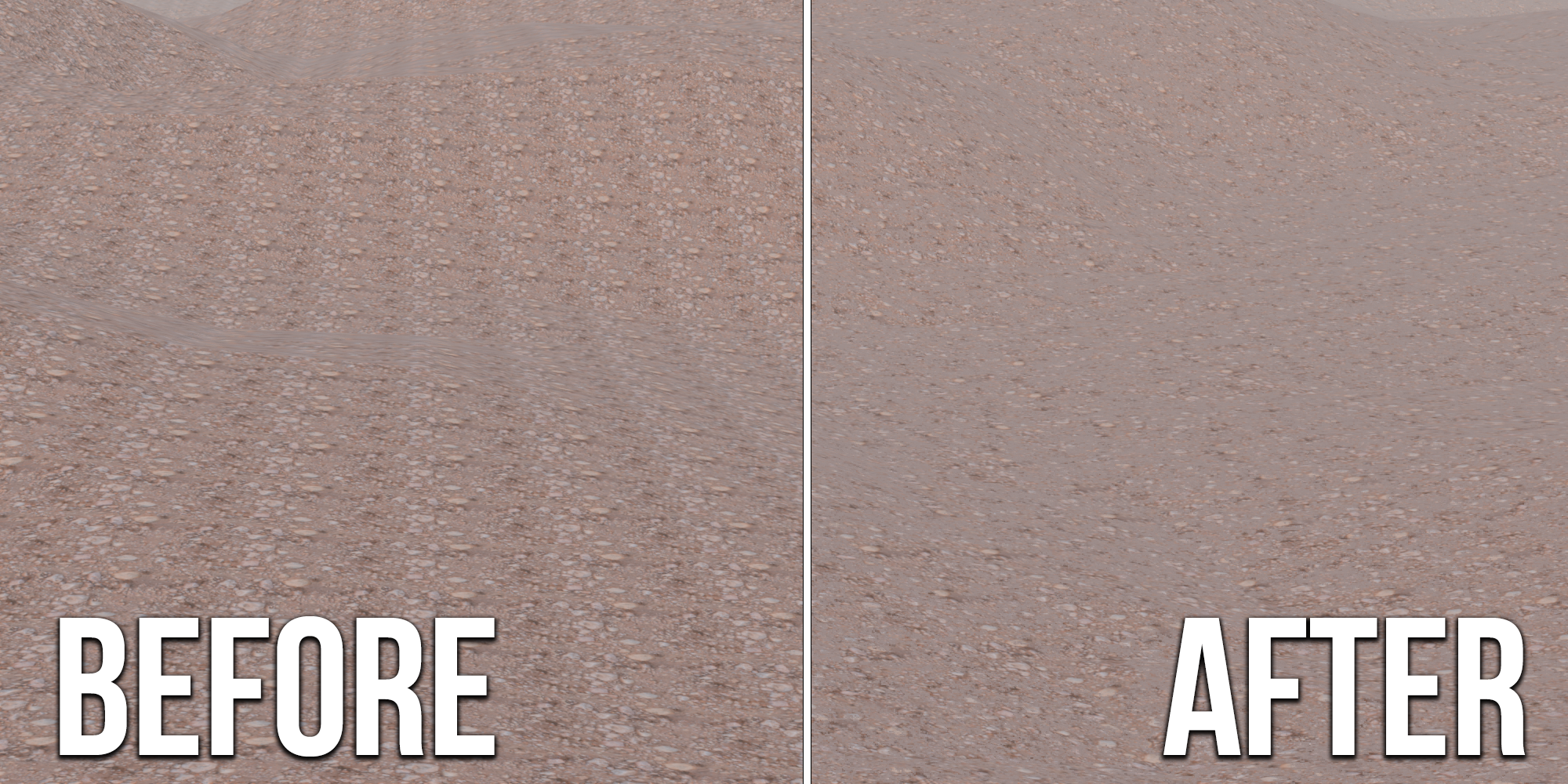
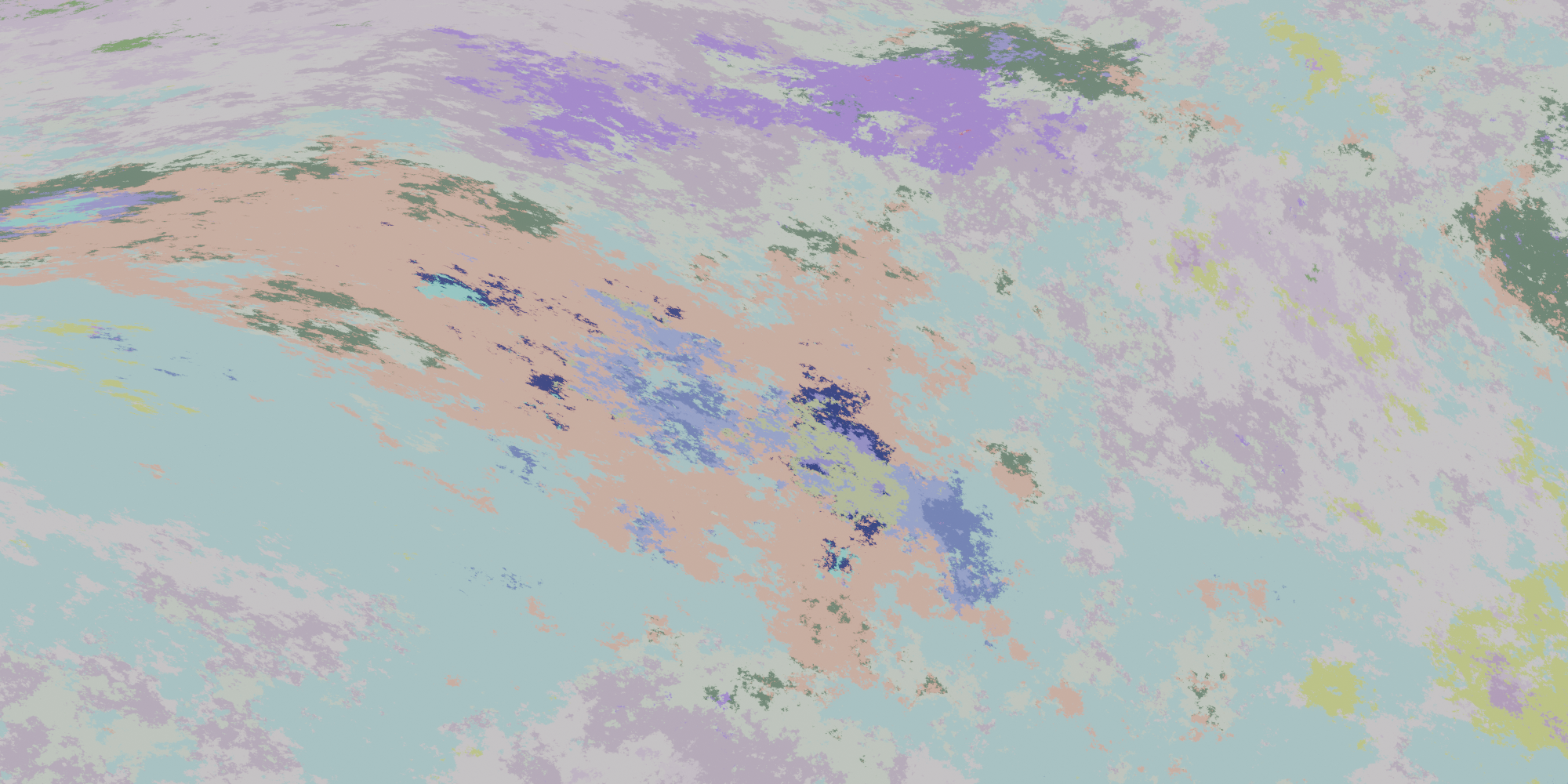
Delete Tiling with a Single Click
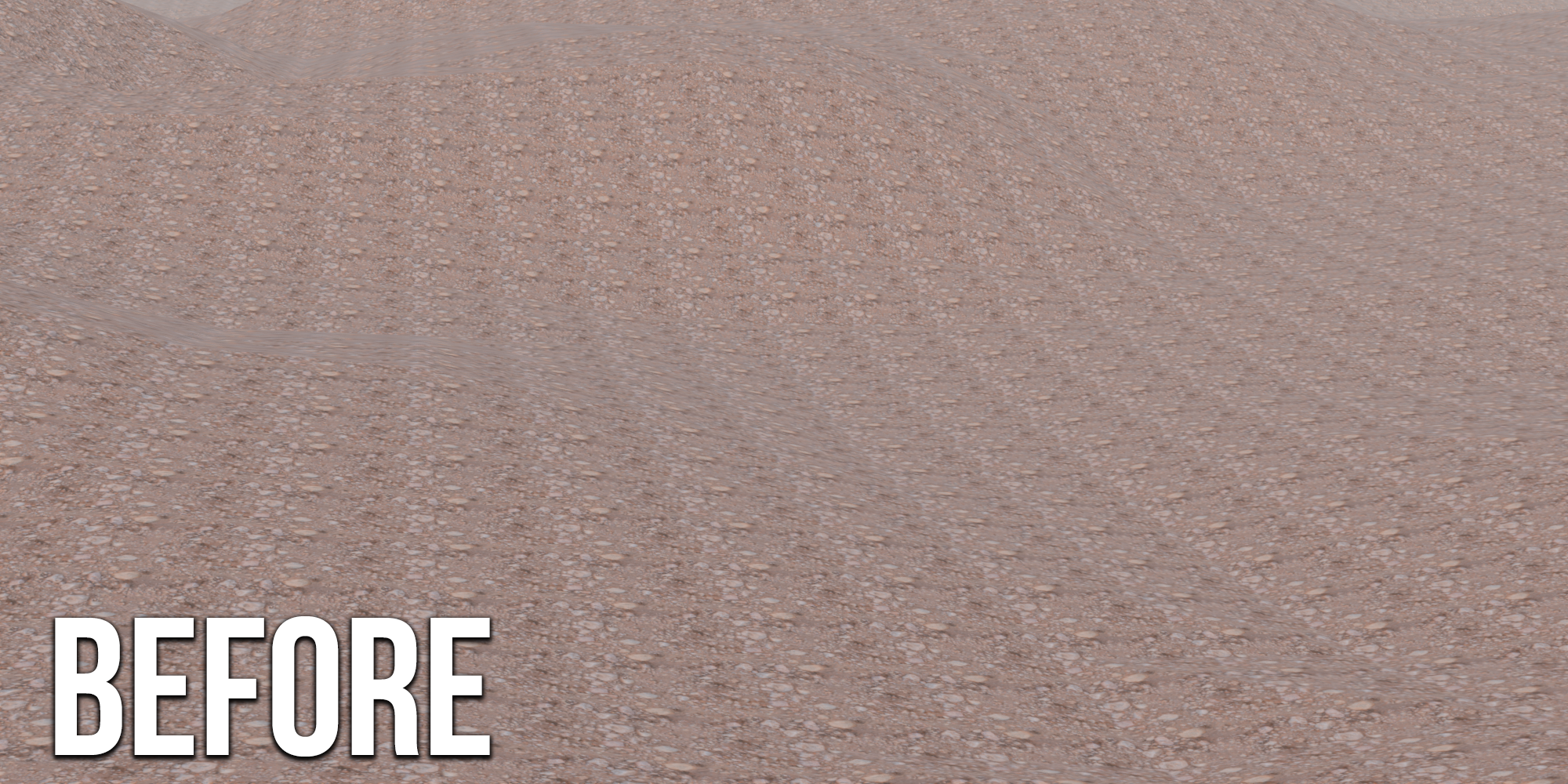
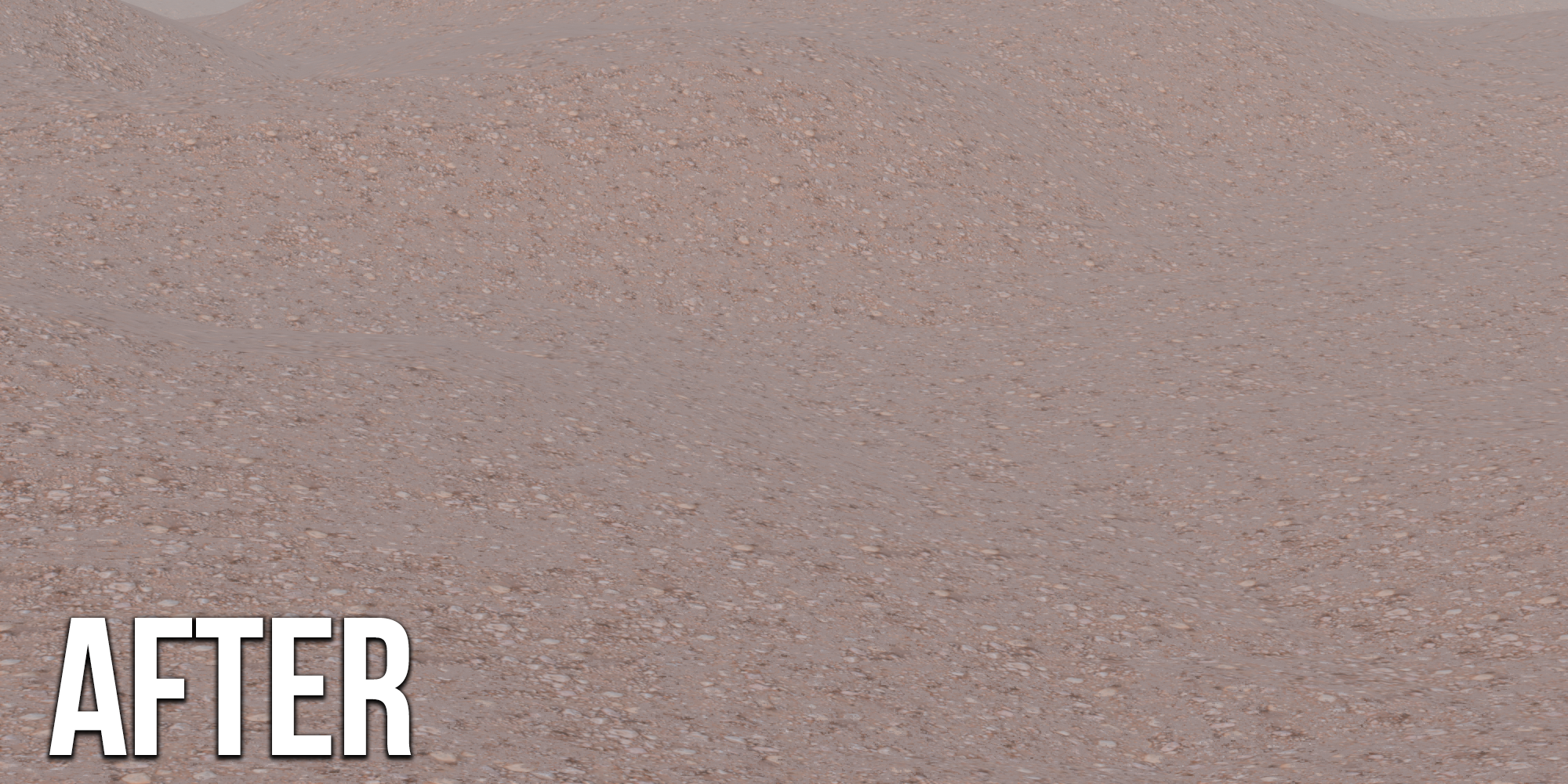
Tired of the repetitive patterns in your textures? Lazy Untile is here to save the day! With a single click, you can effortlessly remove tiling from your textures, making your 3D models look more natural and seamless.
Features:
One-Click Tiling Removal: Easily delete tiling artifacts from your textures with just one click
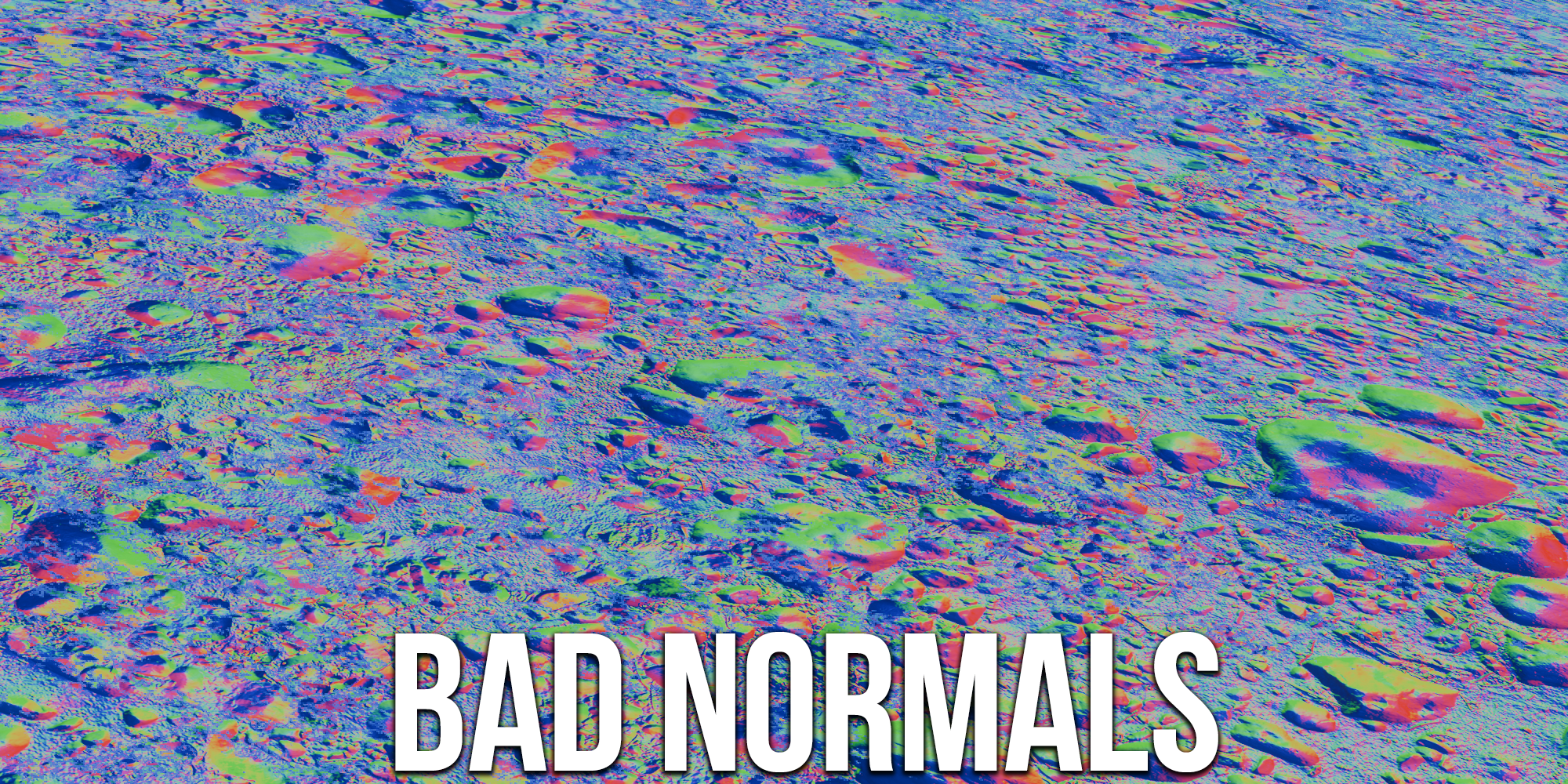
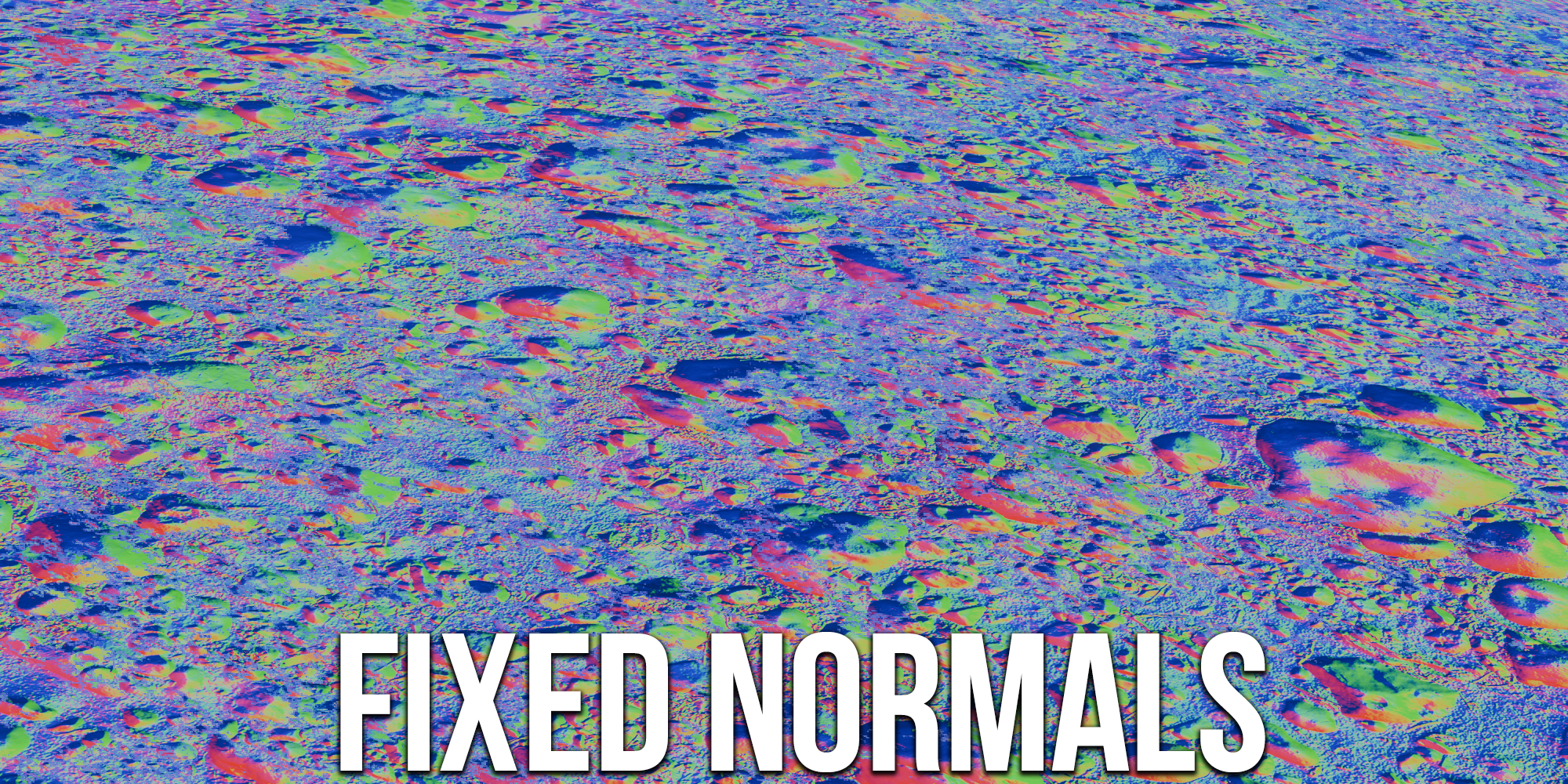
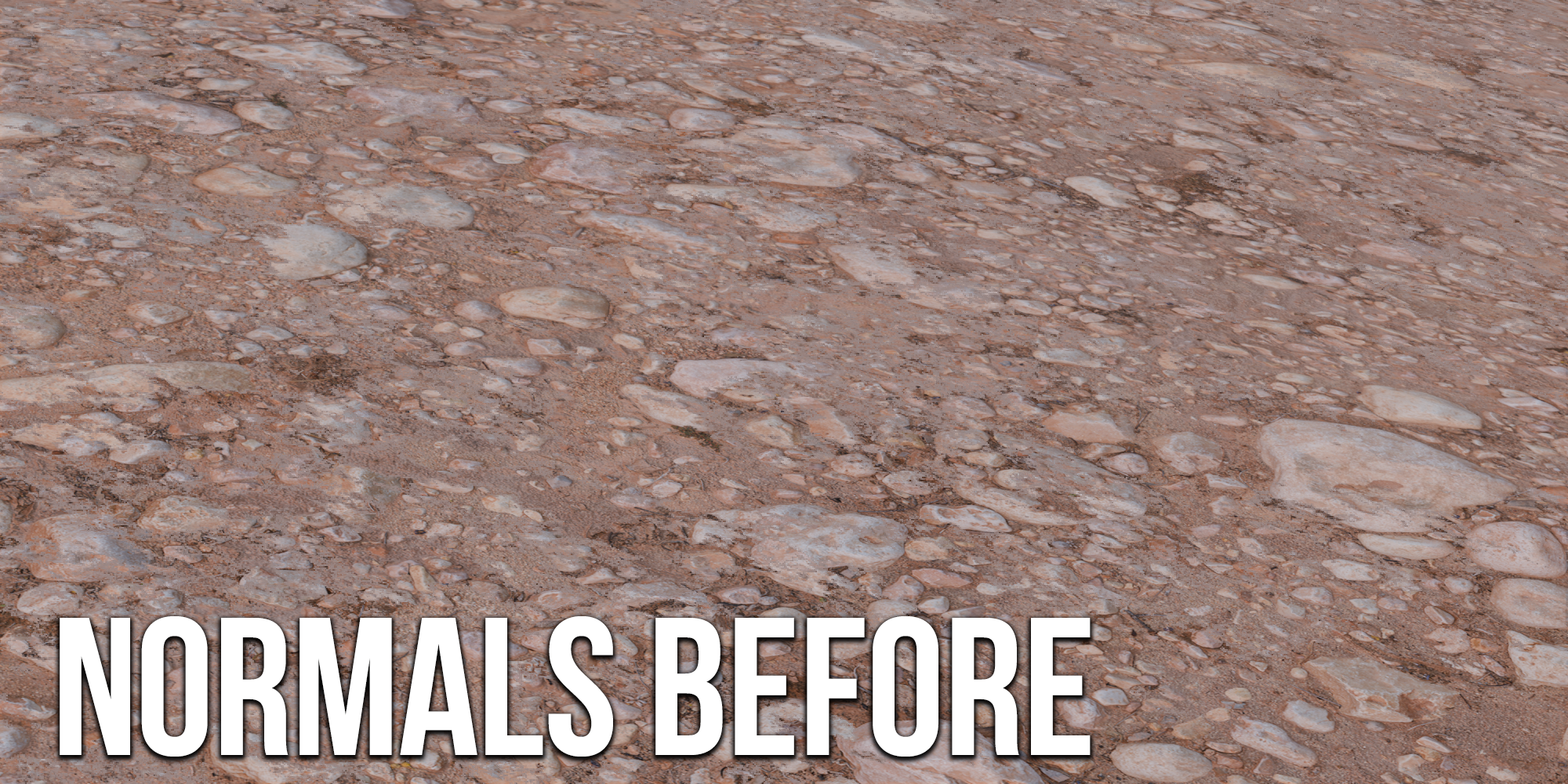
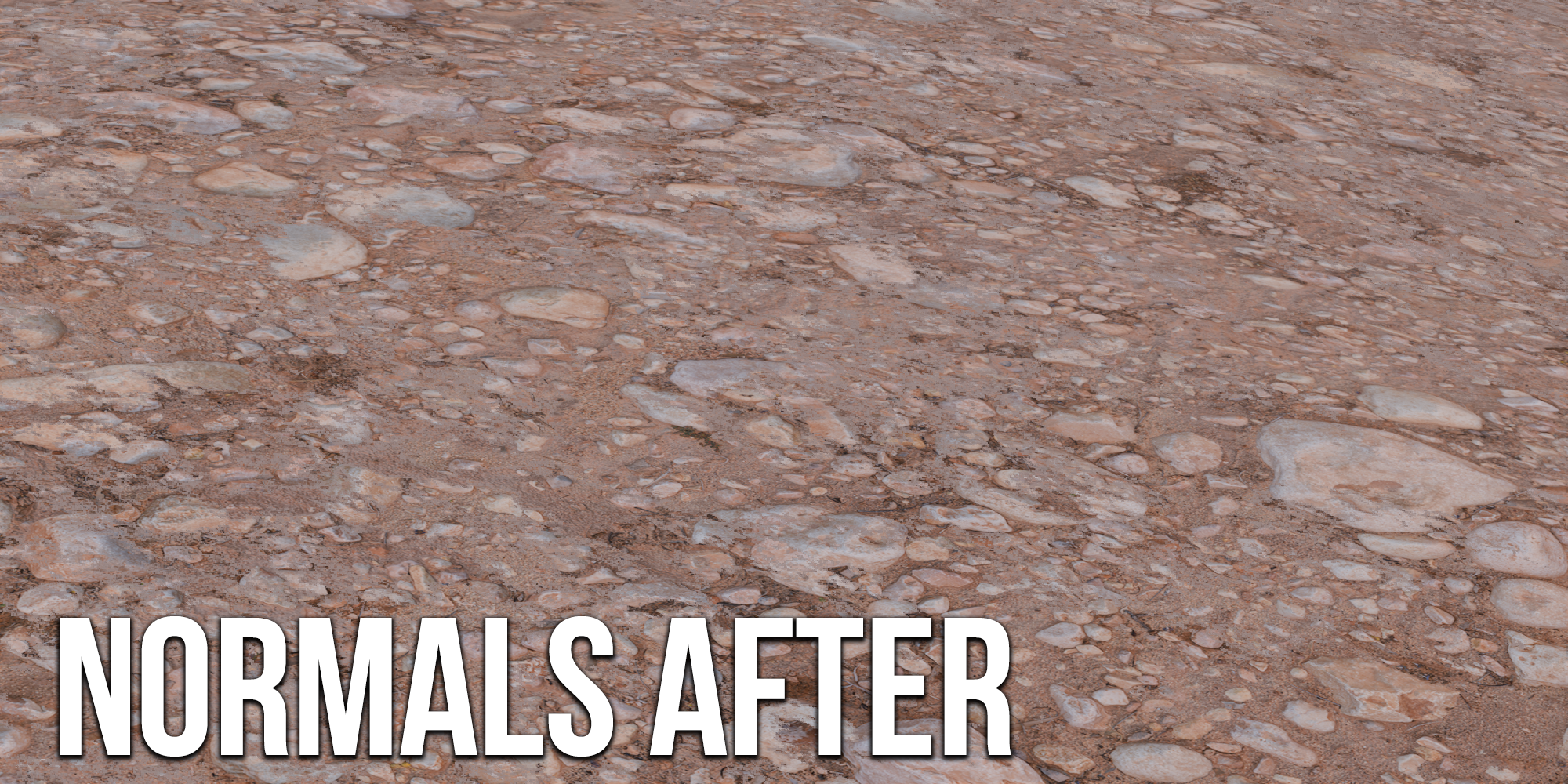
Normals Fixer: Includes a normals fixer nodegroup to achieve realistic and professional results, ensuring your textures look their best.

User-Friendly: Designed with ease of use in mind, allowing both beginners and professionals to enhance their 3D models quickly.
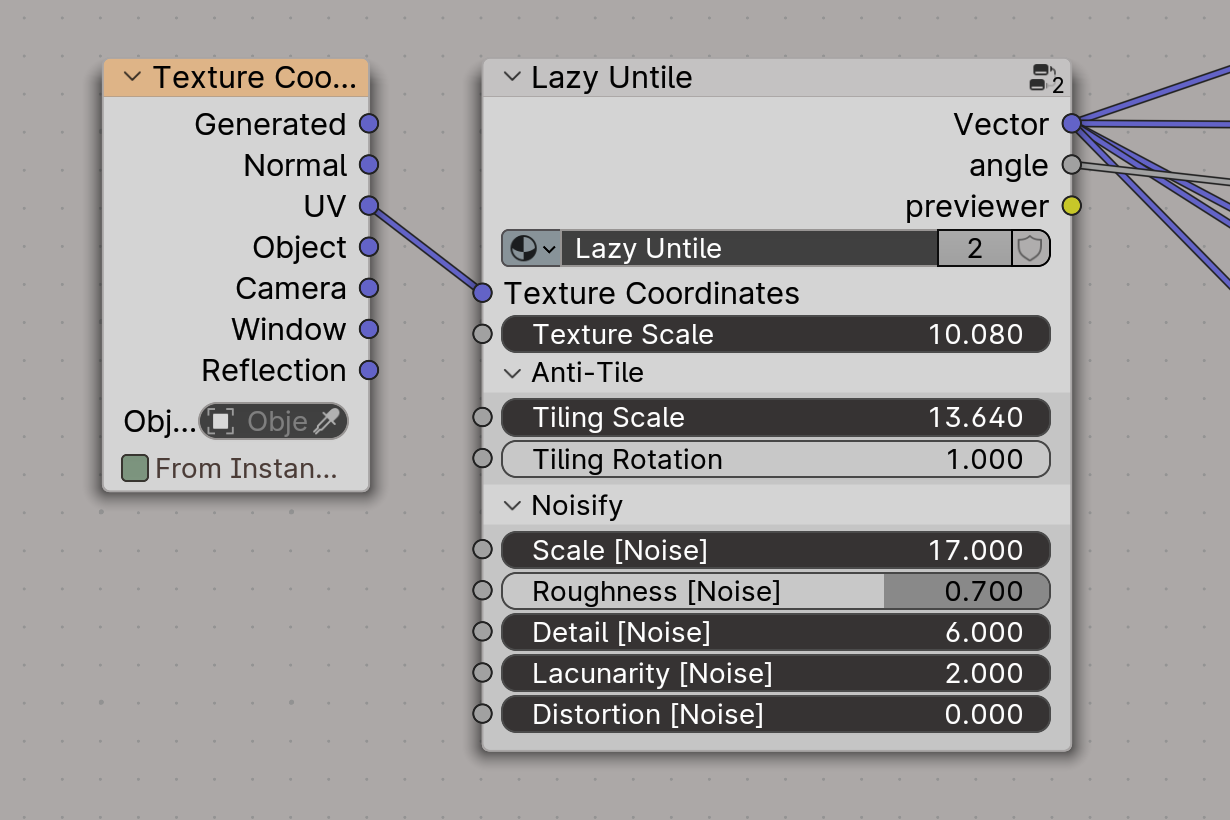
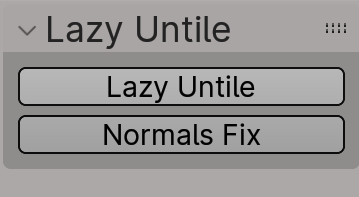
Info:
The add-on panel is located in the N panel of the Shader Editor.
- To use Lazy Untile: Select the Image Texture nodes you want to untile.
- To use Normals Fix: Select the normal map you want to apply the effect to.
The add-on is compatible with Blender 4.1 and 4.2. In Blender 4.2, install it as an extension - you can easily drag the downloaded zip file into Blender's window.
Updates:
v. 1.1 - added normals fixer feature (thanks to @ZhangWei for idea)
v. 1.0 - initial release
Also Check out our products on market page!
Naturescapes: Procedural Biome Generators [Addon]
PHYSICAL GRASS SCATTER - an innovative tool for creating PHYSICALLY realistic grass
One-Click Physical Puddles Pro

WINTERIFY DELUXE

Fauna Sketcher | Procedural Insects & Birds Motion
One Click Dust: Instant Realism
Lazy Wind | One-Click Wind Generator