Bookyakuno
11 months ago
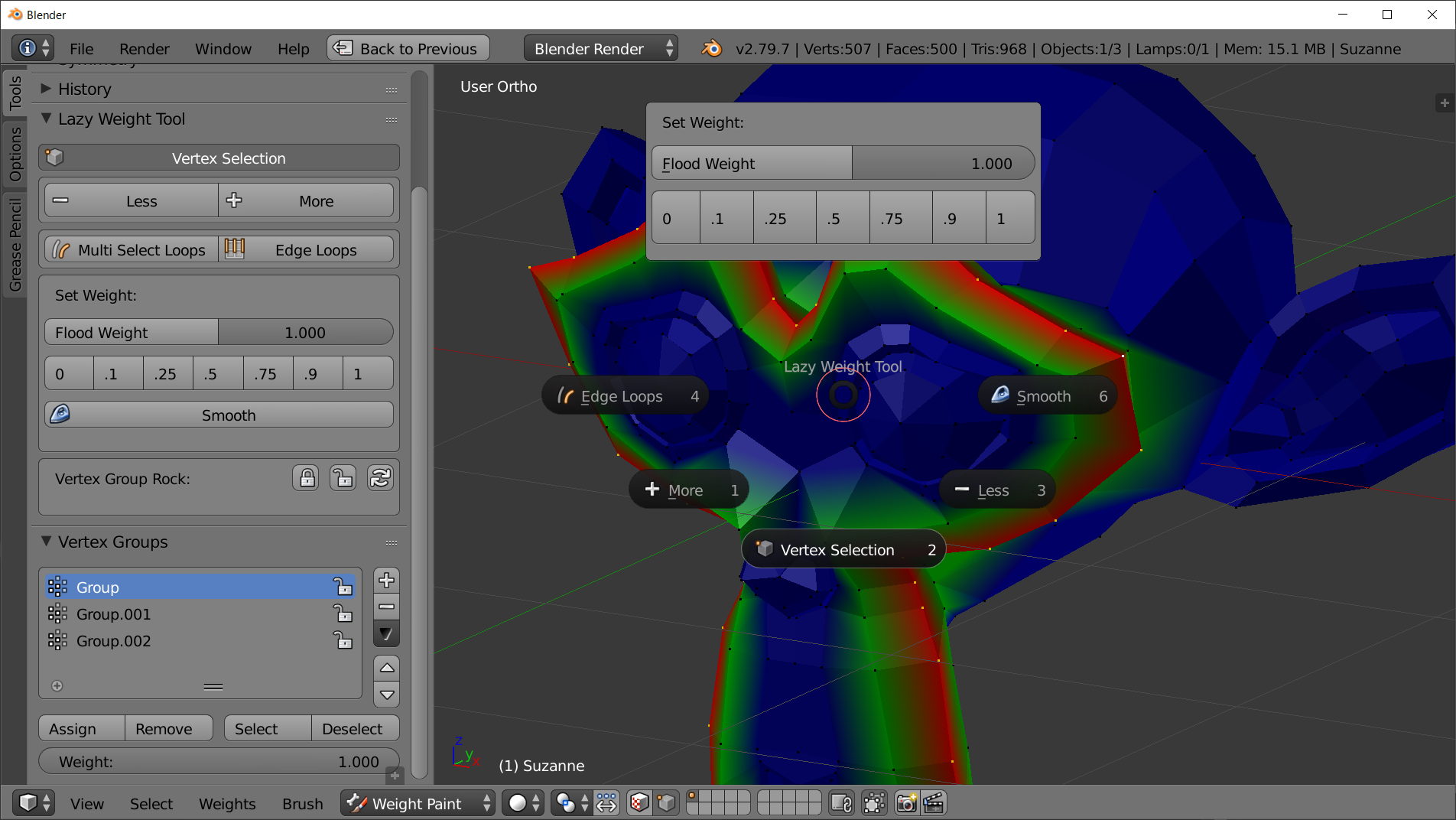
If you're talking about the vertex table, it should be set to only display selected vertices by default.
You can switch this using the selection icon at the top of the panel menu.
Bookyakuno
in Addons
This item has an average rating of 4 from 9 ratings by the community.
Purchase this item to leave a review!
awsome tool
The documentation only explains what features are but no example on how to use and why you should use it.
No tutorial videos, work flows
I can imagine weight painting experience would be a huge benefactor before buying this, I have basic weight painting experience, enough to know brushing the weights via a strength value is pretty terrible.
In a nut shell, it's not newb friendly :DUPDATE: It's not newb friendly but with some trial and error it is a great addition to the workflow. Worth every penny!
Narrowing down the search in 3-Column has saved me a lot of time in large scale weighting work, thanks to Bokyakuno for providing a great add-on.
This tool has allowed me to solve some problems.
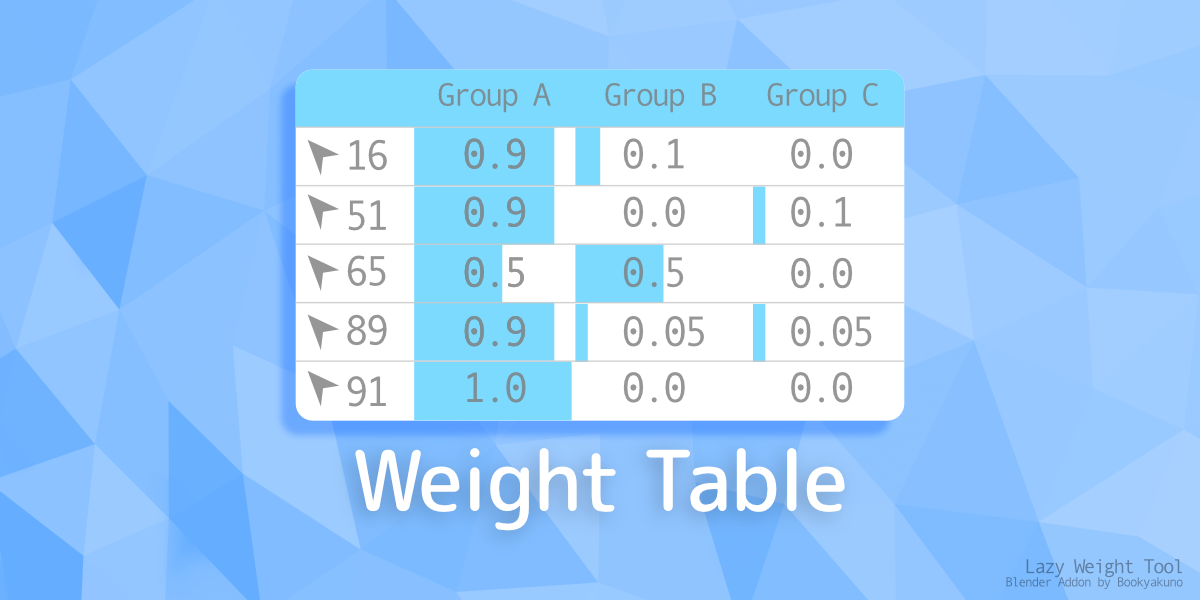
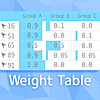
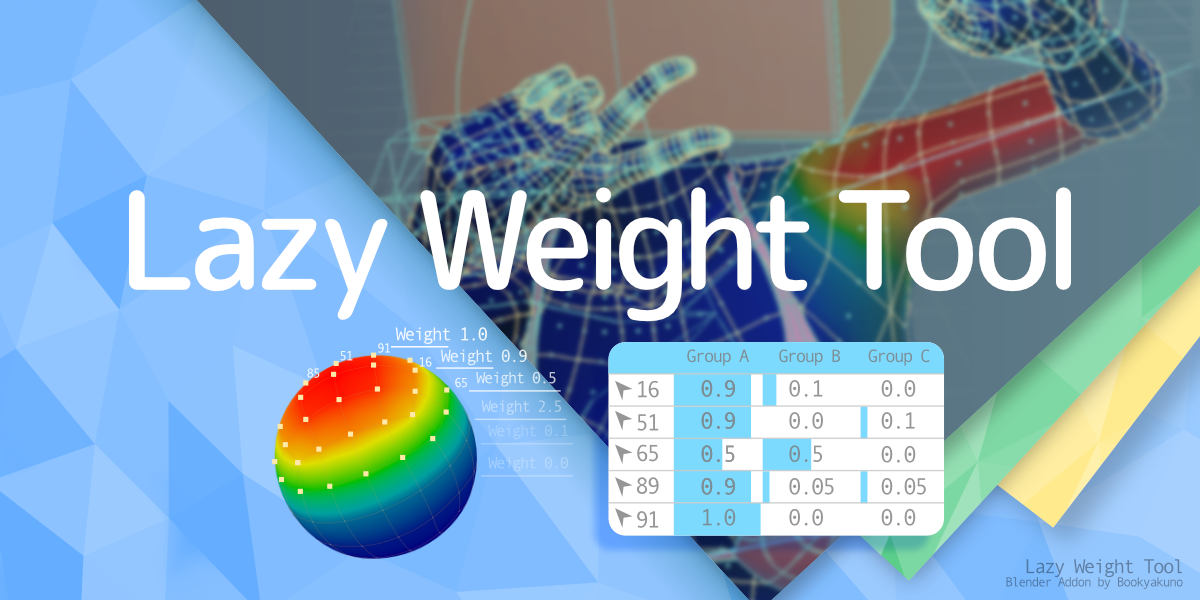
Especially the "weight table" is great!
Works; needed this since I was stuck(couldn't get some vertex's to take weight); thanks BookyaKuno.
This tool is useful, you don't need to have struggled using a brush in weight paint and to mess the vertex individually in edit mode. Feels very convenient to use it.
But, there is one that needs to note, the documentation is difficult to understand step by step how to do that and how to do this.
There are no video tutorials that users who bought this may struggle to knowledging how to use it.
Overall, this addon is excellent.
I think it's convenient.
I decided to use a star of 4 because the usage is not explained in the step-by-step video and there is a case that it does not react even if you select the vertex.
I probably would have given this tool a 5 star rating if it had proper documentation and tutorials. What seems like a great tool is sadly let down by a lack of documentation and learning resources for a new user. BTW - If any of you who left a high rating for this tool could make a decent tutorial on exactly how to effectively use it it would be a great help to others such as myself and the community as a whole. Again, I'm sure this tool is awesome but it doesn't help me much if I can't effectively learn how to use it.
I thought this was going to be something a bit more useful. There's minimal documentation. As far as I can see the vertex list just barfs every vertex on the model into the list rather than showing only the selected vertexes. Maybe I'm missing something, but there's not much in the way of documentation I can see to explain anything. It's a shame. I thought this is what I was looking for. I'll be happy to change my review if shown otherwise.
Bookyakuno
11 months ago
If you're talking about the vertex table, it should be set to only display selected vertices by default.
You can switch this using the selection icon at the top of the panel menu.