LED Light Bulbs
 Michel's add-ons & more
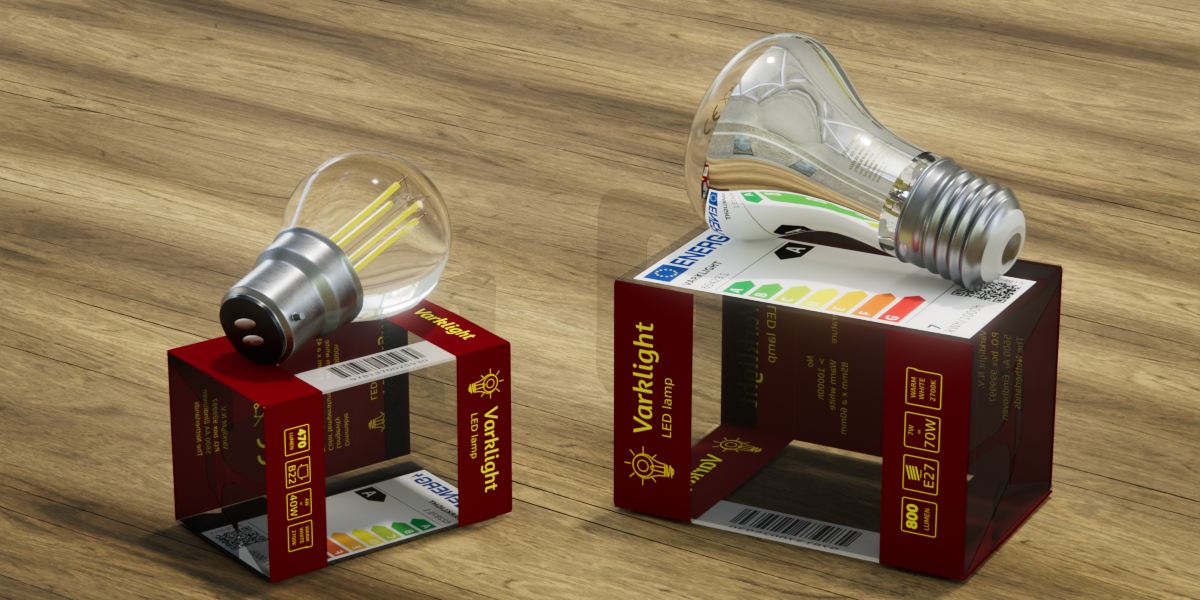
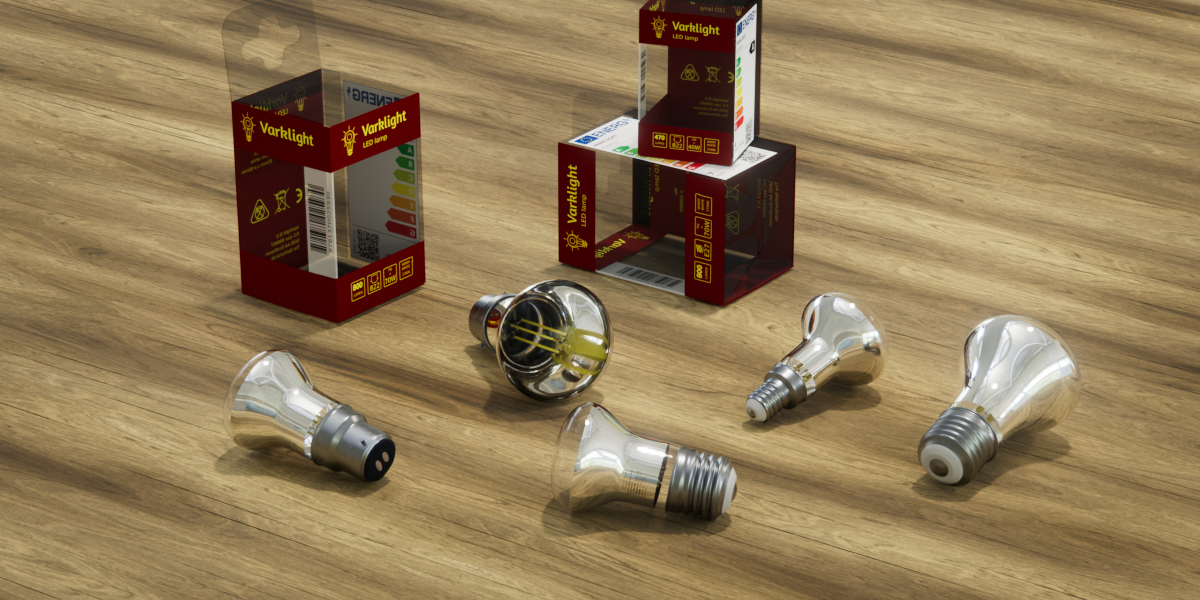
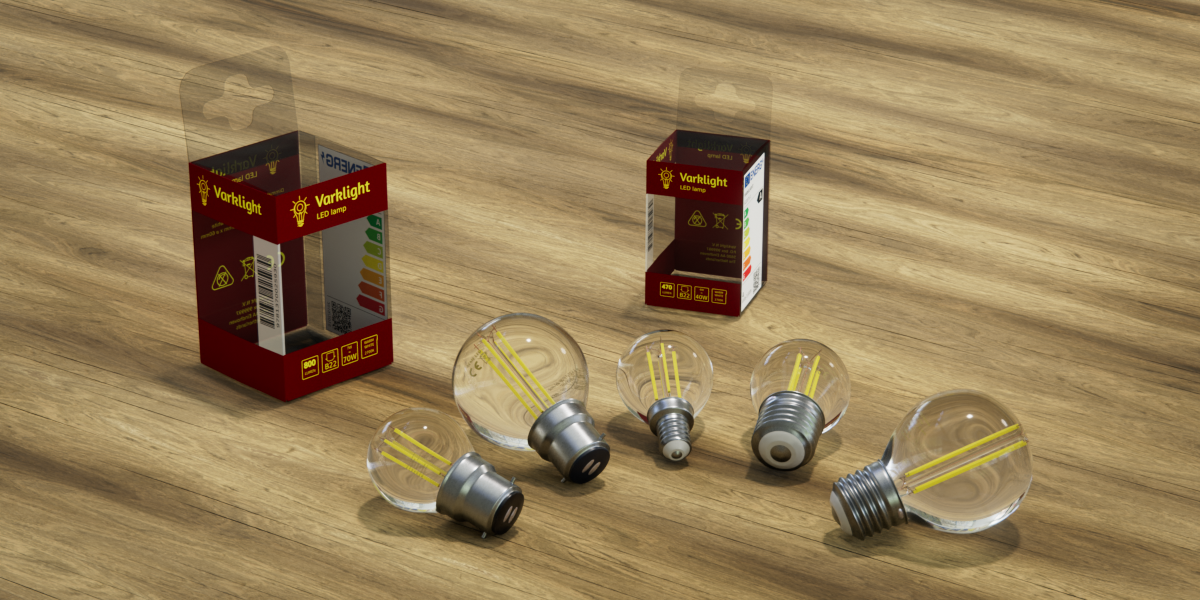
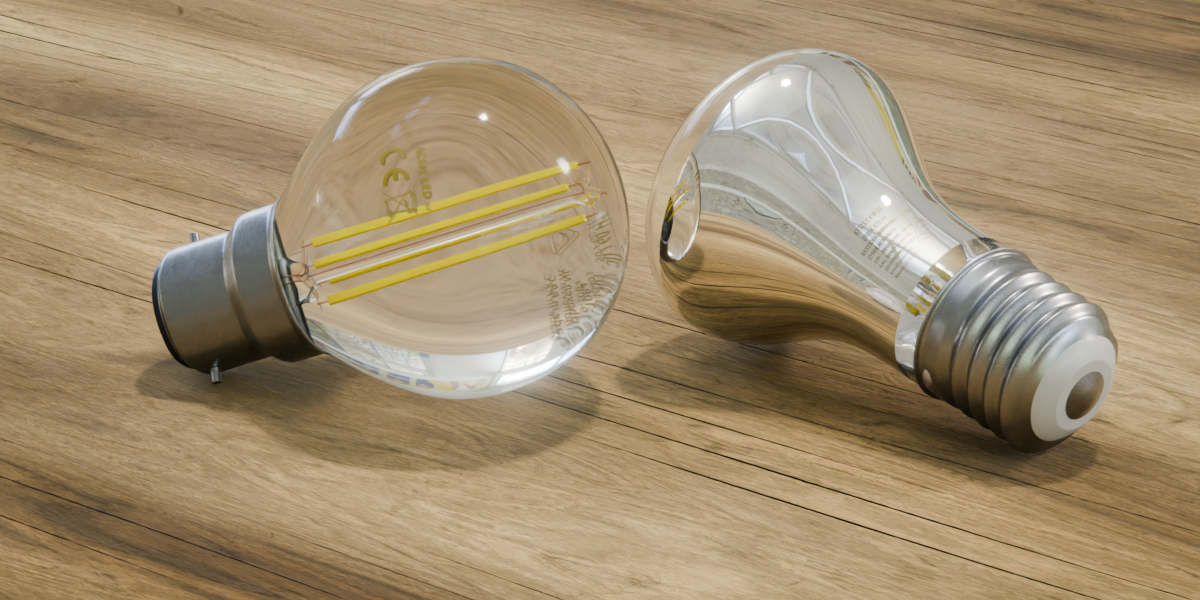
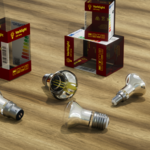
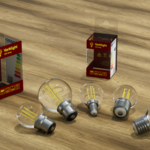
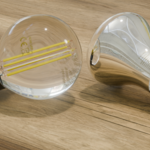
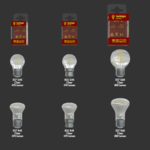
Realistic LED light bulbs
Highly detailed, low poly, hand-painted textures, fully uv-unwrapped.
Modeled at real world sizes and organized ready to use in an asset library.
What's included
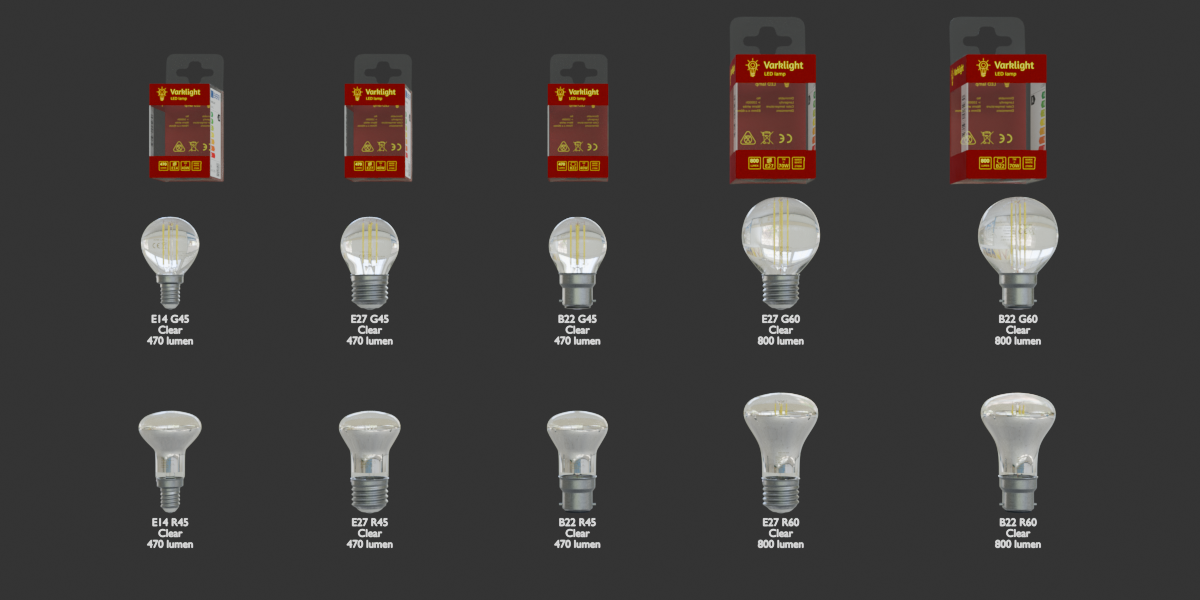
10 clear light bulbs
of various sizes and models, with different fittings
- LED E14 G45 Clear 240V 4W 470 lumen
- LED E27 G45 Clear 240V 4W 470 lumen
- LED B22 G45 Clear 240V 4W 470 lumen
- LED E27 G60 Clear 240V 4W 800 lumen
- LED B22 G60 Clear 240V 4W 800 lumen
- LED E14 R45 Clear 240V 4W 470 lumen
- LED E27 R45 Clear 240V 4W 470 lumen
- LED B22 R45 Clear 240V 4W 470 lumen
- LED E27 R60 Clear 240V 7W 800 lumen
- LED B22 R60 Clear 240V 7W 800 lumen
(the naming convention follows real world examples and has the fitting type followed by the shape/diameter, electrical information and brightness)
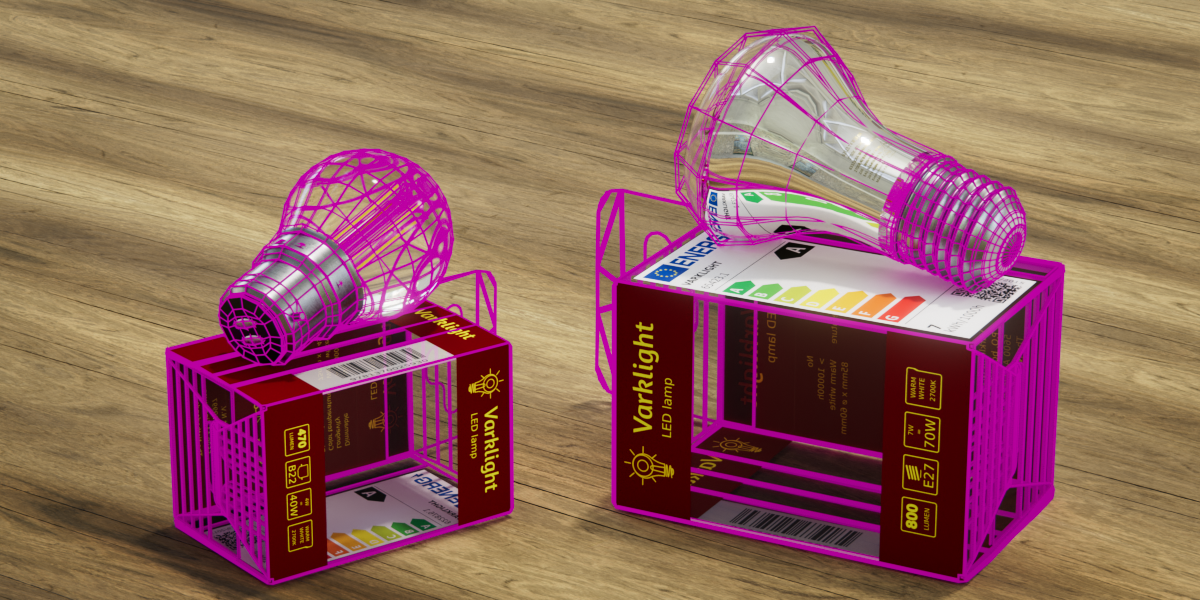
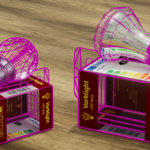
5 packaging boxes
with different prints matching size, fitting type and brightness
- Packaging LED E27 ∅ 45mm 4W 470 lumen
- Packaging LED E27 ∅ 60mm 7W 800 lumen
- Packaging LED B22 ∅ 60mm 7W 800 lumen
- Packaging LED E14 ∅ 45mm 4W 470 lumen
- Packaging LED B22 ∅ 45mm 4W 470 lumen
(the shape of the bulb is not indicated on the box as globes and reflectors of the same diameter will fit the same box)
Properties
- Low poly
Light bulbs are between 4K and 6K tris each, depending on the model. At a subdivision level of 2 this translates to between 54K and 86K.
All packaging boxes are 3K tris and do not need subdivision - High resolution materials
Light bulbs have hand-painted materials with 4K color, roughness, metallic and normal textures.
Packaging materials are procedural but with a 4K color texture. - Topology
All models are uv-unwrapped and and have real world sizes at unit scale.
The packaging boxes have a shape key with deforms the box slightly outward approximating the curvature of the lid and folds as seen in the real.
How to use
Append or link
File > Append ... or File > Link ...
Browse to the downloaded .blend file and select the appropriate model. The bulbs and packaging are organized in 3 collections (globes, reflectors, and packaging).
Local asset library
(only do this once, Blender will remember this in its configuration)
Edit > preferences > Asset Libraries
Add Local Asset Library (point it to the directory where you put the downloaded file Light bulbs v1.0)
Choose 'Append'
Why append? that is a matter of taste, but personally I find it easier to append assets made by others because it allows for easy positioning.
Have questions about this product?
Login to message
| Published | about 13 hours ago |
| Blender Version | 5.2 |
| Render Engine Used | Cycles, Eevee |
| Misc Data | Uvs-Unwrapped, Textured |
| License | Royalty Free |