 Blender Easy








LensFX – Procedural Lens Generator for Blender
Instantly add cinematic realism and immersive imperfections to your renders.
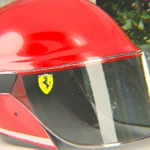
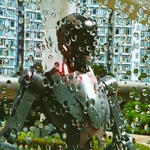
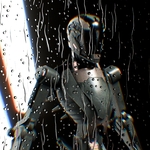
Say goodbye to clean, sterile renders! LensFX is a powerful, fully customizable tool that simulates realistic camera lens effects – from subtle dust specks to dramatic animated raindrops. Designed for efficiency and artistic control, this is your secret weapon for creating authentic, breathtaking visuals.
⚡ Key Features
Lens Imperfections
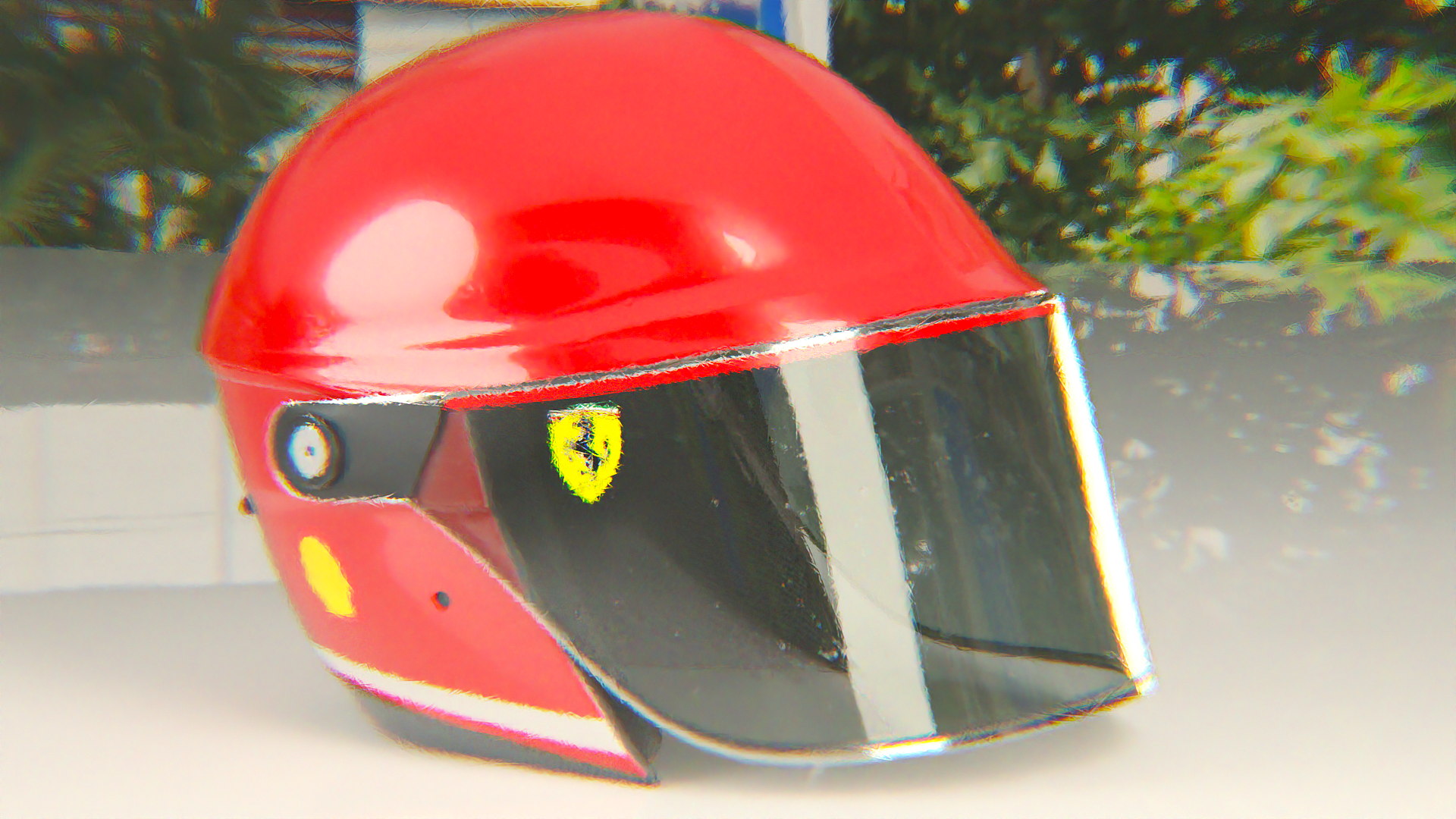
Chromatic Aberration
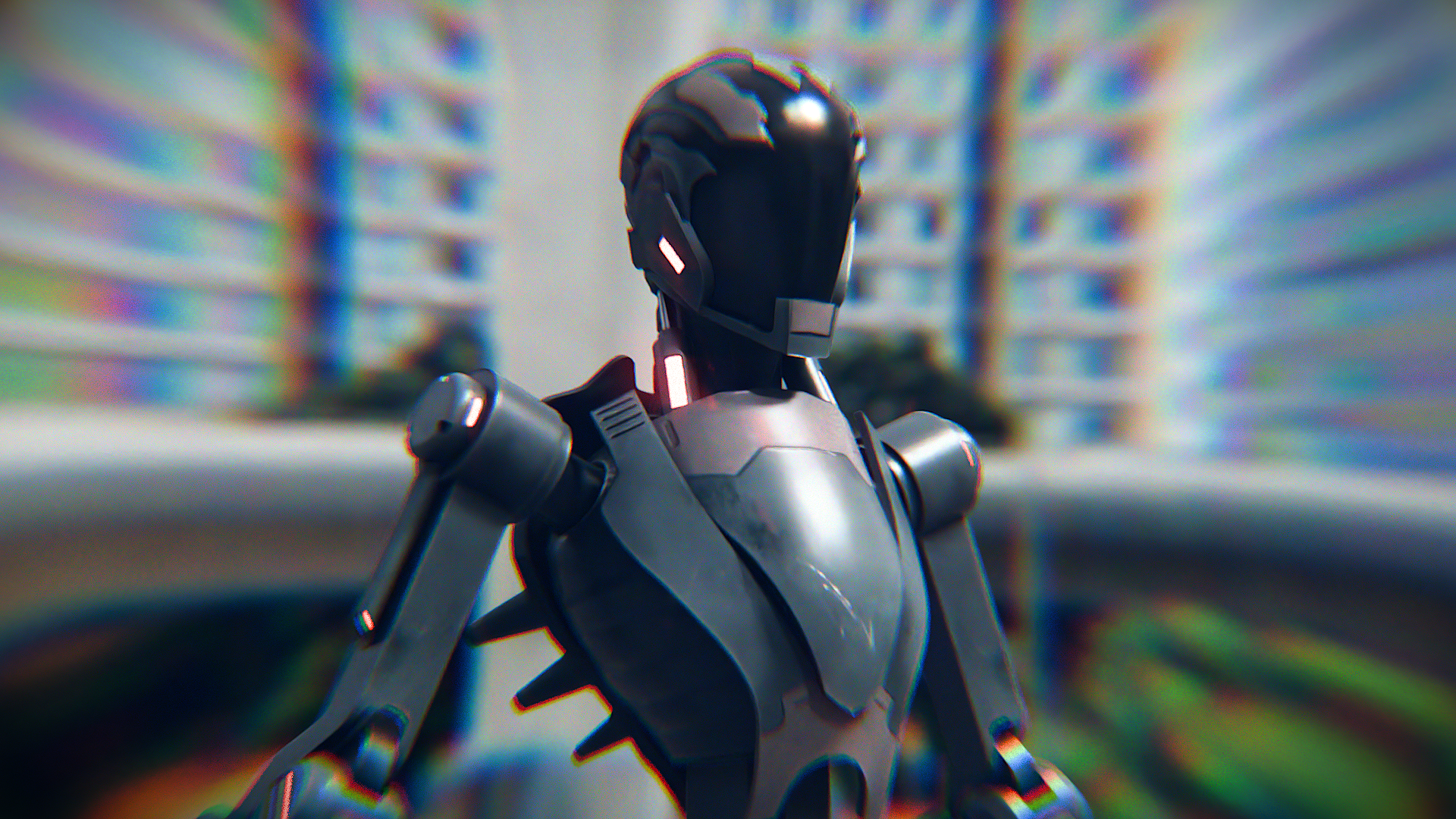
Color Filters

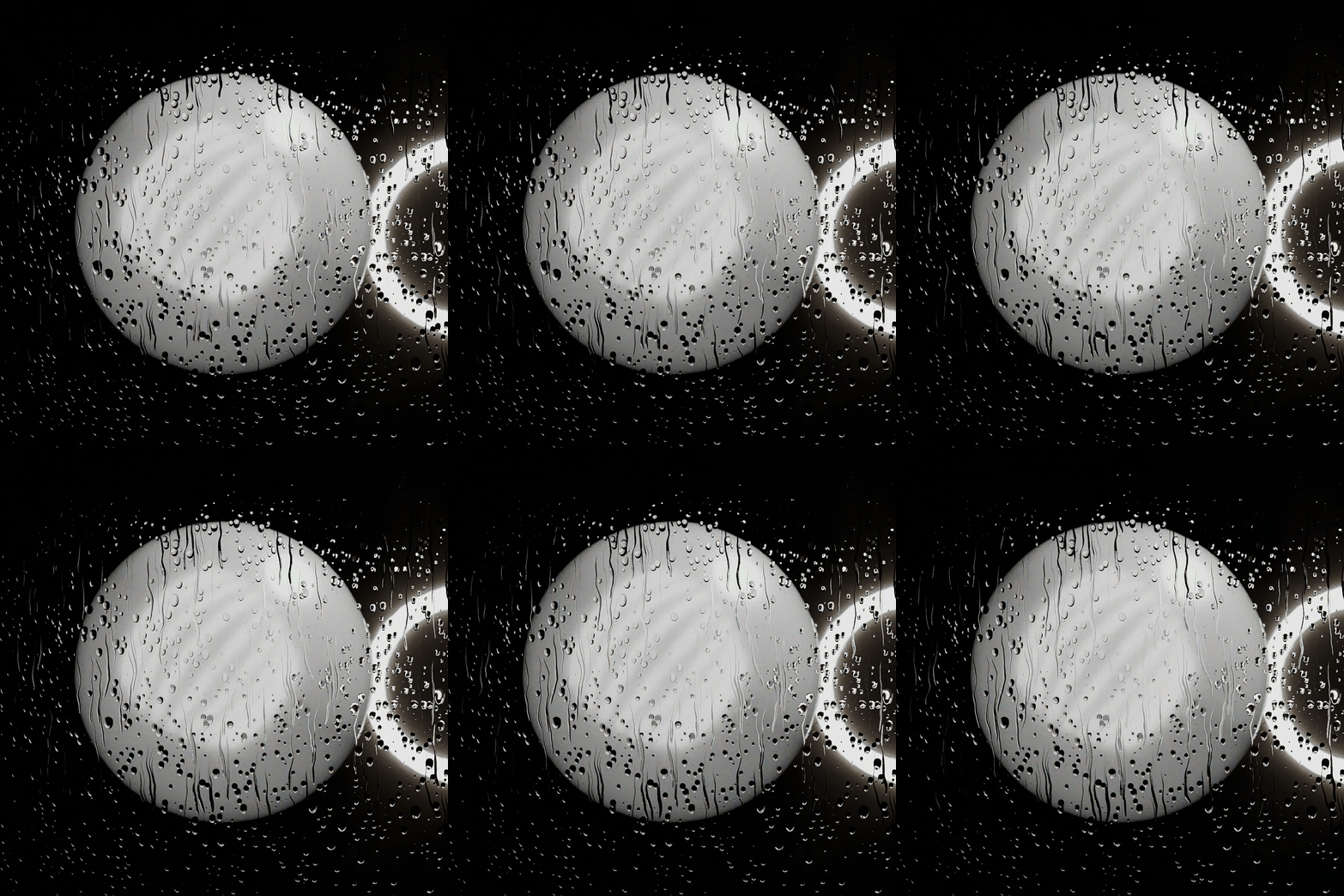
Animated Droplets
🔧 How to Install
Simply move the LensFX.blend file to your Assets Library folder.
🎬 How to Use
After moving the .blend file to your Assets Library:
- Open the Asset Browser and drag one of the lens presets into your scene, or place the LensFX asset on top of any 3D object.
- Select the lens object you just created and open the Modifiers panel.
- Select your Render Camera, adjust the lens scale and distance to fit your scene perfectly.
- Experiment with the settings until you achieve the desired cinematic effect.
▶ Preview Video
Elevate your renders with LensFX – cinematic realism is just a few clicks away!
