Kenneth Lo
over 7 years ago
I use the generate preview function come with Level Builder. Did you have any trouble using this function?
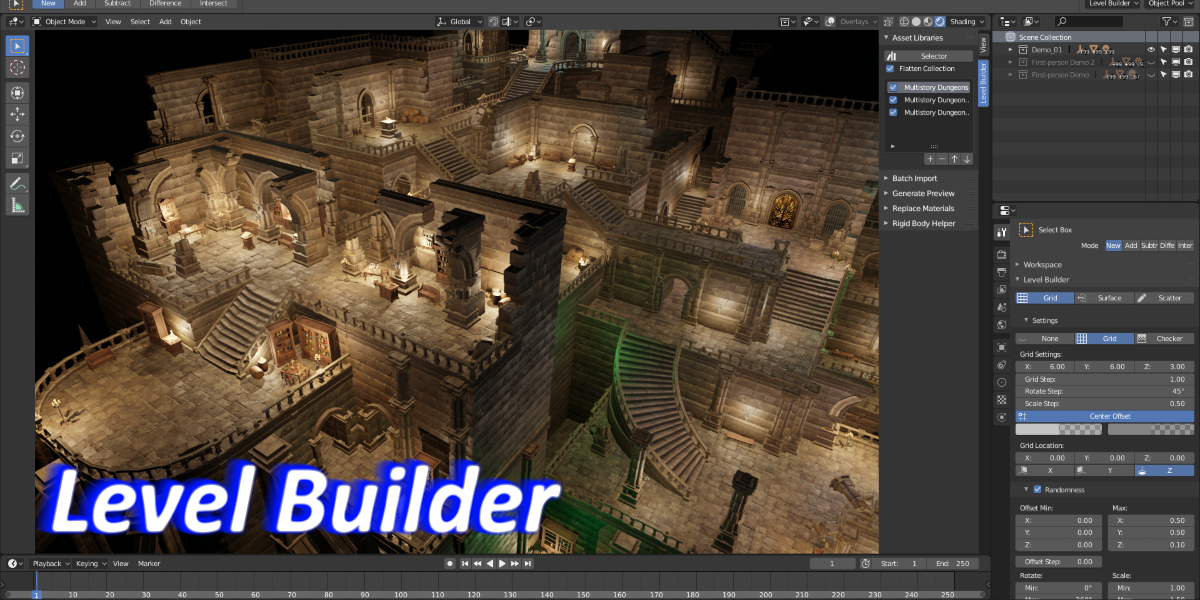
This item has an average rating of 4 from 14 ratings by the community.
Purchase this item to leave a review!
Can't wait to see more updates for this addon, would love to hear from the developer. Here my 5 stars because I believe this addon have a lot of potential.
I like the Addon. Simple, fast, lots of settings.
good asset, great support!
very useful tool!!
An addon like this, is an important addon. Blender comes with a lot of features, but the user has to do really everything. For example there is not one material, no lights in the default scene etc. So to get something done takes ages and therefore, very important, it happens that we forget that our idea has to come first and then the tools. In orther words, it would be nice if Blender has something that you can realize your idea very quickly. And that is what you can do with this addon. Just create.
Ok, you need a library first, but that will grow very quick in a matter of a few weeks.
I just started with this addon, and created already 40 items like tiles, grids, pillars, etc.
There was one thing a bit a challenge and that was to generate thumbnails so that I could see them well. Could you explain how you have to setup your scene so that you get good thumnails?
Great addon, very welcome!
Kenneth Lo
over 7 years ago
I use the generate preview function come with Level Builder. Did you have any trouble using this function?
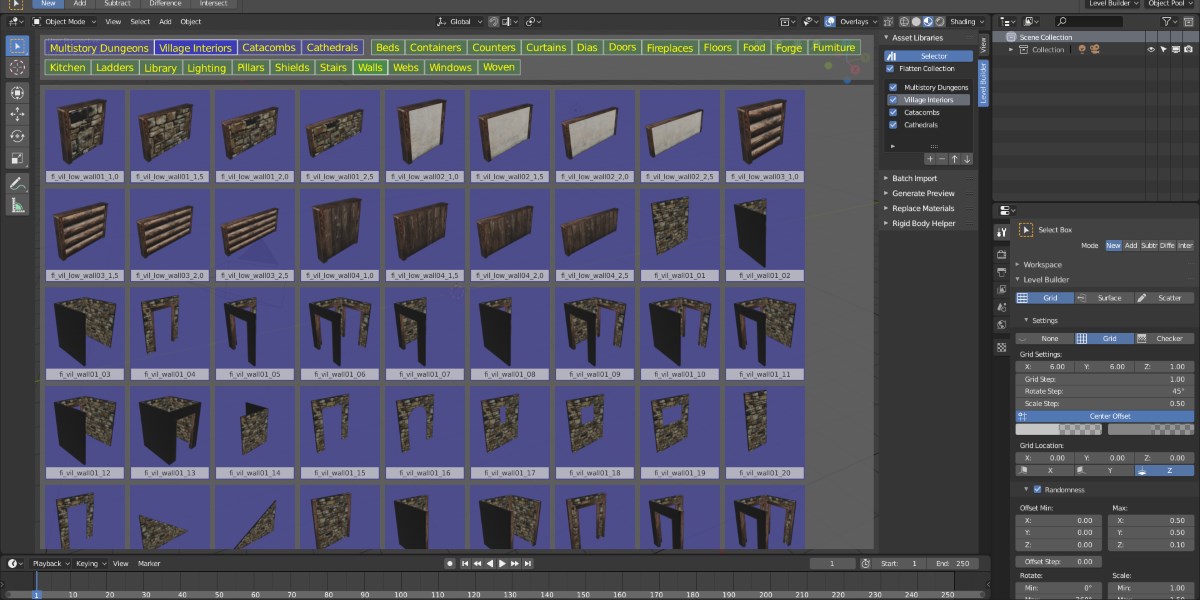
I have been using this tool for a while now and I am loving it. Pick this tool up if you work with Unity, Three.JS, or any form of other framework. Great job so far.
Very Usefull Tnx!
I really love this addon, It's very useful for quickly bringing models into a scene and setting them up. The snapping is great, especially the ability to elevate or lower the snapping grid. The grid settings are very nice as well. I'm able to work a lot faster using this addon to place moduler sets. Everything works pretty well, but there are a few nuances to be aware of for potential customers. I would very easily give this addon 5 starts except for a few small annoyances:
The menu that shows up at the top of the screen interferes and overlaps with your main Blender UI unless you have flipped it to the bottom. An option to make the level builder UI appear below the main UI (or along the side or bottom, or perhaps in a window on the N-panel like a regular asset management addon) would be super awesome. Also, it's extremely awkward for anyone who is a former maya user (who uses alt to pan/rotate in the viewport) to use the backslash key to step out of the level builder mode and rotate the view. Since there are quite a few Maya-style users in the Blender community, this is a huge problem. I believe having an option to change the hotkeys would be amazing ( I would set the "\" hotkey to be alt, so that it would feel very natural for myself).
Not at all beginner friendly or easy to use- there's no tutorials, the instructions are barely 2 pages long and don't actually tell you how to do anything. At this point it's a waste of money and time for me, because I can't figure out how to get it to work.
The addon itself is very great, but after a while I have to insist on three out of five. Reason? No updates, which is sad.
Have questions about this product?
Login to message
| Sales | 200+ |
| Rating |
14 ratings
|
| Dev Fund Contributor | |
| Published | over 7 years ago |
| Blender Version | 2.8 |
| License | GPL |
asset asset management scatter spring19 snapping grid leveldesign