 za studio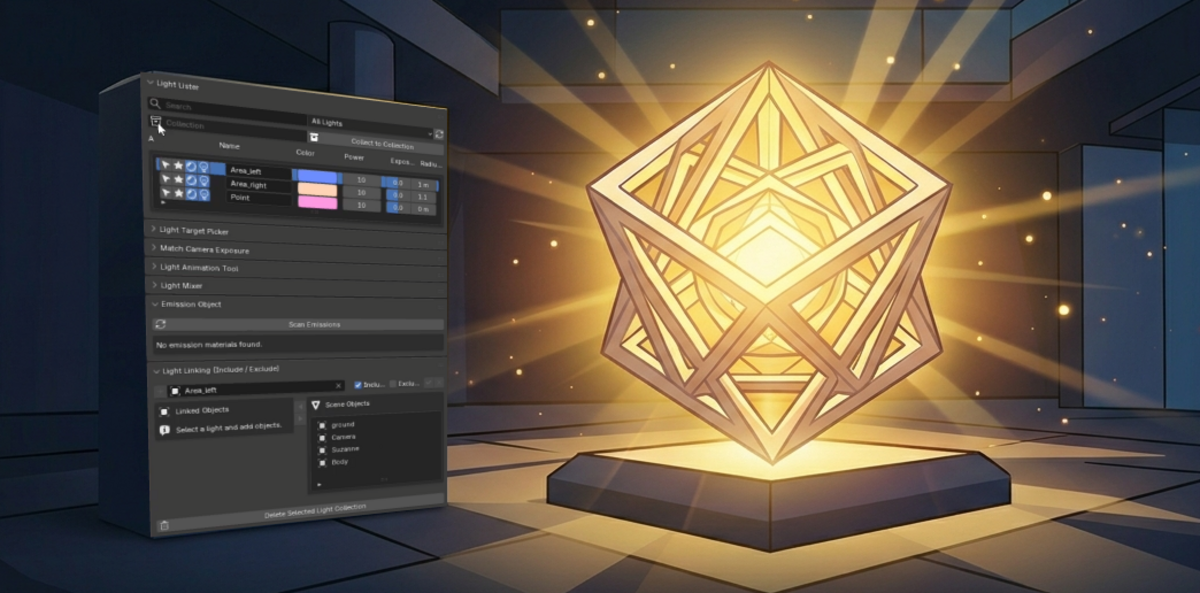
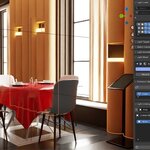
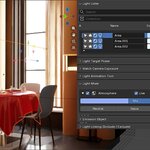
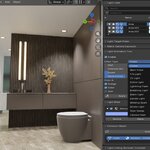
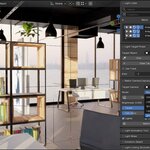
# ZA LIGHTING MANAGER
## COMPLETE LIGHT CONTROL FOR BLENDER
ZA Lighting Manager is a powerful lighting workflow add-on for Blender, designed to make complex lighting setups faster, cleaner, and easier to control.
Instead of searching through the Outliner, selecting lights one by one, adjusting values manually, or fighting with complicated light linking setups, ZA Lighting Manager brings your most important lighting tools into one organized panel.
It is built for artists who want to work faster, stay focused, and manage lighting with confidence.
---
# LIGHT LISTER
## SEE AND CONTROL ALL YOUR LIGHTS IN ONE PLACE
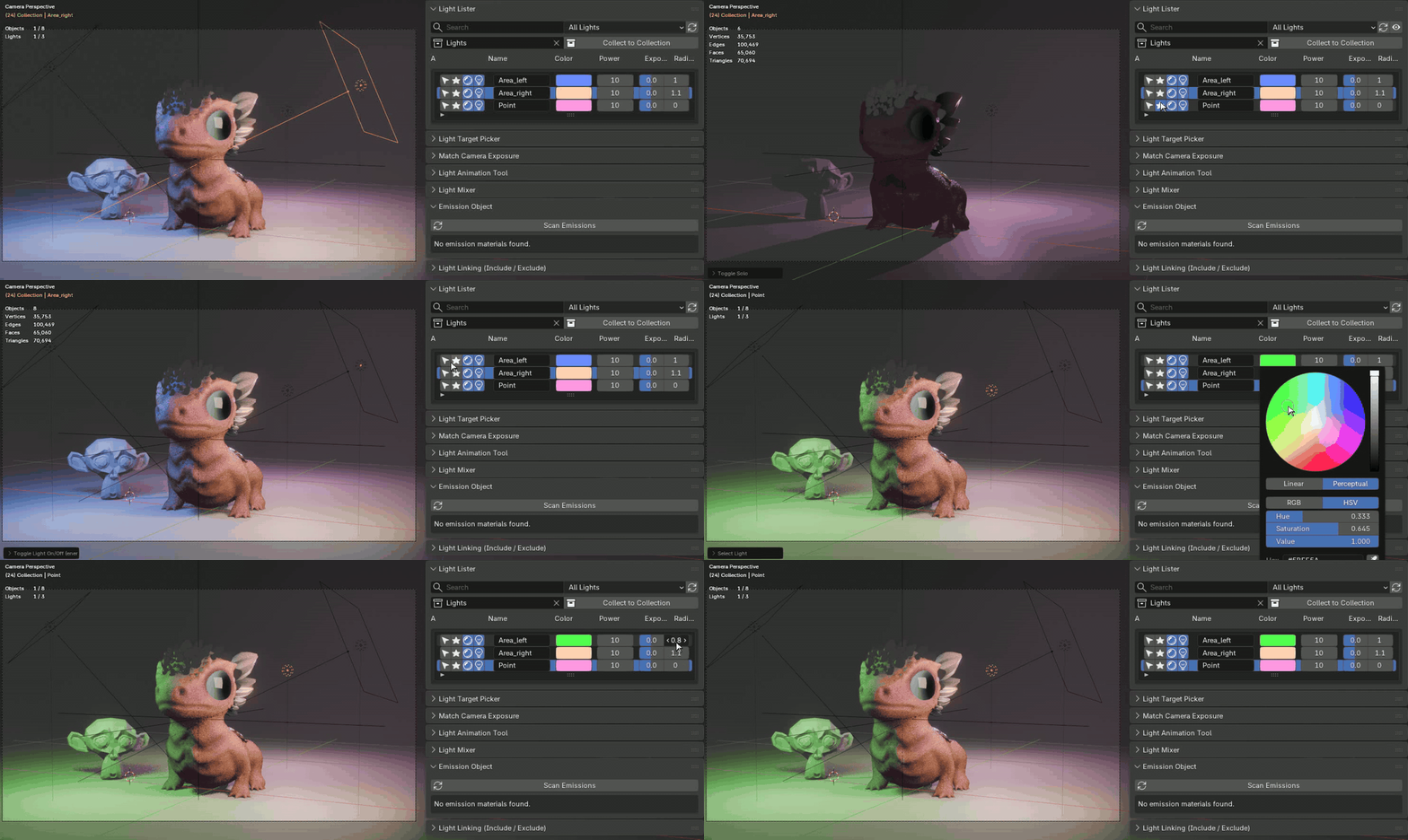
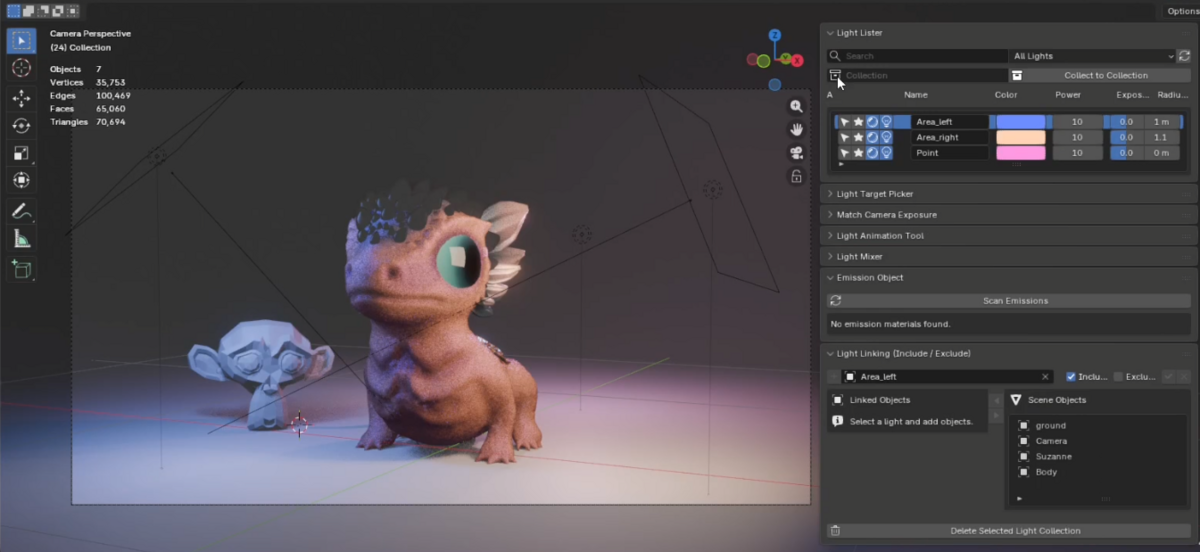
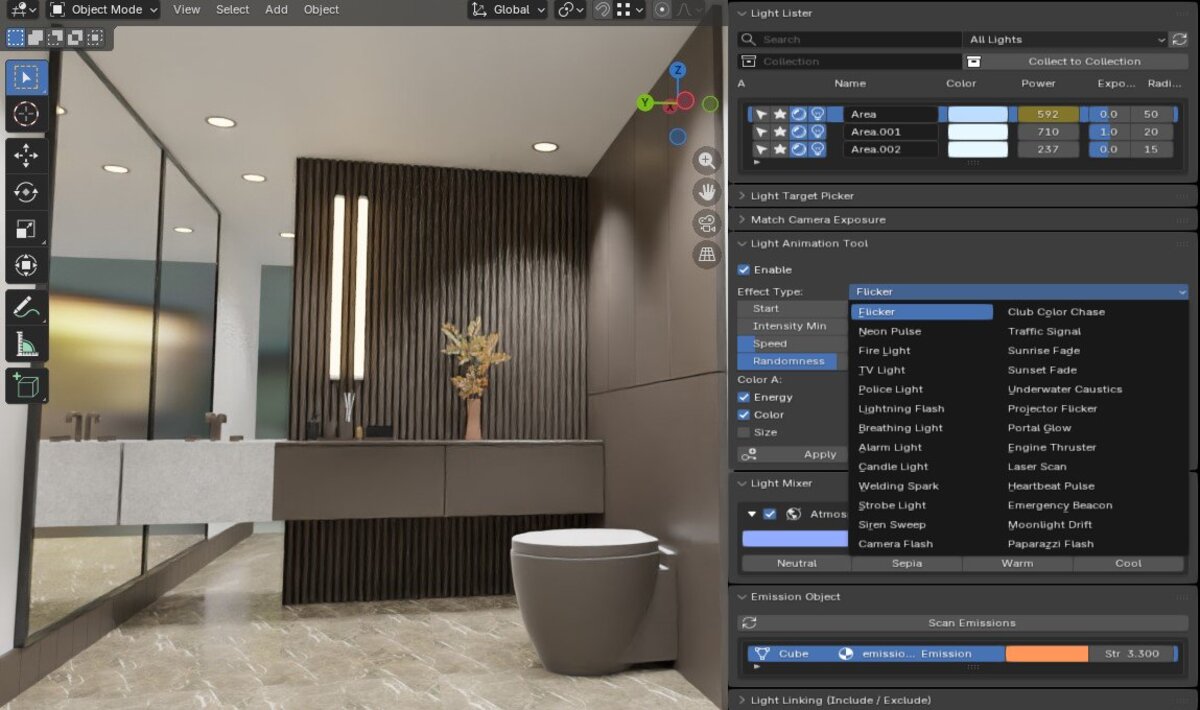
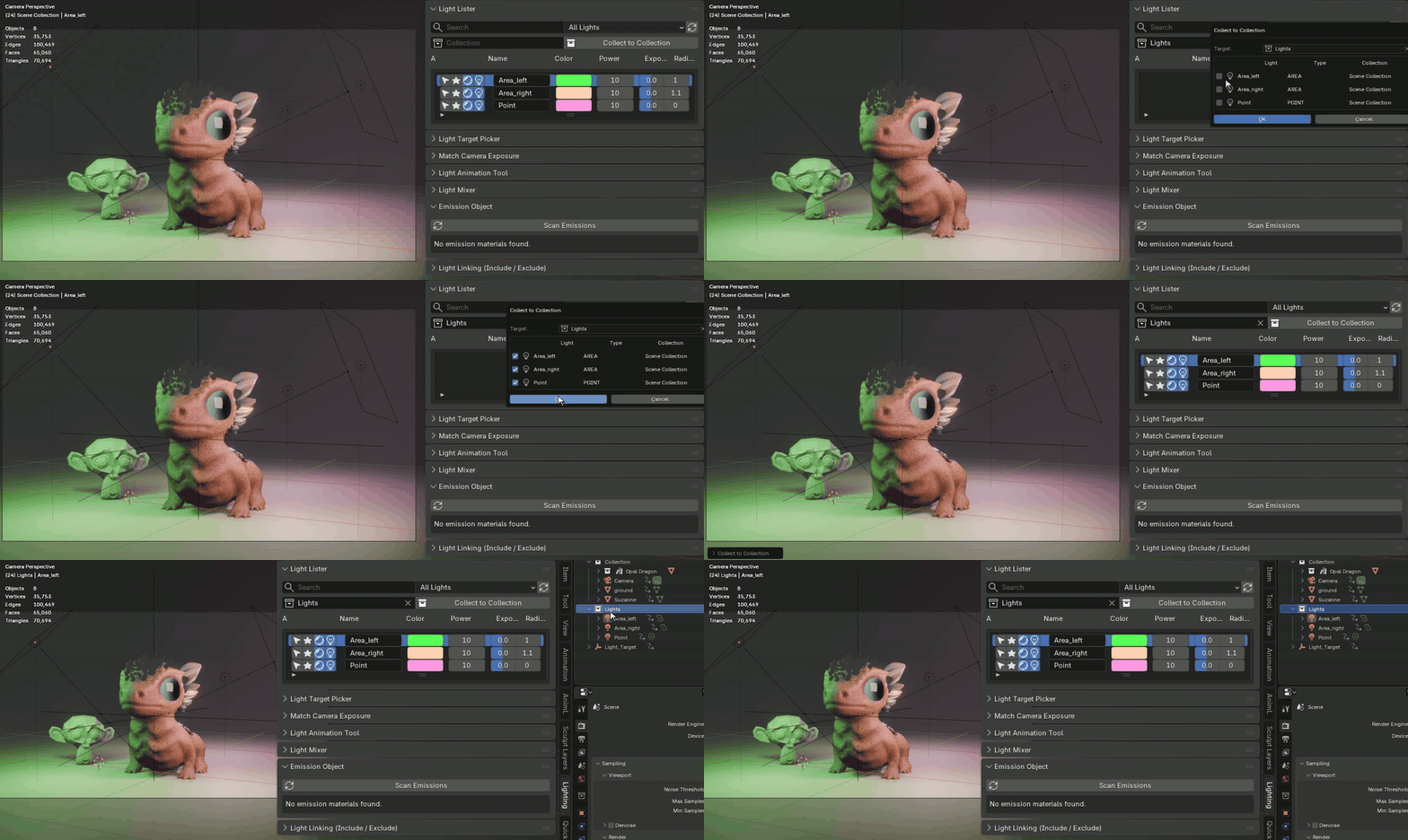
The Light Lister gives you a clear overview of the lights in your scene.
You can quickly select lights, solo them, turn them on or off, and adjust important values such as color, power, exposure, and size/radius directly from the panel.
This is especially useful in large scenes, product renders, studio setups, cinematic shots, and any project where lighting control can quickly become messy.
---
# LIGHT LINKING MADE SIMPLE
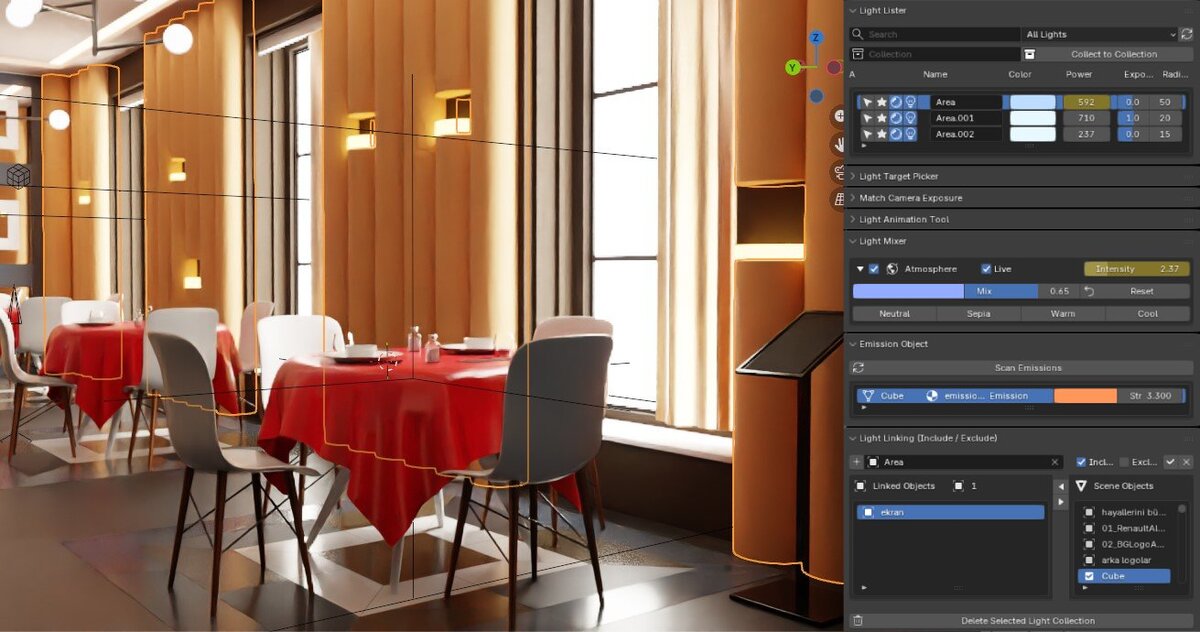
## SELECT THE LIGHT, SELECT THE OBJECTS, PRESS + button and join all object in to linked group just a click !
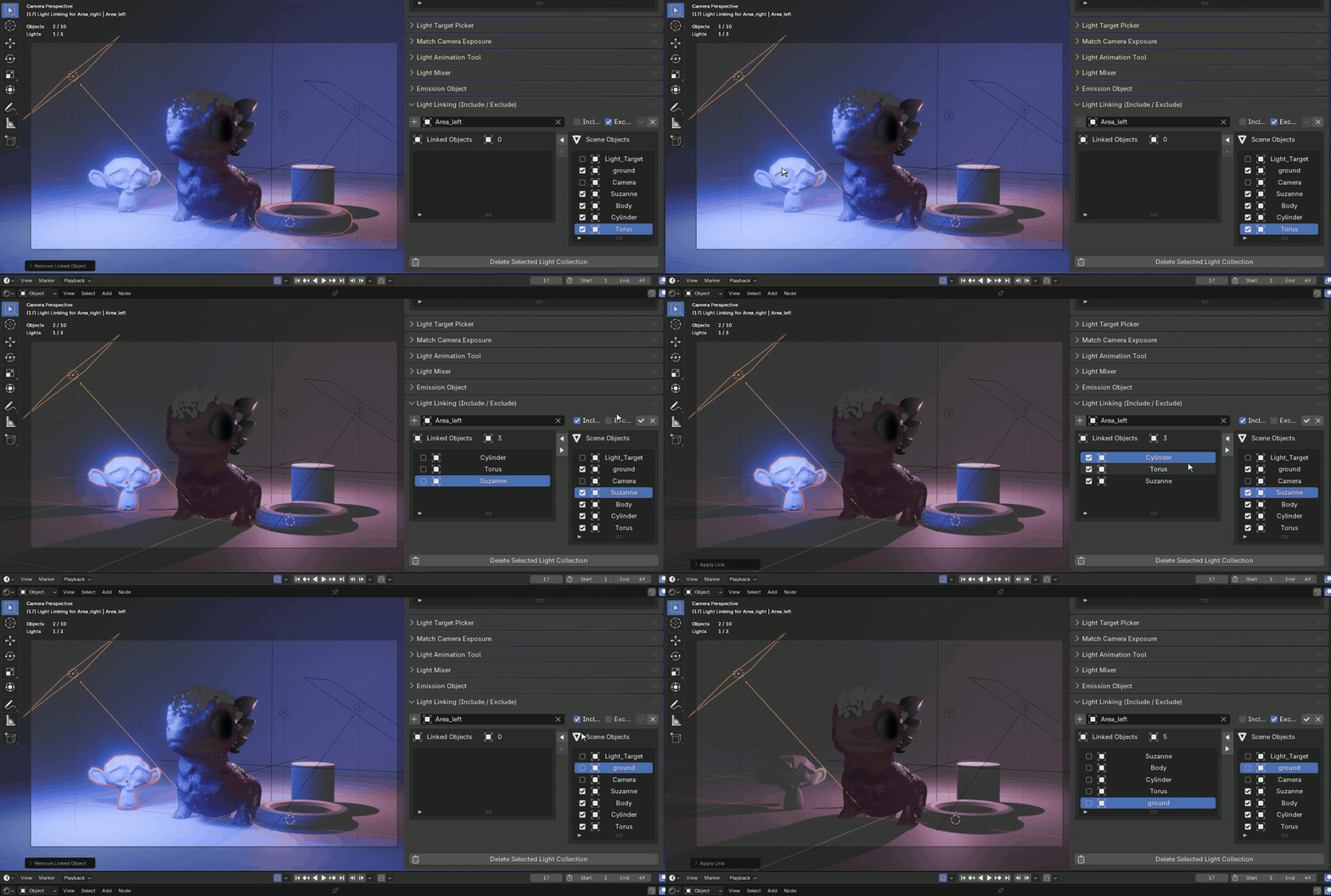
Light Linking in Blender is extremely powerful, but it can also feel slow and technical when setting it up manually.
ZA Lighting Manager makes this workflow much easier.
Select the light, select the objects, and press +. Now all that's left is to choose Include or Exclude.
CTRL + LMB to select more object on list
I made this process much faster with a left/right drag menu, so you can easily manage which objects are linked to the selected light and move them between the scene object list and the linked object list.
No more hunting through settings.
No more complicated setup.
Just select, add, and decide whether the light should include or exclude those objects.
This makes Cycles Light Linking much more practical for real production work.
---
# LIGHT TARGET PICKER
## AIM LIGHTS WITH LESS EFFORT
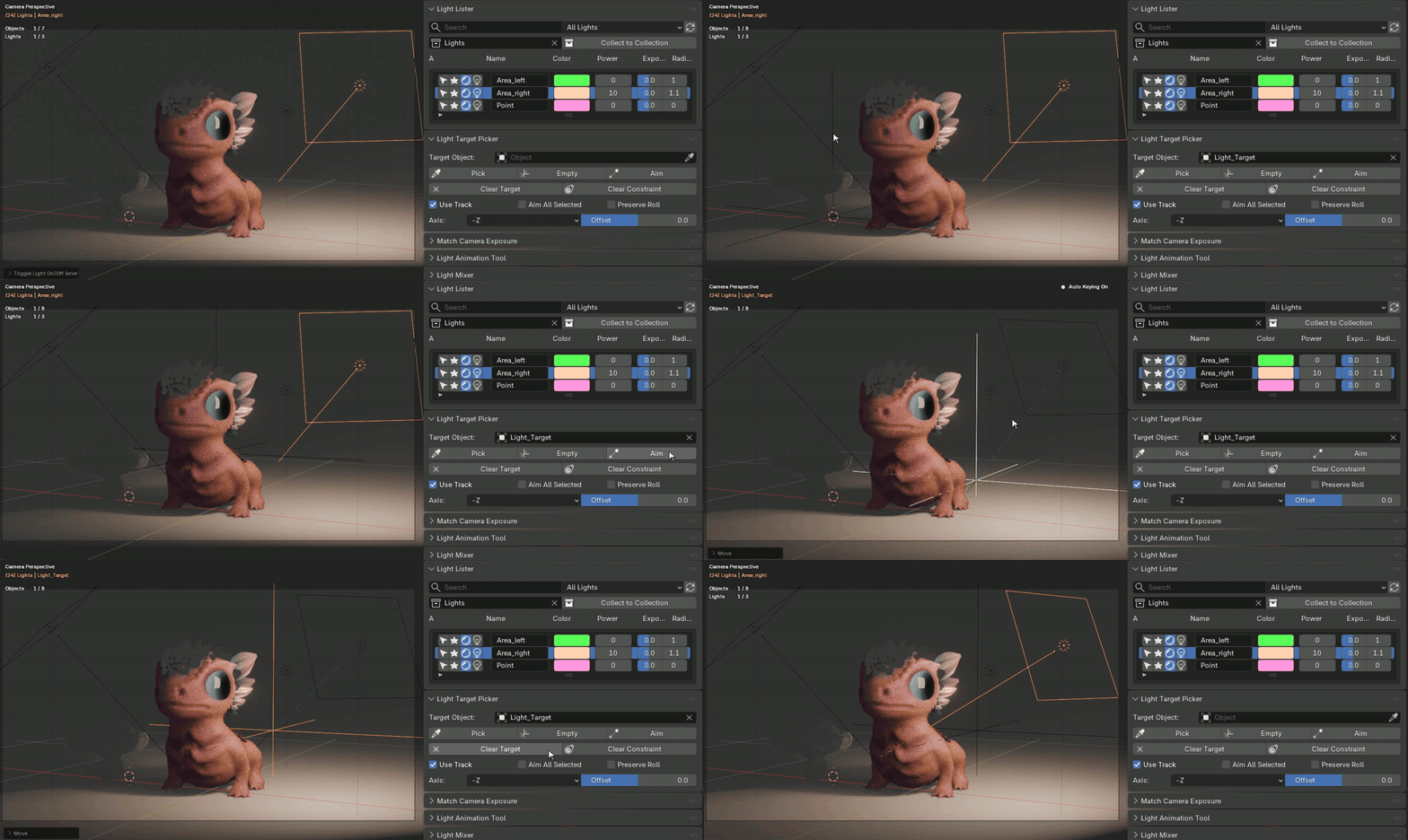
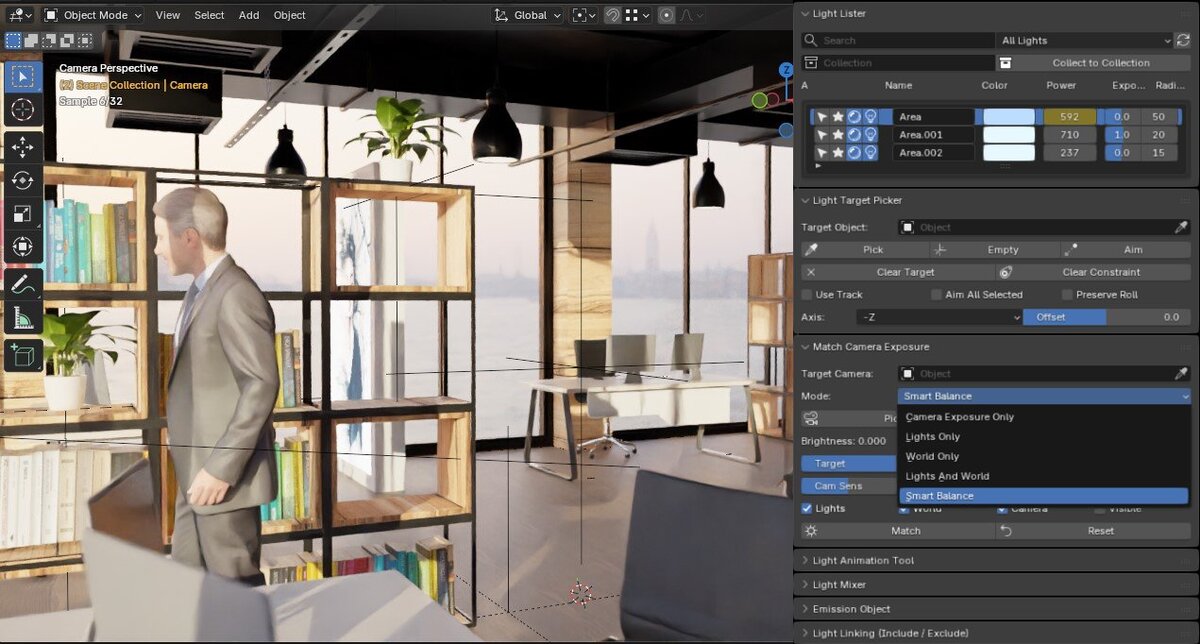
With the Light Target Picker, you can quickly point a selected light toward a target object.
Pick an object from the scene, create a target Empty, aim the light, or clear the target when you are done. This makes it easier to direct spotlights, area lights, and cinematic lighting setups without constant manual rotation.
---
# MATCH CAMERA EXPOSURE
## BALANCE YOUR SCENE FASTER
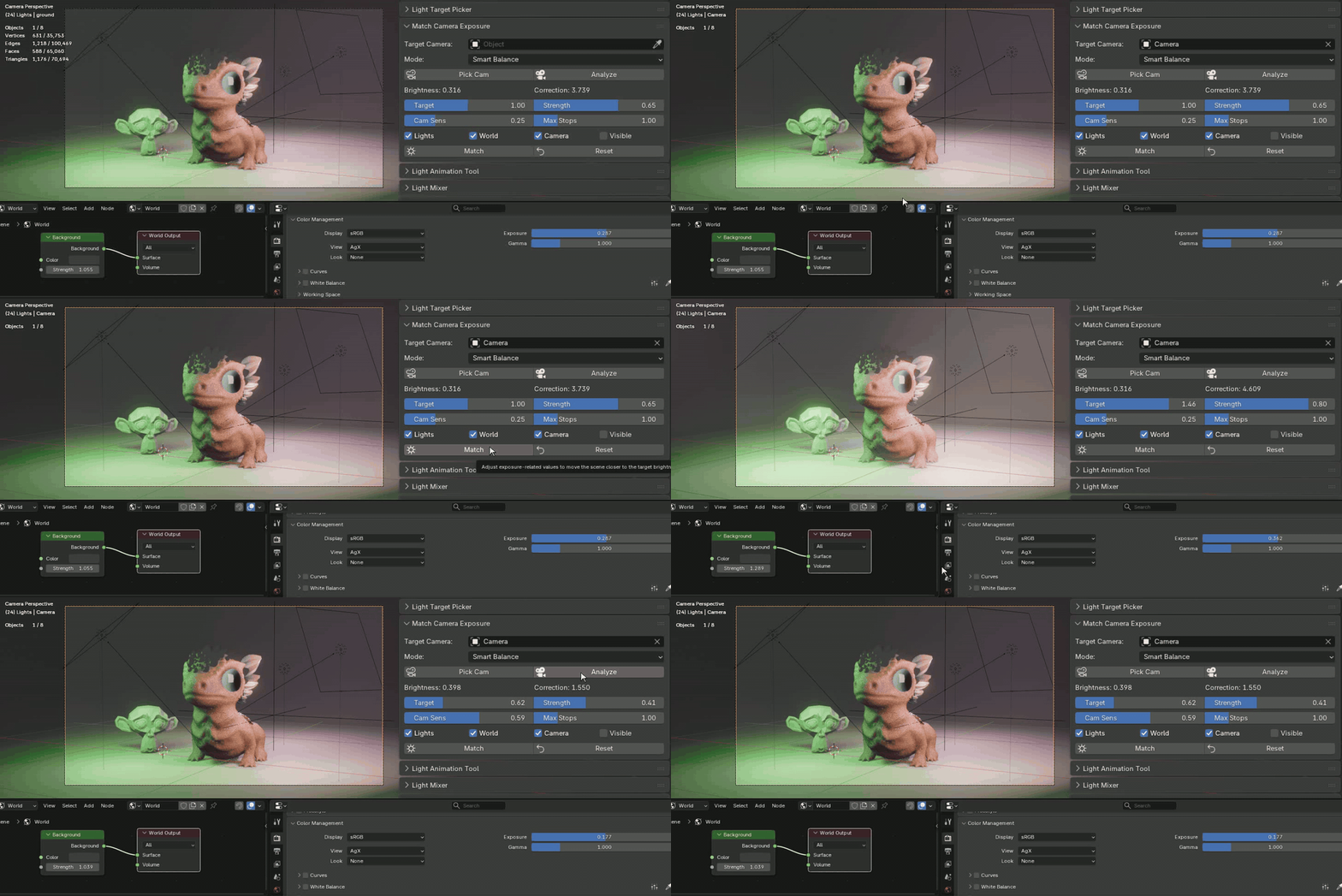
The Match Camera Exposure tool helps analyze the brightness of your current camera view and adjust exposure-related values toward a target result.
This is useful when you want a faster starting point for balancing your scene lighting, especially during look development and render testing.
---
# LIGHT ANIMATION TOOL
## CREATE LIGHT EFFECTS QUICKLY
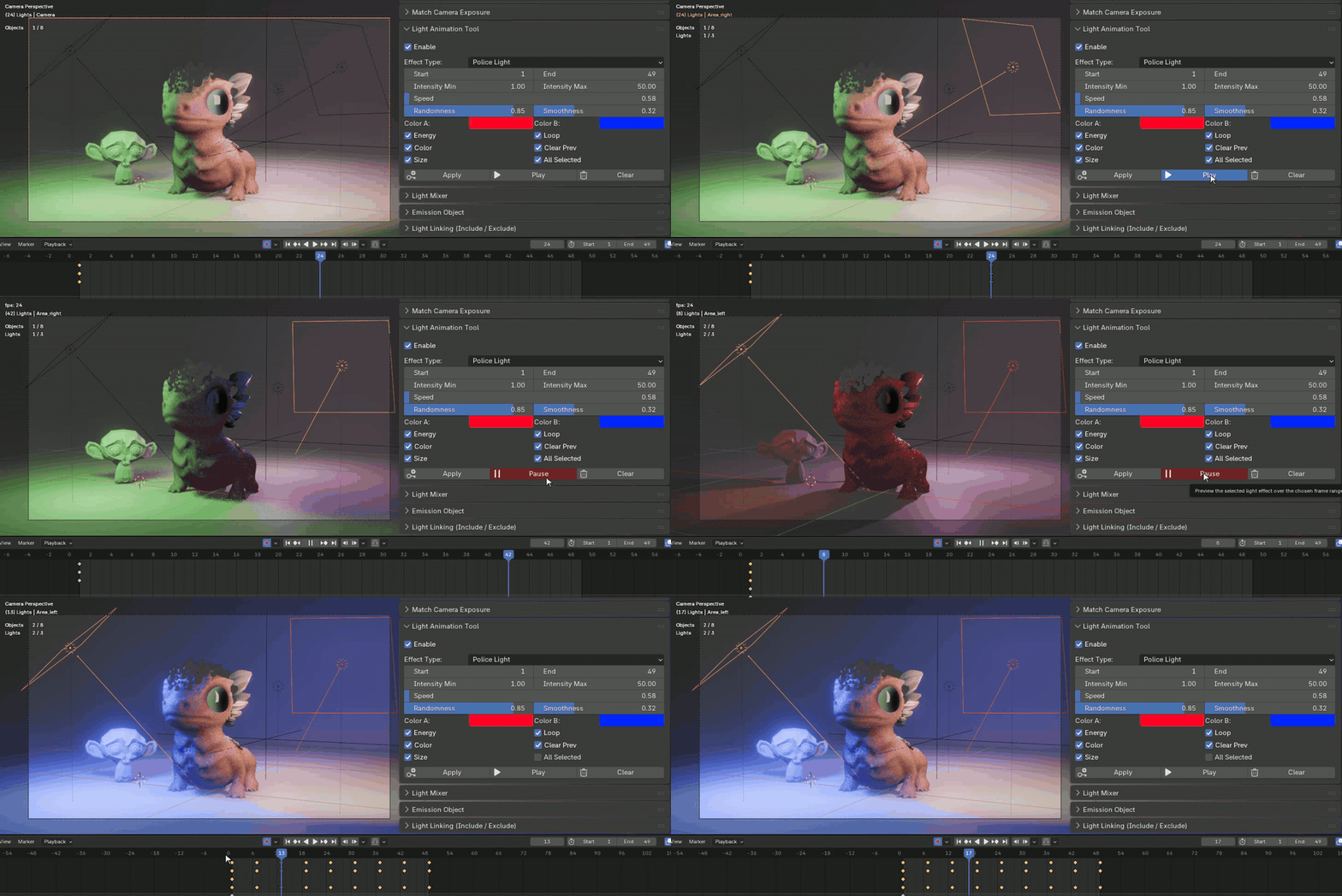
ZA Lighting Manager includes tools for generating and previewing light animation effects.
You can apply animation to selected lights, preview the result over a frame range, clear generated animation, and quickly experiment with flicker or lighting changes without building everything manually from scratch.
---
# EMISSION OBJECT SCANNER
## FIND EMISSIVE MATERIALS IN YOUR SCENE
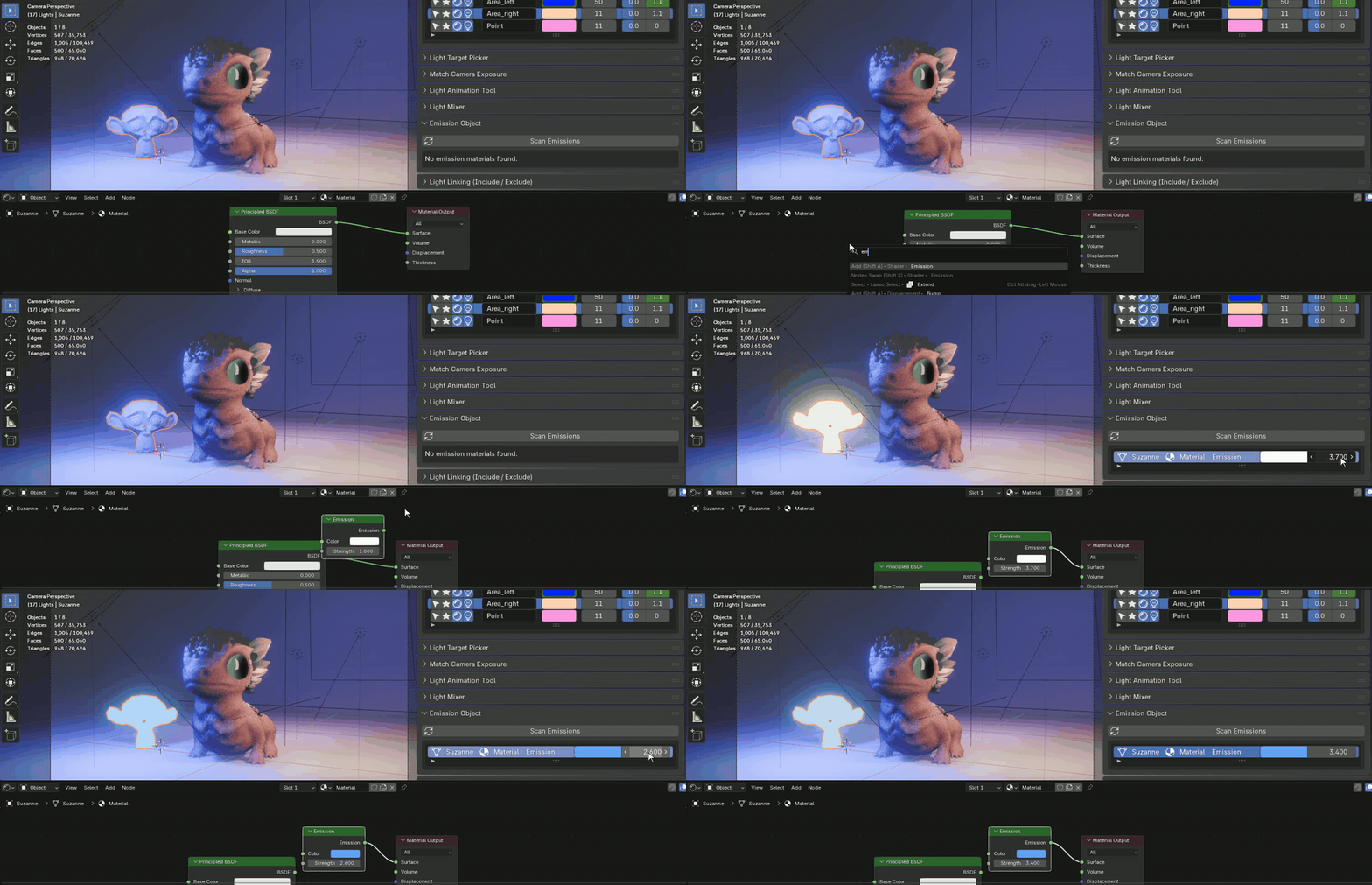
The add-on can scan your scene for objects using emission materials.
This helps you find mesh lights, glowing objects, practical lights, screens, signs, and other emissive materials that may affect the look of your render.
---
# LIGHT MIXER AND ATMOSPHERE
## SHAPE THE MOOD OF YOUR SCENE
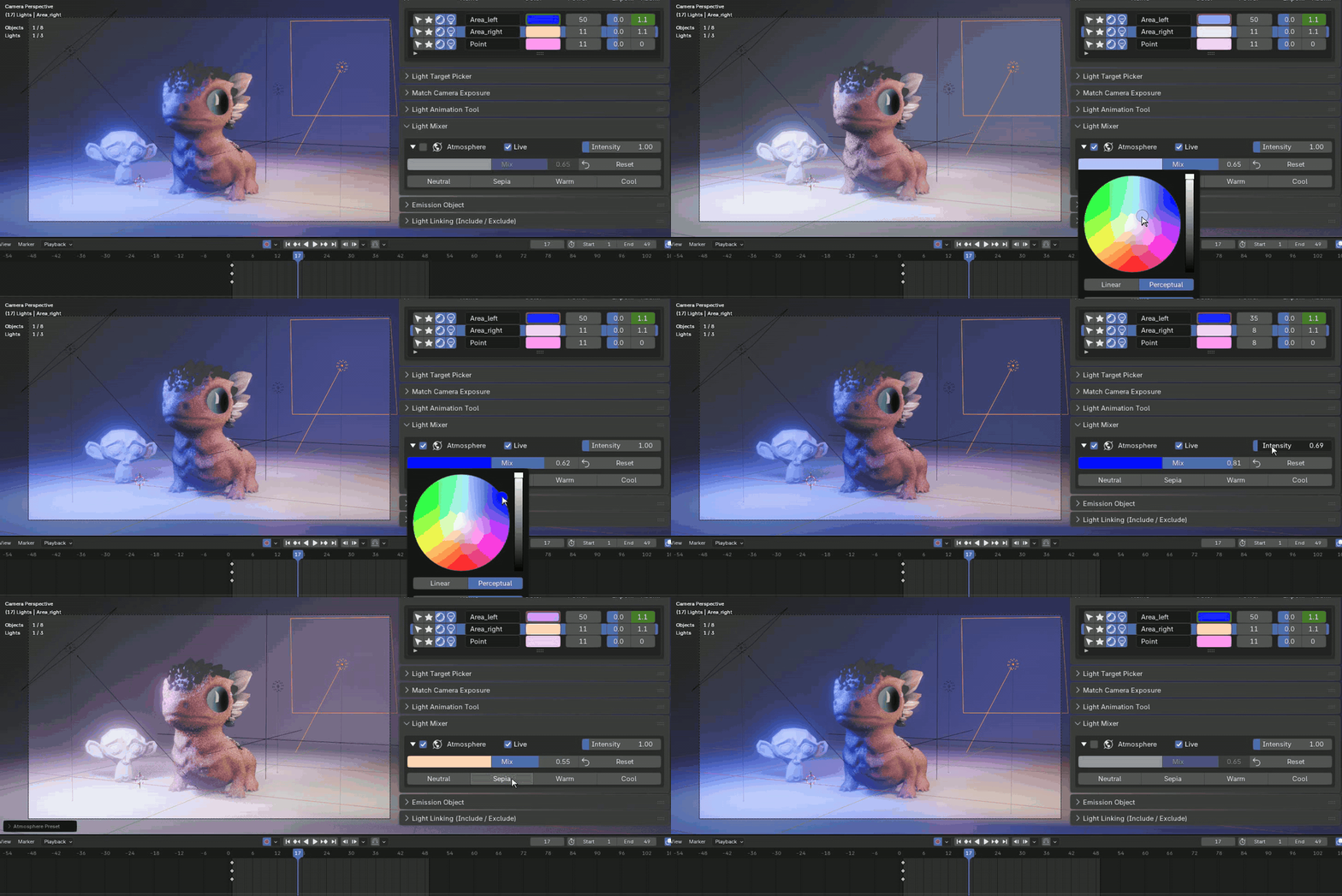
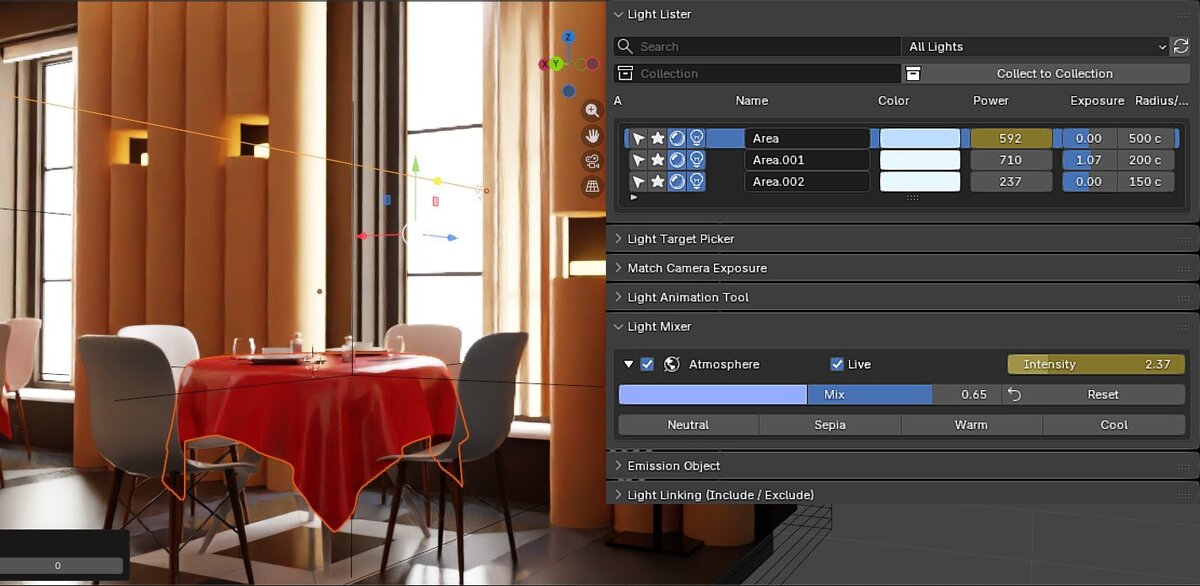
ZA Lighting Manager also includes a Light Mixer system with channel-based controls and atmosphere presets.
You can create default lighting channels such as Key, Fill, Rim, Warm, Cool, Background, and Practical, then apply mixer and atmosphere settings to quickly explore different moods.
Atmosphere presets like Neutral, Sepia, Warm, and Cool help you test different looks without interrupting your workflow.
---
# WHY USE ZA LIGHTING MANAGER?
## BUILT FOR SPEED, CLARITY, AND REAL WORKFLOWS
ZA Lighting Manager is designed to reduce repetitive lighting tasks and keep the most useful controls close to the artist.
It helps you:
Manage many lights from one panel
Work faster with light selection and solo controls
Adjust lighting values without searching through properties
Set up Cycles Light Linking more easily
Aim lights toward targets
Analyze and match exposure
Create and preview light animation
Find emission objects
Build atmosphere and lighting mixes faster
---
# PERFECT FOR
Product rendering
Cinematic lighting
Studio lighting setups
Architecture visualization
Large Blender scenes
Look development
Cycles light linking workflows
Artists who use many lights in one scene
---
# ZA LIGHTING MANAGER
Lighting in Blender should be powerful, but it should also be fast.
ZA Lighting Manager gives you a cleaner way to control your lights, organize your scene, and build better lighting setups with less friction.