 ZEG
Installation
In Blender open Edit, Preferences, Get Extensions, then use Install from Disk and pick the reflection_light_placer zip.
Placing a light
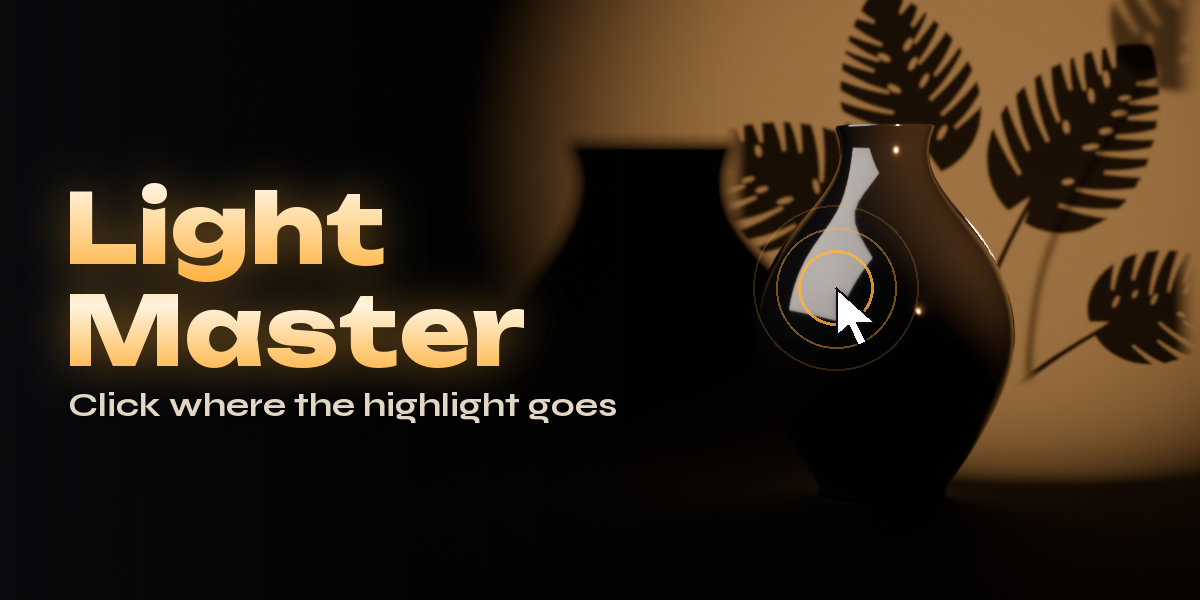
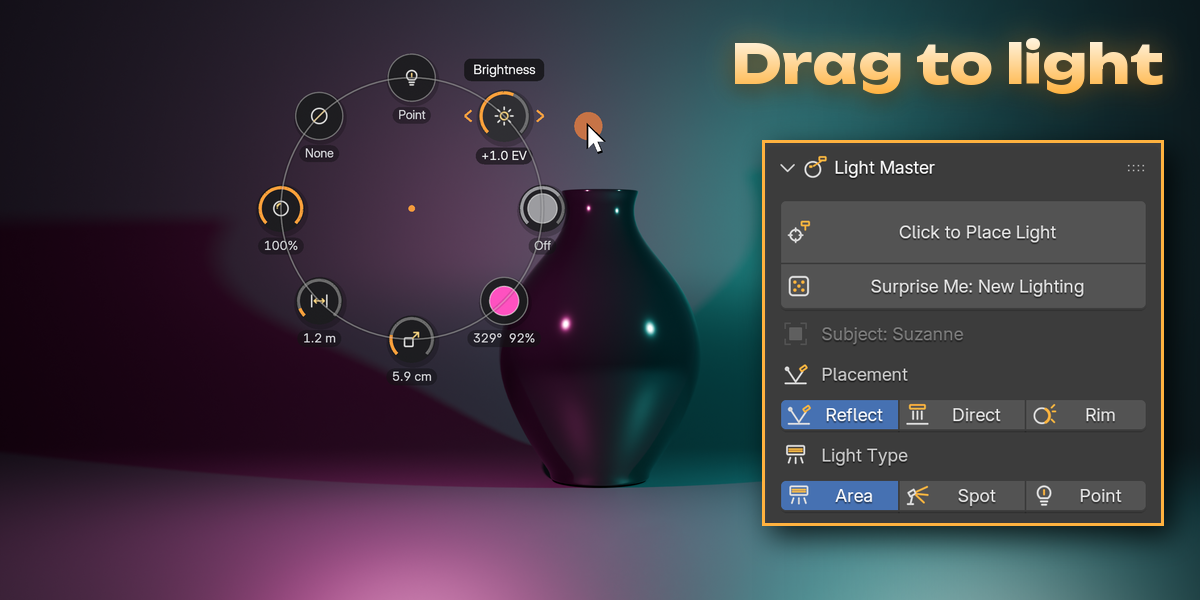
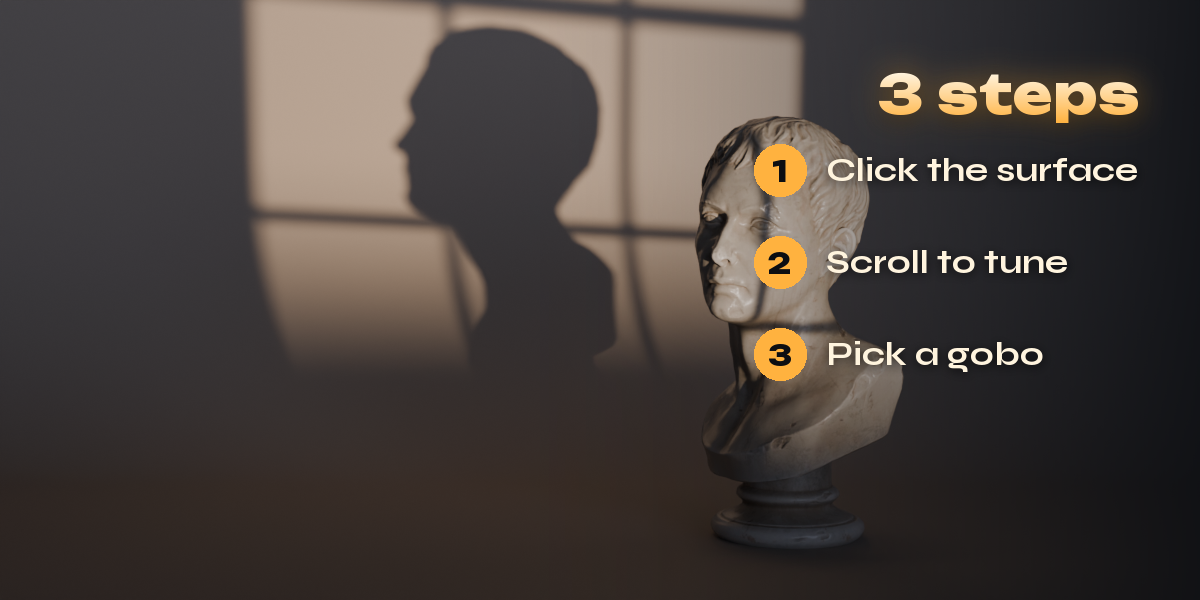
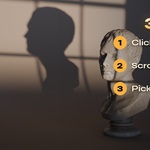
- Open the Light Master tab in the 3D viewport sidebar (N) and press Click to Place Light, or press Ctrl+Shift+L in the viewport, or use Shift+A, Light, Reflection Light.
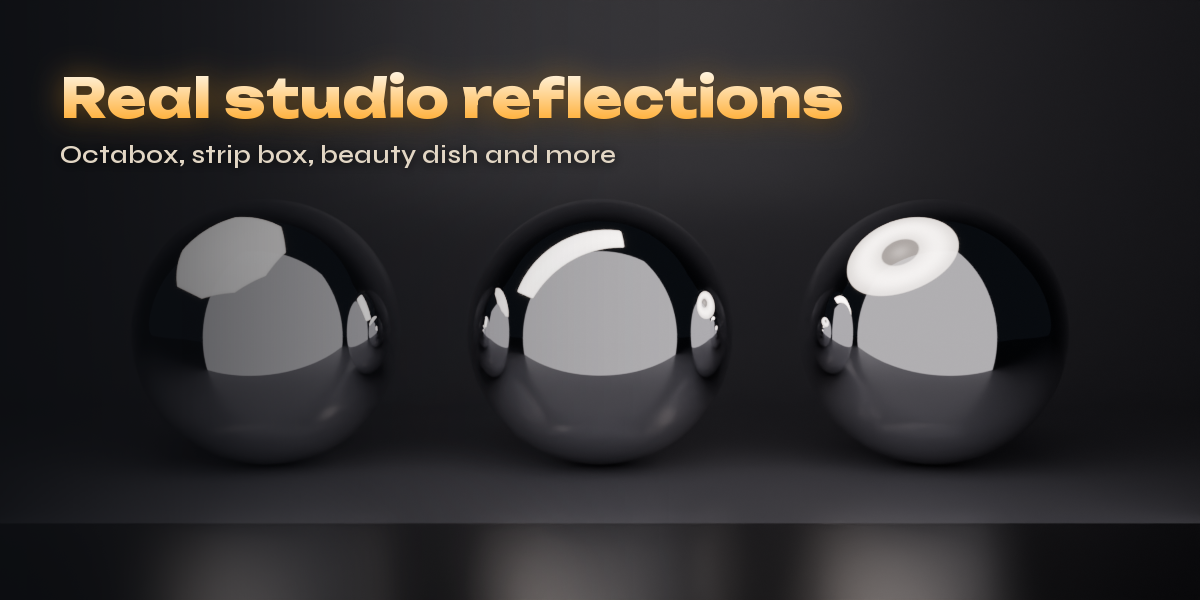
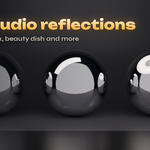
- Move the mouse over your object: the light follows so its reflection (Reflect mode), its light (Direct) or its rim (Rim) lands under the cursor. Use Rendered view to see it live.
- Scroll for brightness, Shift+scroll for size, Ctrl+scroll for distance, Alt+scroll to roll, Ctrl+Shift+scroll for gobo sharpness. On a trackpad swipe two fingers up and down, or use the + and - keys with the same modifiers.
- Tab or 1, 2, 3 switch Reflect, Direct and Rim. T switches Area, Spot and Point. The < and > keys step through gobos, H turns the gobo off, K and Shift+K make the light warmer or cooler, I solos it.
- Click to keep the light, Shift+click to keep it and place another, right-click or Esc to cancel.
Editing
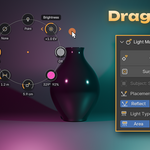
Select a placed light and a ring of controls appears around it in the viewport. Press a control and drag left/right or up/down to change brightness, temperature, color, size, distance, cone, gobo, reflection shape or reflections; Shift drags finely, Ctrl snaps, Esc or right-click cancels. Click a control for its exact fields. The Light control holds Light Type, Placement, Re-aim, Solo and Delete. Turn the ring off in the viewport Overlays menu (Light Master Controls). Moving a light by hand keeps it aimed at its target.
Surprise Me
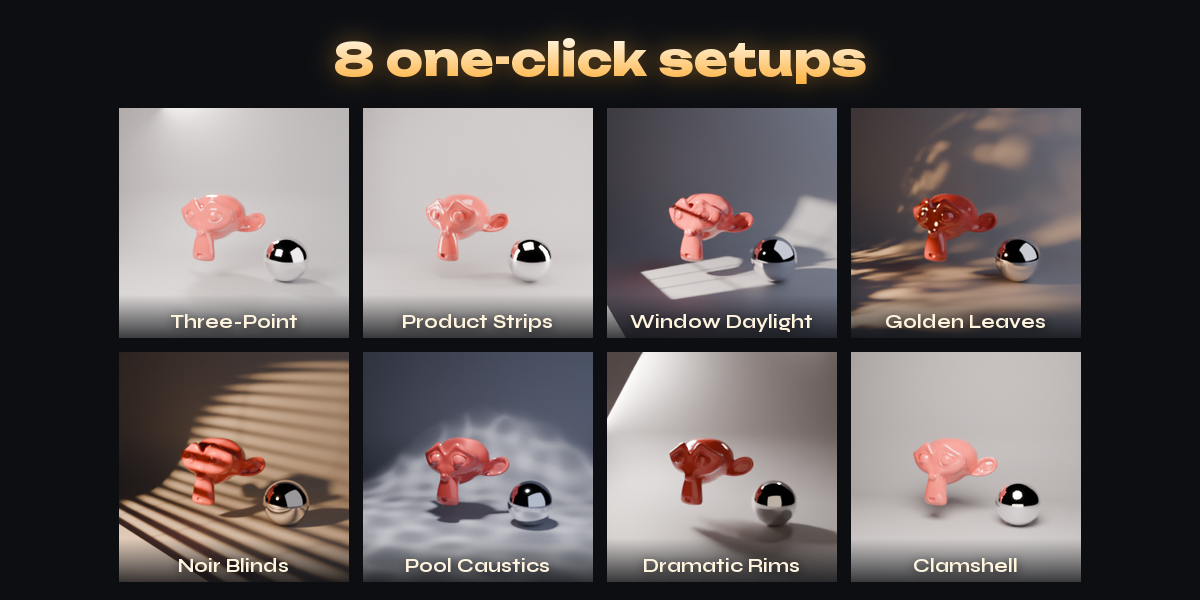
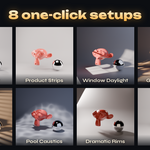
Builds a new key, fill and rim lighting with a colour mood around the selected objects, or the object you lit last. Pressing it again replaces the previous surprise; lights you placed yourself stay.
Gobos
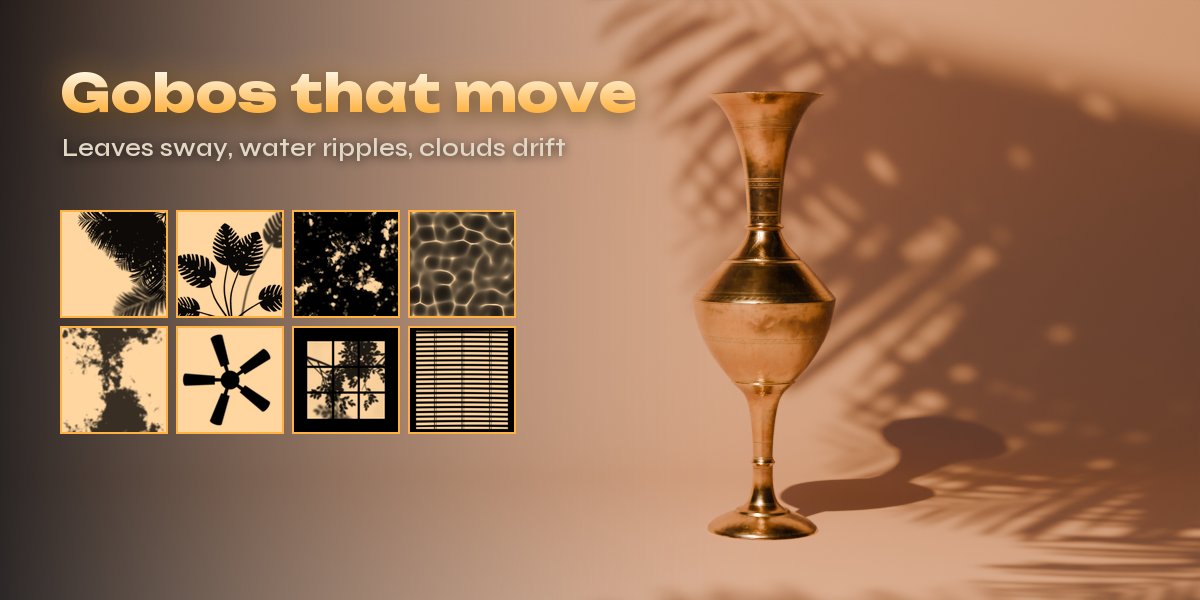
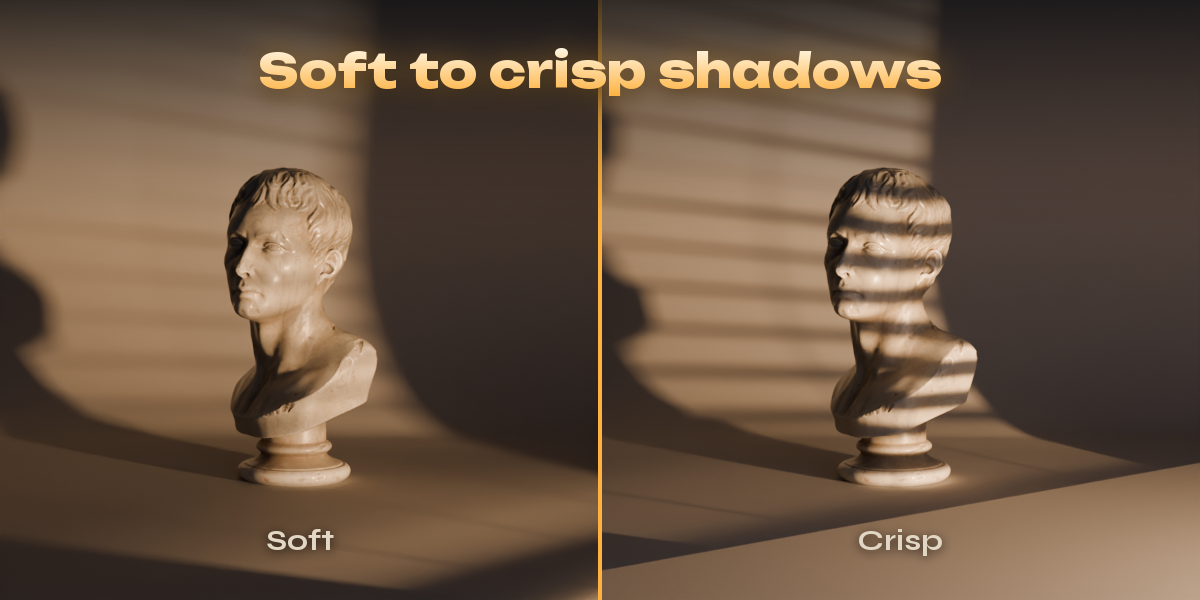
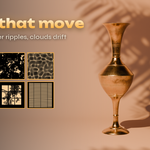
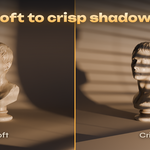
Drag the Mask control on the ring to step through patterns, or click it to pick a category and a pattern from the gallery. Sharpness moves the pattern card toward the subject for crisper shadows. Moving patterns play over the timeline; turn Animate off to hold one frame.
Have questions about this product?
Login to message
| Blender Extension Compatible | Yes |
| Published | about 1 hour ago |
| Blender Version | 4.2 - 5.2 |
| Extension Type | Add-on |
| Render Engine Used | Cycles, Eevee |
| License | GPL |

Discover more products like this
Studio Lighting Lighting caustics gobo highlight light product rendering Area Light Cycles cookie reflection shadow-pattern