Leonid Altman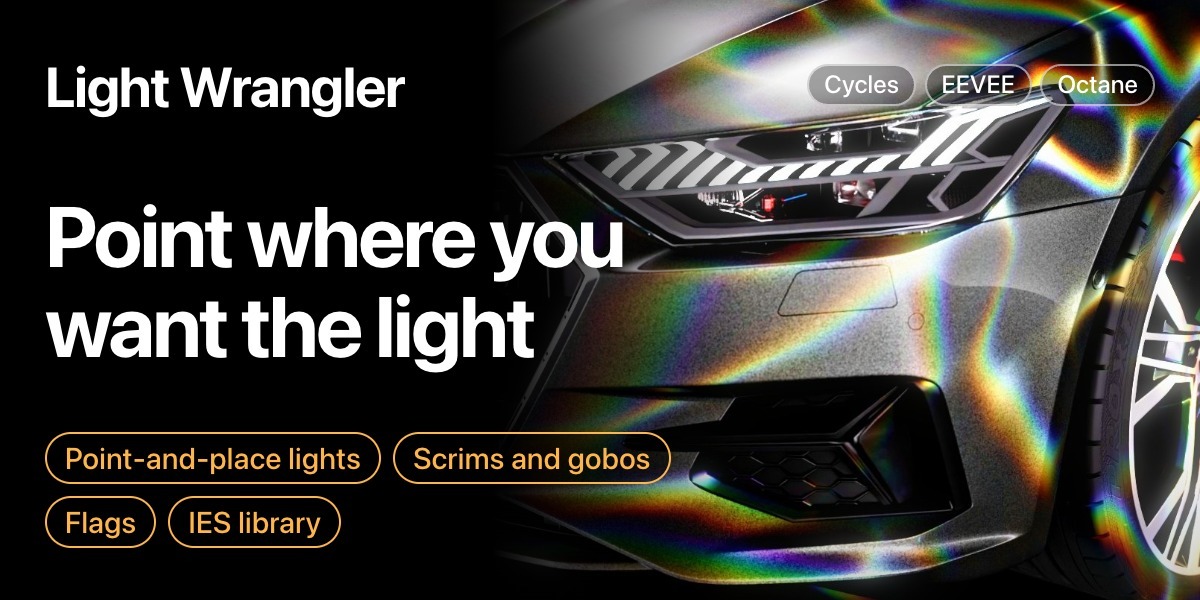
Hi, I'm Leonid
I'm a designer who became a CG artist, and I build the tools I need for my own renders.
Light a scene by pointing at it.
I got tired of dragging lights around and guessing where the highlight would land, so I wrote an add-on that puts the light where I point.
Point where you want the light.
Move the cursor across the surface and the light follows, so the highlight lands under the cursor.

Shown here is Reflect mode. There's also Direct mode for diffuse light and Orbit mode for fine-tuning.
While you're placing it.
While you place it, you can change power, size, distance and exposure, or isolate the light, without opening a panel.

After a few scenes these keys become habit, and lighting gets much faster.
Now shape it.
Once a light is placed, switch its customization mode to change what it does. Each light type has its own modes and built-in libraries.
Scrim mode.
A diffusion panel with gradients, soft edges and surface imperfections, set with a few sliders and previewed live.

Scrim controls with live preview
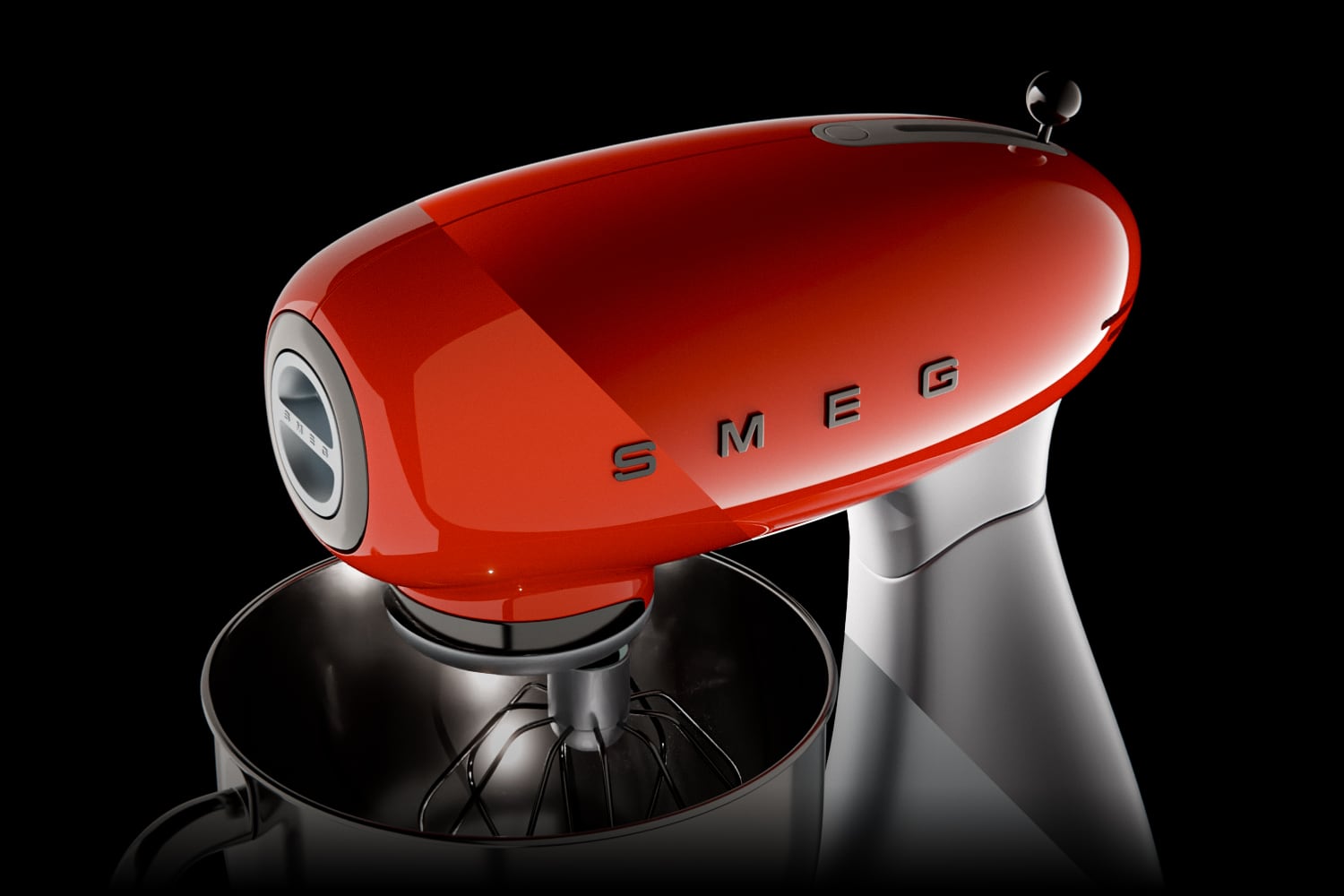

Result on a product render
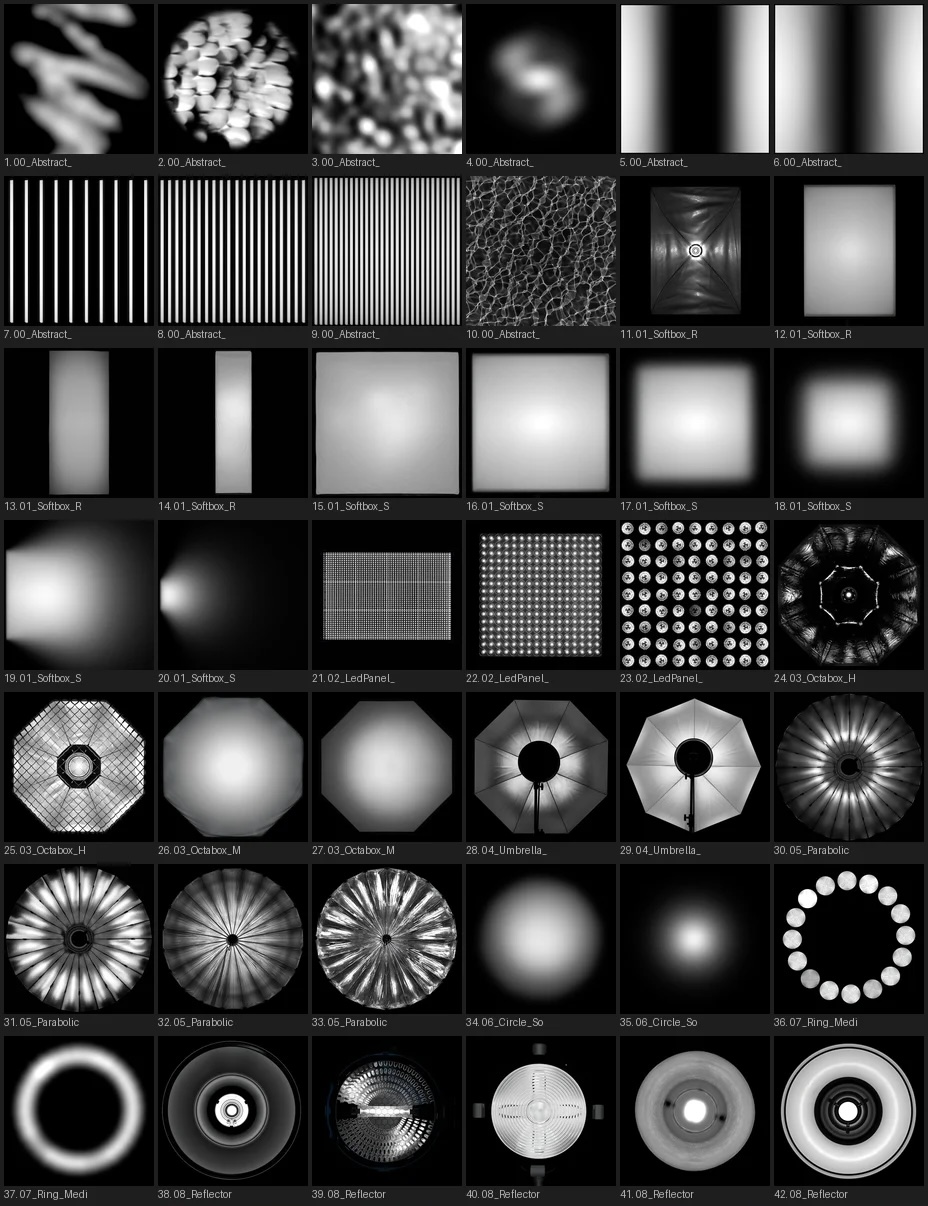
Light textures for area lights.
These aren't environment HDRIs. They're textures that go on the area light itself: switch to HDRI mode, pick one, and it's applied.
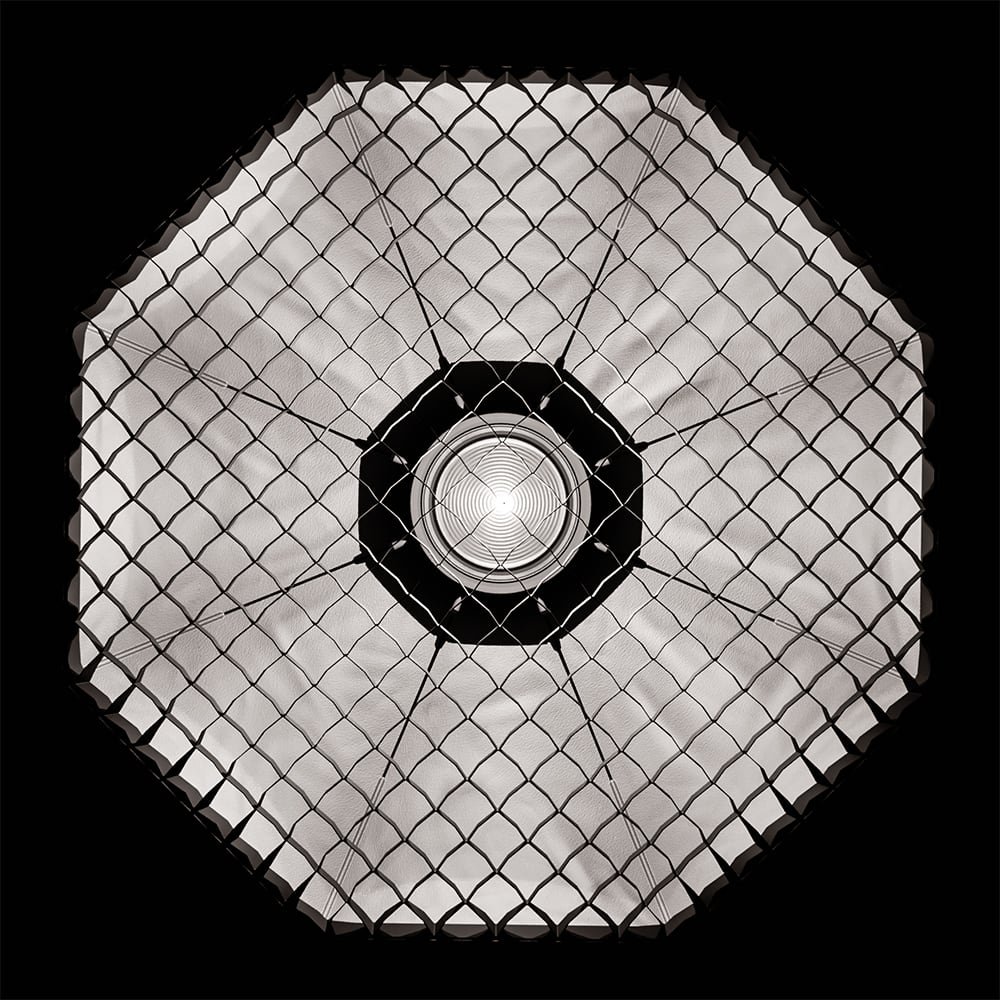
Studio lights. Softboxes, octaboxes, parabolic reflectors and gradients. On glossy surfaces the reflection shows the shape of the light, and a plain rectangle looks fake. These give the light the shape of real studio gear.
Creative patterns. Chromatic dispersion, rainbow projections, lasers and abstract textures, projected into the scene as coloured light.
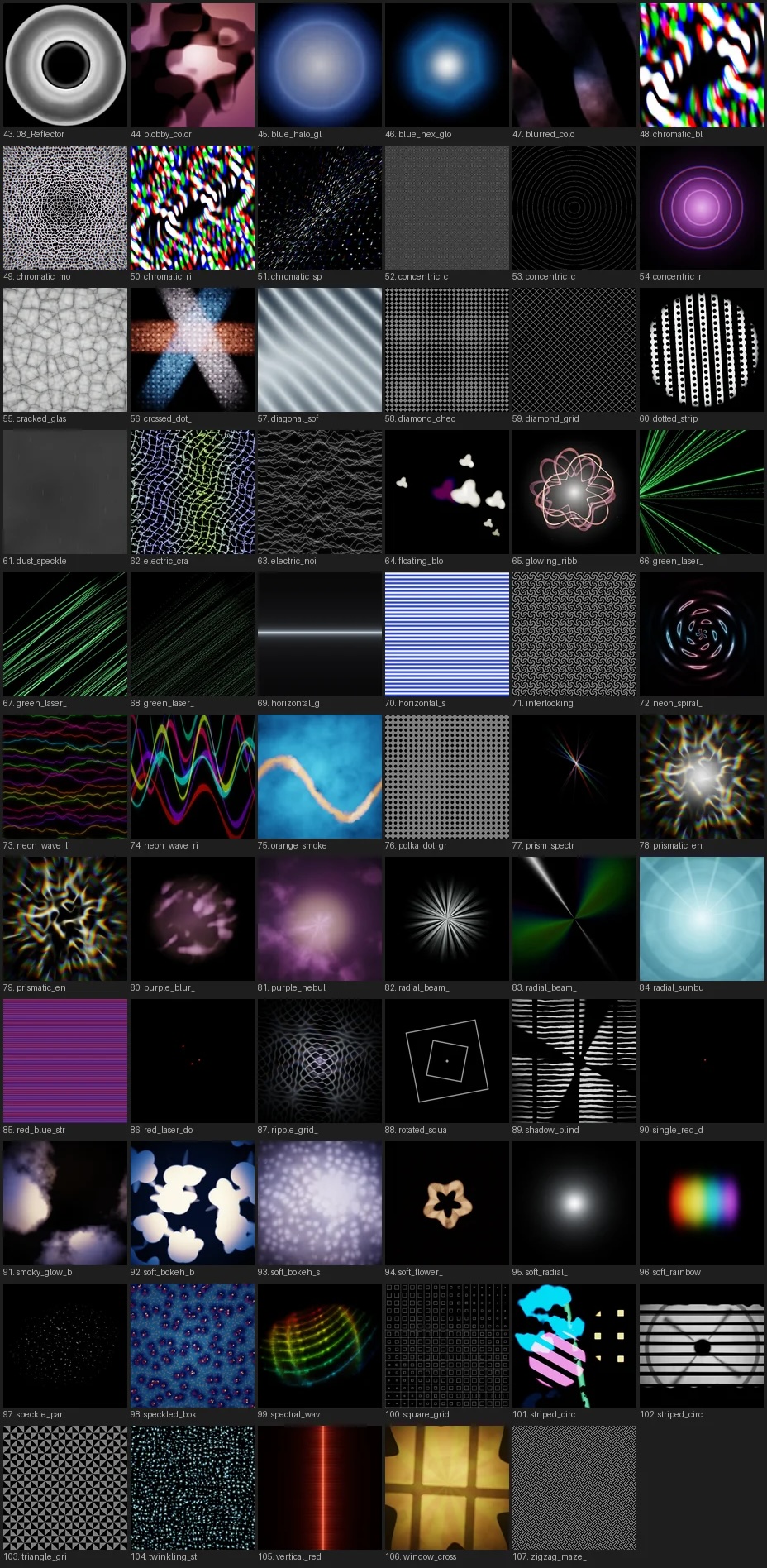
All of them are real HDR files, not PNGs or JPEGs. Most also come as 10-bit HDR video, and one click switches between the still and the animated version.
Over 100 textures, more than 60 of them animated. They download inside Blender, and new ones are added for free.
Shadow patterns.
Gobo packs are easy to find. Light Wrangler makes them quick to use: you go from wanting a shadow to seeing it in a few clicks.
Switch to gobo mode, pick a category and a texture, and it's on the light. Every pattern has a still and an animated version.
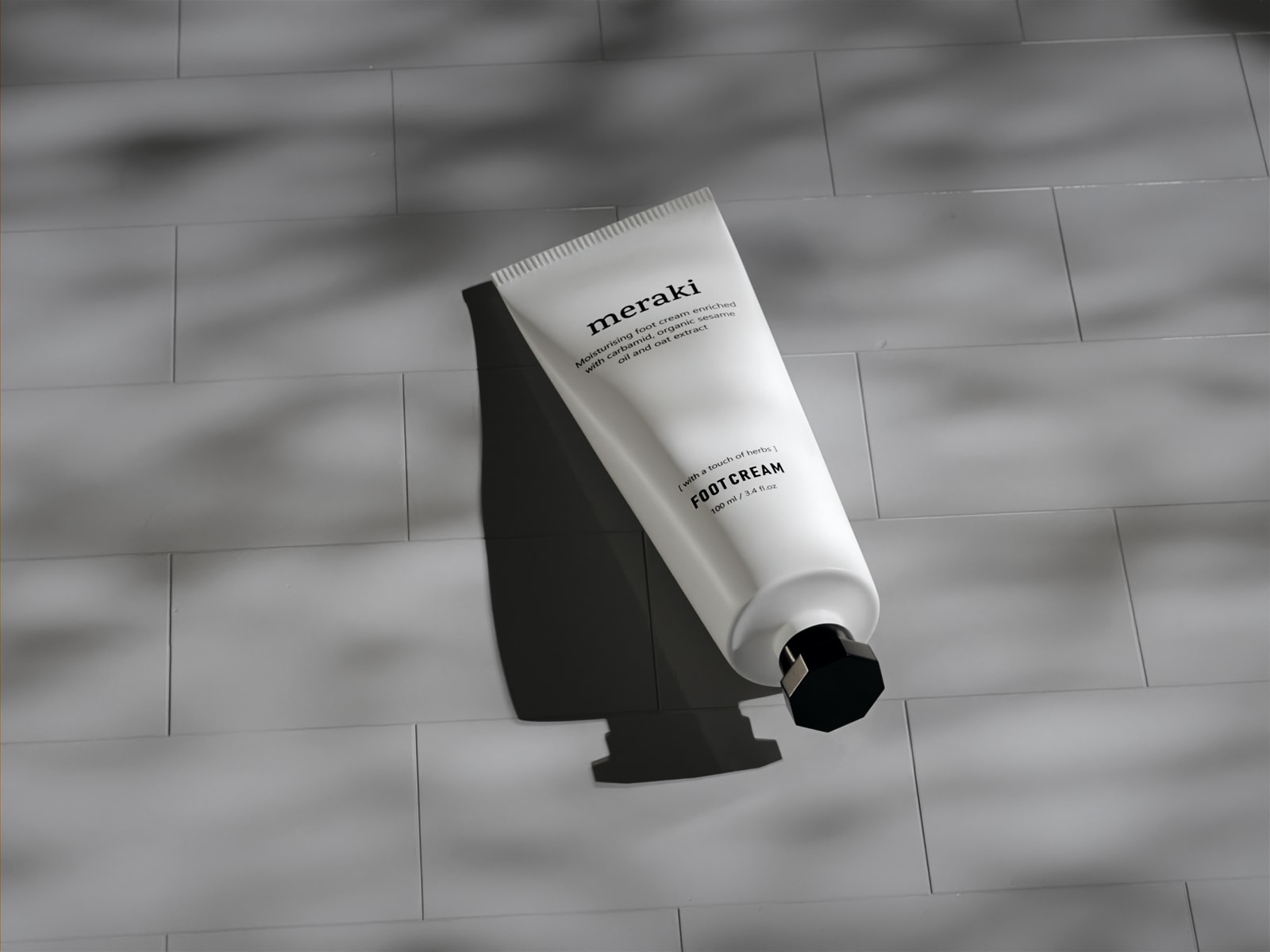
Gobo shadow on a finished render
Works on area lights, spotlights, and Eevee spotlights. Same textures, same interface, same quality across all three.
Gobos also work on flags — more on that below.

115 patterns, 77 of them animated, browsed and downloaded inside Blender. The library keeps growing for free.
30 IES profiles built in.
Real photometric light distribution for point lights. Add your own or connect to IESLibrary.com for 500,000 more.
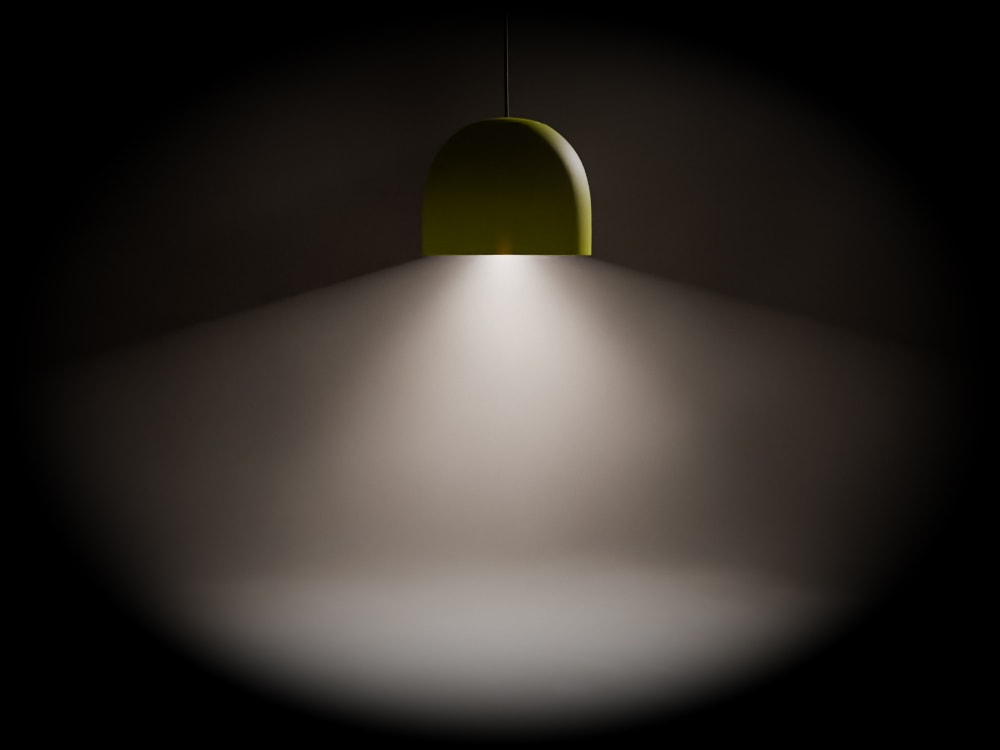
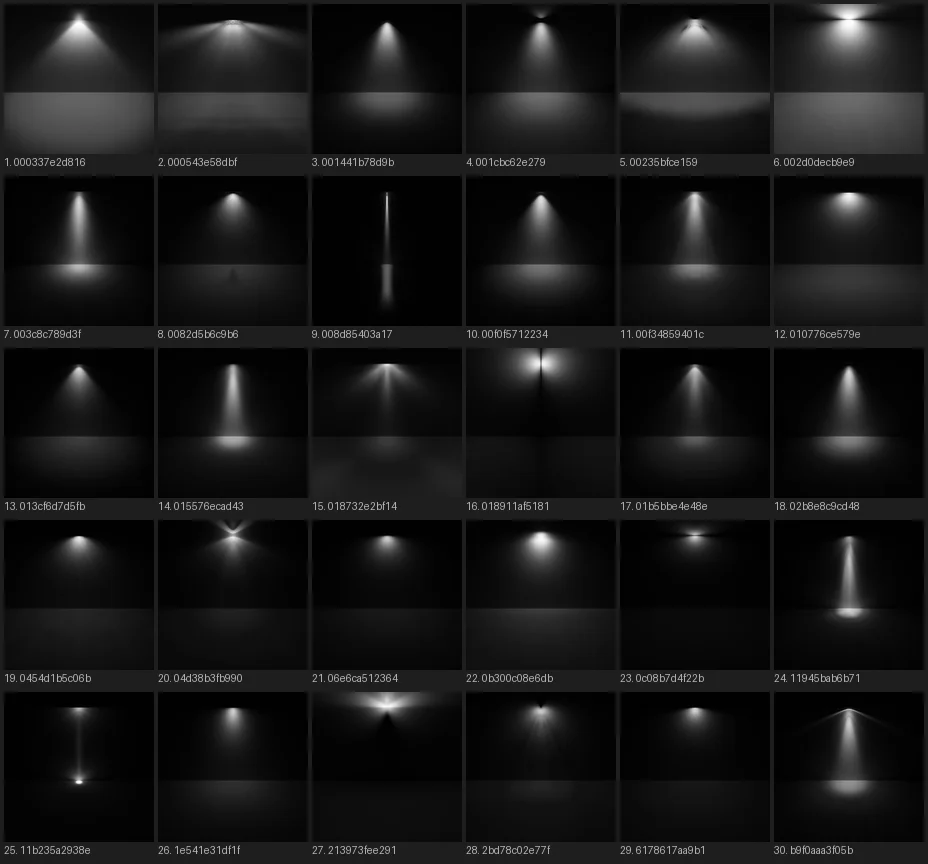
IES preview images © IES-Library, licensed under CC BY-ND 4.0
All of that lives here.
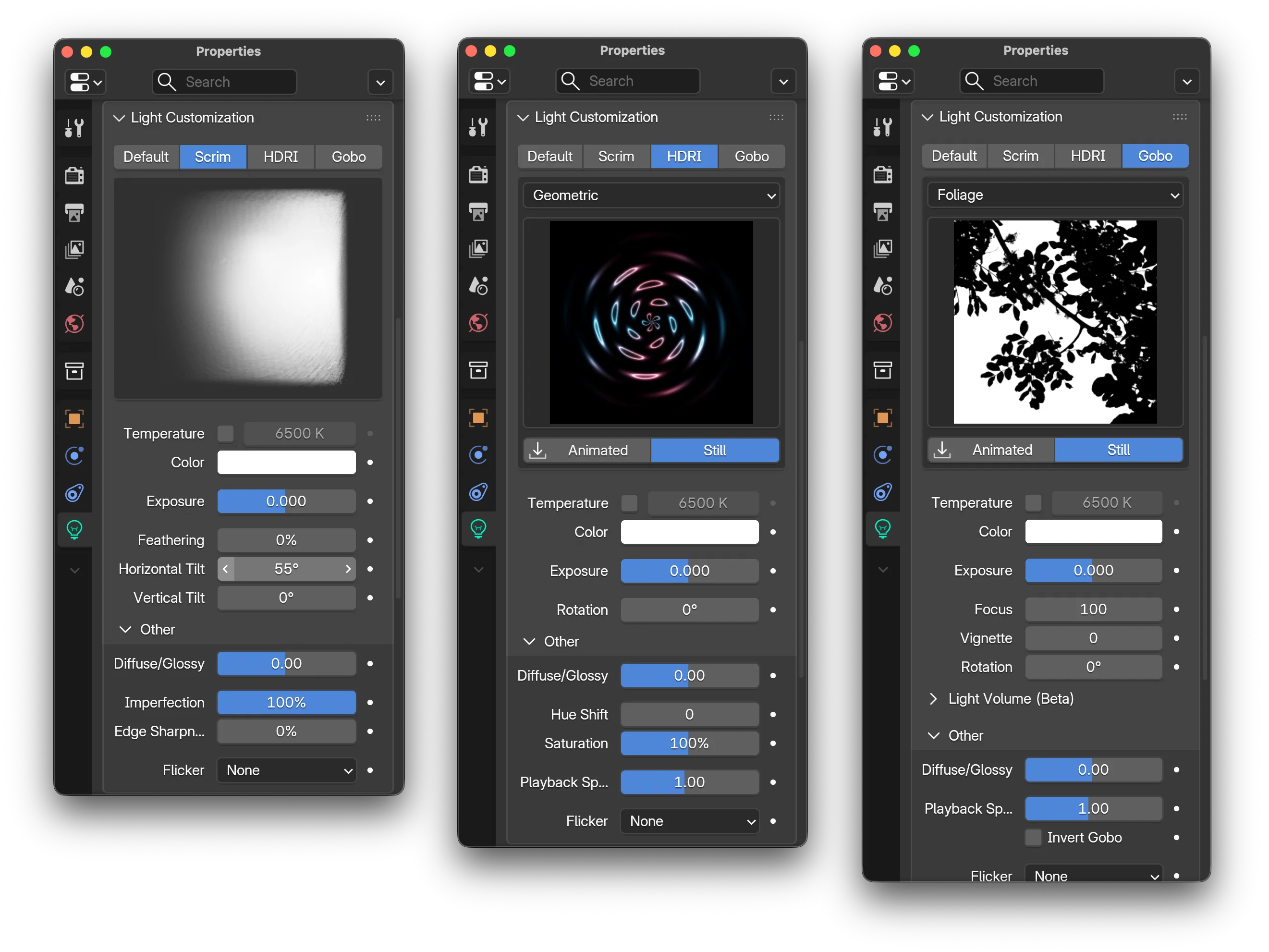
Flags.
In photography and film, flags are panels that block and shape light: they cut spill, add negative fill and put shadow where you want it. Light Wrangler adds them to Blender.

Flags use the same interactive positioning as lights. Reflect, Direct, Orbit — same cursor-driven workflow, same scroll-wheel shortcuts. Position a flag the same way you position a light.
Standard mode. A solid flag with opacity control, for blocking light, shaping shadows and negative fill.
Gobo stencil mode. Apply gobo textures to the flag mesh instead of projecting them from a light. Need a window shadow or foliage pattern without adding an extra light source? This is how. The stencil stays upright by default, so shadows keep their natural vertical orientation whatever the light angle, which projected gobos can't do.
More tools built in.
Other tools in Light Wrangler, for lights, the world and the viewport.

Diffuse/Glossy slider. Like cross-polarized lighting in a photo studio, but adjustable: remove specular hotspots and keep the diffuse light, show only the reflections, or anything in between. It's one slider per light.

Light & shadow linking. Point at any object during interactive mode and press L to include or exclude it from this light. Shift+L also toggles shadow linking.

Bake to HDRI. Render your lighting setup as a 360° environment map to reuse, share or use as world lighting. This helps most in EEVEE, which doesn't support light shader nodes.

Viewport HDRI rotation. Alt + right-click drag rotates the world environment in the viewport.
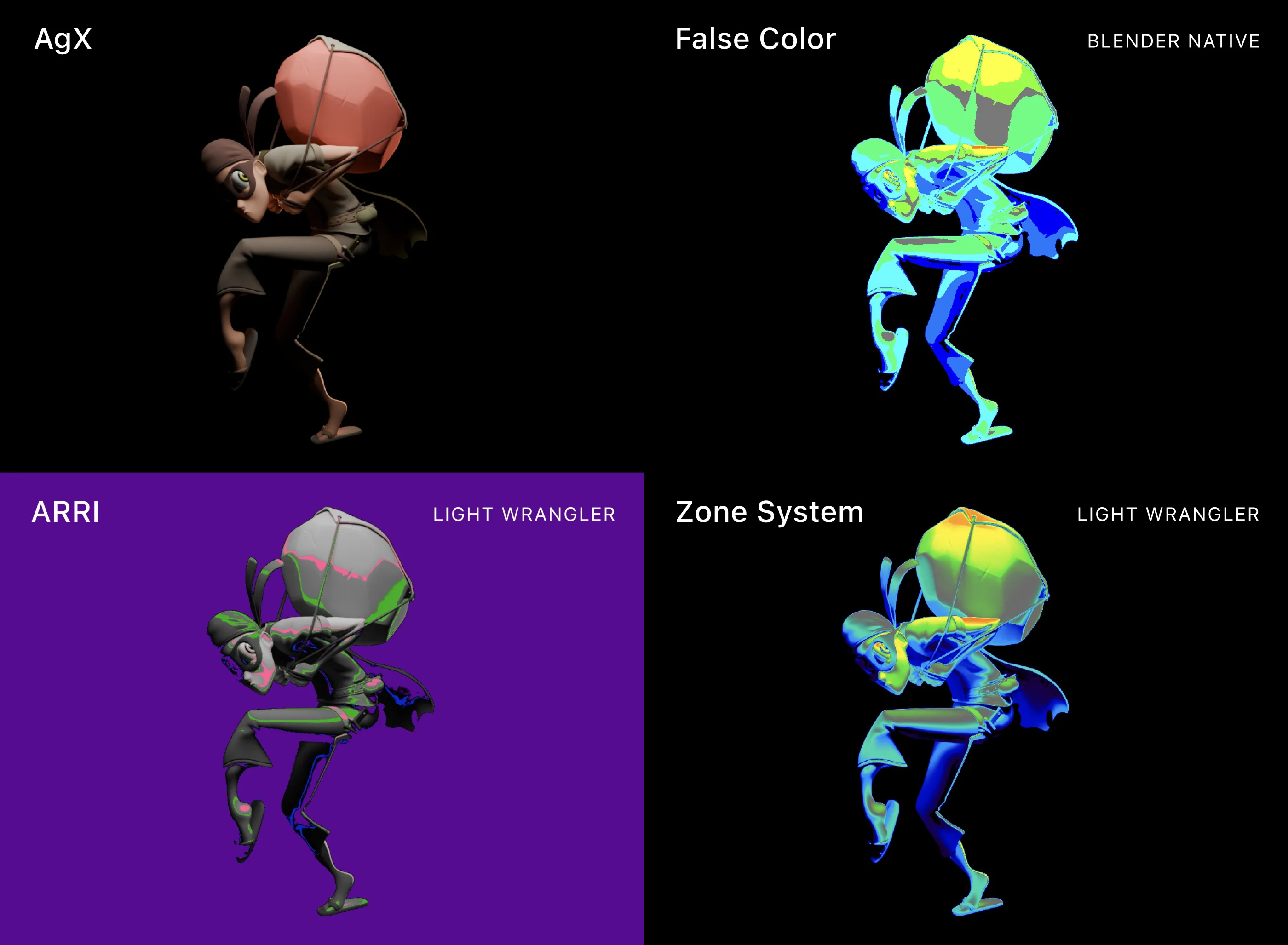
False Color. Check exposure while you work. Zone System mode for fine-grained tonal evaluation, ARRI mode for the standard used in professional video production. Press F during interactive mode to turn it on.
It works like part of Blender.
It's named after Node Wrangler and works the same way. Light settings live in the Light Data tab and HDRI baking in the World tab. It adds no N-panel tabs and no floating windows.
Auto power adjustment. Preserves perceived luminance when you change light distance, so you can explore falloff without rebalancing power.
Adaptive light sizing. New lights start at a size that matches the selected objects, so you rarely have to resize them.
Plus: Light isolation gizmo, obstacle detection, Track to Target, flicker presets, direct mode entry, configurable orbit axes, visibility toggle on selection.
An earlier walkthrough. Some details have changed since, but the workflow is the same.
What artists are saying
Gleb Alexandrov (Creative Shrimp) reviews an earlier version.
"I am a retired professional photographer. I light my Blender projects as I would in real life. This was very time consuming with stock Blender lights. Not to mention very little control. Light Wrangler changed all of that for me. Complete control from power to size and distance without taking your hand off the mouse. Then a library of Lighting HDRIs to simulate studio lighting. The capability of flagging (scrim) and accurate feathering. Whether you're a novice or a pro, this add-on should be your starting point in your light set-up."
 — Donald Ramirez
"Basically an essential tool for Blender. Once you use it you can't imagine lighting the "old fashion" way. All the important tools are right at your fingertips and once you got the hang of the shortcuts it is a serious timesaver and makes lighting a much more fun and creative process as the add-on takes care of the annoying parts!"
— Jonas Noell
"I use it in professional setting and it saves me so much time and the results are so good. I used it in about 10 new scenes and I honestly don't ever want to think about going back to the old way of lighting. It's so simple to use that it's actually fun to light up the scene. This is a must have for anyone who deals with products."
— Milan
"This addon convinced me to switch to Blender."
— Jean Lovensky
"Fantastic Add-On for anyone doing product visualization. An overall fantastic time saver that helps me bring my renders to life. The support is amazing as well, and the developer is clearly one of the most capable devs I have had contact with in my over 15 years in the industry."
— Yannik Pipek
"Can't believe I went years without this addon. It's a complete game changer and makes my lighting look so much better and iterating lighting setups goes so fast. Please never stop updating this addon."
— Philip
"Absolutely fantastic. Blender need to build this into the program as standard and pay this man a handsome royalty."
— Max
The full add-on, free for 7 days, with no payment needed. Ready to buy? Choose a license from the panel above.
Requirements & Support
Blender 4.5 or newer. Windows, macOS, Linux.
The add-on connects to an external server to download HDRI and gobo textures directly within Blender. All core features work without an internet connection. No additional registration or costs required.
Documentation · Email support · Discord community
Pairs well with Light Wrangler