 Zyblen


## Overview
|
Light-X Pro is an all-in-one lighting and camera assistant for Blender that focuses on speed, scene clarity, and cinematic polish. Once installed, the add-on lives in **View3D ▸ Sidebar ▸ Light-X Pro** (Blender 4.0 or newer) and keeps your light rigs, cameras, and render mood in one organized place.
|
## Core Features
|
### Lighting Control Hub
|
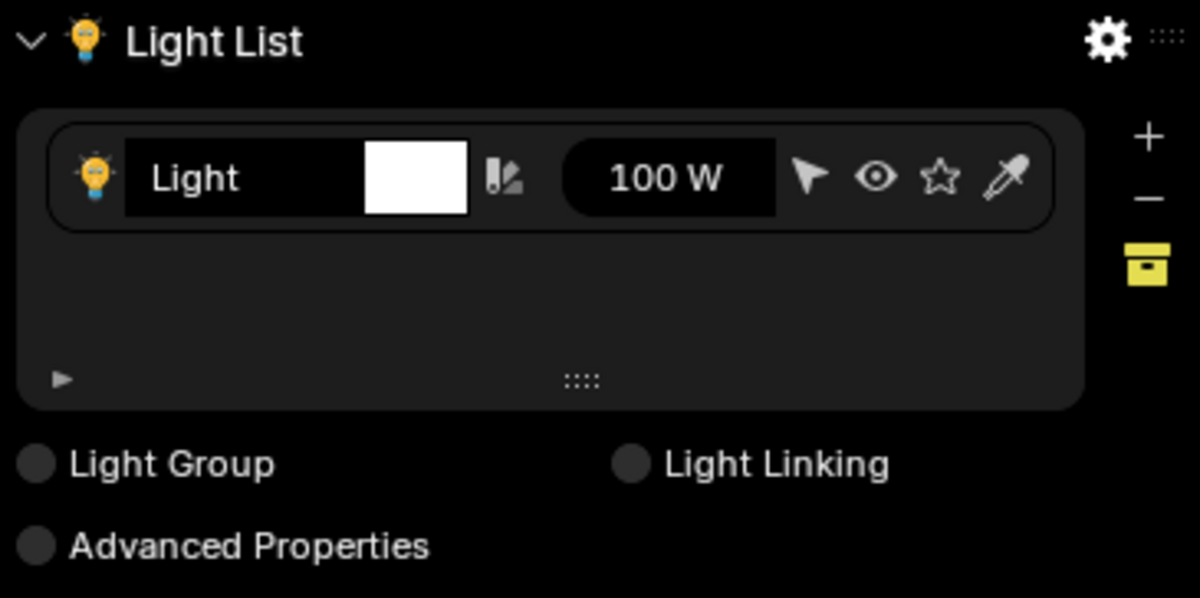
- **One list for every light** with quick select, hide, solo, and energy controls directly in the UI list.
|
- **Pin favorites** to keep key fixtures at the top while you shuffle other rigs.
|
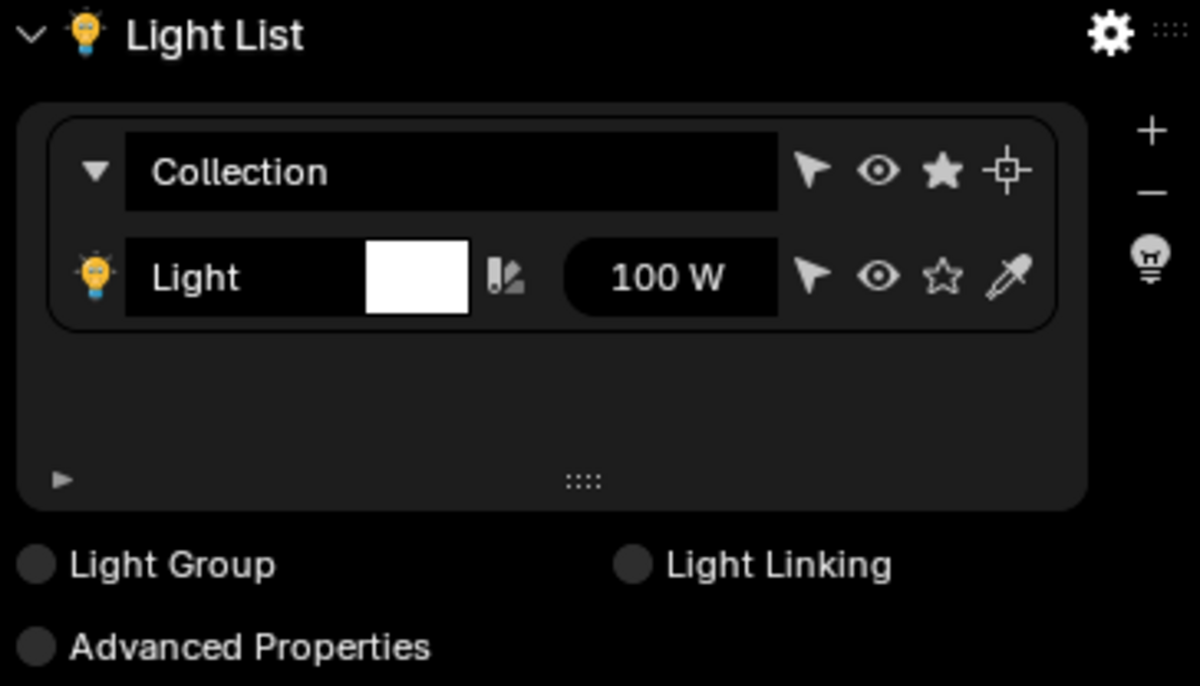
- **Collection-aware view** to manage entire lighting collections, move selected lights, and keep counts of lights per collection.
|
- **Randomize color** per light for fast ideation, plus per-light tagging for organization.
|
### Light Sculpting & Effects
|
- **IES profile browser** with thumbnails and previews to give physically accurate falloff with one click.
|
- **Gobo system** with categorized assets and per-light masks for patterned shadows.
|
- **HUD-assisted light placement** for quick distance/rotation feedback while moving spot, area, or point lights.
|
- **Solo/visibility toggles** to isolate problem lights without changing scene collections.
|
### Studio & Emission Tools
|
- **Studio presets** for building controlled lighting environments and clearing them with a single button.
|
- **Emission control** to convert meshes into emitters and tune strength without diving into shader nodes.
|
- **Lens dirt & vignette assets** to add subtle bloom-friendly grime from the bundled texture pack.
|
### Camera Power Tools
|
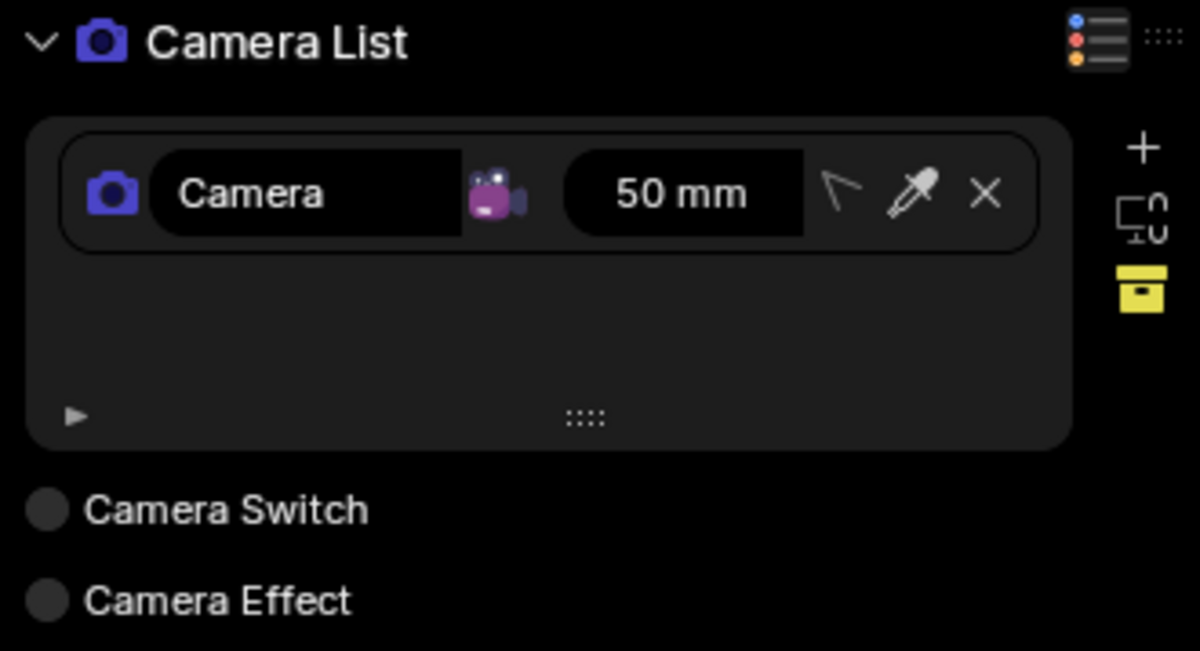
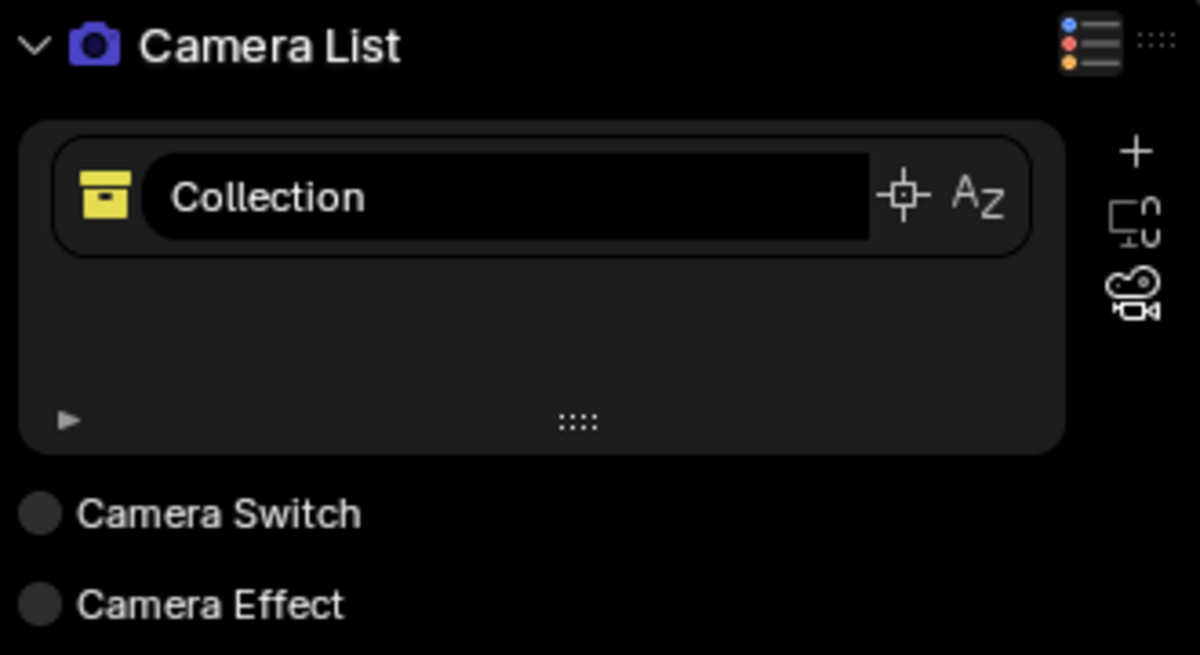
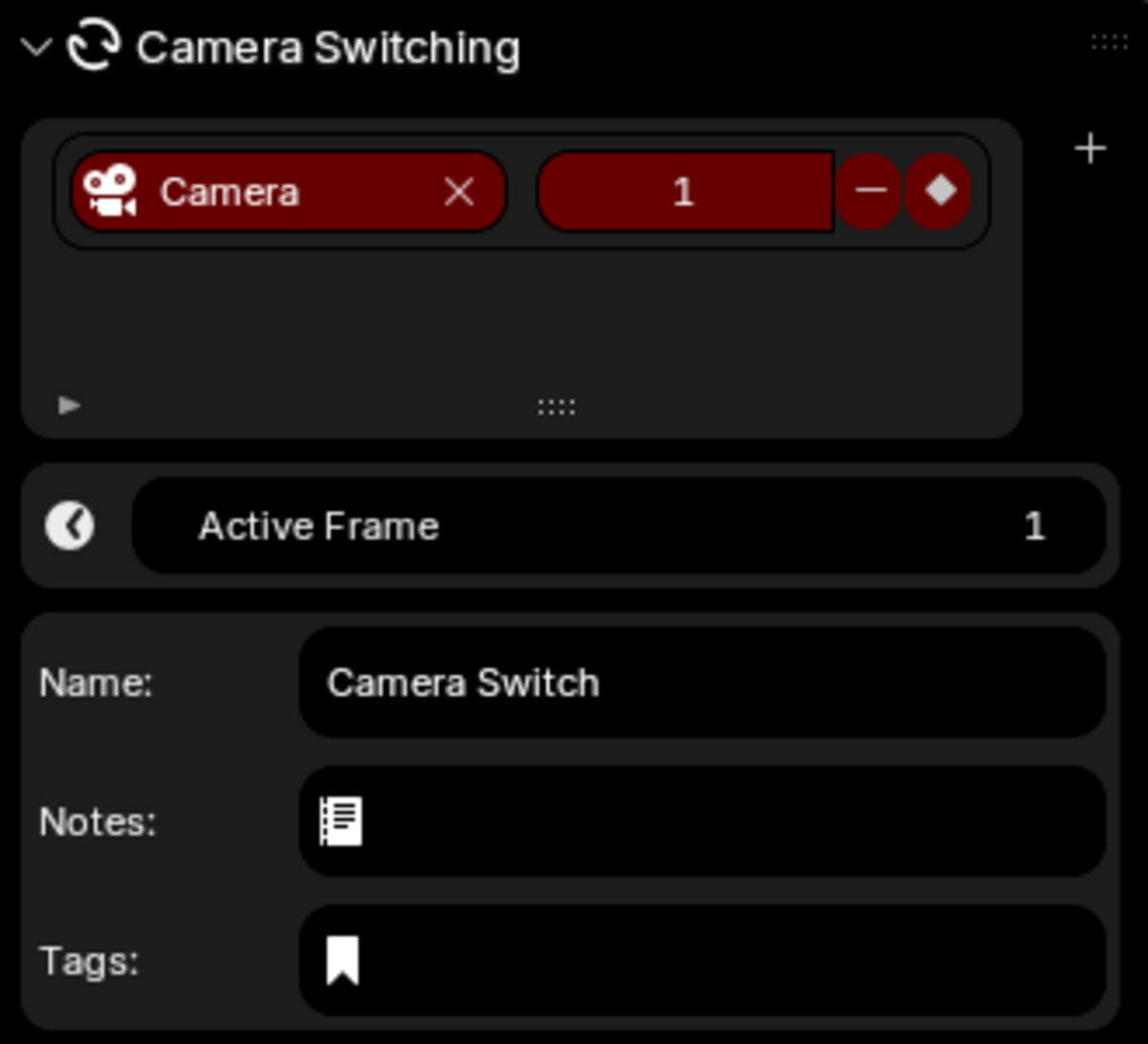
- **Camera list with pinning** so hero and reference cameras stay in view.
|
- **Bookmarks & delta widget** to store poses, paste between cameras, and measure offsets from the active shot.
|
- **Collection filtering & pinning** to wrangle many cameras per set or sequence.
|
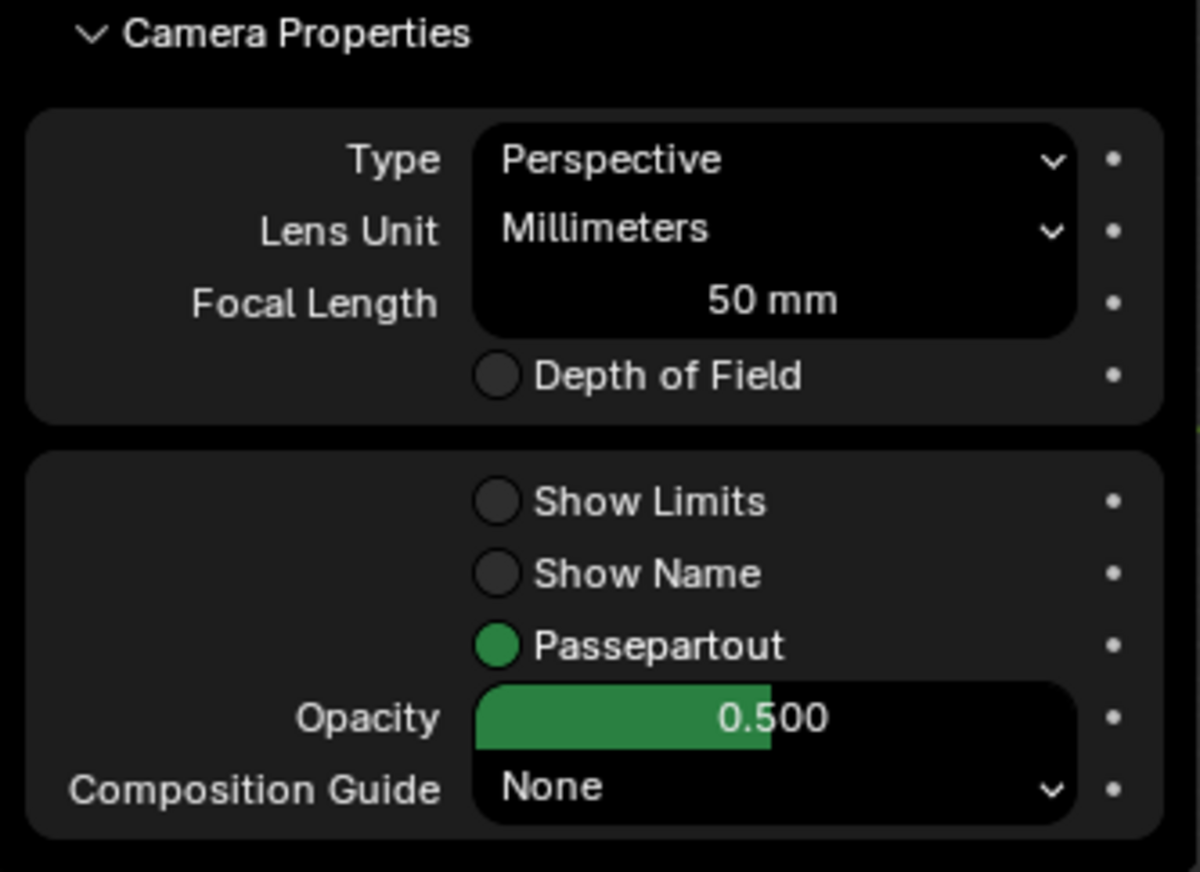
- **Lens & sensor presets** with built-in defaults and quick-add buttons for studio standards.
|
- **Track-to helpers** to bind cameras to focus targets or clear those constraints in bulk.
|
### Rendering & World Polishing
|
- **Render presets** (resolution, color management) consolidated into a shared utility so shots stay consistent.
|
- **Fog and world controls** for depth cues without digging into shader editor nodes.
|
- **Compositor helpers** for Lens Dirt, Vignette, and color tweaks from the Light-X Pro tab.
|
### Light Groups & Linking
|
- **Light Linking panel** to manage receiver/excluder relationships in bulk.
|
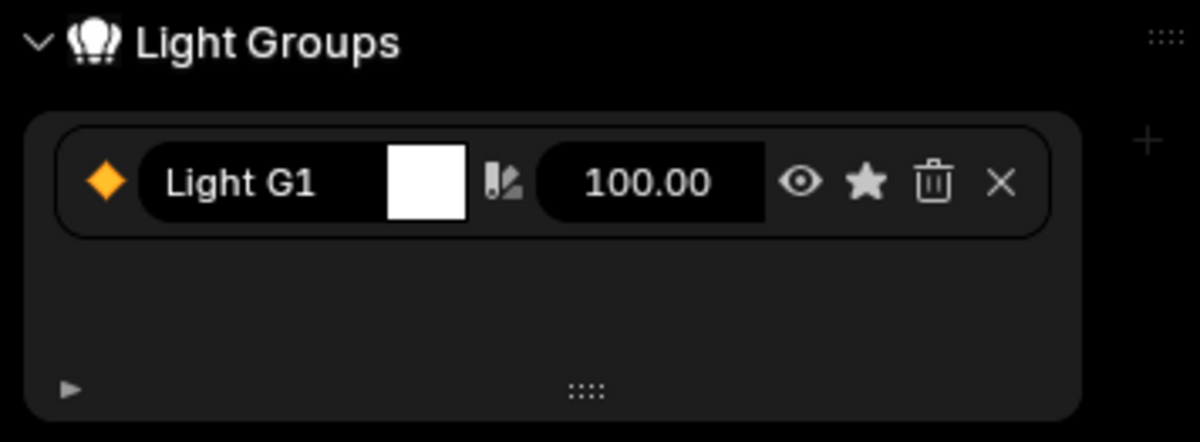
- **Light Group panel** to build render-layer style groupings for per-pass tweaking.
|
## Installation (Blender 4.0+)
|
1. Download the `Light-X-Pro` ZIP from Blender Market (do not unzip).
|
2. In Blender, go to **Edit ▸ Preferences ▸ Add-ons ▸ Install…** and pick the ZIP.
|
3. Enable **Light-X Pro** in the add-on list. The tab will appear in **View3D ▸ Sidebar**.
|
4. For best results, restart Blender once so IES previews and gobo assets initialize.
|
## Typical Workflow
|
1. **Layout lights** from the Light panel, pin key lights, and use the HUD overlays to position them precisely.
|
2. **Shape the look** with IES or gobo presets, tweak energy/exposure sliders, and isolate lights with Solo.
|
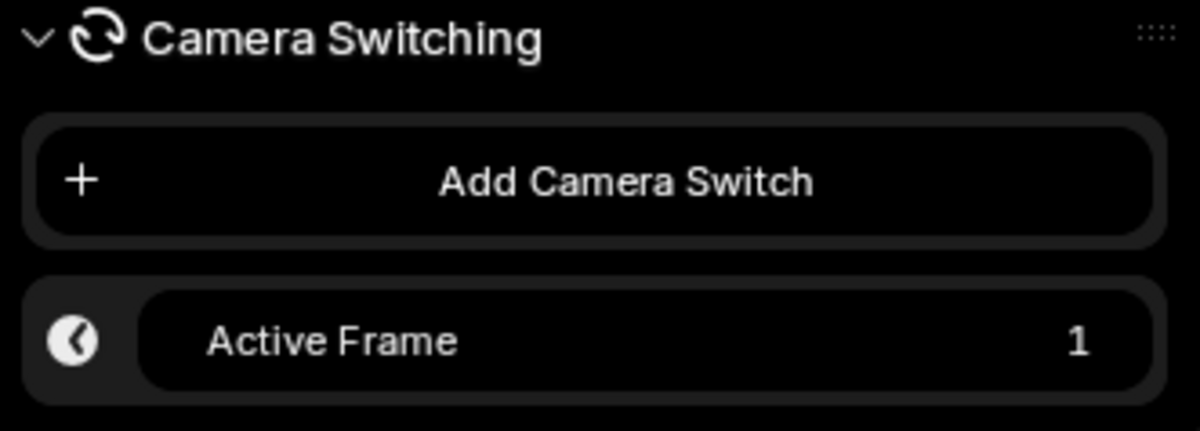
3. **Build a camera set**: add cameras from view, pin hero angles, and capture bookmarks for alternates.
|
4. **Lock mood** with render presets, color management, fog/world tweaks, and optional Lens Dirt or Vignette.
|
5. **Deliver** by switching Light Groups or linked receivers to generate alternate passes without duplicating scenes.
|
## Compatibility & Assets
|
- Tested against Blender **4.0+** (see add-on metadata).
|
- Ships with bundled **IES profiles, gobo masks, lens dirt textures, HUD icons, and studio light rigs** stored inside the add-on’s `assets/` folder.
|
## Support & Updates
|
- Light-X Pro is actively maintained with frequent quality-of-life releases
|
- For licensing or support, contact **[email protected]**. |
Have questions about this product?
Login to message
| Published | over 2 years ago |
| Blender Version | 4.0 - 5.2 |
| Extension Type | N/A |
| Render Engine Used | Blender-Internal, Cycles, Eevee |
| License | GPL |

Discover more products like this
light group light Lighting camera addon Studio Render Emission camera light-addon