 ZEG
Installation
In Blender open Edit, Preferences, Get Extensions, then use Install from Disk and pick the lighthouse_generator zip.
Usage
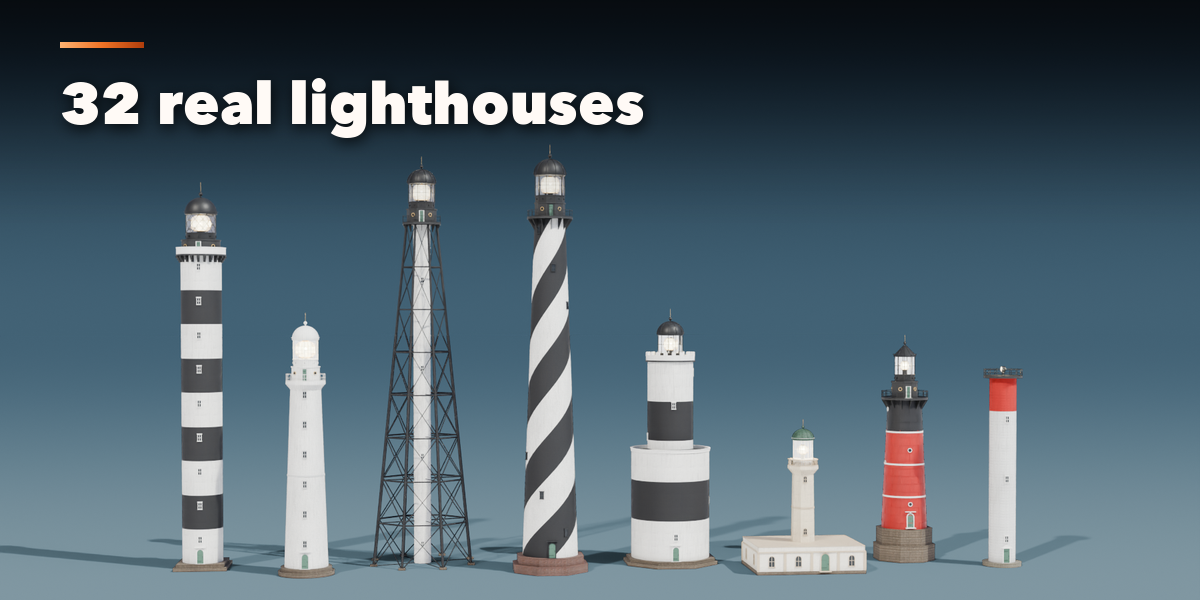
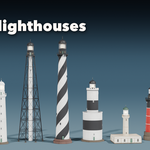
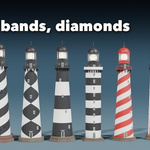
- Open the Lighthouse tab in the 3D viewport sidebar (N). With no lighthouse selected, click the big picture to browse the designs, or pick a group and a design, then press Add to place it at the 3D cursor. You can also use Shift+A, Mesh, Lighthouse.
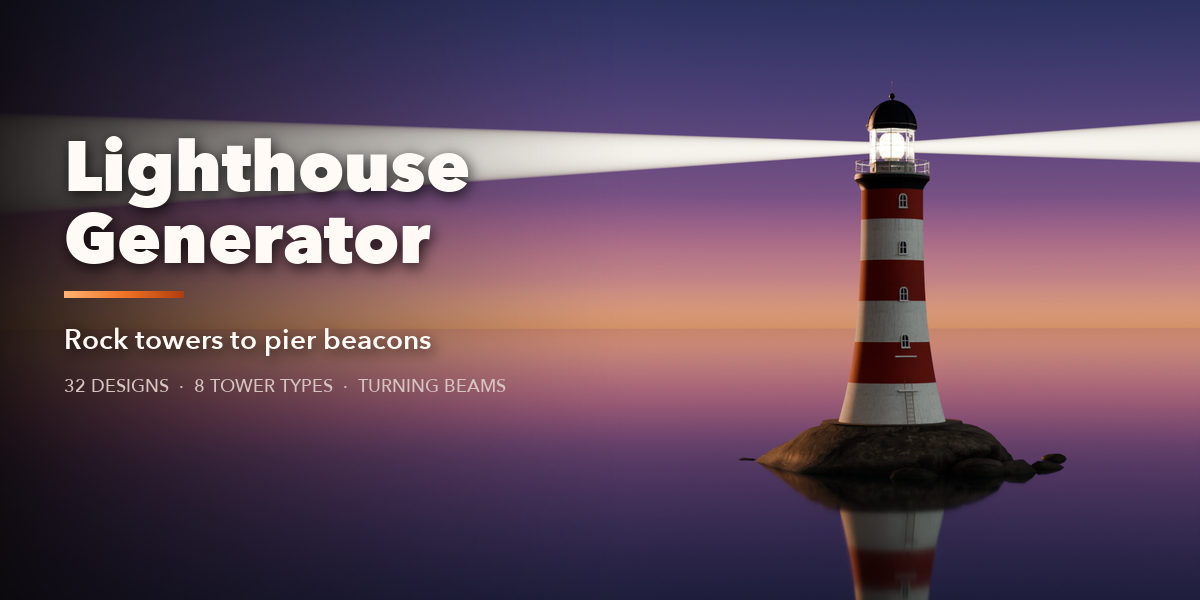
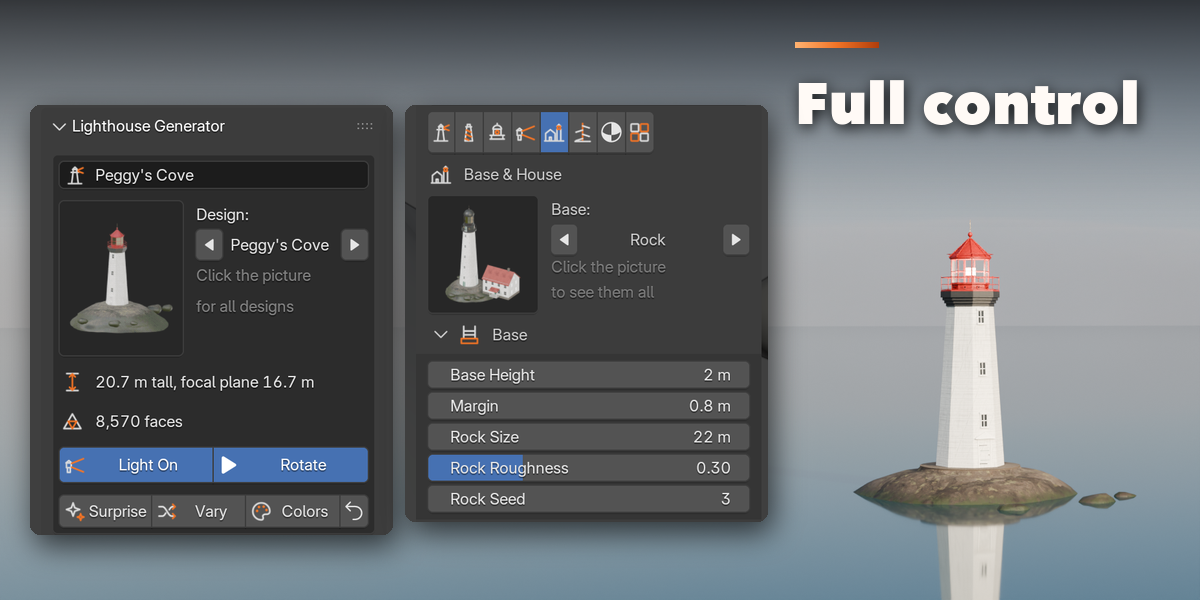
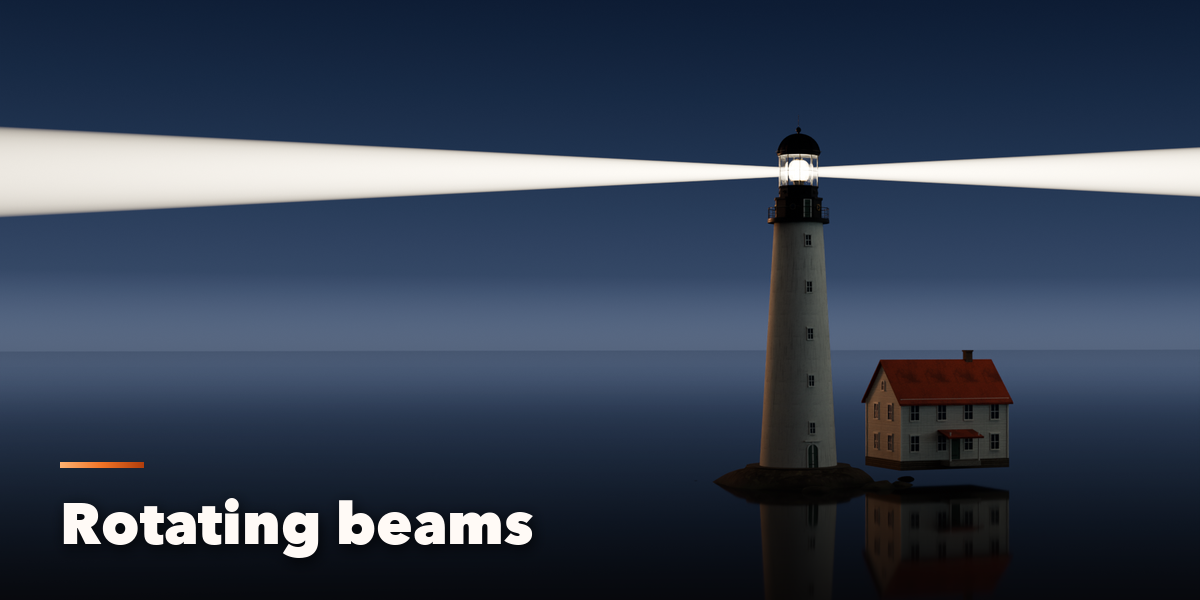
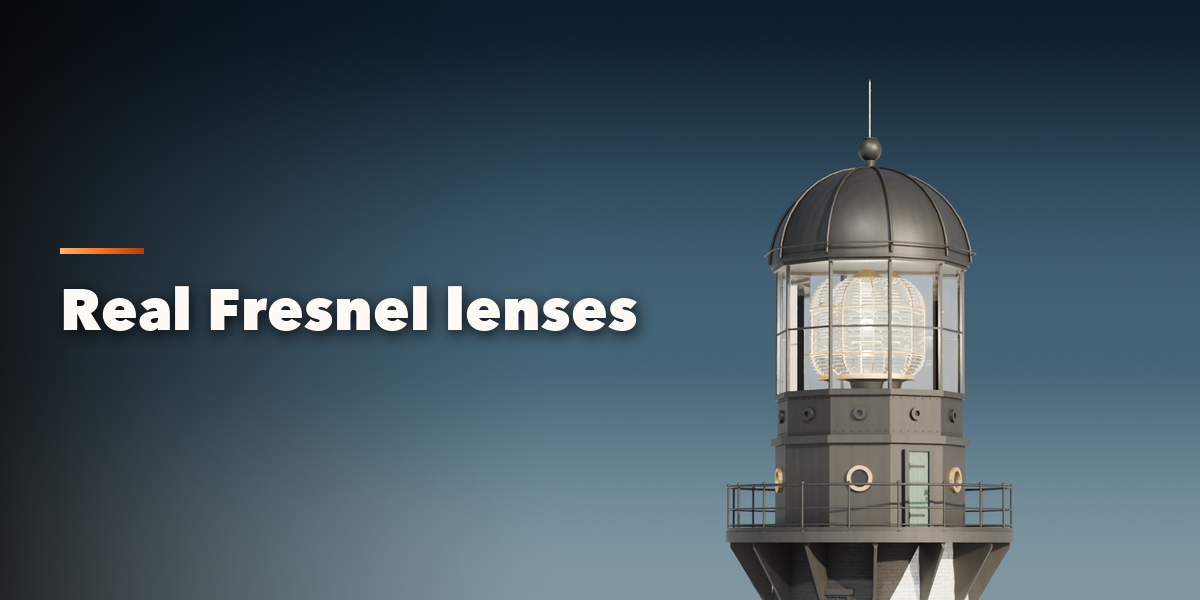
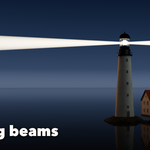
- The card at the top shows the design, its height, focal plane and face count. Light On switches the lamp, glow and beams; Rotate turns the lens on a looping animation (press Play). Surprise makes a new random lighthouse, Vary changes the current one a little and Colors paints a new daymark.
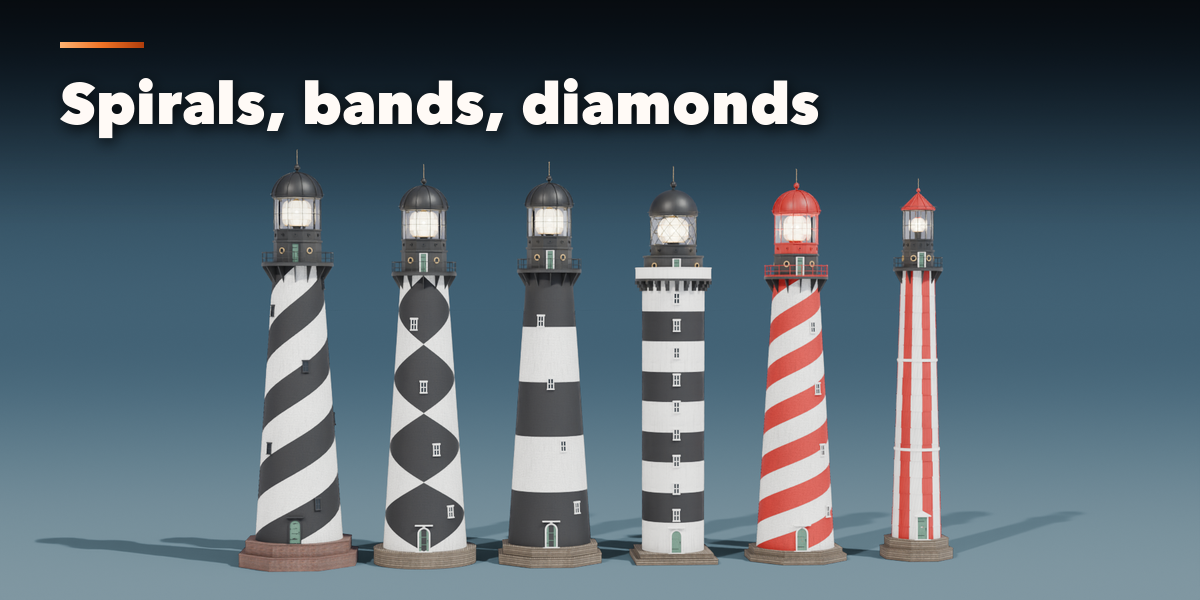
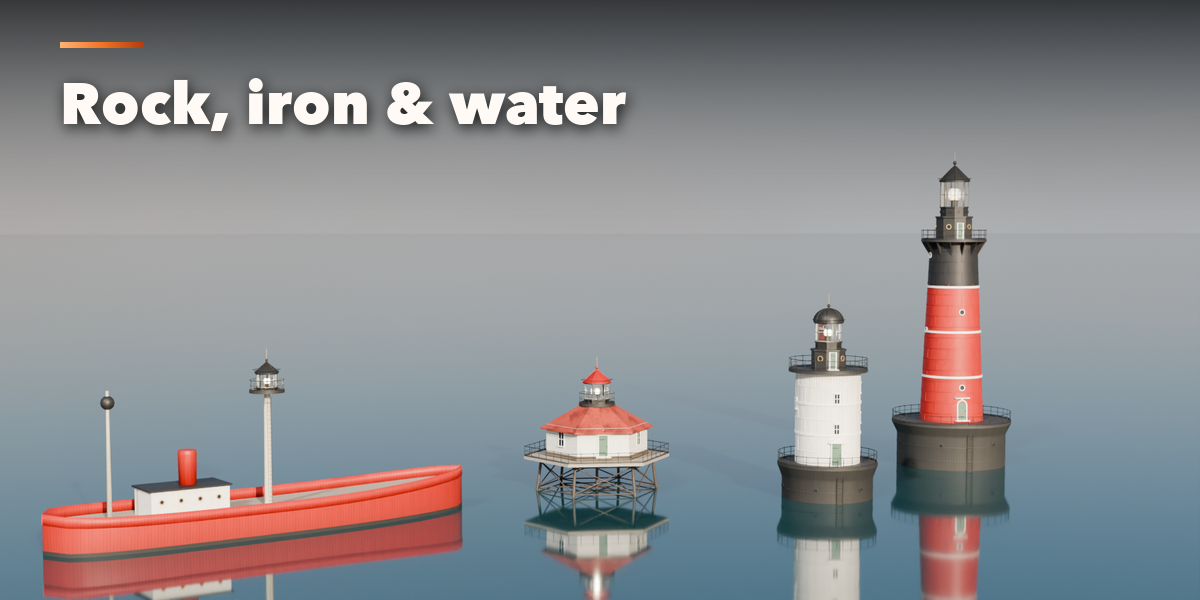
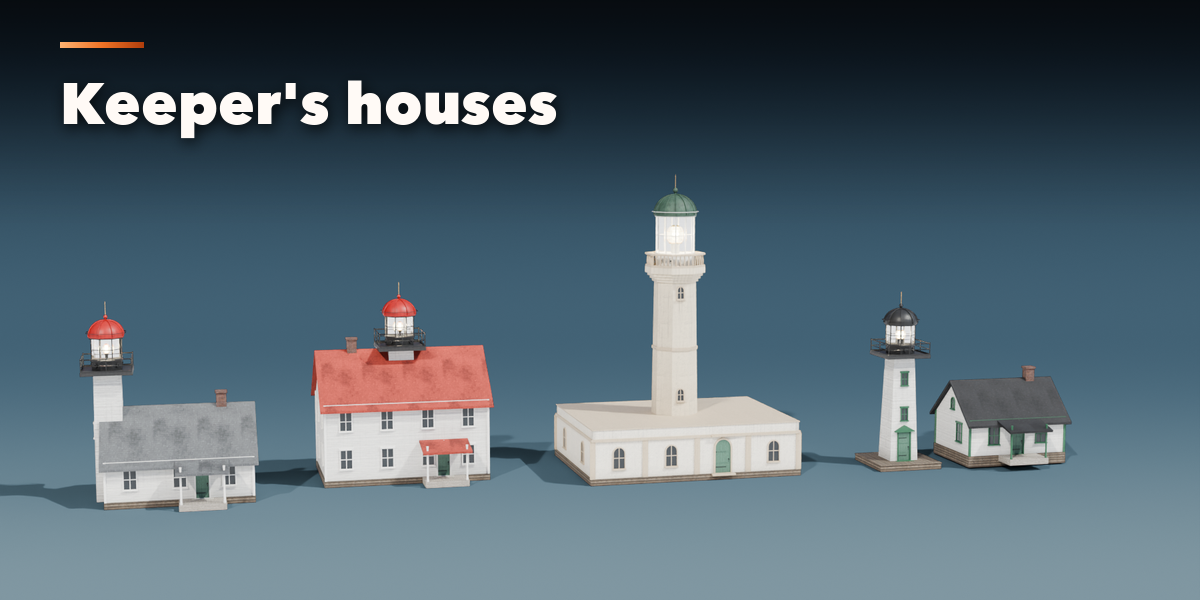
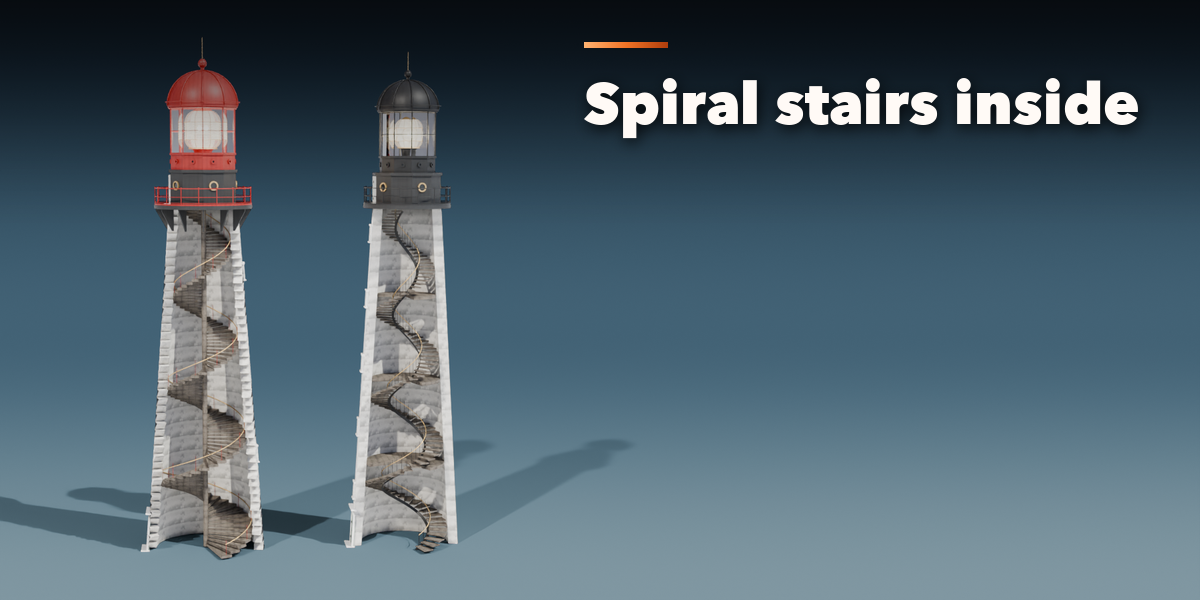
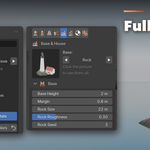
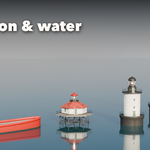
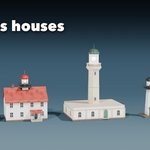
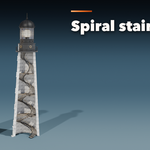
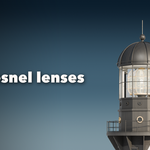
- The icon tabs hold every setting: Tower (type, height, diameters, sides), Daymark (pattern and colors), Top & Lantern (gallery, railing, watch room, lantern room, roof), Light (lens, lamp, beams, rotation), Base & House (plinth, rock, caisson, piles, pier, ship and the keeper's house), Openings & Inside (door, windows, spiral stairs, cutaway), Finish (surfaces, paint, weathering) and Parts & Export (part visibility, detail level, Convert to Mesh).
- Convert to Mesh keeps the lighthouse as plain meshes; Delete removes it with all its parts and lights.
All sizes are in meters. The root empty sits on the ground (or the water line) on the tower axis. Use Rendered view to see the glow and the beams; volumetric beams look best in Cycles with fog.
Have questions about this product?
Login to message
| Blender Extension Compatible | Yes |
| Published | about 14 hours ago |
| Blender Version | 4.2 - 5.2 |
| Extension Type | Add-on |
| Render Engine Used | Cycles, Eevee |
| License | GPL |

Discover more products like this
architecture lantern environment lighthouse-generator sea procedural beacon lighthouse harbor Generator tower coast