 Hiro Hiro Senpai
Strike.
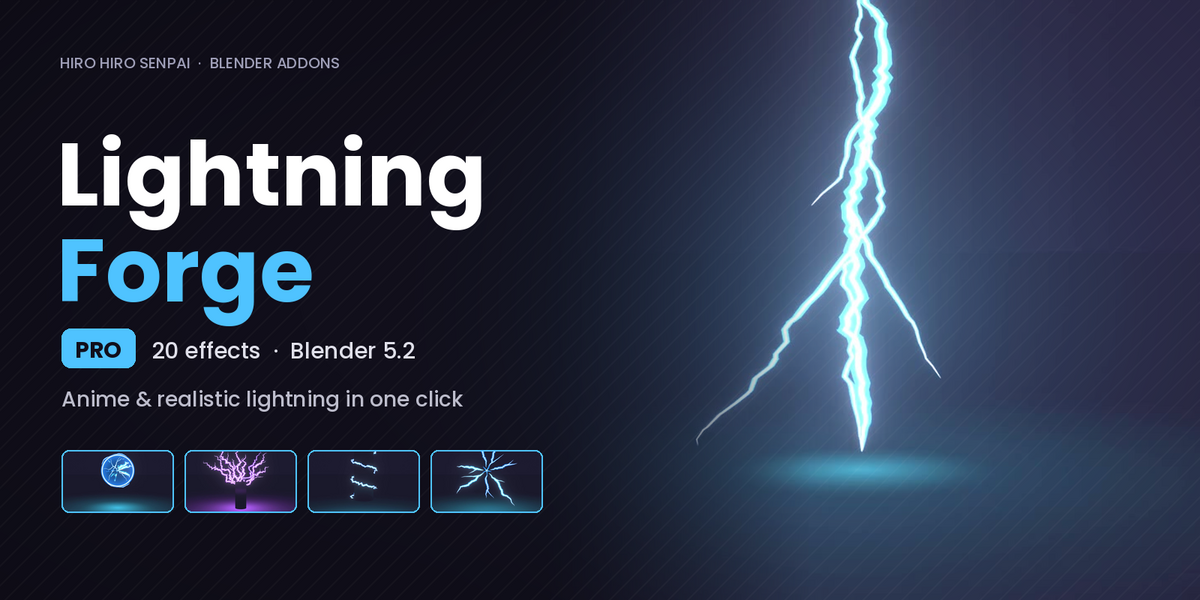
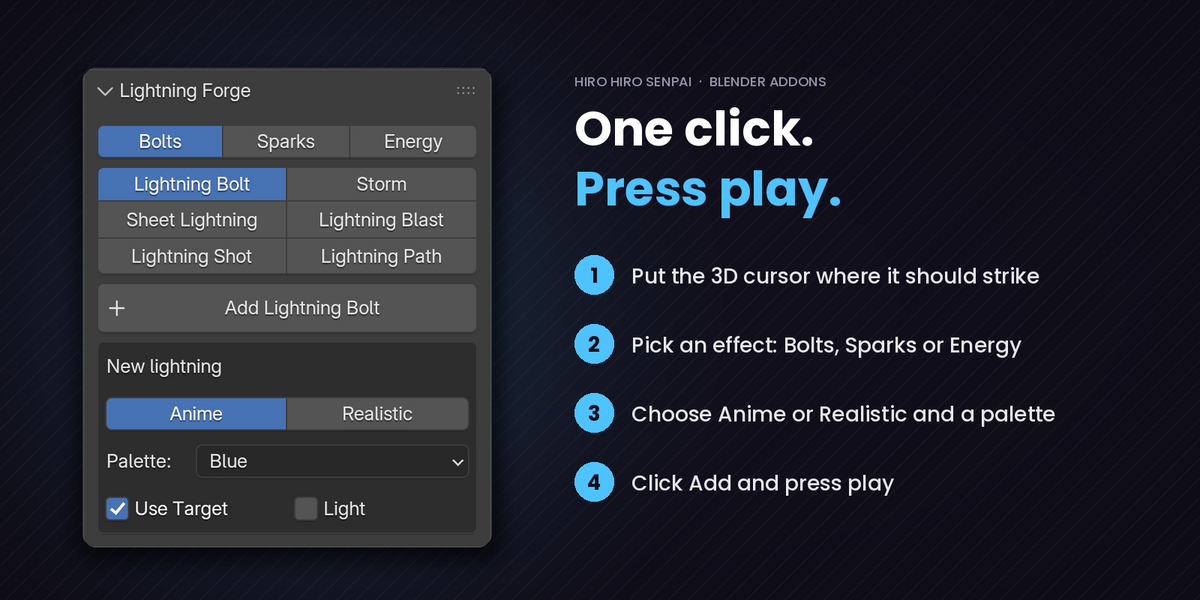
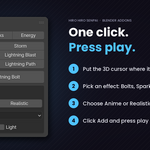
Lightning Forge adds stylized lightning to your Blender scene in one click. Put the 3D cursor where it should strike, click an effect and press play: the bolt grows, crackles, flashes and dies on its own, always facing the camera.
No simulation, no baking, no drawing frame by frame. Every bolt is a light card with a procedural shader that draws the jagged path per pixel, so even big scenes stay fast (about 3 ms per frame on the CPU with all 20 effects in the scene).
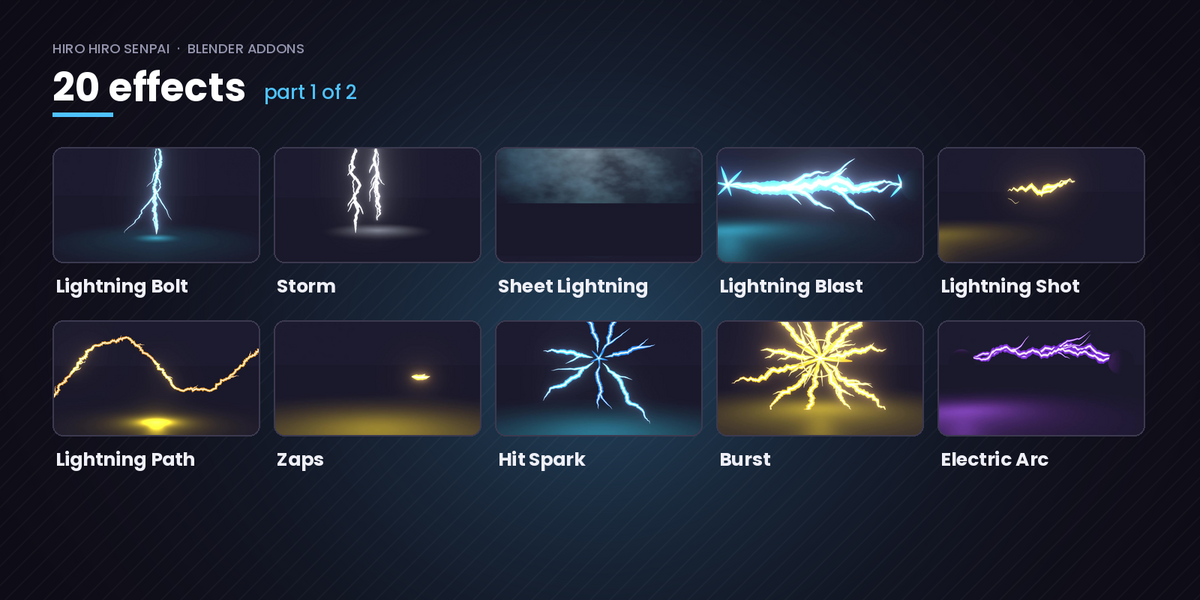
20 effects
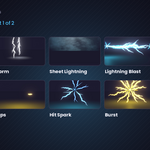
- Bolts: Lightning Bolt (aim it or give it a Target), Storm, Sheet Lightning (with clouds), Lightning Blast, Lightning Shot, Lightning Path (bolts along any curve)
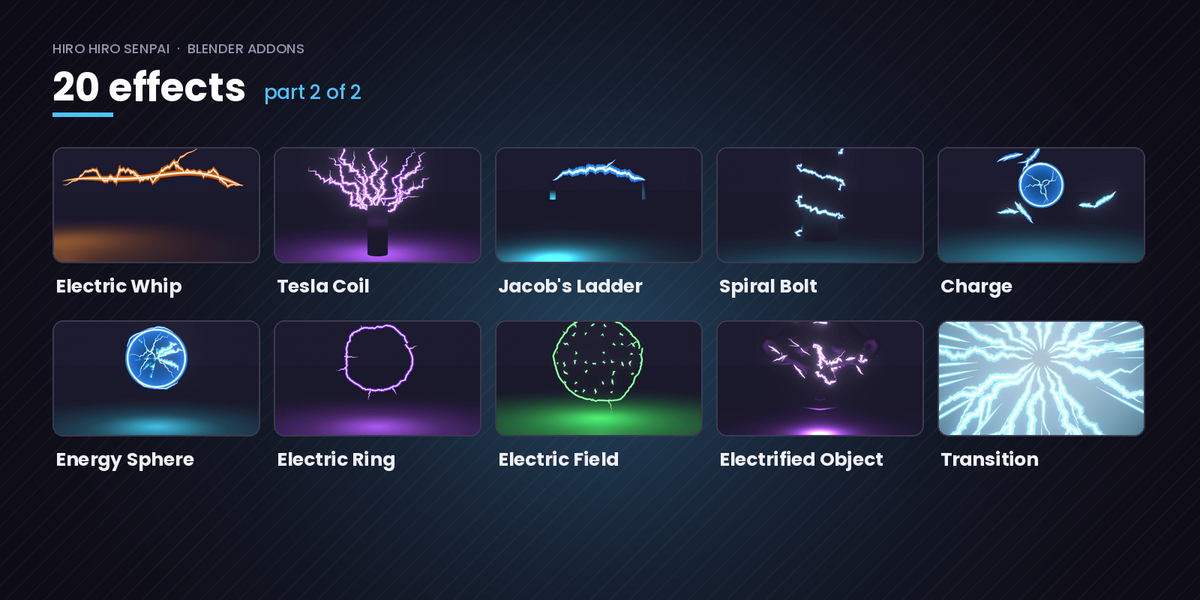
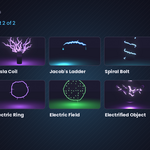
- Sparks: Zaps (also crawling on the ground), Hit Spark, Burst, Electric Arc, Electric Whip, Tesla Coil, Jacob's Ladder, Spiral Bolt (a real 3D helix around a limb or a weapon)
- Energy: Charge, Energy Sphere (with plasma filaments), Electric Ring, Electric Field (box or dome), Electrified Object (sparks and arcs that crawl along the edges of any mesh), Transition
Three looks
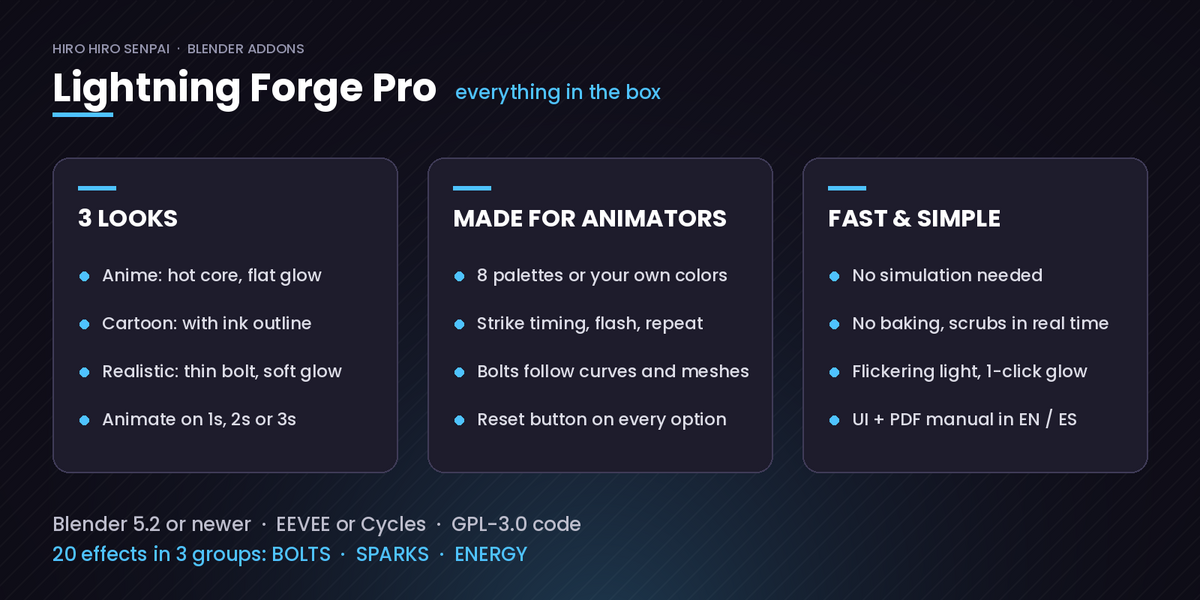
- Anime: white-hot core and flat colored glow, animated on 1s, 2s or 3s
- Cartoon: the same with an ink outline
- Realistic: thin bolt, soft additive glow, extra strands and branches
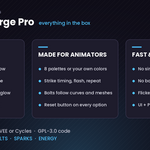
Made for animators
- 8 palettes (Blue, Yellow, Purple, Red, Green, Orange, Dark, White) or your own 3 colors
- Thickness, halo, intensity, fade, jaggedness, segments, branches, curvature, pointed tips, strands
- Jagged, Digital (circuit steps) or Sketchy path
- Strike timing: start, duration, strike time, flash, repeat; or continuous crackle
- Per-effect options: speed lines and ring flash on hits, gaps and spikes on rings, filaments on spheres, turns and radius on spirals, clouds, floor glow, impact flash
- Every bolt ends in a point: tapering on the main bolt, branches, strands and the growing tip
- Flickering light and one-click glow
- A reset button on every option, plus "reset the look"
- Interface and PDF manual in English and Spanish, a tooltip on every control
What you get
-
lightning_forge_pro.py(the add-on) - PDF manual in English and Spanish (installation, every panel and control explained, recipes, troubleshooting)
-
lightning_forge_selftest.py(an automatic test you can run in Blender) - README in English and Spanish
Requirements
Blender 5.2 or newer. EEVEE recommended, Cycles works too. Windows, macOS and Linux.