✏️ Lineplate — 3D to Line Art for Technical Illustrations
 Bevel Graphics
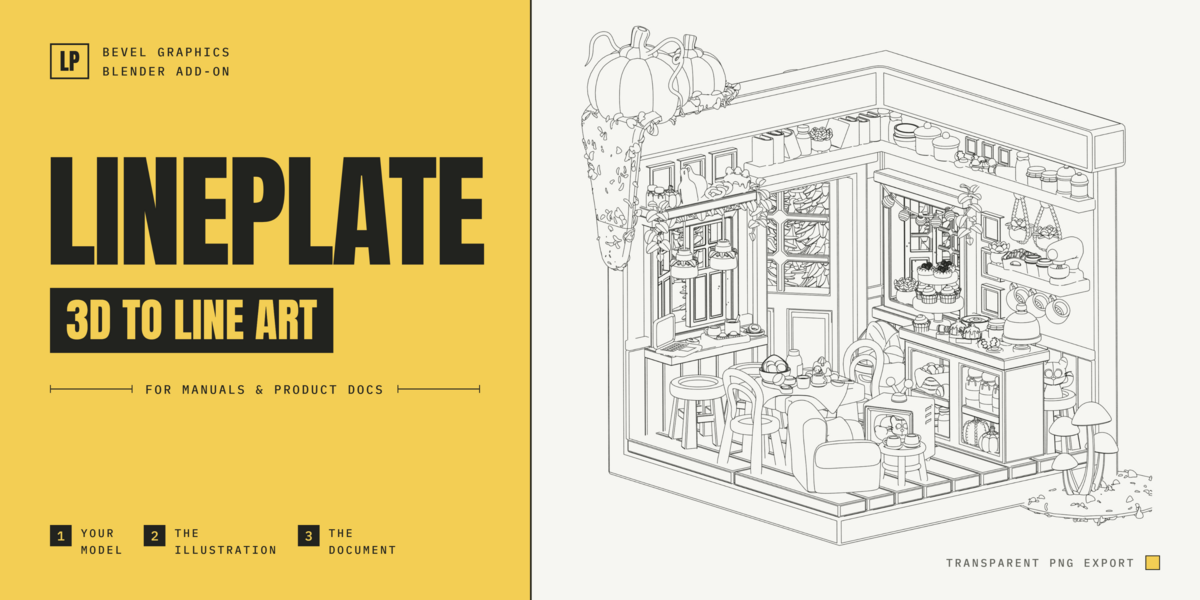
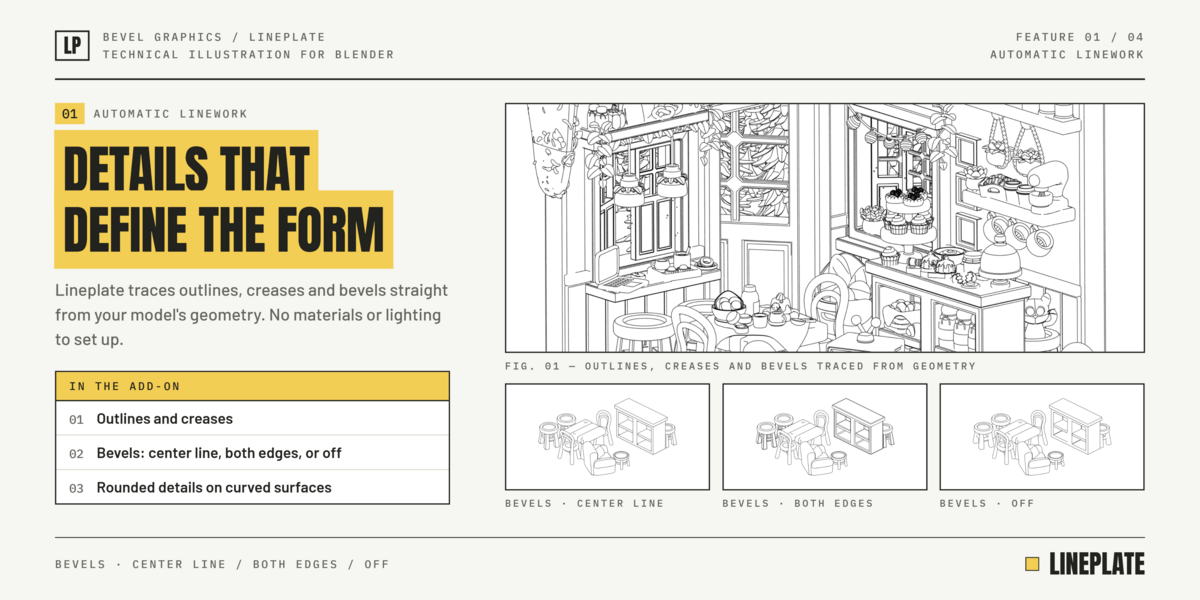
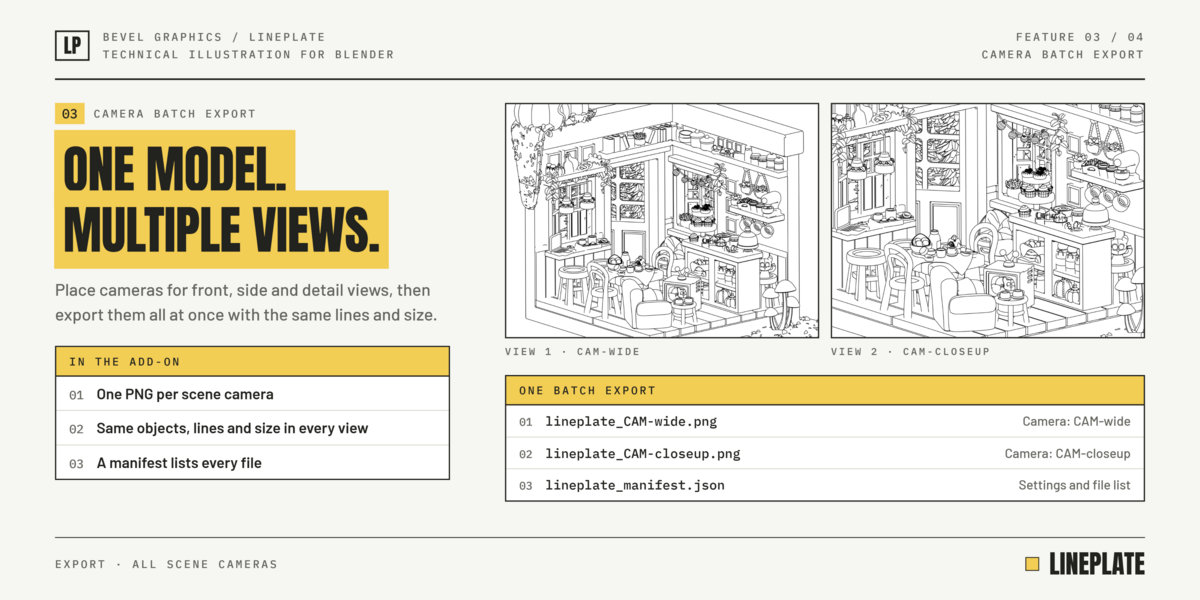
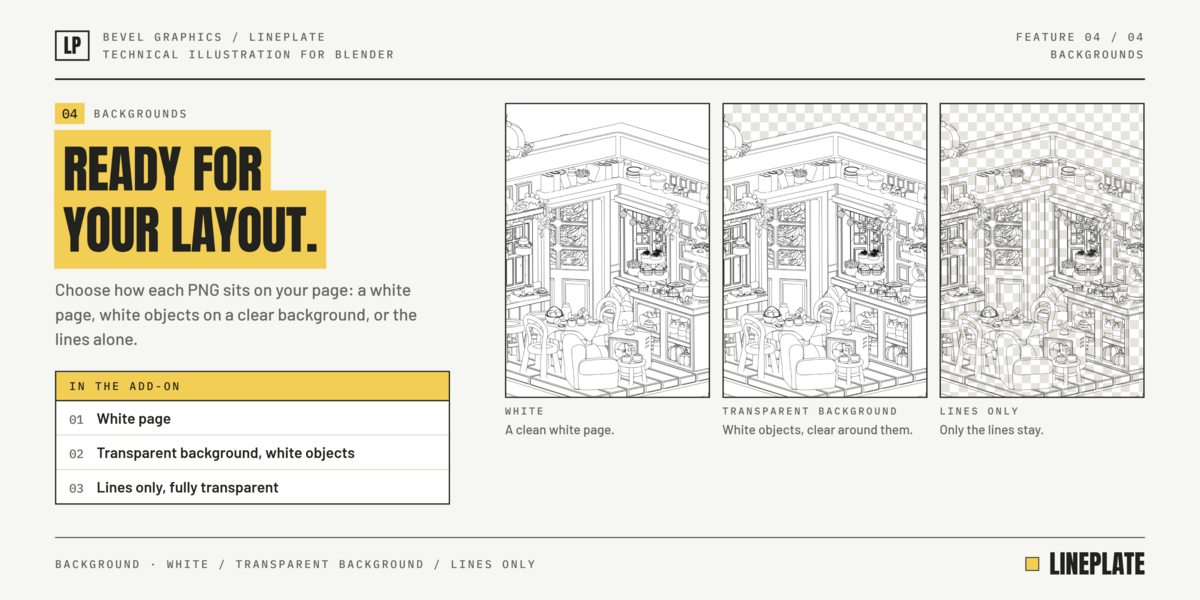
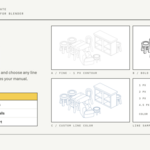
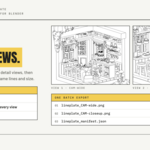
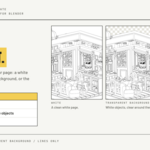
Linework comes from geometry: contours and supported details such as bevel boundaries and rounded features. Texture-only labels, material color boundaries, and bump-map details do not automatically become lines. Results depend on geometry and viewpoint; inspect Quick Preview before exporting. Loose edges, volumes, and panoramic cameras are unsupported.
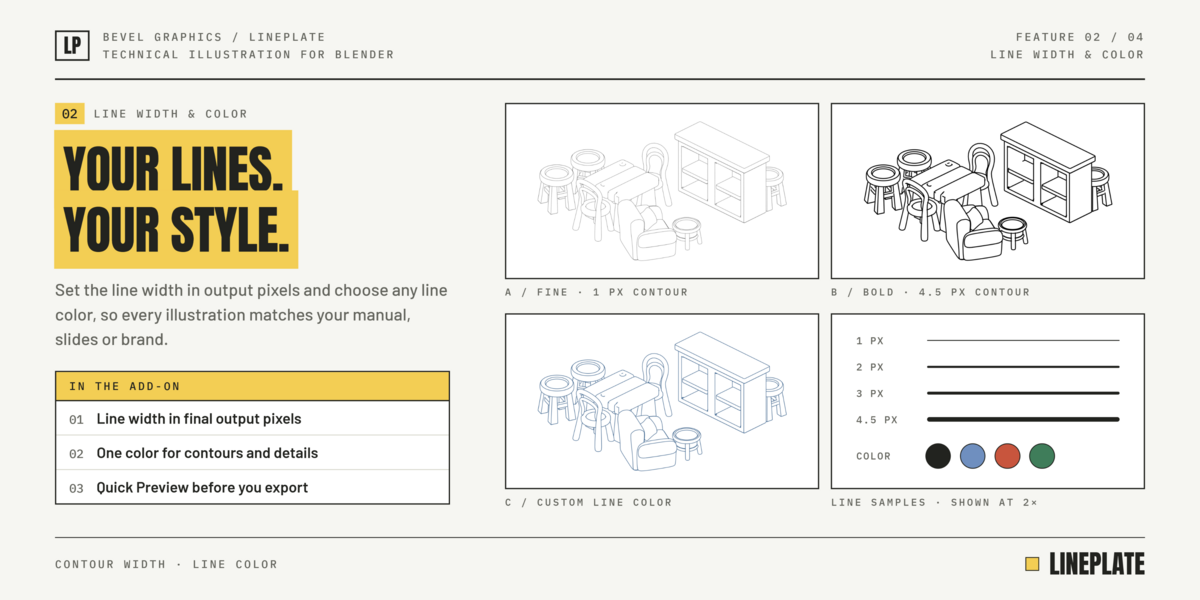
Lineplate exports still PNG images, not SVG or editable vector paths. Set enough pixels for the final placed size, or use Print size (mm) with your chosen DPI. Keep the Blender scene as your editable source for revisions.
Lineplate creates the illustrations. You prepare the models, arrange each assembly step, and choose the views. Add arrows, part numbers, instructions, and page layouts in your document application. Camera batching exports different views of the same prepared arrangement.
 Included
Includes 12 months of
- Support from Bevel Graphics
- Product updates
Extend this product’s Support Period +12 months: 75% of product price
Have questions before purchasing?
Login to message
| Blender Extension Compatible | Yes |
| Dev Fund Contributor | |
| Published | about 1 hour ago |
| Blender Version | 4.2 - 5.3 |
| Extension Type | Add-on |
| Render Engine Used | Cycles, Eevee |
| License | GPL |