 3DSinghVFX
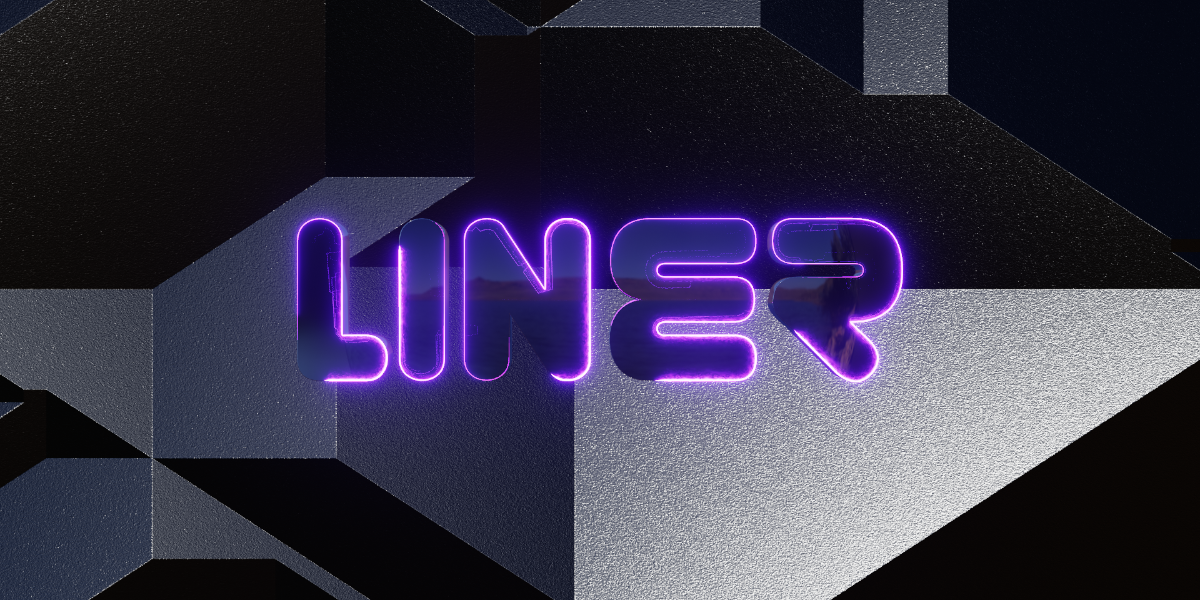



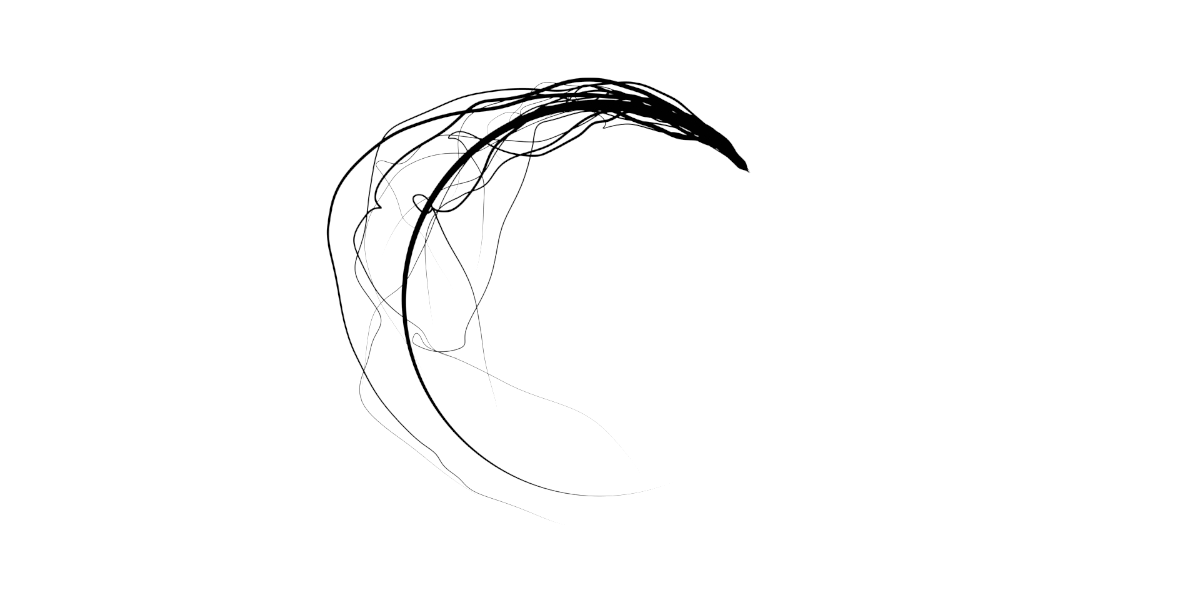
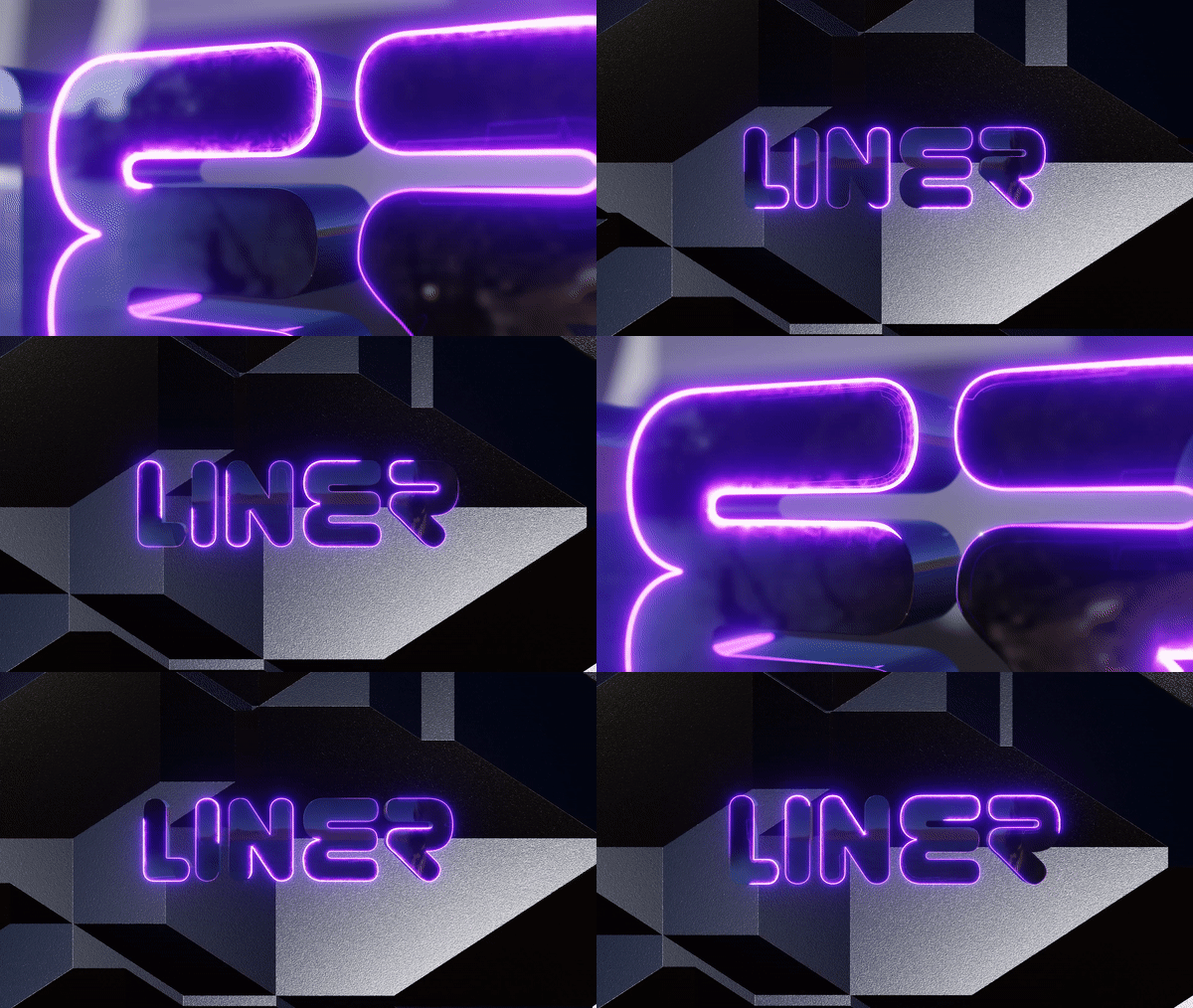
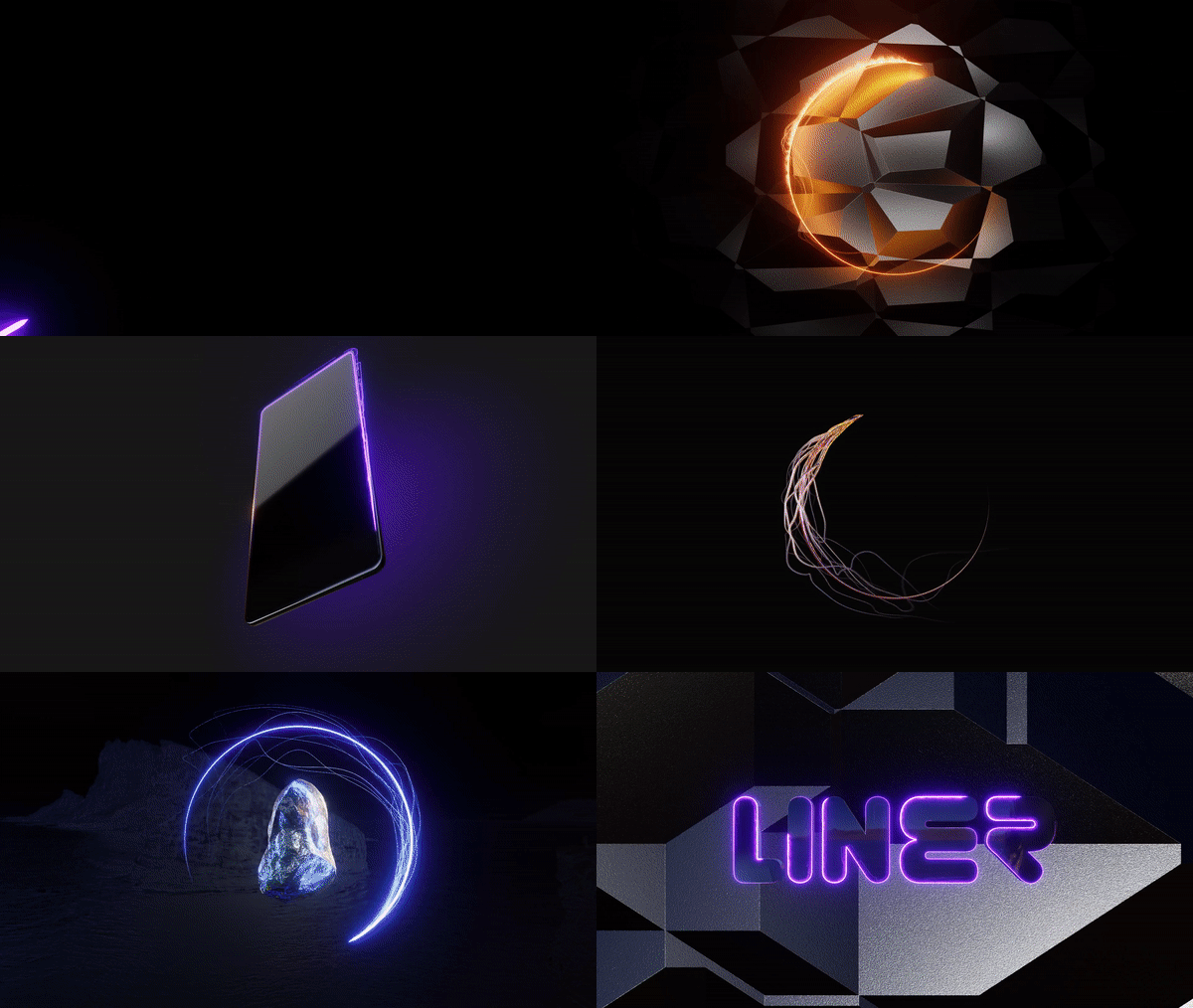
"This tool is designed to make great magic/sci-fi outlines for the Text/Shape and to get some functionality of After-Effect in Blender. You can make amazing graphics and titles with the help of this tool with full artistic control in Blender."
Features (New v1.1):
- Multi-Spline Outlines: This tool generates outlines based on curves, accommodating multiple splines.
- Smooth Animation: Easily animate the outlines using Loop and Manual options.
- Dual Core System: Offers two outline cores - Curve-based and Grid-based.
- Flexible Grid Alignment: The Grid Core can be aligned at any angle relative to the curve, including inside and outside options.
- Tentacle Effects: Enhance outlines with tentacles, featuring four unique effects - Noise, Voronoi, Spiral, and Tilt-Offset (available in 2D and 3D).
- Particle Integration: Add particles to tentacles for extra visual flair.
- Illumination: Illuminate the background with various lamp options, particularly useful in the Eevee render engine.
Free Update Forever
Documentation
Detailed documentation of settings is included with the files.
A video demo is also available on my YouTube channel: 3D Singh VFX
Use
This is a modifier based on Geometry Nodes, so you can use it directly from the Liner Tool's files as Assets or Append Node-Setup/Object.
Assets: You can use this as an Asset. First, unzip the file then assign it as an asset library in the Blender preferences. In the Asset Browser, the Node Setup: KS_Liner and the Object: KS_Liner_Object will appear.
Append: You can also use this in different files by appending the Node Setup: KS_Liner or Object: KS_Liner_Object.
About
This LINER modifier is made with geometry nodes and can be used in Blender 3.3-5.2.
License
You can use this tool in any of your projects (non-commercial or commercial).
You may not redistribute the geometry node group itself, for free or commercially.
Happy Noding... :)
Kuldeep Singh (3D Singh VFX)
Query / Support
InstagramUpdates
16/09/2026:
Release of Liner Tool v1.1 for Blender 5.x.
24/11/2025:
Release of Liner Tool v1.1 for Blender 4.5, and 5.0.
20/03/2024:
Release of Liner Tool v1.1 for Blender 3.4, 3.5, 3.6, 4.0, and 4.1.
- Reworked the Grid Core setup.
- Added Dynamic and Still option to Grid Core. The Still option is really useful for non-cyclic curves.
- Added Gird UV Flow and Grid Object Flow group nodes to material for easy control.
- Clean up the UI.
24/11/2023:
Release of Liner Tool v1.0 for Blender 3.6, 4.0.
Added the asset file.
01/07/2023:
Release of Liner Tool for Blender 3.6.
06/04/2023:
Release of Liner Tool for Blender 3.5.
28/01/2023:
Improved the naming and marked the Liner Tool Node-Setup and Liner Tool Object as Assets which make them easy to use in different files.