🚀 Link Loops: Guide to Success
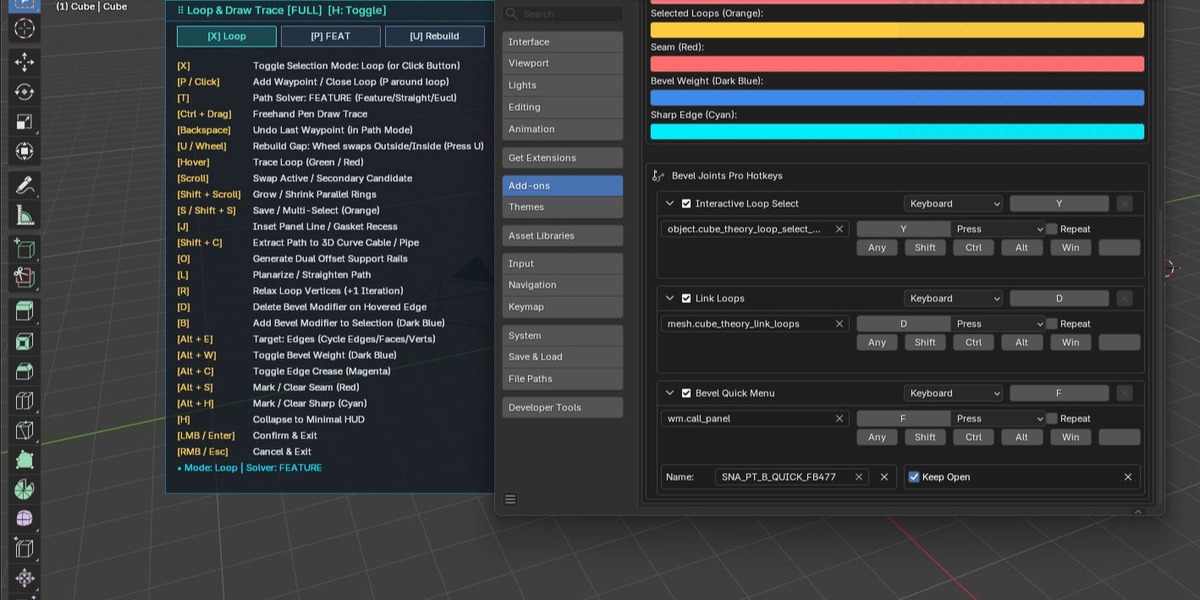
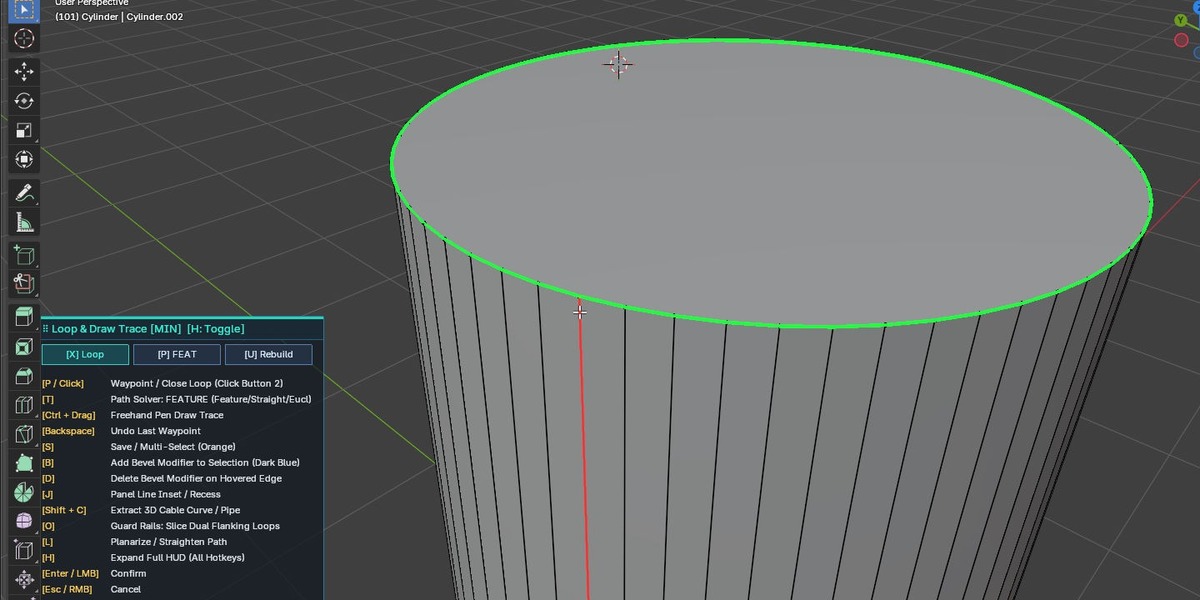
Master the complete modal workflow. Launch Link Loops instantly with Y in Edit or Object Mode to access all interactive selection, drawing, and modeling tools.
1. Drawing, Waypoints & Paths
| Shortcut | Function |
Ctrl + Drag (LMB) |
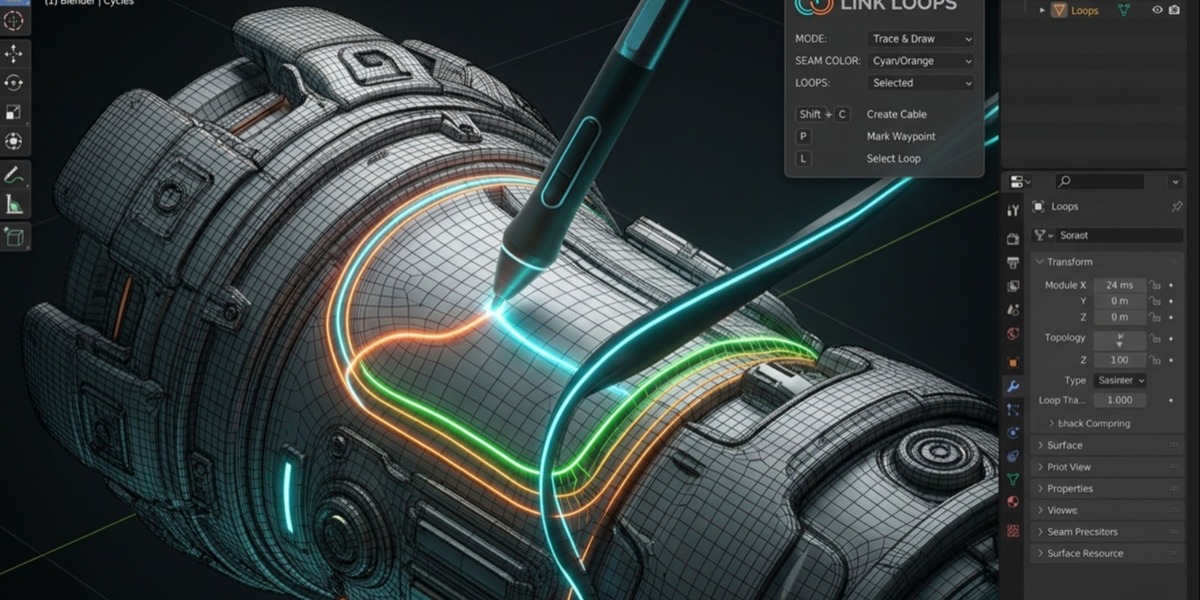
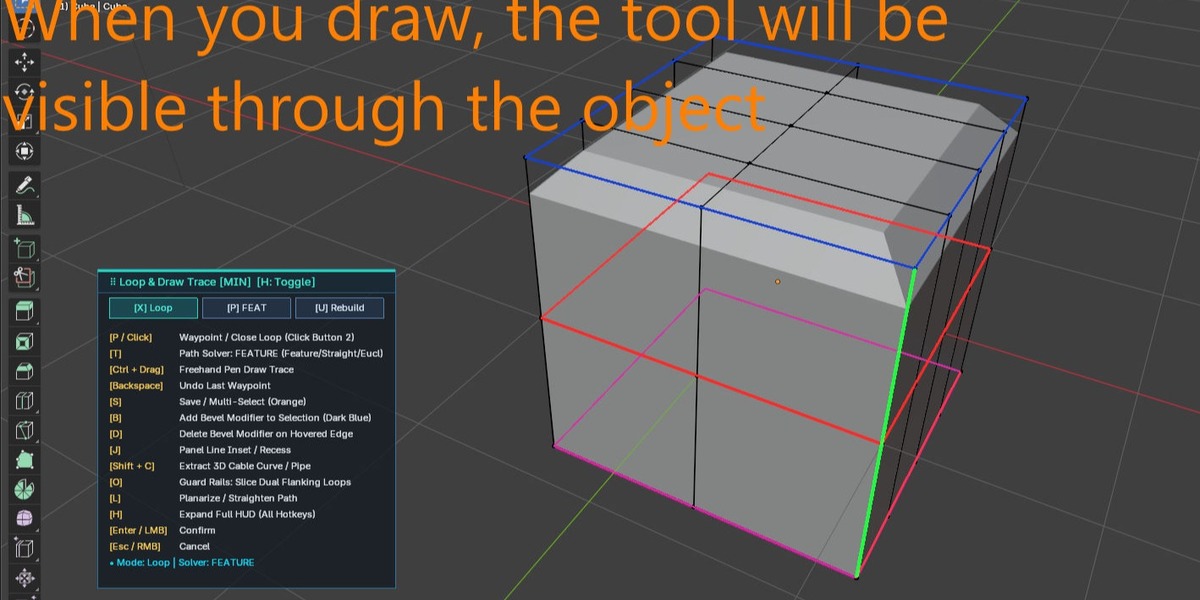
Freehand Pen Draw Trace: Draw directly across mesh surfaces with ink trail and stylus nib. |
P or Click
| Add waypoint along path / Close loop |
T | Cycle Path Solvers (Feature-Angle-Aware, Straightest Path, Euclidean Shortest) |
Backspace | Undo last placed waypoint |
L | Planarize / straighten path |
R | Relax loop vertices (+1 smoothing iteration) |
2. Selection & Navigation
| Shortcut | Function |
X | Cycle Selection Mode (Edge Loop, Edge Ring, Point-to-Point Path, etc.) |
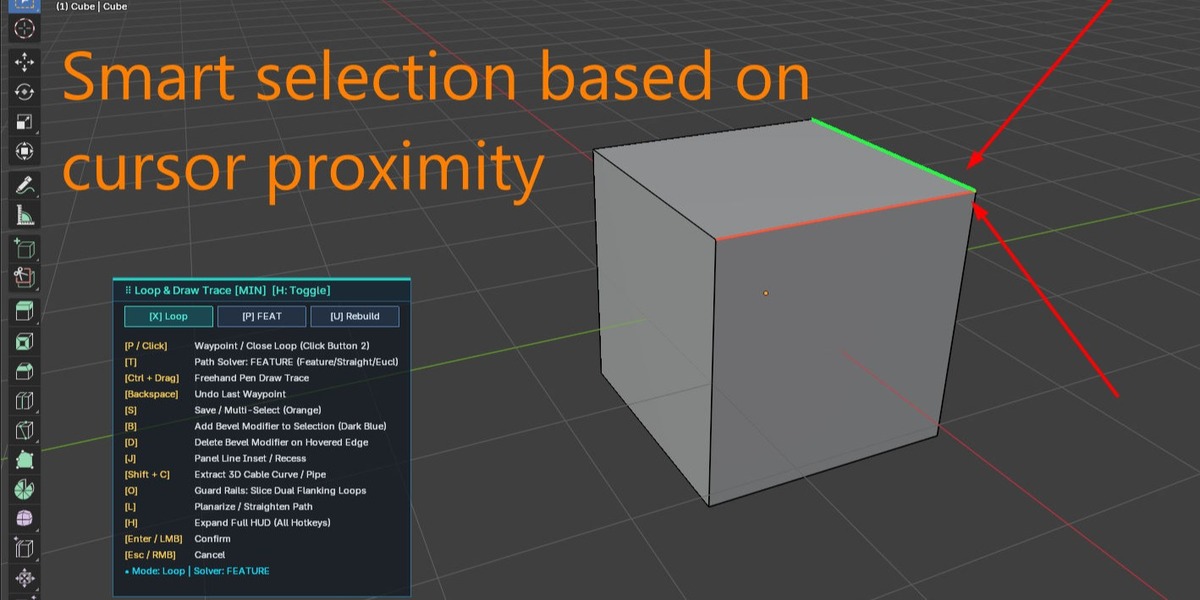
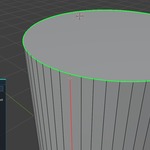
Hover | Highlights active candidate loop/edge (Green / Red live preview) |
Mouse Scroll | Swap between Active and Secondary candidate loops |
Shift + Scroll | Grow or shrink parallel rings outward |
S / Shift + S
| Save / Multi-Select candidate loops (Orange highlight) |
U / Scroll Wheel
|
Rebuild Gap: Scroll wheel toggles Outside/Inside bridging |
3. Modifiers, Geometry & Curves
| Shortcut | Function |
Shift + C |
Extract 3D Cable Curve / Pipe: Live interactive mouse/wheel radius sizing |
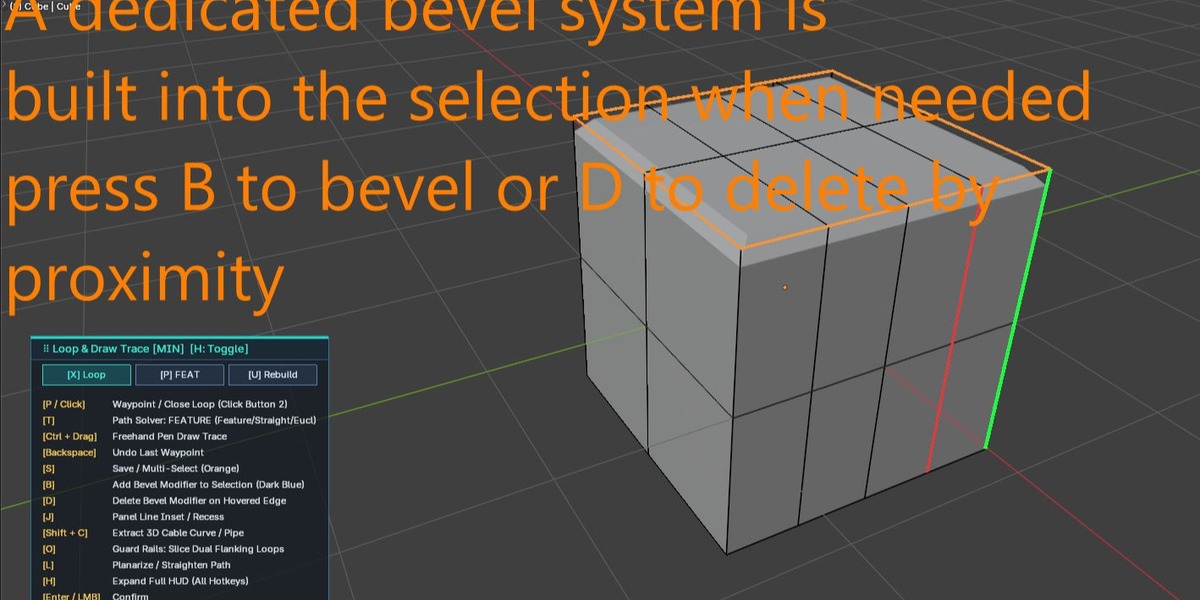
B | Add Bevel Modifier to active selection (Dark Blue) |
D | Delete Bevel Modifier on hovered edge |
J | Inset Hard-Surface Panel Line / Gasket Recess |
O |
Guard Rails: Generate dual offset support loops flanking the path |
4. Edge Attributes
| Shortcut | Function |
Alt + E | Cycle Target Domain (Edges, Faces, Vertices) |
Alt + S | Mark / Clear Seam (Red) |
Alt + W | Toggle Bevel Weight (Dark Blue) |
Alt + C | Toggle Edge Crease (Magenta) |
Alt + H | Mark / Clear Sharp Edge (Cyan) |
5. Display & Exit
| Shortcut | Function |
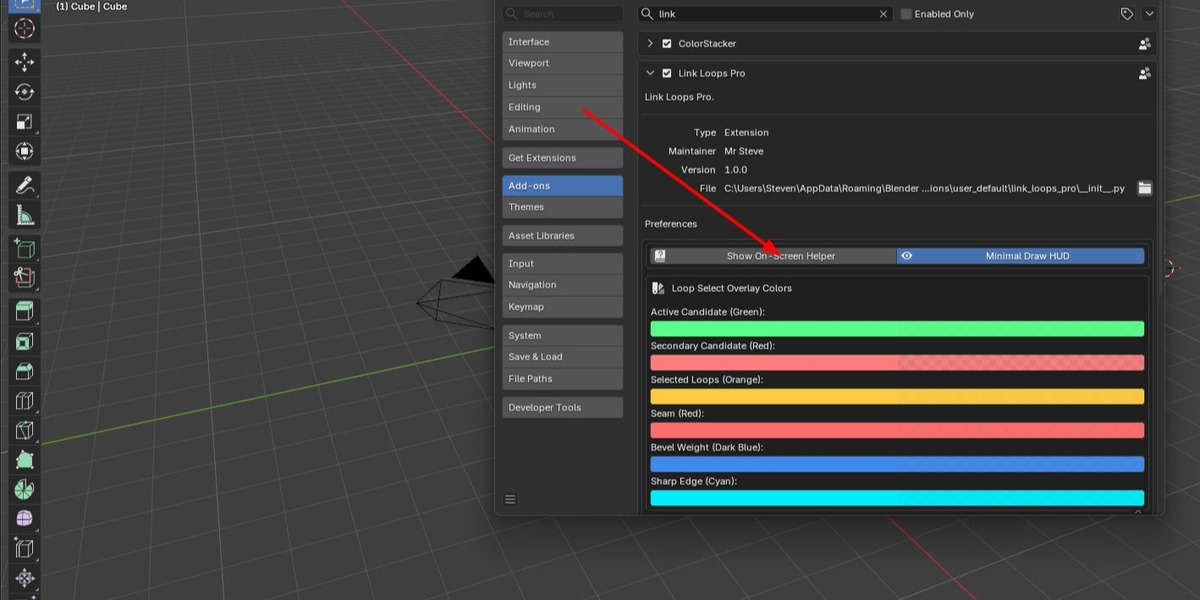
H | Toggle HUD Display (Compact Minimal vs. Full Cheat-Sheet) |
LMB / Enter |
Confirm & Apply all changes |
RMB / Esc |
Cancel & Exit without modifying mesh |
⚡ Feature Deep Dive: 3D Cable & Pipe Draw (Shift + C)
Convert any drawn path, loop, or marked seam into a live, procedural 3D curve with rounded cable/pipe geometry—without exiting the tool.
-
Automatic Path Detection: Works on committed pen waypoints, active loop previews, or existing marked seams.
-
Interactive Real-Time Sizing: Press Shift + C and drag your mouse horizontally to dynamically adjust thickness.
-
Micro-Stepping Precision: Scroll the mouse wheel for 0.5 mm steps, or hold Shift + Scroll for 0.1 mm micro-precision.
-
Live HUD Readout: Keep full visual control with immediate radius and diameter displays in the viewport HUD.
-
Instant Lock & Keep: Press LMB, Enter, or Shift + C to confirm the capped curve object.
 Mr. Steve 3D