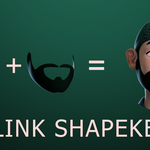
Link Shapekeys
 Levonotion Studios



Installation
"Link Shapekeys" was designed as Blender Extension, all you need to do is drag the .zip file into blender and start using it.
Link Shapekeys works with Blender versions 4.2 LTS, 4.3, 4.4, 4.5 LTS, 5.0
Location
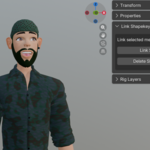
You can find "Link Shapekeys" Panel under 3D Viewport > Item > Link Shapekeys
Usage
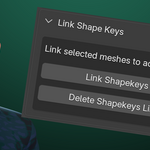
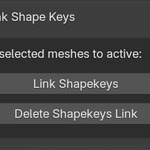
Link Shapekeys: This button is responsible for linking the shapekeys of all selected objects to the active object. To use, select all meshes you want to link their shapekeys, and select the control mesh last (which makes it the active mesh) and then click on "Link Shapekeys" button. The button then creates drivers that links selected meshes to the active mesh.
Delete Shapekeys Link: This button is used to clear all drivers from all selected meshes. Select the mesh or meshes you want to clear drivers from then click on the "Delete Shapekeys Link" button.
Video Tutorial
Have questions about this product?
Login to message
| Blender Extension Compatible | Yes |
| Published | 10 months ago |
| Blender Version | 4.2 - 5.0 |
| Extension Type | Add-on |
| License | GPL |

Discover more products like this
delete-drivers shapekeys BlenderDrivers link-shapekeys drivers