Liquid Steak
 exceeelsior
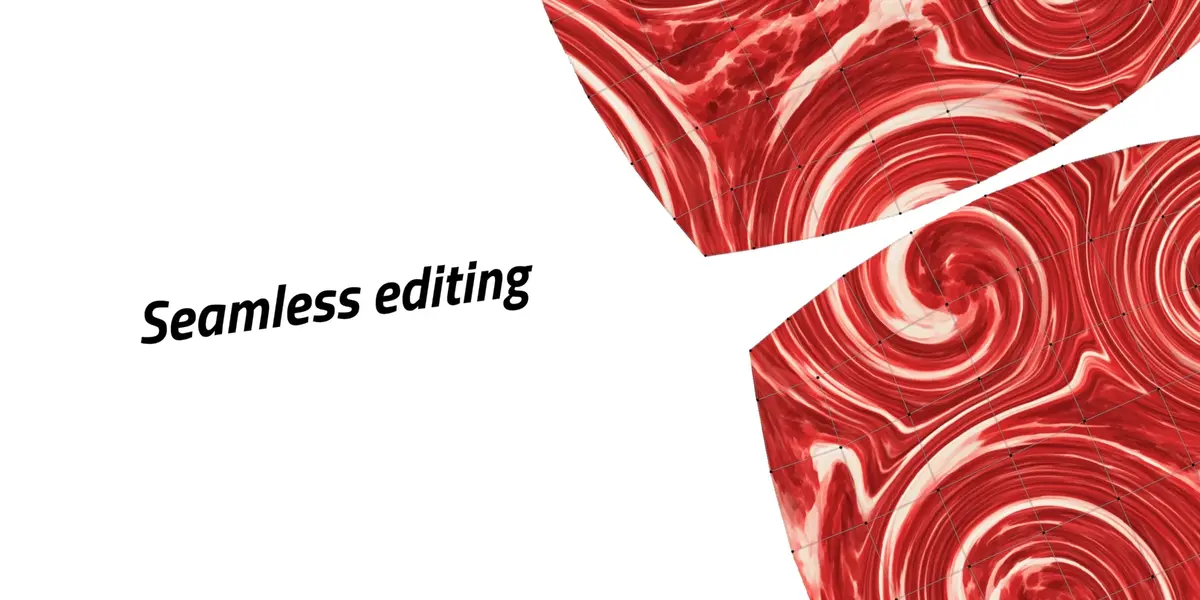


Installation
Download the .zip file (do not unzip). Drag and drop it into the Blender window and press Install.
Or
Open Edit > Preferences > Get Extensions, click the arrow menu in the top right, choose Install from Disk and select the .zip file.
The tool appears as the Liquid Steak tab in the sidebar (N) of the 3D Viewport and of the Image Editor.
Quick start
Select a mesh, open the sidebar (N), open the Liquid Steak tab.
- Pick the texture to change. With two or more textures in the material you can switch between Active Texture and All Textures mode.
- Click Start Warp. The viewport switches to the Texture Paint mode.
- Choose a brush and paint on the model. While the warping you can use only addon’s brushes.
- Use Undo to step back, Reset to return to the start of the session and Cancel (or Esc) to discard everything.
- Click Apply to keep the result. Apply is one step of Blender's undo, so Ctrl+Z restores the texture as it was before.
Brushes
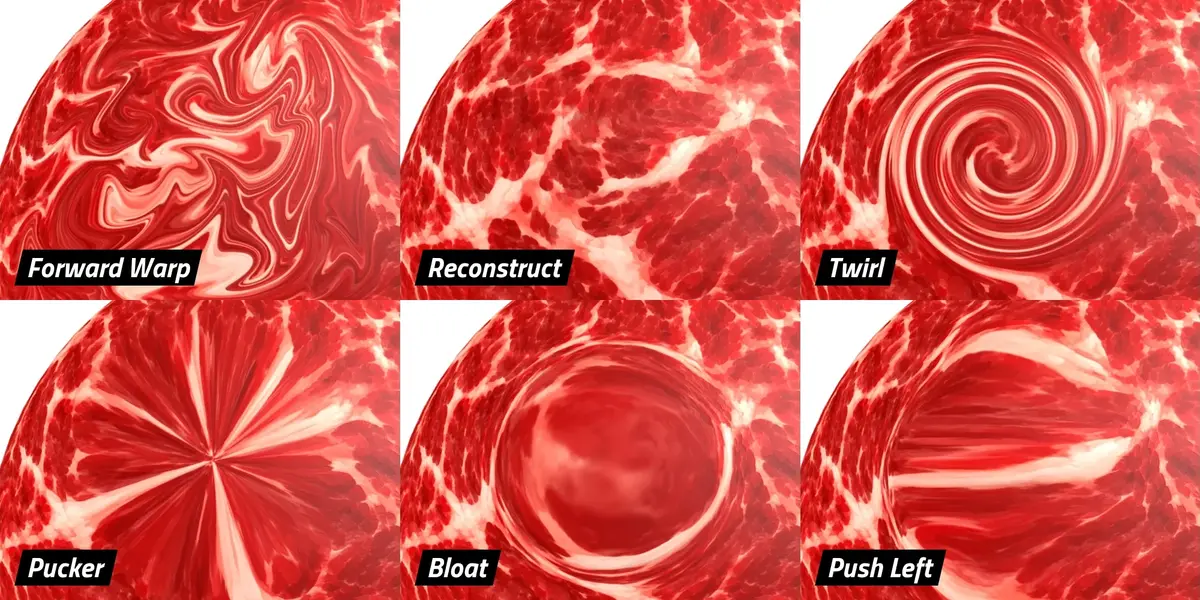
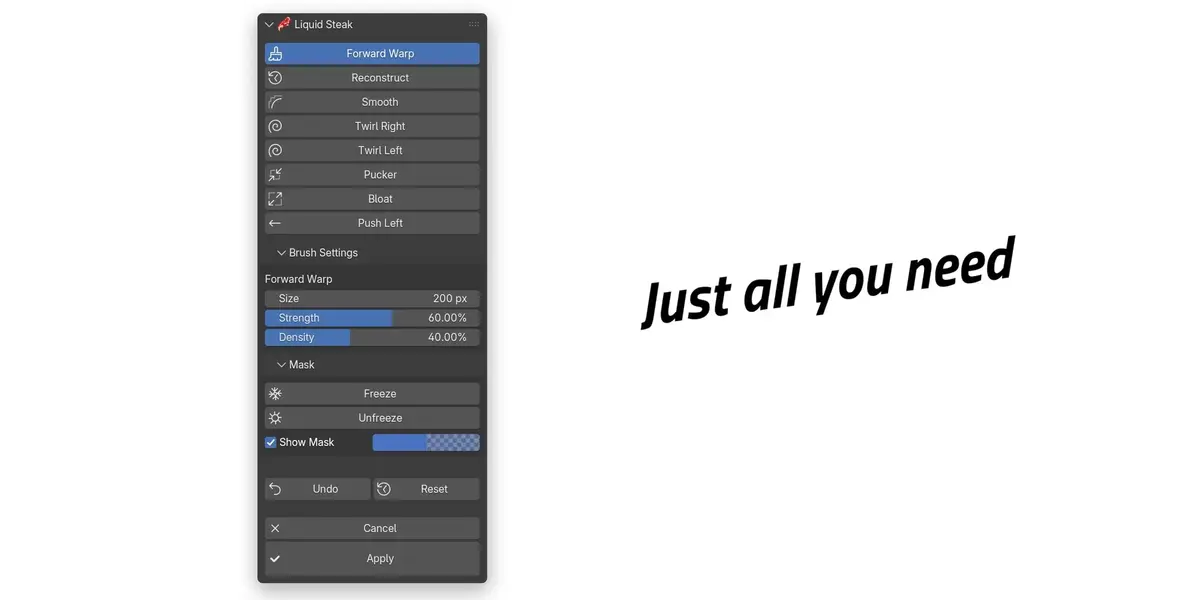
- Forward Warp: drags the texture along the pointer.
- Reconstruct: brings the texture back to the original.
- Smooth: smooths out a warp.
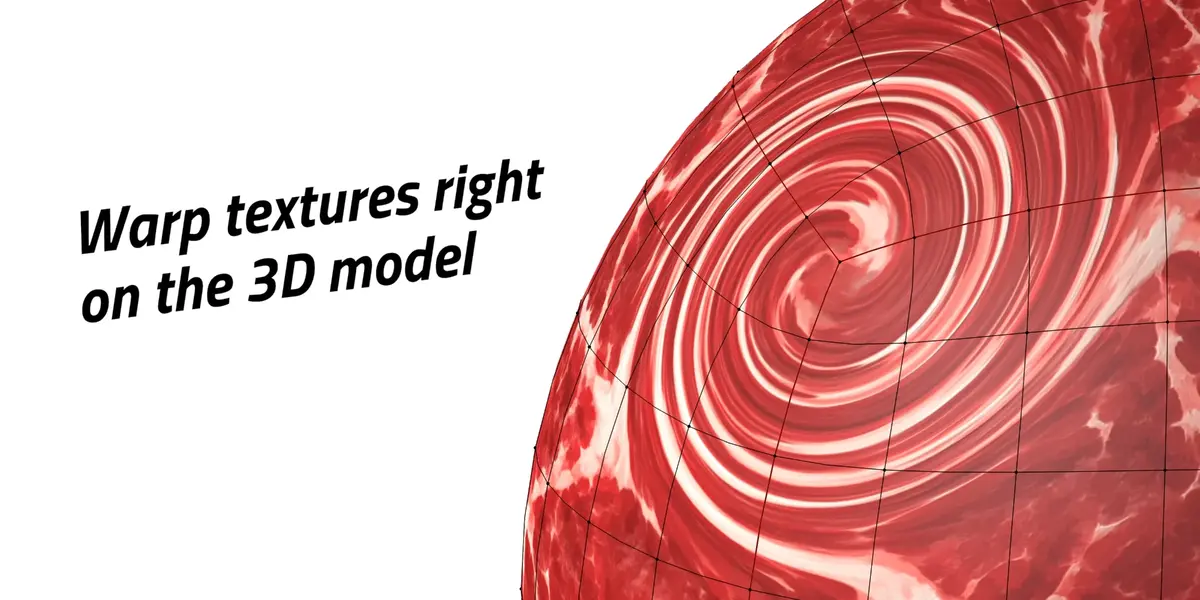
- Twirl: turns the texture around the brush center.
- Pucker: pulls the texture in toward the brush center.
- Bloat: pushes the texture out from the brush center.
- Push Left: shifts the texture to the left of the stroke direction.
- Freeze: paints the mask that protects areas from the other changes.
Brush settings
- Size: brush radius in pixels.
- Strength: how far the texture moves per stroke.
- Density: low gives a soft edge, high gives full strength to the rim of the brush.
- Rate: for brushes that keep working while the button is held still.
Projection settings
In 3D the brushes follow Blender's own Texture Paint rules: only faces that show the chosen image paint, and Occlude, Backface Culling, Normal and Bleed are taken from Blender's settings.
Requirements
- Blender 4.2 or newer.
- Tested on Windows. MacOS and Linux should work but have not been tested yet.
Support
Have a question or found a bug? Contact [email protected]
Have questions about this product?
Login to message
| Blender Extension Compatible | Yes |
| Published | about 2 hours ago |
| Blender Version | 4.2 - 5.3 |
| Extension Type | Add-on |
| Render Engine Used | Cycles |
| License | GPL |
Discover more products like this
UV seams image editor liquid pbr-textures Texture Painting blender texture painting addon warp Texture editing liquify-brush 3D-texture-painting texture-warp liquify