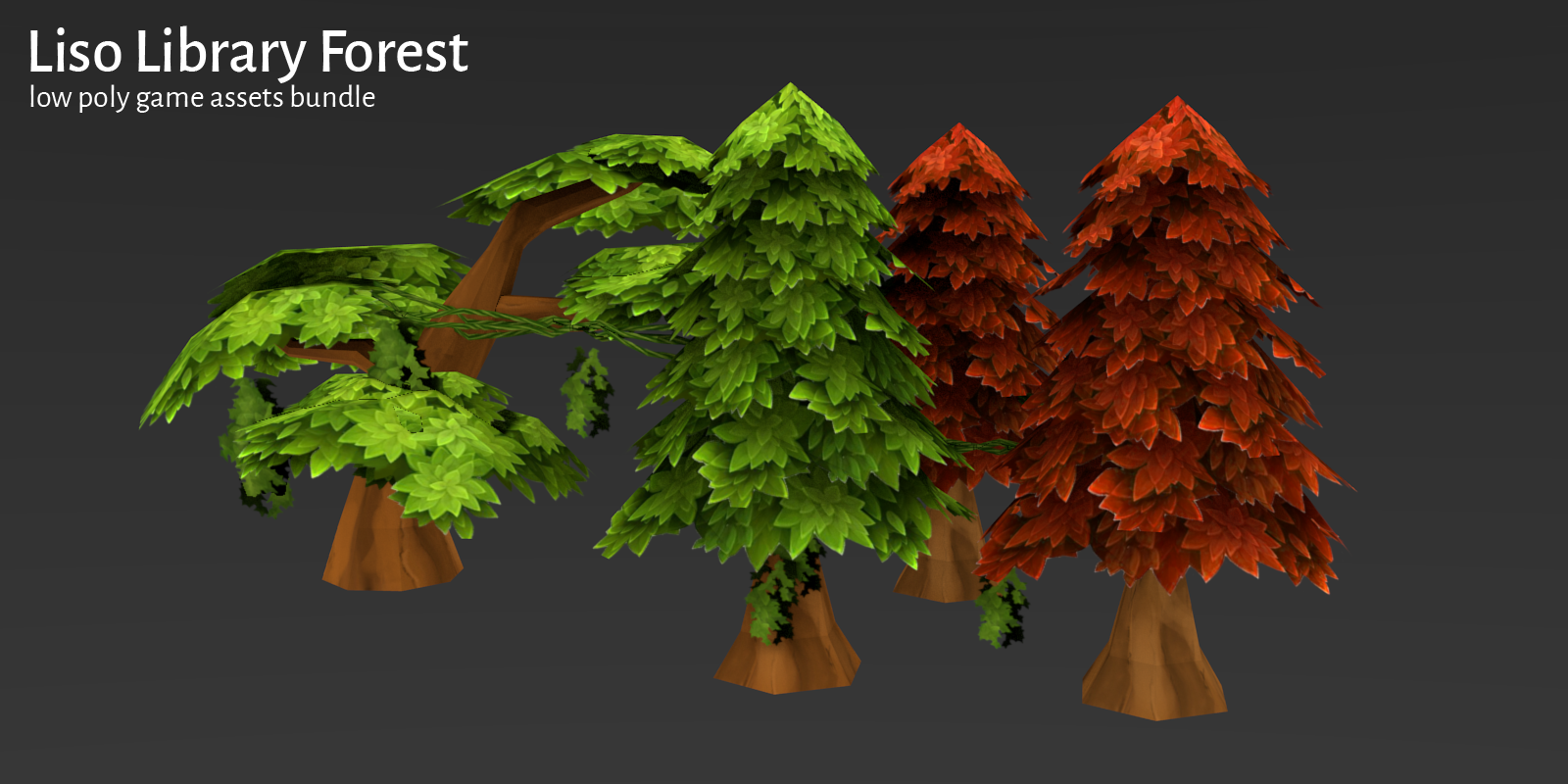
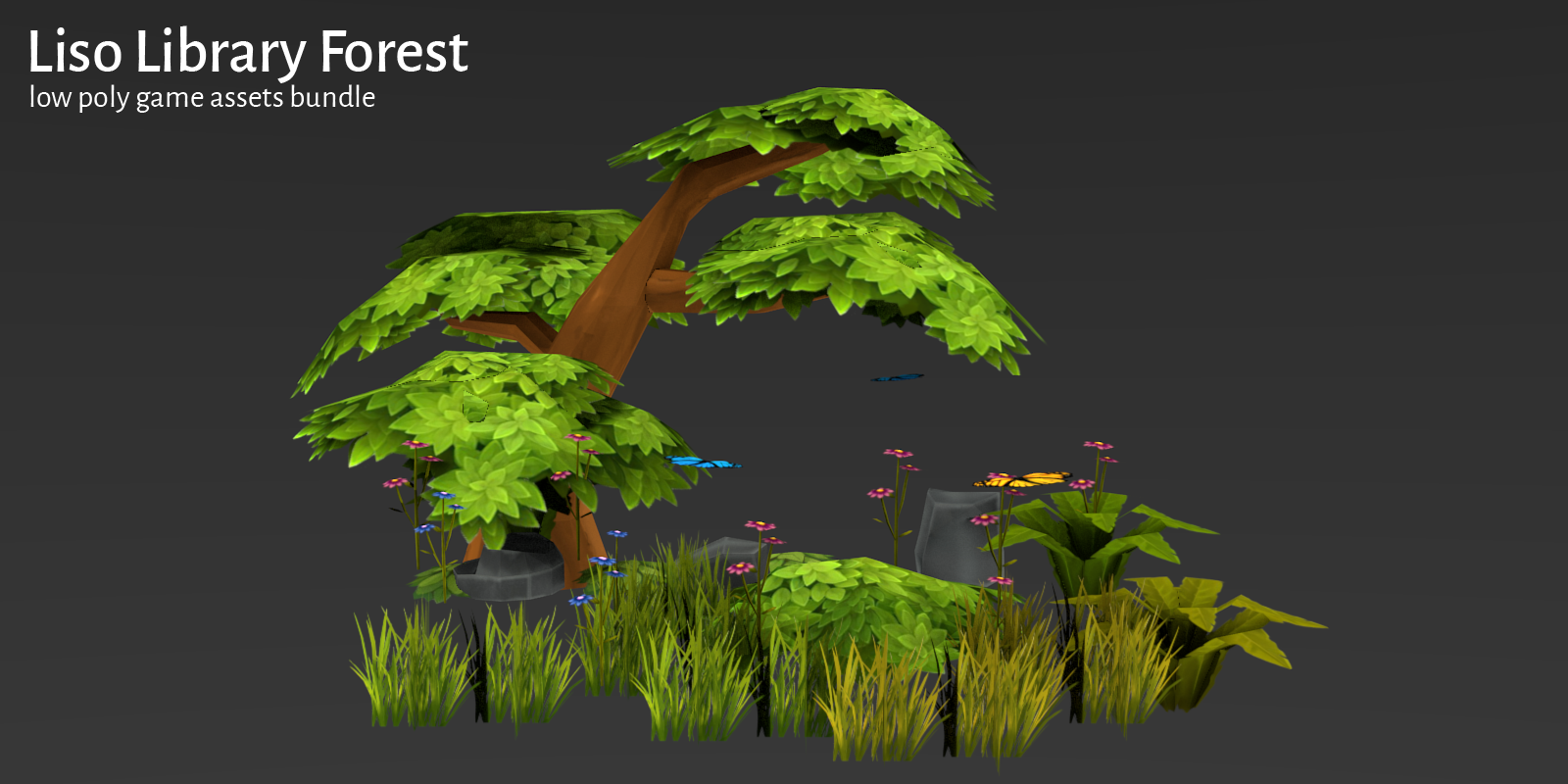
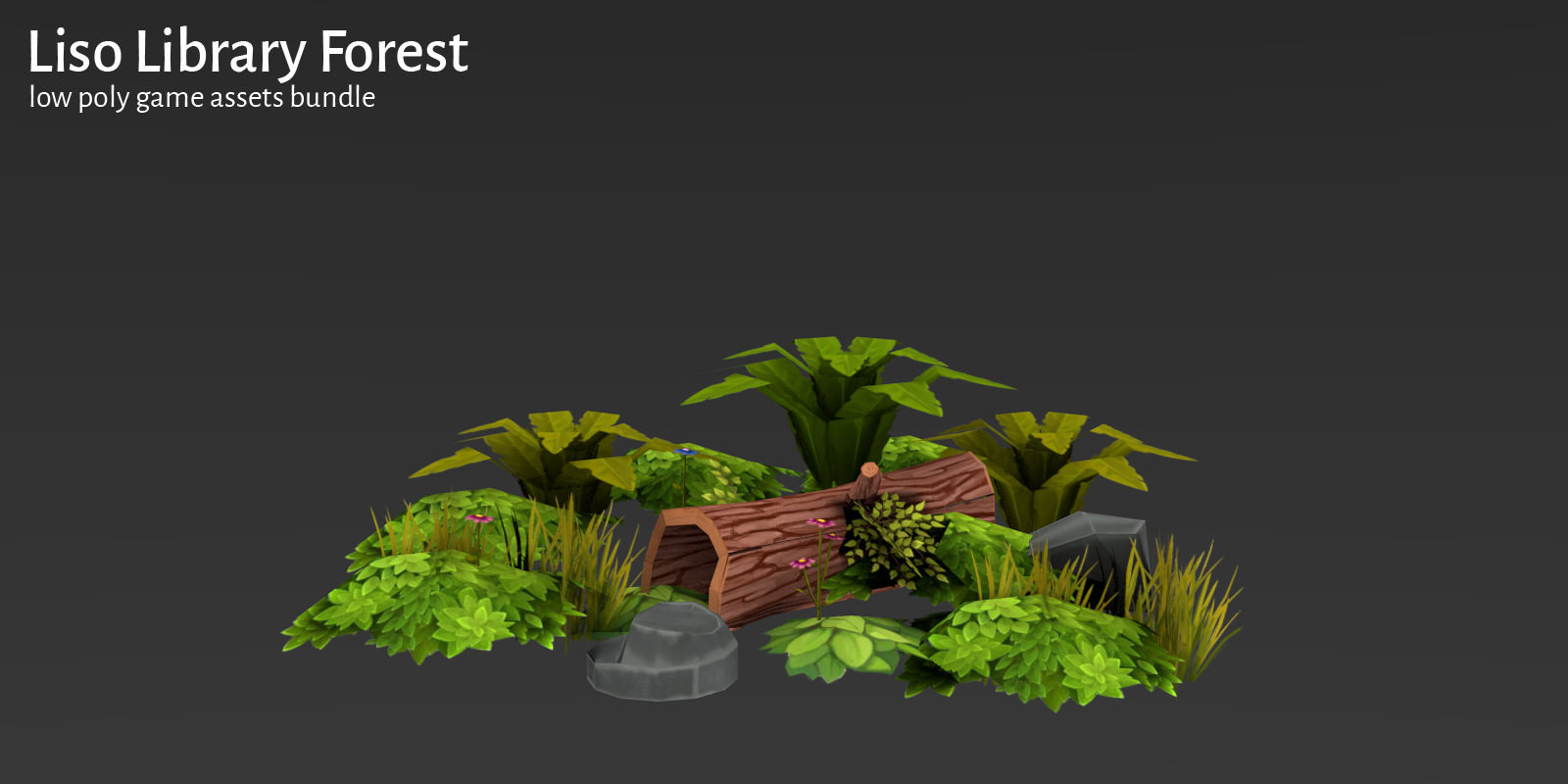
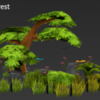
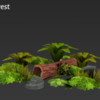
Liso Library Forest
 bluezald's workshop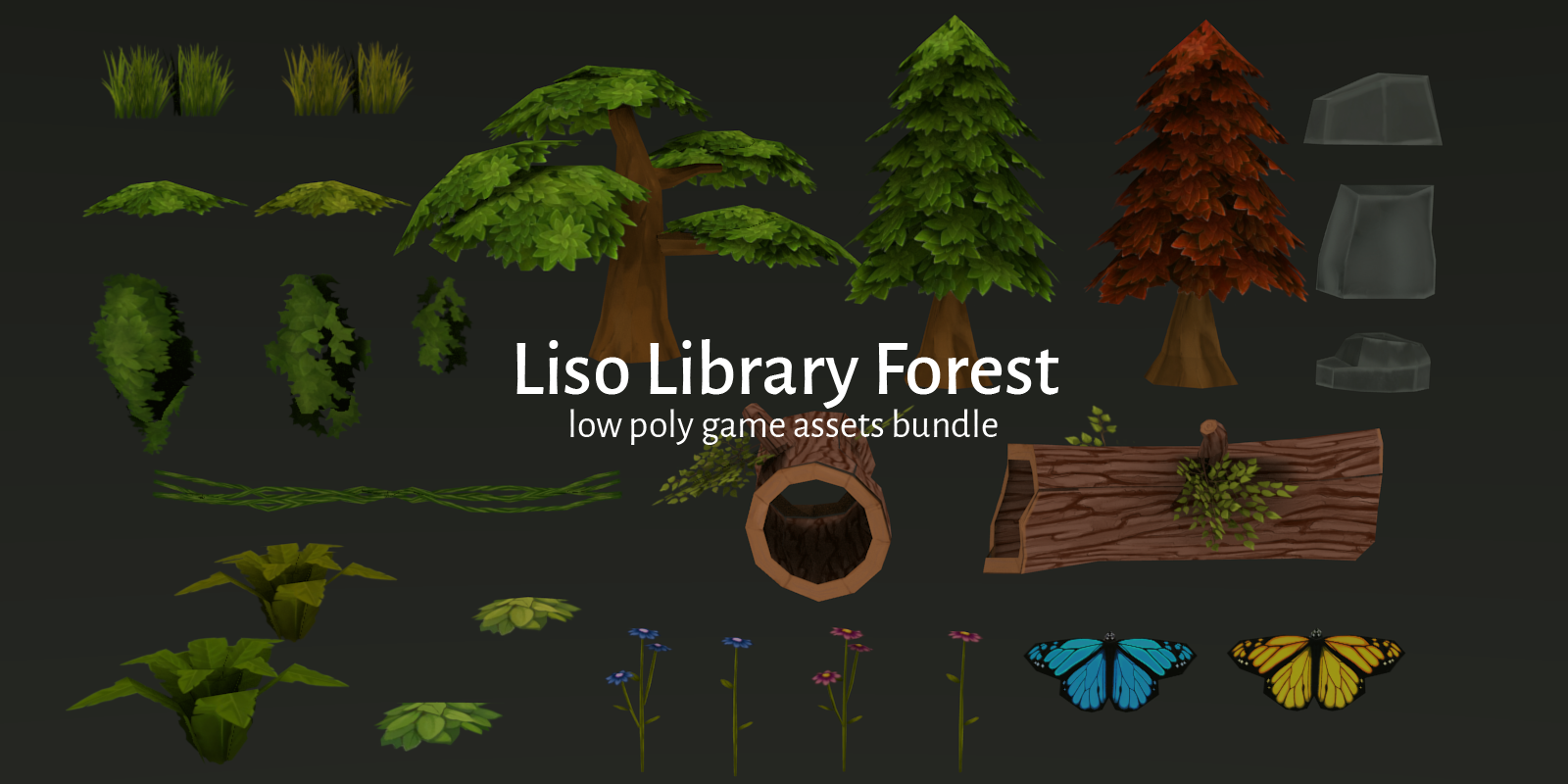
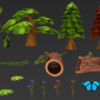
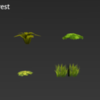
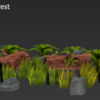
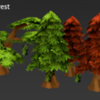
How to Use:
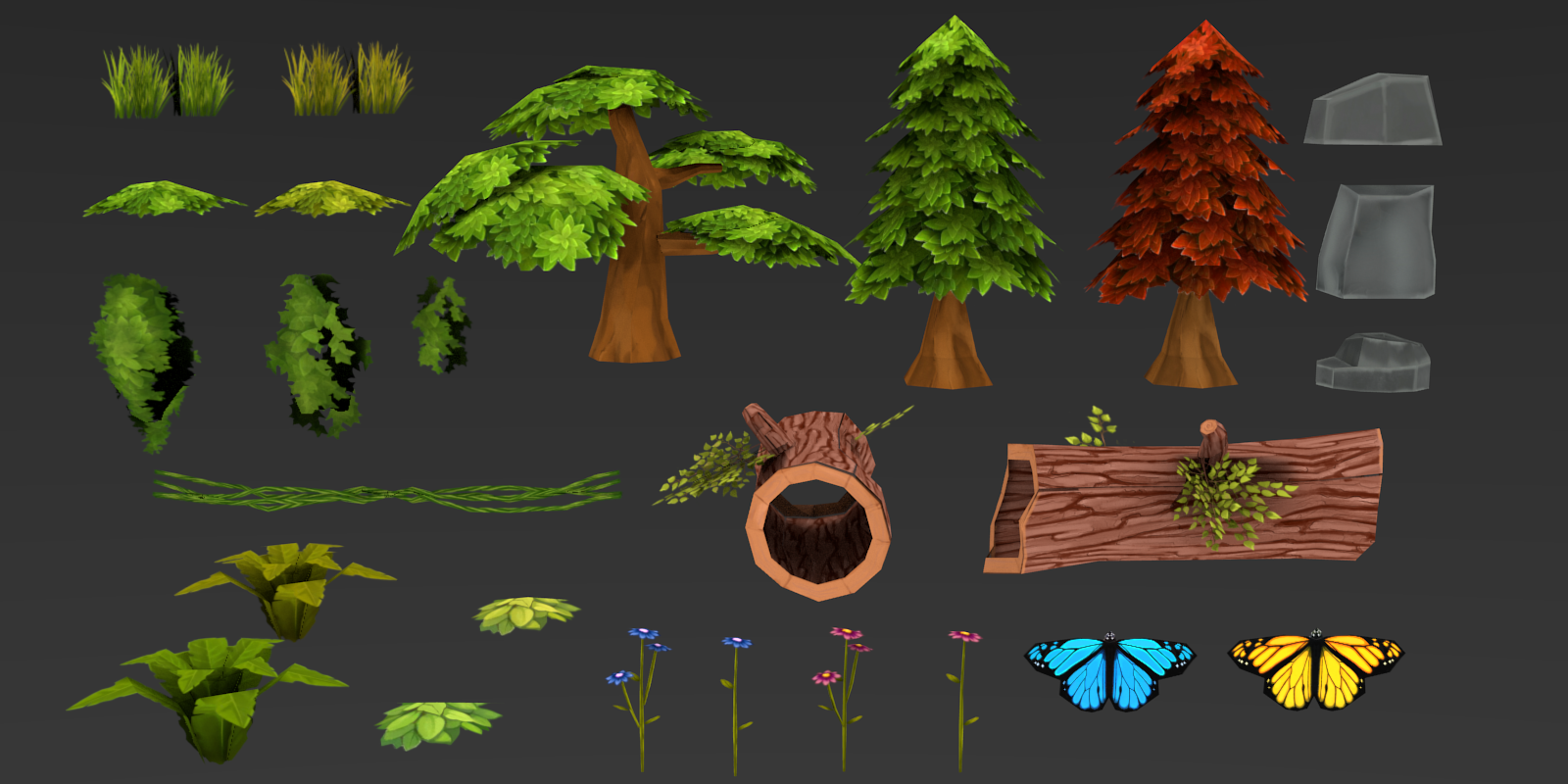
Using the Library blend File:
- Create a new blend
- Press Shift+F1 or Click on File then Append
- Navigate to library_forest.blend
- Navigate to Object
- Then select any objects from the library to add to your scene
- Enjoy and get creative!
Using the Library for Unity3D:
- Import the fbx files inside the /unity folder
- Import the diffuse texture and material
- If needed, apply the material to each fbx file
- Enjoy and get creative!
$6.99
Have questions about this product?
Login to message
| Sales | 20+ |
| Dev Fund Contributor | |
| Published | over 9 years ago |
| Blender Version | 2.7x |
| License | Creative Commons |
Discover more products like this
low poly plants environment forest fantasy anniversary low poly tree game ready unity bundle liso bcon17 low poly spring19 games Game asset spring18 lowpoly game assets rpg Library gamedev bfcm18 Game bfcm17