 ZEG
Installation
In Blender open Edit, Preferences, Get Extensions, then use Install from Disk and pick the zip.
Usage
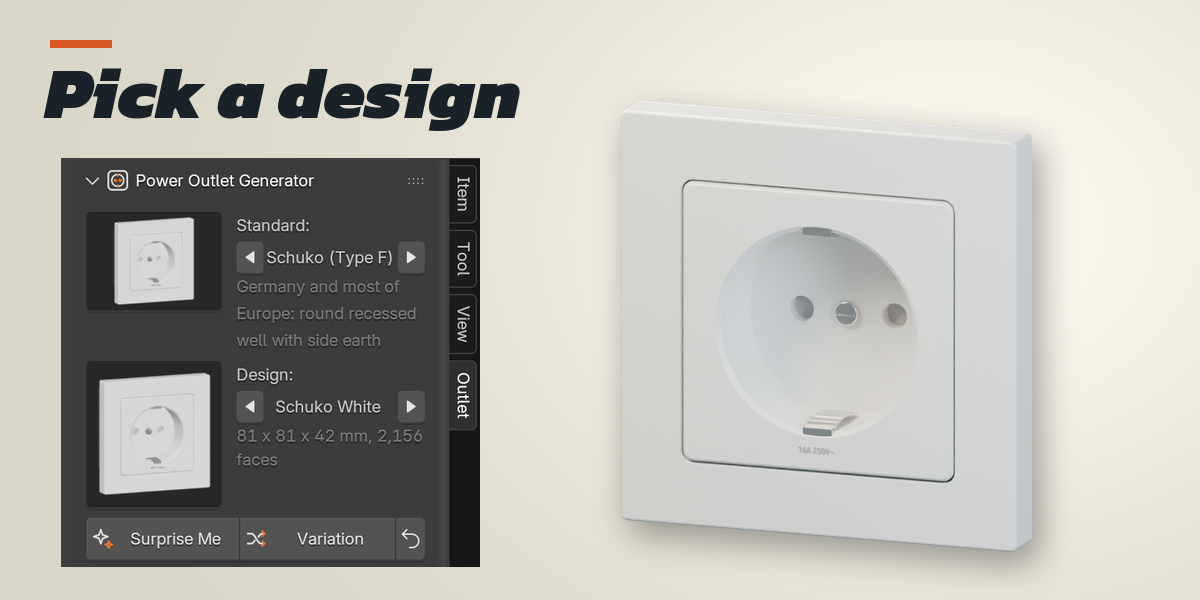
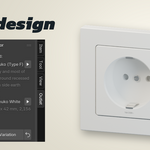
- Open the Outlet tab in the 3D View sidebar (N), or use Shift+A, Mesh, Power Outlet.
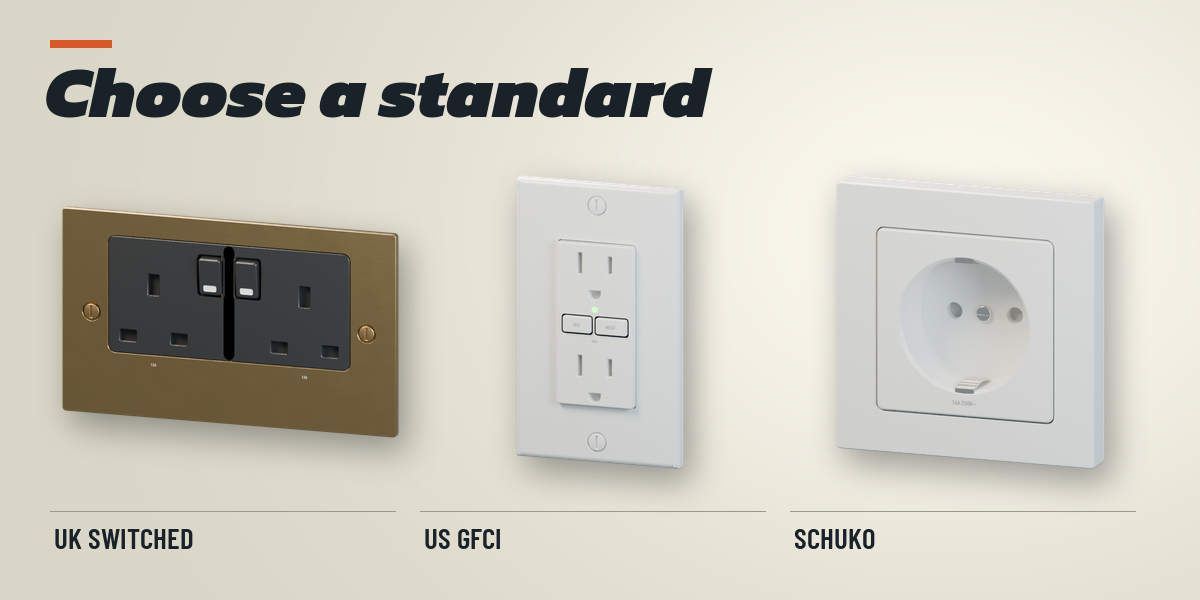
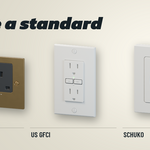
- Pick a standard and a design from the pictures, then click Add Outlet.
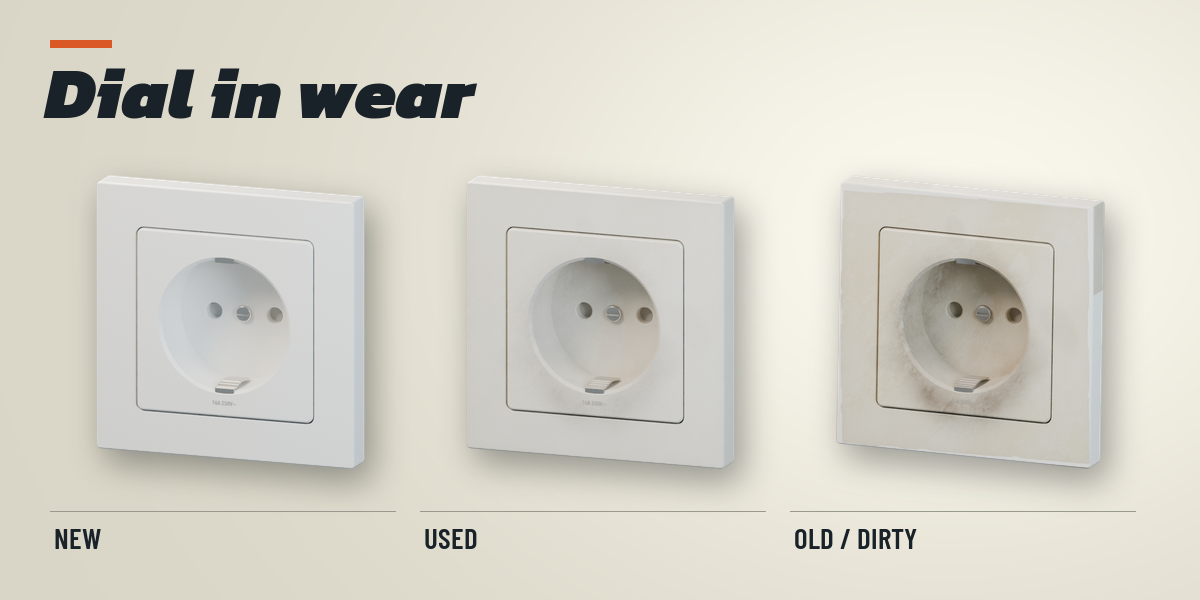
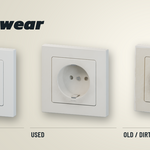
- With the outlet selected, pick the finish, socket color, condition, gangs, plate style and wall on the first page.
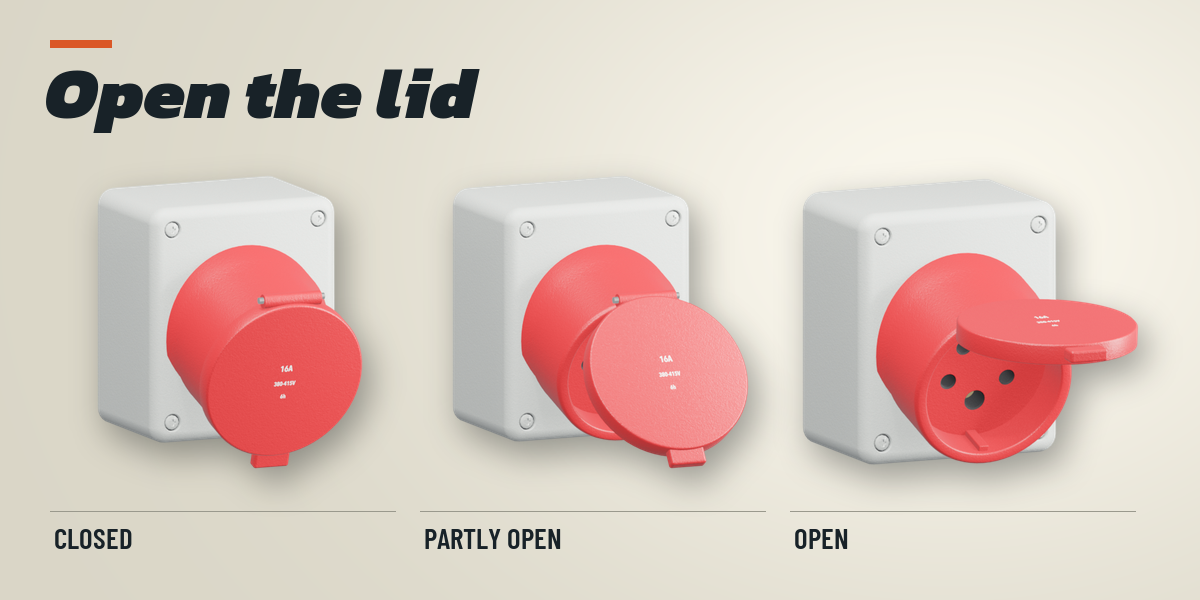
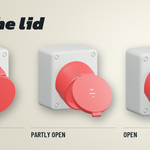
- The Plate, Socket and Wall & Wear tabs hold the fine settings: plate size and edges, screws, shutters, ratings, USB, switches and lids.
- Surprise Me randomizes the selected outlet in place; with nothing selected it adds a new random one.
Have questions about this product?
Login to message
| Blender Extension Compatible | Yes |
| Published | 2 days ago |
| Blender Version | 4.2 - 5.2 |
| Extension Type | Add-on |
| Render Engine Used | Cycles, Eevee |
| License | GPL |

Discover more products like this
realistic wall-socket procedural architecture props Interior electrical game assets PBR power outlet schuko Generator