 Greenfield Creatives
LOD Generator
Smarter levels of detail. A clearer workflow.
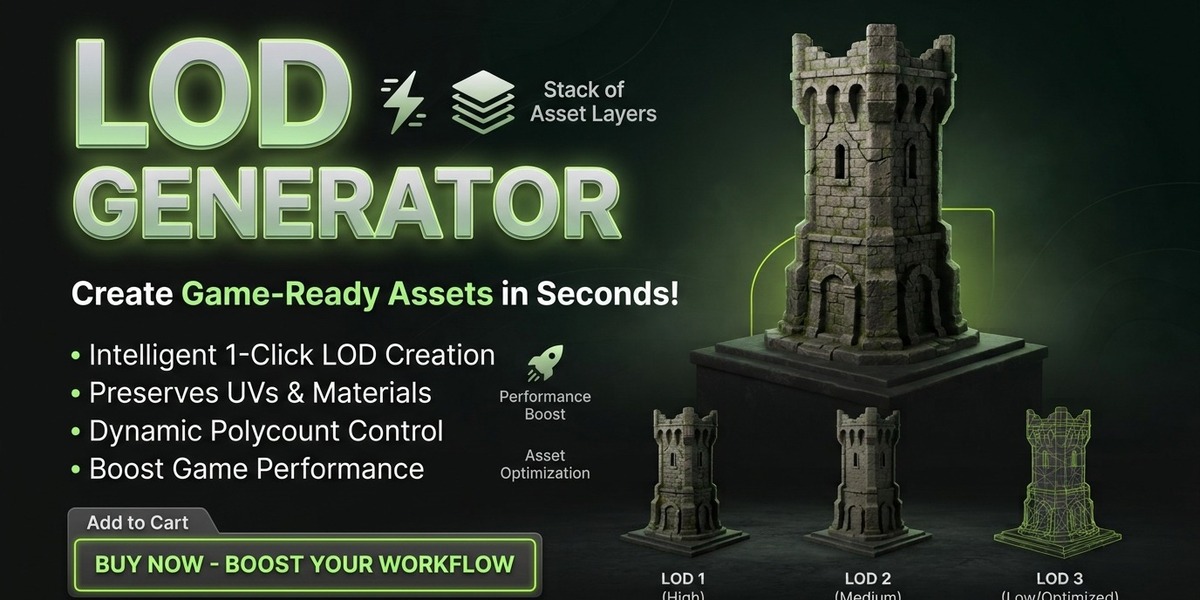
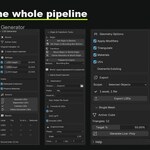
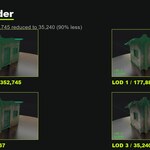
LOD Generator is a Blender add-on designed to streamline the creation of Levels of Detail (LODs) for 3D assets. Generate progressively simplified mesh copies, review triangle counts, organize your LODs, and prepare assets for game-development workflows within Blender.
Make Every Polygon Work Harder
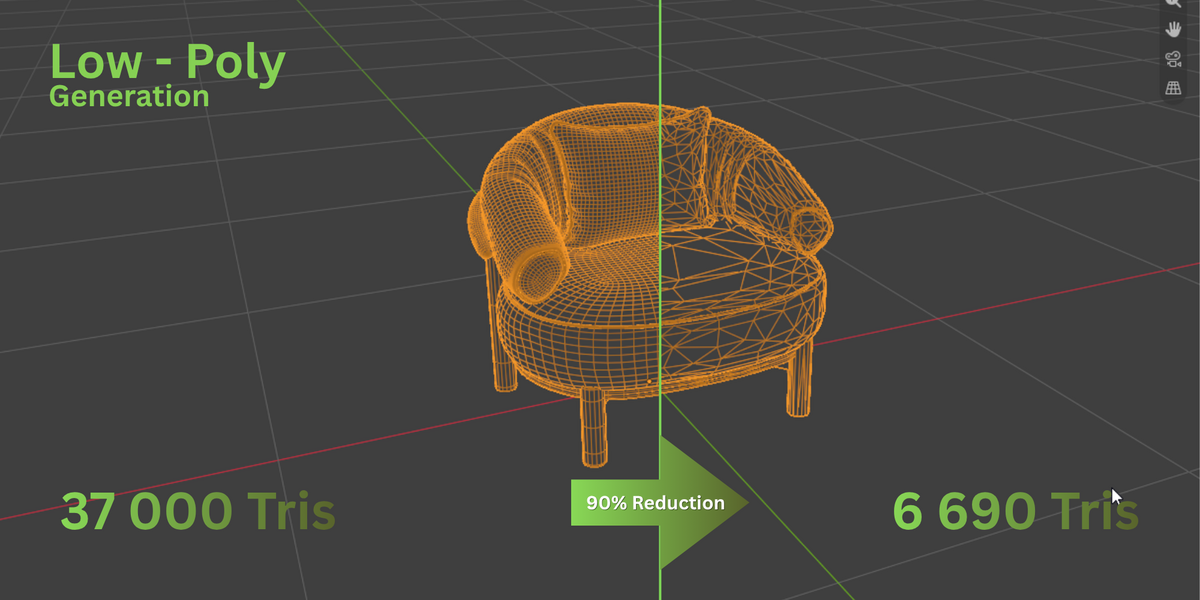
Preparing models for real-time applications often means balancing visual quality with geometric complexity. LOD Generator helps simplify this process by creating lower-detail versions of your mesh using configurable reduction targets.
Generate LOD levels, review the results, and keep your asset workflow organized in one place.
Key Features
LOD Generation
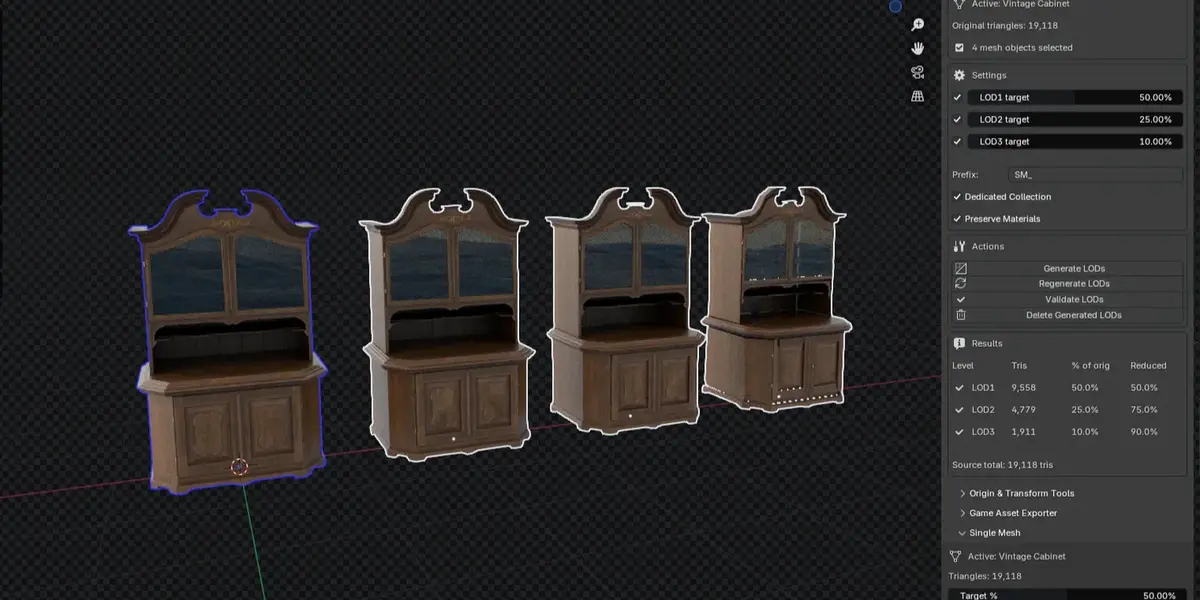
- Generate up to three additional LOD levels.
- Configure reduction targets for individual levels.
- Use naming prefixes to keep assets organized.
- Optionally organize generated objects in a dedicated collection.
- Preserve material assignments where supported.
Mesh Management
- Generate and regenerate LODs for selected mesh objects.
- Review actual triangle counts and achieved reduction ratios.
- Validate generated LODs.
- Remove objects created by the add-on using its cleanup tools.
- Process multiple selected mesh objects in a batch.
Origin and Placement Tools
- Set origins using different positions on an object's bounds.
- Choose world-space or local-space positioning where available.
- Drop objects onto the ground or align them along a chosen axis.
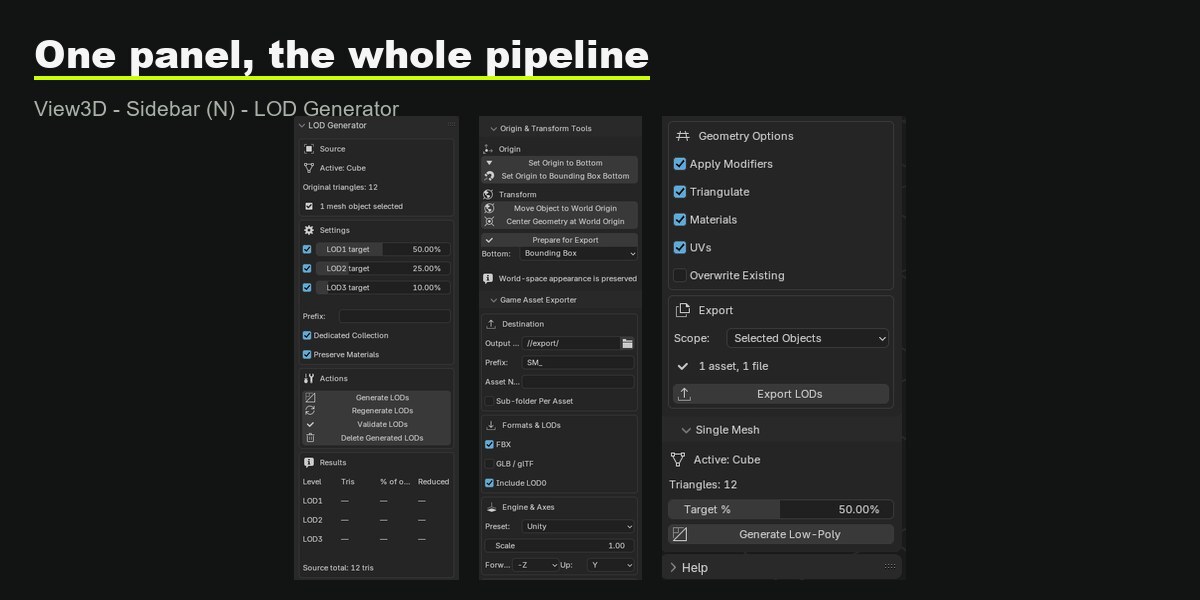
Game Asset Exporter
- Export supported assets in FBX and glTF/GLB formats.
- Choose export settings and engine presets.
- Select which LOD levels to include.
- Configure supported modifier, triangulation, material, and UV export options.
Single Mesh Mode
Create a single simplified mesh when you need an optimized asset rather than a complete LOD chain.
A Workflow Built Around Blender
- Select the mesh you want to process.
- Open LOD Generator in the 3D Viewport sidebar.
- Configure your desired LOD levels and reduction targets.
- Generate the LODs and review the reported results.
- Validate your LOD chain and export your assets if supported.
Designed with Safety in Mind
The workflow is designed to keep generated assets organized and distinguishable from your original objects. Mesh reduction targets are approximate, so review the resulting geometry and triangle counts before using assets in production.
Compatibility
Check the requirements supplied with your version of LOD Generator to confirm Blender compatibility, supported operating systems, and any installation requirements.
Frequently Asked Questions
What are LODs?
Levels of Detail are simplified versions of a 3D model. They can be used in real-time projects to reduce geometric complexity when less detail is required.
Will the reduction targets be exact?
Mesh decimation is approximate. Review the actual triangle counts reported by the add-on rather than assuming every target will be reached exactly.
Can I process multiple objects?
The add-on supports batch processing of selected mesh objects. Review the results after processing to ensure they meet your requirements.
How do I install LOD Generator?
Follow the installation instructions included with your downloaded version and confirm compatibility with your Blender release.
Ready to streamline your LOD workflow?
Explore LOD Generator for Blender and prepare your assets with a more organized workflow.
LOD Generator · GreenField Creatives