 hugobarreira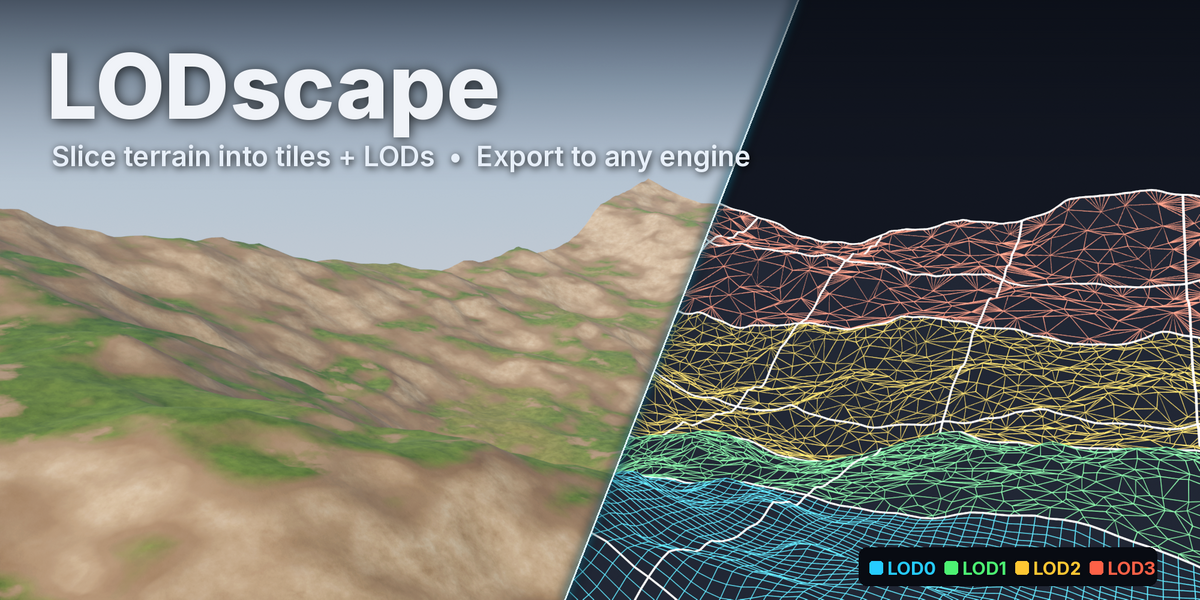
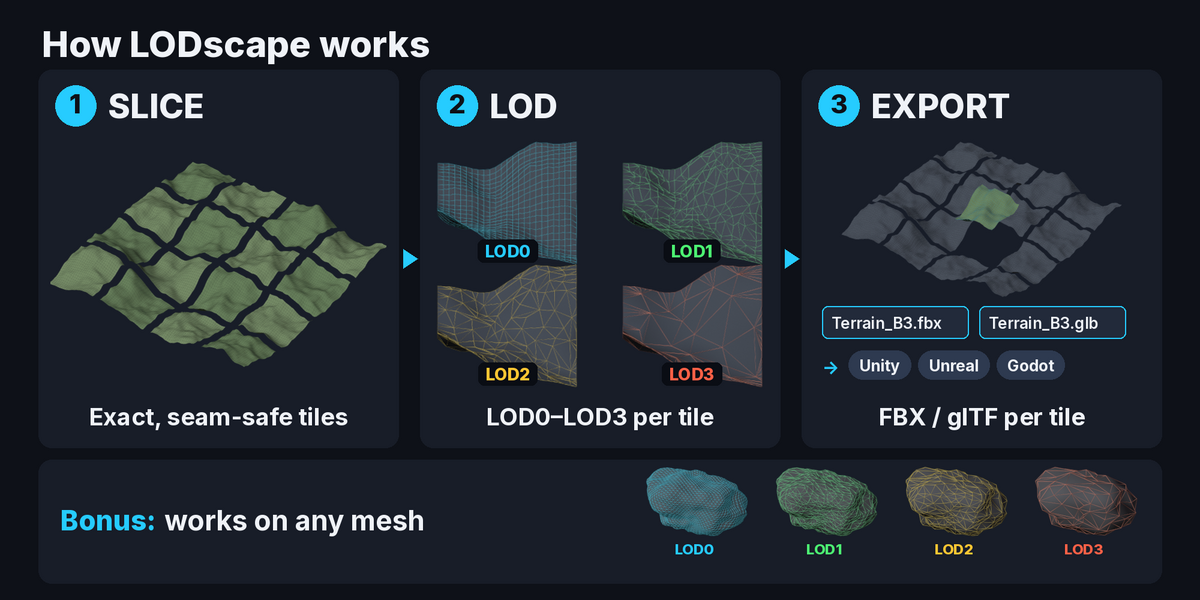
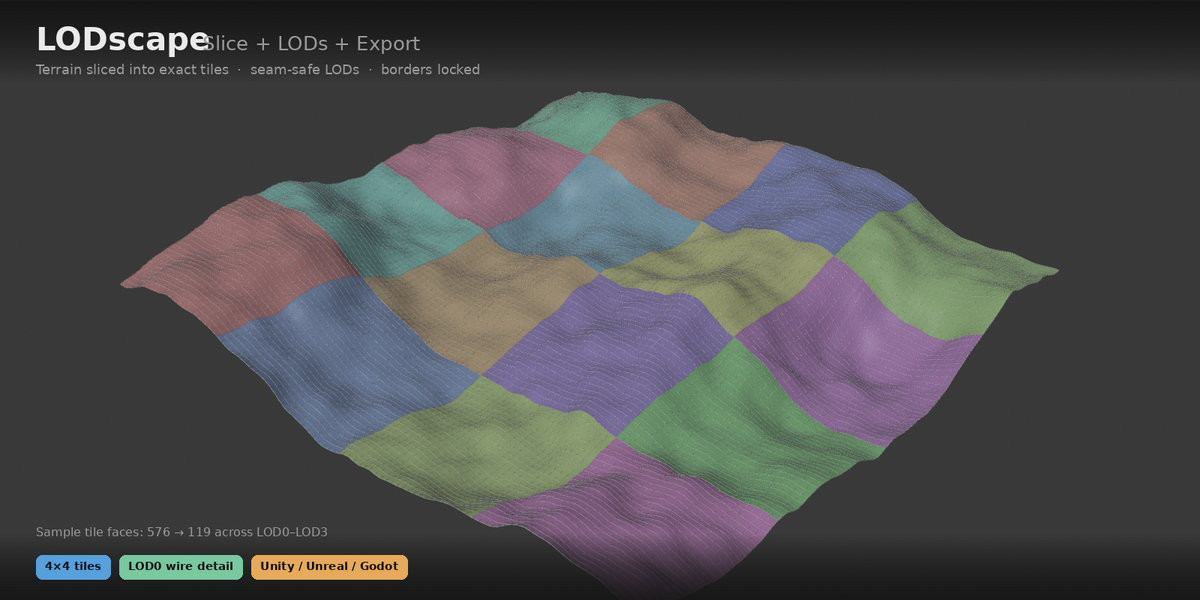
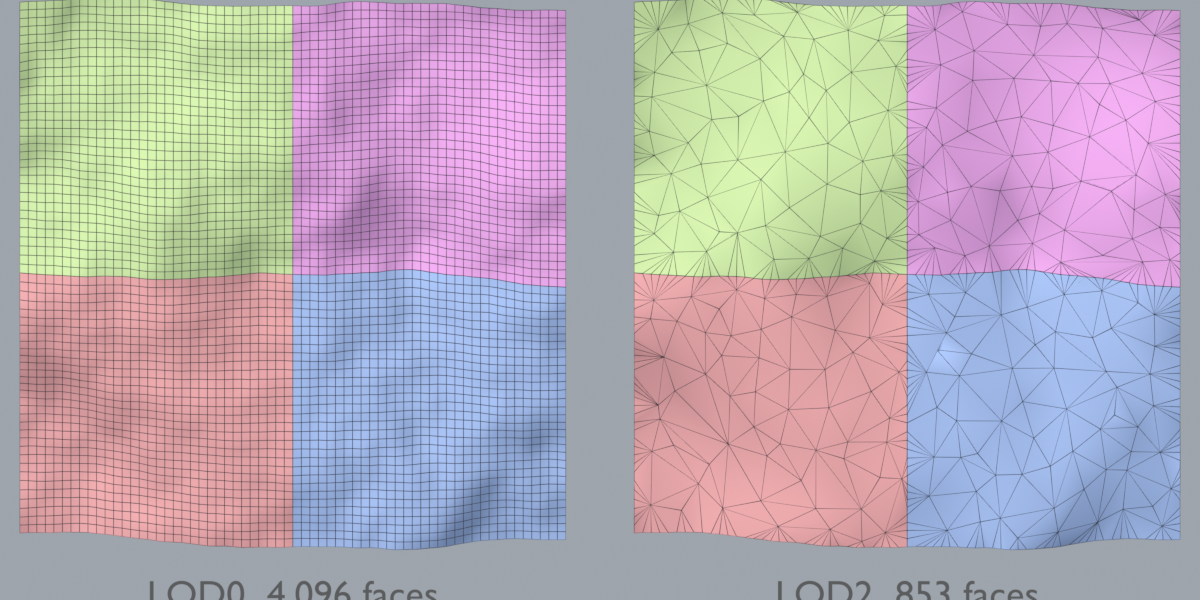
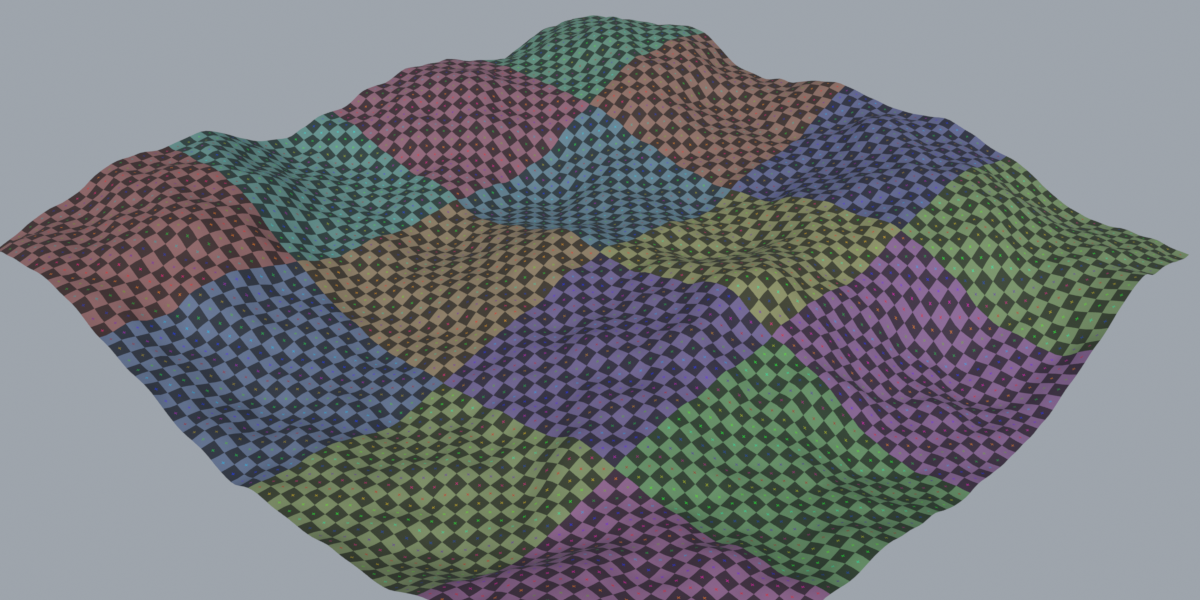
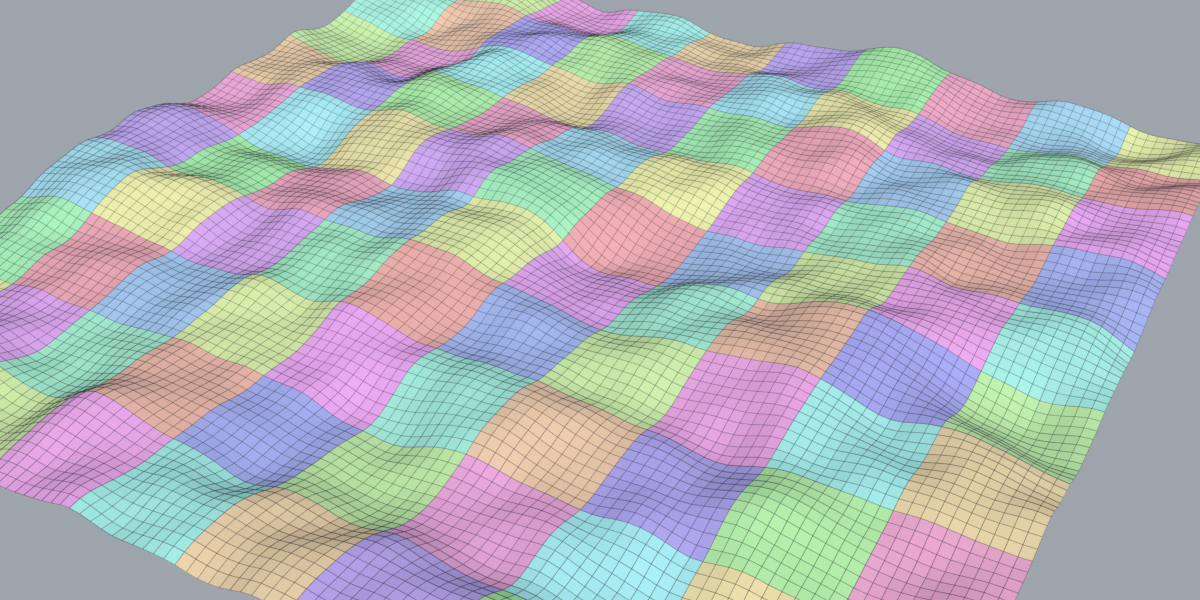
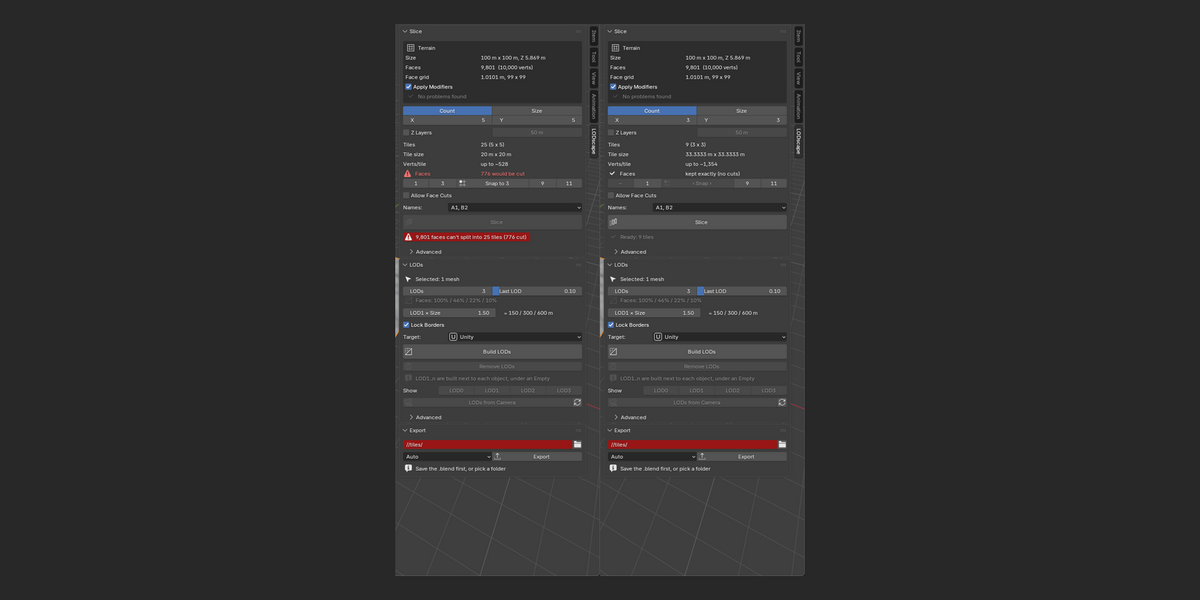
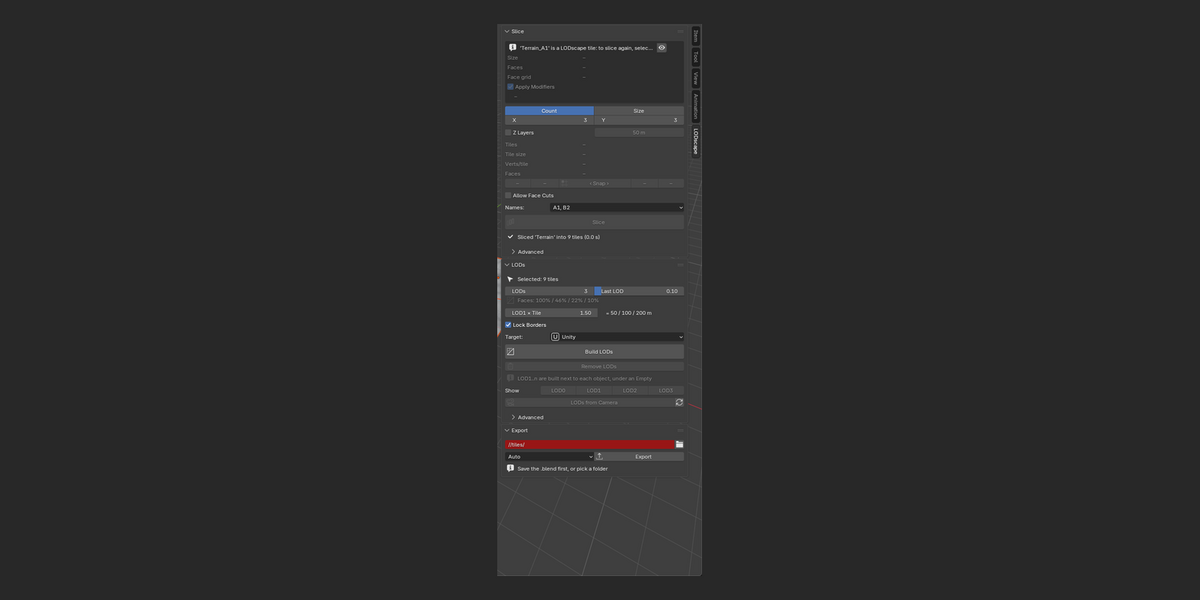
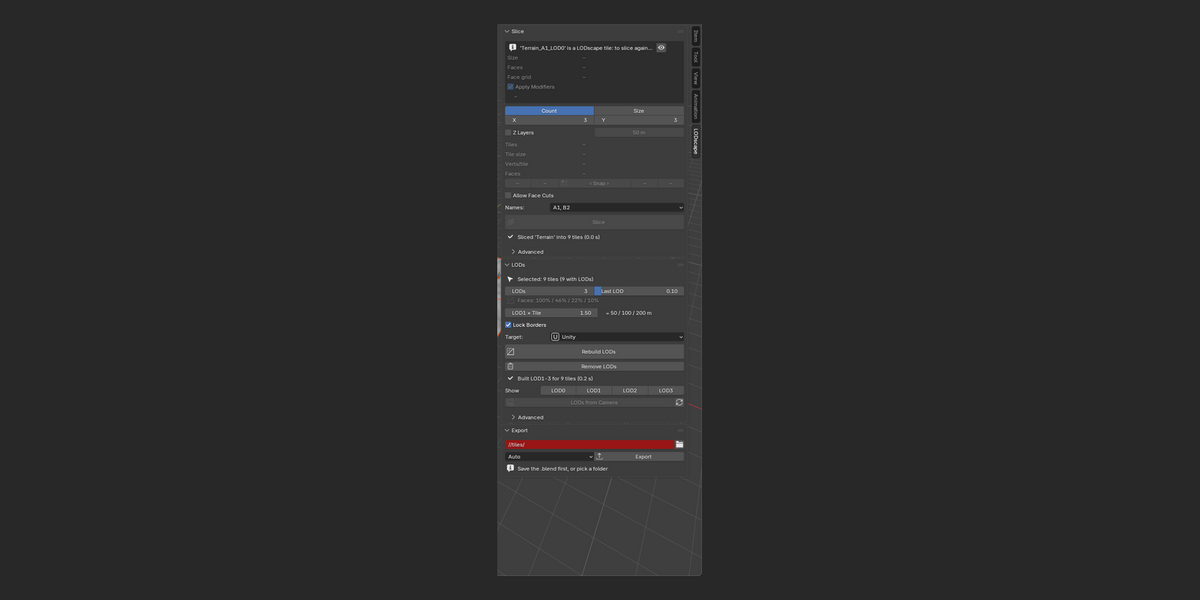
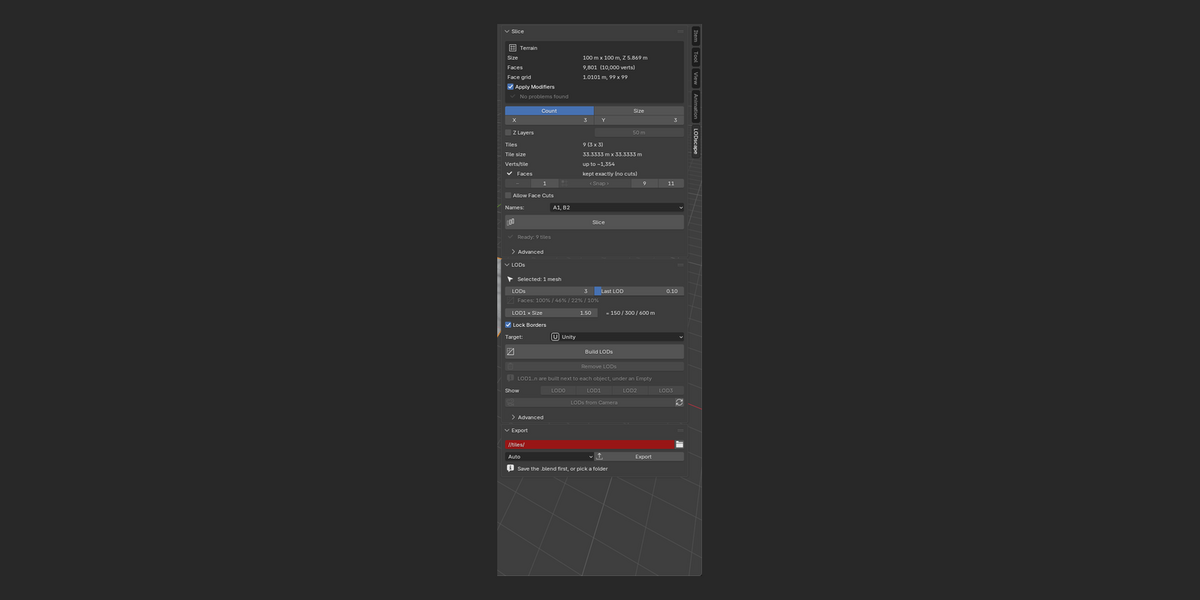
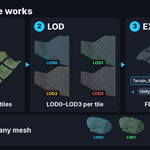

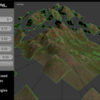
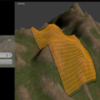

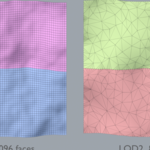
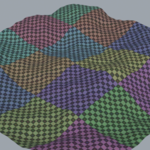
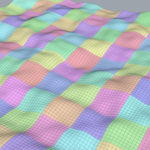
Slice a terrain into clean, exact tiles in one click, then give every tile seam-safe LODs and export it for your engine. Few tools slice terrain cleanly. LODscape is built around it: tiles follow your terrain's own face grid, borders match exactly, and nothing needs to be unwrapped again.
LODscape 1.0 is rebuilt from scratch for Blender 4.2–5.2 as a proper extension. Existing buyers get it free, as promised. Everything is in 3D Viewport > Sidebar (N) > LODscape, with one panel per tool.
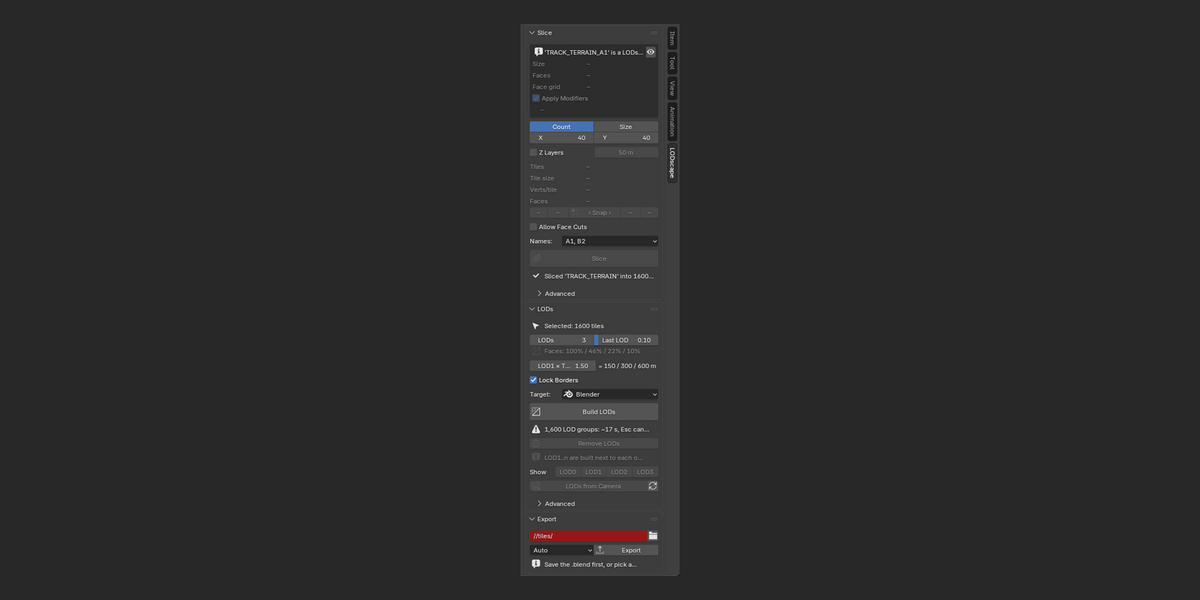
1. SLICE: terrain into exact, seam-safe tiles
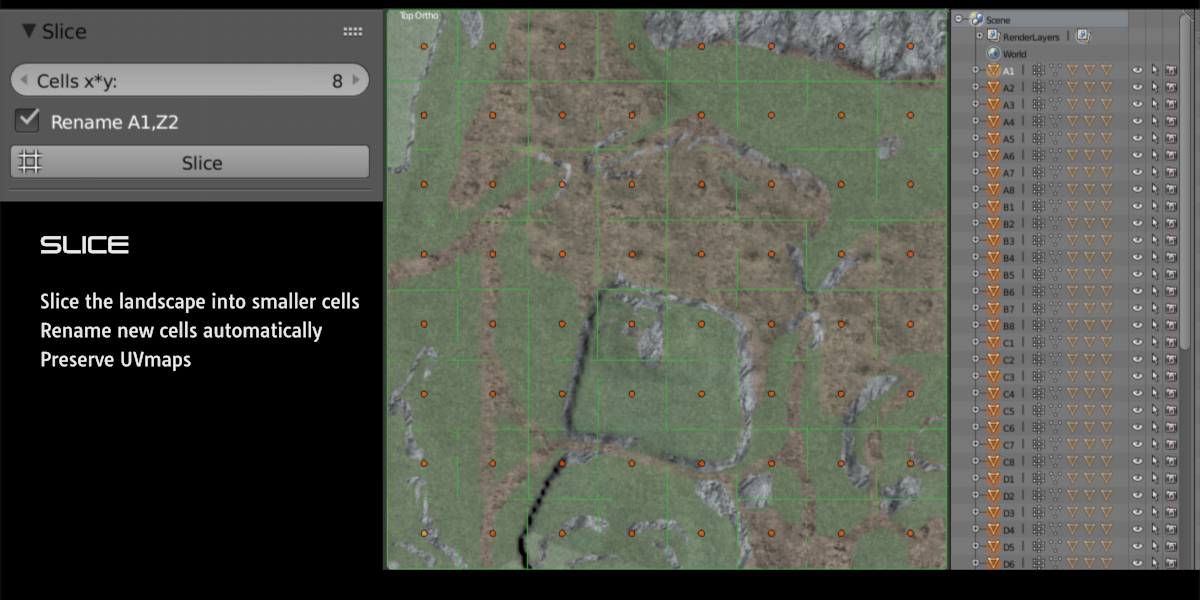
- By count or by size: e.g. 8 × 8 tiles, or 50 m tiles. Any terrain size, square or not, with optional Z layers for tall terrains.
- Exact quads: tiles follow the terrain's face grid, so no faces are cut. Snap jumps to sizes that divide cleanly. If yours doesn't, LODscape says so and suggests a size, or you can tick Allow Face Cuts.
- See it before you slice: tile count, tile size, faces and verts per tile.
- Nothing is lost: UVs, materials, vertex colours, vertex groups, attributes, modifiers and physics (Collision, Dynamic Paint, game physics) stay on every tile.
- Clean results: grid names (A1, B2…), each tile's origin at its own centre, and a new collection. The original terrain is hidden and never changed, and Ctrl+Z undoes it.
- Big terrains: up to 4,096 tiles, with a warning from 1,024.
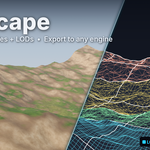
2. LOD: seam-safe LODs for tiles and any mesh
There are many LOD add-ons. LODscape's LODs are made for tiles:
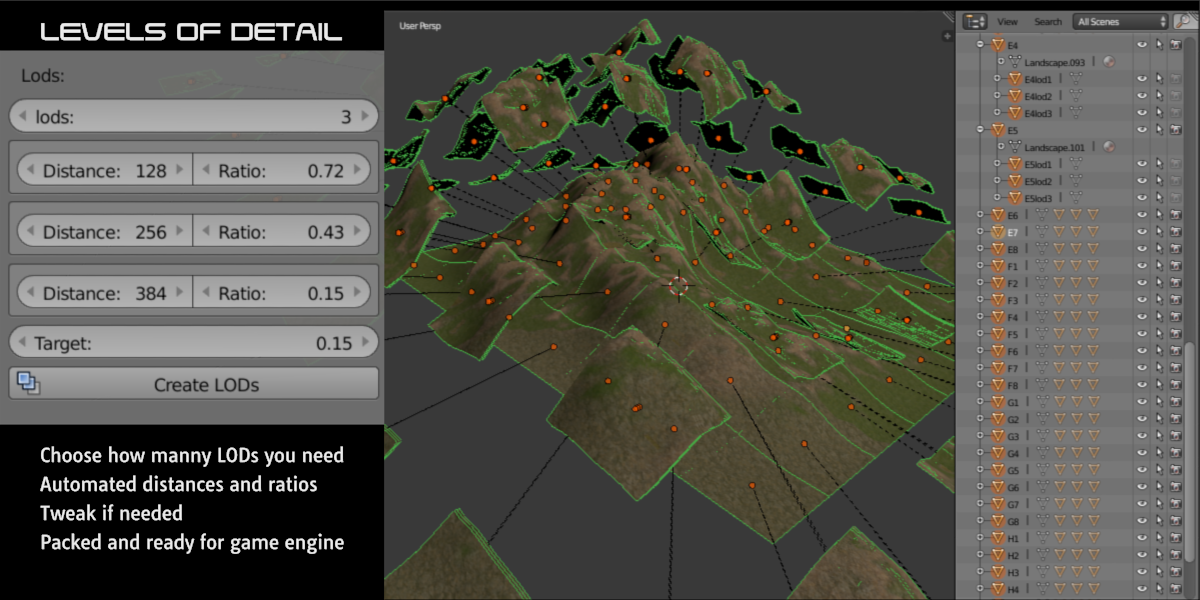
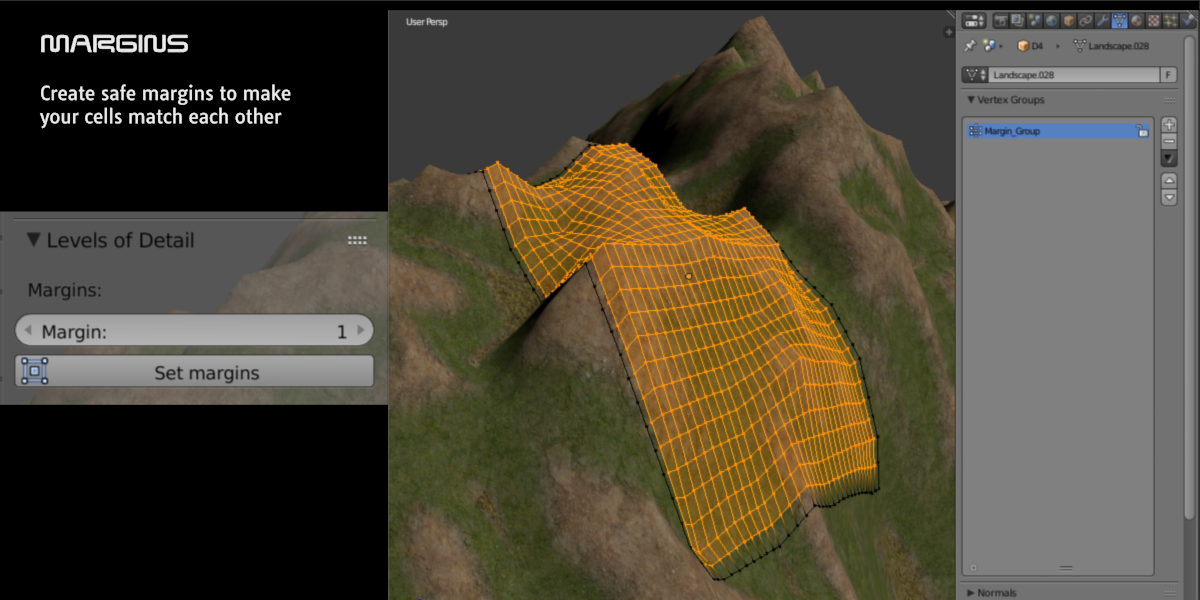
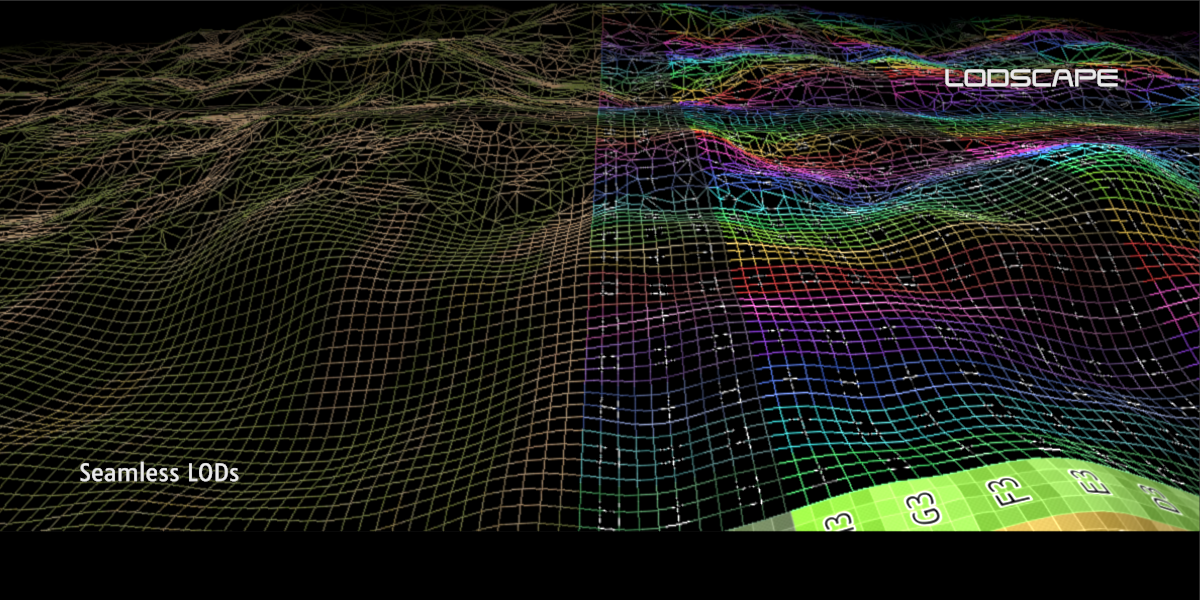
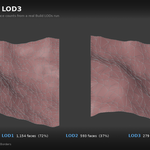
- Borders locked on every level, so neighbouring tiles match at any LOD mix. Optional skirts hide any remaining gaps.
- UVs re-sampled from LOD0, so textures line up across tiles and levels.
- LOD switch distances in metres, measured from each tile's centre (correct on slopes and curved tracks).
- Preview in Blender: show LOD0…LODn, or let the active camera pick each tile's LOD.
- Any selected mesh works too (rocks, buildings, props), with open edges optionally locked.
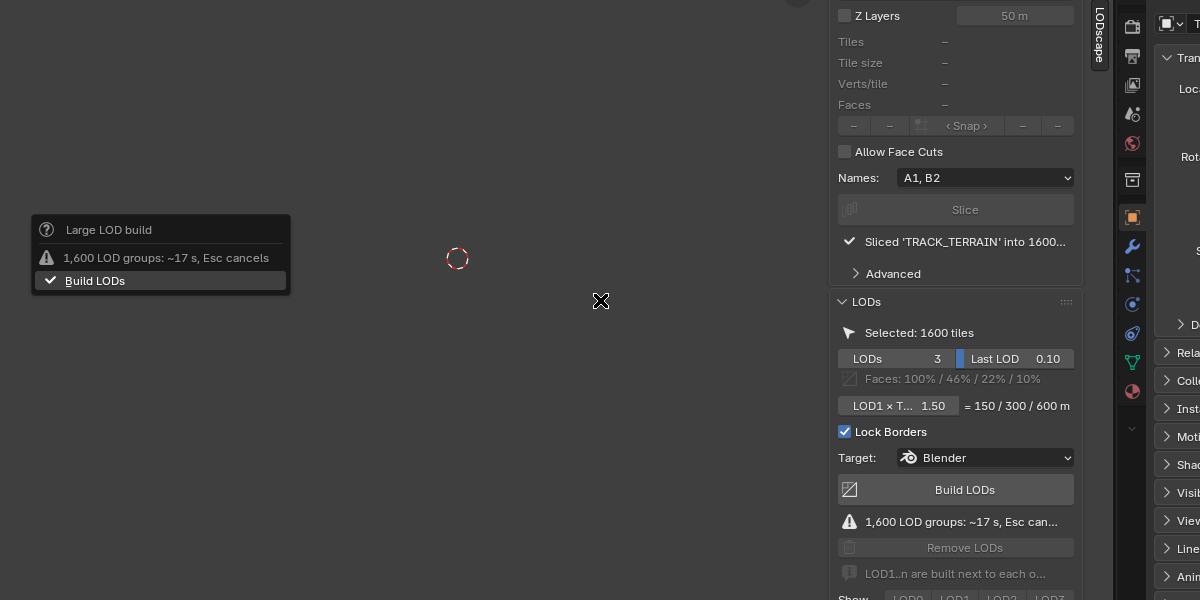
- Large builds: a time estimate and confirmation from 1,024 groups, progress on the cursor and status bar, and Esc cancels cleanly.
Not just terrain
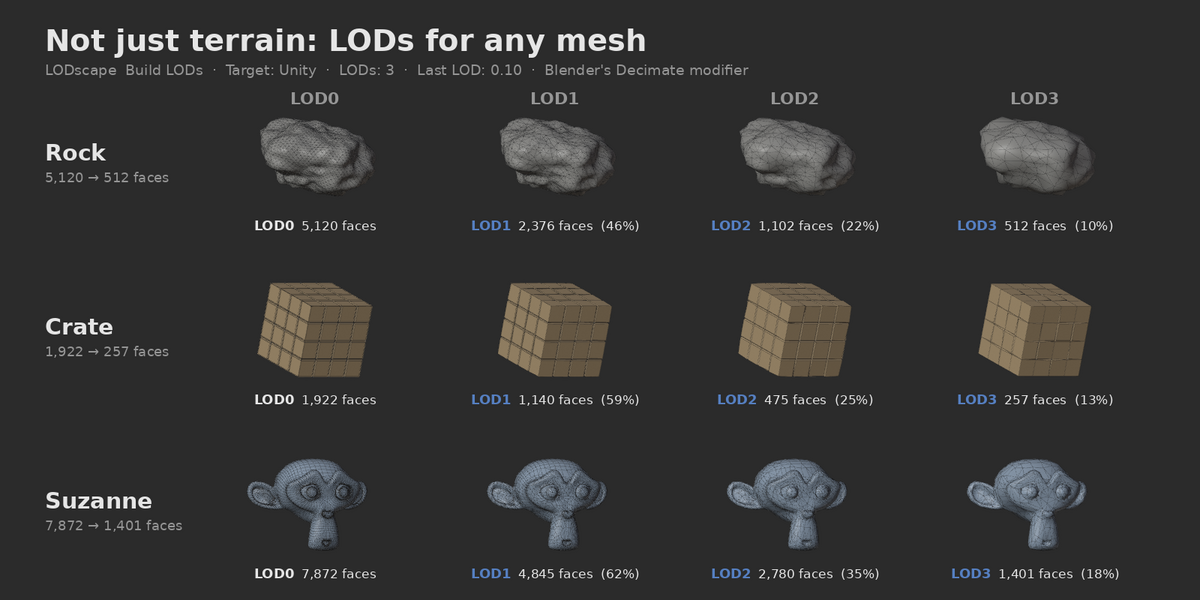
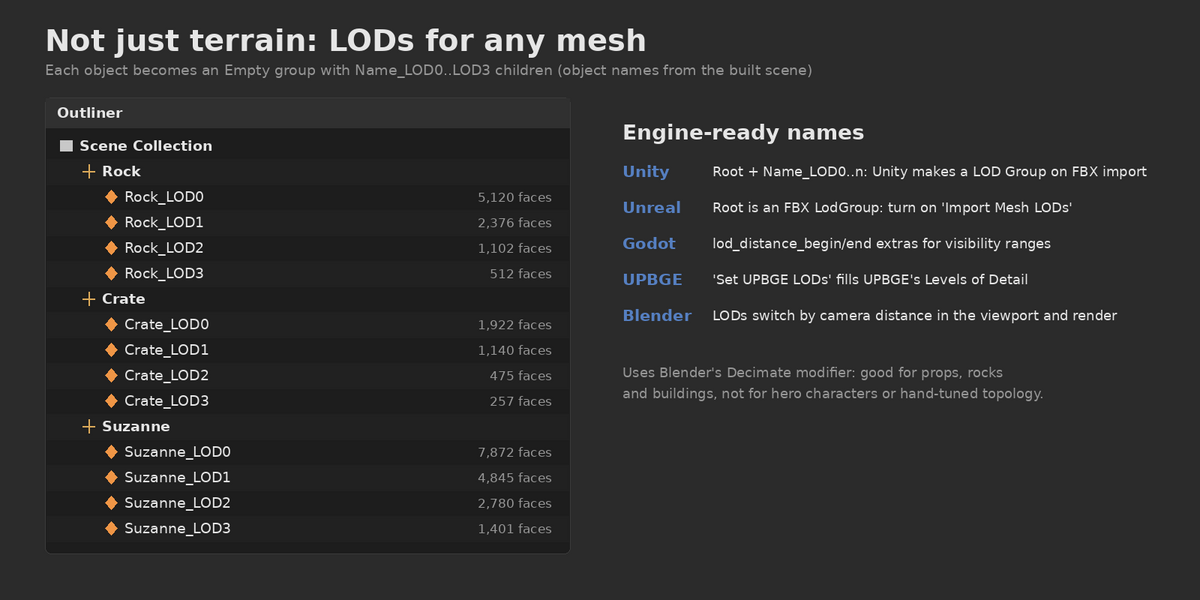
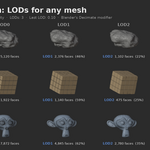
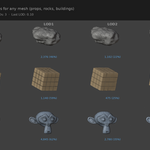
The LODs panel works on any mesh you select, not only terrain tiles. Pick your props, rocks or buildings, press Build LODs, and each one gets a full LOD chain in one click, grouped under an Empty with clear Name_LOD0..LOD3 names.
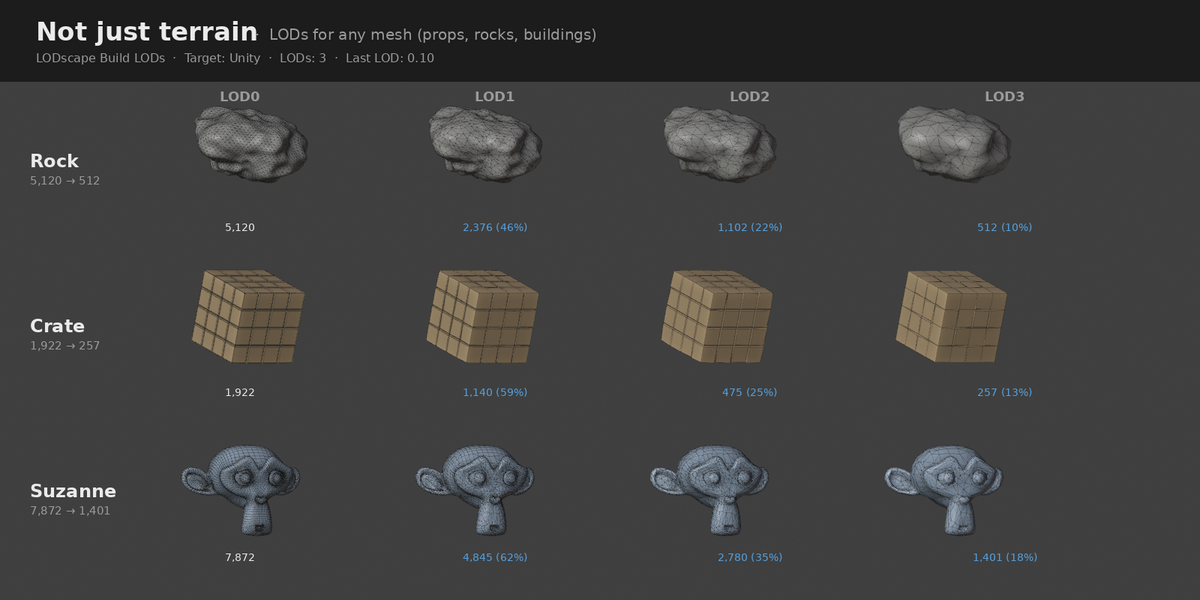
Example from the gallery (LODs: 3, Last LOD: 0.10): a rock goes from 5,120 to 512 faces, a crate from 1,922 to 257, and a subdivided Suzanne from 7,872 to 1,401.
- One click, any mesh: LOD1 to LOD7 per object, with the levels spaced evenly down to the Last LOD ratio.
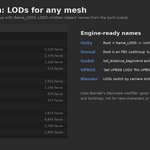
- Engine-ready: LOD names that Unity, Unreal, Godot and UPBGE pick up on import, plus switch distances for Godot and UPBGE (or switch by camera distance in Blender).
- Honest note: it uses Blender's Decimate modifier. That suits most game props and environment assets, but it isn't meant for hero characters or hand-tuned topology.
3. EXPORT: per-tile files with engine naming
- One file per tile or LOD group: FBX, or glTF (.glb). Auto picks glTF for Godot and FBX for everything else.
-
Engine naming and properties:
A1_LOD0…A1_LODnfor Unity, an FBX LodGroup for Unreal, and LOD distances for Godot. - Export the selection, or every tile of the last slice when nothing is selected.
Extra: UPBGE (EXPERIMENTAL)
Slice, LOD and Export work in UPBGE like in Blender. The Set UPBGE LODs button also fills UPBGE's own Levels of Detail. That part depends on UPBGE's LOD system, which still crashes UPBGE in some cases (see Known issues), so treat it as experimental.
- UPBGE 0.53: the LOD lists are saved in the .blend.
- UPBGE 0.50: LODs are applied only while the game runs (P), because 0.50 crashes with LOD lists in the editor.
Quick start
-
Install: download
lodscape-1.0.3.zip, then in Blender go to Edit > Preferences > Get Extensions, open the drop-down menu (top right) and choose Install from Disk…. You can also drag the zip into the Blender window. Don't unzip it. - Slice: select your terrain, press N, open the LODscape tab. Choose Count or Size, use Snap if suggested, then click Slice. The tiles stay selected.
- LOD: choose the number of LODs and the Target engine, then click Build LODs.
-
Export: pick a folder (save the .blend first if you use
//tiles/) and a format, then click Export.
Greyed-out button? Hover over it: the tooltip says why and what to do.
Compatibility
- Blender 4.2 LTS – 5.2 LTS: fully supported. Tested on Blender 5.0.1 and 5.2.2 LTS (Windows, macOS and Linux; pure Python, no binaries).
- UPBGE 0.50 / 0.53: Slice, LOD and Export work. The UPBGE LOD setup is experimental.
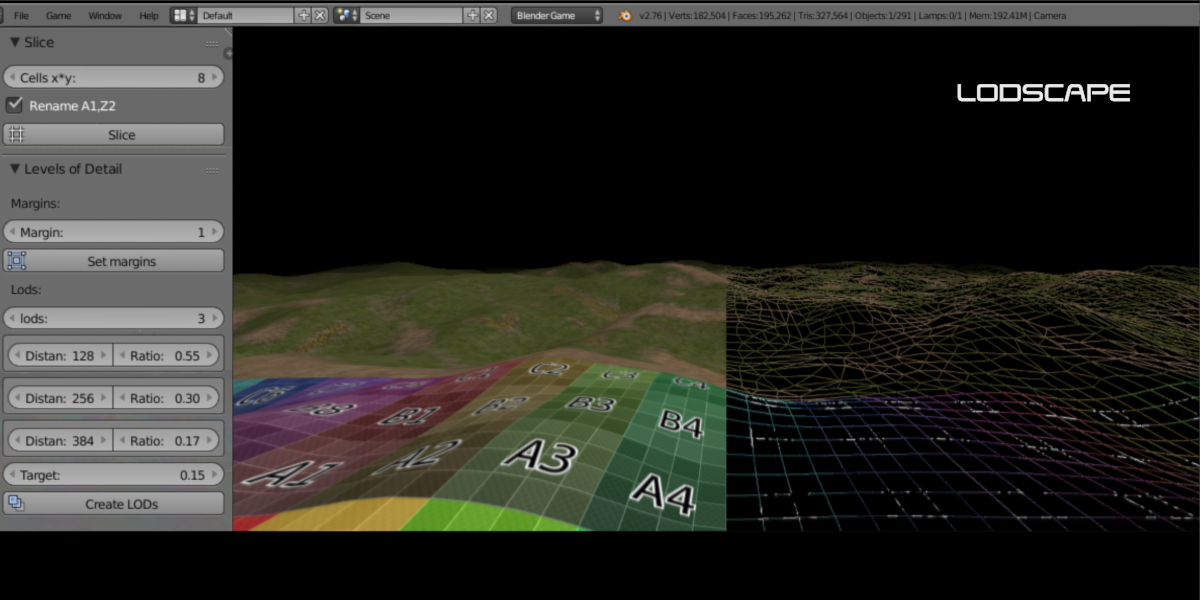
- Legacy: LODscape 0.2.0 for Blender 2.79 / Blender Game Engine is still in the downloads, unsupported. LODscape 1.x can't run on 2.79.
Known issues (UPBGE)
UPBGE's engine LOD system can crash UPBGE itself (EXCEPTION_ACCESS_VIOLATION). This happens inside UPBGE's code, not in the add-on. A viewport fix exists in UPBGE master (UPBGE issue #2035), but it isn't in UPBGE 0.50. Reported in 1.0.3:
- UPBGE 0.53: a crash when the game starts while a LOD object is selected.
- UPBGE 0.53: a crash when the embedded game ends, even with nothing selected.
Workarounds:
- Deselect all tiles and LOD objects (Alt+A) before pressing P.
- Save before running the game.
- If the embedded game keeps crashing, try the standalone Blenderplayer (UPBGE 0.53: the LODs are saved in the file).
- Or skip UPBGE's LOD lists: Clear UPBGE LODs (X) still leaves you with tiles and LOD meshes.
Tell me your use case
I'm collecting feedback before the next update. What do you slice, which engine are you targeting, how big is your terrain, and what's missing? Send a message through Superhive. Every message is read, and crashes with a .blend or crash log get fixed first. For the next few weeks I'm actively working on fixes and patches, prioritised by what you report, and I'll revisit the plan after that as needed.
Changelog
- 1.0.3: UPBGE 0.50: LODs are applied at game start instead of in the editor (avoids a UPBGE 0.50 viewport crash). Large LOD builds get a warning with estimated time, a confirmation, progress and Esc to cancel. No more Decimate warnings on tiny tiles. Faster builds with many tiles.
- 1.0.2: tile origins at each tile's geometry centre; Dynamic Paint, Collision and game physics kept on tiles; skirt shading fix; Snap row; clearer messages.
- 1.0.1: UPBGE Edit Mode crash fixed (explicit Set UPBGE LODs step plus a safety guard).
- 1.0.0: rebuilt for Blender 4.2–5.x as an extension (was 0.2.0 for 2.79/BGE).
FAQ
Does it work in Blender 5? Yes. 1.x is built for Blender 4.2–5.2 and tested on Blender 5.0.1 and 5.2.2 LTS. The old 0.2.0 was for 2.79 only.
I bought 0.2.0. Do I pay again? No. Updates are free for existing buyers. Download 1.0.3 from your Superhive Orders page.
Can I still use it in 2.79 / the old Game Engine? Use the Legacy 0.2.0 download (unsupported).
Can I use only the Slice tool? Yes. Each tool works on its own: slice and export without LODs, or build LODs for meshes you didn't slice.
Will neighbouring tiles crack at different LODs? No. Borders are locked on every level, and optional skirts hide any gap your engine might add.
Do I need to unwrap the tiles again? No. UVs, materials, vertex groups and attributes are kept.
How many tiles can I make? Up to 4,096 per slice and per LOD build. From 1,024 you get a time estimate and a confirmation.
Is UPBGE supported? Slice, LOD and Export: yes. Filling UPBGE's own Levels of Detail is experimental, because UPBGE's LOD system can crash. See Known issues for workarounds.
Does it change my original terrain? No. It is hidden after slicing and never changed. The eye button brings it back.
