 KennyPhases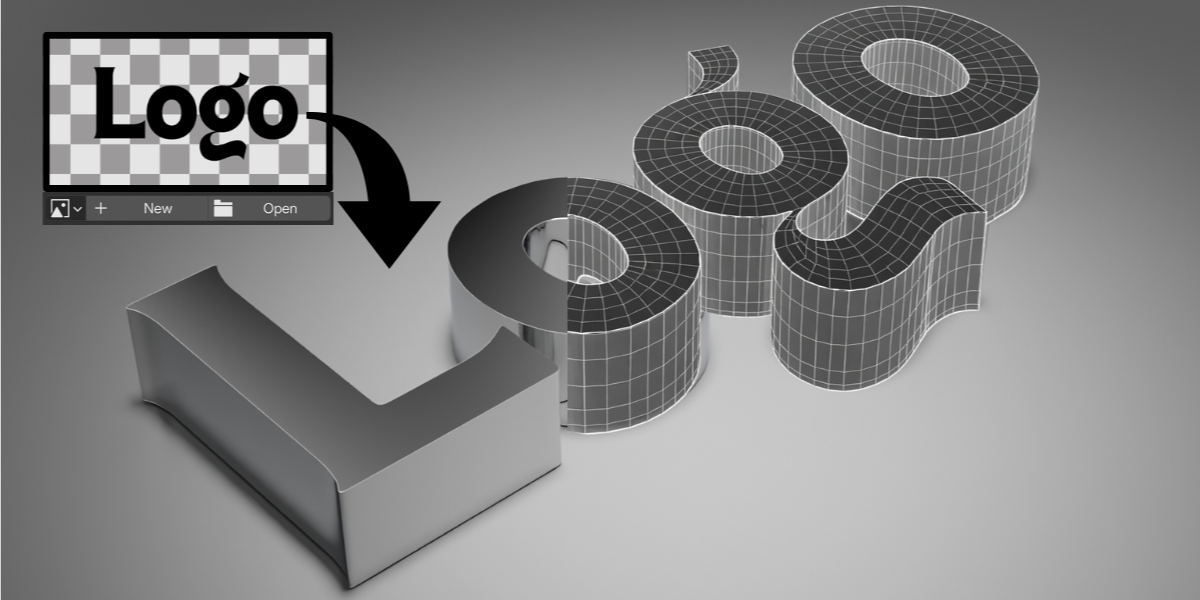


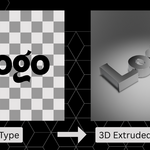

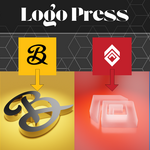
Turn any PNG logo into clean, adjustable 3D geometry in seconds.
LogoPress uses Geometry Nodes to convert image alpha into optimized 3D meshes — fully procedural, fast, and easy to use.
No manual modeling. No messy extrudes. Just drop in your image and go.
What is LogoPress?
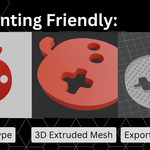
LogoPress is a procedural Geometry Nodes setup that converts any PNG logo into clean 3D geometry inside Blender.
Simply plug in your image, adjust depth and bevel, and your logo becomes fully 3D — ready for rendering, animation, or export.
It works with transparent PNG files and automatically generates smooth, clean results.
Features
• Convert PNG logos to 3D instantly
• Uses image alpha for accurate shape detection
• Clean, smooth outer edges
• Adjustable depth
• Adjustable resolution
• Non-destructive workflow
• Works with any transparent PNG
• Optimized Geometry Nodes setup
How It Works
Open the file
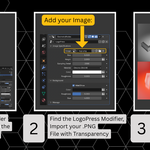
Load your PNG
Adjust depth and settings
Render
That’s it.
Why Use LogoPress?
Manual logo extrusion can cause:
• Messy topology
• Shading artifacts
• Banding issues
• Time-consuming cleanup
LogoPress solves this with a clean procedural system designed specifically for logo conversion.
Drop in your PNG → Adjust sliders → Done.
Perfect For
• Product mockups
• Brand presentations
• 3D logo reveals
• Motion graphics
• Social media visuals
• Client branding renders
What’s Included
• LogoPress .blend file
• Ready-to-use Geometry Nodes setup
• Start scene with quick instructions
• Example lighting + material setup
Requirements
• Blender 5.0+
• Transparent PNG logo