 loviz
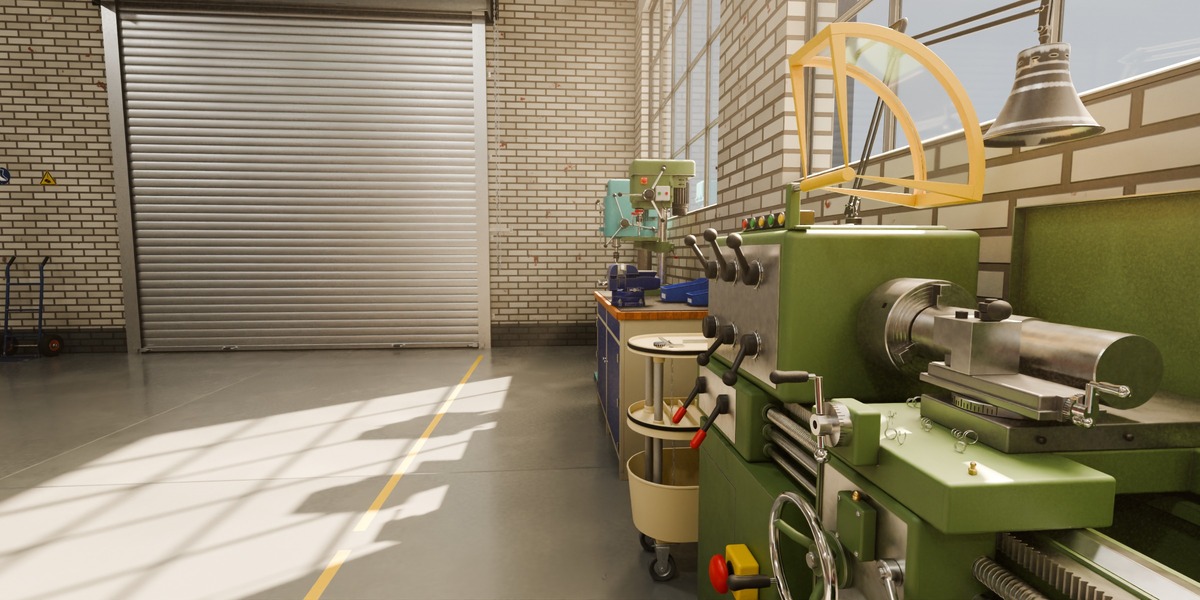
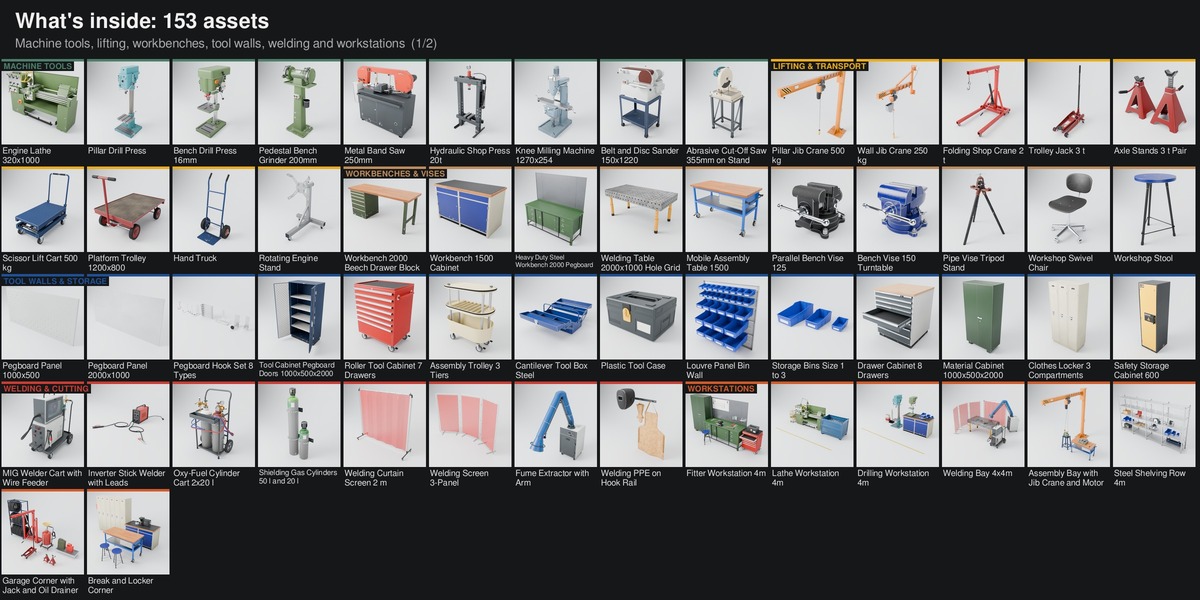
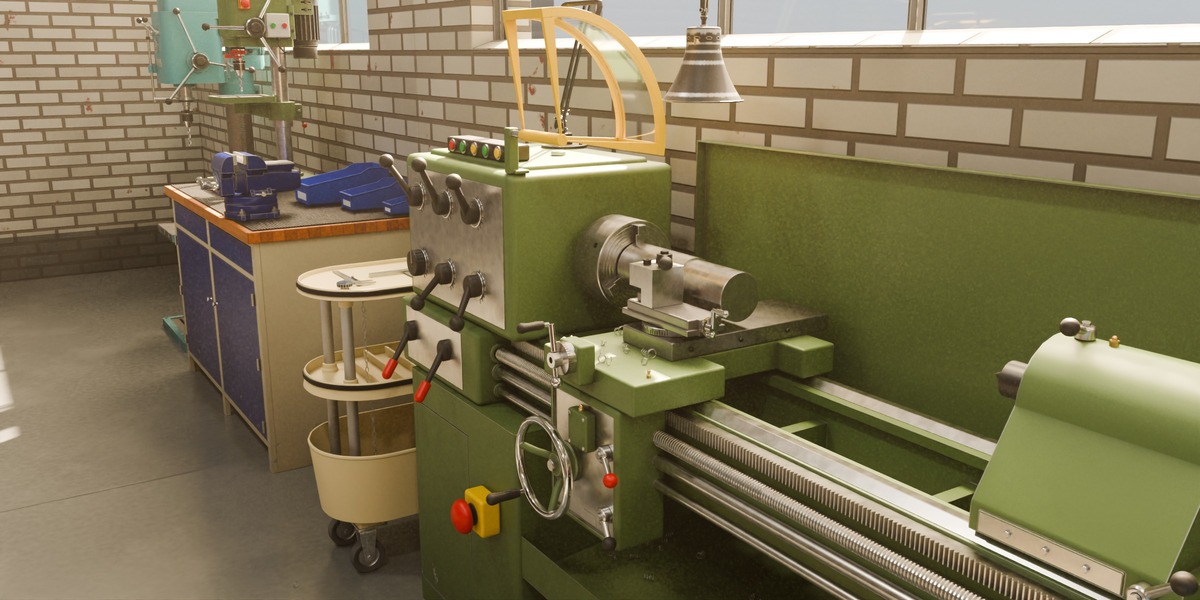
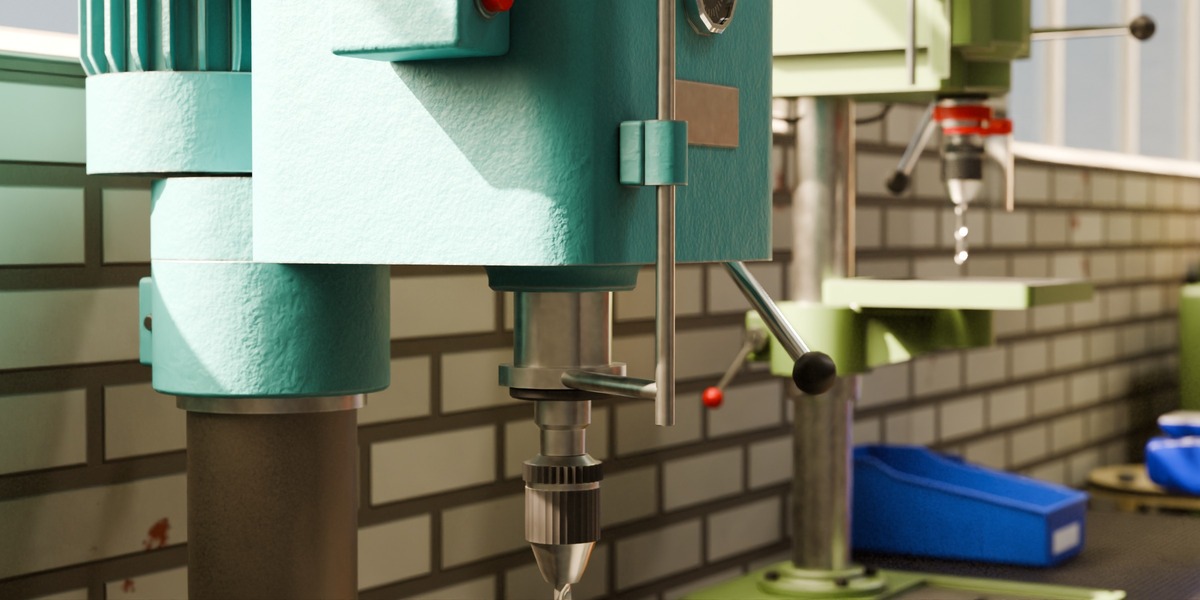
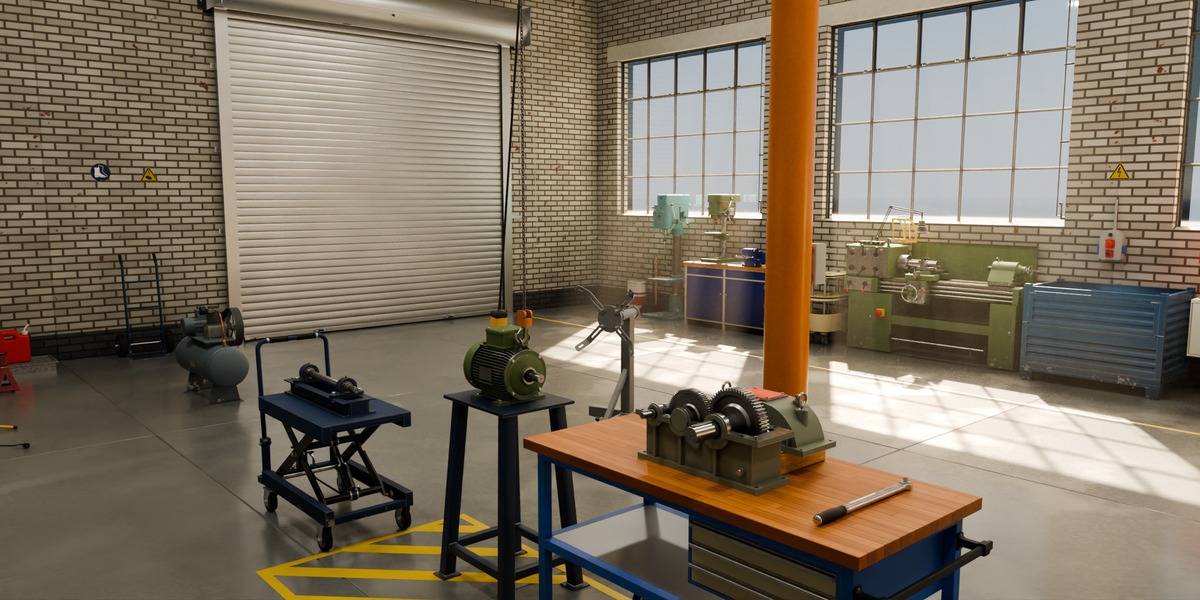
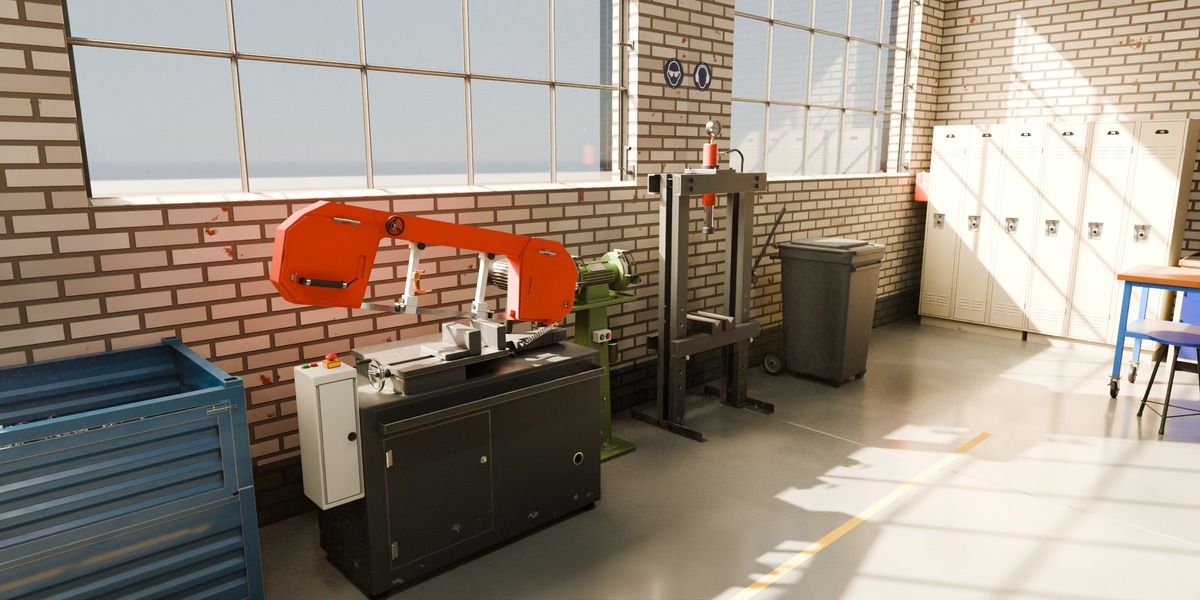
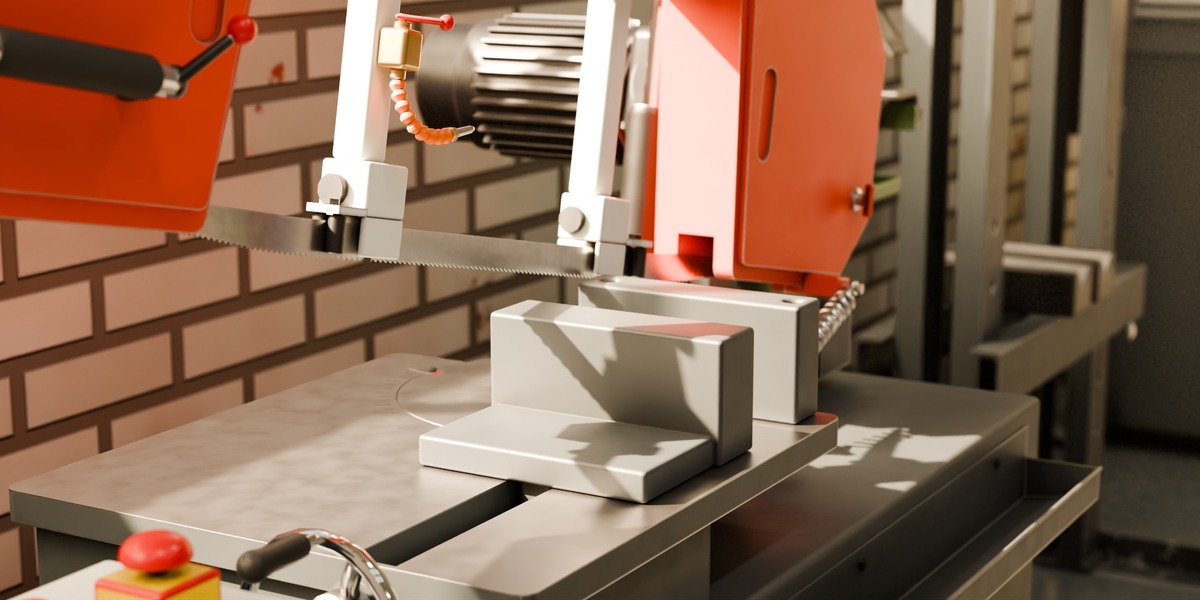
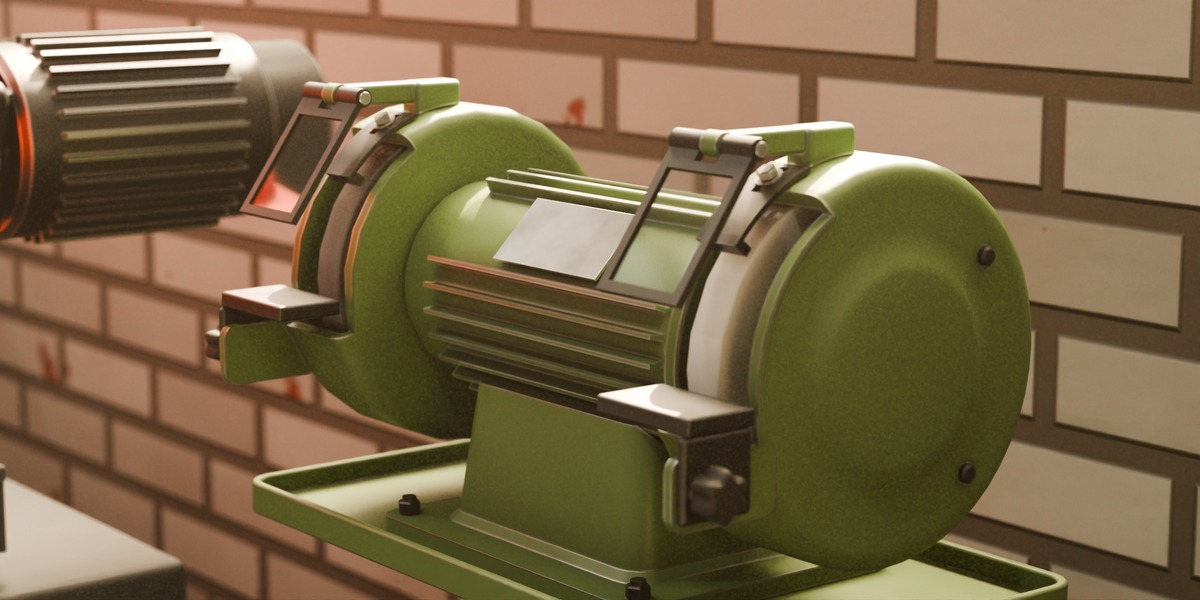
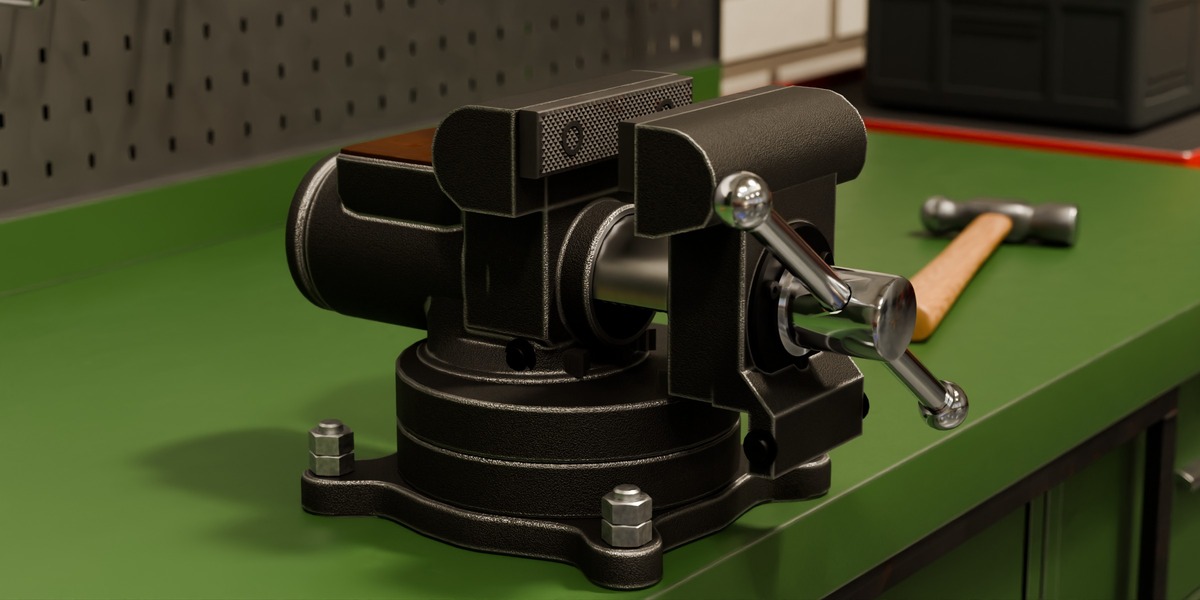
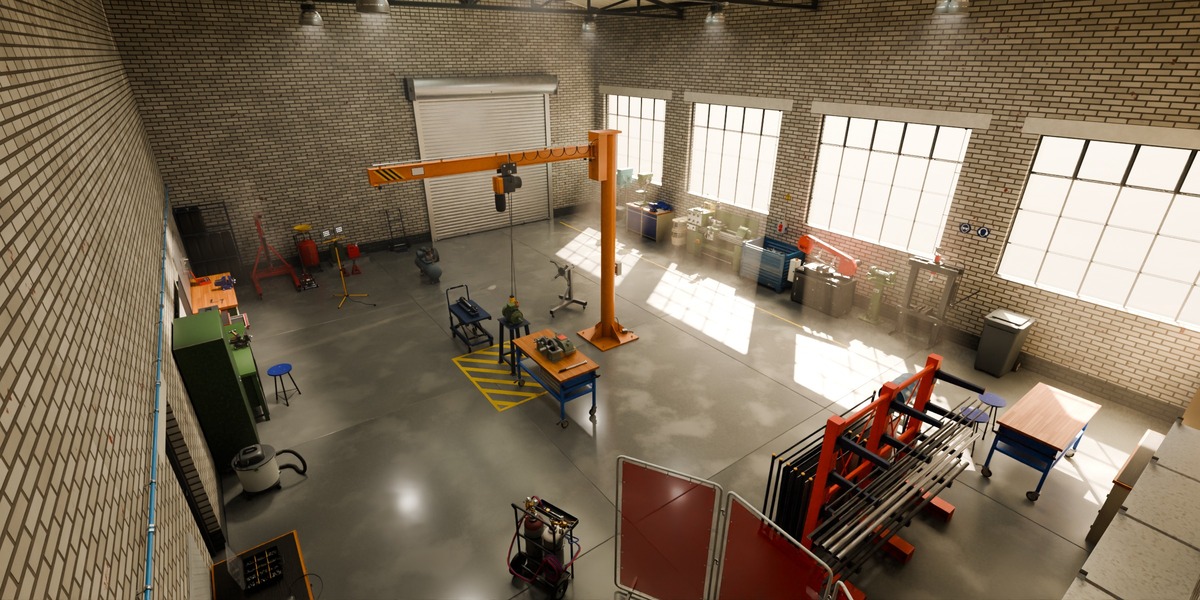
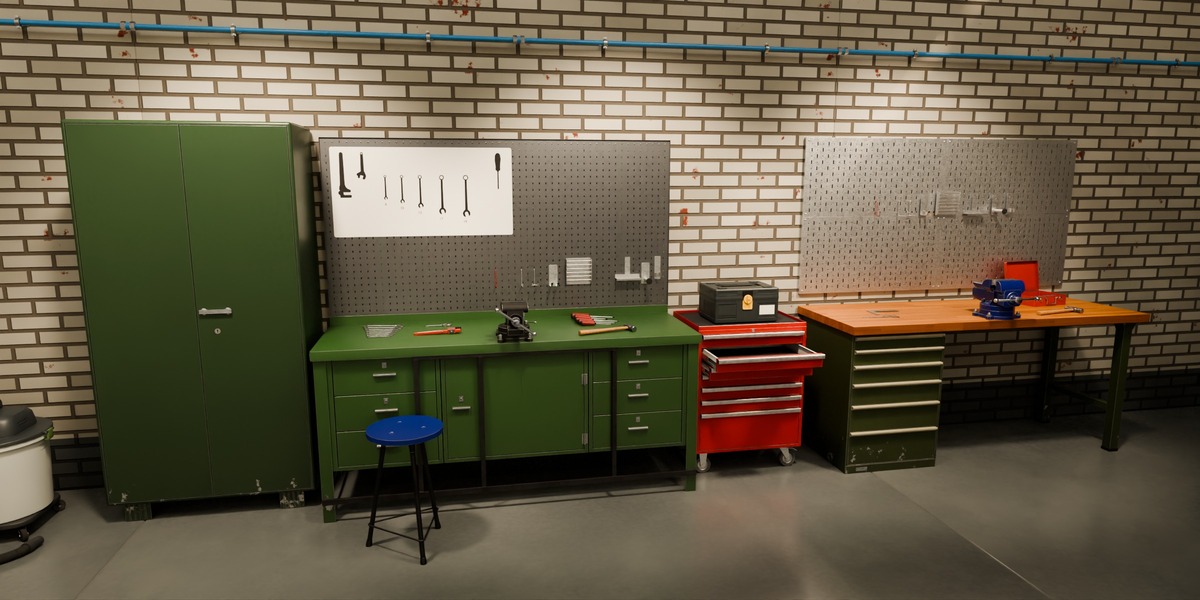
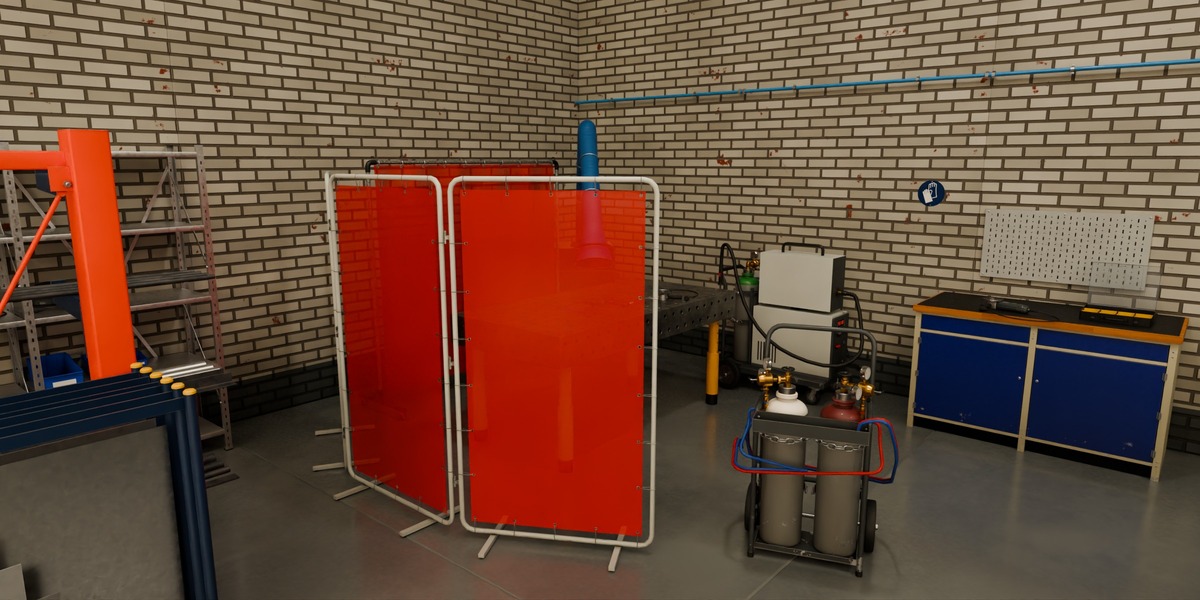
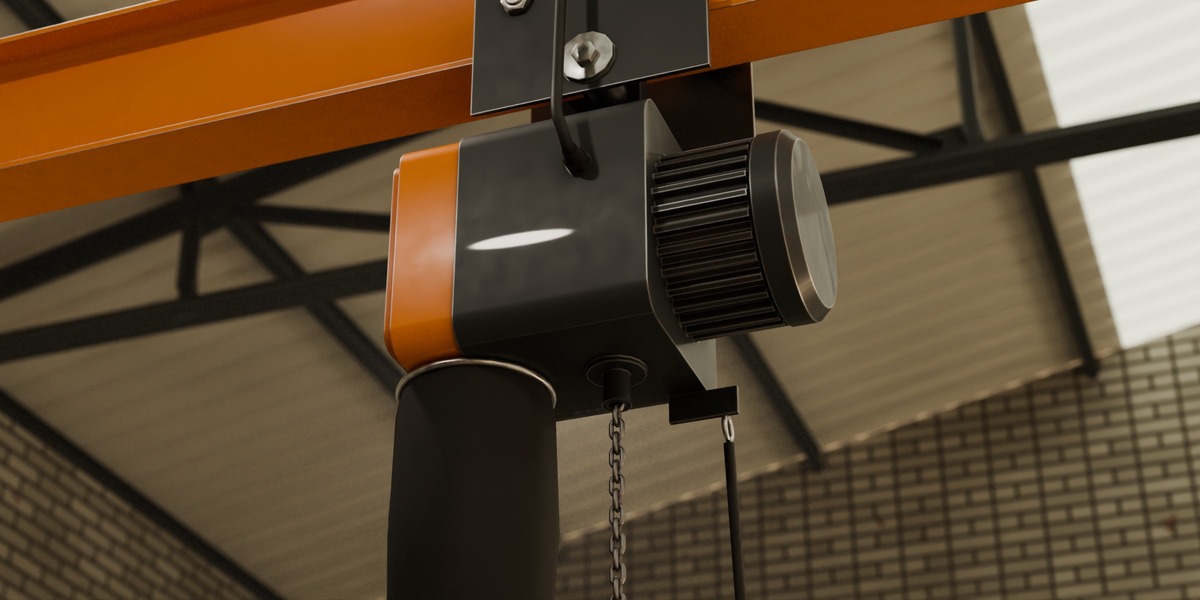
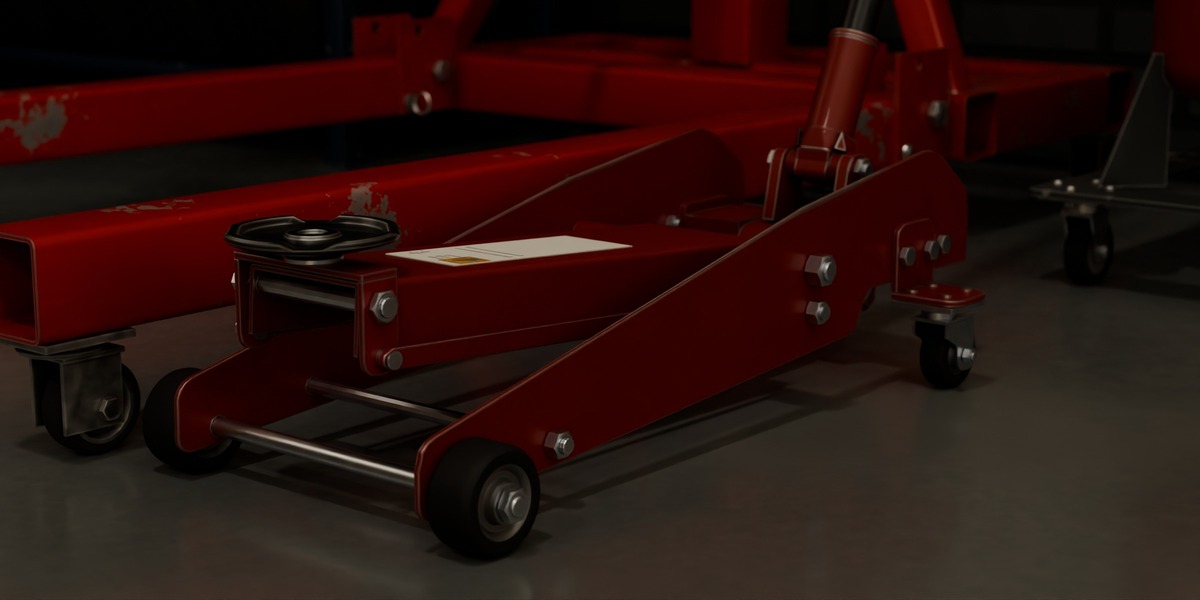
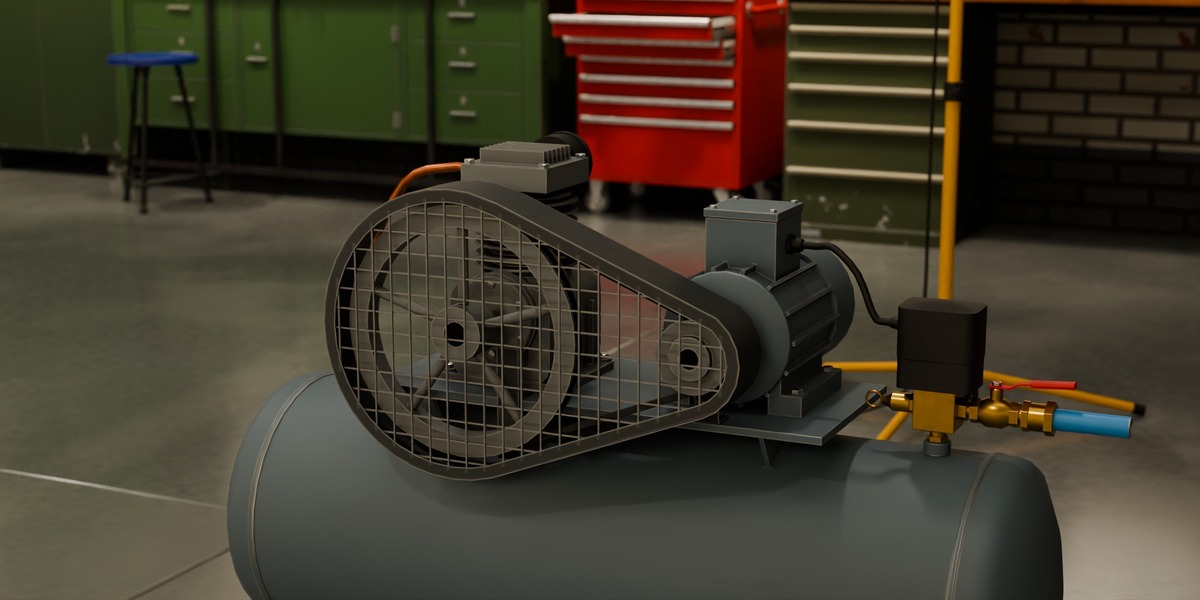
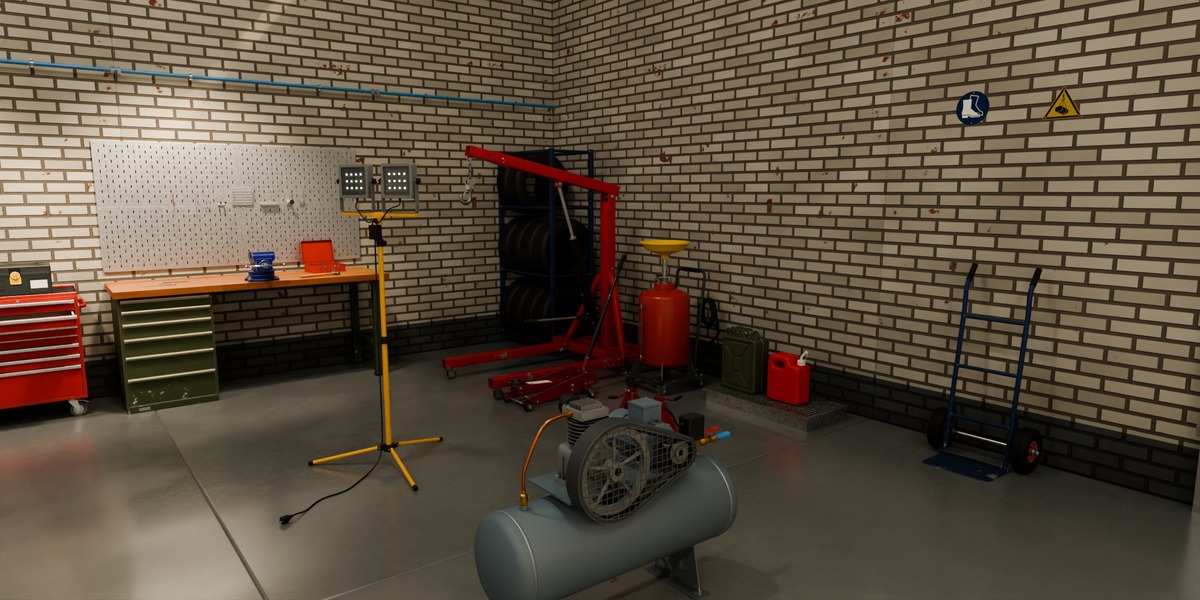
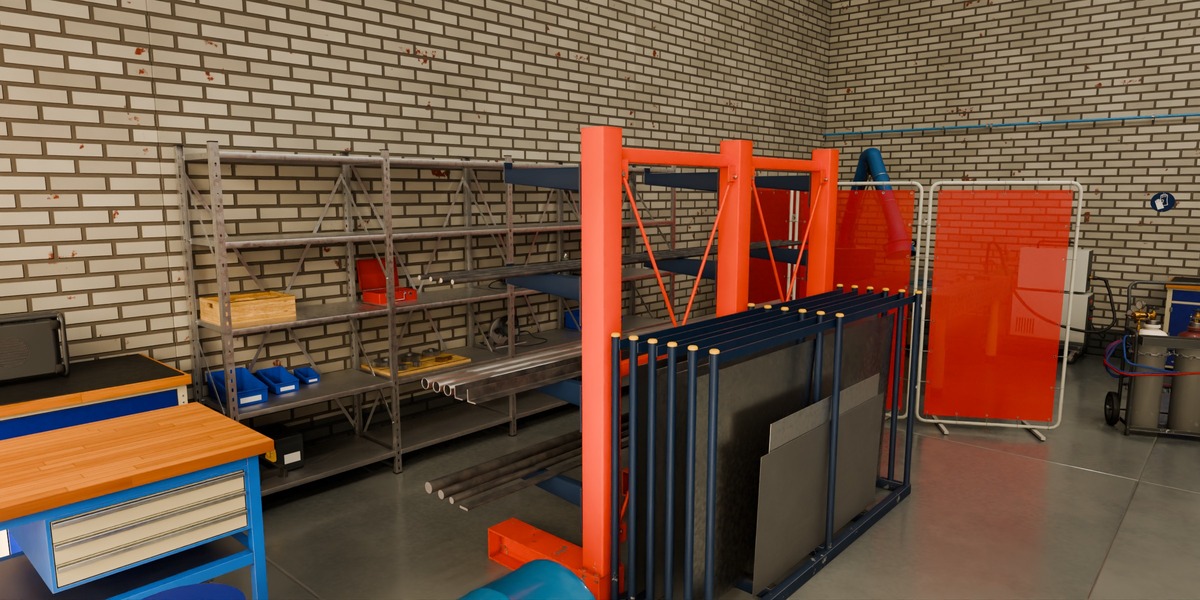
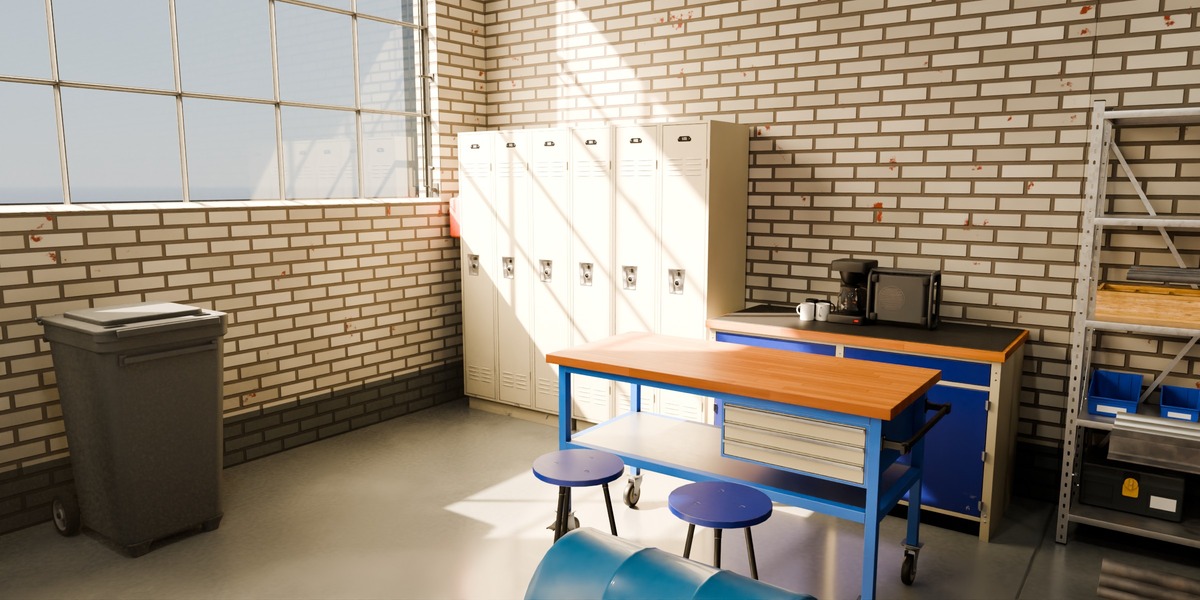
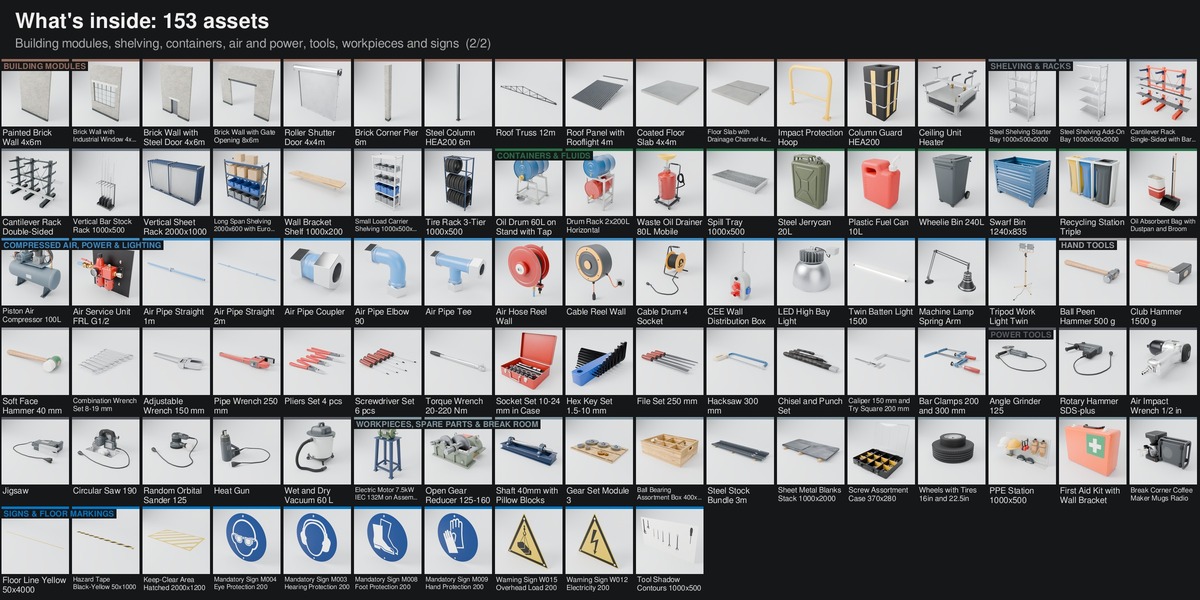
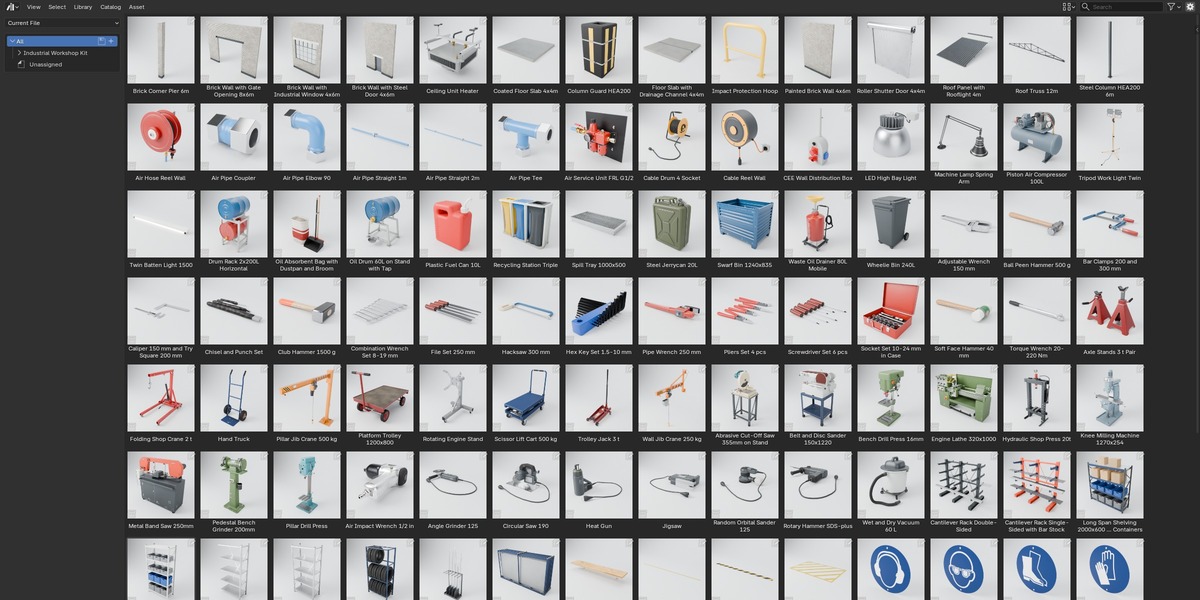
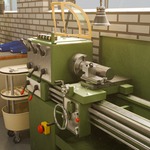
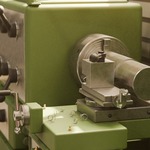
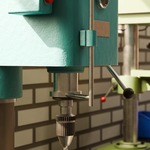
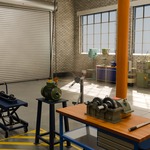
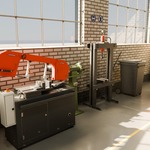
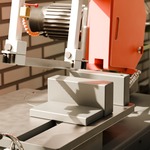
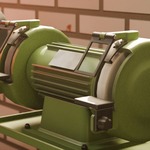
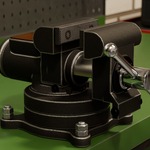
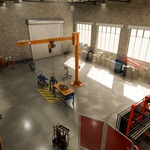
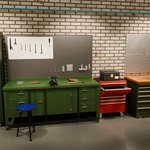
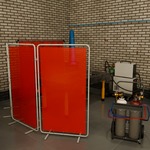
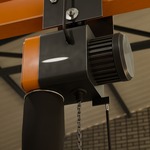
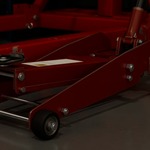
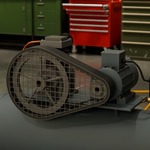
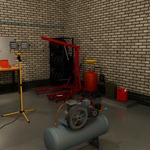
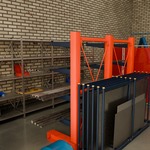
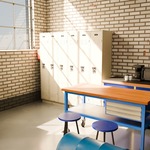
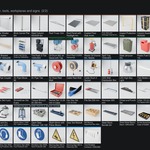
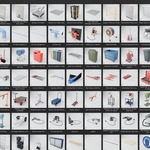
Open Industrial-Workshop-Kit-Scene.blend and render the finished workshop in Cycles; the hero camera is already active.
Asset Browser: open Industrial-Workshop-Kit-Library.blend, or add its folder under Edit > Preferences > File Paths > Asset Libraries; keep blender_assets.cats.txt next to the library file.
Dropped assets arrive as collection instances. For rigged assets, untick Instance in the Adjust Last Operation panel (or set the library Import Method to Append) so the rig can be posed.
Controls: select the rig (named "<code> Rig", for example the lathe rig), Pose Mode, select CTRL_ROOT, N sidebar > Item > Properties. Every control has a tooltip and hard limits.
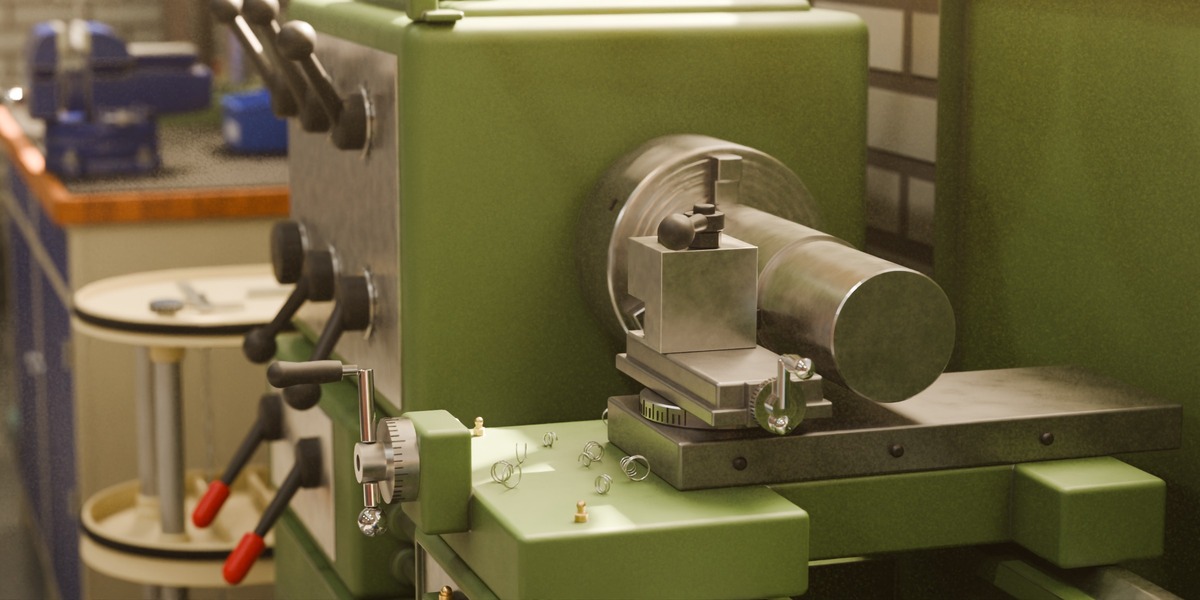
Lathe: carriage_mm up to 560, cross_slide_mm up to 180, tailstock_mm up to 560. Drill press: quill_mm up to 160, table_height_mm up to 500. Jib crane: arm_deg -180 to 180, trolley_m 0.6 to 3.75, lift_m up to 2.95. Shop crane: boom_deg -30 to 40. All controls of every rig are listed in README.txt.
Wear: open any kit material in the Shader Editor, Tab into the Wear group and lower Global Wear for a factory-new look of the whole kit.
FBX and GLB: one file per asset with baked textures, sorted by category. Full details in README.txt.
Have questions about this product?
Login to message
| Published | about 7 hours ago |
| Blender Version | 4.5 - 5.2 |
| Render Engine Used | Cycles |
| Misc Data | Rigged, Textured |
| License | Royalty Free |
Discover more products like this
Game asset workshop lathe tools industrial workbench drill press garage asset-browser Rigged crane machine shop